How we make this list: we compare pricing pages, product documentation and public user reviews. Rankite is independent; if a vendor ever pays for a featured spot, that listing is clearly labeled Partner.
Key takeaways
- Qustodio gives the most detailed activity reports and the most generous free plan: core protection on one device costs nothing.
- Bark is the strongest pick for teens on social media. It scans texts, email and 30+ apps, then shows you only the flagged concerns.
- Net Nanny still leads on real-time web filtering, but it does not support Android and its macOS support stops at older versions.
- Norton Family ($49.99/year) and Mobicip (from $2.99/month) are the value plays for families watching the budget.
- Google Family Link and Apple Screen Time are free and built in, so try them before you pay for anything.
Quick comparison
| Tool | Best for | Starting price | Free plan |
|---|
 Qustodio Qustodio | Detailed activity reports on every device | $59.95/year (Basic, up to 5 devices) | Yes |
 Bark Bark | Monitoring teens' texts and social media | $14/month or $99/year (Premium) | Free trial (7 days) |
 Net Nanny Net Nanny | Real-time web content filtering | $39.99/year (1 desktop) | No |
 Norton Family Norton Family | Budget controls for Windows and Android homes | $49.99/year | Free trial (30 days) |
 Aura Aura | Parental controls bundled with family security | $10/month (billed annually) | Free trial (14 days) |
 FamilyTime FamilyTime | Location tracking on a tight budget | $29/year (MyFamily, 1 device) | Free trial (3 days) |
 Kaspersky Safe Kids Kaspersky Safe Kids | A strong free tier for basic filtering | See website | Yes |
 Google Family Link Google Family Link | Free controls for Android families | Free | Yes |
 Apple Screen Time Apple Screen Time | Built-in controls for Apple-only households | Free | Yes |
 Mobicip Mobicip | Affordable filtering for mixed-device families | $2.99/month (billed annually, Lite) | Free trial (7 days) |
Is your product missing or out of date?
We review this list regularly. Vendors can request a listing, send updated pricing or ask about featured placement.
The 10 best parental control software picks for 2026
Most parents start shopping for parental control software after a scare: a school email, a headline, or a glimpse at a child's YouTube history. The ten tools below solve different problems, so this guide sorts them by what they actually do, what they cost, and where each one falls short.
Starting price$59.95/year (Basic, up to 5 devices)
Free planYes
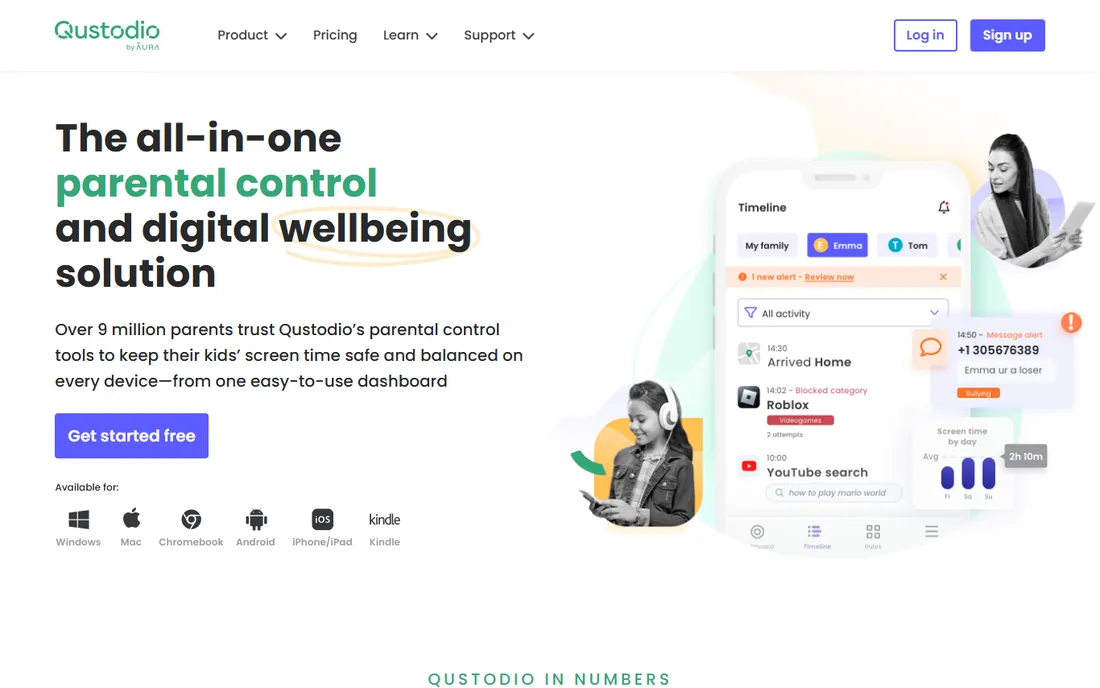
Qustodio is the choice for parents who want to see everything. The dashboard breaks down each child's activity app by app and site by site, with daily and weekly reports sent to your inbox. Setup runs about 15 minutes per device, and the free plan includes web filtering, time limits and location on a single device, which is more than most rivals give away.
Basic covers five devices; Complete removes the device cap and adds AI alerts, social monitoring and YouTube monitoring. The honest catch is platform unevenness: the deepest monitoring lives on Android, and iOS calls and messages monitoring needs a paired Windows or Mac computer.
What we like- Most detailed activity dashboard in the category
- Generous free plan covers one device
- Works on Windows, Mac, Android, iOS and Kindle
Watch out for- Social monitoring is Android-heavy
- Calls and messages on iOS need a Windows or Mac computer
#2
Bark
Best for: Monitoring teens' texts and social media
Visit bark.us
Starting price$14/month or $99/year (Premium)
Free planFree trial (7 days)
Bark takes the opposite approach from Qustodio: instead of showing you every message, it scans texts, email, YouTube and 30+ social apps for signs of bullying, predators, depression or drug references, then alerts you only when something looks wrong. For parents of teens, that balance of oversight and privacy is the entire selling point.
Pricing is simple and flat. Bark Jr at $5 a month or $49 a year handles screen time, web filtering and location. Premium at $14 a month or $99 a year adds the full monitoring suite, and one subscription covers every kid and every device in the house. The catch: getting the most out of Bark on iPhones means adding the Bark Sync charger accessory at $6 a month or $49 a year, and the app is officially available only in the US, South Africa, Australia and Guam.
What we like- AI scans 30+ apps and surfaces only flagged concerns
- One flat price covers unlimited kids and devices
- Includes screen time, filtering and location
Watch out for- Deep iPhone monitoring needs the Bark Sync accessory
- Officially available in only a few countries
Starting price$39.99/year (1 desktop)
Free planNo
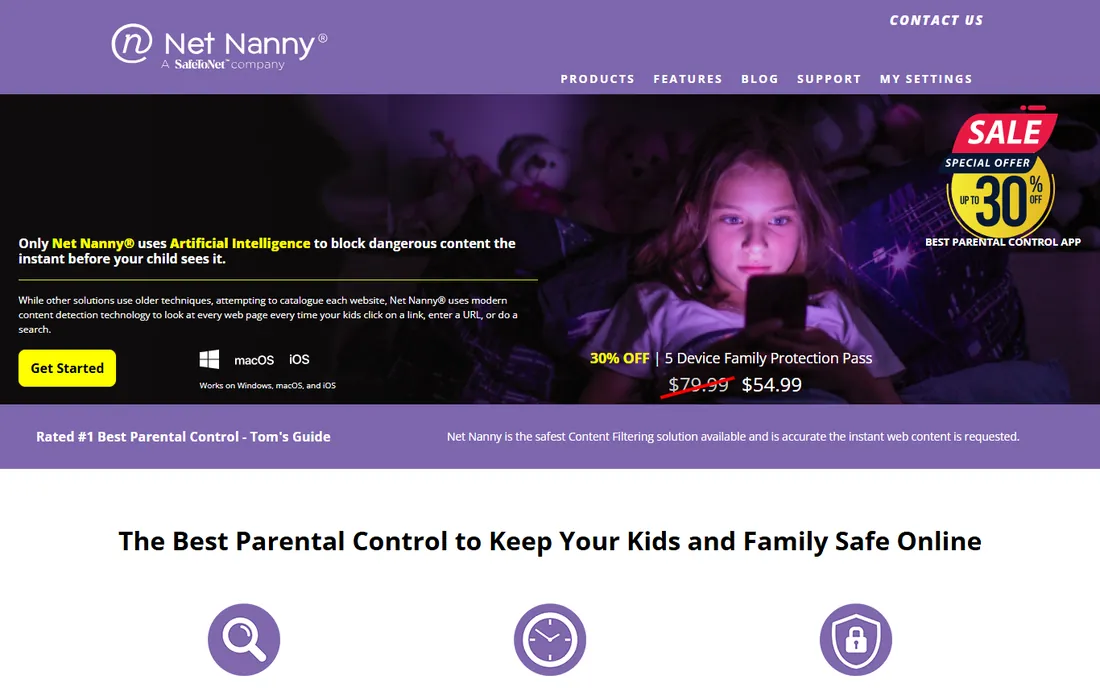
Net Nanny's filtering tech remains its calling card. Rather than working from a fixed blocklist, its dynamic filter analyzes each page in real time and lets you set content categories to allow, warn or block. The Family Feed shows searches, app use and alerts in one scrolling view, so you can spot patterns without digging through menus.
Pricing is annual and scales with device count: $39.99 a year for a single Windows or Mac desktop, $54.99 for the five-device Family Protection Pass, and $89.99 for 20 devices. The catch is coverage. Net Nanny currently does not support Android at all, and its macOS support ends at older system versions, so verify compatibility with your kids' actual devices before paying. There is no free tier, so the money-back window is your only trial.
What we like- Dynamic filter scans pages as they load instead of relying on blocklists
- Family Feed gives a live view of searches and app use
- Trusted brand since 1996
Watch out for- No Android support
- MacOS support stops at older versions
- No free tier
Starting price$49.99/year
Free planFree trial (30 days)
For Windows PCs and Android phones, Norton Family is one of the best values in the category. A single $49.99 annual plan covers unlimited devices and includes web filtering across dozens of content categories, screen time scheduling with instant lock, location tracking with geofencing, YouTube supervision and search supervision that shows what kids look up.
The standout is School Time, which restricts devices to educational sites during class hours. The trade-offs are plain: no support for children's Macs, no social media message monitoring, and text and call supervision on Android has been discontinued. If you already subscribe to Norton 360 Deluxe or higher, check your account first, since parental controls may already be included.
What we like- One flat price with unlimited devices
- School Time mode for remote learning
- 60-day money-back guarantee
Watch out for- No support for child devices on macOS
- No social media message monitoring
#5
Aura
Best for: Parental controls bundled with family security
Visit aura.com
Starting price$10/month (billed annually)
Free planFree trial (14 days)
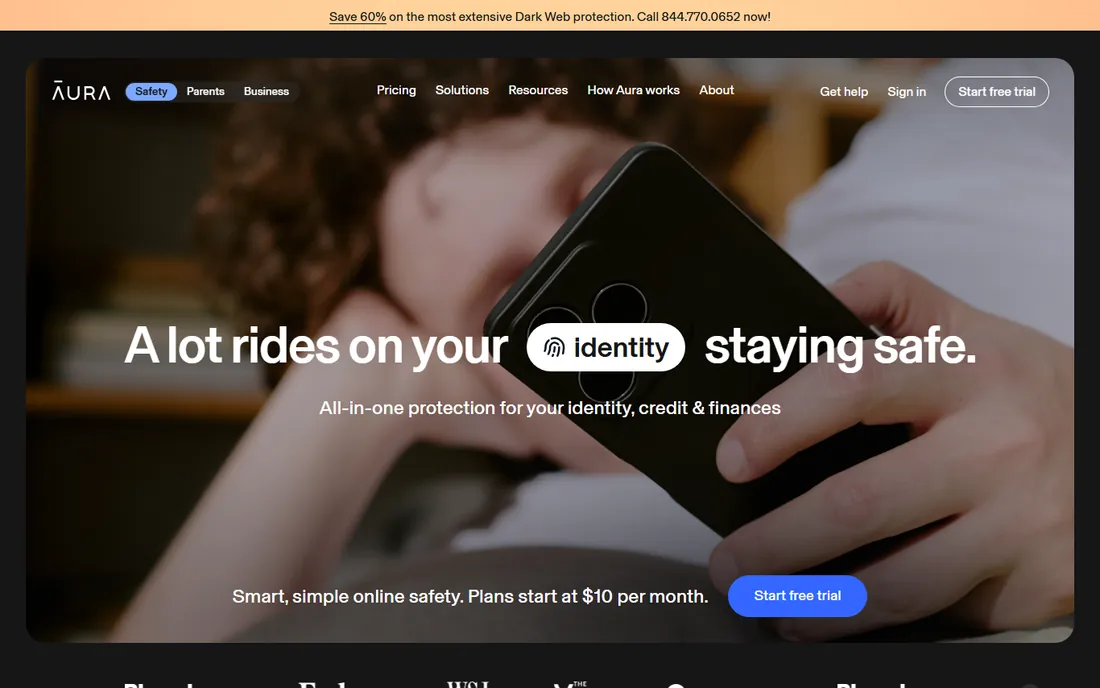
Aura sells parental controls as part of a wider digital safety suite, and the bundle math is what makes it interesting. The standalone parental controls plan runs $10 a month billed annually ($120 a year) or $13 month to month, covering unlimited children with content filtering, screen time limits, scheduling, Pause the Internet, and Safe Gaming alerts that flag cyberbullying in PC game voice and text chat.
Step up to the full family plan and the same subscription adds antivirus, VPN, a password manager and identity theft protection for the adults. The catch is scope: the controls work on iOS and Android with fewer features on iPhones, and at $120 a year it costs more than focused rivals if all you want is kid monitoring. A 14-day trial and 60-day money-back guarantee give you room to evaluate.
What we like- Unlimited kids on the parental controls plan
- Safe Gaming alerts flag cyberbullying in PC games
- Bundles antivirus, VPN and identity protection
Watch out for- Parental controls run on iOS and Android only
- Pricier than single-purpose rivals if you only need kid controls
Starting price$29/year (MyFamily, 1 device)
Free planFree trial (3 days)
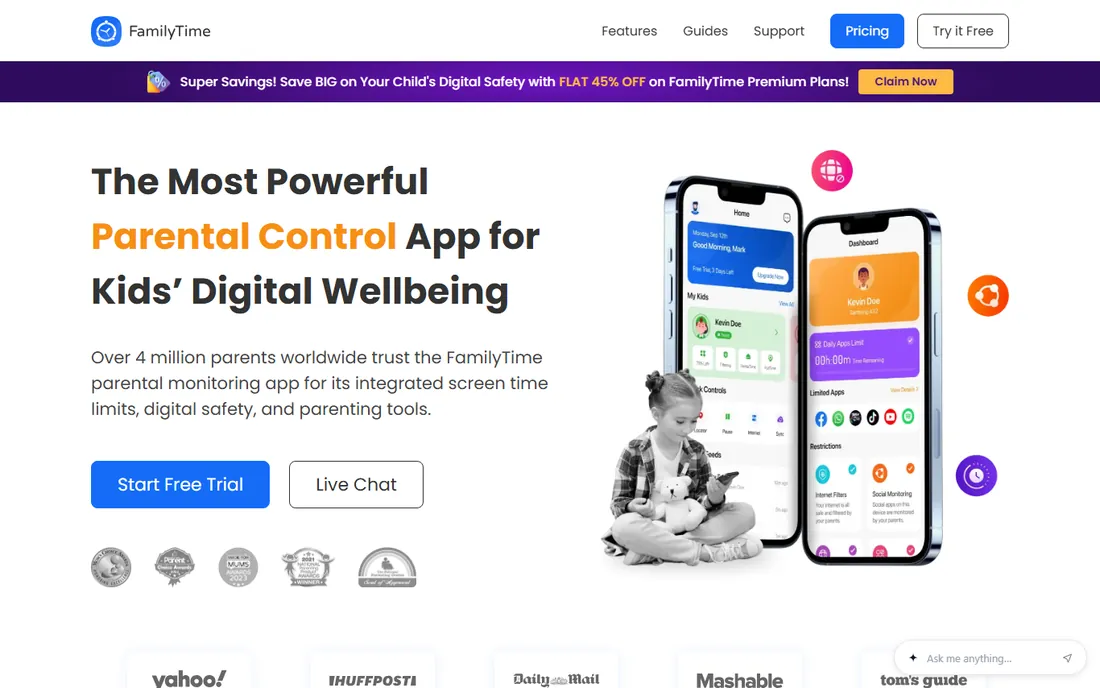
FamilyTime wins on price. The MyFamily plan starts at $29 a year for one device, MyFamily3 is $49 for three devices, and MyFamily5 is $69 for five, and every plan includes the same complete feature set, so you pay only for device count. You get screen time schedules, app and game blocking, web filters with SafeSearch, social media chat monitoring, call and SMS logs, YouTube and TikTok history, plus GPS tracking with geofences and a TeenSafe Drive report for new drivers.
The catch is polish: reviews say some features do not work as smoothly as advertised, and iPhone setup can be fiddly. There is no Windows or Mac version. The 3-day trial is brief, so test the features you care about most, especially location accuracy, before it ends.
What we like- Cheapest paid plans in the category
- Every tier includes the full feature set
- GPS tracking with geofencing and SOS alerts
Watch out for- Mobile-only with no desktop support
- Feature reliability gets mixed reviews
- Short 3-day trial
Starting priceSee website
Free planYes
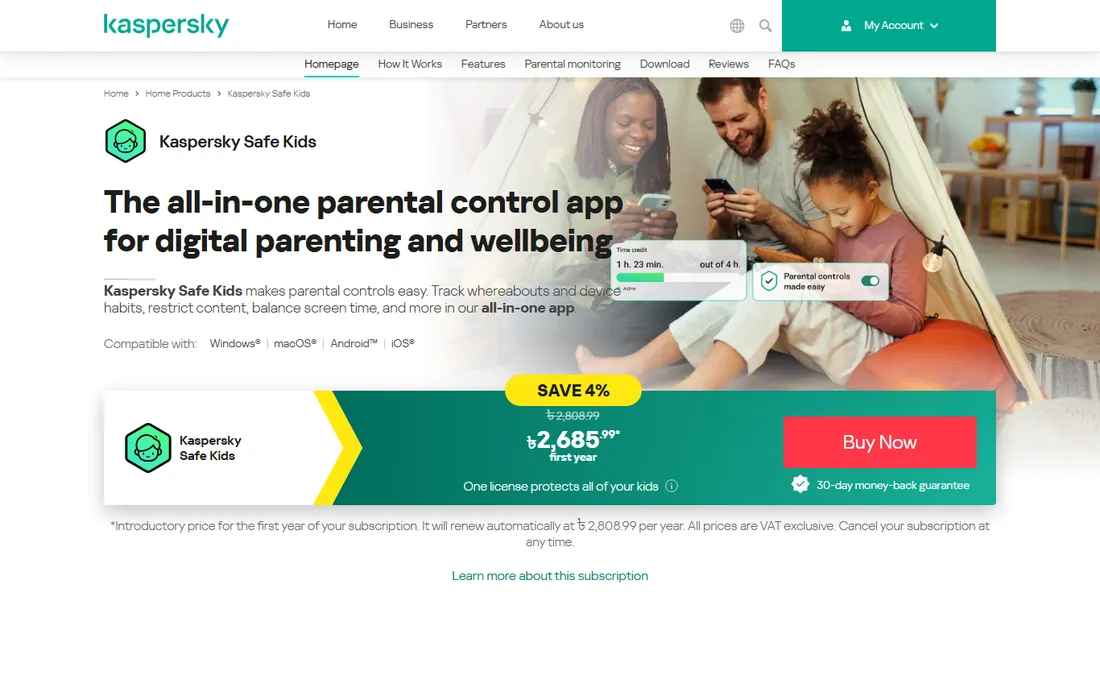
Kaspersky Safe Kids runs on a freemium model, and the free tier is one of the most useful in this list: web filtering, app management, screen time controls and YouTube Safe Search cost nothing and cover unlimited child profiles and devices. The paid tier adds GPS tracking, device scheduling, social network monitoring, battery alerts and real-time notifications.
Two caveats decide whether it fits. Apple's restrictions blunt the iOS version: web filtering only applies inside the Safe Kids browser, and you cannot block apps on iPhones as you can on Android. More importantly, Kaspersky products cannot currently be purchased in the US due to a government ban. Pricing varies by region, so check the Kaspersky site for your country.
What we like- Generous free tier with no device limit
- YouTube Safe Search included free
- AV-TEST approved for parental control seven years running
Watch out for- IOS filtering only works inside the Safe Kids browser
- Cannot be purchased in the US
Starting priceFree
Free planYes
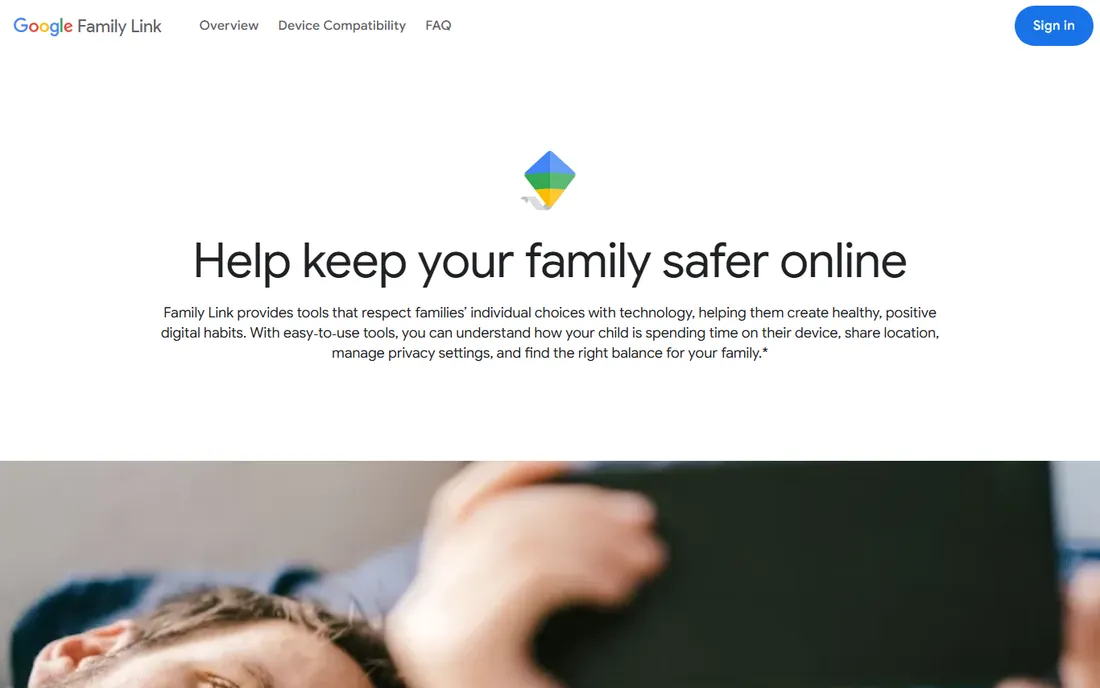
Family Link is Google's free parental control service, and for Android households it is the obvious starting point. Parents can approve or block app installs from Google Play, set daily screen time limits and bedtimes, lock devices remotely, filter content in Chrome, and view activity reports and location, all from the parent app or the web.
Because it is free and ad-free, try it before spending money. The limits are real, though: it is Android-first, with thin supervision of iPhone child devices, and there is no monitoring of social media messages, texts or calls, so it suits younger kids better than teens.
What we like- Completely free with no ads
- Deep integration with Android and Chrome
- Quick 15-minute setup
Watch out for- Thin supervision on iPhones
- No social media message or call monitoring
#9
Apple Screen Time
Best for: Built-in controls for Apple-only households
Visit apple.com
Starting priceFree
Free planYes
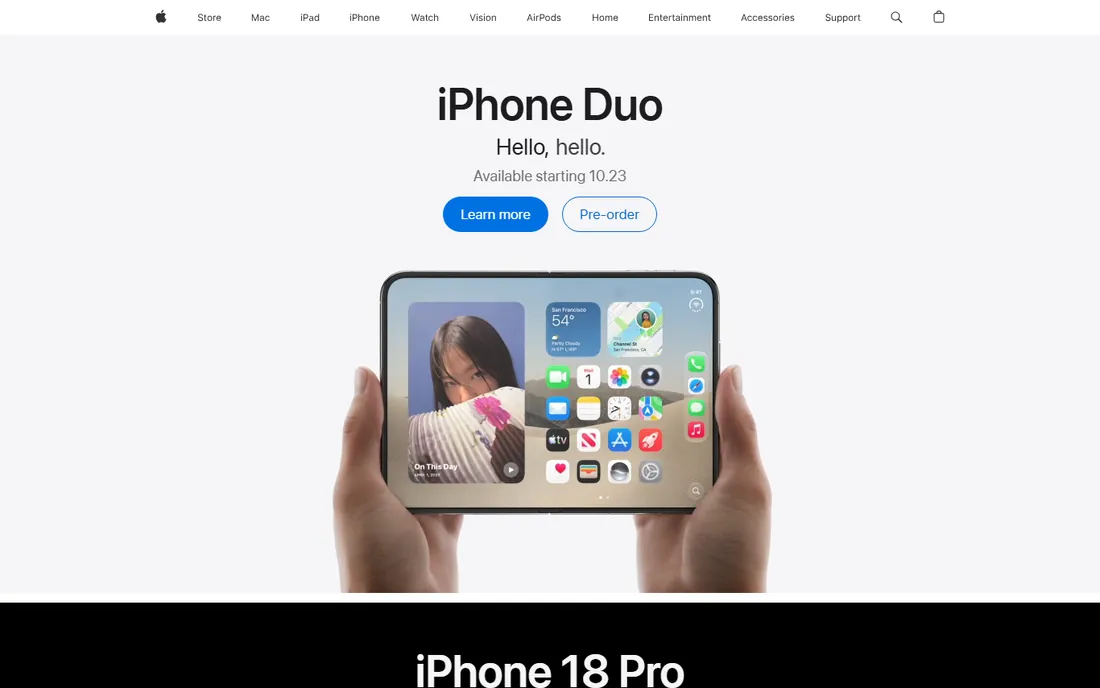
If everyone in your house uses Apple devices, you may already own the only parental control app you need. Screen Time is built into iOS, iPadOS and macOS: downtime schedules, per-app time limits, content and privacy restrictions, communication limits, and purchase approvals through Ask to Buy. Parents manage it all from their own iPhone through Family Sharing, protected by a Screen Time passcode.
The catch is the ecosystem wall: it covers Apple devices and nothing else. It also reports activity rather than analyzing message content, so treat it as one layer of a broader approach that includes actual conversations with your kids.
What we like- Built into every iPhone, iPad and Mac at no cost
- Managed centrally through Family Sharing
- Ask to Buy controls App Store spending
Watch out for- Does nothing for Android or Windows devices
- A child with the passcode can undo it
#10
Mobicip
Best for: Affordable filtering for mixed-device families
Visit mobicip.com
Starting price$2.99/month (billed annually, Lite)
Free planFree trial (7 days)
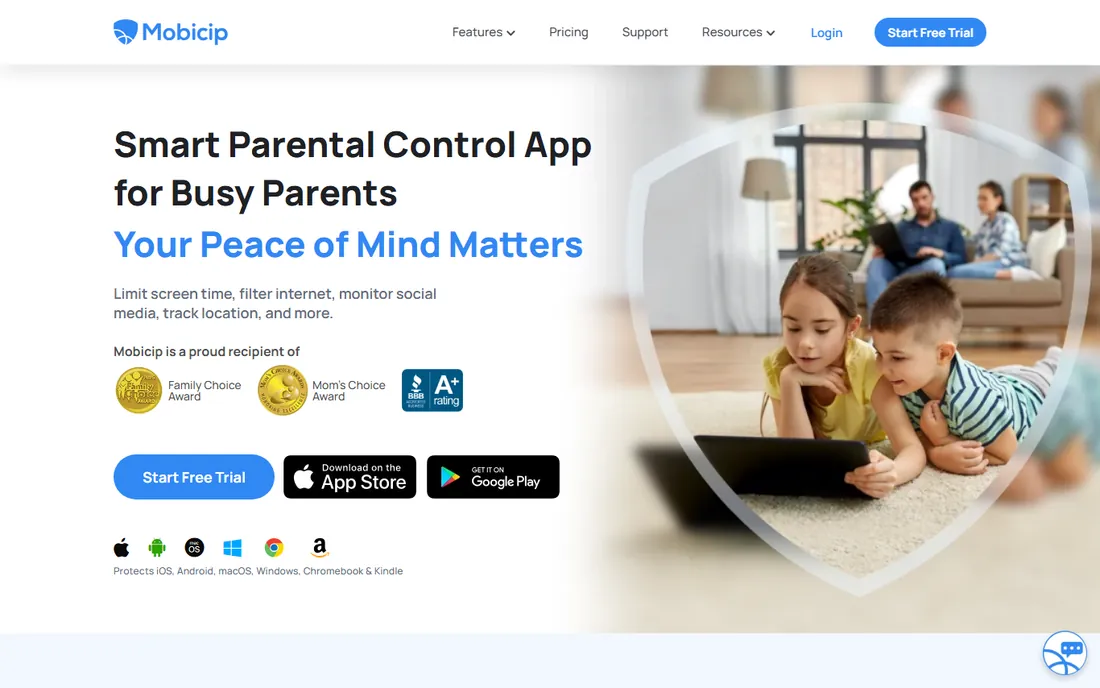
Mobicip is a practical pick for households with a mix of devices, since it runs on iOS, Android, Windows, Mac, Chromebooks and Kindle Fire. The Lite plan starts at $2.99 a month billed annually for five devices, Standard is $4.99 a month for ten, and Premium at $7.99 a month covers 20 devices and adds social media monitoring and per-app time limits. All plans include app and website blocking, screen time limits, schedules, family locator and activity reports.
It is a filtering and scheduling tool first, not a deep message monitor. The 7-day Premium trial plus a 30-day money-back guarantee gives you a fair window to test it on your kids' actual devices.
What we like- Covers iOS, Android, Windows, Mac, Chromebook and Kindle
- Cheapest entry price among paid options
- 30-day money-back guarantee
Watch out for- Social monitoring covers only a few platforms
- No live screen viewing or remote camera
How we chose these parental control apps
We started from each vendor's own pricing page and feature documentation, since only the vendor's site shows current terms. We cross-checked feature claims against public reviews on G2, Capterra and Reddit, plus recent reviews from established tech publications, to see which features work as advertised and which carry platform asterisks. We weighted platform coverage, the honesty of free tiers and trials, and fit for different setups: young kids versus teens, single-platform versus mixed-device homes. We did not claim hands-on testing of any product.
What to check before you pay for parental controls
The fastest way to waste money here is to buy a plan that does not cover your child's actual device. Check this list before entering a card number.
Match the app to your kids' devices first
Every tool here has a platform blind spot: Net Nanny skips Android, Norton Family skips Macs as child devices, Kaspersky is thinned out on iOS, Aura's controls are mobile-only. List every device your kids use, including school Chromebooks, then confirm each one on the vendor's compatibility page. A filter that does not run on the device your child uses is decoration.
Decide how much you want to see
Two philosophies compete here. Qustodio and FamilyTime show you nearly everything; Bark shows you only what its AI flags as risky. Full visibility can strain trust with teens; alert-only systems preserve privacy but might miss context. Pick the approach that matches your child's age and your family's style, not the longest feature list.
Count the real cost, not the headline price
Annual billing is almost always cheaper, but watch the device math: a $29/year single-device plan costs more than a $99/year unlimited plan once you have four kids with phones and tablets. Check renewal terms too, since some vendors discount the first year and renew higher. And remember the free built-ins: Family Link and Screen Time cost zero and may cover everything a younger child needs.
Test the trial the way your kid will use it
Install the child app on your kid's actual device and try to break your own rules: visit a blocked site, install a new app, change the device time. Good software resists the obvious workarounds. Use the trial to test the two or three features that matter most, not every menu.
Free vs paid: when free is enough
For kids under ten on a single platform, the free options are often enough. Family Link or Screen Time handles app approvals, time limits, bedtimes and content filters for zero cost, and Qustodio's and Kaspersky's free tiers add web filtering. Pay when you need what free tools cannot do: social media message monitoring, text and call supervision, mixed-device coverage, or location alerts and geofencing. If none of those apply yet, save the subscription money.
Frequently asked questions
Which parental control app is best for teenagers?
Bark is the most teen-appropriate option: it monitors texts, email and social media but only alerts you to flagged concerns instead of showing every message. Qustodio's Complete plan is the alternative if you want full visibility into calls, messages and social activity. Weigh whether an alert-based approach will get more cooperation than full surveillance.
Can my child get around parental control software?
Determined teens can bypass almost anything: factory resets, VPN apps, secondary devices, or a friend's phone. The better tools resist the easy workarounds with uninstall protection, tamper alerts and VPN blocking. Keep your parent-app passcode somewhere your child cannot guess or shoulder-surf.
Do these apps work on iPhones?
Most do, but iOS is the most restricted platform because Apple limits what third-party apps can monitor. Expect thinner features on iPhones across the board: Bark needs its Sync accessory for deep scans, Kaspersky filters only inside its own browser, and call and text monitoring is limited or absent. Apple Screen Time, being built by Apple, has the deepest access on iPhones.
Is there a genuinely good free parental control app?
Yes. Google Family Link is free and excellent for Android families. Apple Screen Time is free and built into every Apple device. Among third-party apps, Qustodio's free plan covers one device with web filtering and time limits, and Kaspersky Safe Kids offers a capable free tier with no device limit. Start free and upgrade when you hit a limit.
How much should I expect to pay for parental control software?
Most paid plans fall between $30 and $120 a year. Budget options like FamilyTime ($29/year) and Norton Family ($49.99/year) cover the essentials; mid-range picks like Qustodio Basic ($59.95/year) and Bark Premium ($99/year) add deeper monitoring; and suites like Aura ($120/year) bundle in security extras. Monthly billing is available on some plans but costs more over a year.
Sources we checked (10)
- https://www.qustodio.com/en/premium/
- https://bark.us/
- https://netnanny.com/
- https://us.norton.com
- https://www.aura.com/parental-controls
- https://familytime.io/
- https://www.kaspersky.com/safe-kids
- https://families.google.com/familylink/
- https://www.apple.com
- https://mobicip.com/pricing
Is your product missing or out of date?
We review this list regularly. Vendors can request a listing, send updated pricing or ask about featured placement.

Shihab Mia · Founder, Rankite
Shihab has spent more than a decade helping SaaS and e-commerce brands grow through search. He writes Rankite's software buying guides from pricing pages, documentation and public user reviews. More about Shihab.