How we make this list: we compare pricing pages, product documentation and public user reviews. Rankite is independent; if a vendor ever pays for a featured spot, that listing is clearly labeled Partner.
Key takeaways
- Life360 is the best family location app for most households: free basic tracking, with paid plans from $9.99 a month for driving reports and crash detection.
- Find My and Google Family Link are the best free options if your family lives inside one ecosystem, Apple or Android.
- Findmykids is the standout for young children, with GPS watches and a one-time $25.99 lifetime plan.
- FamiSafe, Qustodio, and AirDroid bundle location with screen time and content controls for parents who want more than a map.
Quick comparison
| Tool | Best for | Starting price | Free plan |
|---|
 Life360 Life360 | families with teen drivers | $9.99 per month (Silver) | Yes (2-day location history) |
 Find My Find My | Apple-only households | Free | Yes |
 Google Family Link Google Family Link | Android families who want parental controls | Free | Yes |
 GeoZilla GeoZilla | budget family location sharing | $79.99 per year (Premium) | Yes (limited alerts and history) |
 FamiSafe FamiSafe | parents who want location plus screen time controls | $9.99 per month ($59.99 billed annually) | Yes (1 device, limited) |
 Findmykids Findmykids | parents of young children | $2.99 per month | Yes (limited, plus 1-week trial) |
 AirDroid Parental Control AirDroid Parental Control | Android-first families who want monitoring plus location | $9.99 per month ($59.99 billed annually) | Yes (limited) |
 Qustodio Qustodio | all-in-one family safety across many devices | $54.95 per year (Basic) | Yes (1 device, basic protection) |
 Norton Family Norton Family | families already paying for Norton 360 | $49.99 per year | 30-day trial |
Is your product missing or out of date?
We review this list regularly. Vendors can request a listing, send updated pricing or ask about featured placement.
The best family tracker apps
Starting price$9.99 per month (Silver)
Free planYes (2-day location history)
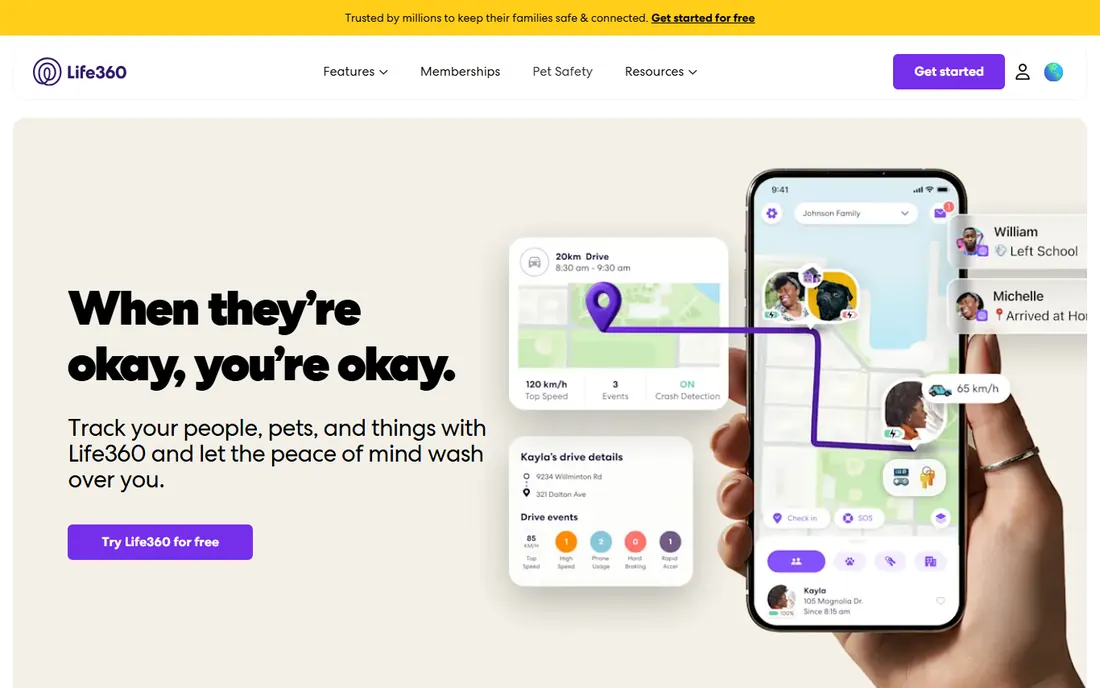
Life360 is the default answer when someone asks for the best app to locate family, and the free tier explains why. You create a circle, everyone shares their location, and you get arrival alerts for two places plus basic crash detection. For many families, that covers the daily worry.
The paid tiers add the features parents of new drivers care about. Silver at $9.99 a month extends history to 7 days. Gold at $16.99 a month stretches it to 30 days and adds roadside assistance and emergency dispatch. Platinum at $24.99 a month piles on identity protection and travel support. One subscription covers the whole circle, not per device.
What we like- Real-time family map with circles
- Crash detection and driving reports
- Place alerts for home and school
Watch out for- The best safety features need paid plans
- Higher battery use than built-in tools
- Past data-sharing practices concern some parents
Starting priceFree
Free planYes
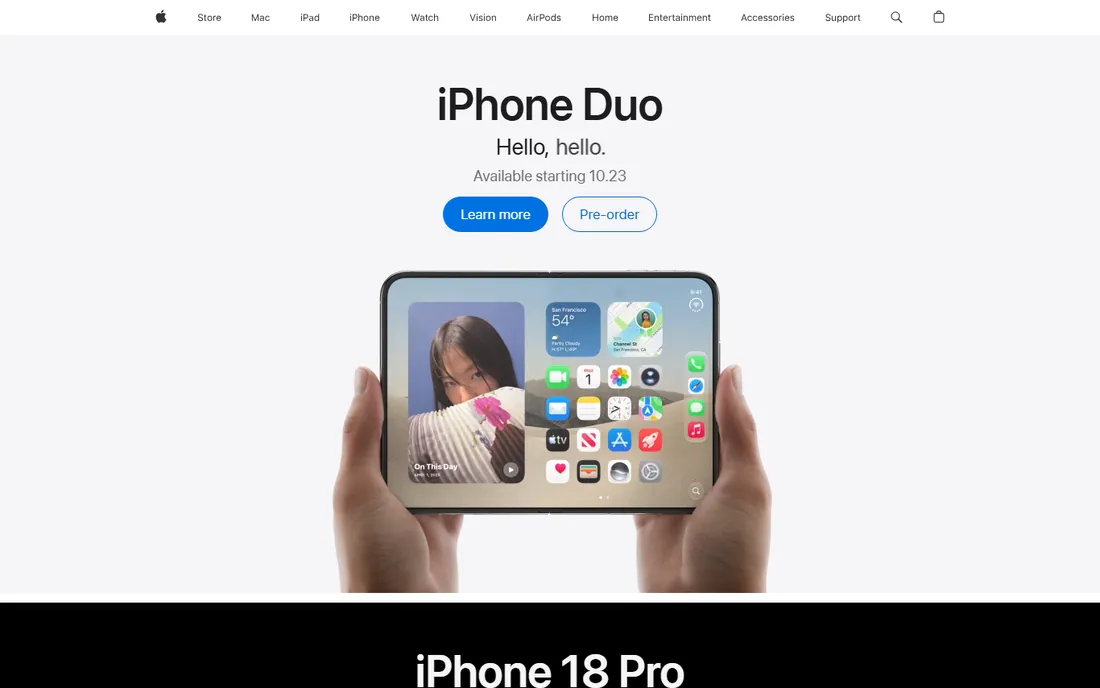
If everyone in the house carries an iPhone, the best location app for family might already be installed. Find My shows family members on a map, shares locations with people you choose, and helps recover lost devices. There is nothing to buy and nothing to configure beyond Family Sharing.
The tradeoff is depth. You get real-time location and basic notifications, but not driving reports, crash dispatch, or long location history. It is also a non-starter for mixed iPhone and Android households. As a free baseline, though, it is the first thing to try before paying for anything.
What we like- Preinstalled on every iPhone
- No subscription or account beyond Apple ID
- Strong privacy with on-device encryption
Watch out for- Apple devices only
- Limited location history
- Fewer safety alerts than Life360
Starting priceFree
Free planYes
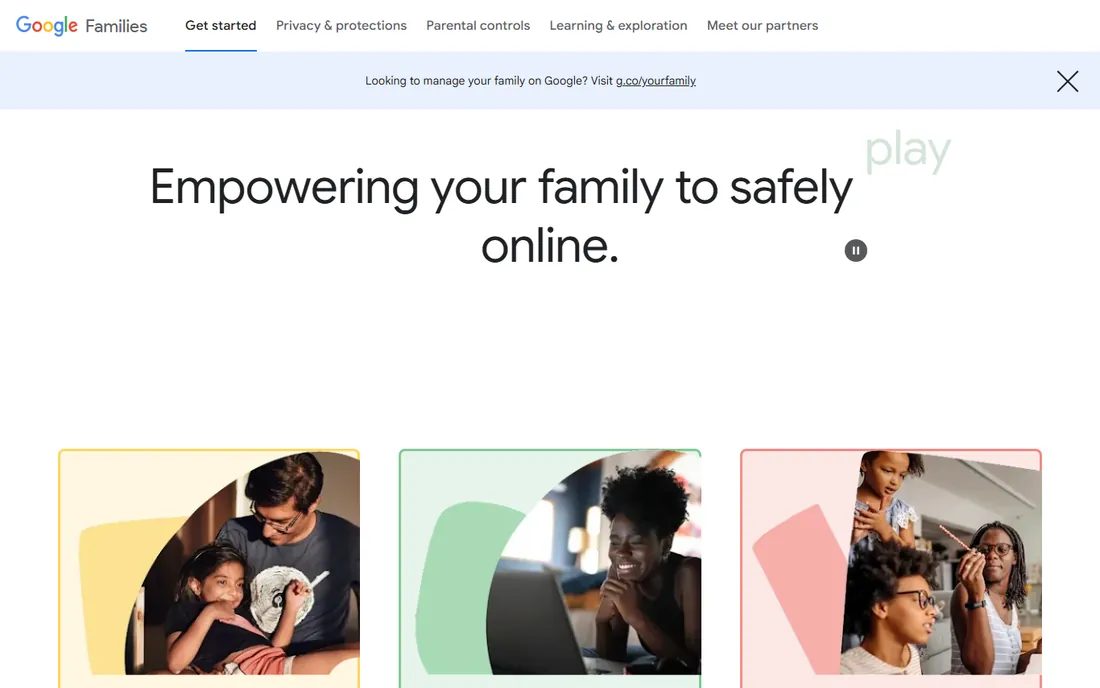
Google Family Link is Google's answer for parents, and it costs nothing. Beyond the location tab that shows where a child's device is, it manages the whole device: approve or block app installs, set daily screen time limits, lock SafeSearch, and schedule downtime for bedtime. For a parent handing a first phone to a ten-year-old, that bundle matters more than a fancier map.
Location features are simpler than Life360's. You see where the device is and can set basic alerts, but there are no driving reports or crash detection. It also only supervises Android devices and Chromebooks, so an iPhone in the mix breaks the system. Still, as a free parental control suite with location included, nothing beats it.
What we like- Completely free with no upsells
- App approvals and screen time limits
- Location tracking for supervised accounts
Watch out for- Android and ChromeOS only
- Web filtering applies to Chrome
- Older kids can find workarounds
Starting price$79.99 per year (Premium)
Free planYes (limited alerts and history)
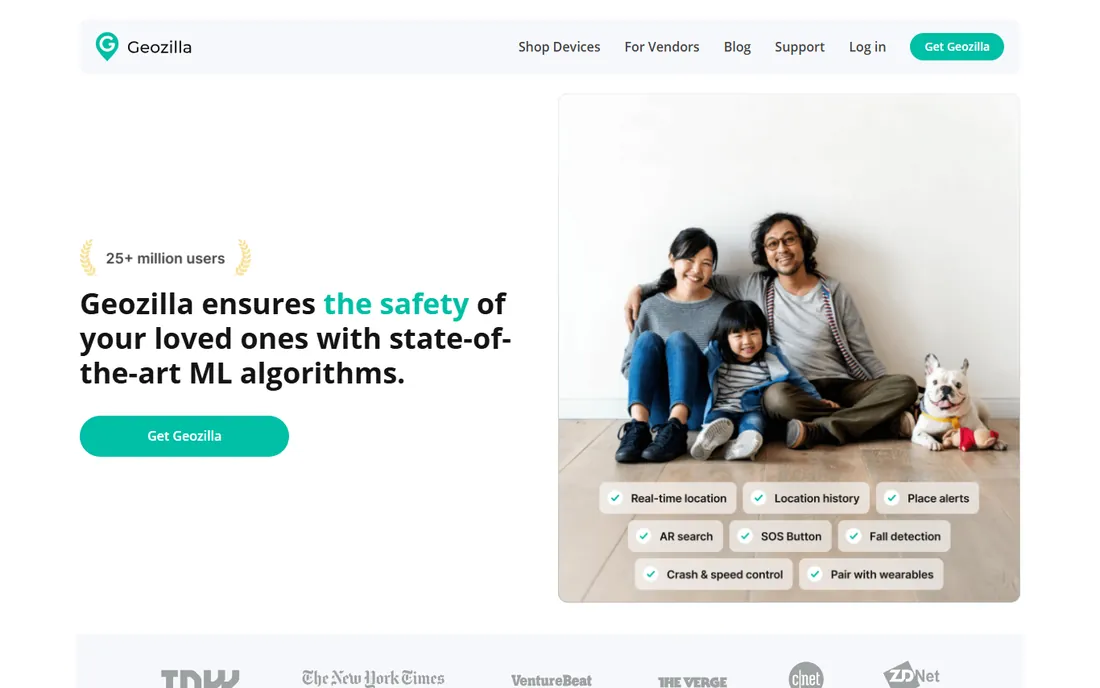
GeoZilla has been quietly doing family location for years. The free version covers basic sharing with limits on alerts and history, and Premium at $79.99 a year removes those caps. That undercuts Life360's paid tiers for families who mainly want the map and the notifications.
Premium adds unlimited arrival and departure alerts, unlimited circles, two weeks of location history, and driver protection for the family. It runs on iOS, Android, and Apple Watch. GeoZilla will not match Life360's driving analytics or emergency dispatch, but if your question is simply what is the best app for tracking family members on a budget, it deserves a look.
What we like- Affordable annual plan
- Unlimited location alerts on Premium
- Works on iOS and Android
Watch out for- Smaller user base than Life360
- Some features vary by region
- The app design feels dated
Starting price$9.99 per month ($59.99 billed annually)
Free planYes (1 device, limited)

FamiSafe from Wondershare sits between a pure tracker and a full parental control suite. The family locator shows real-time positions and sends alerts when a child enters or leaves a geofenced area like school or home. Around that core, you get screen time schedules, app blocking, and web filtering.
Pricing starts at $9.99 a month, $19.99 a quarter, or $59.99 a year, covering up to 30 devices on the annual plan. There is a limited free plan for one device. One honest limitation: on iPhones, Apple restricts what FamiSafe can see, so social media monitoring and some blocking features only work properly on Android. Check the feature list against your kids' actual devices before paying.
What we like- Real-time GPS with geofences
- Screen time limits and app blocking
- Works on phones and computers
Watch out for- Some monitoring features are Android-only
- IPhone version cannot read social app content
- The free plan is very limited
Starting price$2.99 per month
Free planYes (limited, plus 1-week trial)
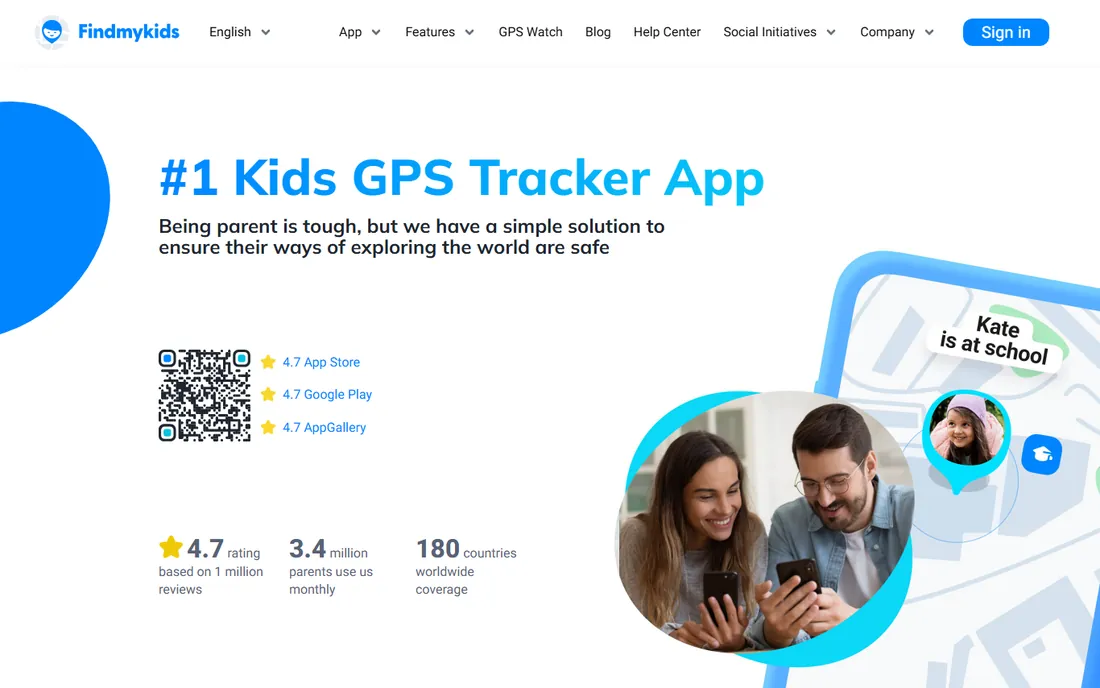
Findmykids is purpose-built for the under-12 crowd. Real-time GPS tracking and geofence alerts come with kid-friendly extras: a loud signal that rings the child's phone even in silent mode, an SOS button, and battery-level notifications so you know when their device is about to die. It also pairs with dedicated GPS watches, which suits kids too young for a phone.
The pricing is the friendliest here: $2.99 a month for one device, $16.99 a year for up to three, or a one-time $25.99 lifetime plan for up to three devices. A free version shows the child's location on the map with limited features. Teenagers will find it babyish, but for elementary-age kids it hits the sweet spot.
What we like- Very affordable with a lifetime option
- Pairs with kids' GPS watches
- Loud signal and SOS features
Watch out for- Focused on younger kids, not teens
- The free version is basic
- Some features need the child app installed
#7
AirDroid Parental Control
Best for: Android-first families who want monitoring plus location
Visit airdroid.com
Starting price$9.99 per month ($59.99 billed annually)
Free planYes (limited)
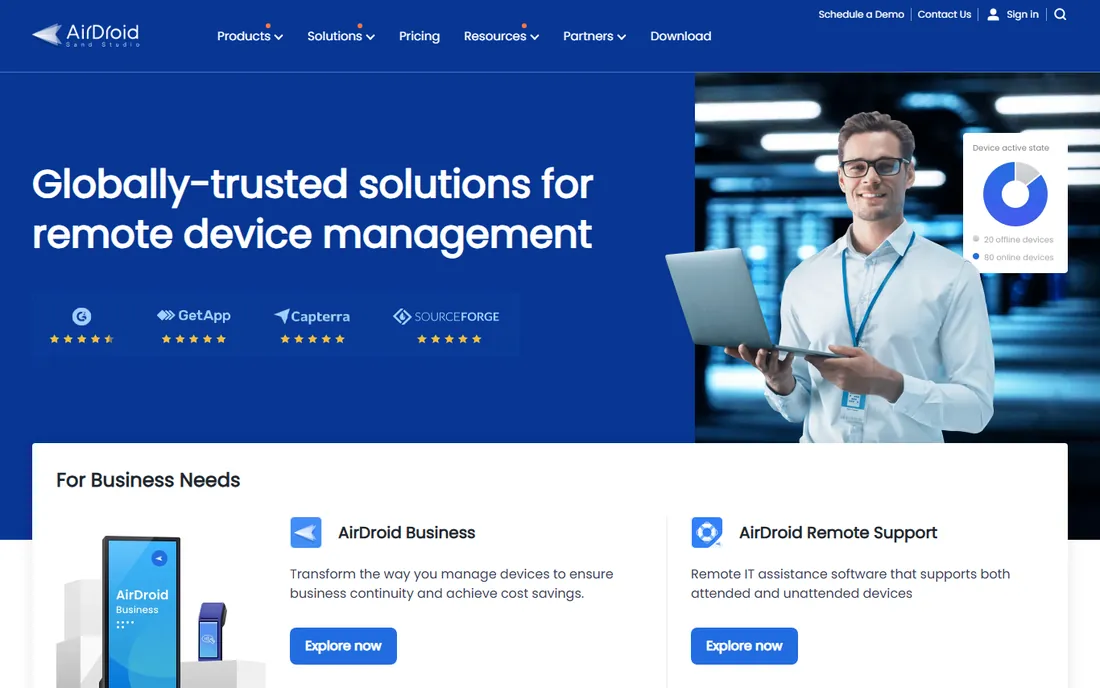
AirDroid Parental Control combines a family locator with some of the deepest monitoring available on Android. The location side covers real-time tracking and arrival alerts. The monitoring side goes further: live screen mirroring, app activity reports, and keyword detection across social and chat apps, with instant alerts when something concerning appears.
Premium costs $9.99 a month, $19.99 a quarter, or $59.99 a year. Parents use iPhone, Android, or the web dashboard; child devices run the AirDroid Kids app. Note the platform gap: screen mirroring and stealth mode work on Android child devices, while iPhones are more restricted. This is a powerful tool, so it works best paired with an honest conversation with your kids about why it is installed.
What we like- Live location with geofences
- Screen mirroring and app monitoring on Android
- Keyword alerts for risky content
Watch out for- Deepest features are Android-only
- IOS child devices show the app visibly
- Can feel intrusive if overused
Starting price$54.95 per year (Basic)
Free planYes (1 device, basic protection)
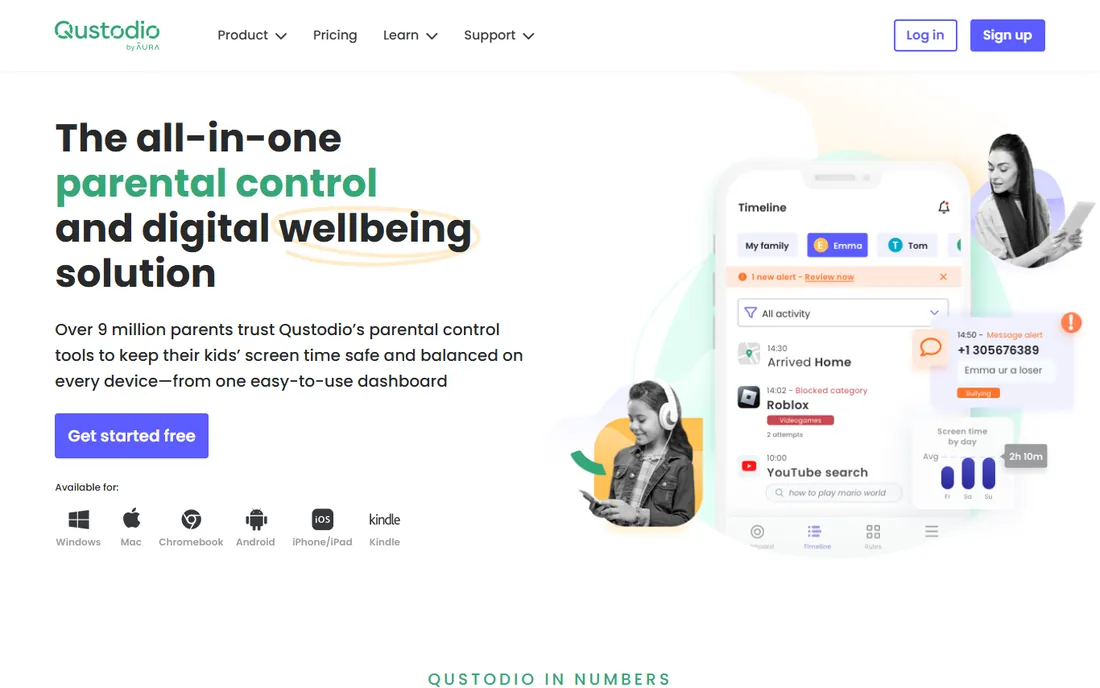
Qustodio is the veteran of the parental control world, and location is one part of a much bigger package. Basic at $54.95 a year covers five devices with web filtering, time limits, app blocking, and location monitoring. Complete at $99.95 a year adds unlimited devices, call and text monitoring, YouTube monitoring, and custom rules.
The free plan protects a single device with basic features, which is enough to evaluate it. Qustodio's location tracking is accurate, with place alerts and a panic button on Android, but families who only want a map will find Life360 simpler. Where Qustodio wins is the household with kids on phones, tablets, Chromebooks, and a shared PC: one dashboard covers them all.
What we like- Location tracking plus web filtering and time limits
- Covers Windows, Mac, Chromebook, and Kindle too
- Panic button on Android
Watch out for- Location history is not its strongest feature
- Call and SMS monitoring needs Complete
- Setup takes time across many devices
Starting price$49.99 per year
Free plan30-day trial
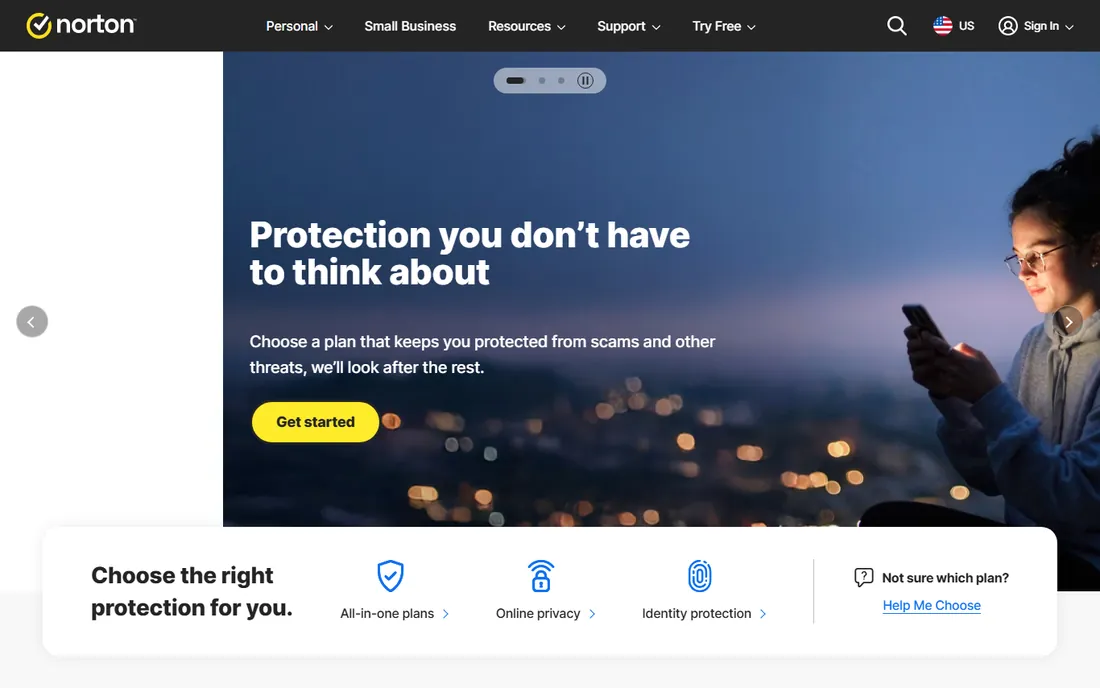
Norton Family is the quiet value pick for one specific household: yours, if you already pay for Norton 360. The parental controls, including location supervision with geofencing and 30-day history, come bundled with Norton 360 Deluxe and Premium at no extra cost. That makes it effectively free for millions of existing subscribers.
Bought standalone, it costs $49.99 a year with unlimited devices and a 30-day trial. Web filtering, screen time scheduling, and YouTube monitoring are solid, and setup is beginner-friendly. The catches: there is no permanent free tier, location features do not work in every country, and iOS limitations trim some functionality. Check the bundle first before buying it alone.
What we like- Unlimited devices on one plan
- Strong web filtering across 45-plus categories
- Included free with Norton 360 Deluxe and Premium
Watch out for- No free tier beyond the trial
- Location supervision unavailable in some countries
- Weaker on iOS than Android
How to pick a family location app without overpaying
Start with what you actually need the app to do, because the category splits three ways: pure location sharing, location plus safety features, and full parental controls.
Location sharing versus parental controls
If the job is knowing where everyone is, Life360, Find My, or GeoZilla is enough. If you also want to manage what kids do on their phones, step up to Family Link (free), FamiSafe, Qustodio, or AirDroid. Paying for a full suite when you only need a map wastes money every month.
Platform matters: iOS, Android, or both
Mixed households need a cross-platform app, which rules out Find My and Family Link. Life360, GeoZilla, Findmykids, and FamiSafe all run on both. Android-heavy families get the most from AirDroid and FamiSafe, since their deepest monitoring features need Android on the child's device.
Privacy and data sharing
Location data is sensitive. Apple's Find My keeps it encrypted within Apple's systems. Life360 has faced criticism for sharing data with third parties, though it offers opt-outs in settings. Read the privacy policy of any app you install on a child's phone, and prefer apps that let you control who sees what.
Battery life and accuracy
Real-time GPS tracking costs battery on every app here, typically a few extra percent per day. Apps with adjustable location schedules, like GeoZilla's Premium, soften the drain. Accuracy depends on the phone's GPS and signal; no app can fix a weak signal in a concrete school building.
Free versus paid: where the line sits
Every paid app here keeps a free tier or trial, and the free options from Apple and Google are genuinely complete for basic needs. Paid plans buy three things: longer location history, driving safety features like crash detection and reports, and parental controls beyond location. A family with young kids and Android phones may never need to pay. A family with two teen drivers probably will, and Life360 Gold is where most of them land.
How we chose
We started with the apps families actually search for and install, then verified pricing on the vendors' own pages and current reviews. We compared location accuracy, alert quality, platform coverage, free-plan limits, and privacy practices. We favored apps with clear pricing and real family use cases over spyware-style tools that track people without consent. Where a homepage could not be opened directly, we used the vendor's own pages found through search and flagged the URL.
Frequently asked questions
What is the best app for tracking family members?
Life360 is the best all-round pick for most families, with a free tier and paid plans from $9.99 a month. If everyone uses iPhones, Apple's free Find My is enough. For young children, Findmykids is cheaper and more kid-friendly.
Is there a free app to locate family?
Yes. Apple's Find My and Google Family Link are both free and cover basic location sharing. Life360, GeoZilla, Findmykids, and FamiSafe all offer free tiers with limits on history or alerts.
Can I track my child's location without them knowing?
Legitimate family apps require installation and consent on the child's device, and that is by design. Secret tracking apps exist but raise serious legal and ethical problems. The healthier approach is an open conversation about why the app is installed and what it monitors.
Does family tracking drain the phone battery?
Somewhat. Continuous GPS use adds a few percent of battery drain per day on most apps. You can reduce it by using balanced location modes and scheduled updates where the app offers them. Hardware GPS watches paired with apps like Findmykids sidestep the phone battery question entirely.
Life360 vs Find My: which is better?
Find My wins on price and privacy: it is free and keeps data inside Apple's systems. Life360 wins on features: driving reports, crash detection, longer history, and cross-platform support. Mixed iPhone and Android families should pick Life360; Apple-only families can start with Find My.
At what age should I stop tracking my kids?
There is no single right answer, but most families loosen tracking as teens show responsibility, often around driving age when the conversation shifts from where they are to how they drive. Apps with driving reports make that transition easier than an on-off switch.
Sources we checked (15)
- https://www.life360.com/en-ca/plans-pricing
- https://impulsec.com/parental-control-software/life360-vs-find-my/
- https://families.google/intl/en-GB_ALL/familylink/
- https://en.wikipedia.org/wiki/Google_Family_Link
- https://findmykids.org/blog/en/best-tracking-apps
- https://findmykids.org/blog/en/android-parental-control-apps
- https://famisafe.wondershare.com
- https://justwebworld.com/famisafe-parental-control-app/
- https://www.airdroid.com/parental-control/family-locator/
- https://www.airdroid.com/parental-control/social-content-monitoring/
- https://ciroapp.com/software/qustodio
- https://www.securityhero.io/aura-vs-norton-parental-controls/
- https://antivirus-review.com/blog/norton-parental-controls-review
- https://appstor.io/app/geozilla-battery-friendly-gps-tracker-family-locator
- https://greenlight.com/learning-center/reviews/life360-alternatives
Is your product missing or out of date?
We review this list regularly. Vendors can request a listing, send updated pricing or ask about featured placement.

Shihab Mia · Founder, Rankite
Shihab has spent more than a decade helping SaaS and e-commerce brands grow through search. He writes Rankite's software buying guides from pricing pages, documentation and public user reviews. More about Shihab.