How we make this list: we compare pricing pages, product documentation and public user reviews. Rankite is independent; if a vendor ever pays for a featured spot, that listing is clearly labeled Partner.
Key takeaways
- For everyday PDF OCR, ABBYY FineReader PDF and Adobe Acrobat Pro are the two serious desktop options, at $16 and $19.99 per user per month respectively.
- If you process documents at scale, the cloud APIs (Azure, Google, Amazon) charge per page from about $1.50 per 1,000 pages and beat desktop tools on volume.
- Tesseract remains the best free OCR engine, and it powers a surprising number of commercial products behind the scenes.
- Rossum, Nanonets, and Parseur go beyond character recognition into full document understanding: extracting invoice fields, not just text.
Quick comparison
| Tool | Best for | Starting price | Free plan |
|---|
 ABBYY FineReader PDF ABBYY FineReader PDF | Desktop PDF OCR, conversion, and editing | $16 per user/month (Standard for Windows) | Free trial |
 Adobe Acrobat Pro Adobe Acrobat Pro | PDF workflows where OCR is one feature among many | $19.99 per month (annual plan, billed monthly) | Free trial |
 Azure AI Document Intelligence Azure AI Document Intelligence | Enterprises building document extraction on Azure | Pay per page (Read from $1.50 per 1,000 pages) | Free tier |
 Google Cloud Document AI Google Cloud Document AI | Document pipelines on Google Cloud | Pay per page (rates vary by processor) | Free trial |
 Amazon Textract Amazon Textract | Text and form extraction inside AWS architectures | Pay per page ($1.50 per 1,000 pages for text detection) | Free trial |
 Tesseract OCR Tesseract OCR | Free, open-source OCR you can embed anywhere | $0 | Yes |
 Rossum Rossum | Enterprise accounts-payable automation | See website | Free trial |
 Parseur Parseur | Small businesses parsing emails and documents | $39 per month | Yes |
 Nanonets Nanonets | AI agents that run document workflows end to end | See website | Free trial |
Is your product missing or out of date?
We review this list regularly. Vendors can request a listing, send updated pricing or ask about featured placement.
The best OCR software of 2026, examined
ABBYY, the company behind the best-known desktop OCR product, says more than 50 million people use its products. That number is a useful reality check: for all the talk of paperless offices, the world still runs on scanned contracts, photographed receipts, and PDFs that are really just pictures of text. Optical character recognition is the bridge between those images and usable data.
The category has split in two. Classic OCR software converts scans into searchable, editable text. AI document processing goes further, understanding layout and extracting meaning: line items from invoices, dates from contracts, totals from receipts. The nine tools below cover both, from free open-source engines to enterprise platforms.
Starting price$16 per user/month (Standard for Windows)
Free planFree trial
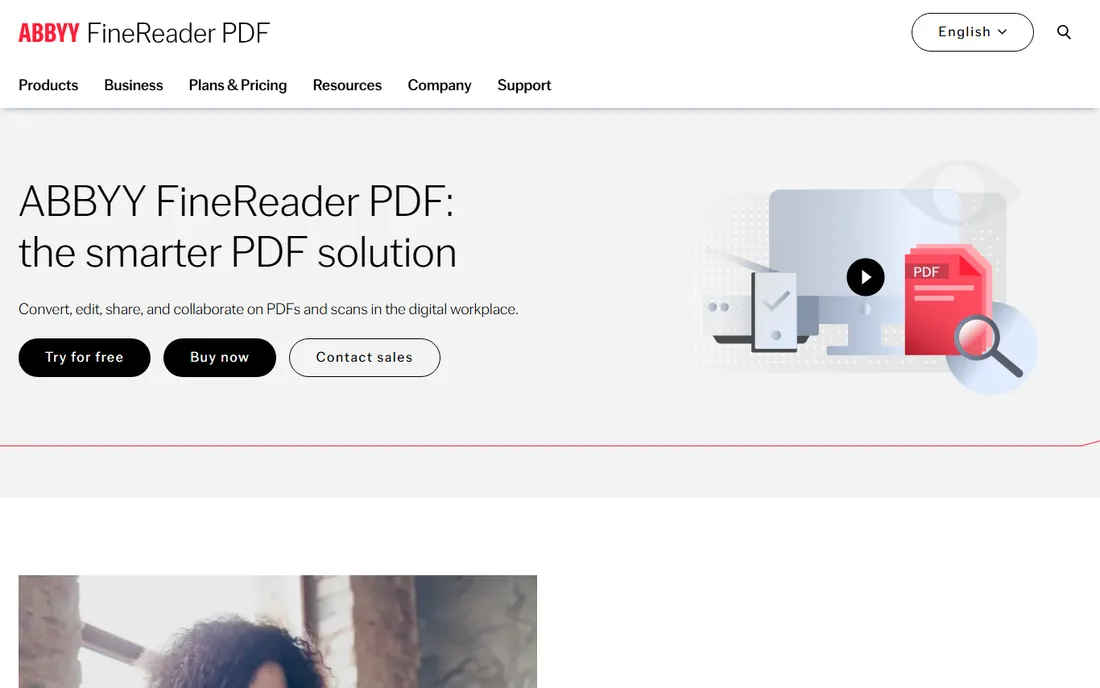
FineReader has been the reference OCR product for decades, and its recognition engine still sets the standard for accuracy on difficult scans. Beyond raw text extraction, it is a complete PDF workspace: edit text and images, compare document versions, redact sensitive content, and convert scans into editable Word or Excel files that keep their layout. For legal, accounting, and admin teams living in PDFs, it is the complete package.
Pricing is now subscription-based: $16 per user per month for Standard on Windows, $24 for Corporate, with annual plans ($99 and $165 per year) cutting the cost. The Mac edition is cheaper but less capable, so Windows users get the better deal. A free trial lets you test accuracy on your own documents, which is the only benchmark that matters.
What we like- Excellent recognition accuracy across 190-plus languages
- Converts scans to searchable PDF, Word, and Excel
- Full PDF editor with comparison and redaction tools
Watch out for- Subscription pricing replaced the old one-time license
- The Mac version is a separate, more limited product
- Corporate edition needed for advanced automation
#2
Adobe Acrobat Pro
Best for: PDF workflows where OCR is one feature among many
Visit adobe.com
Starting price$19.99 per month (annual plan, billed monthly)
Free planFree trial
Most offices already pay for Acrobat, which makes its OCR the path of least resistance. Scan a document, run text recognition, and you have a searchable, editable PDF without leaving the app. Acrobat Pro specifically lists scanned-document OCR among its differentiators over the cheaper Standard plan, alongside redaction, PDF comparison, and advanced e-signature workflows.
At $19.99 per month on annual billing, Pro costs more than FineReader's Standard tier while offering slightly weaker raw OCR accuracy. The value case is the bundle: if your team needs PDF editing, signing, and forms anyway, the OCR comes along for free. If OCR accuracy on poor scans is the actual job, FineReader or a cloud API will serve you better.
What we like- OCR built into the PDF editor most teams already use
- Scanned-document OCR is a Pro differentiator over Standard
- Strong e-signature and collaboration tools
Watch out for- OCR quality trails ABBYY on difficult scans
- No perpetual license
- Standard plan lacks the OCR features, so Pro is required
Starting pricePay per page (Read from $1.50 per 1,000 pages)
Free planFree tier
Microsoft's Document Intelligence is the enterprise-grade choice for teams already on Azure. The Read model handles straight OCR at $1.50 per 1,000 pages, while prebuilt layout and document models run about $10 per 1,000 pages and custom extraction higher. Prebuilt models cover common documents (invoices, receipts, identity documents, tax forms) with no training, and custom models handle your specific layouts.
The pricing matrix is genuinely complex: add-on features like barcode reading, formula extraction, and query fields carry surcharges of 20 to 30 percent, so model your actual workload before estimating. The free F0 tier covers low-volume testing. For Microsoft shops and regulated industries that need data residency and compliance documentation, the integration advantage is hard to beat.
What we like- Prebuilt models for invoices, receipts, IDs, and tax forms
- Custom models train on your own documents
- Strong compliance posture for regulated industries
Watch out for- Dense pricing with many model tiers and add-on surcharges
- Handwriting recognition lags some rivals
- Locks you into the Azure ecosystem
Starting pricePay per page (rates vary by processor)
Free planFree trial
Google's Document AI takes a processor-catalog approach: instead of one OCR API, you pick from dozens of specialized processors for invoices, tax forms, contracts, pay stubs, and more. The general OCR and layout parsers handle the basics, while specialized processors extract structured fields from specific document types. Pricing is per page and varies by processor, with basic parsing cheapest and specialized AI processors higher.
The strength is the ecosystem fit. Extracted data flows naturally into BigQuery for analysis or Vertex AI for further processing, which suits data teams already on Google Cloud. The weakness is choice overload: with so many processors, expect to spend time testing which one fits your documents. New accounts get trial credits to run those evaluations.
What we like- Large catalog of specialized processors (lending, procurement, contracts)
- Layout parsing backed by current Google models
- Integrates with BigQuery and Vertex AI
Watch out for- Processor sprawl makes picking the right one confusing
- Pricing varies widely between basic OCR and specialized parsers
- Narrower data-residency options than Azure
#6
Tesseract OCR
Best for: Free, open-source OCR you can embed anywhere
Visit github.com
Starting price$0
Free planYes
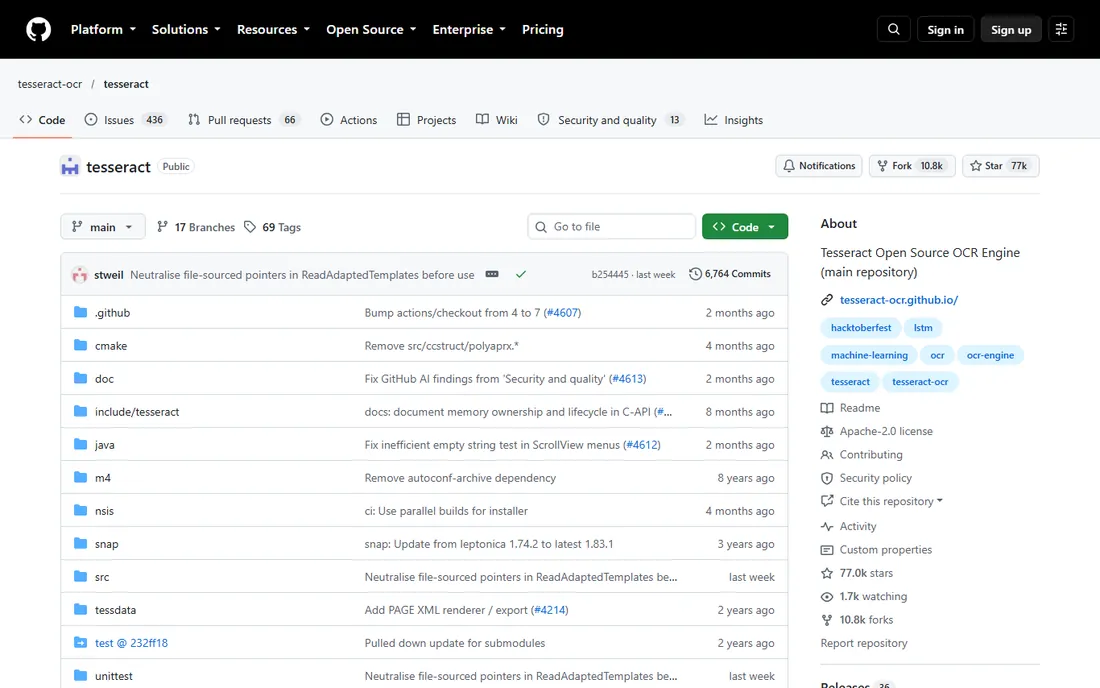
Tesseract is the open-source OCR engine maintained with Google's involvement, and it quietly powers an enormous number of commercial products and internal tools. It reads over 100 languages, runs on any platform, and costs nothing no matter your volume. For developers building OCR into their own applications, or processing sensitive documents that cannot leave the building, it is often the starting point.
The tradeoff is that you get an engine, not a product. There is no hosted API, no support line, and no document-understanding layer: you handle image preprocessing, layout analysis, and field extraction yourself. Accuracy on clean scans is good; handwriting and complex tables are not its strengths. Pair it with a preprocessing pipeline and realistic expectations, and it handles remarkable volume for free.
What we like- Completely free with no usage limits
- Supports 100-plus languages
- Embeddable in any application or pipeline
Watch out for- No interface, API service, or support contract
- Needs image preprocessing for best results
- Handwriting and complex layouts are weak points
Starting priceSee website
Free planFree trial
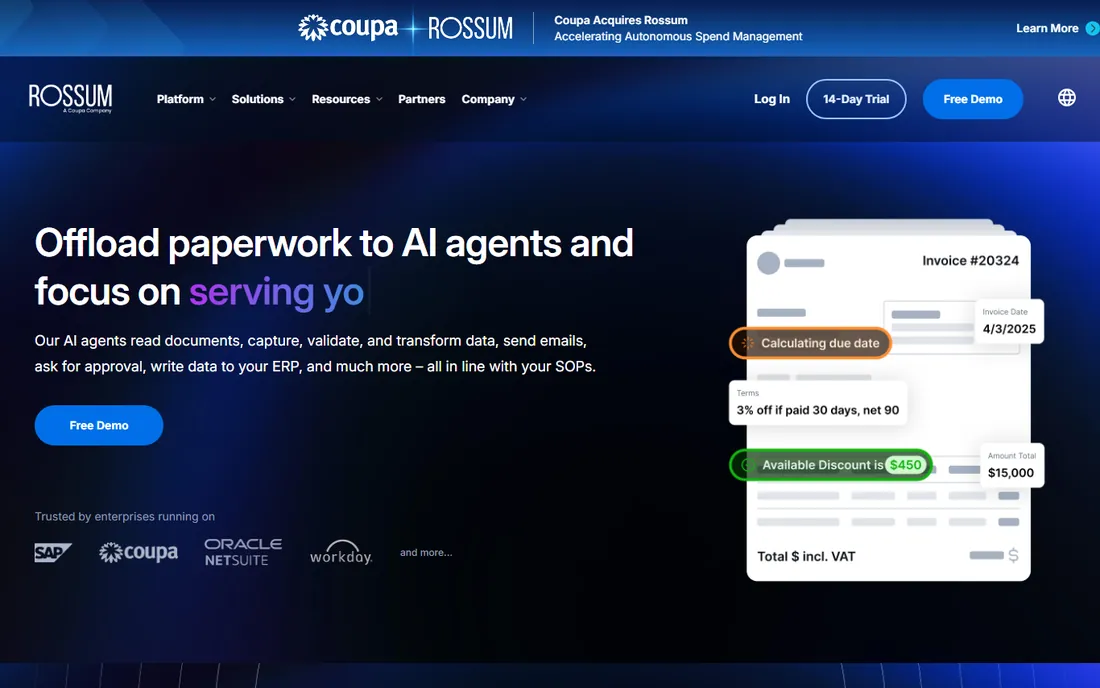
Rossum does not sell OCR; it sells not having to process invoices manually. Its AI reads transactional documents, extracts line items, matches them against purchase orders, and routes exceptions to human reviewers. New vendor layouts are learned automatically rather than requiring template setup, which is the feature that justifies the price for high-volume AP departments.
That price is enterprise-grade, with starter plans reported around $18,000 per year on annual contracts. If your problem is "extract text from scans," Rossum is the wrong tool and far too expensive. If your problem is "process 10,000 supplier invoices a month with two people," it belongs on the shortlist.
What we like- Purpose-built for invoices and transactional documents
- Learns new layouts automatically without templates
- Validation screens on every plan
Watch out for- Enterprise pricing (reported from $18,000 per year) puts it out of SMB reach
- Cloud-only with no on-premise option
- Overkill if you just need text extraction
Starting price$39 per month
Free planYes
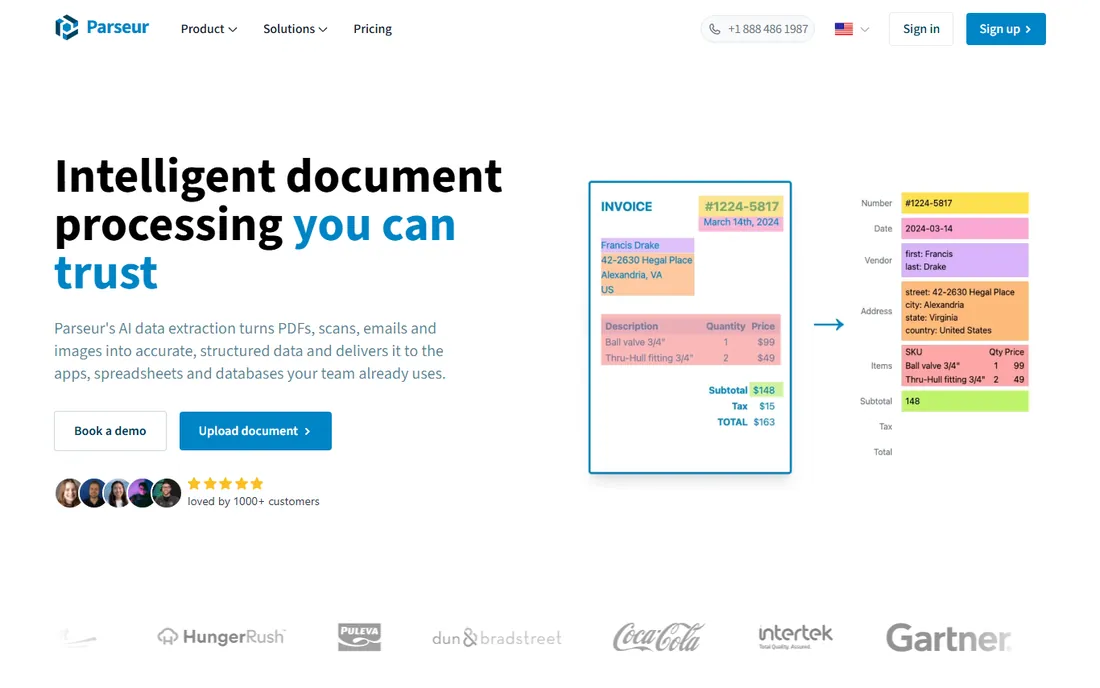
Parseur takes a refreshingly simple approach: forward emails or upload documents, and its AI extracts the fields you define with no template training. It grew out of email parsing, so it handles the messy reality of invoices arriving as email attachments particularly well. The free-forever plan (20 pages per month, no card required) is genuinely useful for very small volumes.
Paid plans start at $39 per month for 100 documents, scaling to $99 for 1,000 pages and $399 for 10,000. That per-page math (down to about 4 cents at volume) is transparent compared with credit systems that hide multipliers. Parseur never uses customer data to train models, which matters for sensitive documents. It is the pragmatic pick for small businesses that need reliable extraction without enterprise budgets.
What we like- Free-forever plan with 20 pages per month
- No-template AI extraction from any document type
- Email-first design with unlimited mailboxes
Watch out for- 100-document monthly limit on the entry paid plan
- Cloud-only on US infrastructure
- Advanced workflow features need higher tiers
Starting priceSee website
Free planFree trial
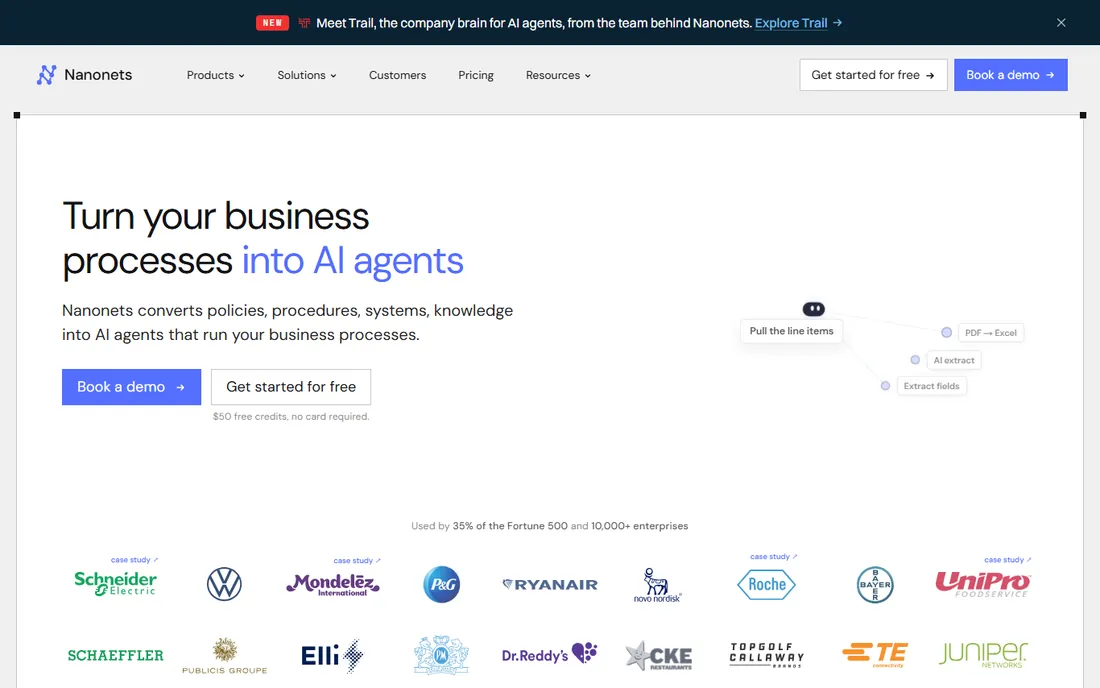
Nanonets has evolved from an OCR API into an AI agent platform for document-heavy processes: reading invoices and purchase orders, then posting results into SAP, QuickBooks, or Salesforce according to encoded rules. Its OCR models perform well on public benchmarks, and the platform supports training custom models on your documents with human review for edge cases.
The caution is pricing stability. The company has restructured its tiers more than once, moving between per-page, block-based, and credit models, so treat any quoted number as perishable and confirm on the vendor site. Starter accounts include free trial credits with no card required. For finance and operations teams wanting extraction plus workflow automation in one platform, it is worth evaluating against Rossum.
What we like- Combines OCR with workflow automation into ERP and accounting systems
- Extraction models rank well on public benchmarks
- Private cloud and on-premise options for enterprise
Watch out for- Pricing has changed repeatedly, so confirm current tiers directly
- Block-based pricing is harder to predict than per-page
- Enterprise features need custom quotes
What actually determines OCR accuracy
The software matters less than most buyers think. Scan quality dominates: 300 DPI, straight alignment, and good contrast beat any engine upgrade. Clean scans let even Tesseract perform well; phone photos of crumpled receipts challenge every product on this list.
Match the tool to the document
Printed text in standard fonts is a solved problem, and any tool here handles it. Handwriting, stamps, tables, and multi-column layouts separate the field: cloud AI services and ABBYY handle them best, Tesseract worst. Forms with consistent layouts suit template or trained-model approaches (Parseur, Rossum, Azure custom models). Mixed, unpredictable documents favor general AI extraction (Diffbot-style page understanding, Google's processors, Nanonets).
Test on your own documents
Vendor accuracy claims come from clean benchmark sets. Run a trial on fifty of your actual worst documents: the faded faxes, the photographed receipts, the skewed scans. Measure character accuracy on the fields you care about, not the whole page. A tool that scores 99 percent on clean PDFs and 80 percent on your real input is worse than one that scores 95 percent on both.
How we chose
We started with the products buyers actually evaluate: the desktop OCR leaders, the three cloud AI document services, the open-source standard, and the AI document-processing platforms that appear in every enterprise shortlist. We checked vendor pricing pages and 2026 pricing audits for current rates, read documentation for model capabilities and limits, and compared the two distinct jobs (text extraction versus document understanding) because they need different tools. We excluded single-feature mobile scanner apps and discontinued products. We did not run hands-on tests; these assessments reflect documented features, published pricing, and patterns in public user feedback.
Buying guide: picking the right OCR approach
Start by deciding which of the two jobs you are buying for. If the answer is "make scans searchable and editable," a desktop tool (ABBYY, Acrobat) or Tesseract covers it. If the answer is "pull structured data from documents automatically," you need a document AI platform or API, and the evaluation criteria change completely.
Volume decides the pricing model
Under a few hundred pages a month, desktop software or a free tier wins on simplicity. At thousands of pages, per-page cloud pricing (from $1.50 per 1,000 pages for basic text detection) beats any subscription. At tens of thousands with structured extraction needs, compare the AI platforms on total cost per document processed, including the human review time their accuracy saves or costs.
Data privacy and deployment
Documents often contain personal or financial data. Cloud APIs process your documents on vendor infrastructure; check data retention policies and regional processing options before sending sensitive material. Tesseract and on-premise enterprise options exist precisely for documents that cannot leave your network. Regulated industries should verify compliance certifications rather than assuming them.
Plan the human review step
No OCR is perfect, and document AI is probabilistic. Every serious deployment needs a review workflow for low-confidence extractions: who checks them, how exceptions route, and what accuracy threshold triggers review. Rossum and Nanonets build this in; with raw APIs like Textract or Tesseract, you build it yourself. Budget for review labor in your total cost, because it is where OCR projects actually succeed or fail.
Frequently asked questions
What is the best OCR software for PDFs?
For desktop PDF OCR, ABBYY FineReader PDF offers the best accuracy and conversion tools at $16 per user per month. Adobe Acrobat Pro at $19.99 per month is the convenient choice if you already live in Acrobat. For free PDF OCR, Tesseract handles the job from the command line.
Is there a free OCR software that is actually good?
Yes. Tesseract is free, open-source, and accurate on clean scans in over 100 languages. Photopea and various free online tools cover occasional use. Parseur's free plan processes 20 pages per month with AI extraction. The tradeoff versus paid tools is convenience, handwriting accuracy, and support.
How does AI document processing differ from OCR?
OCR converts images of text into machine-readable text. AI document processing goes further: it understands layout and extracts meaning, like line items, totals, and dates from an invoice, and can validate them against other systems. Tools like Rossum, Nanonets, and Azure's custom models do the latter.
How much does OCR software cost?
Desktop OCR runs $16 to $20 per user per month. Cloud APIs charge per page, from about $1.50 per 1,000 pages for basic text detection to $10 or more per 1,000 for AI layout and form analysis. AI document platforms start around $39 per month for small business tools and reach five figures annually for enterprise.
Can OCR read handwriting?
Modern AI-based OCR handles neat handwriting reasonably well; Tesseract and basic OCR engines do not. Azure, Google, and Amazon all offer handwriting recognition, with accuracy varying by language and writing quality. Always test on your own samples before committing.
Is it safe to send documents to cloud OCR services?
The major providers encrypt data in transit and at rest and publish data-handling policies, and Microsoft states it does not train models on submitted documents. For highly sensitive material, check retention periods and regional processing, or use on-device options like Tesseract that never send data anywhere.
Sources we checked (9)
- https://www.trustradius.com/products/abbyy-finereader/reviews
- https://pdf.wondershare.com/pdf-software-comparison/adobe-acrobat-standard-vs-pro.html
- https://xodo.com/blog/adobe-acrobat-pricing-explained
- https://github.com/philm-moxywolf/skills/blob/HEAD/plugins/document-analysis/references/azure-document-intelligence.md
- https://github.com/stcomiin/claude-docs-workshop-handson/blob/HEAD/research-report-generation-workflow-completed/ocr_tech_scan.md
- https://www.docsumo.com/compare/nanonets-alternative-docsumo?46b99e40_page=17
- https://parseur.com/compare-to/nanonets-alternative
- https://www.techradar.com/reviews/nanonets-review
- http://en.wikipedia.org/wiki/Affinity_Photo
Is your product missing or out of date?
We review this list regularly. Vendors can request a listing, send updated pricing or ask about featured placement.

Shihab Mia · Founder, Rankite
Shihab has spent more than a decade helping SaaS and e-commerce brands grow through search. He writes Rankite's software buying guides from pricing pages, documentation and public user reviews. More about Shihab.