How we make this list: we compare pricing pages, product documentation and public user reviews. Rankite is independent; if a vendor ever pays for a featured spot, that listing is clearly labeled Partner.
Key takeaways
- Kdenlive is the most complete free non-linear editor here, with proxy editing and multi-track timelines that suit serious projects.
- Shotcut handles the widest range of formats without importing first, which makes it the practical pick for mixed camera footage.
- OpenShot is the easiest starting point for a beginner, while Blender suits editors who also need 3D and compositing in the same app.
- LosslessCut and Avidemux are not full editors. They are the fastest free tools for trimming and converting clips before a real edit.
- Flowblade, Pitivi and Cinelerra-GG run on Linux only, so Windows and Mac users should stick with the cross-platform picks.
Quick comparison
| Tool | Best for | Starting price | Free plan |
|---|
 Kdenlive Kdenlive | Serious multi-track projects on any desktop OS | Free (open source) | Yes |
 Shotcut Shotcut | Mixed-format footage with no transcoding | Free (open source) | Yes |
 OpenShot OpenShot | Beginners making their first videos | Free (open source) | Yes |
 Blender Blender | Editors who also need 3D, compositing or motion tracking | Free (open source) | Yes |
 Olive Olive | Following the project, not editing with it today | Free (open source) | Yes |
 Flowblade Flowblade | Precise insert editing on Linux | Free (open source) | Yes |
 Pitivi Pitivi | Simple edits on the GNOME desktop | Free (open source) | Yes |
 Cinelerra-GG Cinelerra-GG | Demanding technical workflows on Linux | Free (open source) | Yes |
 LosslessCut LosslessCut | Trimming footage without re-encoding | Free (open source) | Yes |
 Avidemux Avidemux | Quick cuts, filtering and format conversion | Free (open source) | Yes |
Is your product missing or out of date?
We review this list regularly. Vendors can request a listing, send updated pricing or ask about featured placement.
The best open source video editing software
Starting priceFree (open source)
Free planYes
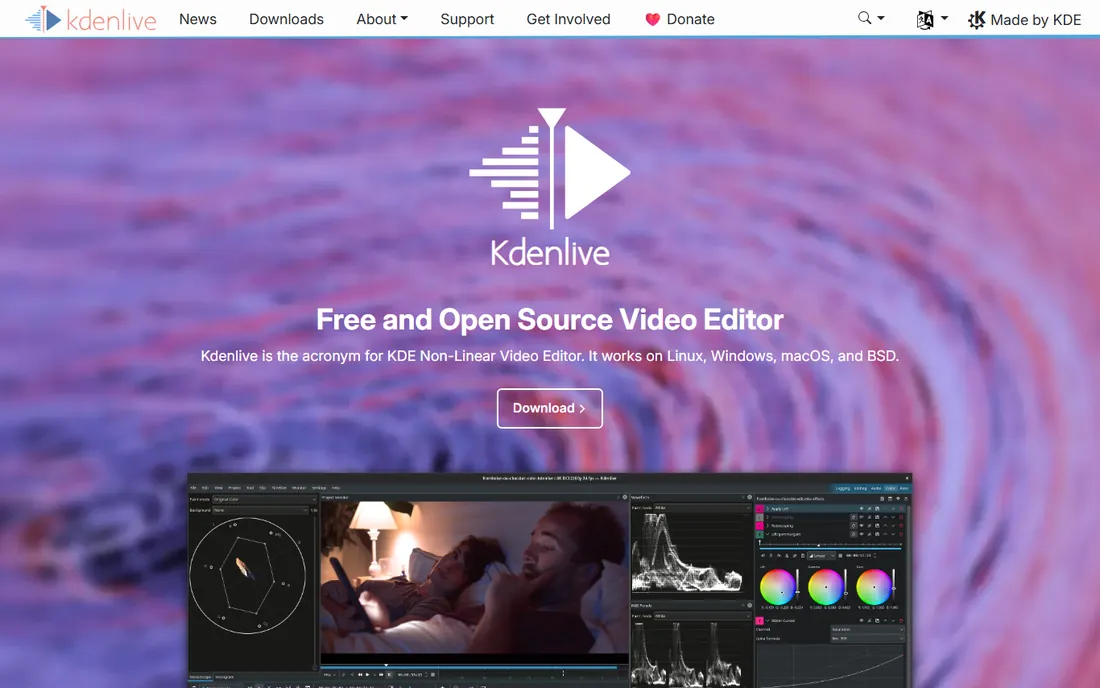
Kdenlive is the closest the open-source world gets to a full professional NLE. Built on the MLT framework with a Qt interface, it runs on Linux, Windows, macOS and BSD. Multi-track timelines, keyframable effects, a built-in titler and automatic proxy generation for heavy footage are all here, and the speech-to-text subtitling is genuinely useful for course and interview content.
The honest catch is stability away from Linux. The Windows and macOS builds work, but user forums still carry crash reports, so save often and keep project backups. If you edit on Linux, this is the default answer. On other systems it remains the most capable free option, just one that asks for a little patience.
What we like- Proxy editing keeps 4K smooth
- Broad format support through FFmpeg
- Steady development
Watch out for- Occasional crashes reported on Windows
- Interface feels dated in places
Starting priceFree (open source)
Free planYes
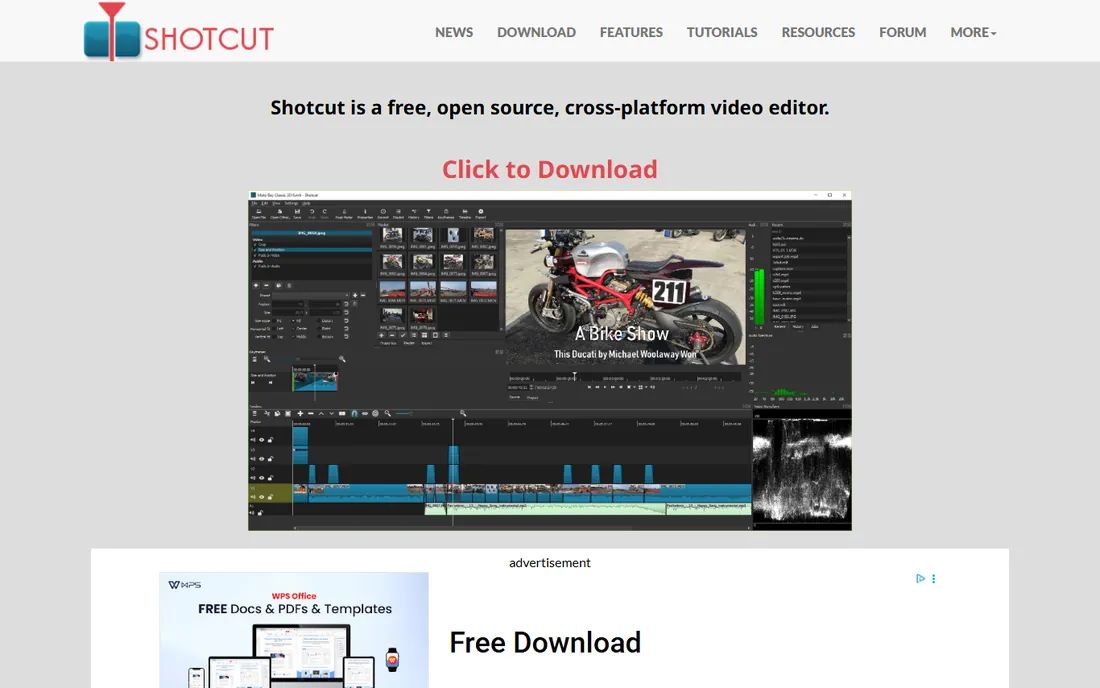
When footage arrives from five different cameras, Shotcut is the path of least resistance. It shares MLT roots with Kdenlive, edits natively without importing, and supports resolutions up to 4K with a solid set of filters, keyframes and motion tracking. The interface panels dock and undock freely, so you can shape the workspace around the job.
The trade-off is guidance. Shotcut exposes little of itself on first launch, its official documentation is sparse, and you will not find the hand-holding export presets that commercial editors ship. Editors willing to spend an evening learning the layout get a fast, dependable cutter in return.
What we like- Opens almost anything FFmpeg decodes
- No import step
- Dockable, customizable interface
Watch out for- Thin documentation
- No one-click export presets for every social platform
Starting priceFree (open source)
Free planYes
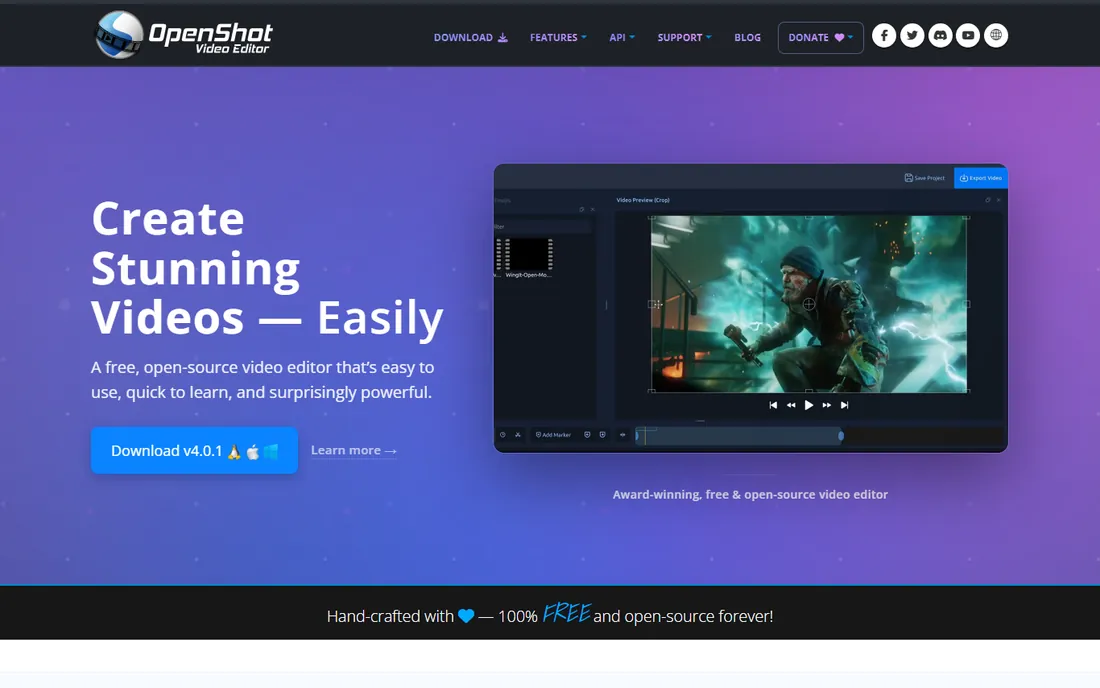
New editors should start here. OpenShot keeps everything visible: drag clips onto unlimited tracks, trim on the timeline, add transitions and animated titles, export. It runs on Windows, Mac and Linux, and the whole experience is designed to get a first finished video out within an hour.
The catch appears as projects grow. Timelines loaded with effects can stutter or crash, which is the most common complaint in user reviews. Treat OpenShot as the on-ramp. When your edits outgrow it, Kdenlive or Shotcut are the natural next step, and your basic timeline skills transfer directly.
What we like- Gentle learning curve
- Unlimited tracks
- Animated 3D titles
Watch out for- Slows down on large, effect-heavy projects
- Fewer professional finishing tools
#4
Blender
Best for: Editors who also need 3D, compositing or motion tracking
Visit blender.org
Starting priceFree (open source)
Free planYes
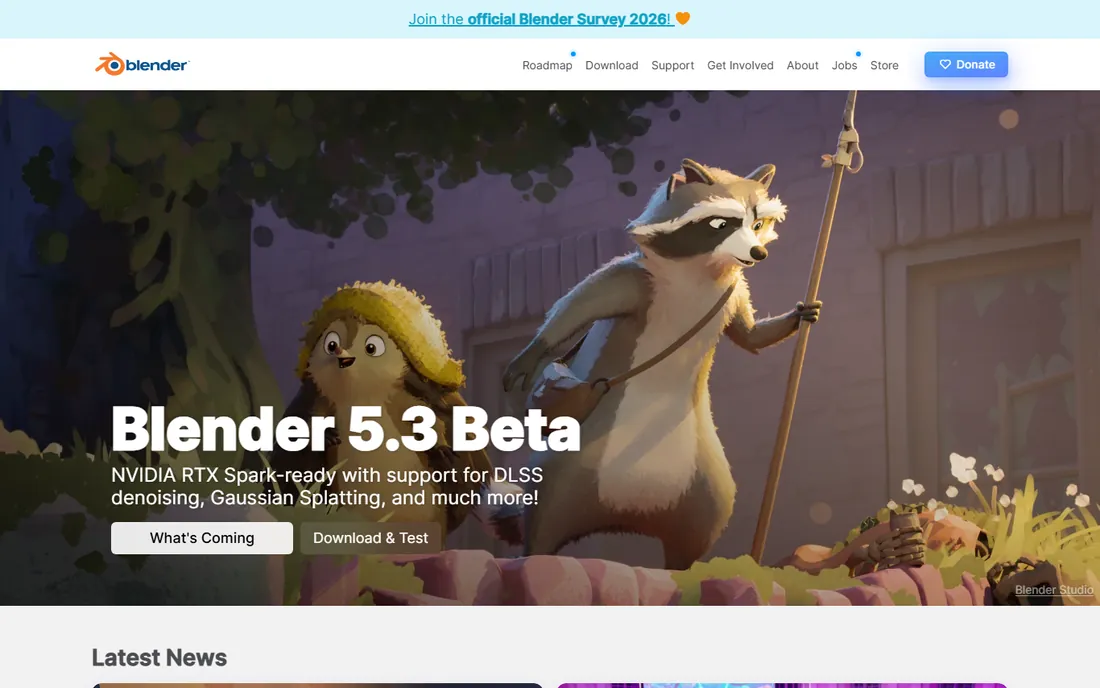
Blender is famous as a 3D suite, but its Video Sequence Editor quietly handles real editing work. Strips on a timeline, transitions, speed control and audio mixing are all present, and sitting next to them are production-grade compositing, motion tracking and color tools. For a creator who animates intros in Blender anyway, cutting the video there too keeps everything in one project.
The catch is focus. The VSE gets a fraction of the development attention the 3D tools receive, so dedicated editing features like advanced trimming and audio finishing are thinner than in Kdenlive. Pick Blender the editor only if you also want Blender the 3D app.
What we like- Full VFX and 3D toolset in one download
- Capable Video Sequence Editor
- Huge tutorial community
Watch out for- The editor is a side feature, not the focus
- Learning the whole app just to cut video is overkill
Starting priceFree (open source)
Free planYes
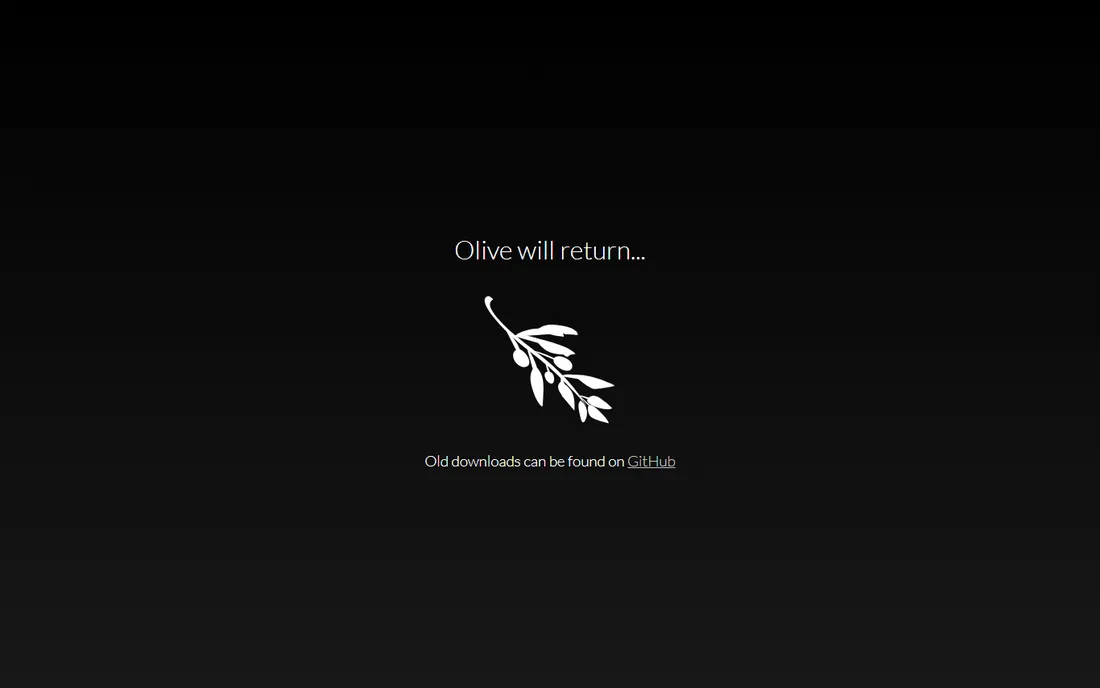
Olive earns its place here on ambition rather than readiness. The project is midway through a full rewrite toward version 0.2, and its own homepage currently reads "Olive will return," pointing visitors to old alpha builds on GitHub. Those alphas were already considered unstable by their own developers.
Do not plan client work around it. When the rewrite lands, the node-based effects workflow could make Olive genuinely interesting. Today it is a project to watch from a distance, and this list would be dishonest without saying so.
What we like- Clean modern interface concept
- Node-based effects planned for the rewrite
Watch out for- Between releases
- Only old alpha builds available
- Not safe for real projects
Starting priceFree (open source)
Free planYes
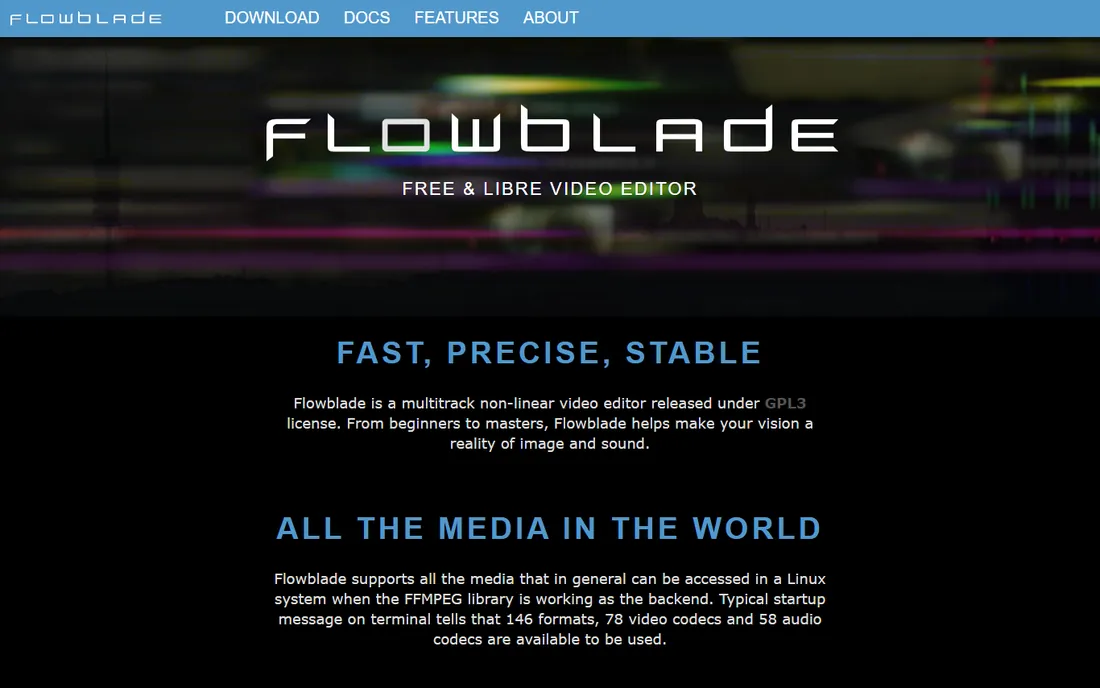
Linux editors who cut long projects tend to become loyal to Flowblade. Its film-style insert model snaps clips together tightly, and the trim tools give frame-level control without fuss. It stays responsive on older hardware where heavier editors crawl, and the MLT foundation means broad format support.
The limits are hard ones: Linux only, and nine combined tracks at most. Documentary or event work with modest track counts fits fine. Anything bigger, or any non-Linux machine, points back to Kdenlive.
What we like- Fast Avid-style insert workflow
- Light on system resources
- Strong trimming tools
Watch out for- Linux only
- Limited to nine combined video and audio tracks
Starting priceFree (open source)
Free planYes
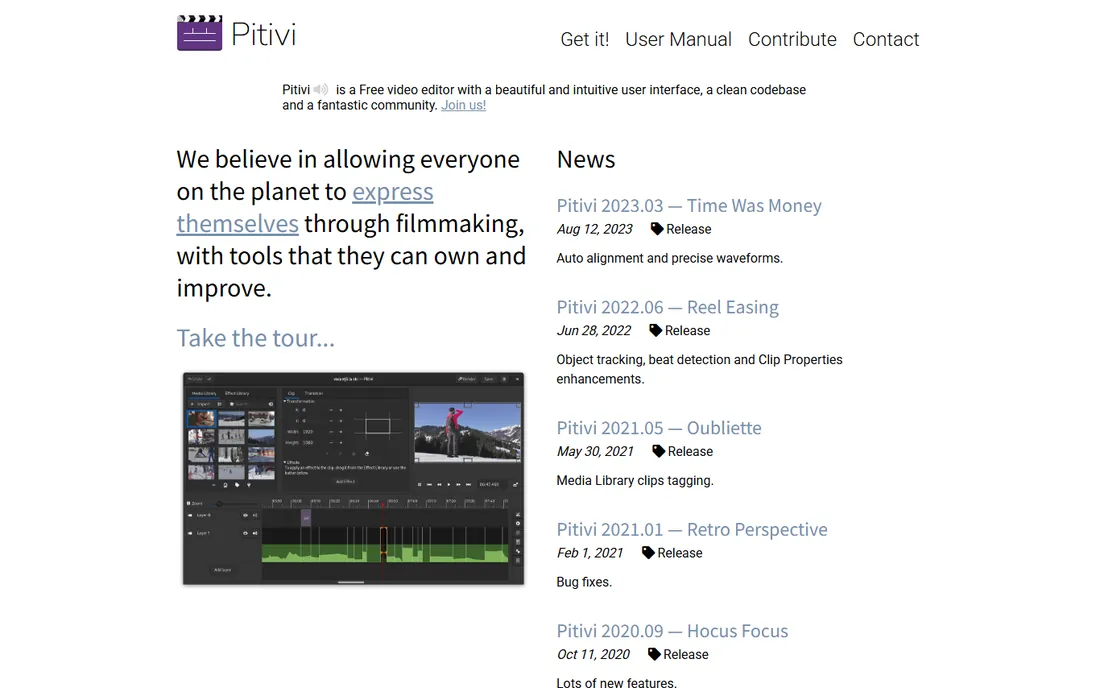
Pitivi is the GNOME desktop's answer to iMovie. The interface is uncluttered, the workflow is obvious, and it handles straightforward jobs, trimming interviews, assembling slideshows, adding titles, without intimidation. For a Linux user who finds Kdenlive overwhelming, it is a comfortable place to begin.
Development moves slowly, with the most recent release dating to 2023, and demanding projects will outgrow it. Take it for what it is: a simple, honest editor for simple jobs, free of charge and free of clutter.
What we like- Clean, approachable interface
- Built on GStreamer
- Gentle on beginners
Watch out for- Linux only
- Slow release cadence, latest release from 2023
Starting priceFree (open source)
Free planYes
For sheer depth on Linux, nothing free touches Cinelerra-GG. The 2026 releases support 8K timelines, multicam editing, motion tracking, broadcast-style color grading and hundreds of effects, with new builds landing roughly every month. It is the choice of editors who want professional controls without paying for them.
The price of that depth is the interface, which follows conventions of its own and expects you to learn them. Budget a weekend of tutorials before it feels natural. Technically inclined editors are rewarded; everyone else will be happier in Kdenlive or Pitivi.
What we like- 8K timelines and deep effects set
- Monthly releases
- Strong format support
Watch out for- Linux only
- Idiosyncratic interface with a real learning curve
Starting priceFree (open source)
Free planYes
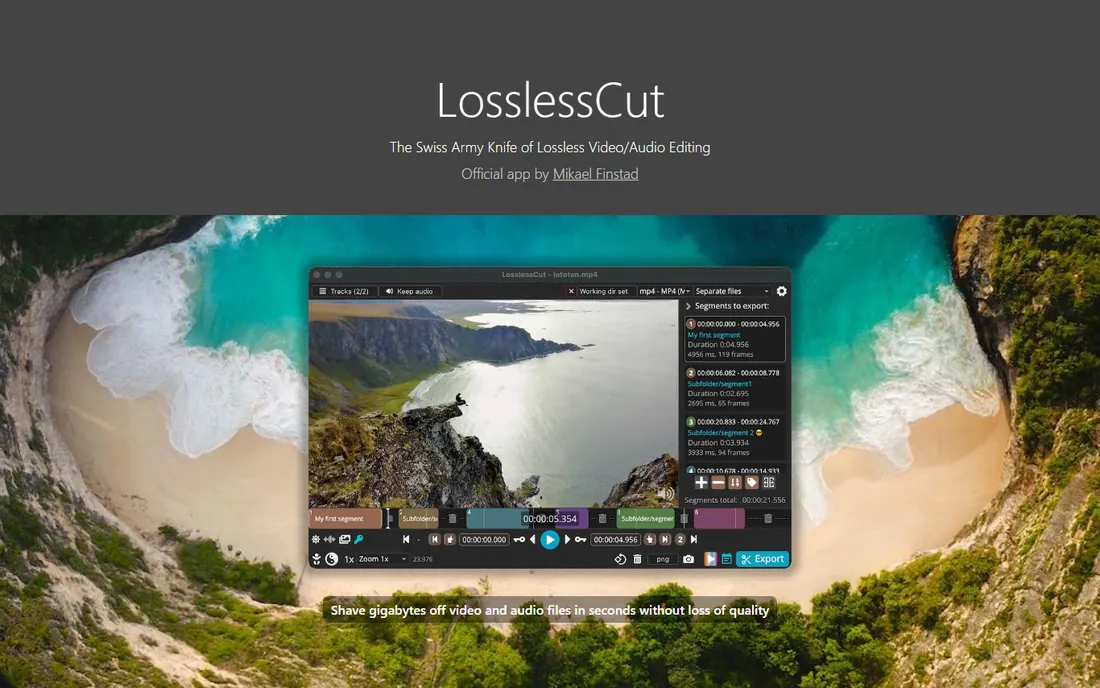
LosslessCut does one thing brilliantly. Because it copies the data stream instead of re-encoding, a trim that takes an hour in a normal editor finishes in seconds, with no generational quality loss. It is perfect for rough-cutting camera or drone footage before the real edit, or for extracting clips from long recordings.
It is a utility, not an NLE. There is no effects stack and no proper timeline, and cut points snap to the nearest keyframe, which can shift your edit by a fraction of a second. Use it as the first step in a workflow, not the whole workflow.
What we like- Cuts in seconds with zero quality loss
- Tiny and portable
- Shows the exact FFmpeg commands it runs
Watch out for- No real timeline or effects
- Cuts snap to keyframes
Starting priceFree (open source)
Free planYes

Avidemux is the veteran of quick jobs. Open a file, mark the start and end points, apply a filter or two, choose an output format, save. It also scripts well, which makes it handy for batch-converting archives of old footage to modern codecs.
The project shows its age. The main site has thinned down to mirror links, the interface belongs to another era, and there is no multitrack timeline at all. For simple processing it remains dependable, but it is not a place to edit a project.
What we like- Tiny and fast
- Good scripting for batch jobs
- Simple cutting workflow
Watch out for- Official site now mostly points to mirrors
- Dated interface
- No multitrack timeline
How we chose
We started from each project's own site and documentation, checking release activity, platform support and license terms. We cross-checked real-world reports on Reddit, G2 and Capterra where they existed, and weighted the list toward tools a small business could actually depend on: maintained code, honest limitations and no hidden costs. Anything that had clearly died, or that was proprietary software wearing an open-source costume, was left out.
What to check before you commit to a free editor
Match the platform first
Three picks here are Linux-only: Flowblade, Pitivi and Cinelerra-GG. That is fine if your editing machine runs Linux, and a problem otherwise. The cross-platform tools, Kdenlive, Shotcut, OpenShot, Blender and LosslessCut, cover Windows and Mac as well.
Check the release date
Open-source projects live or die by maintenance. Cinelerra-GG ships monthly and Kdenlive and Shotcut release several times a year, which is healthy. Pitivi's latest release is from 2023 and Olive is mid-rewrite, so go in with eyes open.
Know what "free" covers
Every tool here is free to download and free for commercial work under its license. Nobody here charges per seat or locks exports behind a paywall. The real cost is your time learning the tool, which is why matching the editor to the job matters more than matching it to a price of zero.
Where free editors still trail the paid ones
Honesty requires the other side. Paid editors generally offer better collaboration features, formal support channels and smoother handling of proprietary camera formats. Their interfaces also tend to be more consistent, since a product team, not volunteers, sweats the details.
None of that matters much for a solo creator or a small team cutting marketing videos. It starts to matter when three editors share projects, when deadlines are immovable, or when you need someone to call at midnight. Weigh that against a subscription bill that never ends, and pick accordingly.
Frequently asked questions
Is open-source video editing software really free for commercial use?
Yes. The GPL and LGPL licenses used by these tools allow commercial use without payment. You can cut client videos, course content and ads with them. What the licenses require is that if you modify and distribute the software itself, you share those changes under the same terms.
Which open-source editor is easiest for a beginner?
OpenShot, by a clear margin. Its interface shows everything you need and little you do not, and a first finished video takes about an hour. Shotcut is the next step up once you want more control.
Can these editors handle 4K footage?
Yes, with the right approach. Kdenlive's proxy workflow and Shotcut's native editing both handle 4K on modest hardware. LosslessCut trims 4K files in seconds since it never re-encodes. As always, more RAM and a decent GPU help.
Is DaVinci Resolve open source?
No. Resolve has a generous free tier, but it is proprietary software owned by Blackmagic Design. It does not belong on an open-source list, which is why it is not here. If you want free-as-in-beer rather than free-as-in-freedom, it is worth a look separately.
Do any of these run on Mac?
Kdenlive, Shotcut, OpenShot, Blender and LosslessCut all ship macOS builds. Flowblade, Pitivi and Cinelerra-GG are Linux-only, and Olive's old builds covered the major platforms but should not be used for real work right now.
Sources we checked (10)
- https://kdenlive.org
- https://www.shotcut.org/
- https://www.openshot.org/
- https://www.blender.org/
- https://www.olivevideoeditor.org/
- https://jliljebl.github.io/flowblade/
- https://pitivi.org/
- https://www.cinelerra-gg.org/
- https://losslesscut.app/
- http://avidemux.org/
Is your product missing or out of date?
We review this list regularly. Vendors can request a listing, send updated pricing or ask about featured placement.

Shihab Mia · Founder, Rankite
Shihab has spent more than a decade helping SaaS and e-commerce brands grow through search. He writes Rankite's software buying guides from pricing pages, documentation and public user reviews. More about Shihab.