How we make this list: we compare pricing pages, product documentation and public user reviews. Rankite is independent; if a vendor ever pays for a featured spot, that listing is clearly labeled Partner.
Key takeaways
- Akaunting reports more than 300,000 users in 100-plus countries and 10 million invoices sent, all on free open source software.
- Odoo Community is 100 percent free, while its Enterprise edition adds apps and services for a per-user price.
- Every tool here is free to self-host; costs appear only if you want cloud hosting or paid support.
- Full ERP suites (ERPNext, Odoo, Dolibarr, Tryton) cover inventory and CRM too; pure accounting tools (GnuCash, Akaunting, LedgerSMB) are simpler.
- Open source means you own your data and code, but you also own setup, backups, and updates unless you pay for hosting.
Quick comparison
| Tool | Best for | Starting price | Free plan |
|---|
 GnuCash GnuCash | Personal and small-business bookkeeping | Free | Yes |
 Odoo Community Odoo Community | Full ERP with accounting included | Free | Yes |
 ERPNext ERPNext | Modern full-featured ERP | Free (self-hosted) | Yes |
 Akaunting Akaunting | Easy online accounting for small business | Free (self-hosted) | Yes |
 Dolibarr Dolibarr | Modular ERP and CRM for SMEs | Free | Yes |
 LedgerSMB LedgerSMB | Solid multi-currency accounting | Free | Yes |
 Tryton Tryton | Modular business software with security focus | Free | Yes |
 FrontAccounting FrontAccounting | Simple web ERP for small companies | Free | Yes |
Is your product missing or out of date?
We review this list regularly. Vendors can request a listing, send updated pricing or ask about featured placement.
The best open source accounting software
Akaunting reports more than 300,000 users across 100-plus countries, with 10 million invoices sent through its free software. That is open source accounting working at real scale, without license fees.
Open source accounting software gives you the source code and, with it, freedom from vendor lock-in, per-user pricing, and data hostage situations. The trade-off is responsibility: you handle installation, updates, and backups, or you pay someone to host it for you. Some tools here are pure accounting; others are full ERP systems with accounting built in.
Here are eight worth comparing.
Starting priceFree
Free planYes
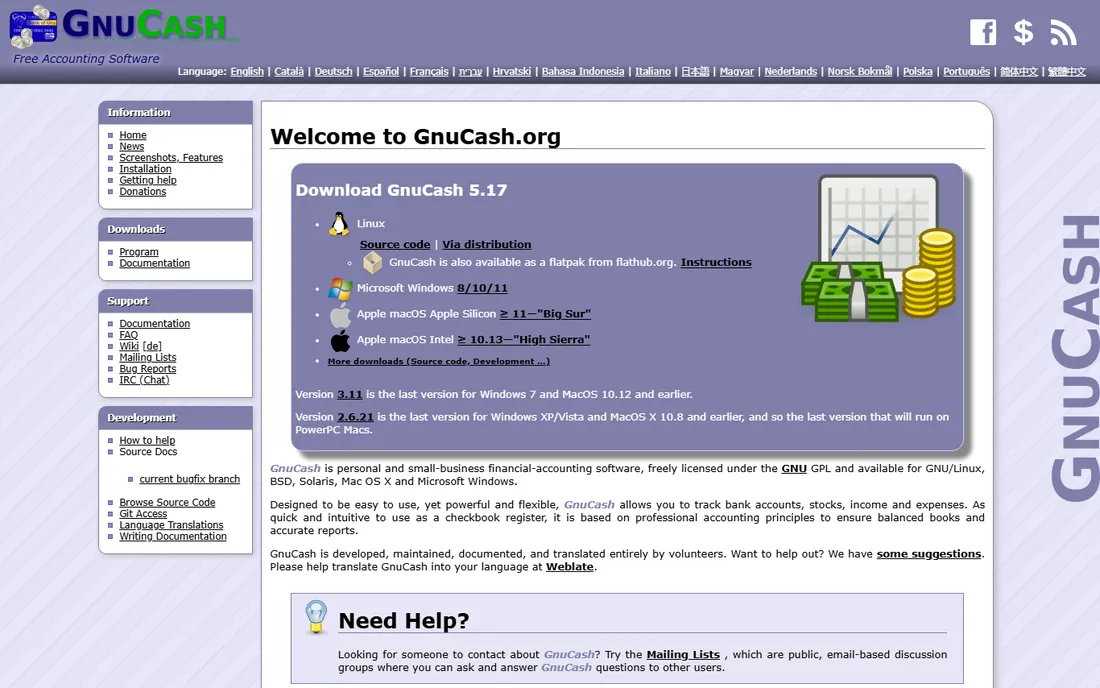
GnuCash is the classic open source accounting program: personal and small-business financial accounting, freely licensed under the GNU GPL. It tracks bank accounts, stocks, income, and expenses with a checkbook-style register backed by professional double-entry principles, so your books stay balanced and reports stay accurate.
Features include stock and mutual fund accounts, small-business invoicing, scheduled transactions, financial calculations, and QIF/OFX import with transaction matching. It is developed, maintained, documented, and translated entirely by volunteers. For a freelancer or tiny business that wants desktop accounting without subscriptions, it remains the simplest honest option.
What we like- Truly free under the GPL with no paid tiers
- Double-entry accounting with professional reports
- Runs on Linux, Windows, and macOS
Watch out for- Desktop interface feels dated
- No built-in multi-user or web access
Starting priceFree (self-hosted)
Free planYes
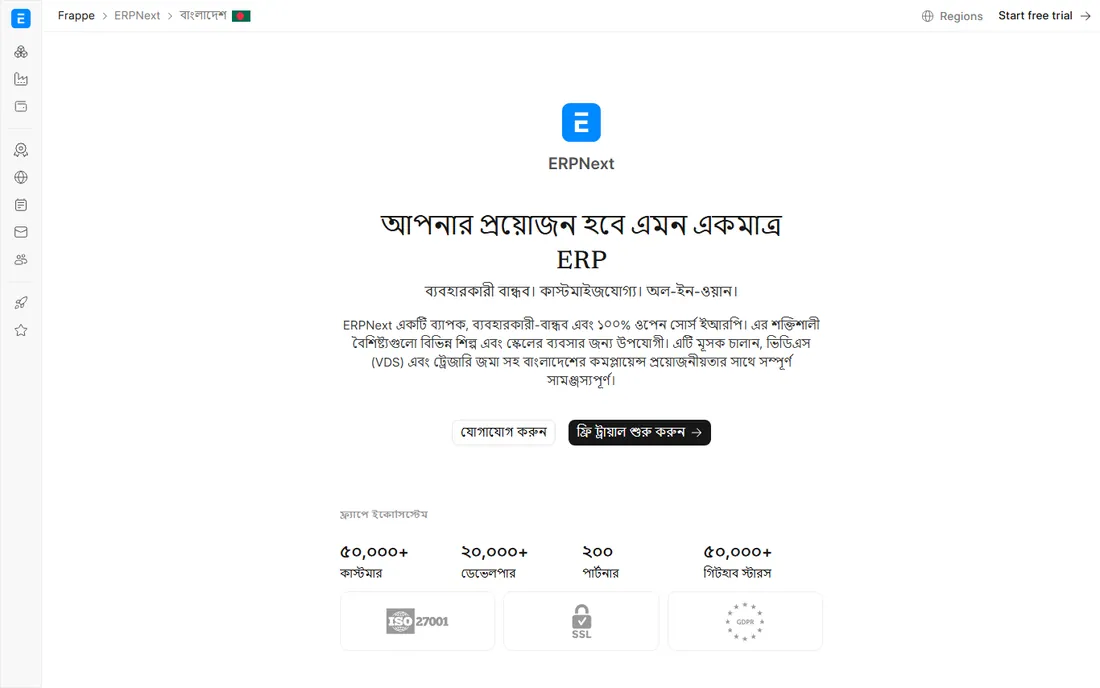
ERPNext is a full open source ERP covering accounting, invoicing, sales, procurement, stock, manufacturing, projects, POS, HR, and payroll. The project states plainly that nothing is hidden behind paywalls: everything is yours to use, modify, or resell. Over 30,000 companies have adopted it.
Accounting features include multi-subsidiary and multi-currency support, general ledger, payables and receivables, financial statements, fixed assets, and global tax and compliance. There is no per-user fee, so costs do not grow with headcount; optional Frappe Cloud hosting starts at $14 a month. It suits businesses that want a modern ERP without enterprise software prices.
What we like- 100 percent open source with no features behind paywalls
- 30,000-plus companies adopted
- No per-user pricing
Watch out for- ERP complexity needs real implementation effort
- Optional hosting starts at $14 a month
Starting priceFree (self-hosted)
Free planYes
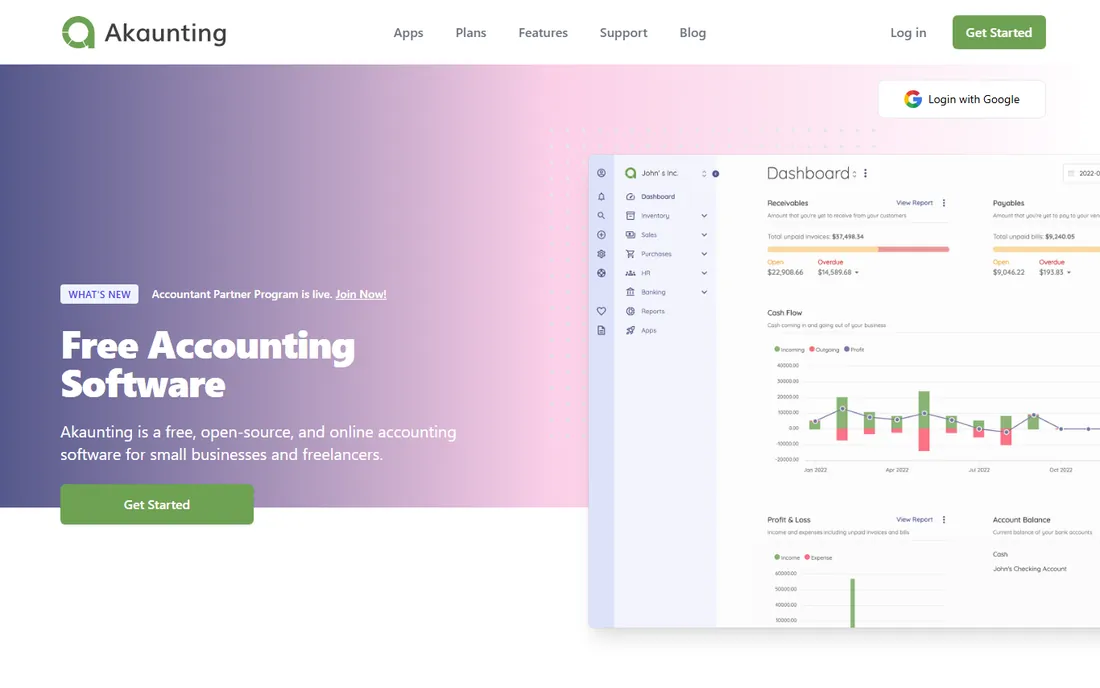
Akaunting is free, open source accounting software for small businesses, built as a web application you can access from any device. It handles invoicing, expense tracking, cash flow, and transaction categories, with professional invoices that help you get paid faster. The project reports over 300,000 users in 100-plus countries.
The self-hosted version is free in both price and freedom, with source code available. Being open source means your financial data stays private on your own server. Volunteers have translated it into more than 50 languages. For small businesses that want a modern web accounting tool with zero license cost, it is the easiest starting point here.
What we like- Completely free self-hosted version with source code
- 10 million-plus invoices sent
- Translated into 50-plus languages
Watch out for- Self-hosting needs PHP hosting setup
- Premium apps cost extra
Starting priceFree
Free planYes
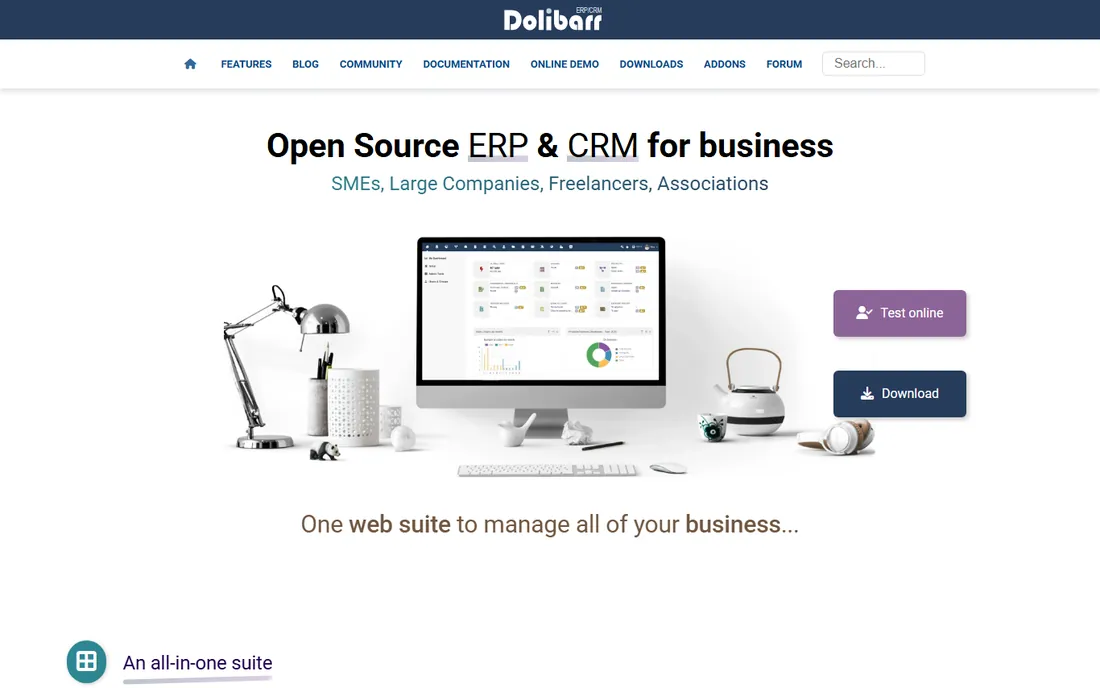
Dolibarr is an open source ERP and CRM web suite for SMEs, freelancers, and associations. Its modular design means you enable only what you need: accounting, CRM, HR, POS, website, and more, all integrated without double entry. A marketplace offers thousands of external add-ons, and a low-code Module Builder handles customizations.
It installs on premise or runs as SaaS, with auto-installer packages requiring no technical knowledge. The free open source model draws thousands of developers and translators. For small companies that want one system for accounting plus CRM and basic business management, Dolibarr's modularity keeps it manageable.
What we like- Enable only the modules you need
- Runs on Windows, Mac, Linux, Docker, or as SaaS
- Upgrades never lose data
Watch out for- Interface shows its age
- Accounting depth lags dedicated ERP accounting modules
Starting priceFree
Free planYes
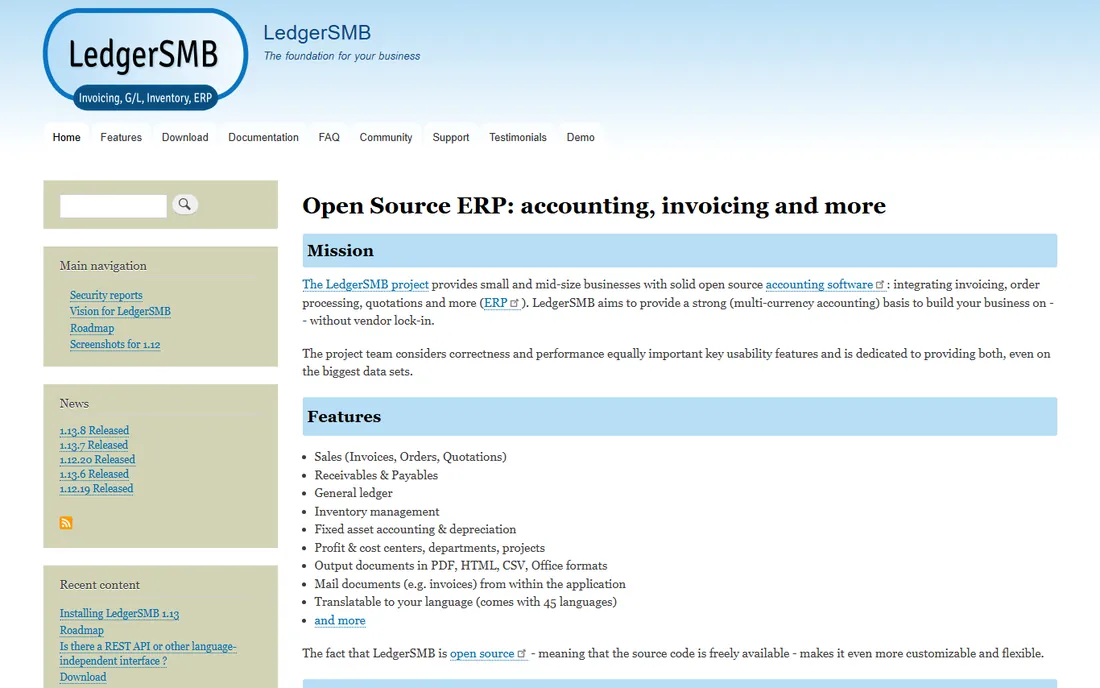
LedgerSMB provides open source accounting and ERP for small and mid-size businesses, with sales, receivables and payables, general ledger, inventory, fixed assets, and profit and cost centers. The project emphasizes correctness and performance equally, and documents real deployments handling 650,000 transactions and growing by 50,000 a month.
Multi-currency support is a strength: balance sheet and GL reports split balances by currency. Documents can be produced in 45 languages, and invoices can be mailed from within the application. The project has been maintained since 2006 as a fork of SQL-Ledger. It fits accountants and businesses that value accounting rigor over slick design.
What we like- Strong multi-currency accounting
- Proven at 650,000-plus transactions in real deployments
- No vendor lock-in
Watch out for- Interface is functional rather than polished
- Implementation suits technically comfortable users
#7
Tryton
Best for: Modular business software with security focus
Visit tryton.org
Starting priceFree
Free planYes
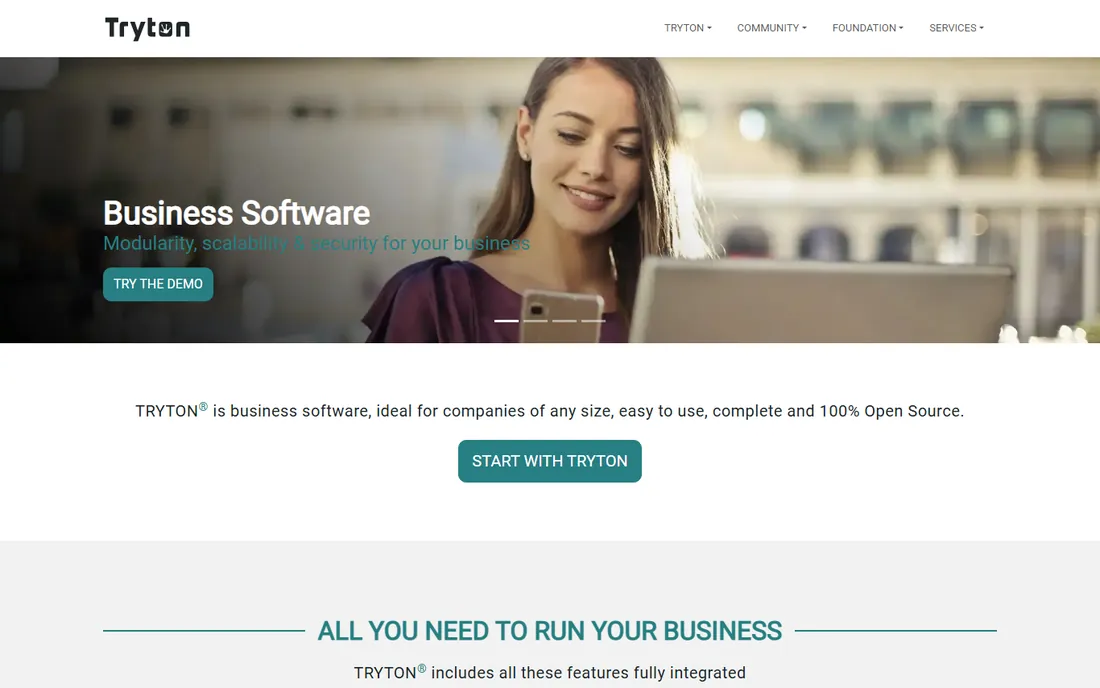
Tryton is open source business software covering financial accounting, sales, inventory, purchasing, supply chain, manufacturing, shipping, projects, and subscriptions, all fully integrated. Modules can be combined as needed, so a small company can start with accounting and add manufacturing or CRM later.
The project takes security seriously, with prompt security releases and CVE handling documented publicly. It runs on a demo server for evaluation, Docker images for deployment, and downloads for self-hosting. For businesses that want modular open source ERP with strong engineering discipline, Tryton is a solid alternative to the bigger names.
What we like- 100 percent open source with modular design
- Financial accounting plus CRM, inventory, and manufacturing
- Active security releases
Watch out for- Smaller community than Odoo or ERPNext
- Fewer ready-made hosting options
Starting priceFree
Free planYes
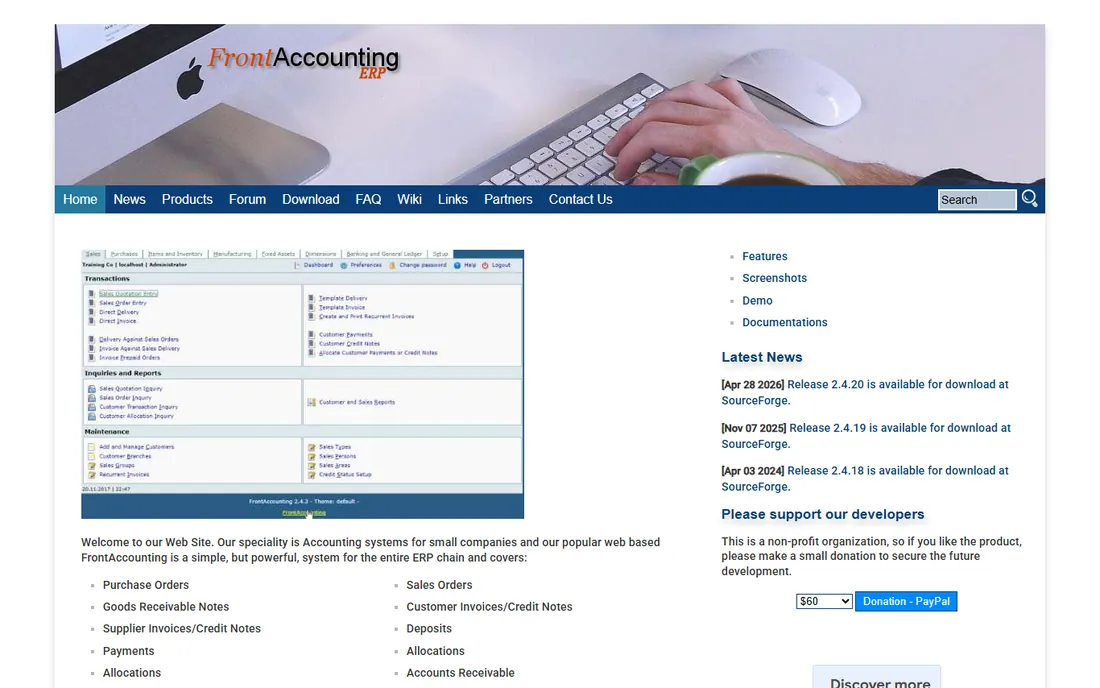
FrontAccounting is a free, GPL-licensed web-based ERP for small companies, covering purchase orders, supplier invoices, payments, inventory, manufacturing, fixed assets, sales orders, customer invoices, general ledger with budgets, multiple companies, languages, and currencies. A demo with a sample company lets you try it before installing.
The journal entry form supports two dimensions per transaction for tracking cost centers, departments, or projects. Its strength is simplicity: small companies can run real accounting and inventory without ERP consultants. The trade-off is a smaller community and slower development than the bigger projects. It fits tiny businesses that want a straightforward free ERP.
What we like- Free under the GPL with a live demo to try
- Covers the full ERP chain from purchasing to general ledger
- Simple enough for non-technical users
Watch out for- Smallest community of the group
- Development pace is slow
How we chose
We compared open source accounting software using official project pages, documentation, and community resources, focusing on accounting depth, licensing terms, ease of setup, community activity, and real-world adoption evidence. We verified that each project's code is openly available and that core accounting features are genuinely free. We did not claim hands-on testing; assessments reflect documented features and reported user experience.
What to consider before choosing open source accounting
Start by deciding whether you need pure accounting or a full ERP. If you only need bookkeeping, invoicing, and reports, GnuCash, Akaunting, or LedgerSMB are simpler. If you also need inventory, CRM, or manufacturing, ERPNext, Odoo Community, Dolibarr, or Tryton cover more ground at the cost of complexity.
Budget for hosting and support, not licenses
The software is free, but running it is not. Self-hosting needs a server, backups, SSL, and someone who can apply updates. Managed hosting options exist: Frappe Cloud for ERPNext from $14 a month, Odoo's own hosting, or Akaunting's cloud service. Compare that against commercial software subscriptions to see if open source actually saves you money.
Check your country's compliance needs
Accounting rules differ by country: tax rates, invoice formats, and reporting requirements. Check whether the tool has a localization for your country before committing. ERPNext offers global tax and compliance out of the box, and most projects have country-specific modules contributed by their communities.
Plan your data migration and backups
Moving from QuickBooks or spreadsheets takes real work: chart of accounts, opening balances, customers, vendors, and historical transactions. Most tools here import CSV, and some have dedicated migration tools. Set up automated backups before you go live; with self-hosted software, nobody else will do it for you.
Why open source accounting is worth the effort
The case is about control. You own the code, the data, and the upgrade schedule. No vendor can raise prices, discontinue your edition, or hold your history hostage. The price is effort: you or your hoster maintain the system. For businesses with technical resources or simple needs, that trade is clearly worth it. For everyone else, the managed hosting options narrow the gap.
Frequently asked questions
Is open source accounting software really free?
Yes, the software itself is free to use under licenses like the GPL. Costs come from hosting, setup, and support if you need them. Self-hosting on your own server costs only your time and infrastructure; managed hosting typically runs $10 to $50 a month depending on the tool.
Can open source accounting software replace QuickBooks?
For many small businesses, yes. Akaunting and GnuCash cover invoicing, expenses, and reporting for simple businesses, while ERPNext and Odoo Community handle inventory and multi-entity needs. The gaps are usually around payroll, bank feed integrations, and country-specific tax features, so check those before switching.
Which open source accounting software is easiest to use?
Akaunting is the easiest for non-technical users, with a modern web interface and templates. GnuCash is simple if you are comfortable with desktop software. ERPNext and Odoo have more features but need more setup and learning.
Is my data safe with open source accounting software?
Your data is as safe as your hosting. Self-hosted open source software keeps data entirely on your servers, which many businesses prefer for privacy. You are responsible for backups, encryption, and updates, so use a reputable hoster or set up automated backups.
Do open source accounting tools support multiple currencies?
Most do. LedgerSMB has particularly strong multi-currency accounting, and ERPNext, Dolibarr, and FrontAccounting all support multiple currencies. GnuCash handles foreign currency accounts as well. Check the specific features if you invoice in several currencies regularly.
Can I get support for open source accounting software?
Yes. Most projects have community forums and documentation, and several offer paid support: Odoo and ERPNext have partner networks, and many independent consultants specialize in these tools. Paid support typically costs far less than commercial software licenses.
Sources we checked (8)
- https://gnucash.org/
- https://www.odoo.com/
- https://erpnext.com/
- https://akaunting.com/
- https://dolibarr.org/
- https://ledgersmb.org/
- https://tryton.org/
- https://frontaccounting.com/
Is your product missing or out of date?
We review this list regularly. Vendors can request a listing, send updated pricing or ask about featured placement.

Shihab Mia · Founder, Rankite
Shihab has spent more than a decade helping SaaS and e-commerce brands grow through search. He writes Rankite's software buying guides from pricing pages, documentation and public user reviews. More about Shihab.