How we make this list: we compare pricing pages, product documentation and public user reviews. Rankite is independent; if a vendor ever pays for a featured spot, that listing is clearly labeled Partner.
Key takeaways
- Microsoft 365 ($12.50/user/month for Business Standard) remains the default for businesses that live in Word, Excel and Teams; nothing else matches its depth.
- Google Workspace ($7/user/month for Business Starter) wins for browser-first teams that value simple sharing and zero installs.
- Zoho Workplace ($3/user/month) is the budget SaaS pick with email, docs and chat bundled.
- LibreOffice, WPS Office, FreeOffice and Apache OpenOffice are free forever; ONLYOFFICE adds self-hosted collaboration for privacy-minded teams.
Quick comparison
| Tool | Best for | Starting price | Free plan |
|---|
 Microsoft 365 Microsoft 365 | Businesses that run on Word, Excel, PowerPoint and Teams | $6/user/month (Business Basic); $12.50/user/month (Business Standard, annual) | Free trial (1 month) |
 Google Workspace Google Workspace | Teams that work in the browser and share everything | $7/user/month (Business Starter, annual) | Free trial (14 days) |
 Zoho Workplace Zoho Workplace | Small businesses wanting bundled email, docs and chat at the lowest SaaS price | $3/user/month (Standard, annual) | Yes |
 LibreOffice LibreOffice | Anyone wanting a free, private, full-featured desktop suite | Free | Yes (completely free, open source) |
 WPS Office WPS Office | Users wanting a free suite that looks and feels like Microsoft Office | Free (premium tier available; see website) | Yes |
 ONLYOFFICE ONLYOFFICE | Teams wanting self-hosted, private document collaboration | Free (desktop and mobile apps); business plans see website | Yes |
 Apple iWork Apple iWork | People and teams all-in on Apple devices | Free (included with Mac, iPhone and iPad) | Yes |
 FreeOffice FreeOffice | Free Microsoft-compatible office software for business use | Free | Yes (free for personal and business use) |
 Apache OpenOffice Apache OpenOffice | Basic document needs on a completely free, no-strings suite | Free | Yes |
Is your product missing or out of date?
We review this list regularly. Vendors can request a listing, send updated pricing or ask about featured placement.
The best office software
Nobody buys office software for fun. You buy it because the business needs documents, spreadsheets and presentations that open correctly everywhere, and because the wrong choice means years of file-format headaches. The good news: the market has settled into clear tiers, and the free options have never been better. These nine suites cover every realistic choice, from the two giants to the free tools that quietly run millions of desktops.
#1
Microsoft 365
Best for: Businesses that run on Word, Excel, PowerPoint and Teams
Visit microsoft.com
Starting price$6/user/month (Business Basic); $12.50/user/month (Business Standard, annual)
Free planFree trial (1 month)
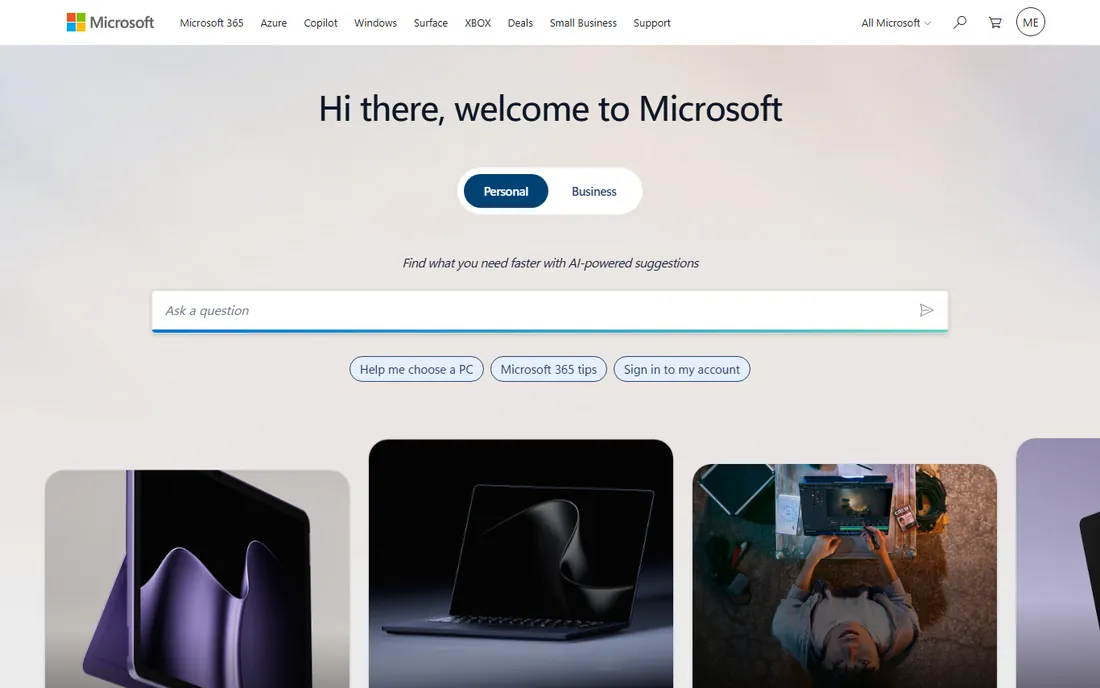
Microsoft 365 is the default business choice for one reason: everyone else uses it. Word, Excel and PowerPoint remain the reference implementations, and Excel in particular does things (Power Query, advanced modeling) that competitors approximate but never match. Business Standard at $12.50 per user per month adds the desktop apps and webinar hosting; Basic at $6 covers web and mobile with Teams and Exchange.
The honest catch is the treadmill. Stop paying and the apps stop working, and a 20-person team pays $3,000 per year for Standard before any add-ons. If your team lives in spreadsheets and client files must open perfectly in Word, pay it. If your work is mostly in the browser, the cheaper options below deserve a look.
What we like- The deepest applications: Excel has no real rival for serious spreadsheet work
- 1 TB OneDrive storage per user
- Teams, Exchange email and desktop plus web plus mobile apps
Watch out for- The price adds up fast per user
- The subscription never ends
- Collaboration still feels bolted on compared to Google's
Starting price$7/user/month (Business Starter, annual)
Free planFree trial (14 days)
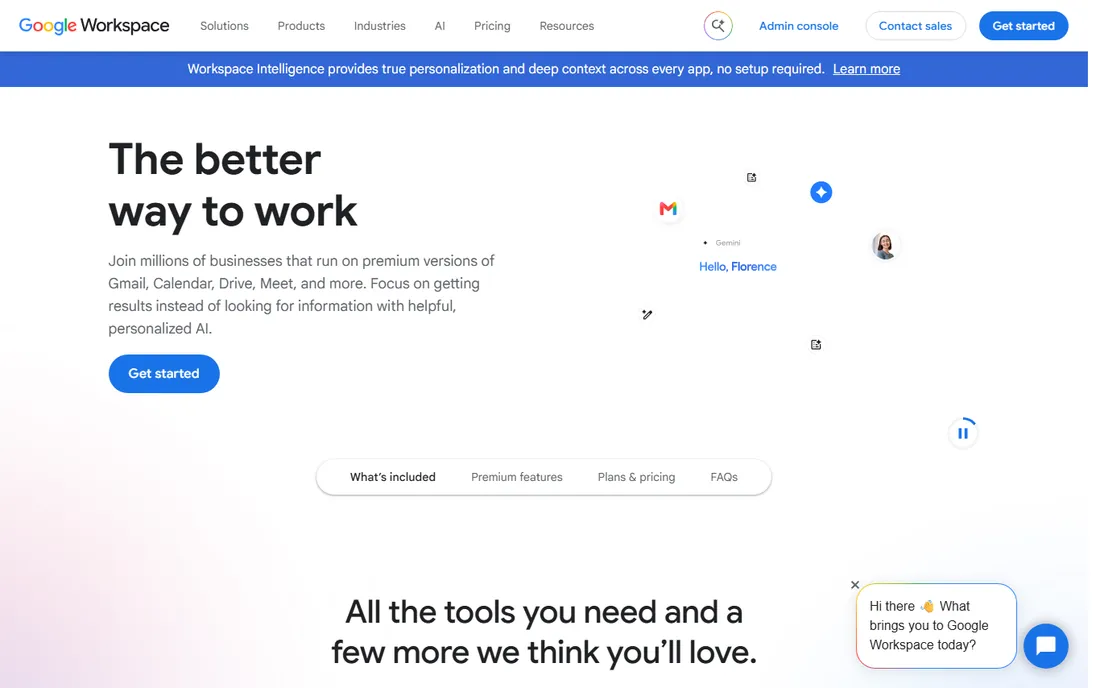
Google Workspace wins on collaboration simplicity. A document is a link, everyone edits at once, comments resolve in threads, and version history saves every keystroke. For teams that write proposals, track projects in Sheets and meet in Google Meet, the $7 per user per month Starter plan is the best value in business software.
The ceiling is Sheets. Power Excel users hit missing functions, slower calculation on big models and formatting drift on complex workbooks. If your business runs on serious spreadsheets, keep Microsoft. If it runs on documents, email and meetings, Workspace is cheaper, simpler and easier to administer.
What we like- The smoothest real-time collaboration: sharing a Doc just works
- No installs, no versions, no "which file is current"
- Generous admin controls and 30 GB pooled storage per user on Starter
Watch out for- Docs, Sheets and Slides are thinner than Word and Excel for power users
- Offline work needs setup
- Large Excel models often break in Sheets
#3
Zoho Workplace
Best for: Small businesses wanting bundled email, docs and chat at the lowest SaaS price
Visit zoho.com
Starting price$3/user/month (Standard, annual)
Free planYes
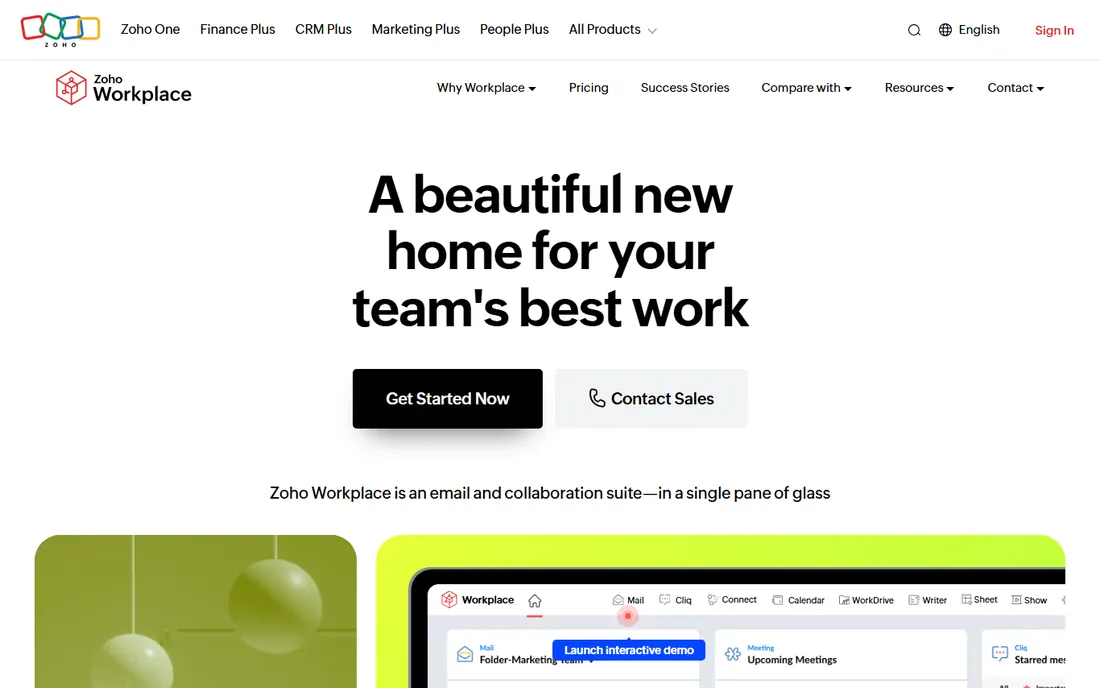
Zoho Workplace is the value play: for less than half of Google's price you get business email, online office apps, team chat and video meetings. The $3 per user per month Standard plan undercuts everything else with a straight face, and companies already on Zoho CRM get a unified stack.
The trade-off is ecosystem gravity. Fewer third-party integrations, fewer templates, and apps that are good rather than great. But for a 10-person company, the math is stark: $360 per year on Zoho versus $840 on Google or $1,500 on Microsoft 365 Standard. If the apps cover your needs, bank the difference.
What we like- The cheapest serious business suite: mail, docs, sheets, slides, chat and video at $3 per user
- Integrates with Zoho CRM and the rest of the Zoho ecosystem
- A real free plan for small teams
Watch out for- Smaller ecosystem means fewer integrations and templates
- The apps trail Microsoft and Google in polish
- Migrating away later takes planning
#4
LibreOffice
Best for: Anyone wanting a free, private, full-featured desktop suite
Visit libreoffice.org
Starting priceFree
Free planYes (completely free, open source)
LibreOffice is the free suite that asks nothing of you: no account, no subscription, no data collection bargain. Writer, Calc and Impress handle the vast majority of real documents, and compatibility with Word and Excel formats is good enough for everyday exchange. It runs on Windows, Mac and Linux, which makes it the universal fallback.
It is unapologetically a desktop product from an earlier era: collaboration is email attachments, the interface will not win converts from Google Docs, and Base (the database tool) is rough. For individuals, nonprofits and businesses that simply need office apps on the desktop without a per-user tax, it remains the honest free choice.
What we like- Completely free with no accounts, no ads and no telemetry pressure
- Six tools including Writer, Calc, Impress, Draw, Base and Math
- Strong Microsoft format compatibility for a free tool
Watch out for- The interface feels dated
- Collaboration means emailing files
- No cloud storage or mobile story worth mentioning
#5
WPS Office
Best for: Users wanting a free suite that looks and feels like Microsoft Office
Visit wps.com
Starting priceFree (premium tier available; see website)
Free planYes
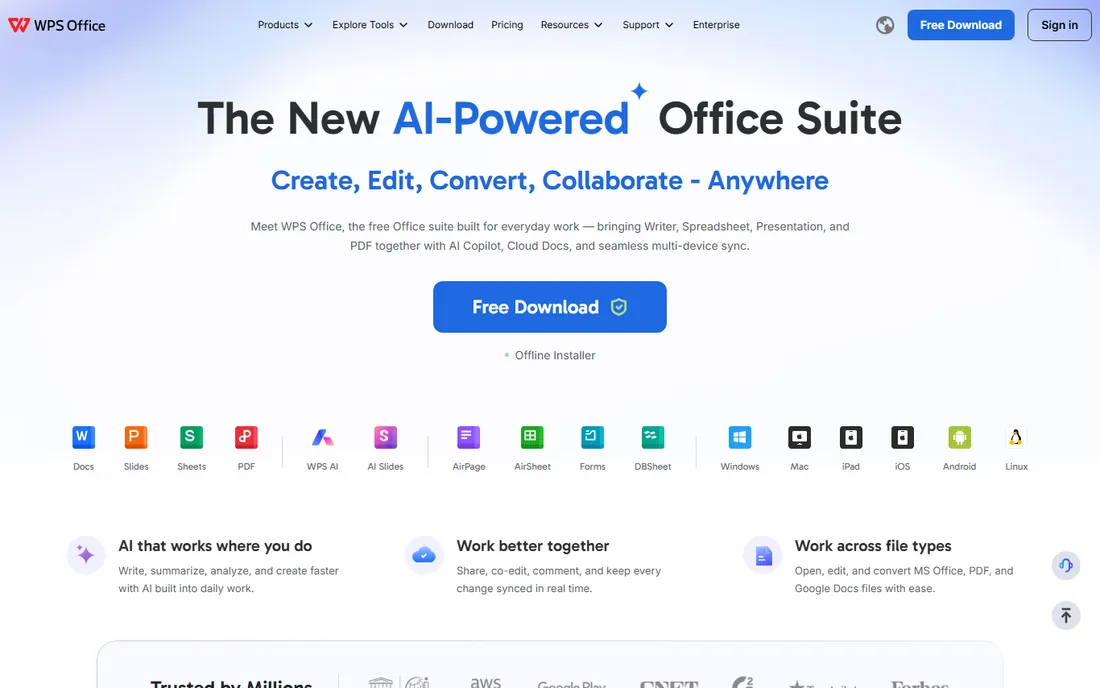
WPS Office is the free suite for people who want Microsoft Office without paying for it. The interface is deliberately familiar, file compatibility with Word, Excel and PowerPoint formats is excellent, and the free tier includes PDF editing and AI writing assistance that competitors charge for. It runs on every platform including Linux and mobile.
The price of free is advertising in the free version and a premium upsell for the full feature set. Businesses handling sensitive documents should review the privacy terms. For students, home users and small shops that want the Microsoft feel at zero cost, it is the most polished free option.
What we like- Free tier covers Writer, Spreadsheet, Presentation and PDF tools
- The interface closely mirrors Microsoft Office, so the learning curve is near zero
- Built-in AI writing and PDF features
Watch out for- The free version shows ads
- Premium features sit behind a subscription
- Privacy-conscious users should read the data policy
#6
ONLYOFFICE
Best for: Teams wanting self-hosted, private document collaboration
Visit onlyoffice.com
Starting priceFree (desktop and mobile apps); business plans see website
Free planYes
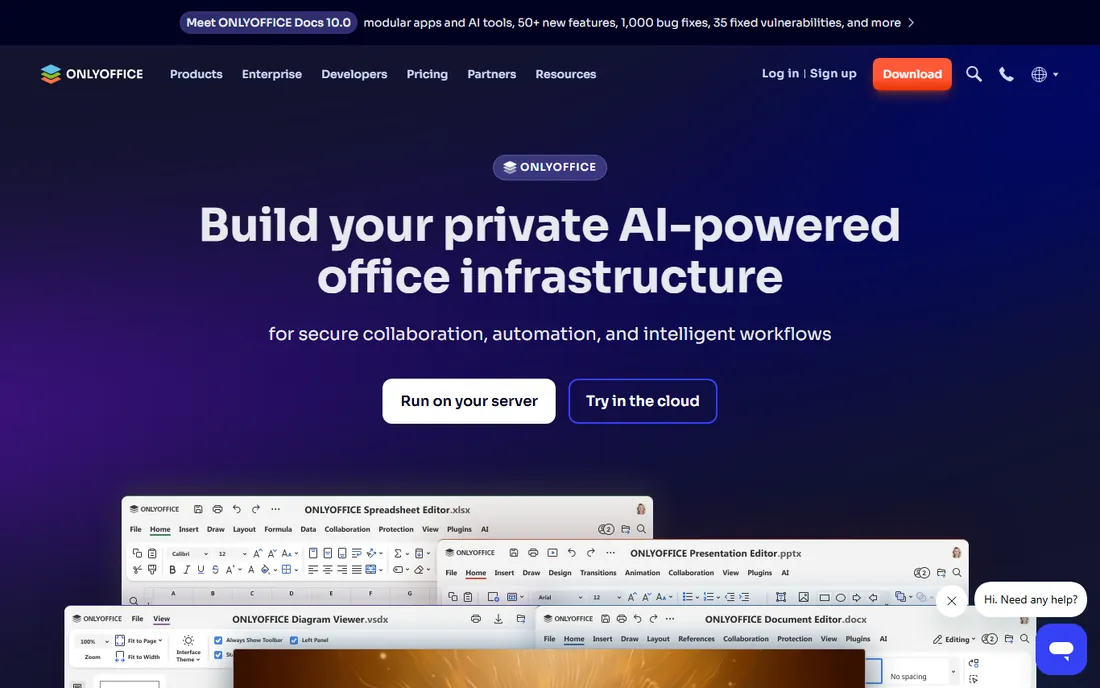
ONLYOFFICE occupies a distinctive niche: a web-based office suite you can host yourself, with document fidelity to Microsoft formats that embarrasses Google Docs. Teams that cannot put documents on US clouds (for regulatory, client or philosophical reasons) get real-time collaboration on their own infrastructure.
The desktop and mobile editors are free and genuinely good. The catch is operational: self-hosting means you manage updates, backups and uptime, and the paid collaboration features add cost. For privacy-regulated businesses and open-source-friendly IT departments, it is the serious alternative to the giants.
What we like- The best Microsoft format compatibility of any web-based editor
- Self-hosting keeps documents on your own servers
- Free desktop and mobile apps with no account needed
Watch out for- The ecosystem is smaller than Microsoft or Google
- Advanced collaboration features need the paid workspace
- Setup for self-hosting needs technical skill
#7
Apple iWork
Best for: People and teams all-in on Apple devices
Visit apple.com
Starting priceFree (included with Mac, iPhone and iPad)
Free planYes
If your whole team uses Macs, iWork is free and excellent. Pages produces beautiful documents, Numbers handles everyday spreadsheets elegantly, and Keynote remains the presentation tool other apps imitate. iCloud sharing covers collaboration basics, and the price cannot be beaten.
Outside Apple hardware the story collapses: the iCloud web versions are functional but second-class, and Numbers is not a spreadsheet for finance teams. This is a perk of the ecosystem, not a reason to choose it. Mixed-device businesses should pick a cross-platform suite.
What we like- Free with every Apple device
- Pages, Numbers and Keynote are genuinely well designed, and Keynote is arguably the best presentation app anywhere
- ICloud collaboration works well
Watch out for- Only makes sense inside the Apple ecosystem
- Numbers trails Excel badly for serious work
- Windows and Android users get a limited web version
#8
FreeOffice
Best for: Free Microsoft-compatible office software for business use
Visit freeoffice.com
Starting priceFree
Free planYes (free for personal and business use)
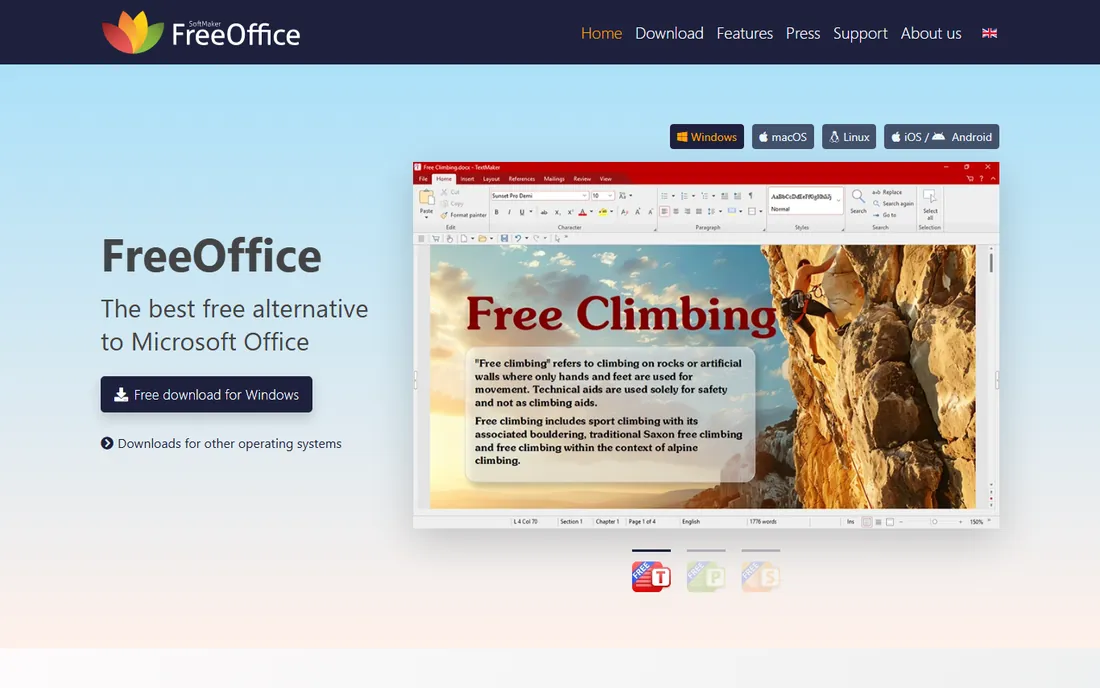
FreeOffice deserves attention for one unusual reason: it is free for business use, explicitly. Most free suites are free for personal use with business licenses paid; SoftMaker's FreeOffice covers TextMaker, PlanMaker and Presentations for commercial use at zero cost. Format compatibility with Word, Excel and PowerPoint is excellent because it shares the engine with the paid SoftMaker Office.
It is a desktop suite, so collaboration means files, not links. Businesses that need cloud co-editing should look at Microsoft, Google or ONLYOFFICE. For cost-conscious companies that work in files and want a free, legal, business-licensed suite, this is the pick.
What we like- Free for business use, which most free suites restrict
- Excellent Microsoft format fidelity from the SoftMaker engine
- Lightweight and fast on older hardware
Watch out for- No cloud collaboration to speak of
- Fewer features than SoftMaker's paid Office
- The interface is functional rather than inspiring
#9
Apache OpenOffice
Best for: Basic document needs on a completely free, no-strings suite
Visit openoffice.org
Starting priceFree
Free planYes
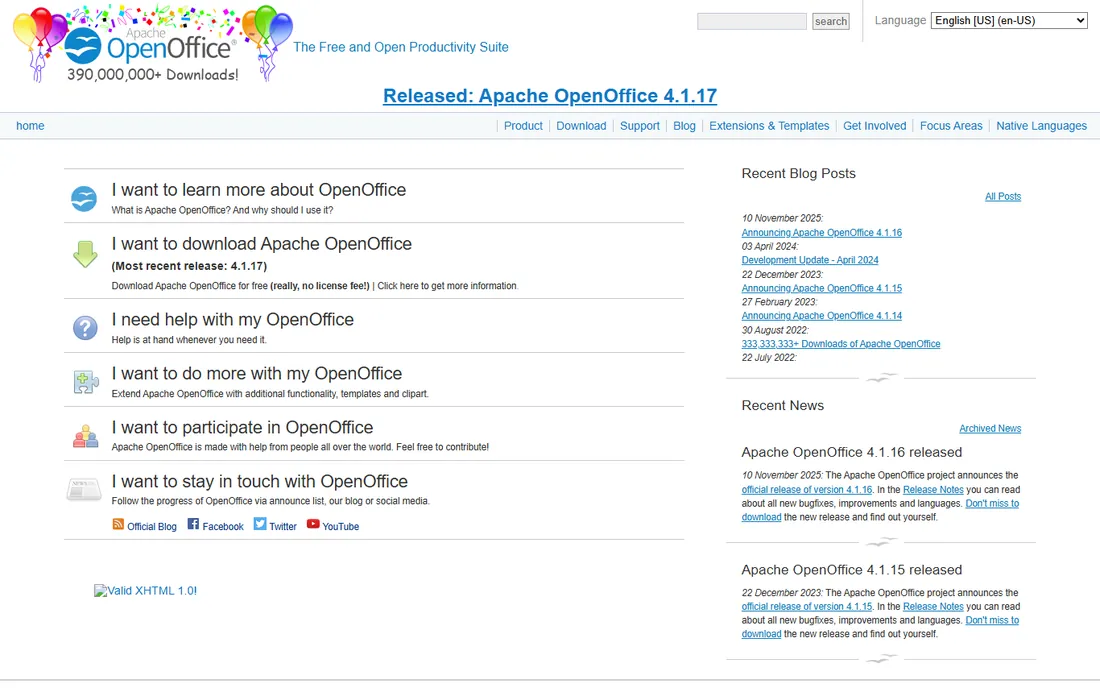
Apache OpenOffice is the grandparent of free office suites, and it still works for basic needs. Writer, Calc and Impress open and save Microsoft formats, and for straightforward documents it does the job without costing a cent or asking for an account.
Honesty requires the caveat: active development has slowed dramatically, and LibreOffice (its sibling project) has pulled ahead in features, compatibility and polish. New users should choose LibreOffice first. OpenOffice remains here for the millions of existing installations and anyone who prefers its classic approach.
What we like- Free and open source with no accounts or upsells
- Handles everyday documents, spreadsheets and presentations
- Huge historical user base means answers exist for every question
Watch out for- Development has slowed to a crawl
- The interface and format compatibility lag LibreOffice
- No meaningful cloud or mobile story
Desktop suite or cloud suite: the real decision
The nine tools split into two philosophies, and most buyers should decide this before comparing features. Cloud suites (Microsoft 365, Google Workspace, Zoho Workplace) put collaboration first: documents are links, everyone edits together, and IT administers users instead of installs. The cost is perpetual and per-user, and your documents live on someone else's servers.
Desktop suites (LibreOffice, WPS, FreeOffice, OpenOffice, iWork, ONLYOFFICE desktop) put ownership first: you install once, files live where you put them, and the price is zero or one-time. The cost is collaboration friction and manual updates. Hybrid teams often land on both: a cloud suite for shared work and a free desktop suite for offline or sensitive documents. There is no wrong answer, only a mismatch with how your team actually works.
How we chose
We covered the suites businesses actually deploy: the two subscription giants, the budget SaaS alternative, the free desktop suites, the self-hosted option and the Apple ecosystem pick. For each we opened the vendor's homepage, confirmed the product is current, and checked published per-user pricing on the vendor's own pages. Where pricing was not published we wrote "See website". Free means free: no trials disguised as free plans.
The switching costs nobody mentions
Changing office suites is cheap in license fees and expensive in everything else. Templates, macros and complex spreadsheets rarely survive migration intact: Excel macros do not run in Sheets or Calc, Word templates with custom styles need rebuilding, and PowerPoint animations translate approximately. Budget a week of cleanup per department, not an afternoon.
The second cost is muscle memory. Keyboard shortcuts, menu locations and dialog behaviors differ just enough to slow everyone down for a month. Pilot with one team before rolling out company-wide, keep the old suite installed during transition, and designate someone to rebuild the ten most-used templates first. The suites are all competent; the migration is where projects fail.
Frequently asked questions
What is the best office software for small business?
Microsoft 365 Business Standard ($12.50/user/month) if you need full Excel and Word compatibility; Google Workspace ($7/user/month) if your team collaborates in the browser; Zoho Workplace ($3/user/month) if budget dominates. All three include business email, which the free suites do not.
Is there a really free alternative to Microsoft Office?
Yes, several. LibreOffice is the most complete free desktop suite, WPS Office mirrors Microsoft's interface the closest, and FreeOffice is explicitly free for business use. All three open and save Word, Excel and PowerPoint formats. None include business email or cloud collaboration at Microsoft's level.
Which is better, Microsoft 365 or Google Workspace?
Microsoft 365 wins on application depth (Excel especially) and offline desktop apps; Google Workspace wins on collaboration simplicity, administration and price. Excel power users should stay on Microsoft. Browser-first teams that share everything usually prefer Google.
Can I use office software offline?
Desktop suites (Microsoft 365 desktop apps, LibreOffice, WPS, FreeOffice) work fully offline. Google Workspace and Zoho Workplace are browser-first but offer offline modes that need setup in advance. If you work on planes or in the field, confirm offline behavior before committing.
What does office software cost per user?
From $0 (LibreOffice, FreeOffice, WPS free tier) to $3 (Zoho), $7 (Google Workspace Starter) and $12.50 (Microsoft 365 Business Standard) per user per month. A 20-person team therefore ranges from $0 to $3,000 per year before add-ons. Price the whole team, not one seat.
Is Apple iWork enough for business?
Inside an all-Apple team, Pages and Keynote are excellent and free. Numbers is fine for everyday spreadsheets but not for finance work, and collaboration with Windows users goes through limited web apps. Mixed-device businesses should choose a cross-platform suite.
Sources we checked (9)
- https://www.microsoft.com
- https://workspace.google.com
- https://www.zoho.com/workplace/
- https://libreoffice.org/
- https://www.wps.com
- https://onlyoffice.com/
- https://www.apple.com
- https://www.freeoffice.com
- https://openoffice.org/
Is your product missing or out of date?
We review this list regularly. Vendors can request a listing, send updated pricing or ask about featured placement.

Shihab Mia · Founder, Rankite
Shihab has spent more than a decade helping SaaS and e-commerce brands grow through search. He writes Rankite's software buying guides from pricing pages, documentation and public user reviews. More about Shihab.