How we make this list: we compare pricing pages, product documentation and public user reviews. Rankite is independent; if a vendor ever pays for a featured spot, that listing is clearly labeled Partner.
Key takeaways
- Topaz Photo AI is the most capable all-round denoiser, but note it moved to a $199 per year subscription model.
- DxO PureRAW 6 is the pick for RAW shooters who want the best pre-processing quality, at $139.99 as a one-time purchase.
- Adobe Lightroom's AI Denoise is the convenient choice if you already subscribe, since it lives inside the editor you use daily.
- Neat Image ($39.90) and Noiseware ($79.95) remain the affordable classic options for photographers who prefer manual control.
- Capture One, Luminar Neo and the Nik Collection bundle denoising with full editing workflows, which suits photographers who want one app.
Quick comparison
| Tool | Best for | Starting price | Free plan |
|---|
 Topaz Photo AI Topaz Photo AI | maximum denoising quality on difficult files | $199/year (subscription) | 30-day free trial |
 DxO PureRAW 6 DxO PureRAW 6 | RAW shooters who want the cleanest starting file | $139.99 (one-time) | 30-day free trial |
 Adobe Lightroom Adobe Lightroom | photographers already in the Adobe ecosystem | $11.99/month (Lightroom plan, 1 TB) | 7-day free trial |
 Neat Image Neat Image | precise manual noise profiling on a budget | $39.90 (Home edition, one-time) | Free demo version |
 Imagenomic Noiseware Imagenomic Noiseware | fast batch denoising inside Photoshop | $79.95 (one-time) | Free trial available |
 ON1 NoNoise AI 2027 ON1 NoNoise AI 2027 | AI denoising with a one-time purchase | $49.99 (one-time) | 30-day free trial |
 Luminar Neo Luminar Neo | creative photographers who want denoise plus AI editing | See website (Skylum runs frequent promotions) | Free trial available |
 Capture One Pro Capture One Pro | studio and tethered photographers who denoise in-app | ~$18/month (annual) or ~$299 perpetual | 30-day free trial |
 DxO Nik Collection 9 DxO Nik Collection 9 | Dfine denoising inside a classic plugin suite | $179.99 (one-time, full collection) | 30-day free trial |
Is your product missing or out of date?
We review this list regularly. Vendors can request a listing, send updated pricing or ask about featured placement.
The best noise reduction software for photography
Starting price$199/year (subscription)
Free plan30-day free trial
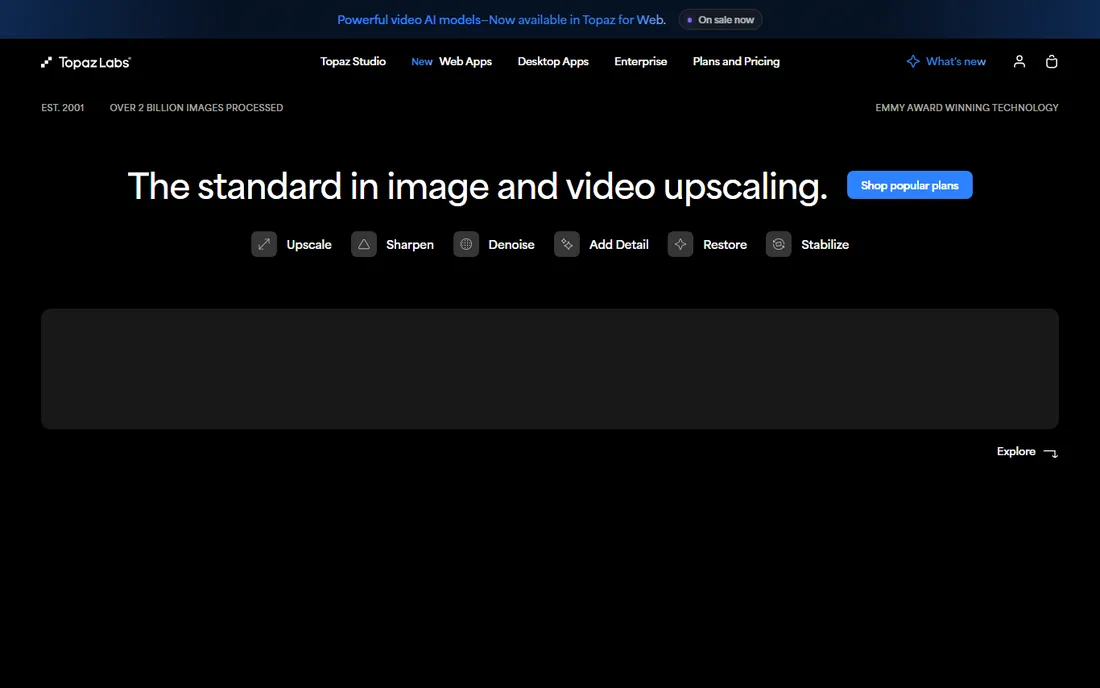
Topaz Photo AI is what most working photographers reach for when a file is genuinely noisy: a dark wedding reception, a stadium at night, wildlife at dawn. Its AI models remove noise while recovering detail that older tools would have blurred into mush, and the same app handles sharpening and upscaling, so problem files get fixed in one pass. It runs standalone or as a plugin for Lightroom, Photoshop and Capture One.
The big change to know about: Topaz moved Photo AI from a one-time purchase to a $199 per year subscription. That stings for photographers who bought into the old model, and it makes the total cost of ownership worth comparing against DxO's perpetual licenses. It is also hungry for GPU power; on an older laptop, expect slow previews. For image quality alone, though, it still sets the bar.
What we like- Class-leading AI denoise, sharpen and upscale in one app
- Handles extreme high-ISO files well
- Works standalone or as a plugin
Watch out for- Moved from perpetual license to subscription
- Demanding on older hardware
- Can over-smooth skin if pushed too hard
#2
DxO PureRAW 6
Best for: RAW shooters who want the cleanest starting file
Visit dxo.com
Starting price$139.99 (one-time)
Free plan30-day free trial
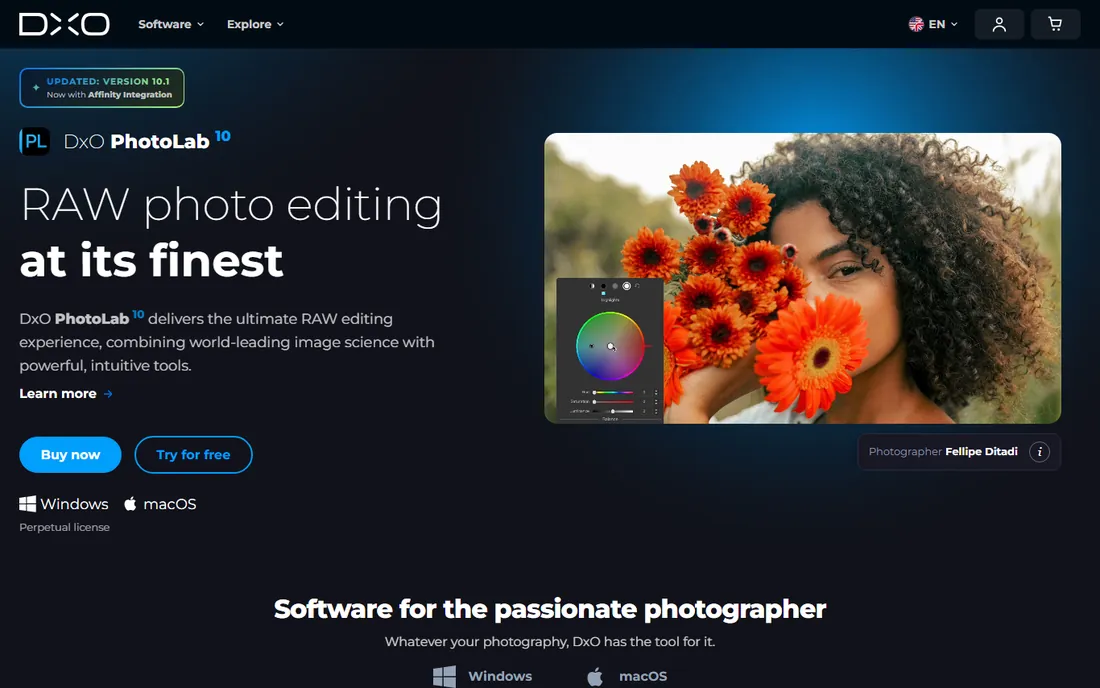
PureRAW does one job: it takes your noisy RAW files and turns them into clean, optically corrected DNGs before your real editing begins. DxO's DeepPRIME technology combines demosaicing and denoising in a single AI step, and on high-ISO RAW files the results are remarkable, with detail retention that rivals or beats anything else here. You then open the DNG in Lightroom, Capture One or whatever you prefer.
That narrow focus is both the strength and the limitation. PureRAW will not touch your JPEGs, and it will not replace your editor. But at $139.99 as a perpetual license ($89.99 upgrade), it is a one-time cost for a permanent upgrade to every RAW file you will ever shoot. For photographers who shoot RAW exclusively, it is the easiest recommendation on this list.
What we like- DeepPRIME AI demosaicing and denoising is superb on RAW
- One-time purchase, no subscription
- Simple workflow: process RAWs, then edit elsewhere
Watch out for- RAW only, no JPEG or TIFF input
- Not a full editor, just a pre-processor
- Slower batch processing than some rivals
#3
Adobe Lightroom
Best for: photographers already in the Adobe ecosystem
Visit adobe.com
Starting price$11.99/month (Lightroom plan, 1 TB)
Free plan7-day free trial
If you already pay for Lightroom, you may not need anything else. Adobe's AI Denoise, introduced a few versions back and steadily improved since, produces results that compete with dedicated tools on most real-world files. It lives inside your normal workflow: right-click, Enhance, Denoise, and you get a cleaned DNG stacked with the original. No round-tripping, no second app.
The Lightroom plan starts at $11.99 per month with 1 TB of cloud storage, or $19.99 per month for the full Photography plan with Photoshop. The honest drawbacks: Denoise generates a new DNG file for every image, which fills drives fast, and batch denoising a wedding is slower than in Topaz or DxO. But for convenience per dollar, nothing beats the tool you already own.
What we like- AI Denoise built into the editor you already use
- Non-destructive workflow with cloud sync
- Denoise quality improved dramatically in recent versions
Watch out for- Subscription only
- Denoise creates a new DNG, which eats storage
- Slower than dedicated apps on large batches
Starting price$39.90 (Home edition, one-time)
Free planFree demo version
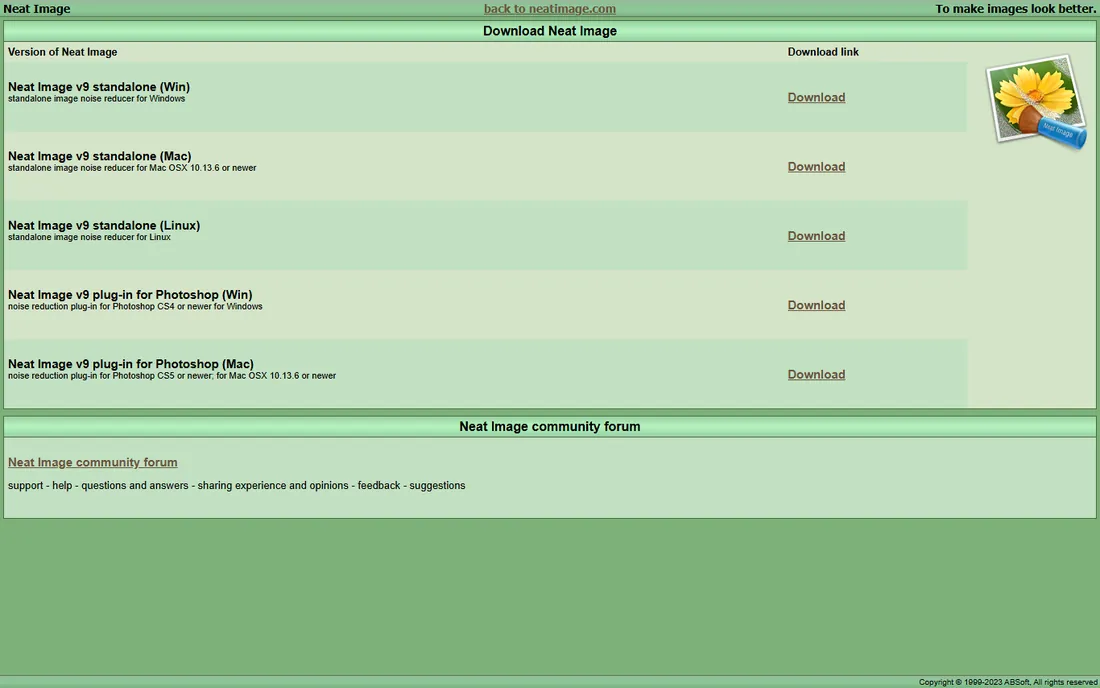
Before AI denoisers existed, Neat Image was the precision instrument: you build a noise profile from a flat area of your image (or download a camera-specific profile), and the tool removes exactly that noise pattern while leaving detail alone. That profiler-based approach still works beautifully on moderate noise, and it gives you control that one-click AI tools do not.
Pricing is refreshingly old-school: $39.90 for the Home edition, $79.90 for Pro, both perpetual licenses, with a free demo to try first. It plugs into Photoshop, Lightroom, Capture One and several other editors. On truly brutal high-ISO files, Topaz and DxO now pull ahead. But for the price of a pizza, Neat Image remains a legitimate tool, not a relic.
What we like- Device noise profiles give precise, controllable results
- Very affordable perpetual licenses
- Available as plugin for Photoshop, Lightroom and others
Watch out for- Older interface
- Manual profiling takes learning
- AI competitors beat it on extreme noise
Starting price$79.95 (one-time)
Free planFree trial available
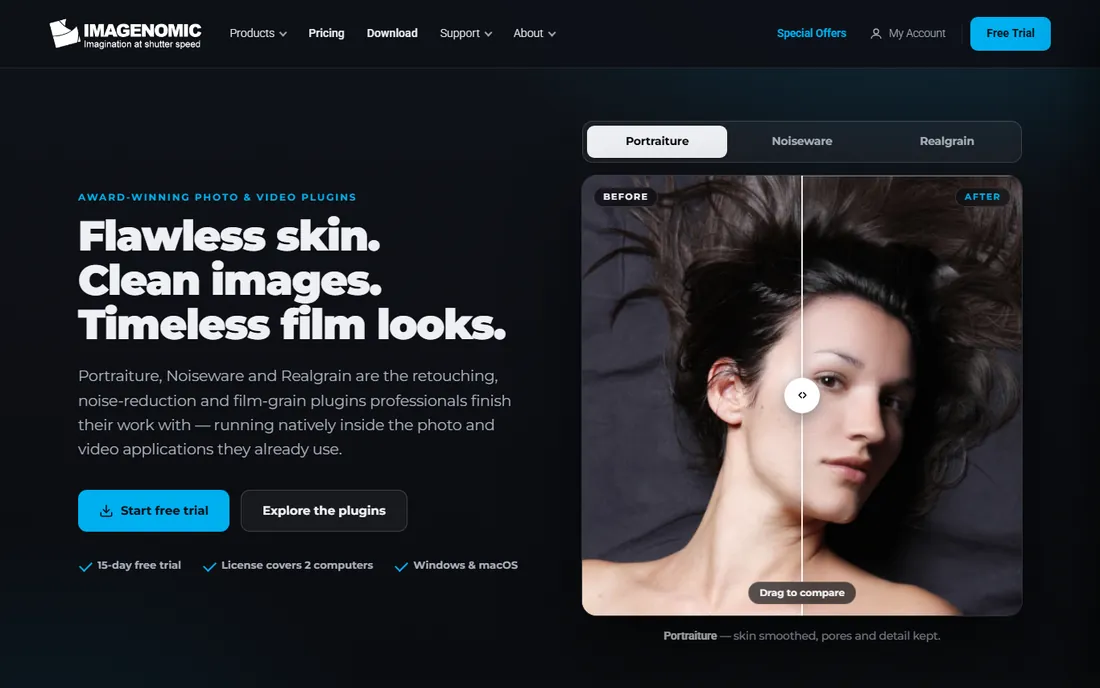
Noiseware has been quietly cleaning up noisy photos inside Photoshop for nearly two decades, and its pitch has not changed: open the plugin, accept the smart defaults or nudge a few sliders, done. It is fast, it is simple, and for event photographers batch-processing hundreds of images, that speed matters more than squeezing the last 5 percent of quality from each file.
The $79.95 one-time license keeps it affordable, and there is a free trial. But be clear-eyed: Noiseware's technology predates the AI wave, and on difficult files the gap shows. This is the tool for photographers who value speed and simplicity inside Photoshop over the highest-end quality.
What we like- Fast, simple Photoshop plugin
- Good default results with minimal tweaking
- One-time purchase
Watch out for- Less advanced than AI competitors
- Development pace is slow
- Tied to Photoshop or compatible hosts
#6
ON1 NoNoise AI 2027
Best for: AI denoising with a one-time purchase
Visit on1.com
Starting price$49.99 (one-time)
Free plan30-day free trial
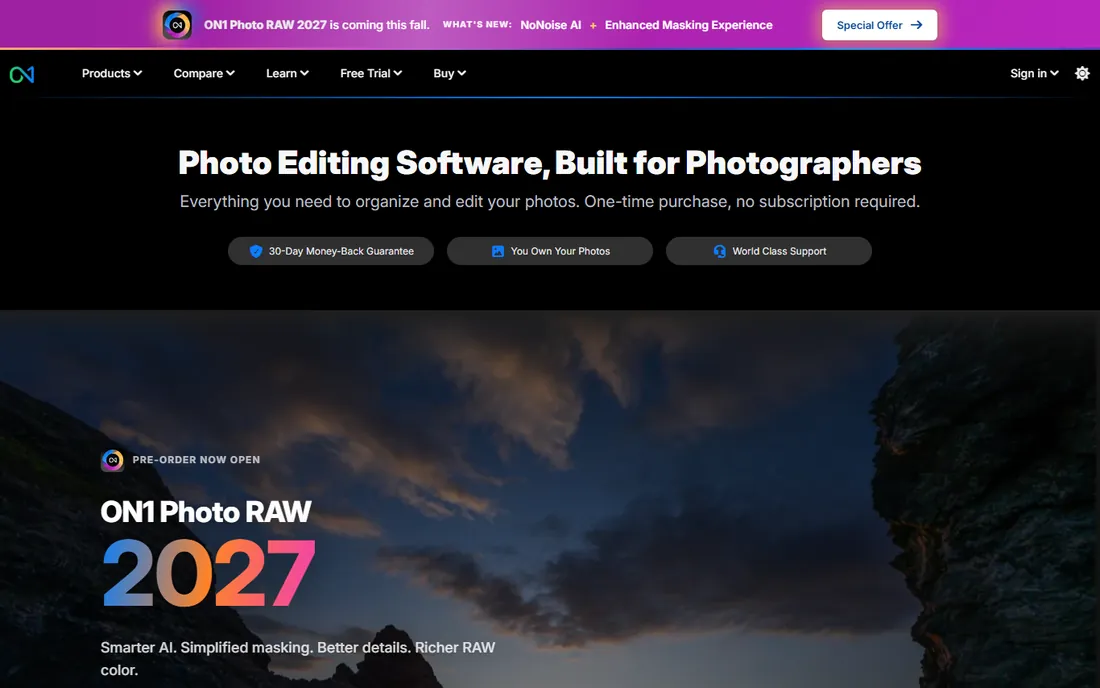
ON1 NoNoise AI exists for photographers who want AI denoising without a subscription. The 2027 version costs $49.99 as a one-time purchase, dramatically less than Topaz's annual fee, and it works standalone or as a plugin for Lightroom, Photoshop, Capture One and Apple Photos. It is also included in ON1 Photo RAW for those who want the full editor.
On easy and moderate noise, it does a fine job. On the truly difficult files where Topaz and DxO earn their money, the difference is visible. ON1 also nudges users toward its subscription suite, which can feel pushy. Still, as a budget AI option with no recurring cost, it fills a real gap in this list.
What we like- AI denoising at a low one-time price
- Also available inside ON1 Photo RAW
- Standalone or plugin
Watch out for- Quality trails Topaz and DxO on hard files
- Smaller company with less frequent AI model updates
- Upsell pressure toward the subscription suite
#7
Luminar Neo
Best for: creative photographers who want denoise plus AI editing
Visit skylum.com
Starting priceSee website (Skylum runs frequent promotions)
Free planFree trial available
Luminar Neo is a full photo editor first and a denoiser second. Its Noiseless AI extension cleans up noise competently, and then you have the whole Skylum toolkit at your disposal: sky replacement, relighting, portrait tools and a stack of creative templates. For photographers who enjoy the editing process itself, that combination is appealing.
Skylum's pricing shifts with frequent promotions, so we list it as "see website" rather than quote a number that may be stale next week. Historically, both perpetual and subscription options have been offered. The denoise quality is solid but a step behind the specialists. Buy Luminar Neo for the creative editor; treat the denoiser as a capable bonus.
What we like- Noiseless AI works well within a full creative editor
- Huge library of AI tools and templates
- Frequent feature updates
Watch out for- Pricing changes often, check the current offer
- Performance can be sluggish
- Denoise quality is good, not class-leading
#8
Capture One Pro
Best for: studio and tethered photographers who denoise in-app
Visit captureone.com
Starting price~$18/month (annual) or ~$299 perpetual
Free plan30-day free trial
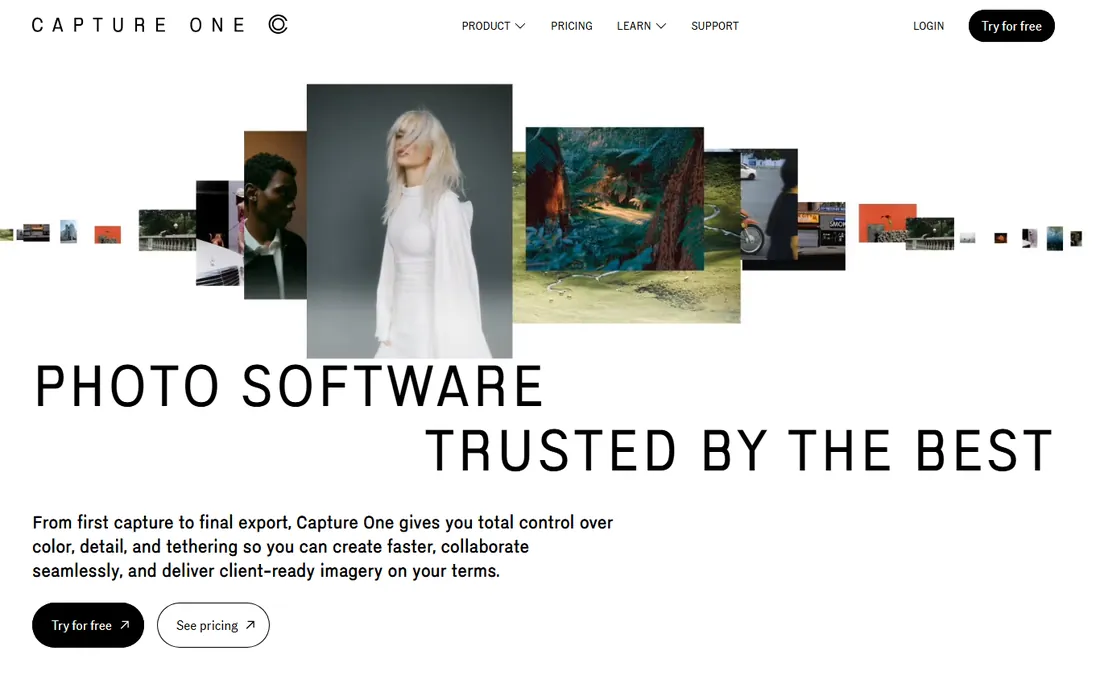
Capture One Pro is the professional's RAW processor, dominant in studios and on tethered shoots, and its built-in noise reduction is part of a superb overall image pipeline. It will not match Topaz on extreme noise, but for the moderate high-ISO work that makes up most professional shooting, its color handling and detail rendering mean you may never need a separate denoiser.
Pricing is at the pro end: around $18 per month on an annual plan or about $299 for a perpetual license. The 30-day trial is generous. Choose Capture One for the whole workflow, tethering, color tools, sessions and catalogs, and consider its noise reduction one competent piece of a larger professional toolkit.
What we like- Excellent RAW processing with built-in noise reduction
- Industry standard for tethered studio shooting
- Perpetual license option still available
Watch out for- Noise reduction is conventional, not AI-driven
- Expensive
- Learning curve for Lightroom converts
#9
DxO Nik Collection 9
Best for: Dfine denoising inside a classic plugin suite
Visit dxo.com
Starting price$179.99 (one-time, full collection)
Free plan30-day free trial
The Nik Collection is the beloved plugin suite DxO rescued and maintains, and Dfine is its denoiser. Dfine's trick is control points: you place them on noisy areas and clean areas separately, getting targeted noise reduction without the global softening that plagues simpler tools. It is a thoughtful, photographer's approach to the problem.
At $179.99 for the full collection as a perpetual license, you are buying eight plugins to get one denoiser, though the others (Silver Efex, Viveza, Color Efex) are genuinely useful. Dfine cannot match Topaz or PureRAW on brutal noise, but for controlled, selective work inside Photoshop or Lightroom, it remains a pleasure to use.
What we like- Dfine offers precise, control-point-based denoising
- Seven other plugins included
- One-time purchase
Watch out for- You pay for the whole suite to get Dfine
- Interface is showing its age
- AI rivals produce better results on extreme noise
How we chose
We did not shoot test charts or run controlled lab comparisons, and we do not claim otherwise. We compared current pricing and licensing terms on each vendor's own site, read documentation on how each denoising engine works, and reviewed public feedback from working photographers on Reddit, DPReview forums, G2 and Capterra, focusing on high-ISO performance, workflow fit and customer support. We weighted real-world results on difficult files over marketing claims, and we treated subscription versus perpetual licensing as a first-class buying factor.
Mistakes to avoid when buying a denoiser
The most common mistake is buying for the worst file you shot last year instead of the files you shoot every week. If 95 percent of your work is at moderate ISO, Lightroom's built-in Denoise or a $40 tool may serve you perfectly, and the extra quality of a specialist only matters on the extremes. Second, do not stack denoisers: running AI denoise in two different apps on the same file usually degrades detail rather than improving it. Pick one stage in your workflow for noise reduction and commit to it.
Third, check the hardware requirements before you buy. Modern AI denoisers lean heavily on your GPU, and an older laptop can turn a one-click process into a coffee break per image. Finally, mind the license model. A $199 per year subscription looks similar to a $140 one-time purchase in year one and very different in year three. Match the license to how long you plan to keep the tool.
What to look for before you buy
Start with your file type. RAW shooters get the most from tools that work early in the pipeline, like DxO PureRAW, because denoising before demosaicing preserves the most detail. JPEG shooters should focus on tools that handle compressed files gracefully. Next, decide where denoising fits your workflow: inside your editor (Lightroom, Capture One), as a plugin, or as a separate pre-processing step. Each hop between apps costs time.
Evaluate on your own worst files, not sample images. Every vendor shows cherry-picked examples; download the trial and run your own high-ISO shots through it. Check batch performance if you shoot volume, and confirm plugin compatibility with your exact editor version. For subscription tools, calculate the three-year cost against perpetual alternatives before committing.
Frequently asked questions
Do I need a separate noise reduction app if I have Lightroom?
Probably not. Lightroom's AI Denoise handles most real-world noise well and lives inside your existing workflow. A dedicated app earns its place only if you regularly shoot at very high ISOs or need the absolute best quality on difficult files.
Is Topaz Photo AI worth the subscription?
For photographers who constantly battle noise, yes: its quality on extreme files remains the benchmark. If you shoot mostly in good light, the $199 per year is hard to justify against cheaper or built-in options.
What is the difference between AI denoisers and classic tools like Neat Image?
Classic tools build a noise profile from your image and subtract that pattern, which gives precise control on moderate noise. AI denoisers use models trained on millions of images to distinguish noise from detail, which works better on severe noise but offers less manual control.
Can noise reduction fix an extremely underexposed photo?
It can improve it, but not rescue it. Denoising removes grain; it cannot restore detail that was never captured or fix the color shifts of a file pushed five stops. Expose correctly first, denoise second.
Should I denoise before or after other edits?
Denoise early, ideally on the RAW file before heavy editing. Sharpening and contrast adjustments amplify noise, so cleaning first gives every later step a better foundation. Avoid denoising twice in different apps.
Sources we checked (14)
- https://www.topazlabs.com/
- https://github.com/ashishpatel26/toolshed/blob/main/topazlabs.com
- https://www.dxo.com/
- https://shop.dxo.com/en/cart/
- https://www.adobe.com/
- https://www.neatimage.net/
- http://www.neatimage.net/
- https://www.imagenomic.com/Products/Noiseware
- https://www.on1.com/
- https://www.on1.com/products/noise-reduction/
- https://skylum.com/luminar-neo
- https://github.com/richardhicks/richardhicks-blog/blob/main/upcoming-luminar-neo-update.md
- https://www.captureone.com/
- https://en.wikipedia.org/wiki/Capture_One
Is your product missing or out of date?
We review this list regularly. Vendors can request a listing, send updated pricing or ask about featured placement.

Shihab Mia · Founder, Rankite
Shihab has spent more than a decade helping SaaS and e-commerce brands grow through search. He writes Rankite's software buying guides from pricing pages, documentation and public user reviews. More about Shihab.