How we make this list: we compare pricing pages, product documentation and public user reviews. Rankite is independent; if a vendor ever pays for a featured spot, that listing is clearly labeled Partner.
Key takeaways
- DxO PureRAW and DxO PhotoLab set the RAW noise reduction standard with DeepPRIME, and both are perpetual licenses, not subscriptions.
- Topaz Photo ($39/month) is the AI all-rounder for sharpening, denoising, and upscaling in one pass.
- Adobe Lightroom's built-in AI Denoise is good enough that many photographers no longer need a separate tool.
- Budget picks are real: Neat Image and Imagenomic Noiseware are affordable one-time purchases, and darktable is free.
- The best tool depends on your workflow: RAW shooters want PureRAW or PhotoLab, while JPEG and mixed shooters do better with Topaz Photo or Noiseware.
Quick comparison
| Tool | Best for | Starting price | Free plan |
|---|
 Topaz Photo Topaz Photo | AI denoise, sharpen, and upscale in one pass | $39/month | Free trial |
 DxO PureRAW DxO PureRAW | The cleanest possible RAW files before editing | See website | Free trial |
 DxO PhotoLab DxO PhotoLab | RAW editing with elite noise reduction built in | See website | Free trial (30 days) |
 ON1 NoNoise AI ON1 NoNoise AI | Noise reduction inside a no-subscription editor | See website | Free trial (30 days) |
 Adobe Lightroom Adobe Lightroom | AI Denoise without leaving your catalog | See website | Free trial (7 days) |
 Luminar Luminar | Simple AI noise removal for casual editors | See website | Free trial |
 Imagenomic Noiseware Imagenomic Noiseware | Affordable noise reduction as a plugin | See website | Free trial (15 days) |
 Neat Image Neat Image | Precise, budget-friendly noise profiling | See website | Free trial (demo) |
 darktable darktable | Free open-source RAW processing | Free | Yes |
Is your product missing or out of date?
We review this list regularly. Vendors can request a listing, send updated pricing or ask about featured placement.
Noise reduction software that keeps the detail
The shot is perfect except for the noise: a dim reception hall, ISO 6400, and grain chewing through the details. Every photographer meets this moment, and the difference between a keeper and a delete is often the noise reduction step. The good news is that modern tools, especially AI-based ones, recover remarkably clean images from noisy files. The bad news is that aggressive noise reduction also eats fine detail, so the real skill is picking a tool that removes grain while keeping texture. Here are the nine worth your money, or your time.
Starting price$39/month
Free planFree trial
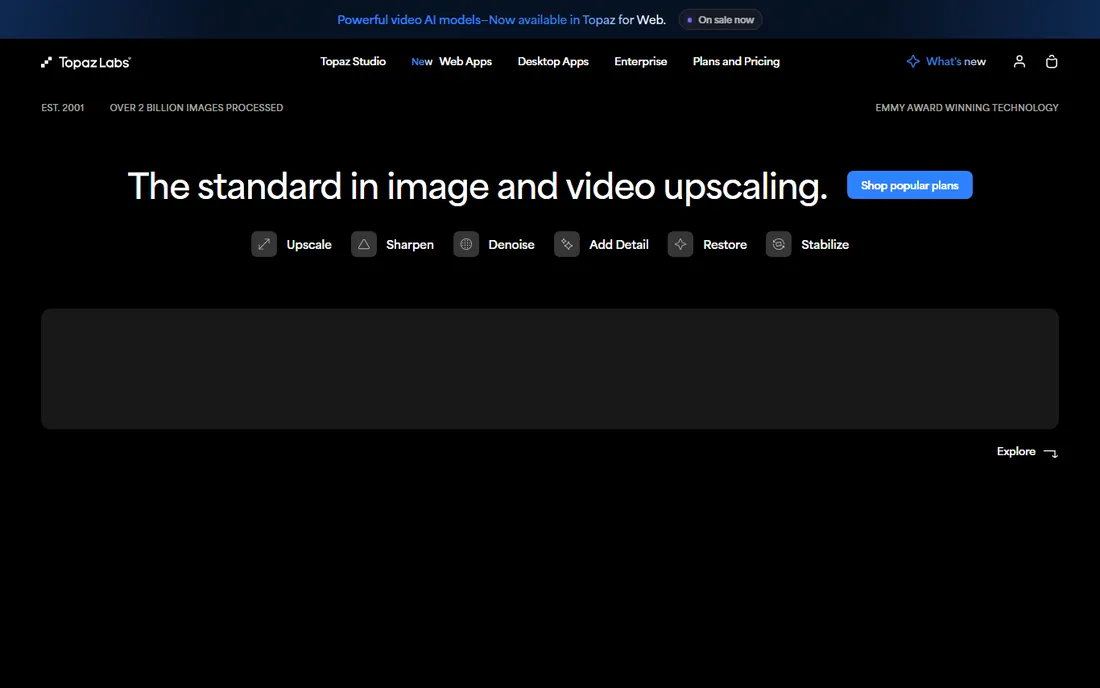
Topaz Photo (the current evolution of Topaz Photo AI) is the do-everything AI photo tool: denoise, sharpen, upscale, recover faces, and fix lighting, with an autopilot mode that analyzes each image and applies what it thinks is needed. For photographers processing event or wildlife shoots in bulk, the batch autopilot is the main attraction.
The subscription is $39/month, which stings if you only denoise occasionally. And autopilot is a starting point, not a finish; faces and fine textures sometimes need manual dialing back to avoid the over-processed look. But as a single tool that handles the whole enhancement chain, it is the most capable option here.
What we like- Combines denoise, sharpen, upscale, and face recovery in one workflow
- Strong autopilot for batch work
- Unlimited local rendering on the plan
Watch out for- Subscription-only
- Can over-smooth if left on autopilot
- Wants a decent GPU
#2
DxO PureRAW
Best for: The cleanest possible RAW files before editing
Visit dxo.com
Starting priceSee website
Free planFree trial
DxO PureRAW does one thing: it takes your noisy RAW files and returns clean, optically corrected DNGs that you then edit in Lightroom, Capture One, or anything else. Its DeepPRIME (and newer DeepPRIME XD) denoising is the reference standard that other tools get compared against, preserving detail at ISOs where competitors smear.
The tradeoff is workflow friction. PureRAW is a step before editing, not part of it, so batch preprocessing adds time. JPEG shooters get little from it. But for RAW photographers who shoot in low light, sports, wildlife, or events, running files through PureRAW first is the single biggest image-quality upgrade available.
What we like- DeepPRIME noise reduction is widely considered the best for RAW
- Automatic lens corrections from lab-measured modules
- Outputs a clean DNG for any editor
Watch out for- A preprocessing step, not an editor
- Adds time to the workflow
- Best value only for RAW shooters
#3
DxO PhotoLab
Best for: RAW editing with elite noise reduction built in
Visit dxo.com
Starting priceSee website
Free planFree trial (30 days)
If PureRAW's preprocessing appeals to you but you want it inside an actual editor, PhotoLab is the answer. It is DxO's full RAW editor with the DeepPRIME noise reduction built into the develop workflow, plus the lab-measured lens modules and U Point local adjustments. Version 10 adds depth-aware masking and expanded color tools.
PhotoLab is sold as a perpetual license, which makes it the natural home for photographers fleeing subscriptions. The ecosystem is smaller than Adobe's, fewer presets, fewer tutorials, less plugin support, but the image quality, especially at high ISO, is arguably the best of any RAW editor.
What we like- Same DeepPRIME engine as PureRAW inside a full editor
- Perpetual license, no subscription
- Excellent lens corrections
Watch out for- Smaller ecosystem than Lightroom
- Interface takes adjustment for Adobe converts
#4
ON1 NoNoise AI
Best for: Noise reduction inside a no-subscription editor
Visit on1.com
Starting priceSee website
Free planFree trial (30 days)
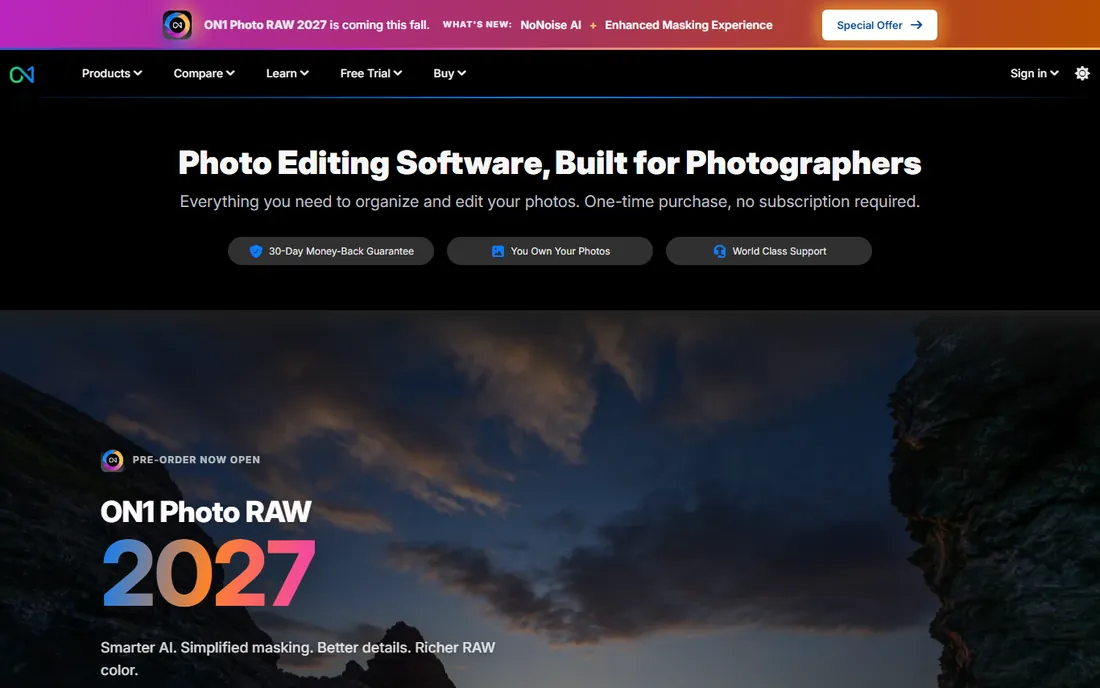
ON1 folded its NoNoise AI into Photo RAW, so you now get AI noise reduction as part of a complete Lightroom-style editor sold as a one-time purchase. The noise reduction is genuinely good, with AI models that handle luminance and color noise while protecting detail, and it works on RAW and non-RAW files alike.
It does not quite match DxO's DeepPRIME at extreme ISOs, and Photo RAW's everything-in-one design can feel sprawling next to a focused tool. But for photographers who want an entire editing workflow without a subscription, with strong noise reduction included, ON1 is the most complete package at its price.
What we like- NoNoise AI now built into Photo RAW
- One-time purchase, no subscription
- Works standalone or as a plugin
Watch out for- Noise reduction a step behind DeepPRIME
- The all-in-one app can feel sprawling
#5
Adobe Lightroom
Best for: AI Denoise without leaving your catalog
Visit adobe.com
Starting priceSee website
Free planFree trial (7 days)
Lightroom's AI Denoise changed the math for a lot of photographers: the noise reduction built into the app you already use is now good enough that a separate purchase is optional. It handles RAW files impressively, preserving detail while clearing luminance and color noise, and it works non-destructively inside your existing catalog and presets.
There are catches. Denoise generates an enhanced DNG alongside your original, so storage grows. It is subscription-only, and very noisy files still process slowly. But if you already pay for the Photography plan, try Lightroom's Denoise seriously before buying anything else; it may be all you need.
What we like- AI Denoise is excellent and keeps improving
- No extra purchase or workflow step
- Non-destructive and batch-friendly
Watch out for- Subscription-only
- Denoise creates a new DNG, which doubles storage
- Heaviest processing needs patience
Starting priceSee website
Free planFree trial
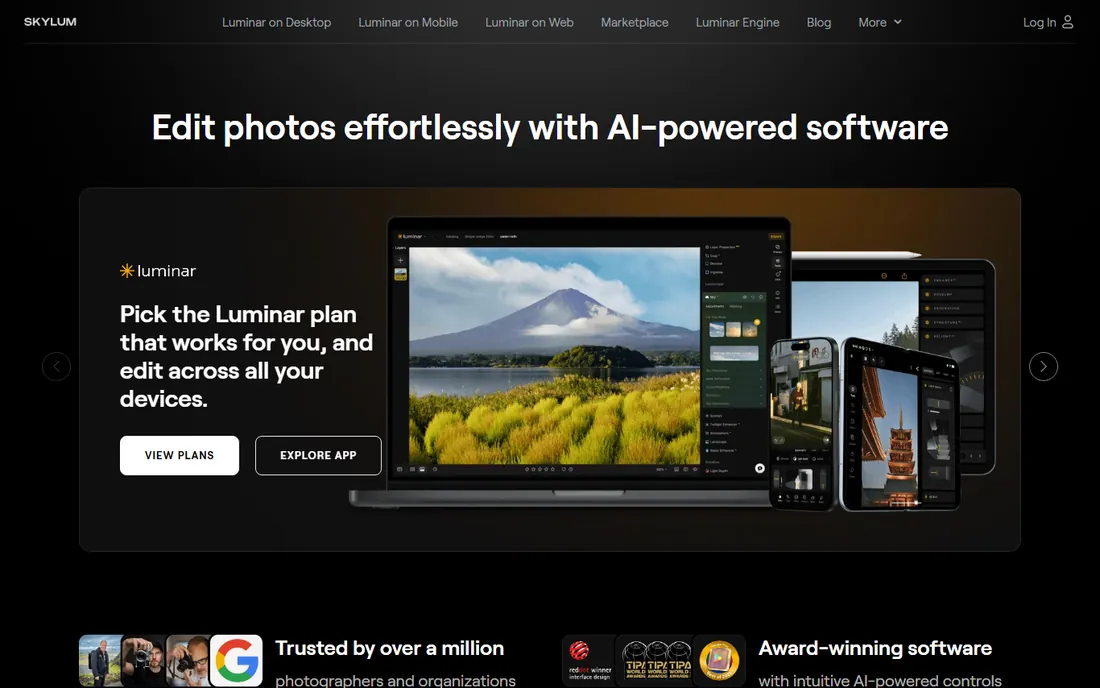
Luminar (from Skylum) aims at photographers who want results without learning curves, and its noise reduction follows that philosophy. The Noiseless AI extension clears noise with minimal input, and it handles JPEGs, phone photos, and casual RAW files well. The broader app covers the rest of the edit with similarly friendly AI tools.
Demanding photographers will miss the fine control of Neat Image or the RAW excellence of DxO. Luminar is not built for pixel-peeping high-ISO RAW workflows. For everyone else, family photos, travel shots, social content, it removes noise fast and simply, which is exactly the job.
What we like- Very approachable
- Noiseless AI works with one slider
- Good for JPEGs and phone photos
Watch out for- Less control than specialist tools
- Not the pick for demanding RAW workflows
Starting priceSee website
Free planFree trial (15 days)
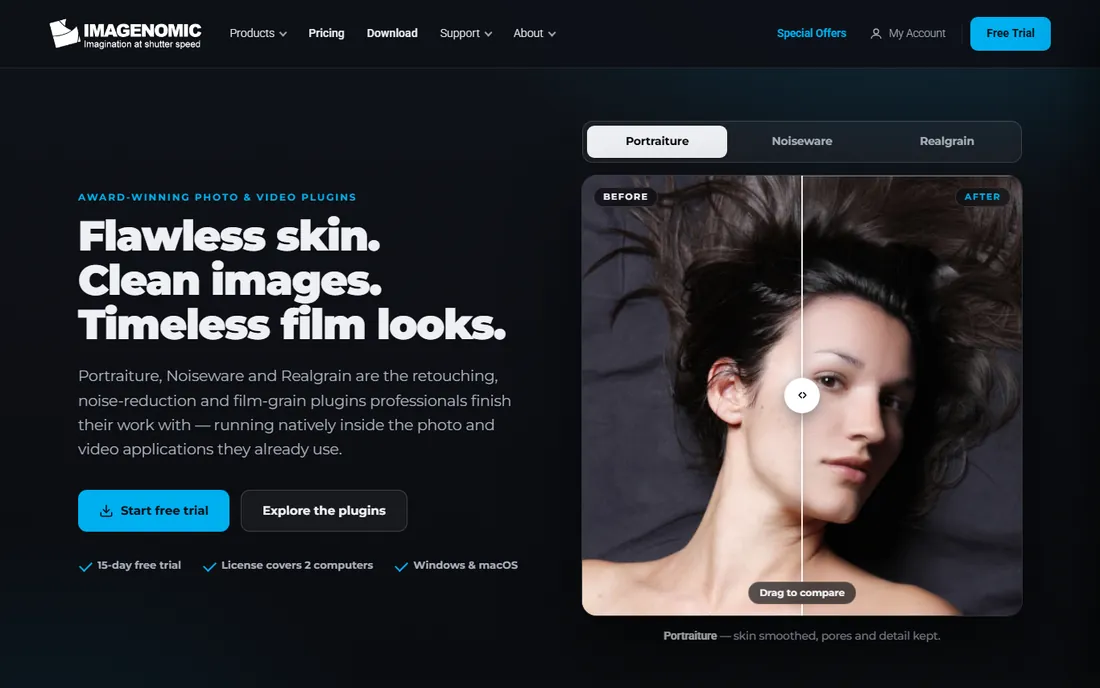
Noiseware has been quietly cleaning up photographers' images for years, and it remains one of the best value purchases in the category. It removes luminance and color noise while protecting detail, works as a plugin inside Photoshop, Lightroom Classic, and Affinity (plus standalone), and every license covers two computers.
The interface is not modern, and its AI smarts trail Topaz and DxO. But it is affordable, proven, and workflow-friendly: select the noisy layer, run Noiseware, move on. For Photoshop-centric retouchers who need reliable noise reduction without another subscription, it is hard to beat.
What we like- Long-proven noise reduction trusted by working photographers
- Runs inside Photoshop, Lightroom, and Affinity
- 15-day free trial, license covers two computers
Watch out for- Interface shows its age
- AI features lag the newest competitors
Starting priceSee website
Free planFree trial (demo)
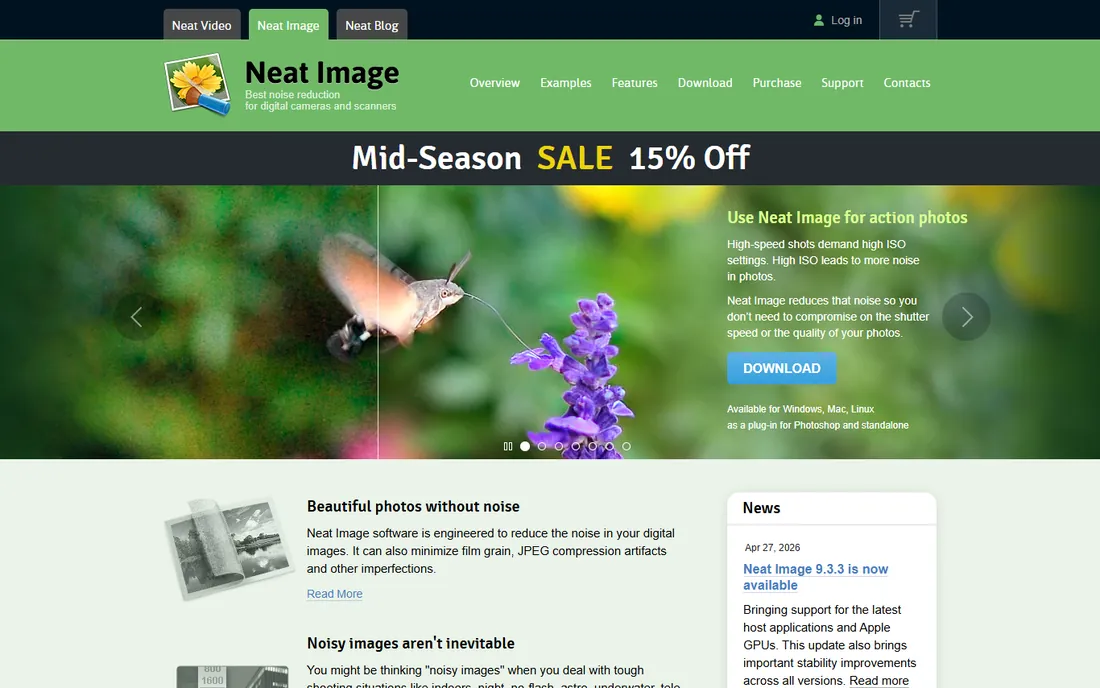
Neat Image is the still-photo sibling of Neat Video, and it shares the same philosophy: instead of applying a generic model, it analyzes a flat area of your image, builds a noise profile, and removes exactly that noise. On images where AI tools guess wrong, this measured approach preserves detail better.
It takes some learning; profiling is a manual step, and the interface is functional rather than friendly. There is a free demo to learn on. For technical photographers, astrophotographers, and anyone on a tight budget who wants maximum control per dollar, Neat Image is the thinking person's choice.
What we like- Builds a noise profile from your actual image for precise reduction
- Very affordable
- Also handles JPEG artifacts and film grain
Watch out for- Manual profiling takes learning
- Interface is utilitarian
- No AI scene understanding
Starting priceFree
Free planYes
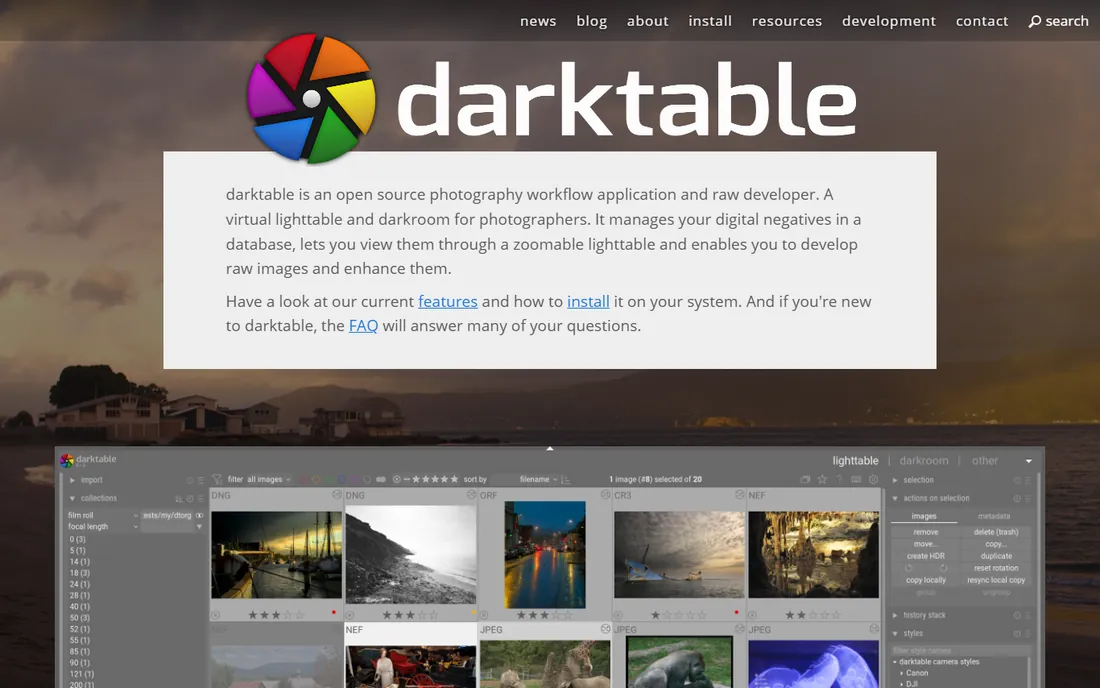
darktable is the free, open-source answer to Lightroom, and its noise reduction is genuinely capable. Profiled denoise, astrophoto-tuned modes, and a modular pipeline let technical users get excellent results, all without spending anything or creating an account.
The cost is time. darktable's learning curve is famously steep, the interface assumes you understand imaging concepts, and AI-driven one-click features lag the commercial tools. But for photographers who would rather invest hours than dollars, or who simply prefer open source, it is a legitimate professional-grade option.
What we like- Completely free
- Capable denoise modules including profiled and AI-adjacent options
- Full non-destructive RAW workflow
Watch out for- Steep learning curve
- Documentation assumes technical users
- Slower development of AI features
Start with what you already own. If you use Lightroom, its AI Denoise may end the search. If you shoot RAW in low light regularly, DxO PureRAW or PhotoLab is worth the money and the workflow step. If you want one AI tool for everything, Topaz Photo is the pick. If you are on a budget, Neat Image and Noiseware deliver professional results cheaply, and darktable delivers them free. The common mistake is buying a specialist tool and then never using it because it sits outside the workflow; the best noise reduction is the one you will actually run on every noisy image.
Frequently asked questions
What is the best noise reduction software for RAW photos?
DxO PureRAW (as a preprocessor) and DxO PhotoLab (as an editor) lead for RAW thanks to DeepPRIME. Topaz Photo and Lightroom's AI Denoise are strong alternatives, especially for mixed RAW and JPEG workflows.
Is Topaz DeNoise AI still available?
Topaz folded DeNoise AI, Sharpen AI, and Gigapixel AI into Topaz Photo, which is the current product. If you own the old standalone apps they still work, but new purchases go through Topaz Photo.
Can free software remove noise well?
Yes. darktable's denoise modules are capable in skilled hands, and Neat Image's free demo handles many jobs. The gap between free and paid is mostly convenience and AI automation, not final quality on a single image.
Does noise reduction work on JPEGs?
Yes, though with less headroom than RAW. Topaz Photo, Noiseware, Neat Image, and Luminar all handle JPEG noise well. Heavy JPEG compression artifacts are harder; Neat Image specifically targets them.
Will noise reduction blur my photos?
Aggressive settings will soften fine detail in any tool. The fix is moderation: use the weakest setting that clears the visible noise, protect detail with masking or local adjustments, and compare at 100 percent before exporting.
Should I denoise before or after other edits?
Denoise early, ideally on the RAW file before heavy tonal edits, because edits like shadow lifting amplify noise. DxO PureRAW is built around this principle. Within Lightroom, run AI Denoise before your main develop work for the cleanest results.
How we chose
We verified each vendor's homepage and current product lineup, then evaluated on noise reduction quality ( practitioner reviews, photography press, and community comparisons), RAW vs JPEG handling, workflow fit, pricing model, and support for different photographers: RAW specialists, wedding and event shooters, casual editors, and budget users. We noted product consolidations: Topaz's standalone denoisers are now Topaz Photo, and ON1's NoNoise AI now lives inside Photo RAW. We did not run controlled noise benchmarks.
Sources we checked (8)
- https://topazlabs.com/
- https://dxo.com/
- https://on1.com/
- https://www.adobe.com/products/photoshop-lightroom.html
- https://skylum.com
- https://imagenomic.com/
- https://ni.neatvideo.com/
- https://darktable.org/
Is your product missing or out of date?
We review this list regularly. Vendors can request a listing, send updated pricing or ask about featured placement.

Shihab Mia · Founder, Rankite
Shihab has spent more than a decade helping SaaS and e-commerce brands grow through search. He writes Rankite's software buying guides from pricing pages, documentation and public user reviews. More about Shihab.