How we make this list: we compare pricing pages, product documentation and public user reviews. Rankite is independent; if a vendor ever pays for a featured spot, that listing is clearly labeled Partner.
Key takeaways
- HeyGen and Synthesia lead for avatar-led videos: HeyGen for marketing and translation, Synthesia for corporate training with compliance controls.
- Runway is the pick for generative footage and creative control, but its credit pricing means heavy users pay more than the headline price.
- Pictory, InVideo, Fliki and Lumen5 turn scripts, blogs and URLs into finished videos fastest, which is what most marketers actually need.
- Descript and VEED are editors first and generators second: the right choice when you start from real footage, not a prompt.
- Almost every tool meters usage in credits or minutes, so compare what a finished video costs, not just the monthly plan price.
Your team needs forty product videos by Friday, there is no budget for a shoot, and nobody on the team edits video. That is the situation AI video making software was built for. In 2026 the category has split into clear jobs: avatar presenters that read your script, text-to-video generators that create footage from a prompt, and script-to-video tools that assemble stock footage, voiceover and captions into a finished edit.
I compared ten tools across those jobs, from HeyGen, Synthesia and Colossyan for avatar-led video to Runway for generative footage and Pictory, InVideo, Fliki and Lumen5 for fast script-to-video. Prices below come from each vendor's own pricing page in October 2026. Where a vendor does not publish pricing in readable form, that is stated instead of guessed.
Quick comparison
| Tool | Best for | Starting price | Free plan |
|---|
 HeyGen HeyGen | Avatar videos and one-click translation | $29/month (Creator; $24/month billed annually) | Yes (3 videos/month) |
 Synthesia Synthesia | Corporate training and explainer videos | $29/month (Starter) | Yes (Basic free, 10 min/month) |
 Runway Runway | Generative footage and high-end creative control | $15/month (Standard; $12/month billed annually) | Yes (125 one-time credits) |
 InVideo InVideo | Prompt-to-video with stock footage and AI models | $10/seat/month (Starter, billed annually) | Yes |
 Descript Descript | Editing recorded video by editing text | See website | Yes (Free $0 plan) |
 Pictory Pictory | Turning blogs, scripts and URLs into videos | $25/month | Free trial (14-day) |
 VEED VEED | Browser-based editing with AI assists | $19/month (Lite; $9/month billed annually) | Yes |
 Lumen5 Lumen5 | Converting articles into social videos | See website | Yes (Community free) |
 Colossyan Colossyan | Training videos, courses and internal comms | Free (Starter; Professional $59/month) | Yes |
 Fliki Fliki | Faceless shorts, explainers and voiceover videos | See website | Yes (free forever) |
Is your product missing or out of date?
We review this list regularly. Vendors can request a listing, send updated pricing or ask about featured placement.
The AI video makers we compared
Starting price$29/month (Creator; $24/month billed annually)
Free planYes (3 videos/month)

HeyGen is the tool marketers reach for when the video needs a human face but there is no human available. You pick an avatar or create one of yourself with on-camera identity verification, paste a script, and get a talking-head video in minutes. The standout feature is translation: one click re-renders your video in another language with synced lip movement, which is why global marketing teams use it for localized ads and explainers.
The pricing deserves a careful read. The Creator plan is $29 per month or $24 per month billed annually, and everything runs on credits that drain at different rates depending on the avatar model and video length. Heavy users producing dozens of videos a month will feel the meter running, so estimate your monthly minutes before you commit.
What we like- Very realistic avatars with identity verification
- Video translation across 175+ languages
- Generous free tier
Watch out for- Credit-based pricing gets expensive at volume
- Best features sit on higher tiers
Starting price$29/month (Starter)
Free planYes (Basic free, 10 min/month)
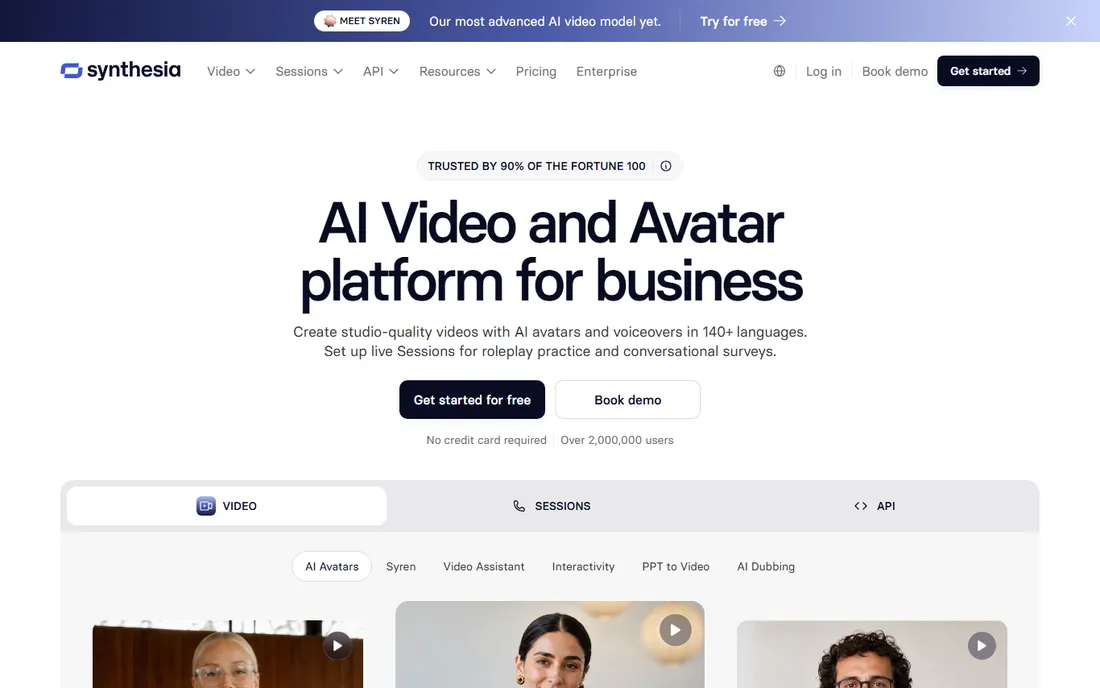
Synthesia is the enterprise pick for a reason: it treats AI video like corporate software, with brand kits, roles and permissions, approval workflows and the compliance certifications that legal teams ask about. The free Basic plan is unusually generous at 10 minutes of video per month, though exports carry a watermark. Paid plans start at $29 per month for Starter, and the platform now runs on credits across video, dubbing and surveys.
Where it wins is training at scale. One-click translation into 140-plus languages, SCORM export straight into your LMS, and interactive quizzes make it the default for onboarding and compliance content. For marketing teams that need ads with visual flair, HeyGen or Runway fit better.
What we like- Free Basic plan with 10 minutes monthly
- Strong compliance story (SOC 2, GDPR)
- SCORM export for LMS platforms
Watch out for- Less creative flexibility than generative tools
- Credit system adds up for long videos
Starting price$15/month (Standard; $12/month billed annually)
Free planYes (125 one-time credits)
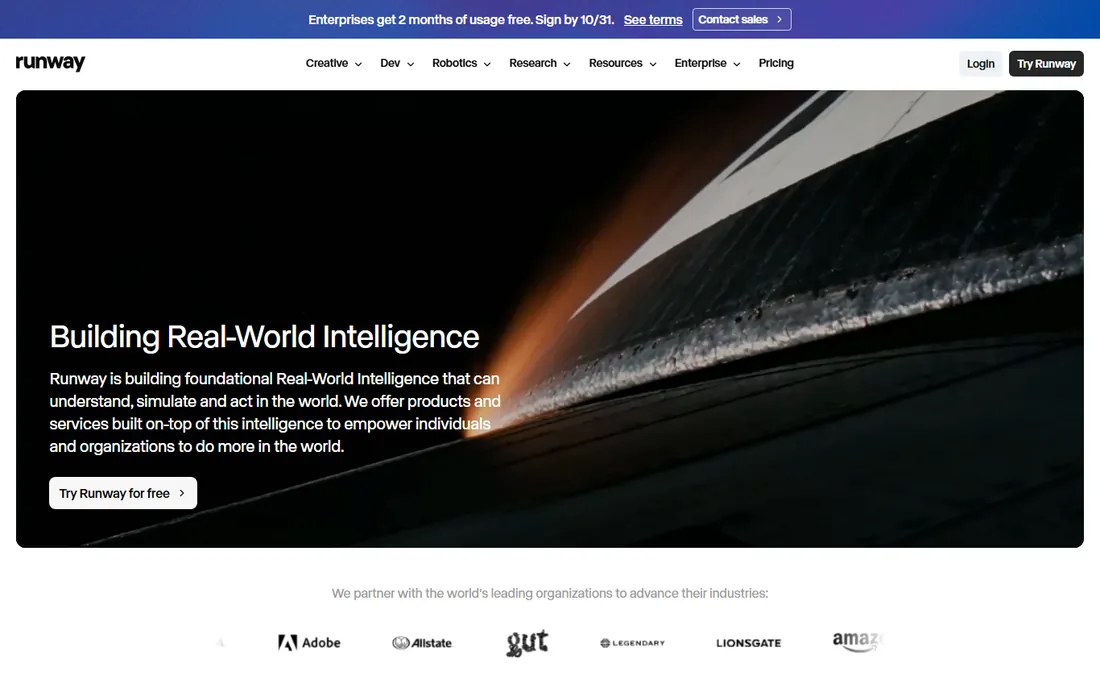
Runway is where the serious creative work happens. Its Gen-4.5 model sets the quality bar for text-to-video and image-to-video, and the platform around it is a real editing suite: motion brush, inpainting, green screen, 4K upscaling and an API for developers.
The catch is the meter. Standard costs $15 per month or $12 per month billed annually for 625 credits, and at 12 credits per second of Gen-4.5 footage, that is roughly 52 seconds of top-quality generation per month. Runway is priced for experimentation and finishing, not for bulk content.
What we like- Best-in-class generative video quality
- Full editing suite with motion brush and inpainting
- API for developers
Watch out for- Credits drain fast (Gen-4.5 uses 12 per second)
- Standard's 625 credits cover under a minute of top-tier footage
#4
InVideo
Best for: Prompt-to-video with stock footage and AI models
Visit invideo.io
Starting price$10/seat/month (Starter, billed annually)
Free planYes
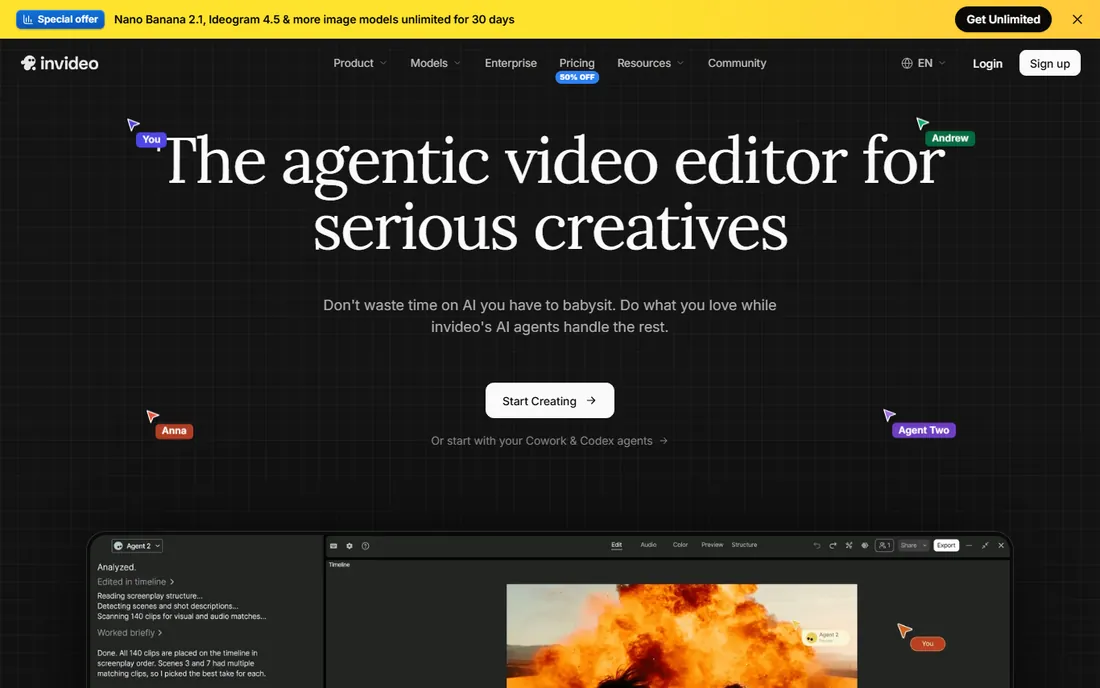
InVideo rebuilt itself around AI agents in 2026 and now sits between a generator and an editor. You describe the video, its agents handle scripting, visuals, voiceover and assembly, and you finish in a full timeline editor with multiplayer collaboration. It bundles access to third-party models like Seedance 2.0 and 2.5, so one subscription covers generation approaches that would otherwise need three tools.
Pricing starts at $10 per seat per month billed annually on Starter, with Plus at $30 and Max at $75. Credits are the currency and different models cost different amounts, which means your real cost depends on which generation engine you lean on. For creators who want one workspace from prompt to finished edit, InVideo is the most complete package at this price.
What we like- Access to frontier models like Seedance inside one subscription
- Full timeline editor
- Aggressive pricing
Watch out for- Per-seat pricing adds up for teams
- Credit costs vary by model and can surprise
Starting priceSee website
Free planYes (Free $0 plan)
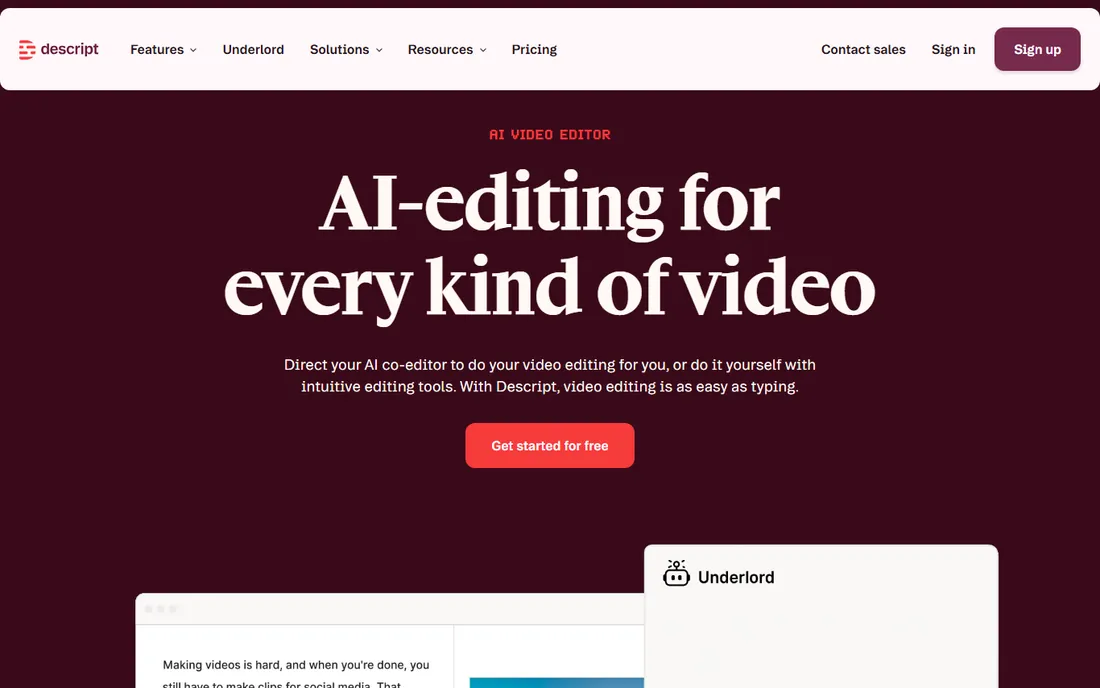
Descript is the odd one out here, and deliberately so. You record or import real footage, it transcribes everything, and you edit the video by deleting words in the transcript. For podcasts, talking-head YouTube videos and course recordings, that workflow is dramatically faster than a traditional timeline. The AI tools handle the boring parts: filler word removal, studio-quality audio cleanup, eye contact correction and auto-generated clips.
Paid tiers are named Hobbyist, Creator and Business and priced per person per month, though the vendor's pricing page did not render plain dollar figures in our check, so confirm current numbers before buying. Descript is not the tool for generating footage from nothing. It is the tool for turning footage you already have into finished video fast.
What we like- Text-based editing is genuinely faster than timelines
- Strong AI audio cleanup
- Free plan with no credit card
Watch out for- Paid pricing not shown as plain numbers on the pricing page
- AI generation features are limited on lower tiers
#6
Pictory
Best for: Turning blogs, scripts and URLs into videos
Visit pictory.ai
Starting price$25/month
Free planFree trial (14-day)
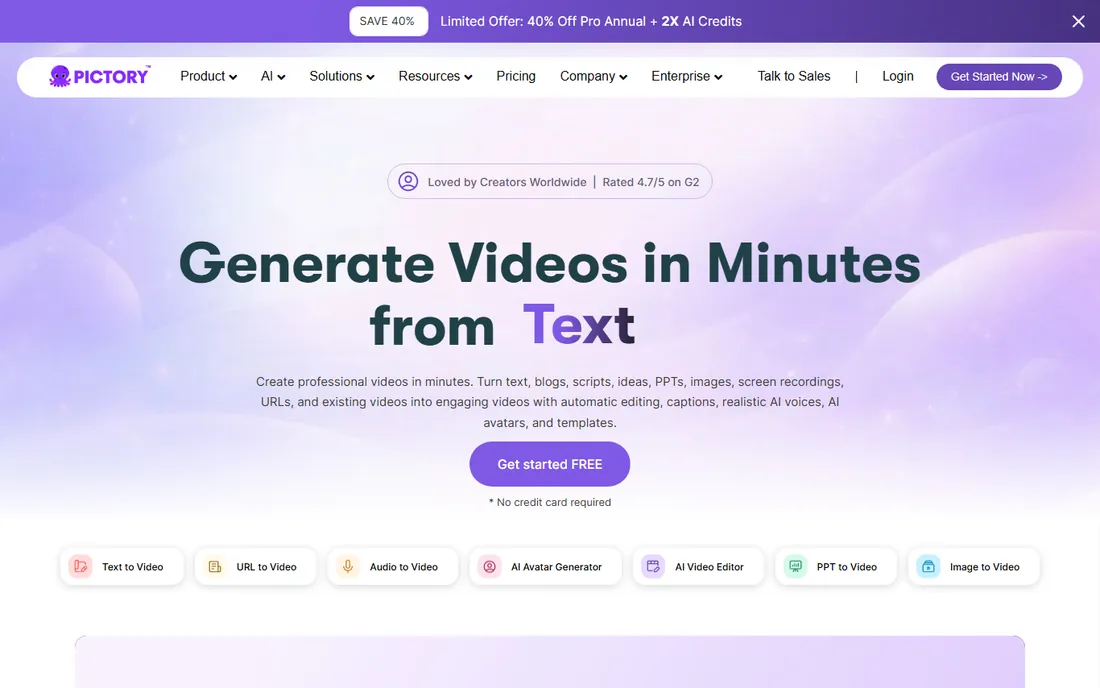
Pictory has been doing script-to-video longer than almost anyone, and it shows in the workflow polish. Paste a blog post or script, or drop in a URL, and Pictory builds scenes with matched stock visuals, captions, AI voiceover and music. The Professional plan includes 600 export video minutes per month, which is generous next to credit-metered competitors, and every clip, music track and voiceover is pre-licensed, so there are no royalty surprises.
There is no permanent free plan: you get a 14-day trial and a free trial of three video projects to evaluate. Pricing starts at $25 per month. The honest limitation is creative ceiling. Pictory assembles stock footage well, but it will not generate custom cinematic scenes the way Runway does. For content marketers repurposing written content into video at volume, that tradeoff is exactly right.
What we like- Longest track record in script-to-video
- 600 export minutes on Professional
- All stock media pre-licensed
Watch out for- No permanent free tier, only trials
- Text-to-video currently English-only
#7
VEED
Best for: Browser-based editing with AI assists
Visit veed.io
Starting price$19/month (Lite; $9/month billed annually)
Free planYes
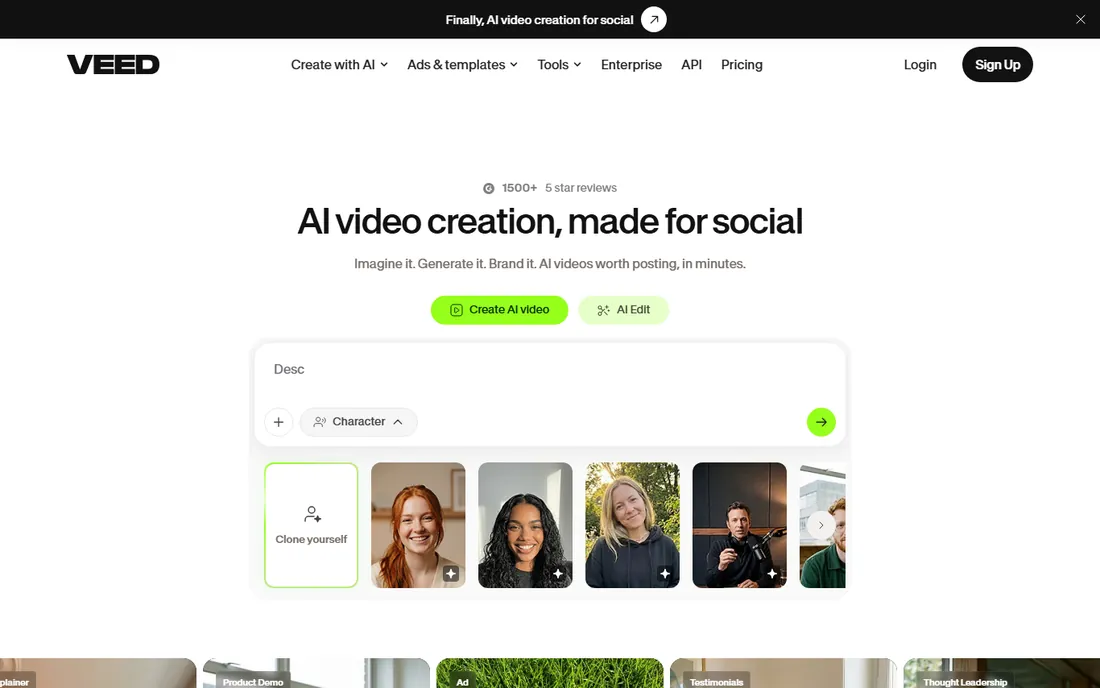
VEED is an online video editor first and an AI video maker second, which is why so many social media managers live in it. Everything runs in the browser: trim clips, add auto-subtitles in dozens of languages, clean up audio, remove backgrounds, and on higher tiers generate avatar videos and dub content into 50-plus languages. There is nothing to install and collaboration happens through shared links and comments.
The free plan is real but limited: watermarked exports at 720p and 10 minutes of video per month. Lite starts at $19 per month, or $9 per month billed annually, and removes the watermark with 1080p exports. Pro at $49 per month adds the full AI suite including avatars and 4K.
What we like- No software to install
- Strong auto-subtitles
- AI avatars and dubbing on Pro
Watch out for- Free exports are watermarked at 720p
- Browser performance depends on your connection
Starting priceSee website
Free planYes (Community free)

Lumen5 does one thing extremely well: it turns a blog post or article into a social-ready video in minutes, with AI-matched visuals, text overlays and music. Marketing teams that publish content weekly use it as a repurposing machine, and the brand kit controls mean every video comes out looking like it belongs to the same company. The Community free plan covers 5 videos per month at 720p with a watermark.
The vendor's pricing page did not render readable prices in our check, so confirm current plan costs on the site before budgeting. Lumen5 is narrower than the all-in-one tools, and that is its strength. If your job is turning written content into video, nothing here is faster.
What we like- Fastest blog-to-video workflow in the list
- Huge stock library on paid tiers
- Brand kits keep output consistent
Watch out for- Paid pricing not published in readable form on the pricing page
- Free tier limited to 5 short videos a month
Starting priceFree (Starter; Professional $59/month)
Free planYes
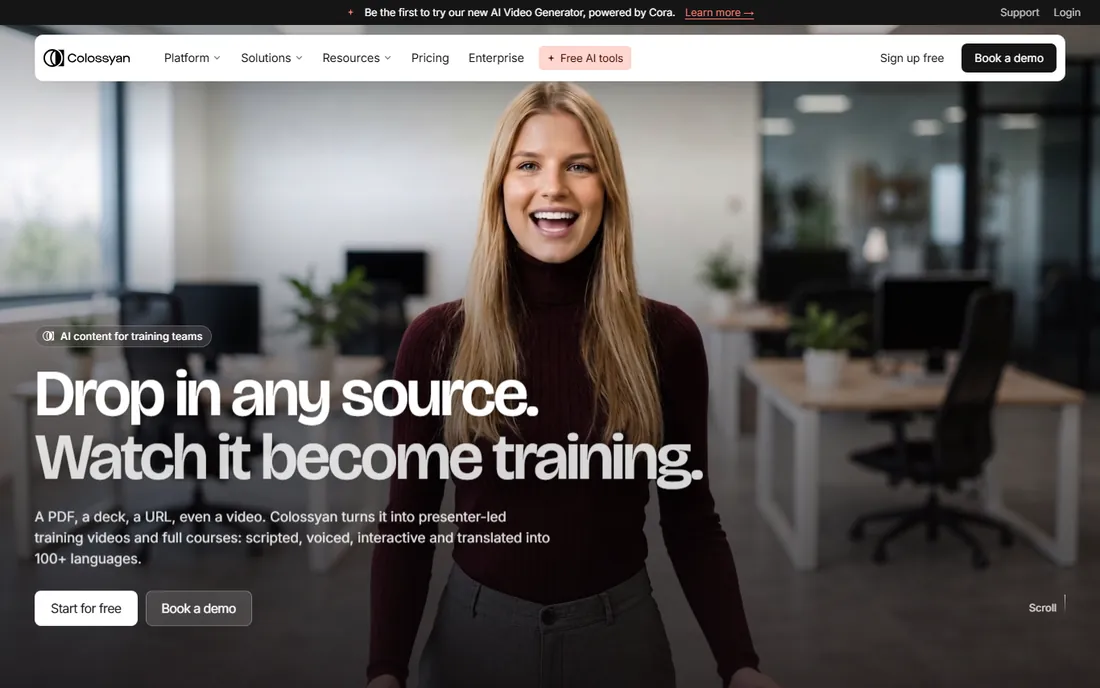
Colossyan is Synthesia's closest competitor in the training niche, with a sharper focus on courses. Drop in a PDF, deck or URL and its planner builds a scene-by-scene training video with an AI presenter, quizzes and interactivity, then localizes it into 120-plus languages with lip-sync. The free Starter tier is genuinely usable at 20 video minutes a month, and Professional at $59 per month adds SCORM export, AI image generation and more minutes.
The tradeoff is scope. Colossyan is built for learning and development teams, not for ads or social content, and the presenter-led format gets repetitive outside training. But for onboarding, compliance and product education, the course structure and LMS export put it ahead of general-purpose tools. If your videos teach rather than sell, shortlist Colossyan alongside Synthesia.
What we like- Free Starter tier with real features
- SCORM export and interactive video
- 120+ languages with lip-sync
Watch out for- Focused on training, not marketing creative
- Video minute caps on lower tiers
#10
Fliki
Best for: Faceless shorts, explainers and voiceover videos
Visit fliki.ai
Starting priceSee website
Free planYes (free forever)

Fliki is the volume play for faceless content. Paste a script, blog post or prompt and it assembles a video with AI voiceover, stock or AI-generated visuals, music and captions in about two minutes. The voice library is the standout: over 2,000 voices across 80-plus languages, plus voice cloning and a digital twin feature. The Series tool plans and schedules recurring videos, which is why TikTok and YouTube Shorts creators run whole channels on it.
The free-forever plan needs no credit card but gives you only 3 credits a month at 720p with a watermark, so it is really a demo. For creators pumping out short-form content daily, Fliki's speed per video is unmatched in this list.
What we like- Free-forever plan with no credit card
- 2,000+ AI voices in 80+ languages
- Series feature for scheduled content
Watch out for- Paid plan prices not shown as plain numbers on the pricing page
- Free tier is 3 credits a month
Credits, minutes and watermarks: how AI video pricing really works
Nearly every tool here meters usage, and the three meters work differently. Credit systems like HeyGen, Runway and Synthesia charge per generation, with premium models costing more per second than basic ones. Minute systems like Pictory and Colossyan count exported video minutes against a monthly allowance, which is easier to predict. And free tiers almost always add a watermark plus a resolution cap, usually 720p.
The practical move is to price one finished video, not the plan. Take your typical video length, check how many credits or minutes it consumes on the vendor's pricing page, and multiply by your monthly volume. A $15 plan that covers 52 seconds of premium footage is more expensive per video than a $25 plan with 600 export minutes if you publish daily. Also check whether unused credits roll over; on most plans they do not.
Start from the input, not the brand. If you have a script and need a presenter, you want an avatar tool: HeyGen for marketing, Synthesia or Colossyan for training. If you have a prompt and need footage that does not exist, you want a generator: Runway first, InVideo second. If you have a blog post, article or URL and need a finished video fast, you want script-to-video: Pictory, Fliki or Lumen5. If you have recorded footage and need it edited, you want Descript or VEED.
Then check the output requirements. Social clips need vertical formats and captions, which Fliki, VEED and InVideo handle natively. Training content needs SCORM and multi-language support, which points to Synthesia or Colossyan. Ads need commercial rights and no watermark, which means a paid plan everywhere. Buying the wrong category is the most common regret in AI video, and it is avoidable in five minutes of honest scoping.
How we chose
We reviewed each vendor's pricing page and feature documentation in October 2026, confirming plan prices, free tiers, credit systems and commercial-rights terms where the pages rendered them. We cross-checked against buyer discussions on G2, Capterra and Reddit and recent third-party comparisons for how the credit meters behave in practice. We favored tools with clear pricing and verifiable free tiers, and left out discontinued products and pure research demos. No hands-on testing was involved; where a vendor's pricing page did not show readable prices, we wrote See website instead of guessing.
Frequently asked questions
Can AI video makers replace a video editor?
For some jobs, yes. Talking-head explainers, training videos, localized ads and faceless short-form content can now go from script to finished video without an editor. For brand films, complex storytelling and anything where the visuals carry the message, a human editor with real footage still wins. Most teams end up hybrid: AI video for volume work, editors for flagship pieces.
Do I own the commercial rights to AI-generated videos?
On paid plans, generally yes. Fliki, Pictory and most tools here grant full commercial rights on subscriptions, covering monetized channels, ads and client work, with pre-licensed stock media and music. Free plans usually restrict commercial use or add watermarks. Read the terms on your specific plan before running paid ads, and note that AI avatar likeness rights are a separate question from video ownership.
Why do AI video tools use credits instead of flat pricing?
Because generation costs the vendor real compute per video, and a 10-second clip costs them far less than a 3-minute 4K render. Credits let them meter that cost. The downside for buyers is unpredictability: premium models can cost several times more credits per second than basic ones. Minute-based plans like Pictory's are easier to budget; credit plans reward you for checking the per-model cost before you generate.
Which AI video tool is best for training videos?
Synthesia and Colossyan are the two purpose-built options. Both offer AI presenters, 100-plus language translation with lip-sync, interactive elements and SCORM export for LMS platforms. Synthesia has the stronger enterprise compliance story and a generous free Basic plan. Colossyan has a free Starter tier and a course-building workflow that learning teams tend to prefer. Either beats adapting a marketing tool to training work.
Are free plans usable for real work?
For evaluation, yes; for production, rarely. HeyGen's 3 videos a month and Synthesia's 10 watermarked minutes are genuinely useful for testing. But watermarks, 720p caps and tiny credit allowances make free tiers unsuitable for client work or paid ads. Treat free plans as extended trials, then budget for the cheapest paid tier that removes the watermark.
Sources we checked (11)
- https://www.heygen.com/pricing
- https://www.synthesia.io/pricing
- https://runwayml.com/pricing
- https://invideo.io/pricing
- https://www.descript.com/pricing
- https://pictory.ai/pricing
- https://www.veed.io/pricing
- https://lumen5.com
- https://www.colossyan.com/pricing
- https://fliki.ai/pricing
- https://dev.to/stimlau/best-ai-video-generator-for-marketing-in-2026-7-tools-tested-157c
Is your product missing or out of date?
We review this list regularly. Vendors can request a listing, send updated pricing or ask about featured placement.

Shihab Mia · Founder, Rankite
Shihab has spent more than a decade helping SaaS and e-commerce brands grow through search. He writes Rankite's software buying guides from pricing pages, documentation and public user reviews. More about Shihab.