How we make this list: we compare pricing pages, product documentation and public user reviews. Rankite is independent; if a vendor ever pays for a featured spot, that listing is clearly labeled Partner.
Key takeaways
- Affinity Photo is the headline pick: a full professional editor that is now free, with no subscription and no catch on the core app.
- For RAW photographers, DxO PhotoLab and Capture One (perpetual license) deliver the best image quality you can buy once and own.
- Luminar Neo and ON1 Photo RAW suit photographers who want AI-assisted editing without monthly payments, both sold as one-time purchases.
- darktable is completely free and open source, and PhotoDirector's free Essential tier covers basic editing at zero cost.
Quick comparison
Is your product missing or out of date?
We review this list regularly. Vendors can request a listing, send updated pricing or ask about featured placement.
The best photo editing software without subscription, in full
Starting priceSee website
Free planYes
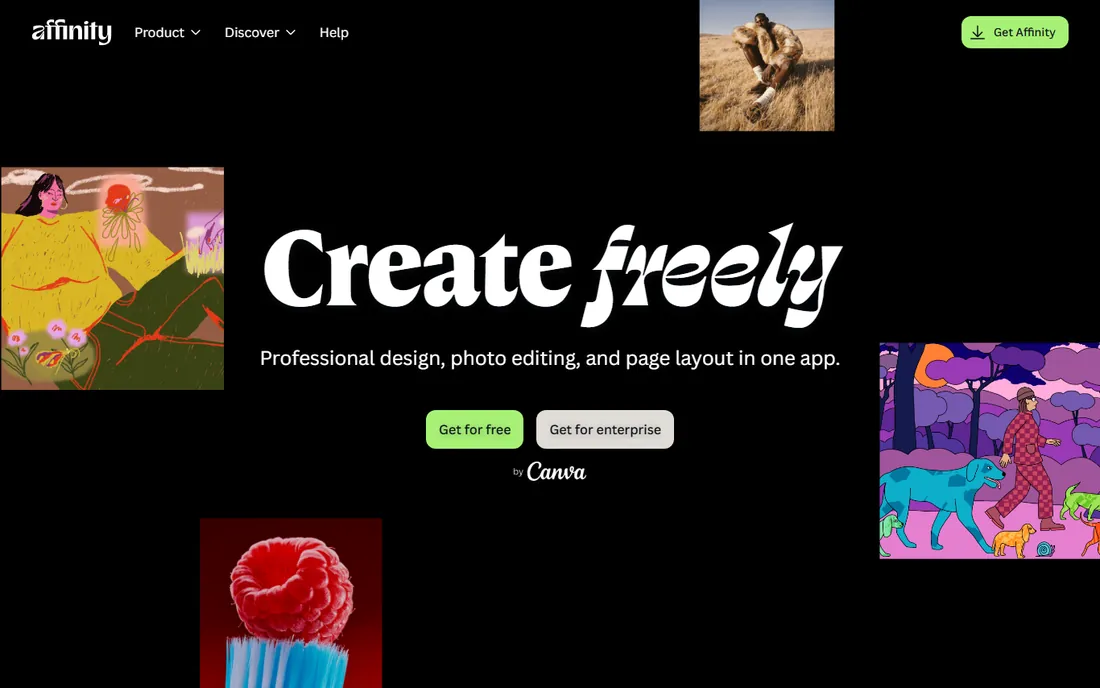
Affinity Photo is the Photoshop alternative that finally removed the last objection: price. Since Canva acquired Serif, the Affinity suite is free, giving you layers, masks, frequency separation, panorama stitching, HDR merge, focus stacking, and PSD compatibility for nothing. Performance is excellent, and the iPad version is a genuine desktop-class editor.
The honest catches are ecosystem-shaped. Fewer plugins, fewer tutorials, and a smaller community than Photoshop, and the RAW develop persona is capable but less hand-holding than Lightroom or Capture One. None of that matters at this price. If you want professional photo editing with zero ongoing cost, this is where you start, and for many photographers it is also where you finish.
What we like- Full professional toolset
- Now free under Canva
- Fast and stable
Watch out for- Smaller plugin ecosystem than Photoshop
- RAW workflow less guided than Lightroom
Starting priceSee website
Free planFree trial
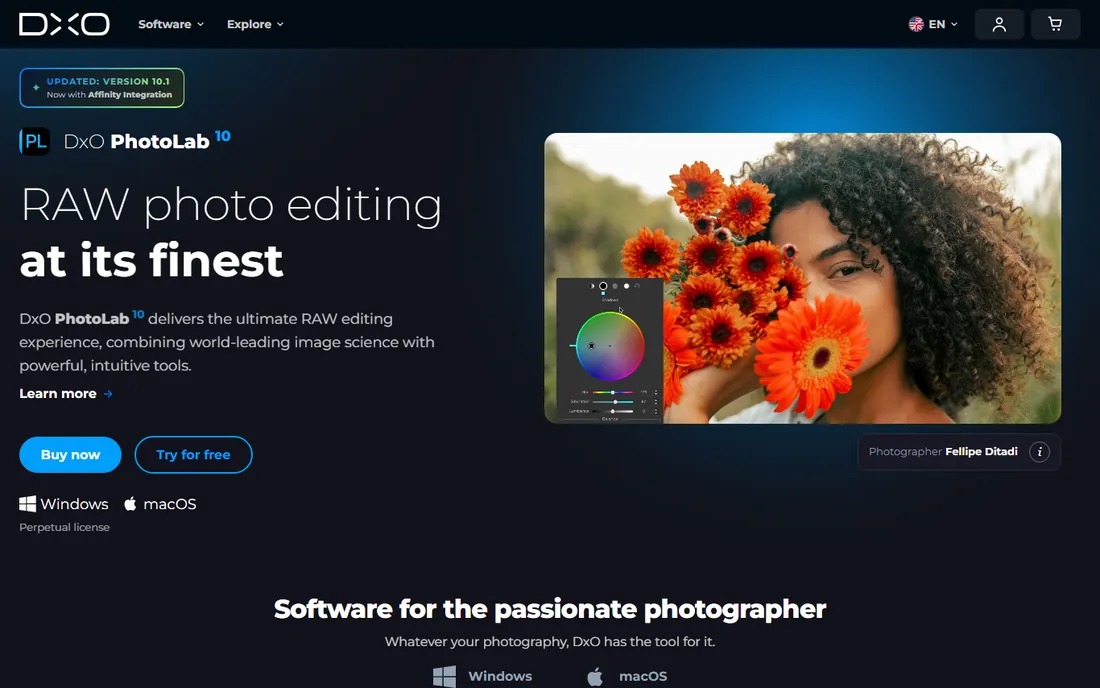
DxO PhotoLab 10 is the RAW editor for image-quality obsessives. DeepPRIME noise reduction recovers high-ISO shots that look unusable elsewhere, automatic lens corrections are built from lab measurements of your exact camera-lens combination, and U Point local adjustments make selective editing fast. It is sold as a perpetual license for Windows and Mac, with a free 30-day trial.
What you do not get is Adobe's ecosystem: the library and catalog side is thinner than Lightroom, and there is no cloud sync or mobile companion. Many photographers use PhotoLab for RAW processing and export to another app for organizing. If maximum image quality per dollar is the goal, and you never want to rent your editor, PhotoLab is the strongest buy-once option.
What we like- Best-in-class noise reduction and lens corrections
- Perpetual license
- 30-day free trial
Watch out for- No subscription option for those who want one
- Catalog features trail Lightroom
Starting priceSee website
Free planFree trial
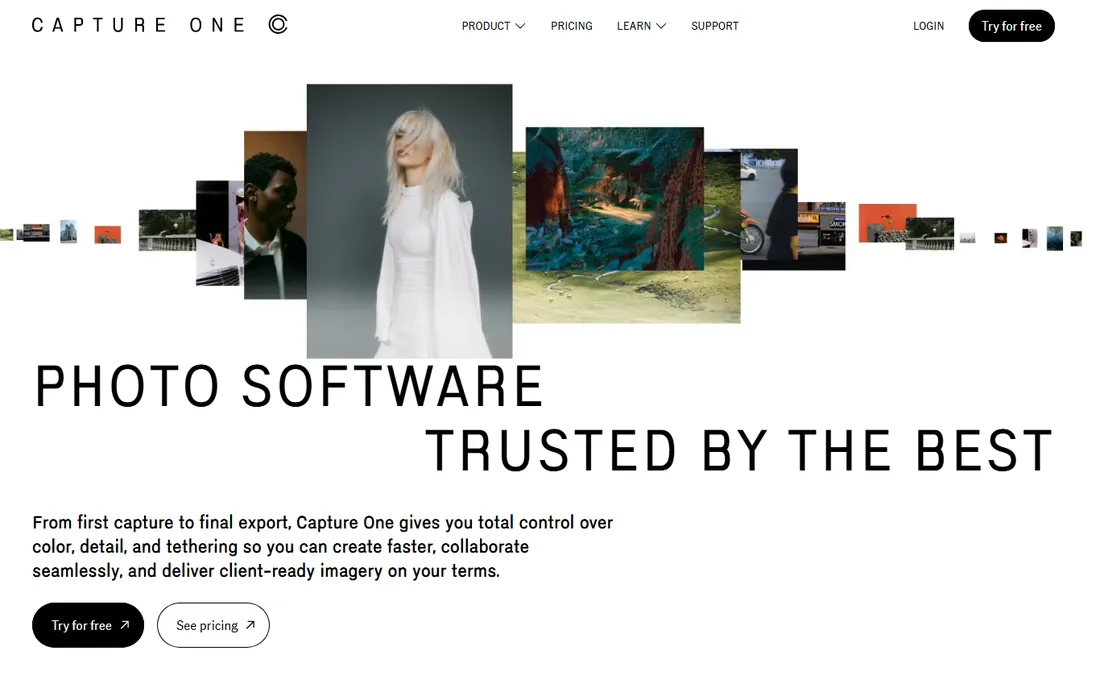
Capture One earns its place here because, unlike Adobe, it still sells perpetual licenses. You can buy Capture One Pro outright and own it, with the option to move between subscription and perpetual as you like. The editor itself is superb: the color tools are the finest in the business, tethered capture is the studio standard, and culling, sessions, and smart albums handle professional volume.
The price, even one-time, is professional-grade, and the interface assumes experience. Hobbyists will find DxO or ON1 friendlier and cheaper. But if you want the industry's best color science without a subscription hanging over you, the perpetual license is the answer, and long-term subscribers can convert to perpetual ownership.
What we like- Top-tier color editing
- Perpetual license available
- Best tethered shooting
Watch out for- Expensive even as a one-time buy
- Learning curve for newcomers

#4
ON1 Photo RAW
Best for: all-in-one without subscription
Visit on1.com
Starting priceSee website
Free planFree trial
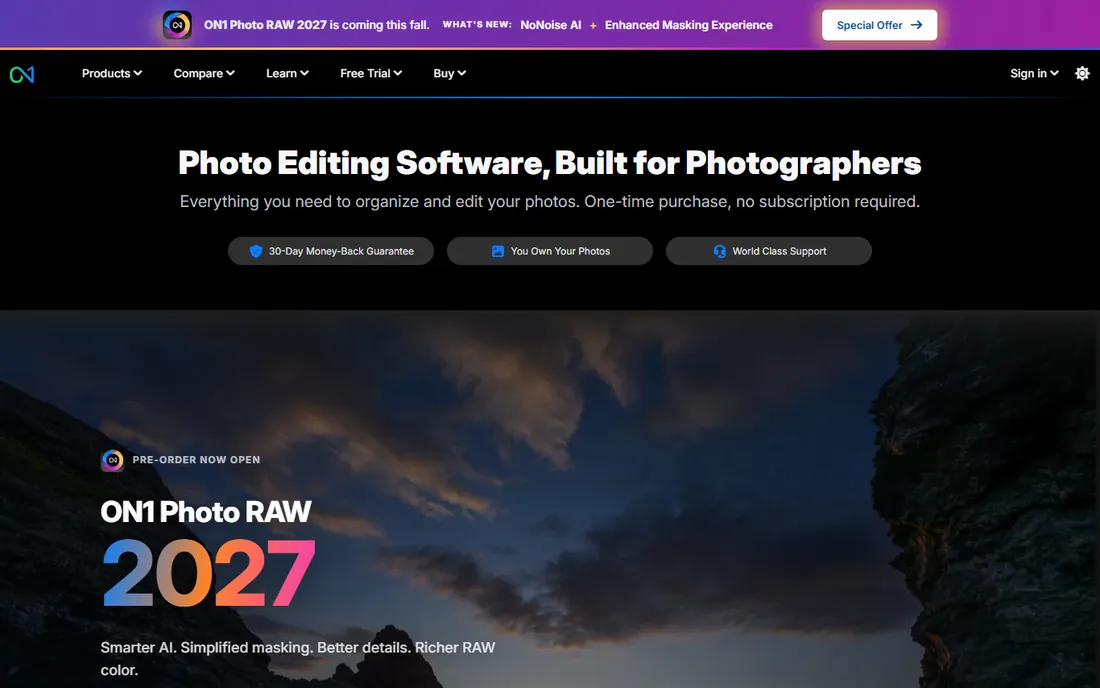
ON1 Photo RAW 2027 is the complete Lightroom replacement for subscription refusers. Browse your folders without importing, develop RAW files non-destructively, retouch with AI masking, remove noise, replace skies, and export for web or print, all in one purchased app installed on two computers. There is a 30-day money-back guarantee.
Performance is the main compromise: rendering and browsing big RAW libraries is slower than Lightroom, and the preset and tutorial ecosystem is much smaller. Upgrades to new yearly versions cost extra, though your purchased version keeps working. For enthusiasts who want one app for everything and one payment forever, the math is compelling.
What we like- One-time purchase
- Organizing plus editing in one app
- AI masking and noise reduction included
Watch out for- Slower than Lightroom on large catalogs
- Smaller preset community
Starting priceSee website
Free planFree trial
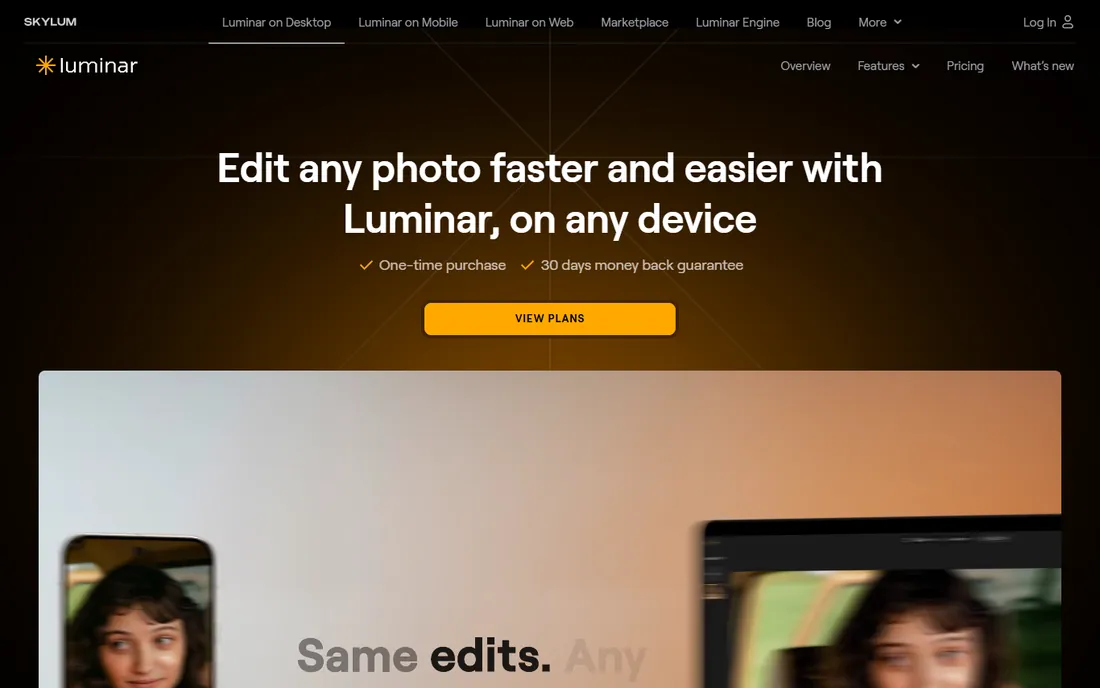
Luminar Neo (now evolving into the unified Luminar platform) sells AI-powered editing as a perpetual license: buy the Desktop Only license and own it on two computers, with lifetime access to core tools. Sky replacement, portrait enhancement, object removal, and one-slider photo enhancement make it the fastest path from flat RAW to finished image, and it works standalone or as a plugin for Lightroom and Photoshop.
Read the fine print: generative AI features and the asset library run on yearly access even with a perpetual license, so the "buy once" promise covers the core app rather than every AI trick. The catalog and organizing tools are basic compared to Lightroom. For photographers who want AI to do the heavy lifting without a monthly bill, it delivers.
What we like- Perpetual license options
- Strong AI tools (sky, portrait, erase)
- Works as a plugin
Watch out for- AI features partly tied to yearly access
- Catalog is basic
Starting priceSee website
Free planFree trial
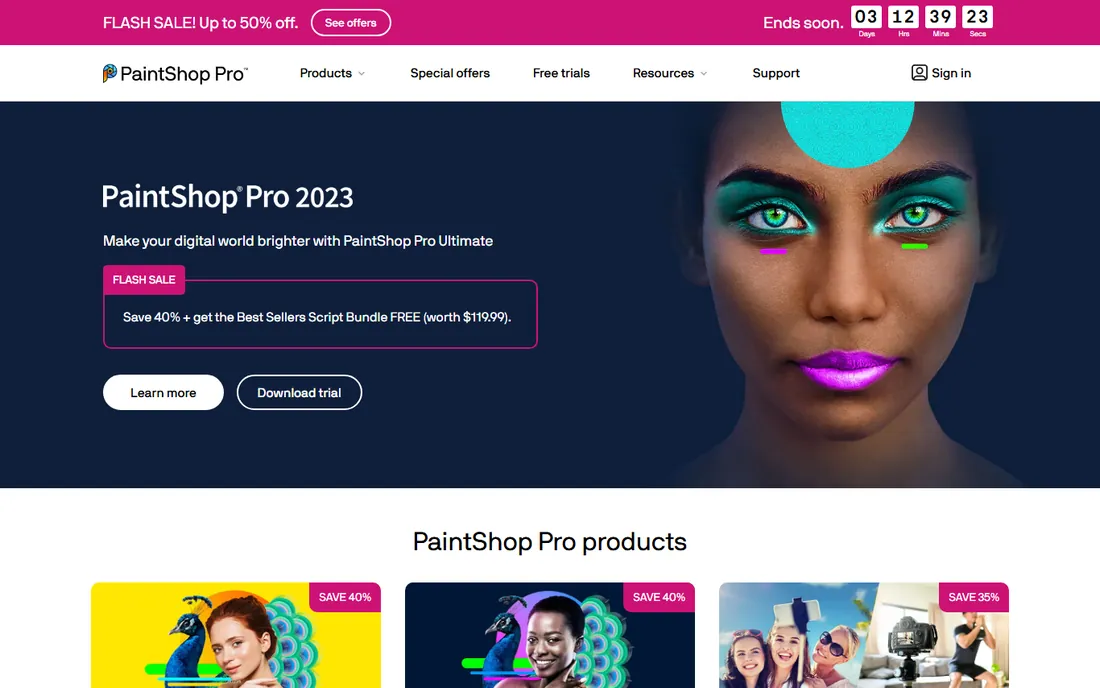
PaintShop Pro has been the budget Photoshop alternative for decades, and it is still a one-time purchase. You get layers, masks, selection tools, RAW editing, HDR, and a workflow that Photoshop users will find familiar, at a fraction of Adobe's annual cost. The Ultimate edition bundles extra creative tools.
The caveats: it is Windows only, and Corel's release pace has slowed, the current version line is aging compared to competitors. For Windows users who want a capable, familiar, buy-once editor and do not care about AI features, it remains the cheapest serious option. Mac users should look at Affinity Photo instead.
What we like- One-time purchase, low price
- Layers, masks, and RAW editing
- Photoshop-like workflow
Watch out for- Windows only
- Development pace has slowed
Starting priceSee website
Free planYes
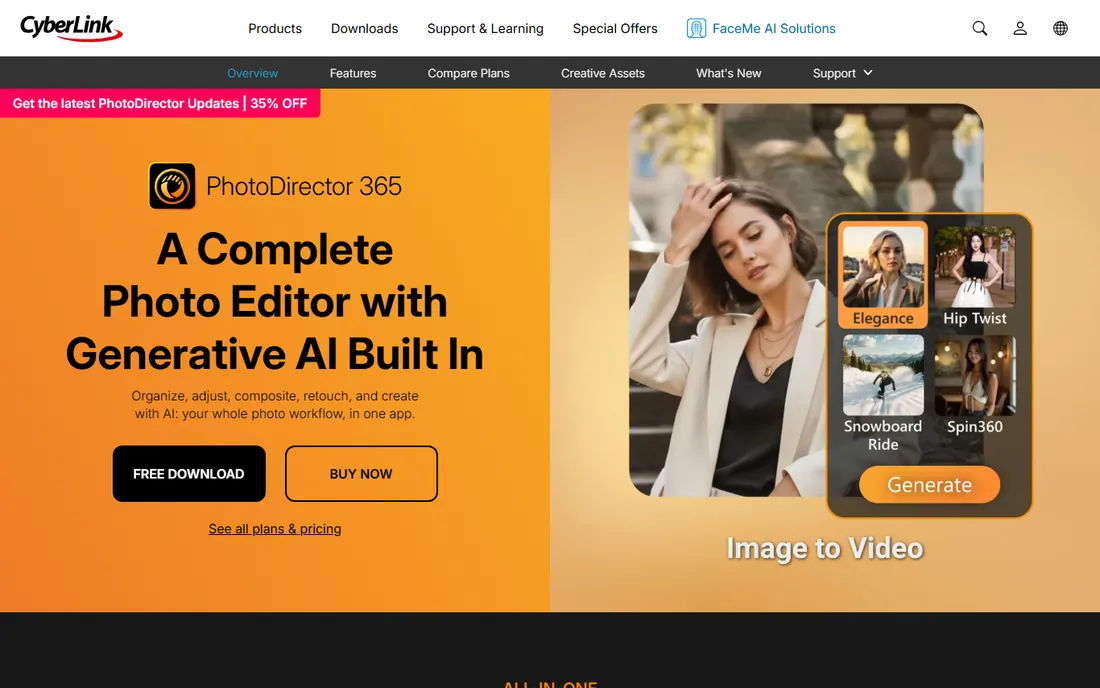
PhotoDirector is unusual in offering every model at once: a free Essential version with core editing tools, a 365 subscription, and a 2027 lifetime license you buy once and own. The editor covers the full workflow: photo library, RAW develop, layers and compositing, portrait retouching, and one of the most complete generative AI toolsets in a desktop editor, including an AI model lab and on-device AI processing.
The subscription gets new generative features first, so lifetime owners wait longer for the newest AI tricks. The interface packs in a lot and can feel busy. But as the only editor here with a genuinely free tier plus a lifetime option plus a subscription, it lets you choose exactly how you pay, and the free version alone beats many paid apps from a decade ago.
What we like- Lifetime license option
- Free Essential version
- Strong generative AI tools
Watch out for- Subscription tier gets the newest AI first
- Interface is busy
Starting priceSee website
Free planFree trial
ACDSee Photo Studio combines digital asset management with real editing, and it still offers perpetual licenses. The standout is speed: browse folders of RAW files instantly without importing into a catalog, then edit with layers, AI keywording, face detection, and noise reduction in the same app. A 15-day trial needs no credit card.
The Mac version has historically trailed Windows, and some AI features run on a credit system beyond the license price. For Windows photographers who want one purchased app for the whole pipeline, from browsing to finished export, it is a strong Lightroom replacement without the subscription.
What we like- Perpetual license available
- Instant folder browsing
- Layered editing built in
Watch out for- Mac version lags Windows
- Some AI features use credits
Starting priceFree
Free planYes
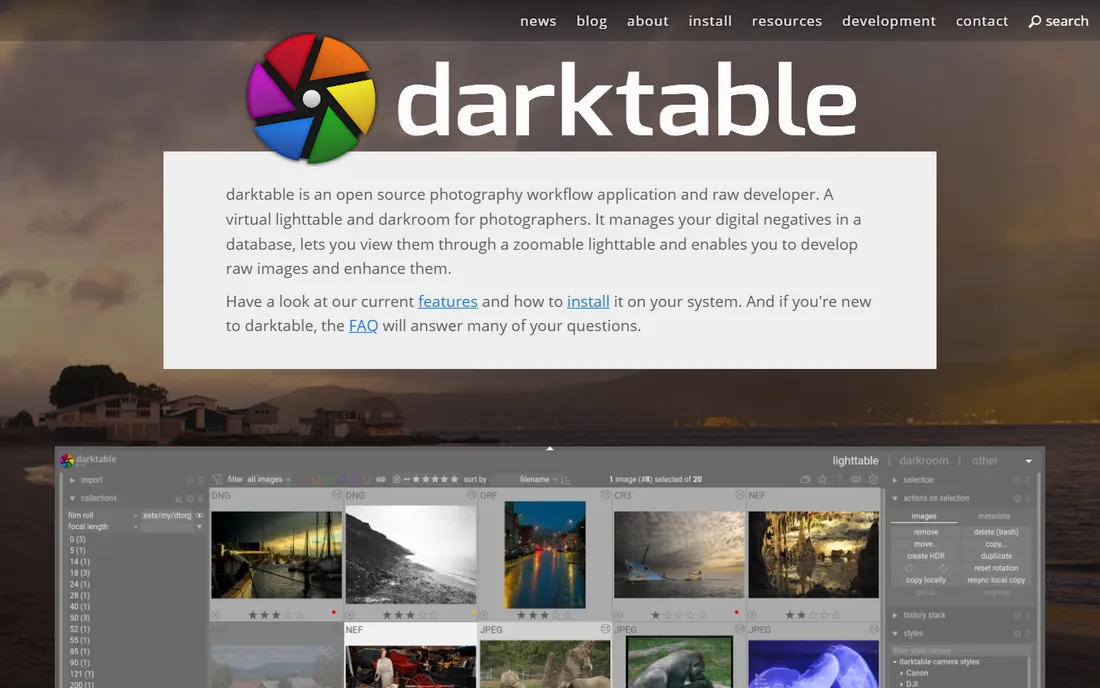
darktable is the free, open-source answer to Lightroom's develop module. Non-destructive editing through the whole pipeline, professional color management, GPU acceleration, tethered shooting, and a module system that covers everything from exposure to color zones to retouching. Your originals are never modified, and there is no account, no cloud, no cost, ever.
The learning curve is the steepest on this list: the interface is built by photographers for photographers and assumes you know what a parametric mask is. But the capability is real, the community is active, and version updates keep coming. For anyone who wants professional RAW editing at zero cost and zero compromise on ownership, darktable is it.
What we like- Completely free forever
- Professional color management
- Non-destructive throughout
Watch out for- Steep learning curve
- Interface is technical
How we chose
Every tool here had to be obtainable without a subscription: perpetual licenses, one-time purchases, lifetime licenses, or free. That ruled out Lightroom, Photoshop, and the subscription tiers of several vendors. We covered the professional tier (Affinity Photo, DxO PhotoLab, Capture One perpetual), the AI-assisted tier (Luminar Neo, ON1 Photo RAW, PhotoDirector), the budget tier (PaintShop Pro, ACDSee), and the free tier (darktable). For each we opened the vendor homepage, verified the license model and current pricing, and read photographer feedback on Reddit and review sites. We did not edit real shoots in each app.
Perpetual vs lifetime vs free: what the words mean
Vendors use these terms loosely, so here is the translation. Perpetual license means you buy the current version and use it forever; upgrades to future versions cost extra (DxO PhotoLab, Capture One, ON1, ACDSee, PaintShop Pro). Lifetime license usually means the same thing with friendlier marketing (PhotoDirector 2027). One-time purchase is the generic term both use. Free means free forever, usually open source (darktable) or freemium (PhotoDirector Essential, Affinity Photo now). None of these stop working if you stop paying, which is the entire point. The tradeoff is that you pay for major upgrades, while subscribers get them included.
What to check before you buy once
Confirm the license is really perpetual
Some "buy" buttons sell a one-year license that stops working. Check that the license works after the included update period ends. All nine tools above keep working, but verify on the vendor's site before paying.
Check upgrade pricing
A $100 app with $80 yearly upgrades costs more over five years than it first appears. Vendors publish upgrade prices; read them. This is where subscriptions sometimes win the math, so do the five-year calculation.
Test RAW support for your camera
Buy-once editors can lag on new camera support compared to subscription apps that update constantly. Download the trial, open your camera's RAW files, and confirm before paying.
Try the free options first
darktable, PhotoDirector Essential, and Affinity Photo cost nothing. Spend a week with them before spending money; you may find the paid tier unnecessary.
Frequently asked questions
What is the best photo editing software without a subscription?
Affinity Photo is the best overall pick now that it is free: a full professional editor with no ongoing cost. For the best RAW quality, DxO PhotoLab's perpetual license is the strongest buy-once option. darktable is the best completely free choice.
Can I buy Lightroom without a subscription?
No. Adobe Lightroom and Photoshop are subscription-only. The tools on this list are the alternatives photographers use to escape that model.
Is Affinity Photo really free?
Since Canva acquired Serif, the Affinity suite moved to a free model. Check the current terms on the Affinity website, as licensing details may continue to evolve after the acquisition.
Which one-time purchase editor is closest to Photoshop?
Affinity Photo, with layers, masks, PSD compatibility, and advanced retouching tools. Corel PaintShop Pro is the closest on Windows at a budget price.
Do buy-once editors stop working if I do not upgrade?
No. Perpetual and lifetime licenses keep working indefinitely. You only pay again if you want a future major version. Your files and edits are never held hostage.
Sources we checked (9)
- https://affinity.serif.com
- https://skylum.com/luminar
- https://www.dxo.com
- https://www.captureone.com/
- https://www.on1.com/
- https://paintshoppro.com/
- https://www.cyberlink.com/products/photodirector-photo-editing-software.html
- https://acdsee.com/
- https://www.darktable.org
Is your product missing or out of date?
We review this list regularly. Vendors can request a listing, send updated pricing or ask about featured placement.

Shihab Mia · Founder, Rankite
Shihab has spent more than a decade helping SaaS and e-commerce brands grow through search. He writes Rankite's software buying guides from pricing pages, documentation and public user reviews. More about Shihab.
 Affinity Photo
 DxO PhotoLab
 Capture One
 Luminar Neo
 Corel PaintShop Pro
 CyberLink PhotoDirector
 ACDSee Photo Studio
 darktable