How we make this list: we compare pricing pages, product documentation and public user reviews. Rankite is independent; if a vendor ever pays for a featured spot, that listing is clearly labeled Partner.
Key takeaways
- Zoom is still the default choice for meetings where everyone needs video, audio, and sharing in one link.
- TeamViewer and AnyDesk are remote-control tools first: choose them when you need to fix a computer, not just show a slide deck.
- Dead Simple Screen Sharing and Whereby are the fastest free options for one-off shares with people who will not install anything.
- Screenleap ($15/month) and CrankWheel ($29/month Solo) target specific jobs: embeddable sharing and phone-sales demos.
- If you support clients remotely, check the fine print on "free" plans: commercial use usually requires a paid license.
Quick comparison
| Tool | Best for | Starting price | Free plan |
|---|
 Zoom Zoom | video meetings where sharing is one part of the package | $14.16/user/month (billed annually) | Yes |
 TeamViewer TeamViewer | remote control and unattended access for support | See website | Yes |
 AnyDesk AnyDesk | low-latency remote desktop, especially on weak connections | See website | Yes |
 Screenleap Screenleap | sharing screens from inside a website or product | $15/month (Basic) | Yes |
 CrankWheel CrankWheel | inside sales teams sharing screens during phone calls | $29/month (Solo) | Yes |
 GoToMeeting GoToMeeting | dependable scheduled meetings for small businesses | $12/organizer/month (billed annually) | Free trial |
 Zoho Meeting Zoho Meeting | teams already paying for Zoho apps | See website | Yes |
 Whereby Whereby | browser-based meetings with permanent room links | $10.99/month (Pro) | Yes |
 Dead Simple Screen Sharing Dead Simple Screen Sharing | instant free sharing with absolutely no signup | Free | Yes |
Is your product missing or out of date?
We review this list regularly. Vendors can request a listing, send updated pricing or ask about featured placement.
Screen sharing software, compared on what actually matters
What is the best screen sharing software? It depends on the job. Showing a client a design mockup is one problem. Taking over a relative's laptop to fix a printer is a completely different one. The tools below fall into three camps: meeting platforms where sharing is a feature, remote-control tools where control is the point, and lightweight sharers that open in a browser and disappear when you are done. Pick the camp first, then the tool.
#1
Zoom
Best for: video meetings where sharing is one part of the package
Visit zoom.com
Starting price$14.16/user/month (billed annually)
Free planYes
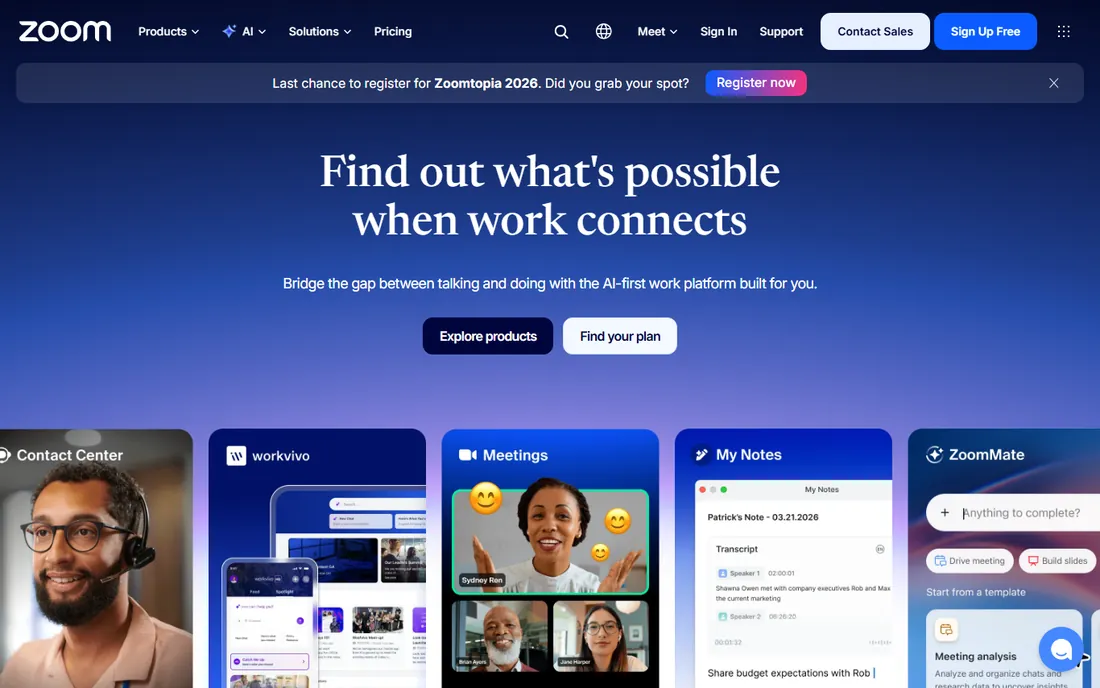
Zoom became a verb for a reason. The free Basic plan covers unlimited one-on-one calls and 100-person group meetings up to 40 minutes, which is enough for most casual sharing. Paid tiers start with Pro at around $14.16 per user per month on annual billing, removing the time cap and adding cloud recording and AI meeting summaries. Screen sharing supports the full screen, a single application window, or a portion of the screen, and the host can grant remote control to any participant.
The honest downside: Zoom is a meeting platform first. If all you need is to show someone your screen for five minutes, launching a Zoom meeting, waiting for the guest join flow, and managing meeting controls is heavier than the browser-based options below. But if your work already runs on meetings, the sharing is excellent and everyone already knows how to join.
What we like- Near-universal adoption means guests join with one click
- Remote control hand-off for the presenter
- Annotation and whiteboard built in
Watch out for- Free plan cuts group meetings at 40 minutes
- Screen sharing alone is overkill if you never need video
Starting priceSee website
Free planYes
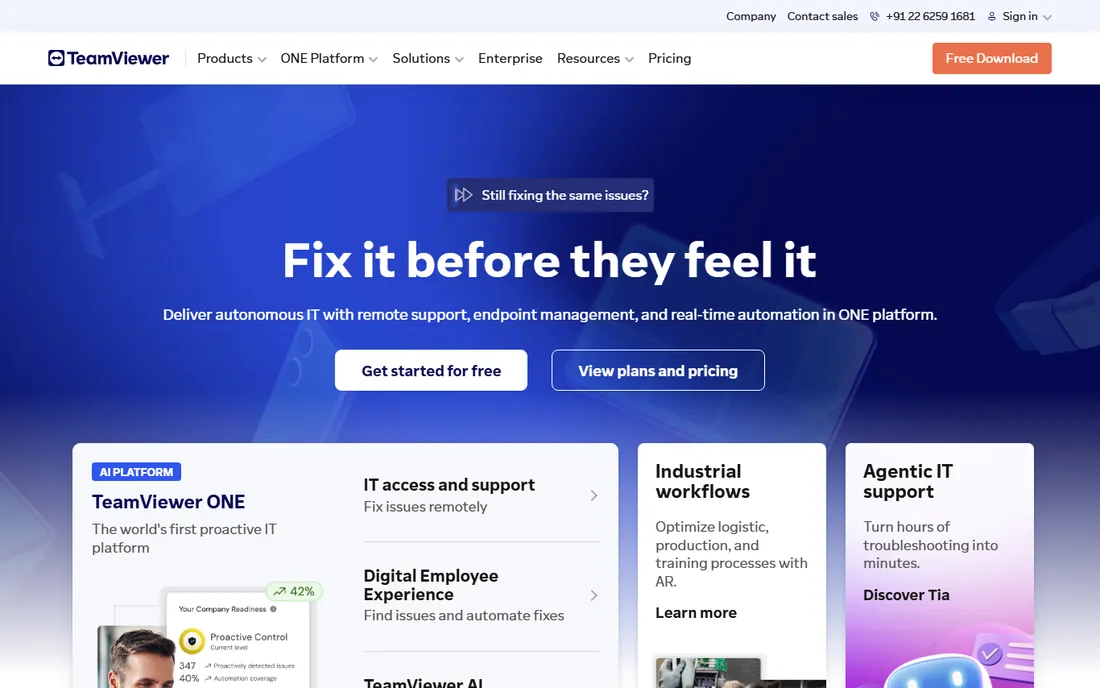
TeamViewer answers a different question than Zoom: what if you need to actually drive the other person's computer? It is the classic remote-support tool. You see their screen, move their mouse, type on their keyboard, transfer files, and reboot and reconnect. It is how IT departments and tech-savvy relatives have been fixing computers from afar for two decades.
The free tier covers personal use only, and TeamViewer's detection of suspected commercial use is famously strict, sessions get cut or accounts flagged. Paid plans start with Remote Access for a single machine and scale to Business and Corporate tiers for teams, with pricing in the $25 to $230 per month range depending on the plan. If you genuinely do remote support, the feature set justifies it. If you just want to share your screen on a call, it is the wrong tool.
What we like- Free forever for personal, non-commercial use
- Works across Windows, Mac, Linux, iOS, and Android
- Unattended access to machines you manage
Watch out for- Commercial use requires a paid license
- Aggressive detection of suspected business use on the free tier
- Pricing is at the top of the market
#3
AnyDesk
Best for: low-latency remote desktop, especially on weak connections
Visit anydesk.com
Starting priceSee website
Free planYes
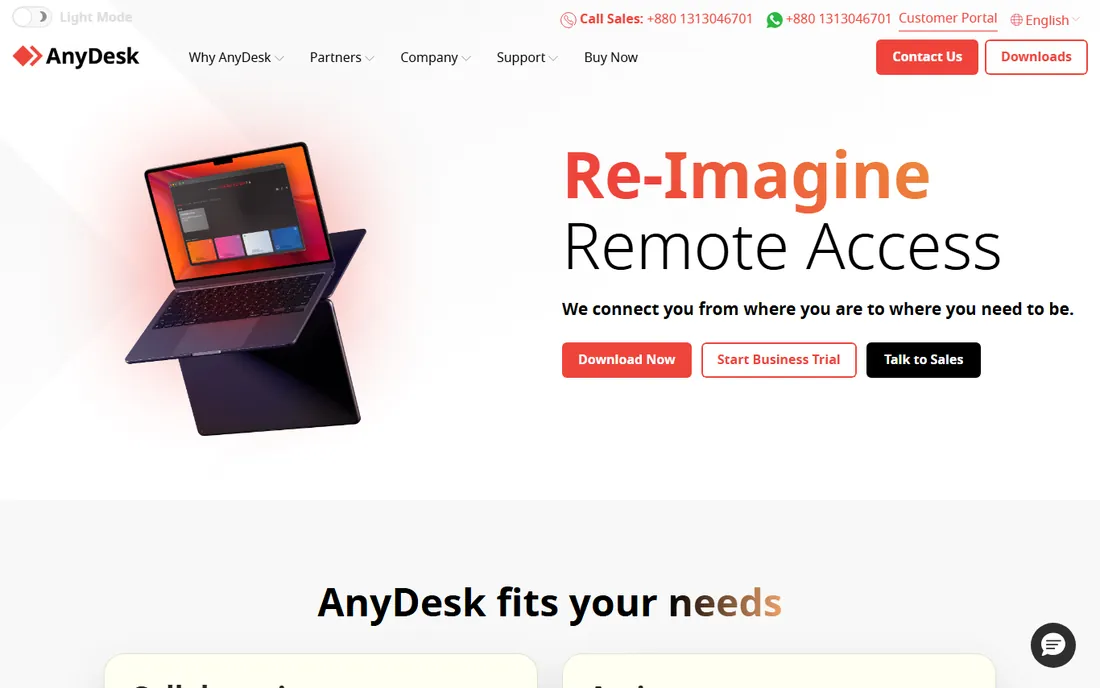
AnyDesk built its reputation on speed. Its proprietary codec keeps the connection feeling snappy even on poor bandwidth, which is why it became the favorite of support technicians in regions with unreliable internet. The client is a few megabytes, runs without installation, and connects with a nine-digit address. Unattended access, file transfer, remote printing, and Wake-on-LAN cover the standard remote-desktop checklist.
Pricing sits on a Solo plan for individuals and Standard and Advanced tiers for teams, all billed yearly. The free license is for private use, and like TeamViewer, AnyDesk may flag patterns that look commercial. For pure screen sharing inside a meeting it is overkill. For anyone who remotes into machines daily, the latency advantage is real and noticeable.
What we like- Famously responsive on slow or unstable networks
- Tiny download that runs without installation
- Free for personal use
Watch out for- Paid plans are billed annually only
- Free tier sessions can be interrupted if commercial use is suspected
Starting price$15/month (Basic)
Free planYes
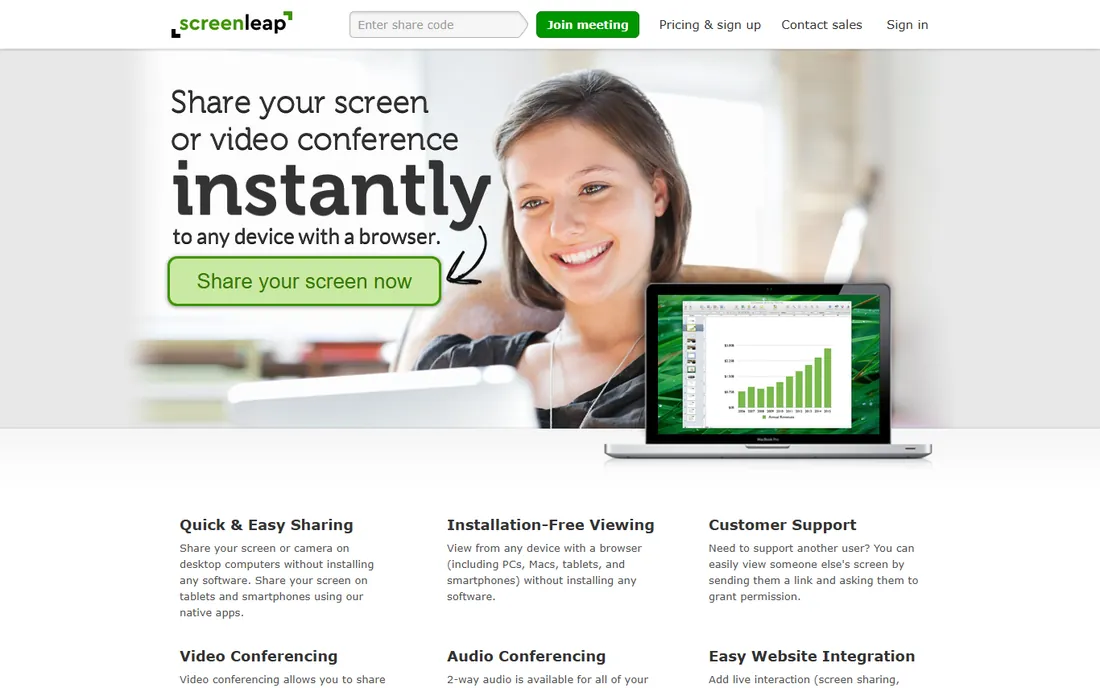
Screenleap's whole philosophy is zero friction for the viewer. You start sharing, send a link, and anyone with a browser watches, on a PC, Mac, tablet, or phone, with no install and no account. That makes it a natural fit for support teams, sales demos, and live website widgets where the audience will not tolerate a download.
The free plan covers 40 minutes of sharing per day for up to 8 viewers. Basic at $15 per month raises that to 8 hours a day and 30 viewers with control sharing; Pro at $31 per month removes time limits and supports 150 viewers. The developer API is a quiet strength: you can bake live screen sharing into your own product. If you need sharing embedded in a customer experience rather than a standalone meeting app, start here.
What we like- Viewers need nothing but a browser
- Embeddable viewer and website integration
- Control sharing on paid plans
Watch out for- The free tier caps you at 40 minutes per day
- Smaller user base means fewer tutorials and community answers
Starting price$29/month (Solo)
Free planYes
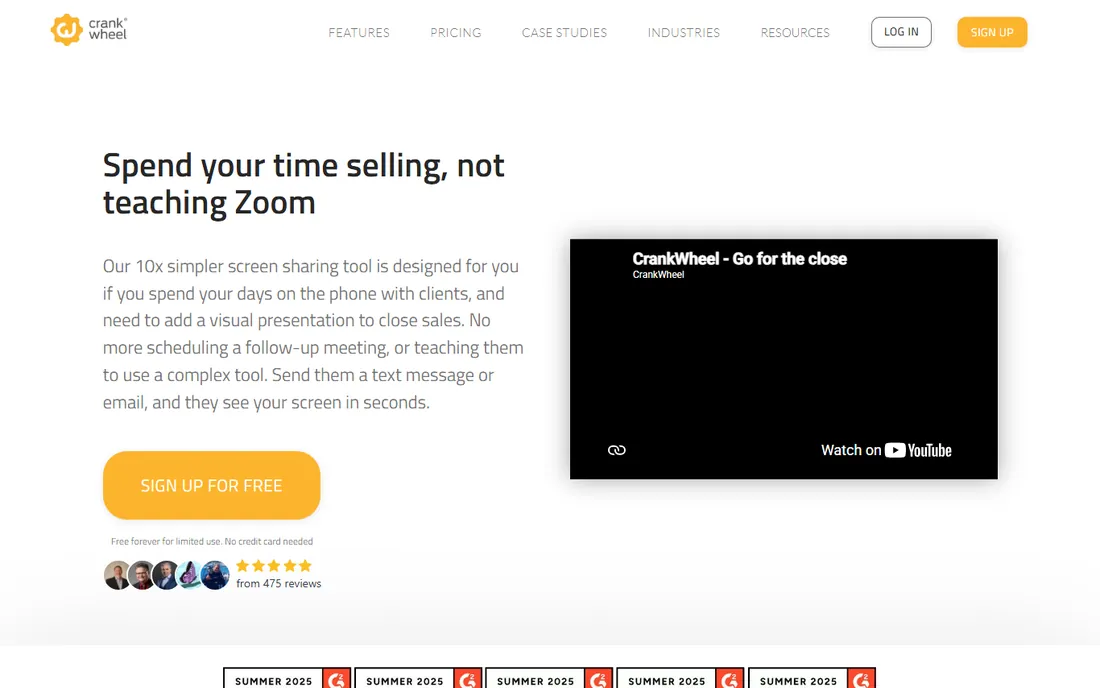
CrankWheel solves one problem well: you are on the phone with a prospect and want them to see your screen right now. You text or email a link, they tap it, and your screen appears in their browser in under ten seconds. No app to download, no "can you hear me," no scheduled meeting. For insurance agents, mortgage brokers, and software salespeople who live on the phone, this removes the biggest source of demo friction.
The free plan covers 15 meetings per month, enough to test it. Solo at $29 per month gives one salesperson unlimited use, with an annual discount available. Team plans start higher and stack by meeting volume. It is not a meeting platform and does not try to be; if you need two-way video with a team, pair it with your phone system and move on.
What we like- The prospect clicks one link and sees your screen in seconds, no install, no account
- Built for phone-based selling
- Engagement tracking on recordings
Watch out for- Designed for sales, so general meeting features are thin
- Paid plans jump quickly for teams
#6
GoToMeeting
Best for: dependable scheduled meetings for small businesses
Visit goto.com
Starting price$12/organizer/month (billed annually)
Free planFree trial
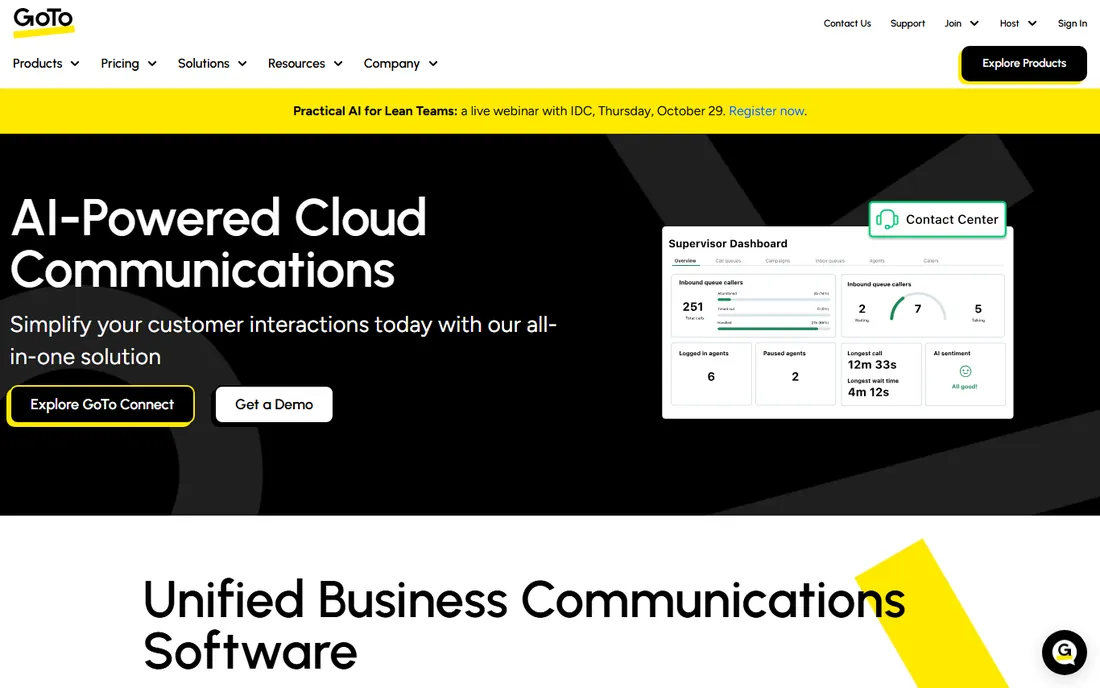
GoToMeeting is the veteran of business web conferencing, from the company formerly known as LogMeIn. It does scheduled meetings with screen sharing, HD video, and audio conferencing in a way that has been refined over many years. Organizers get a personal meeting room link, attendees join from browsers or apps, and screen sharing covers the full desktop or individual applications.
Professional costs $12 per organizer per month billed annually for up to 150 participants; Business is $16 for up to 250 with unlimited cloud recording and transcription. There is a 14-day free trial but no free-forever tier, which makes it a paid commitment from day one. Note that Join.me, GoTo's old lightweight sharing product, has been discontinued, with its users directed toward GoToMeeting. Choose GoToMeeting if you want a steady, unflashy meeting tool and already trust the GoTo ecosystem.
What we like- Simple scheduling and one-click join
- Unlimited meetings and cloud recording on paid plans
- Dial-in numbers in many countries
Watch out for- No permanent free tier, trial only
- The interface feels conservative next to newer rivals
#7
Zoho Meeting
Best for: teams already paying for Zoho apps
Visit zoho.com
Starting priceSee website
Free planYes
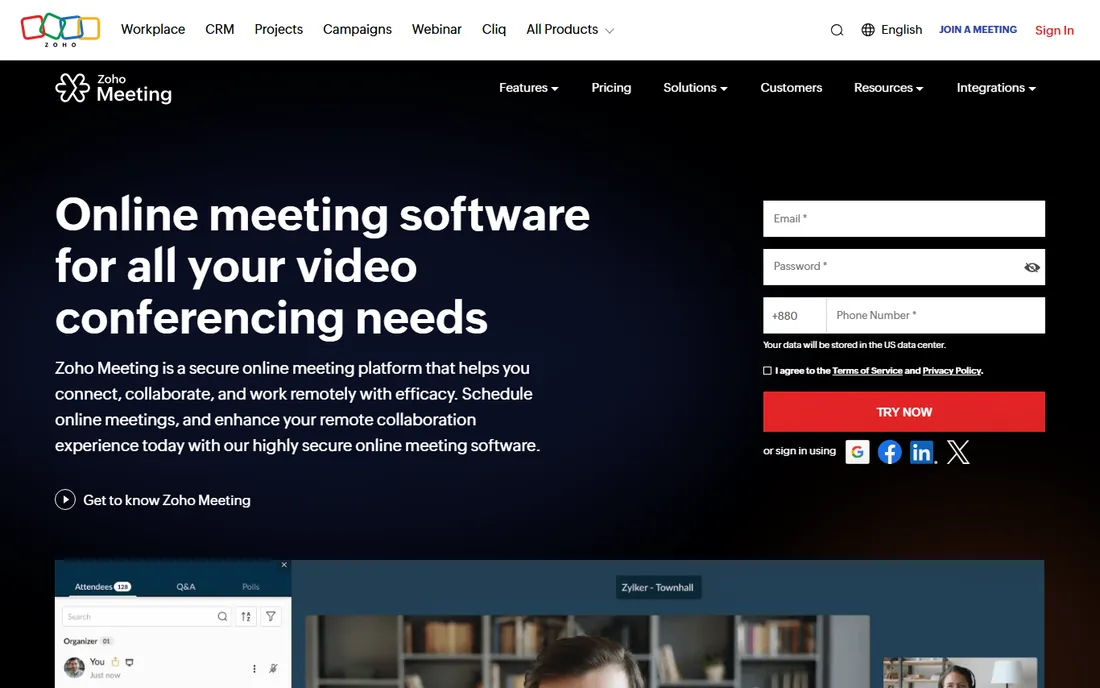
Zoho Meeting is the sensible pick if your company already lives in Zoho. The free tier is genuinely generous: up to 100 participants, 60-minute meetings, screen sharing, and chat. Paid plans add recording, co-hosts, and dial-in numbers at prices that undercut Zoom and GoToMeeting. Screen sharing includes the usual full-screen and application options, plus remote control for support scenarios.
Outside the Zoho world it is a solid but unremarkable meeting tool. The differentiator is the bundle: meetings, webinars, and the wider Zoho suite on one bill, with data staying inside one vendor's systems. If you are comparing it standalone against Zoom, Zoom wins on polish. If you are comparing total cost for a Zoho shop, Zoho Meeting usually wins on price.
What we like- Free plan allows 100 participants and 60-minute meetings
- Screen sharing with remote control hand-off
- Deep integration with Zoho CRM and other Zoho apps
Watch out for- Best value only inside the Zoho ecosystem
- Webinar features are a separate product
#8
Whereby
Best for: browser-based meetings with permanent room links
Visit whereby.com
Starting price$10.99/month (Pro)
Free planYes
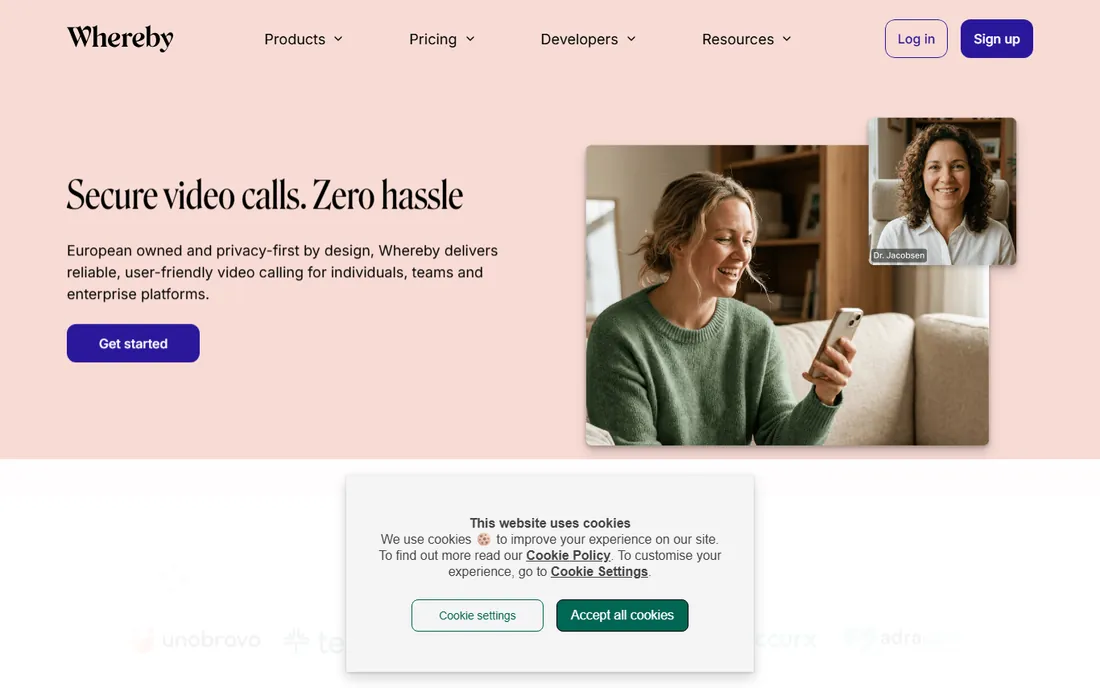
Whereby's pitch is radical simplicity: your meeting lives at a permanent URL, people click it, they are in, cameras on, screen shareable, nothing to install. It is built on WebRTC, works in any modern browser, and the company emphasizes European hosting with GDPR and HIPAA compliance. For freelancers and small teams who want a meeting link that just works, it is the least annoying option in this list.
The free plan gives one room, four participants, and 30-minute meetings. Pro at $10.99 per month removes the time limit, allows 100 participants, and adds custom branding and unlimited recording. Business starts at $13.99 per host per month with a three-host minimum. If your meetings are small and your guests are non-technical, Whereby's browser-first approach beats everything here on friction.
What we like- Meetings run entirely in the browser with no downloads
- Permanent room URLs you can reuse
- Screen sharing with no install on either side
Watch out for- Free tier limits meetings to 30 minutes and 4 participants
- Fewer enterprise admin controls than Zoom or Teams
Starting priceFree
Free planYes
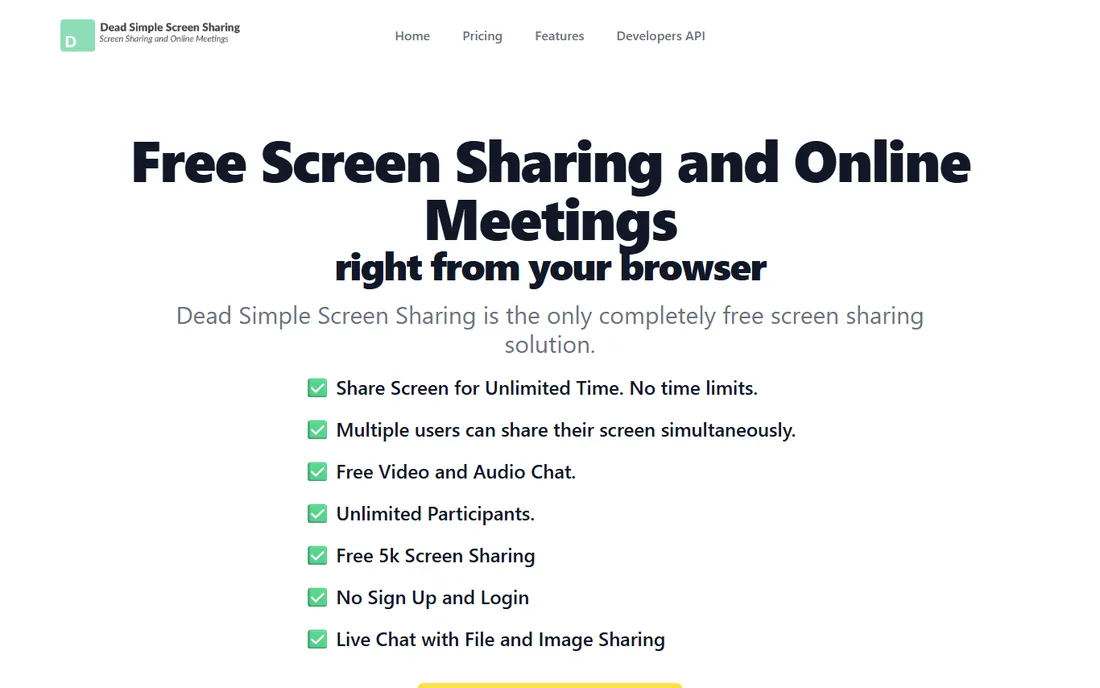
The name is the whole product. You click "share your screen," get a meeting code, hand it to the other person, and they watch in their browser. No signup, no email, no download, no time limit, no participant cap, and no ads according to the vendor. It has been around since 2013 and the core sharing remains free.
Expectations should be set accordingly. This is screen sharing and audio chat, not a meeting platform: no scheduling, no cloud recording on the free tier, no admin controls. The company monetizes advanced needs, custom URLs, website embedding, APIs, through a separate metered service. For the job of "show someone my screen in the next thirty seconds," nothing here is faster or cheaper.
What we like- Completely free with no account required
- Unlimited time and participants
- Works in any browser on any device
Watch out for- Bare-bones feature set
- Advanced features like custom URLs and APIs require a separate paid service
How we chose
We compared nine established screen sharing tools with real, shipping products in October 2026, checking vendor homepages and pricing pages directly and using search-verified snapshots where homepages were unreachable. We weighed ease of joining for guests, remote-control capability, platform coverage, free tier generosity, and price, drawing on public reviews from G2, TrustRadius, and Reddit. We did not run hands-on tests; findings rest on vendor documentation and public user feedback. One note: Join.me has been discontinued and its users moved to GoToMeeting, and Mikogo's site was unreachable at the time of writing, so neither is listed.
Start by naming the job. Sharing your screen in a meeting with colleagues? Zoom, GoToMeeting, Zoho Meeting, or Whereby. Taking control of someone else's computer to fix it? TeamViewer or AnyDesk. Showing a prospect your screen mid-phone-call? CrankWheel. Embedding sharing in your website? Screenleap. One-off share with someone who will not install anything? Whereby or Dead Simple Screen Sharing.
Then check the guest experience, because that is where these tools live or die. Every minute a client spends downloading an app is a minute of goodwill burned. The browser-first tools win that test by a wide margin.
Read the commercial-use fine print
TeamViewer and AnyDesk both offer free tiers, but they are for personal, non-commercial use, and both vendors actively detect suspected business use. If you support clients or customers, even occasionally, budget for a paid license. The same caution applies to GoToMeeting, which has no free tier at all, only a trial. The genuinely free-for-business options here are the browser sharers: Whereby's free plan, Screenleap's free plan, Zoho Meeting's free plan, and Dead Simple Screen Sharing.
Frequently asked questions
What is the best screen sharing software for meetings?
Zoom is the safest default: near-universal adoption, reliable sharing, and a free tier for short meetings. If your guests struggle with installs, Whereby or Dead Simple Screen Sharing remove the download entirely. For scheduled business meetings at a lower price, GoToMeeting and Zoho Meeting are both solid.
Is there really free screen sharing software?
Yes. Dead Simple Screen Sharing is free with no signup, time limit, or participant cap. Zoom's free plan covers unlimited one-on-one and 40-minute group meetings. Whereby, Screenleap, CrankWheel, and Zoho Meeting all have usable free tiers. TeamViewer and AnyDesk are free for personal use only.
Can I share my screen without installing anything?
Yes, several tools are browser-first. Whereby, Dead Simple Screen Sharing, Screenleap, and CrankWheel all let the viewer join from a browser with no install. As the presenter, most also work from the browser, though some advanced features like remote control may need the desktop app.
What is the difference between screen sharing and remote desktop?
Screen sharing shows your screen to others; they watch but do not control your computer. Remote desktop tools like TeamViewer and AnyDesk go further, letting the other person move your mouse and type. If you need to fix a computer remotely, you want remote desktop. If you need to present, screen sharing is enough and simpler.
Which screen sharing tool is best for sales calls?
CrankWheel is purpose-built for it: one link turns a phone call into a screen share in seconds, with no install on the prospect's side. Screenleap is the alternative if you want sharing embedded on your website. For scheduled demos with larger audiences, Zoom or GoToMeeting handle the meeting side better.
Is it safe to share my screen with these tools?
Generally yes, with one habit: close or minimize anything sensitive before you share, and prefer sharing a single application window over your full desktop. TeamViewer and Whereby both emphasize encryption and compliance certifications. Never grant remote control to someone you do not trust.
Sources we checked (13)
- https://zoom.com/
- https://teamviewer.com/
- https://anydesk.com
- https://screenleap.com/
- https://www.screenleap.com/meeting-ended?endState=USER_ACTION
- https://crankwheel.com/
- https://www.goto.com/
- https://www.zoho.com/meeting/
- https://whereby.com/
- https://whereby.com/information/meetings/pricing
- https://deadsimplescreensharing.com/
- https://deadsimplescreensharing.com/pricing
- https://www.trustradius.com/compare-products/joinme-vs-west-collaboration
Is your product missing or out of date?
We review this list regularly. Vendors can request a listing, send updated pricing or ask about featured placement.

Shihab Mia · Founder, Rankite
Shihab has spent more than a decade helping SaaS and e-commerce brands grow through search. He writes Rankite's software buying guides from pricing pages, documentation and public user reviews. More about Shihab.