How we make this list: we compare pricing pages, product documentation and public user reviews. Rankite is independent; if a vendor ever pays for a featured spot, that listing is clearly labeled Partner.
Key takeaways
- Gather is the most popular virtual office, with a game-like 2D world where proximity chat recreates hallway conversations.
- Kumospace and Teamflow offer simpler browser-based spaces for teams that want presence without the game feel.
- Virbela and SpatialChat suit larger events and all-hands meetings where dozens of people need to mingle.
- Remo, Sococo, and WorkAdventure cover specific niches: virtual events, persistent team floors, and open-source self-hosting.
Quick comparison
| Tool | Best for | Starting price | Free plan |
|---|
 Gather Gather | game-like team office | See website | Free trial |
 Kumospace Kumospace | simple browser-based presence | See website | Free trial |
 Teamflow Teamflow | virtual HQ for remote teams | See website | Free trial |
 Virbela Virbela | large immersive events | See website | No |
 Remo Remo | virtual events and networking | See website | Free trial |
 Sococo Sococo | persistent team floor plan | See website | Free trial |
 WorkAdventure WorkAdventure | open-source self-hosted office | Free | Yes |
 SpatialChat SpatialChat | mingle-style video events | See website | Free trial |
Is your product missing or out of date?
We review this list regularly. Vendors can request a listing, send updated pricing or ask about featured placement.
The best virtual office software
Starting priceSee website
Free planFree trial
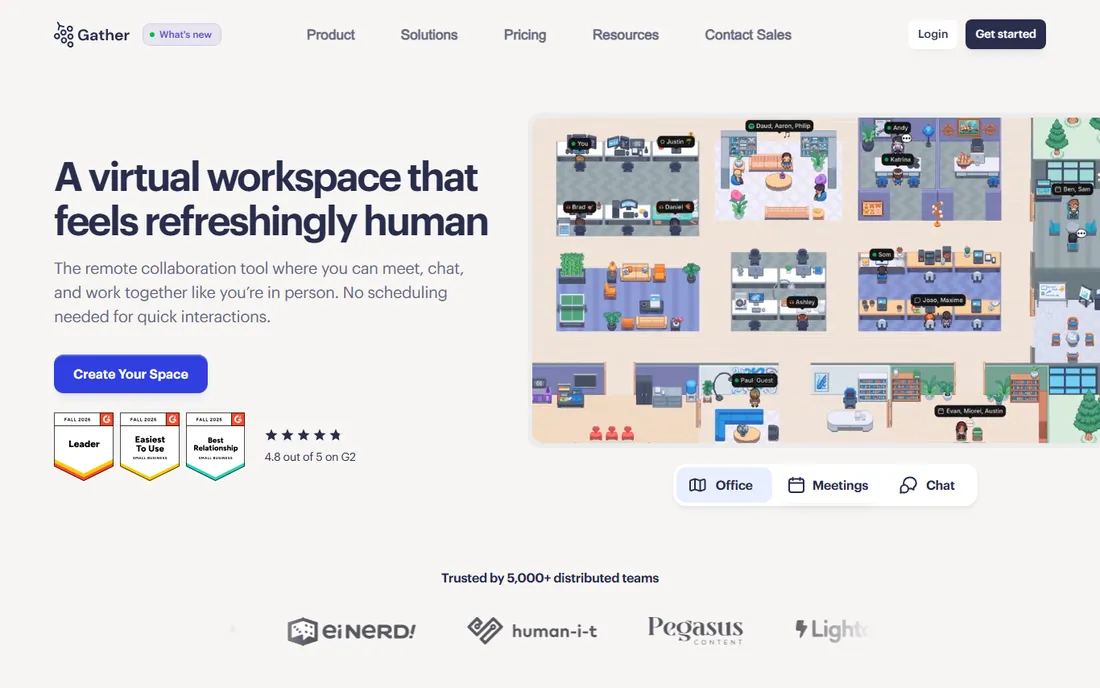
Gather recreates the office as a 2D pixel-art world where your avatar walks around and video chat fades in as you approach colleagues. Walk up to someone's desk, and you are talking. Walk away, and the conversation ends. That simple mechanic restores the spontaneous interactions remote work killed.
Customization is half the fun. Teams build offices with meeting rooms, quiet zones, whiteboards, and games, and the playful aesthetic lowers the barrier to hanging out. Integrations with Google Calendar and common tools keep it practical beneath the charm.
Not every team wants a game at work, and some employees find the aesthetic unserious. Very large gatherings can strain performance. But for teams that miss the social texture of an office, Gather is the most successful attempt at bringing it back.
What we like- Proximity chat feels natural
- Customizable 2D spaces
- Fun drives adoption
Watch out for- Can feel gimmicky to some teams
- Performance dips in very large spaces
Starting priceSee website
Free planFree trial
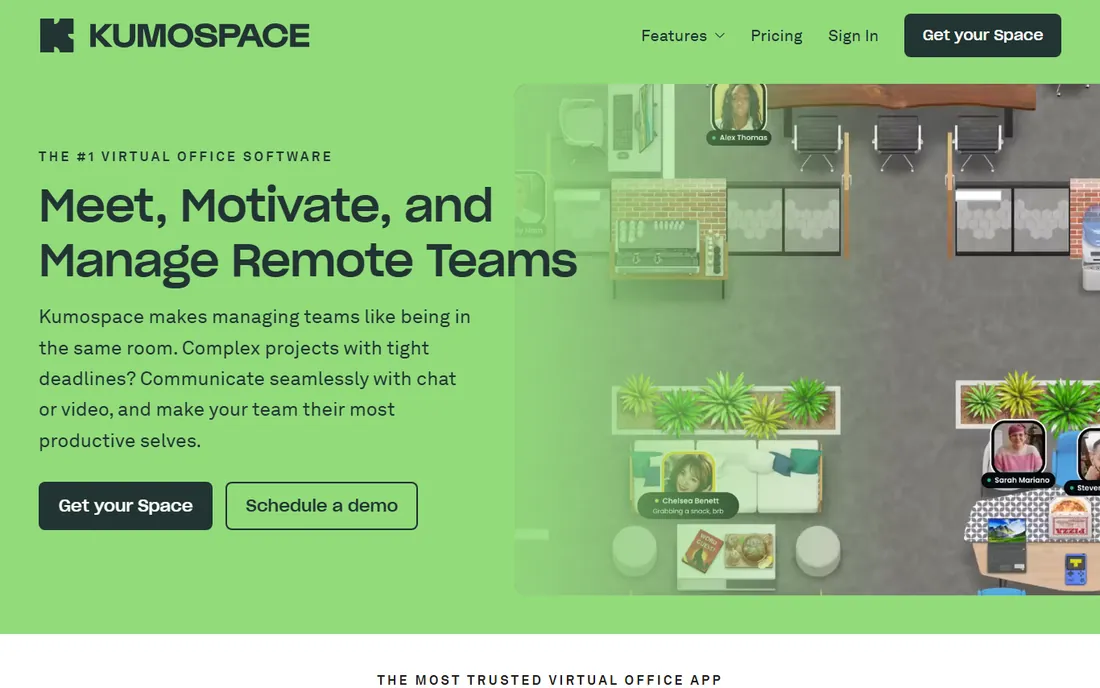
Kumospace strips the virtual office to its essentials: a browser-based space with spatial audio, where you hear people louder as you get closer. No downloads, no avatars to design, no game mechanics to learn. Open a link and you are in the office.
That simplicity is the selling point for teams with non-technical members or frequent guests. Virtual happy hours, coworking sessions, and drop-in office hours all work without onboarding. The audio quality and reliability are consistently praised.
You give up the deep customization and playful world-building of Gather. The spaces are functional rather than delightful. For teams that want presence and conversation without the game layer, that trade is exactly right.
What we like- Runs entirely in the browser
- Spatial audio that works well
- Easy for guests
Watch out for- Less customizable than Gather
- Smaller feature set
Starting priceSee website
Free planFree trial
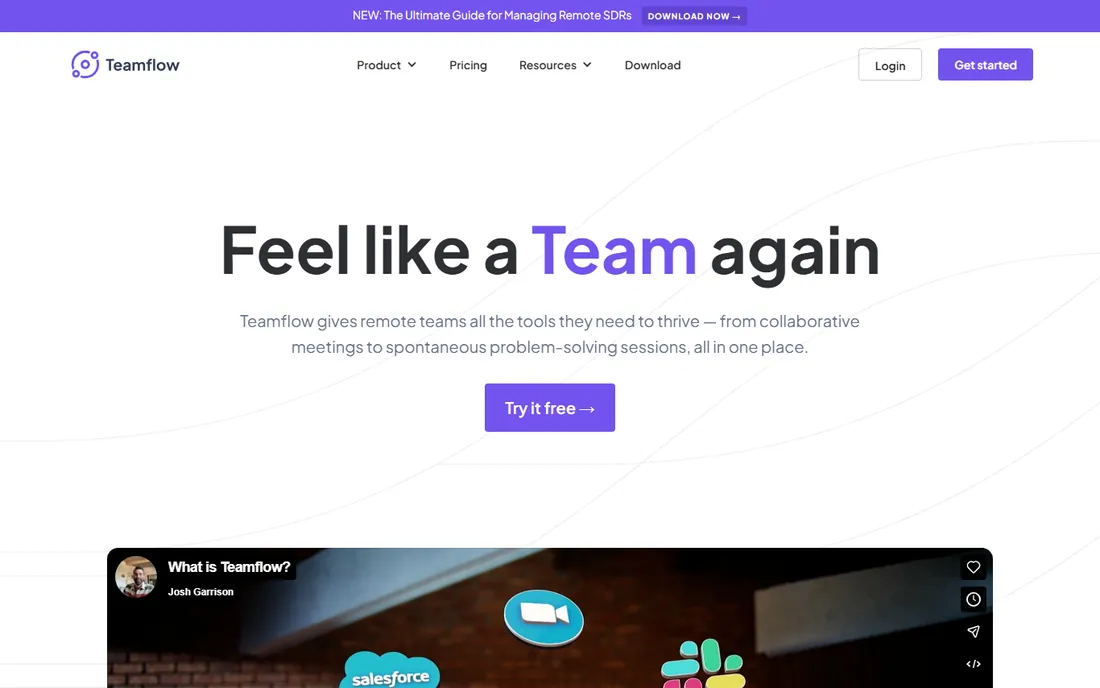
Teamflow positions itself as the virtual headquarters your team opens every morning. The 2D office includes desks, meeting rooms, and common areas, with the emphasis on daily work rhythms rather than events: standups, pair programming, and quick questions.
The work-tool integrations reflect that positioning. Screen sharing is smooth, and connections to calendars and project tools keep the office tied to actual work. The design aims for professional rather than playful, which suits teams that want presence without pixels-as-game.
The user base is smaller than Gather's, so there are fewer community templates and third-party resources. Large-scale events are not its strength. But as a daily virtual HQ for a remote team, the focused design works well.
What we like- Designed as a daily team headquarters
- Good screen sharing
- Integrates with work tools
Watch out for- Smaller user base
- Less proven at large scale
Starting priceSee website
Free planNo
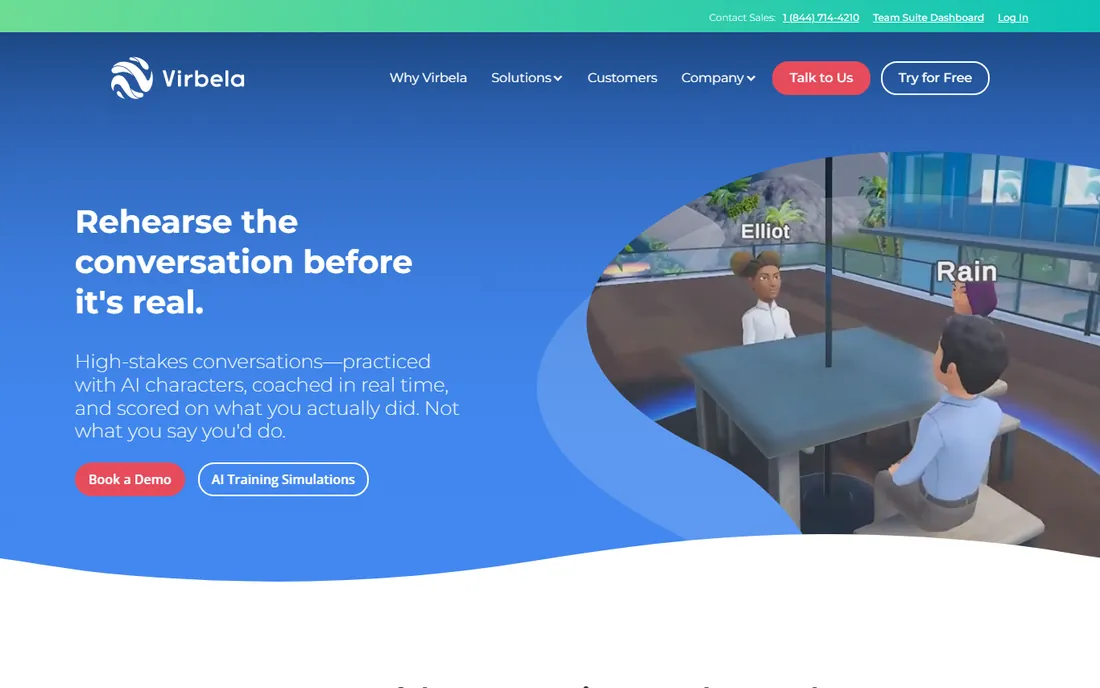
Virbela goes further into immersion than anyone else on this list: full 3D environments with avatars, auditoriums, expo halls, and private meeting rooms. Companies run entire conferences, onboarding programs, and persistent campuses inside it.
The 3D format suits events where presence matters: keynotes with audience reactions, expo floors with booth conversations, and team-building activities that need shared space. The sense of "being there" exceeds what 2D tools deliver.
The cost is friction. Users download software, need decent hardware, and spend time learning to navigate. For daily team use, that is too much overhead. But for large events and companies committed to immersive remote culture, Virbela is the most complete platform.
What we like- True 3D immersive environments
- Handles large events
- Enterprise-grade
Watch out for- Requires downloads
- Heavier system requirements
Starting priceSee website
Free planFree trial
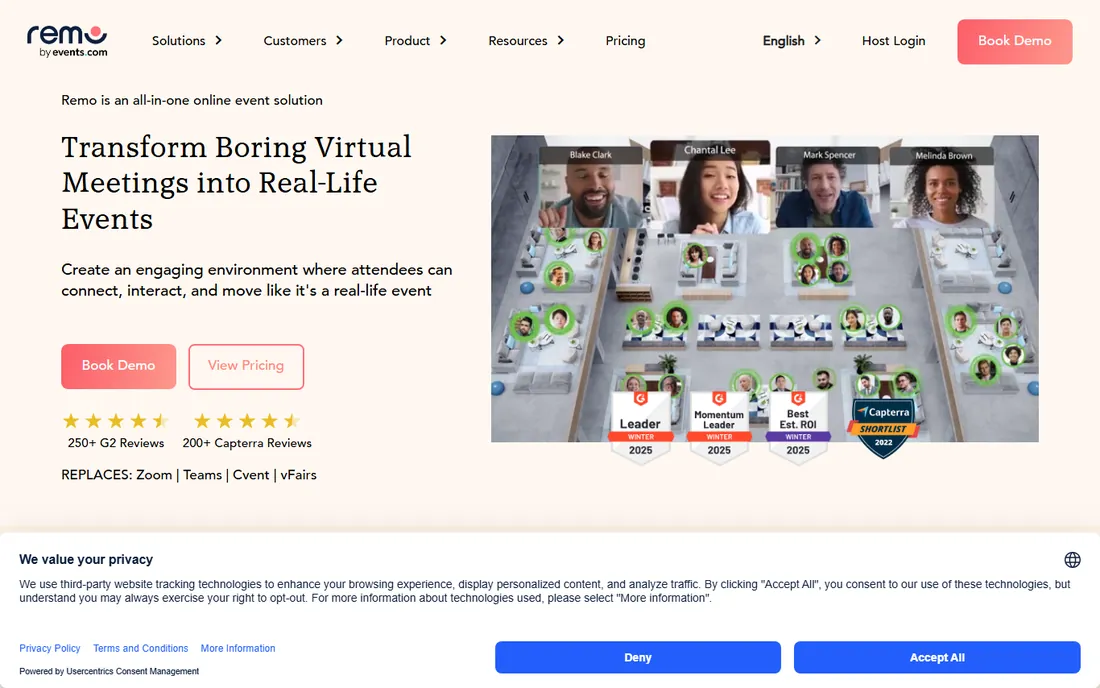
Remo's signature is the virtual floor plan of tables. Attendees sit at tables of up to eight, video chatting with their tablemates, and can move between tables freely. It recreates the mingling of a real event better than breakout rooms ever did.
Conference organizers use it for networking sessions, workshops, and sponsor interactions. The whiteboard and presentation features support structured sessions, while the table format handles the unstructured social time that makes events valuable.
It is an event platform, not a daily virtual office; nobody keeps Remo open all day. Per-event pricing means frequent organizers should model costs carefully. But for virtual events where networking is the point, the table mechanic is genuinely effective.
What we like- Table-based networking feels natural
- Good for conferences
- Easy guest access
Watch out for- Event-focused, not a daily office
- Pricing per event adds up
Starting priceSee website
Free planFree trial
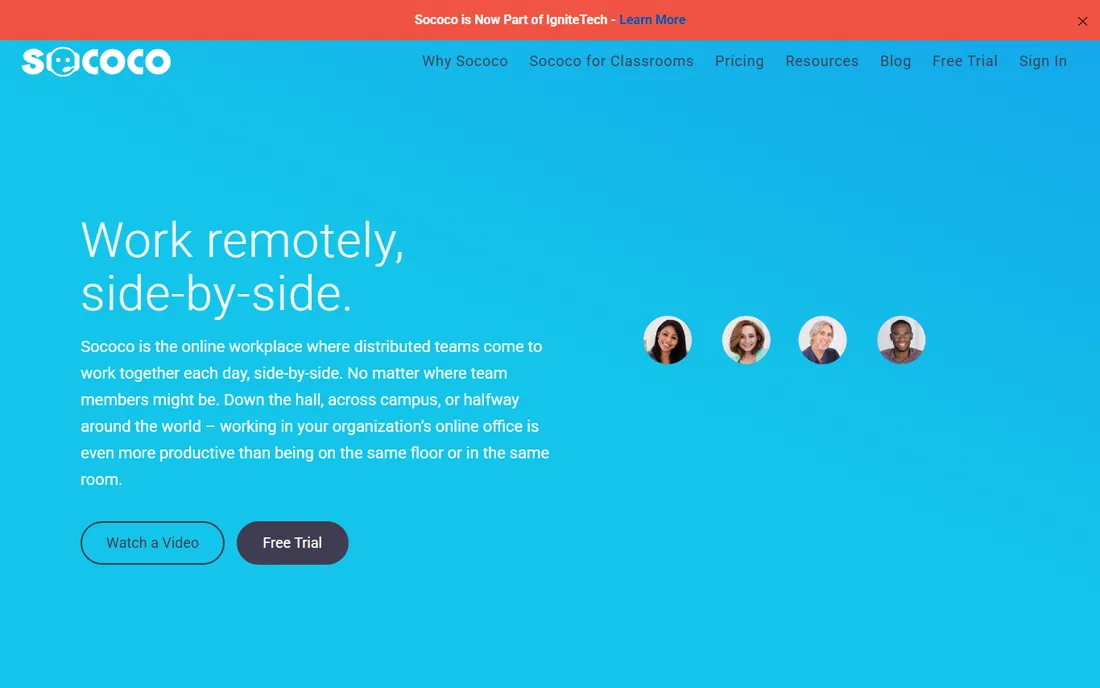
Sococo is one of the oldest virtual office tools, and its concept is simple: a persistent floor plan showing where everyone is, with one-click entry into conversations. See that three teammates are in a room, click, and you are talking. No scheduling, no links.
That always-on awareness is the whole value. Remote workers see colleagues' availability at a glance, and the friction of starting a conversation drops to near zero. Distributed teams that miss the "is anyone around?" feeling of an office find it restorative.
The interface has not evolved much while competitors added game worlds and 3D spaces. Younger teams may find it plain. But the core mechanic still works, and for teams that want presence without playfulness, Sococo's straightforwardness is a feature.
What we like- Always-on office map
- Quick spontaneous meetings
- Long track record
Watch out for- Interface feels dated
- Less engaging than newer tools
Starting priceFree
Free planYes
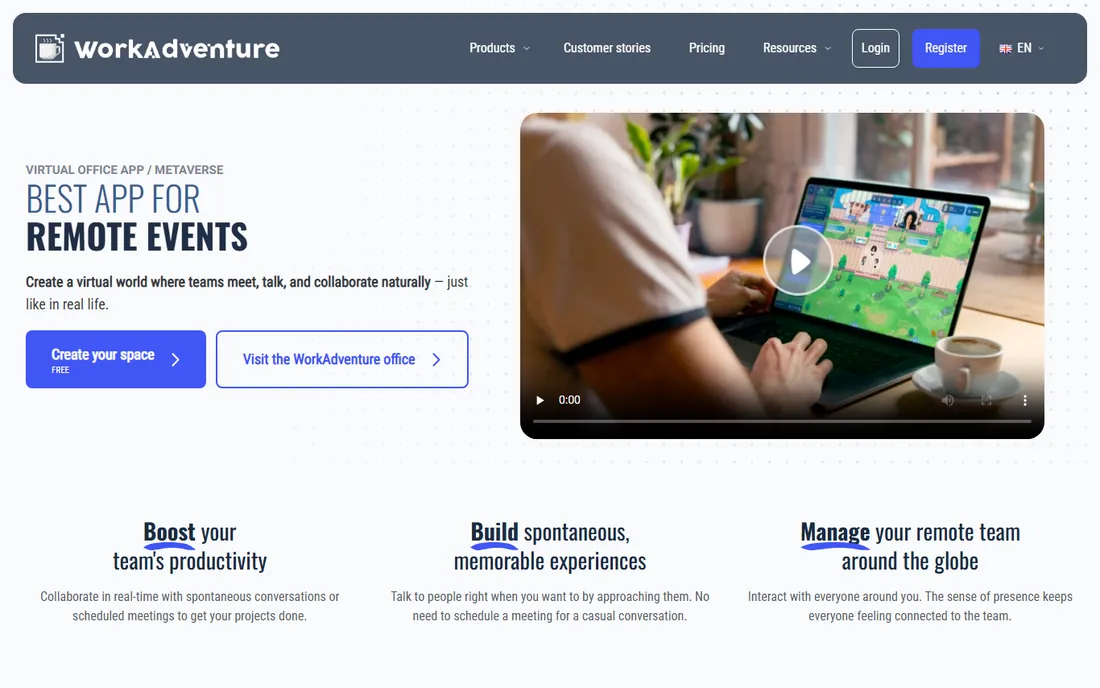
WorkAdventure is the open-source answer to Gather: a 2D virtual world with proximity video chat that you can host yourself. Universities, nonprofits, and privacy-conscious companies run their own instances with full control over data and customization.
The feature set covers the essentials: customizable maps, video and audio zones, screen sharing, and integrations. The community contributes maps and extensions, and the codebase is genuinely active.
Self-hosting means you own the infrastructure work: servers, updates, and scaling. The polish lags commercial tools in small ways. But for organizations that cannot put team conversations on someone else's servers, or that simply prefer open source, WorkAdventure is a real option, not a toy.
What we like- Free and open source
- Self-host for full control
- Active community
Watch out for- You manage the infrastructure
- Fewer polish touches
Starting priceSee website
Free planFree trial
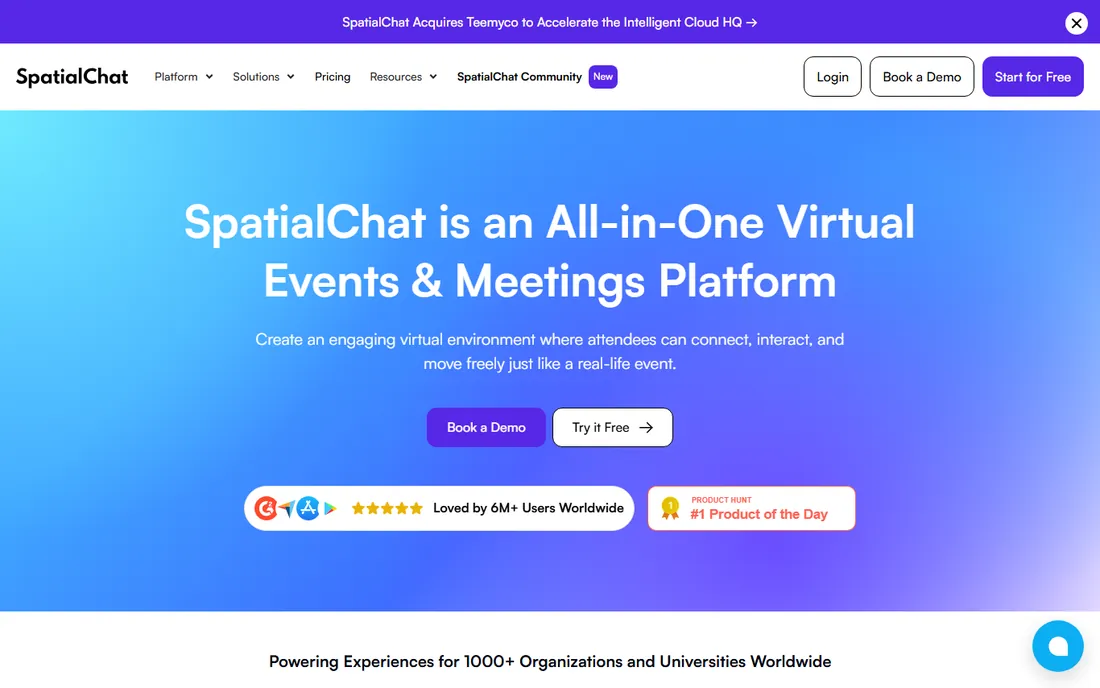
SpatialChat arranges video feeds in a 2D space where you move your bubble toward people to talk. The interaction is immediately intuitive: see someone, walk over, start chatting. Workshops, classes, and social events all benefit from the fluid grouping.
Customization options let organizers brand the space with backgrounds and logos. The breakout-style movement handles the awkward transitions of virtual events gracefully, and the learning curve for attendees is nearly zero.
Like Remo, it shines at events rather than daily office life. The integration list is shorter than the bigger platforms'. But for facilitators who run interactive virtual sessions, SpatialChat's simplicity and reliability earn it a loyal following.
What we like- Intuitive spatial video
- Good for workshops
- Customizable backgrounds
Watch out for- Best for events rather than daily use
- Limited integrations
Making a virtual office stick
The software is the easy part; adoption is the hard part. Virtual offices fail when half the team never opens them, leaving the enthusiasts talking to empty rooms. Set a norm: the office is open during work hours, cameras on in common areas, and quick questions happen there instead of in scheduled calls.
Start with rituals, not mandates. A daily coworking hour, Friday demos in the virtual auditorium, or a standing coffee corner gives people reasons to show up. The spontaneous conversations follow once presence becomes habit.
Respect the opt-outs too. Some people do deep work better without ambient presence, and forcing the office on everyone breeds resentment. Let the virtual office be the default for collaboration while protecting focus time.
Pricing realities
Most virtual offices price per user per month, with free tiers for small teams or limited hours. Gather, Kumospace, and SpatialChat all offer ways to try before paying, and costs for a 20-person team are typically modest.
Enterprise options like Virbela price higher and often require annual contracts. WorkAdventure is free if you self-host, but factor in server costs and maintenance time.
The hidden cost is attention. A virtual office that nobody uses is wasted money at any price. Pilot with one enthusiastic team, measure actual usage after a month, and expand only if the room stays full.
How we chose
We compared tools that give remote teams a shared virtual space, based on vendor documentation, pricing pages, and user reviews on G2, Capterra, and Product Hunt. We focused on products with active development and real team usage, covering game-like offices, browser-based spaces, immersive 3D, event platforms, and the open-source option. Pricing in this category changes often, so we link to vendors for current numbers.
Frequently asked questions
Do virtual offices actually improve remote work?
They help with the specific problem of spontaneous interaction. Teams report more casual conversations and faster questions. They do not fix deeper issues like unclear goals or meeting overload. Treat the virtual office as one tool for connection, not a cure for remote work challenges.
Will employees find it gimmicky?
Some will, especially with game-like tools. The fix is framing and choice: position it as a place for collaboration, let skeptics opt out of ambient presence, and pick a professional-styled tool if your culture leans formal.
How is this different from just leaving Zoom open?
An always-on video call is exhausting and binary: you are either in the call or absent. Virtual offices add spatial awareness (who is with whom), easy movement between conversations, and persistence across the day. The experience is closer to sharing a building than sharing a call.
What about privacy and always-on cameras?
Good tools let users control their presence: appear busy, mute, or step out. Set team norms that respect focus time, and never use presence data for surveillance. The office should feel like a shared space, not a panopticon.
Can we use it for client meetings and events?
Yes, with the right tool. Gather, Remo, and SpatialChat all handle guest access for events. For formal client meetings, most teams still use standard video calls; the virtual office earns its keep in internal collaboration and informal gatherings.
Sources we checked (8)
- https://www.gather.town/
- https://www.kumospace.com/
- https://www.teamflowhq.com/
- https://www.virbela.com/
- https://remo.co/
- https://www.sococo.com/
- https://www.workadventu.re/
- https://www.spatial.chat/
Is your product missing or out of date?
We review this list regularly. Vendors can request a listing, send updated pricing or ask about featured placement.

Shihab Mia · Founder, Rankite
Shihab has spent more than a decade helping SaaS and e-commerce brands grow through search. He writes Rankite's software buying guides from pricing pages, documentation and public user reviews. More about Shihab.