How we make this list: we compare pricing pages, product documentation and public user reviews. Rankite is independent; if a vendor ever pays for a featured spot, that listing is clearly labeled Partner.
Key takeaways
- Syncthing and Resilio Sync are the best free file sync software for syncing your own devices, with no cloud and no storage caps.
- FreeFileSync is the pick when you want scheduled folder mirroring and backups rather than live sync.
- Dropbox, Google Drive and OneDrive give you the most polished free sync clients, but their free storage is small (2 to 15 GB).
- MEGA and pCloud offer the most generous free cloud tiers if you need space without paying.
- Sync.com and Nextcloud are the privacy-first options: zero-knowledge encryption on Sync.com, and full self-hosting with Nextcloud.
You have files on two computers, a phone, and maybe a NAS, and you want them identical everywhere without paying a monthly fee. The good news is that the best free file sync software in 2026 is genuinely good. The bad news is that "free sync" means two very different things: syncing your own devices with no cloud involved, and getting free space on someone else's cloud.
This list covers both. Syncthing, Resilio Sync and FreeFileSync sync your devices directly and cost nothing at any scale. Dropbox, Google Drive, OneDrive, pCloud, MEGA and Sync.com give you free cloud storage with polished sync clients, each with a free tier you can start on today. Nextcloud sits in the middle: free, open-source software you run on your own server. Prices below come from each vendor's own pricing page in October 2026.
Quick comparison
| Tool | Best for | Starting price | Free plan |
|---|
 Syncthing Syncthing | Private sync across your own devices | Free | Yes |
 FreeFileSync FreeFileSync | Scheduled backups and one-way folder mirroring | Free | Yes |
 Resilio Sync Resilio Sync | Fast device-to-device sync without size limits | Free | Yes |
 Dropbox Dropbox | Sync that just works for everyone | $9.99/month (Plus) | Yes (2 GB free) |
 Google Drive Google Drive | Syncing inside Gmail, Docs and Photos | See website | Yes (15 GB free) |
 OneDrive OneDrive | Windows users and Microsoft 365 households | See website | Yes (5 GB free) |
 pCloud pCloud | One-time lifetime storage instead of a subscription | See website | Yes |
 MEGA MEGA | Encrypted cloud storage with a large free tier | From €15/month (Pro Flexi) | Yes |
 Sync.com Sync.com | Privacy-first sync for individuals and teams | $6/user/month (Teams 1TB, billed annually) | Yes (5 GB free) |
 Nextcloud Nextcloud | Running your own private Dropbox | Free (open source; enterprise support custom) | Yes |
Is your product missing or out of date?
We review this list regularly. Vendors can request a listing, send updated pricing or ask about featured placement.
Starting priceFree
Free planYes
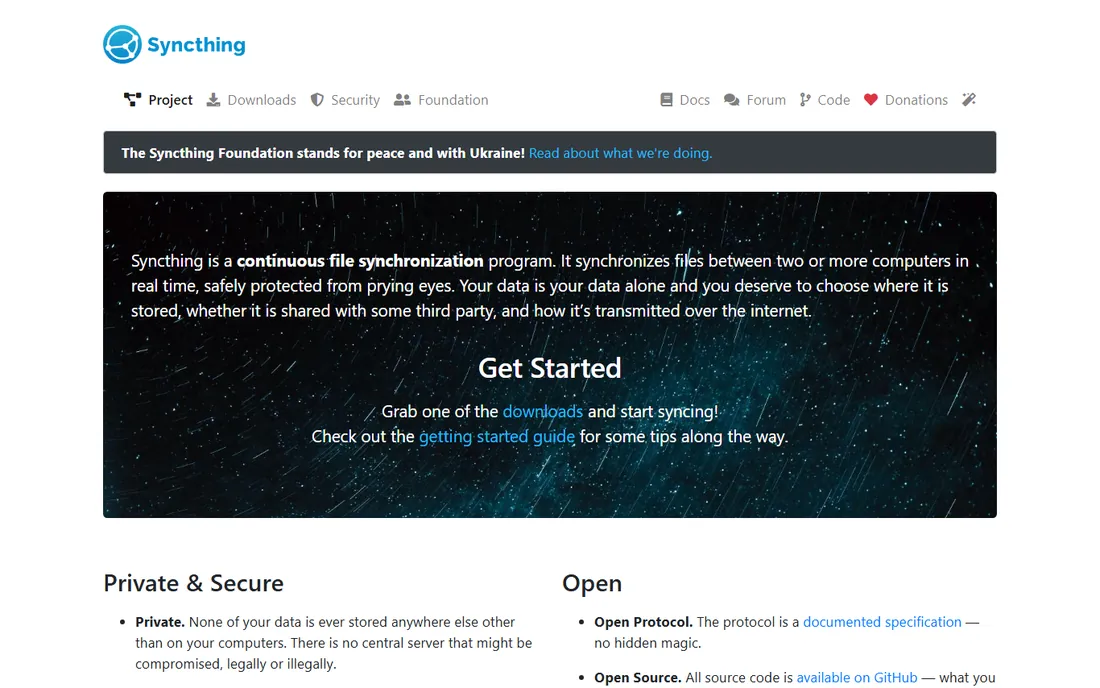
Syncthing is the answer when you do not want your files on anyone's cloud. It syncs folders directly between your devices over an encrypted peer-to-peer connection, with no account, no subscription and no storage cap beyond your own disks. Add a laptop, a desktop and a phone, share a folder between them, and changes propagate within seconds. Because there is no central server, there is also no one who can read, throttle or discontinue your data.
The honest catch is that you are the administrator. There is no web dashboard hosted for you and the first setup takes more clicking than installing Dropbox. But once it runs, it runs for years with almost no attention. For syncing large media libraries or project folders you would rather not upload anywhere, nothing free beats it.
What we like- Fully open source with no account needed
- Data never touches a third-party server
- No storage limits
Watch out for- No hosted option, you run everything yourself
- Initial setup is more hands-on than Dropbox
Starting priceFree
Free planYes
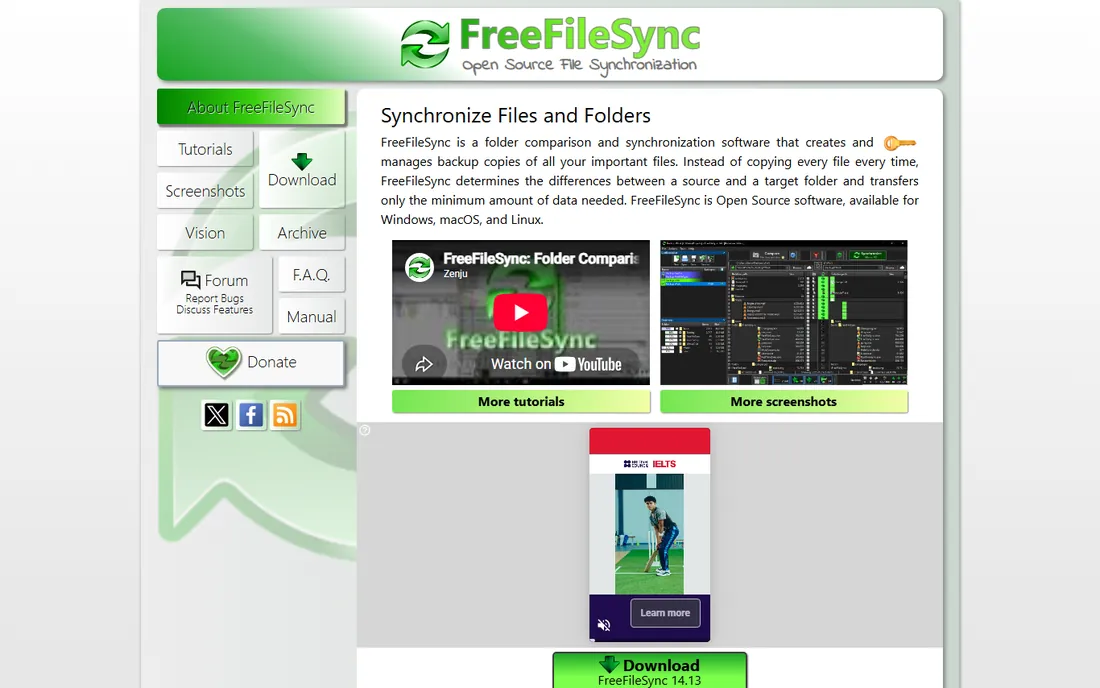
FreeFileSync does a different job from the live-sync tools: it compares two folders, shows you exactly what would change, and then mirrors, updates or backs up on your command or on a schedule. That makes it ideal for the classic jobs: nightly backup of your documents folder to an external drive, mirroring a photo library to a NAS, or keeping a project folder identical on two machines via a USB disk. The comparison view, which previews every file that will be copied or deleted, is something the cloud tools never give you.
It is not continuous sync. If you edit a file at 10:03, nothing happens until the next scheduled run. And the interface has barely changed in a decade, though it is fast and honest. Pair it with Syncthing and you have the complete free setup: live sync between devices plus scheduled backups to local disks.
What we like- Free and open source
- Visual folder comparison before syncing
- Batch jobs and scheduling
Watch out for- Not real-time sync, it runs on a schedule
- Interface looks dated
#3
Resilio Sync
Best for: Fast device-to-device sync without size limits
Visit resilio.com
Starting priceFree
Free planYes
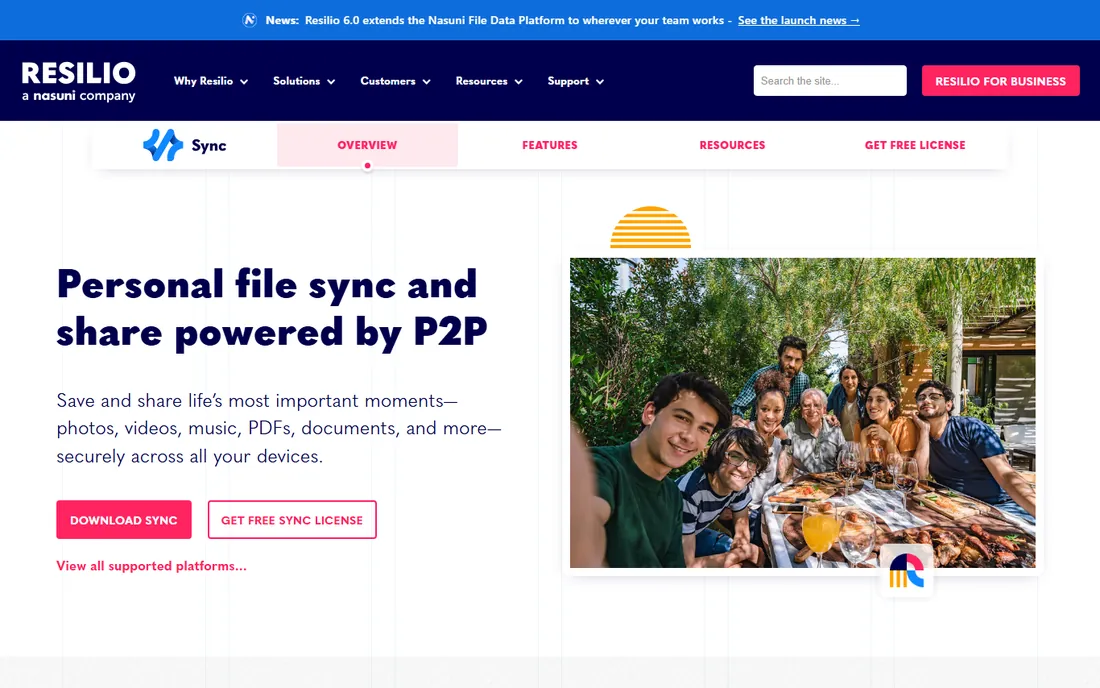
Resilio Sync uses the same peer-to-peer idea as Syncthing but with a more polished client and a notable 2026 change: the free download now includes every feature that used to sit behind the paid Pro plan, including selective sync, advanced folder permissions and bandwidth controls. There is no cloud in the middle, so a 200 GB video project syncs from your desktop to your laptop at LAN speed with no upload to a data center first.
The catch is inherent to P2P: syncing only happens when both devices are online, so there is no always-available copy the way a cloud drive gives you. For pure speed and simplicity between your own machines, especially with large files, Resilio Sync is the smoothest free option.
What we like- P2P sync with no cloud storage limits
- Selective sync and bandwidth controls
- Now includes all former Pro features free
Watch out for- Closed source, unlike Syncthing
- Both devices must be online to sync
Starting price$9.99/month (Plus)
Free planYes (2 GB free)
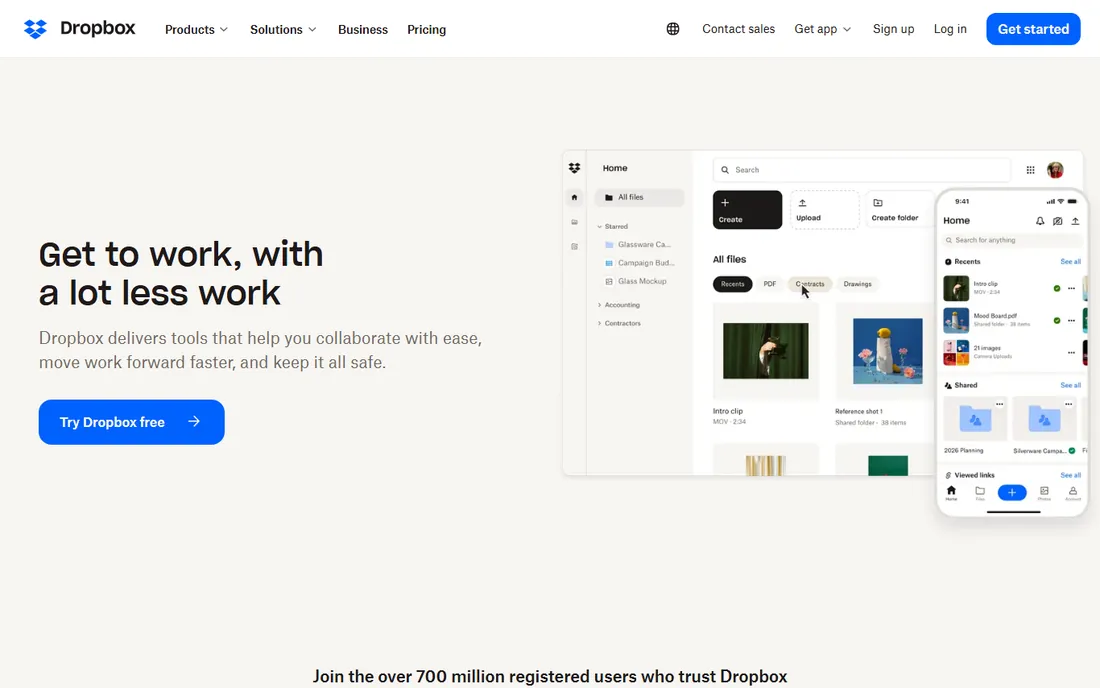
Dropbox invented this category and its sync client is still the benchmark: fast, near-instant, and invisible. Paid plans start at $9.99 per month for Plus with 2 TB, which is fine value if you use it heavily and poor value if you just need a bit more than 2 GB.
Where Dropbox earns its place on a free-sync list is reliability and sharing. Selective sync, LAN sync, file requests and version history all work exactly as advertised, and nearly every app you use already integrates with it. If your files are mostly documents and you live in shared folders with other people, the free 2 GB goes further than the number suggests.
What we like- The most reliable sync engine in the business
- Excellent sharing links
- Huge integration ecosystem
Watch out for- Free tier is only 2 GB
- Paid plans are pricey per gigabyte
Starting priceSee website
Free planYes (15 GB free)
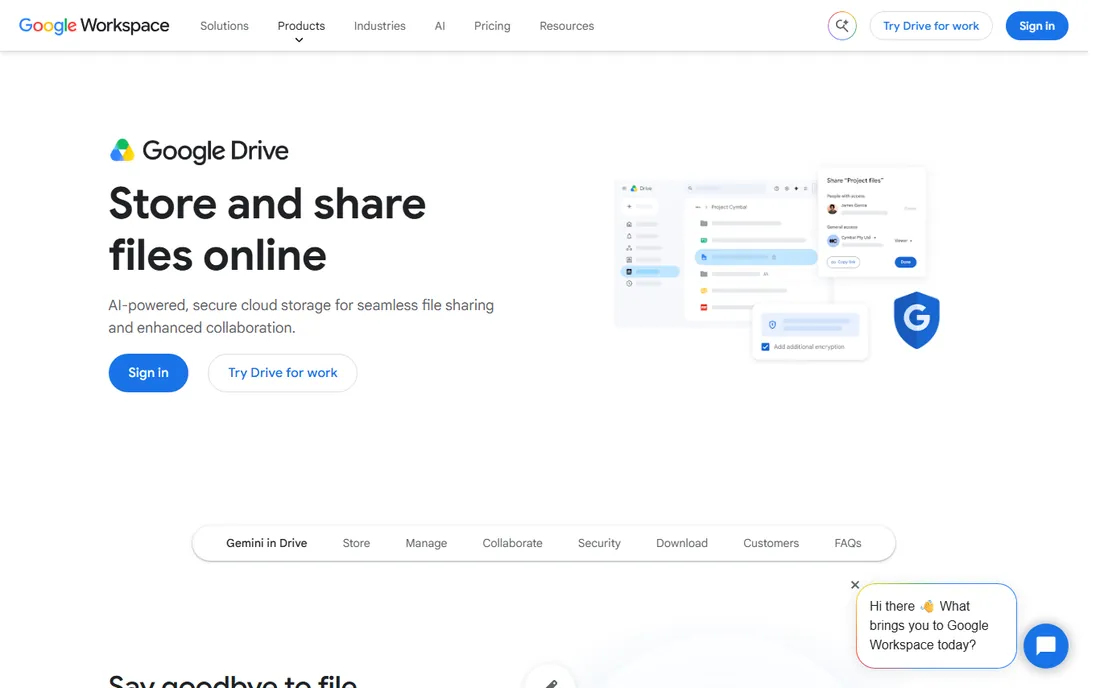
Every Google account comes with 15 GB of free storage shared across Drive, Gmail and Google Photos, which makes Google Drive the most generous mainstream free tier by a wide margin. The Drive for Desktop client syncs or streams your files, and the real reason to use it is the ecosystem: Docs, Sheets and Slides live in Drive, search finds things inside documents, and sharing a folder with a link is second nature to most people.
The catch is that the 15 GB is one pool. A Gmail account with years of attachments and a Photos backup can eat half of it before you sync a single work file. For students, freelancers and anyone already living in Google's apps, this is the default free choice.
What we like- 15 GB free shared across Drive, Gmail and Photos
- Excellent search and Docs integration
- Drive for Desktop is solid
Watch out for- The 15 GB is shared with Gmail, so it shrinks fast
- Desktop client is heavier than Dropbox
Starting priceSee website
Free planYes (5 GB free)
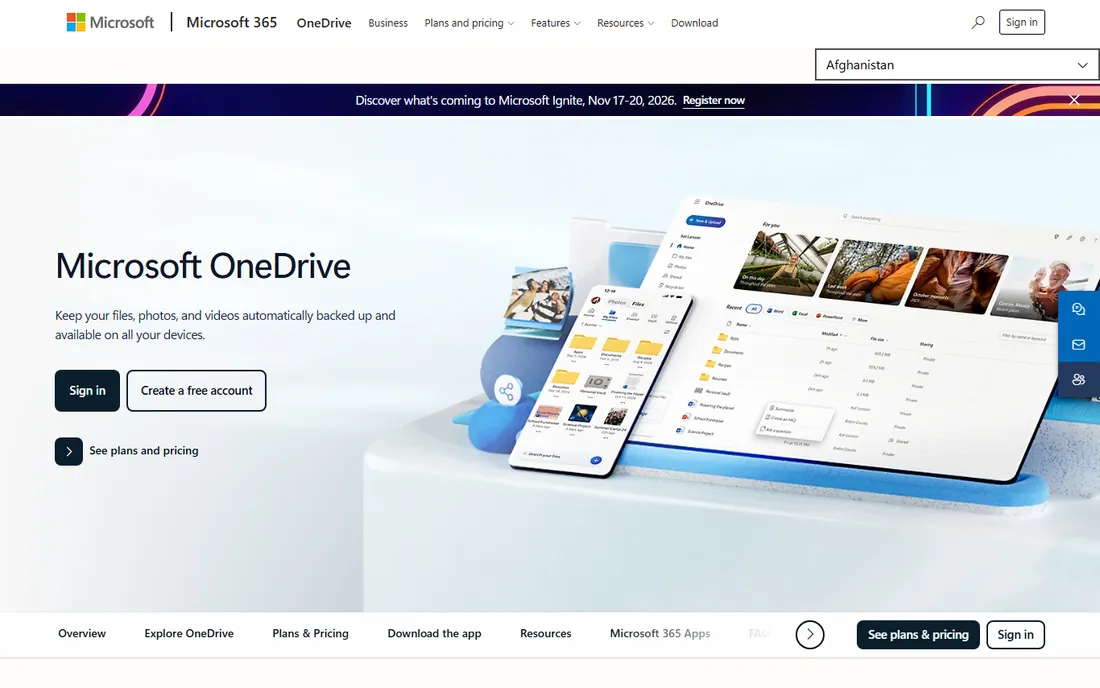
OneDrive's advantage is that on Windows it is not really a separate app, it is part of the operating system. Files On-Demand shows your entire cloud drive in File Explorer while downloading files only when you open them, which is the slickest version of this trick anywhere. The free tier is 5 GB, and the Personal Vault adds a second authentication step for your most sensitive folder.
The free 5 GB is modest, and Microsoft's pricing page pushes you toward Microsoft 365 plans for 100 GB or 1 TB rather than selling OneDrive storage alone. As a standalone free product it is fine but unremarkable; as part of a 365 subscription it is one of the best values in sync.
What we like- Built into Windows with Files On-Demand
- 5 GB free
- Personal Vault for sensitive files
Watch out for- 5 GB fills quickly
- Best features assume a Microsoft 365 subscription
#7
pCloud
Best for: One-time lifetime storage instead of a subscription
Visit pcloud.com
Starting priceSee website
Free planYes
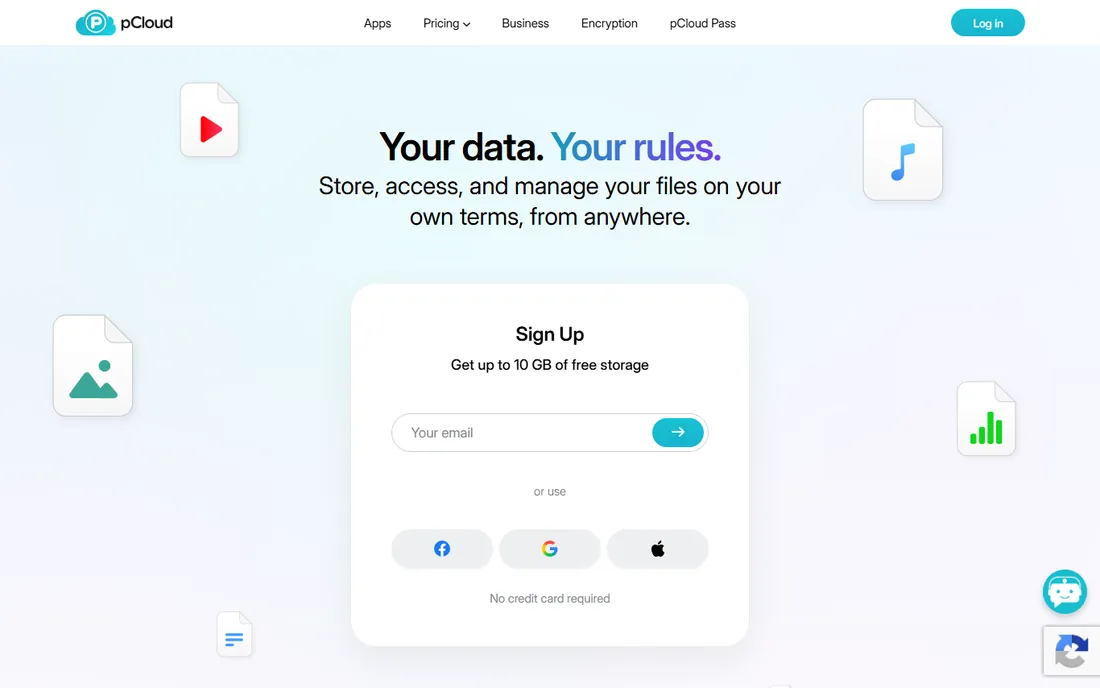
pCloud's headline feature is the lifetime plan: pay once, keep the storage forever. For anyone tired of subscriptions, that alone puts it on the shortlist. The free tier requires no credit card and the sync clients for desktop and mobile are clean and fast, with file versioning and easy public sharing links. Being Swiss-based, it also appeals to buyers who care about where their data sits legally.
The catch is that pCloud Crypto, the client-side encryption add-on, is a separate purchase rather than included. Buy pCloud if you want to pay once and stop thinking about storage bills. If you want the biggest free tier or included zero-knowledge encryption, look at MEGA or Sync.com.
What we like- Free tier with no credit card required
- Lifetime plans remove the subscription
- Swiss privacy standards
Watch out for- Client-side encryption costs extra
- Free tier is smaller than MEGA's
#8
MEGA
Best for: Encrypted cloud storage with a large free tier
Visit mega.io
Starting priceFrom €15/month (Pro Flexi)
Free planYes
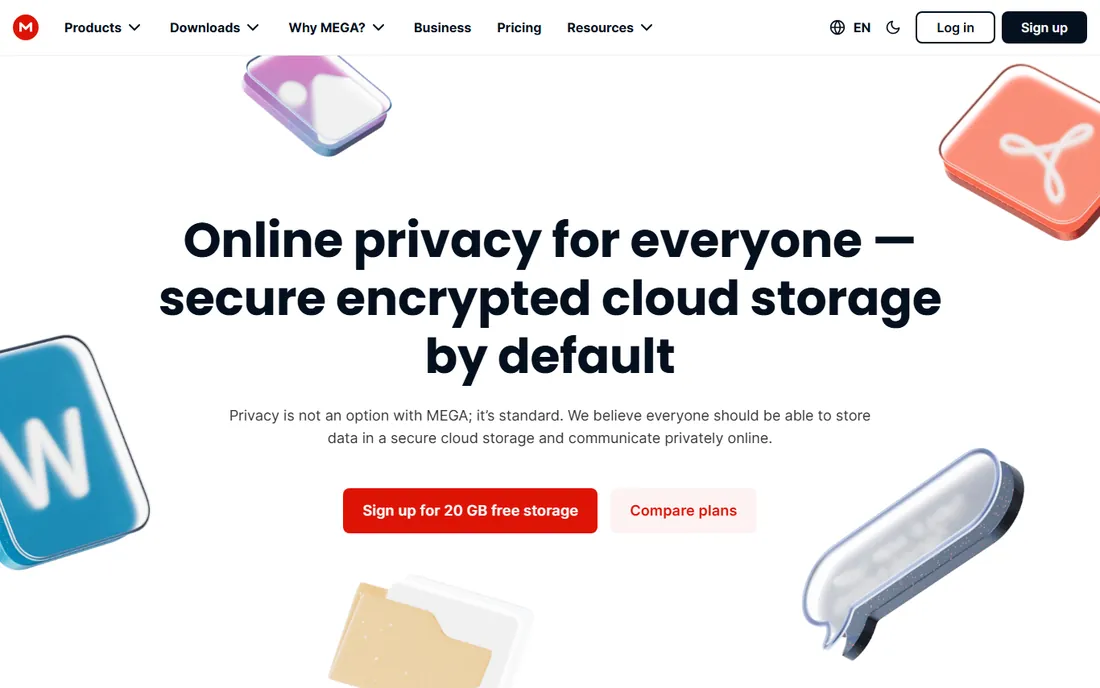
MEGA's whole pitch is that encryption is not an add-on but the default: zero-knowledge encryption applies to the free plan too, so not even MEGA can read your files. The free tier is one of the largest you will find from any major provider, and the desktop sync client handles real-time sync plus scheduled backups. Paid plans scale up to 20 TB, and the Pro Flexi plan starts at €15 per month for a 3 TB base with pay-as-you-grow pricing.
The limitation that bites free users is transfer quota: downloading and streaming count against a limited monthly allowance, so MEGA works better as synced storage than as a media server on the free tier. For encrypted free storage with real room, though, MEGA is hard to beat.
What we like- Zero-knowledge encryption on every plan including free
- Very large free tier
- Generous transfer quotas on paid plans
Watch out for- Free accounts have limited transfer quota
- Interface can feel cluttered
#9
Sync.com
Best for: Privacy-first sync for individuals and teams
Visit sync.com
Starting price$6/user/month (Teams 1TB, billed annually)
Free planYes (5 GB free)
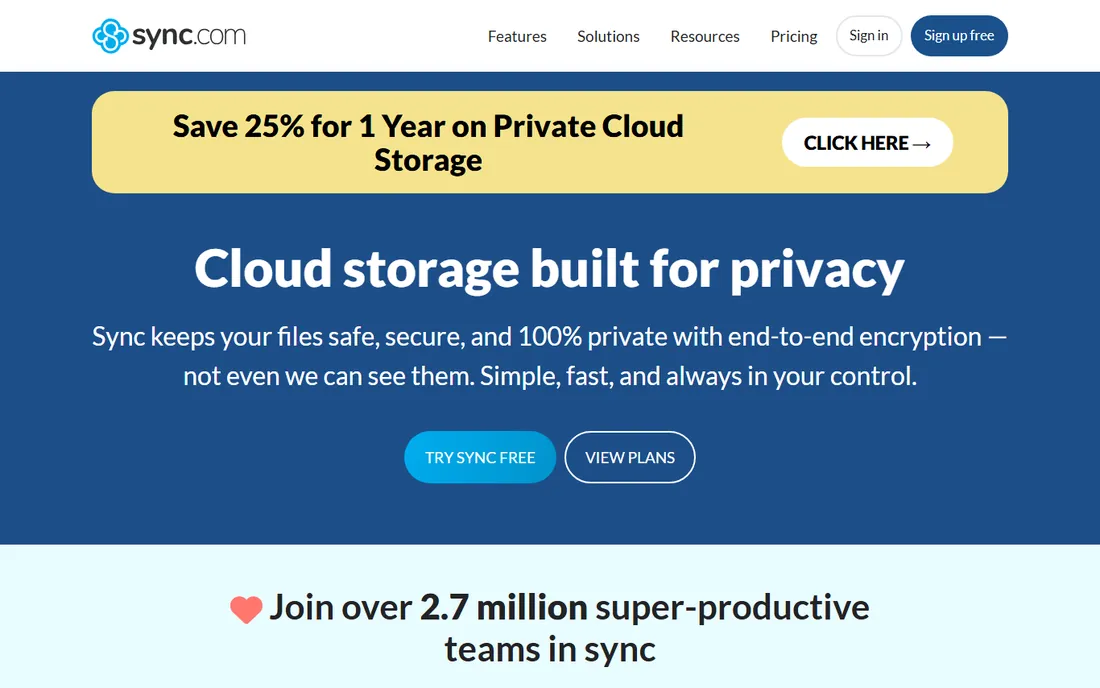
Sync.com is the Canadian answer to Dropbox for people who read privacy policies. Every file is encrypted on your device before upload, the company cannot access your data, and the service is compliant with HIPAA, GDPR and PIPEDA, which is why it shows up in healthcare and legal workflows. The free plan gives you 5 GB, and paid Teams plans start at $6 per user per month billed annually for 1 TB with unlimited data transfer.
The tradeoff for the encryption is speed: uploads take a little longer because of client-side encryption, and the free 5 GB is really just a trial-sized taste. If your files include client data or anything regulated, start here.
What we like- Zero-knowledge encryption by default
- 5 GB free
- Unlimited data transfer on paid plans
Watch out for- 5 GB free tier is small
- Sync can be slower than Dropbox
Starting priceFree (open source; enterprise support custom)
Free planYes
Nextcloud is what you install when you want Dropbox's features with nobody else's servers. It is free, open-source software that turns any server, NAS or even a Raspberry Pi into a full file sync and sharing platform, with desktop and mobile clients, file versioning, sharing links and an app store covering calendars, contacts, office editing and chat. Tens of millions of users run it, from home labs to universities and government agencies.
The price is your time. You need a server that is always on, you handle updates and backups, and remote access means configuring your network properly. For the technically comfortable, it is the only option here with no storage cap, no subscription and no third party holding your files.
What we like- Completely free and open source
- Your data stays on your hardware
- Huge app ecosystem
Watch out for- You provide the server and the maintenance
- Setup takes real effort
How we chose
We checked each vendor's pricing page and documentation in October 2026 to confirm the free tier still exists and what it actually includes, then cross-checked against public reviews on G2, Capterra and Reddit for sync reliability and free-plan limits. We included both true device-to-device sync tools and cloud storage with free tiers, because buyers searching for free sync software mean both. We excluded tools whose free tier was discontinued and sync features locked behind trials. No hands-on testing was involved.
Frequently asked questions
Is free file sync software safe?
It depends on the tool and your setup. Cloud services like Sync.com and MEGA encrypt your files so the provider cannot read them. With Syncthing and Resilio Sync, your files never leave your devices at all, which removes the provider from the equation entirely. The bigger risks are the usual ones: weak account passwords, no two-factor authentication, and no backup. Sync is not backup, so keep a separate copy of anything important regardless of which tool you pick.
What is the difference between file sync and cloud backup?
Sync keeps the same files identical in two or more places, so a change on your laptop appears on your desktop. Backup keeps a separate, restorable copy of your files, usually with version history, so you can recover from deletion or ransomware. Dropbox and Google Drive do a bit of both. FreeFileSync is pure backup and mirroring. For real safety you want both: sync for convenience, backup for recovery.
Can I sync files without using the cloud at all?
Yes. Syncthing, Resilio Sync and Nextcloud all sync without any third-party cloud. Syncthing and Resilio Sync connect your devices directly over encrypted peer-to-peer connections, while Nextcloud runs on a server you control. The tradeoff is availability: with no cloud copy, syncing only happens when your devices are online, and you are responsible for keeping at least one copy safe.
Why are free cloud storage tiers so small?
Because storage costs real money and the free tier is a marketing expense. Dropbox's 2 GB and OneDrive's 5 GB are sized to demonstrate the product, not to hold your photo library. Google's 15 GB and MEGA's larger free tier are the exceptions. If you need hundreds of gigabytes free, the honest answer is Syncthing or Nextcloud on your own hardware.
Which free file sync tool works on every platform?
Syncthing and Nextcloud both cover Windows, macOS, Linux, Android and iOS with free clients. Dropbox, Google Drive, OneDrive, pCloud, MEGA and Sync.com also cover all five, though some mobile apps are viewers rather than full sync clients. FreeFileSync covers the three desktop systems but has no mobile app. If mobile sync matters, check the specific app's reviews before committing.
Choosing between true sync and cloud storage
The first decision is architectural. True sync tools like Syncthing and Resilio Sync move files directly between your devices. Nothing is stored on a company's servers, there are no storage quotas, and large files move at the speed of your own network. The price is that both devices must be online and you get no web access to your files from a borrowed computer.
Cloud storage tools like Dropbox, Google Drive and OneDrive keep a master copy on the provider's servers. That gives you web access anywhere, easy sharing links, and sync that works even when your other devices are off. The price is the quota: free tiers range from 2 GB to 15 GB, and your files live on someone else's infrastructure under their terms. Most people end up with one of each: Syncthing for the big stuff between home machines, and a cloud drive for documents and sharing.
What the free tiers never tell you upfront
Free plans compete on the storage number and hide everything else in the fine print. Transfer or bandwidth caps are the most common surprise: MEGA limits how much you can download per month on free accounts, and several providers throttle sync speeds for free users. File size limits are another; some free tiers cap individual files well below what the paid plans allow.
Then there are the soft limits. Version history on free plans is often 30 days or less, which matters the day you need a file from two months ago. Some free tiers strip out selective sync, forcing you to download everything. And nearly every provider reserves the right to delete inactive free accounts, so a drive you ignore for a year may not be there when you return. Read the terms on inactivity, version history and transfer caps before you trust a free tier with anything important.
Sources we checked (11)
- https://syncthing.net/
- https://freefilesync.org
- https://resilio.com/sync
- https://www.dropbox.com/plans
- https://www.google.com/drive/
- https://one.google.com/plans
- https://www.onedrive.com/
- https://www.pcloud.com/
- https://mega.io/pricing
- https://www.sync.com/pricing
- https://nextcloud.com
Is your product missing or out of date?
We review this list regularly. Vendors can request a listing, send updated pricing or ask about featured placement.

Shihab Mia · Founder, Rankite
Shihab has spent more than a decade helping SaaS and e-commerce brands grow through search. He writes Rankite's software buying guides from pricing pages, documentation and public user reviews. More about Shihab.