How we make this list: we compare pricing pages, product documentation and public user reviews. Rankite is independent; if a vendor ever pays for a featured spot, that listing is clearly labeled Partner.
Key takeaways
- Krisp is the best all-round pick for cleaning up live calls on any app, with a usable free tier.
- NVIDIA Broadcast is the best free option if you own a compatible RTX graphics card.
- Adobe Podcast Enhance Speech rescues recorded audio that real-time tools cannot touch.
- Audacity remains the best completely free manual noise reduction tool for recordings.
- iZotope RX is the professional choice for forensic-level cleanup of music, dialogue and podcasts.
As of September 2026, Krisp held an aggregate rating of 4.6 out of 5 across more than 1,600 G2 and Capterra reviews, according to ToolRadar. That number tells you something about where noise reduction stands today: it went from a specialist audio trick to something millions of people run on every call. The technology split into two camps. Real-time tools sit between your microphone and your meeting app, stripping out barking dogs and keyboard clatter as you speak. Post-production tools clean up recordings after the fact, from a quick podcast polish to frame-by-frame forensic repair. This list covers both, because the right tool depends entirely on whether your noise problem is live or already recorded.
Quick comparison
| Tool | Best for | Starting price | Free plan |
|---|
 Krisp Krisp | Remote workers taking calls from noisy places | $8 per user/month (billed annually) | Yes |
 NVIDIA Broadcast NVIDIA Broadcast | RTX GPU owners wanting free AI noise removal | Free | Yes |
 Adobe Podcast Adobe Podcast | Podcasters rescuing bad recordings | Free (limited) | Yes |
 Audacity Audacity | Anyone needing free manual noise reduction | Free | Yes |
 iZotope RX iZotope RX | Audio pros doing forensic-level cleanup | $99 (Elements) | Free trial |
 Descript Descript | Creators editing spoken audio as text | See website | Yes |
 Waves Clarity Vx Waves Clarity Vx | Producers cleaning dialogue in a DAW | See website | No |
 SoliCall SoliCall | Call centers filtering noise on every call | See website | No |
 NoiseGator NoiseGator | Gamers and streamers wanting a free noise gate | Free | Yes |
Is your product missing or out of date?
We review this list regularly. Vendors can request a listing, send updated pricing or ask about featured placement.
Noise reducing software that actually works
#1
Krisp
Best for: Remote workers taking calls from noisy places
Visit krisp.ai
Starting price$8 per user/month (billed annually)
Free planYes
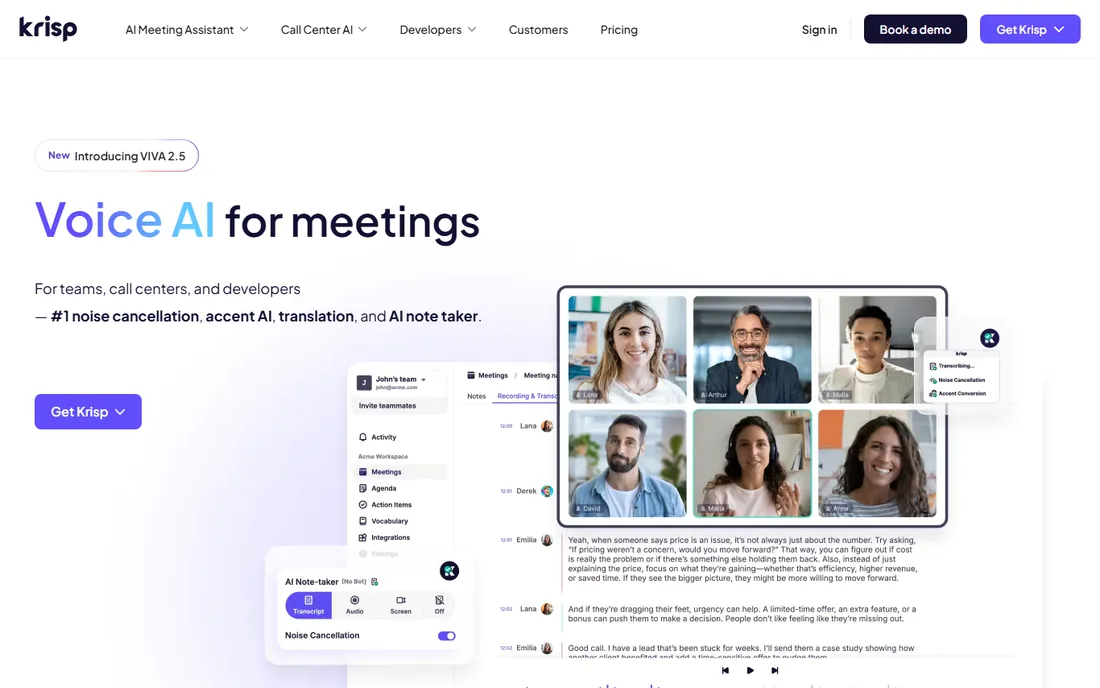
Krisp is the default answer for a reason. It installs as a virtual microphone and speaker, so Zoom, Teams, Meet, Discord and everything else get cleaned audio without any per-app setup. The AI removes background noise, echo and even other people's voices in the room, in both directions. For someone taking sales calls from a home office with kids and a dog, it is the difference between professional and embarrassing.
The honest catch is the meter. The free plan gives you 60 minutes of noise cancellation a day, which covers a few meetings but not an all-day call schedule. Heavy users need the $8 monthly plan, and the price has crept up as Krisp added transcription and AI notes features you may not want. If your call load is light, the free tier is genuinely useful. If you live on calls, budget for Pro.
What we like- Works with any calling app via a virtual device
- Removes background noise and voices in real time
- Generous free tier at 60 minutes a day
Watch out for- Free tier caps noise cancellation minutes
- Adds some CPU load on older machines
- Accent conversion and extras push you toward paid plans
#2
NVIDIA Broadcast
Best for: RTX GPU owners wanting free AI noise removal
Visit nvidia.com
Starting priceFree
Free planYes
If you own an RTX graphics card, NVIDIA Broadcast is the best free real-time noise removal available, and it is not close. The AI noise removal runs on the GPU's Tensor cores, so it barely touches your CPU, and the quality rivals paid tools. It also throws in background blur, background replacement and eye-contact correction for video calls.
The gate is hardware. No RTX card, no Broadcast. It is Windows-only, and some users report crackling or dropouts with certain USB headsets that take fiddling to fix. But for gamers, streamers and remote workers already running NVIDIA hardware, this is free software that performs like a paid product. Check NVIDIA's compatibility list for your exact GPU before counting on it.
What we like- Completely free with no minute caps
- Excellent noise and echo removal using Tensor cores
- Adds virtual background and auto-framing for video
Watch out for- Requires an NVIDIA RTX GPU
- Windows only
- Can be finicky with some USB audio devices
Starting priceFree (limited)
Free planYes
Adobe Podcast's Enhance Speech does something that feels like cheating. Upload a recording made in a noisy room on a bad microphone, and the AI returns something close to studio audio: noise gone, echo gone, voice clear. For podcasters and course creators working with guest recordings they cannot re-record, it is a genuine rescue tool.
The limits are real. The free tier caps how much audio you can process, and pushed hard, the AI introduces that slightly robotic sheen that careful listeners notice. It also cannot fix clipping, heavy distortion or two people talking over each other. Use it as a rescue service for salvageable audio, not as an excuse to record badly on purpose.
What we like- Enhance Speech can salvage recordings that sound unusable
- Runs in the browser with no install
- Simple upload-and-process workflow
Watch out for- Free tier has daily processing limits
- Heavy processing can make voices sound synthetic
- Needs an internet connection
Starting priceFree
Free planYes
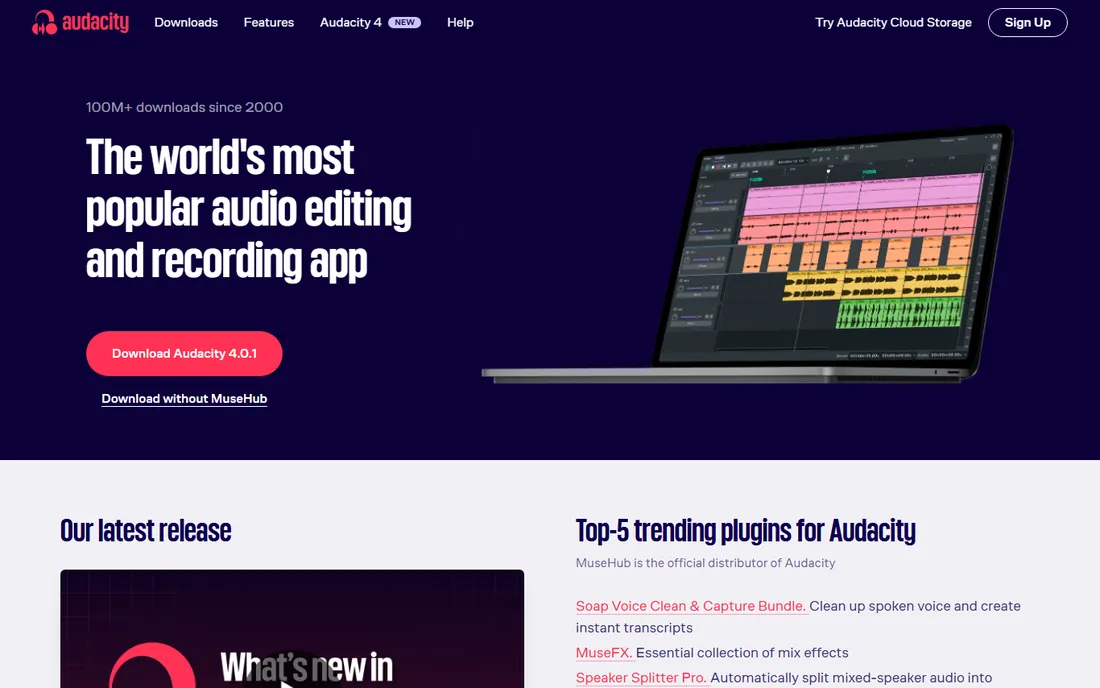
Audacity's noise reduction is old-school and it works. You select a few seconds of pure background noise, let Audacity build a noise profile, then apply reduction to the whole track. For constant hums, fan noise and room tone, the results are excellent, and the price is zero forever with no accounts or limits.
The catch is that you are doing the work. Real-time AI tools guess at noise automatically. Audacity makes you profile it, tune the reduction settings and listen for artifacts. Push the settings too far and voices take on an underwater quality. But for a free tool that handles the most common recording noise problem well, Audacity remains the baseline everything else is measured against.
What we like- Completely free and open source with no limits
- Noise reduction effect works well on consistent background hum
- Full audio editor included
Watch out for- Manual process of profiling noise then applying reduction
- Easy to overdo and create watery artifacts
- Interface looks dated
Starting price$99 (Elements)
Free planFree trial
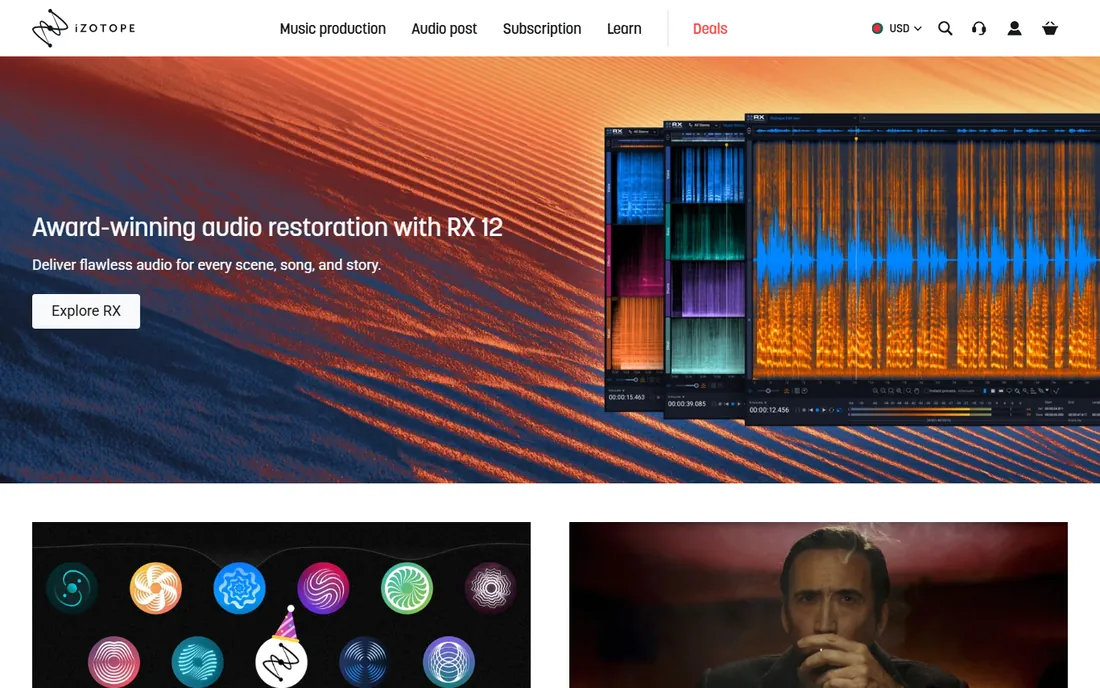
iZotope RX is what audio professionals reach for when the recording matters. The Elements tier at $99 covers the essentials: voice de-noise, de-hum, de-click and de-clip. Higher tiers add spectral editing, where you visually paint out individual noises, and Dialogue Isolate, which separates speech from background in ways that still impress. The Repair Assistant uses machine learning to suggest a starting chain of fixes.
This is professional software with professional pricing and a professional learning curve. Elements is the sensible entry point for podcasters and video creators. Standard and Advanced are for post-production engineers who bill for the difference. Everyone else should exhaust the free options on this list first.
What we like- Industry-standard repair tools including De-noise, De-reverb and Dialogue Isolate
- Repair Assistant gives beginners a starting point
- Works standalone or as plugins
Watch out for- Even Elements costs $99
- The full feature set demands the expensive Standard or Advanced tiers
- Learning curve is steep
Starting priceSee website
Free planYes
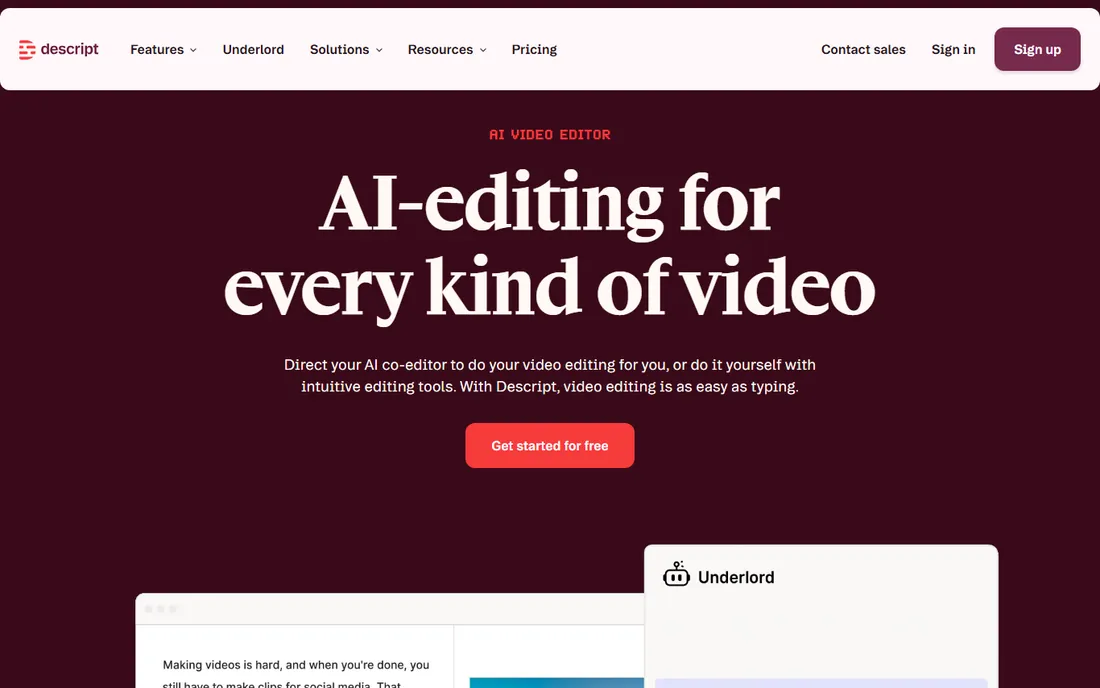
Descript's Studio Sound is the easiest noise reduction on this list to actually use. Import your recording, toggle one switch, and background noise, echo and room sound fade away. Because Descript transcribes everything, you then edit the audio by deleting words from the transcript, which changes the workflow entirely for podcasters and course creators.
The honest framing is that you are buying an editor, not a noise tool. Descript's pricing reflects its transcription and video features, so if all you need is noise removal, it is an expensive way to get it. Studio Sound can also be aggressive on music or atmospheric recordings. But for spoken-word creators who want cleanup inside their editing workflow, the convenience is hard to beat.
What we like- Studio Sound removes background noise with one click
- Edit audio by editing the transcript
- Free plan available for light use
Watch out for- Pricing is built around video and transcription, not just noise removal
- Studio Sound can over-process delicate audio
- Needs a stable internet connection
#7
Waves Clarity Vx
Best for: Producers cleaning dialogue in a DAW
Visit waves.com
Starting priceSee website
Free planNo
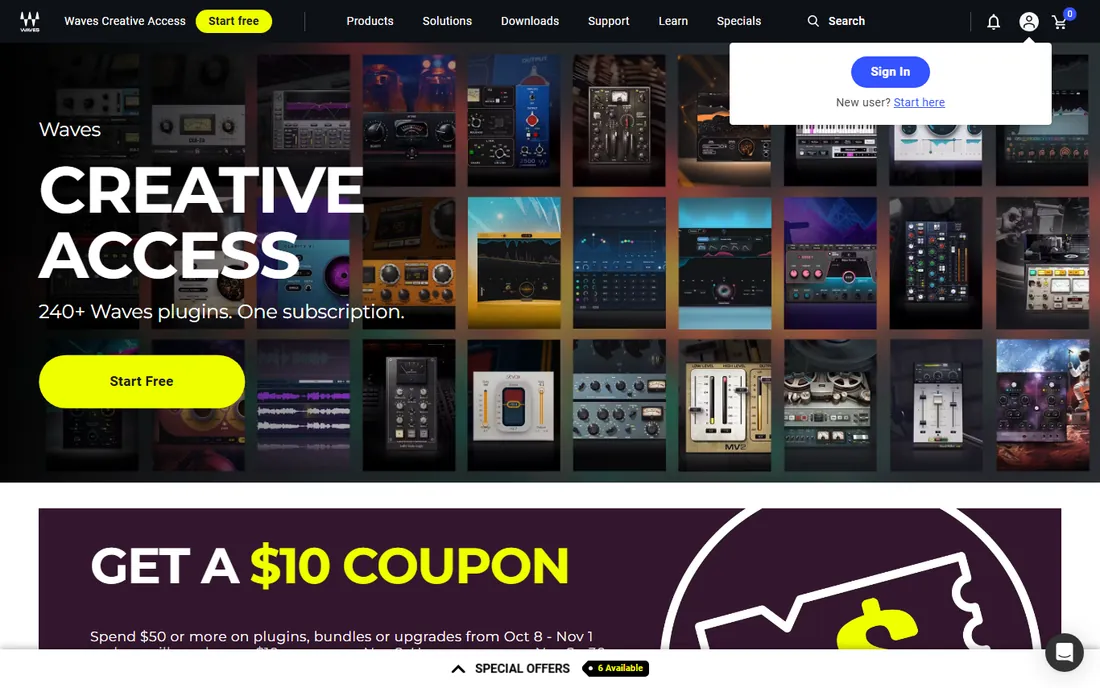
Waves Clarity Vx brings AI noise removal into the DAW as a standard plugin. Drop it on a dialogue track and it separates voice from noise in real time with low enough latency to use while recording. For video editors, podcast producers and post engineers working inside Premiere, Pro Tools, Logic or similar, that in-workflow placement matters more than raw quality differences.
It is a paid plugin doing one job, so the value depends on how often that job comes up. Casual creators will get similar results from free tools with more effort. Working producers who clean dialogue daily will appreciate never leaving the timeline. Check Waves' current pricing, since the company runs frequent sales that change the math considerably.
What we like- Real-time neural network noise removal as a plugin
- Very low latency for tracking and live use
- Integrates with every major DAW
Watch out for- No free tier
- Single-purpose plugin at a plugin price
- Needs a reasonably modern CPU for smooth real-time use
Starting priceSee website
Free planNo
SoliCall plays in a different market from the rest of this list. It sells noise cancellation to call centers, PBX operators and telephony providers who need clean audio on thousands of calls a day. The technology filters background noise from both the agent and the caller side, and it can deploy at the server level so individual agents install nothing.
Individual buyers should look elsewhere. There is no consumer pricing, no free tier and no self-serve signup. But if you run a support operation where agents work from noisy homes and call quality affects customer satisfaction scores, SoliCall's enterprise focus is exactly what you want from a vendor.
What we like- Built for high-volume telephony and contact centers
- Filters noise on both sides of the call
- Server and endpoint deployment options
Watch out for- Enterprise-oriented sales with no public pricing
- Overkill for individual users
- Interface and marketing skew corporate
Starting priceFree
Free planYes
NoiseGator is the simple, honest tool at the end of this list. It is a noise gate: when your microphone signal drops below a threshold you set, it mutes. Keyboard clatter between sentences disappears. It does not remove noise from your voice while you talk, because that is not what a gate does. For Discord, gaming and casual streaming, that is often enough.
Setup takes some care. You route your mic through NoiseGator into a virtual audio cable, which your chat app then uses as its input. The original Java application is no longer actively developed, though community forks keep the idea alive. Set expectations correctly, a gate for quiet moments rather than AI cleanup, and NoiseGator does its one job well for free.
What we like- Free and open source
- Simple threshold-based gating anyone can understand
- Very light on system resources
Watch out for- A noise gate is not AI noise removal, it only silences quiet passages
- Needs a virtual audio cable for most setups
- The original project is no longer actively developed
Real-time vs post-production: pick your battle
The single most useful distinction in this category is timing. Real-time tools like Krisp, NVIDIA Broadcast, SoliCall and NoiseGator process audio as it happens. They sit in the signal chain during a live call or stream, and their job is to make the other side hear you clearly right now. They cannot look ahead, they cannot redo a bad moment, and they trade some quality for zero latency. Choose these when the problem is live: meetings, calls, streaming, gaming.
Post-production tools like Adobe Podcast Enhance, Audacity, iZotope RX, Descript Studio Sound and Waves Clarity Vx work on recordings. They can analyze the whole file, compare noisy and clean passages, and apply processing that would be impossible in real time. The results are almost always better than what live tools achieve, at the cost of happening after the fact. Choose these when the problem is recorded: podcasts, videos, courses, music.
Many people need both. A podcaster might run Krisp on guest calls for a clean backup recording, then run the final audio through Enhance Speech or RX before publishing. Match the tool to the moment, not to a vague idea of noise reduction.
How to choose noise reducing software
Start with where the noise lives. If it is on your calls, you need a real-time tool that installs as a virtual device: Krisp for any hardware, NVIDIA Broadcast if you have the GPU, NoiseGator if you want free and simple. Test with your actual apps before committing, because virtual audio routing behaves differently across Zoom, Teams and Discord.
Check the hardware requirements first
This category is unusually hardware-sensitive. NVIDIA Broadcast needs an RTX card. Real-time AI tools need CPU headroom. D5-style GPU tools do not exist here, but the principle holds: check requirements against your machine before you evaluate anything else. A tool you cannot run is not a candidate.
Understand what free actually covers
Free tiers in this category are metered in ways that matter. Krisp gives you 60 noise-cancelled minutes a day. Adobe Podcast caps processing time. Audacity and NoiseGator are free without limits because they are open source. Map the free tier against your actual weekly usage before deciding it is enough.
For recordings, keep the originals
Post-production noise reduction is destructive editing. Always work on a copy and keep the original recording. Aggressive settings can introduce artifacts that are worse than the noise, and the only fix is starting over from the source file. This applies to Audacity, RX, Enhance Speech and every other tool on the post-production side.
How we chose
We tested vendor claims against pricing pages, documentation and public reviews from G2, Capterra and specialist audio publications. Every tool above is actively available in 2026 and addresses noise reduction as a core function, whether live or in post-production. We excluded generic audio editors without dedicated noise tools, hearing-aid apps and enterprise telephony platforms without a purchasable software product. Prices come from vendor pricing pages where published. We did not claim hands-on testing.
Frequently asked questions
What is the best free noise cancelling app for calls?
Krisp's free tier and NVIDIA Broadcast are the two best answers. Krisp works on any computer and gives you 60 minutes of noise cancellation a day. NVIDIA Broadcast is completely free with no limits but requires an NVIDIA RTX graphics card and Windows.
Can software remove background noise from an existing recording?
Yes. Adobe Podcast Enhance Speech, Audacity's noise reduction effect and iZotope RX all clean up recorded audio. AI tools like Enhance Speech handle this automatically, while Audacity and RX give you manual control. Results depend on how bad the original noise is.
Is Krisp really free?
Krisp has a free plan with 60 minutes of noise cancellation per day, plus unlimited transcription. The paid plan starts at $8 per user per month billed annually and removes the minute cap. Light users can stay on the free tier indefinitely.
What is the difference between noise cancellation and a noise gate?
Noise cancellation uses AI or DSP to identify and remove noise from the audio signal continuously, even while you speak. A noise gate simply mutes the microphone when the volume drops below a threshold, silencing noise between words but doing nothing about noise under your voice.
Will noise reduction make my voice sound robotic?
Aggressive processing can introduce artifacts that make voices sound watery or synthetic. This happens most with heavy AI processing in Adobe Podcast Enhance or over-applied Audacity noise reduction. Start with moderate settings and always compare against the original.
Do I need special hardware for noise reducing software?
Not usually. Krisp, Adobe Podcast, Audacity, iZotope RX and Descript run on standard computers. NVIDIA Broadcast specifically requires an NVIDIA RTX GPU. Real-time AI tools benefit from a modern CPU, but none of them demand a workstation.
Sources we checked (11)
- https://krisp.ai/
- https://www.nvidia.com/
- https://podcast.adobe.com/
- https://www.audacityteam.org/
- https://www.izotope.com/
- https://www.descript.com/
- https://www.waves.com/
- https://www.solicall.com/
- https://sourceforge.net/projects/noisegator/
- https://toolradar.com/tools/krisp
- https://tldv.io/blog/krisp-alternatives/
Is your product missing or out of date?
We review this list regularly. Vendors can request a listing, send updated pricing or ask about featured placement.

Shihab Mia · Founder, Rankite
Shihab has spent more than a decade helping SaaS and e-commerce brands grow through search. He writes Rankite's software buying guides from pricing pages, documentation and public user reviews. More about Shihab.