How we make this list: we compare pricing pages, product documentation and public user reviews. Rankite is independent; if a vendor ever pays for a featured spot, that listing is clearly labeled Partner.
Key takeaways
- Small IT teams should start with Paessler PRTG (100 sensors free) or Zabbix (free open source): both cover real networks at $0.
- Cloud-centric teams already on Datadog should add its network monitoring rather than buying a separate tool.
- MSPs and multi-site teams should demo Auvik for automatic topology maps and config backup.
- Large enterprises with dedicated network staff should compare SolarWinds NPM against LogicMonitor; both are quote-based, so get per-device math in writing.
Quick comparison
| Tool | Best for | Starting price | Free plan |
|---|
 SolarWinds NPM SolarWinds NPM | Large enterprises where the network is the core concern | See website (quote-based, licensed per monitored element) | No (trial offered) |
 Paessler PRTG Paessler PRTG | Small to mid-size Windows-centric IT teams | See website (licensed per sensor; tiers on vendor pricing page) | Yes (100 sensors free) |
 Datadog Network Monitoring Datadog Network Monitoring | Cloud-centric organizations already invested in Datadog | $15/host/month reported for infrastructure monitoring; network device monitoring priced separately | No (trial offered) |
 Nagios XI Nagios XI | Shops already running Nagios plugins or needing on-prem control | $1,995 reported starting license (per-node tiers) | No (Nagios Core is free open source; 60-day XI trial) |
 Zabbix Zabbix | Technical Linux teams with limited budgets | $0 (open source; paid support subscriptions available) | Yes (free open source) |
 Auvik Auvik | MSPs and multi-site teams wanting maps and config management fast | See website (quote-based, per network device) | No (trial offered) |
 LogicMonitor LogicMonitor | Enterprises wanting broad hybrid monitoring without running the backend | See website (quote-based, per device) | No (trial/demo) |
 ManageEngine OpManager ManageEngine OpManager | Mixed-vendor estates needing one monitoring console | See website (per-device licensing; free edition for very small networks) | Yes (free edition with device limits) |
Is your product missing or out of date?
We review this list regularly. Vendors can request a listing, send updated pricing or ask about featured placement.
The best network monitoring software
It is 2 a.m., the phones are ringing, and nobody knows whether the problem is the firewall, the ISP, or a switch that died quietly in a closet. Network monitoring software exists for that night: to see the failure before the users do, and to point at the right box when everything is red. These eight tools cover the real options, from free open source to enterprise platforms, with the licensing math that decides the bill.
#1
SolarWinds NPM
Best for: Large enterprises where the network is the core concern
Visit solarwinds.com
Starting priceSee website (quote-based, licensed per monitored element)
Free planNo (trial offered)
SolarWinds Network Performance Monitor is the deepest pure network tool on this list. NetPath visualizes the actual path traffic takes across providers, flow analysis shows who is consuming bandwidth, and the template library covers just about every device worth monitoring. For a large enterprise with dedicated network engineers, this is the reference standard.
The total cost goes beyond the quote. The platform is self-hosted, so budget servers and the staff to run them alongside the per-element licenses. Pricing is quote-based and opaque. And any security-conscious buyer will factor in the 2020 supply-chain breach; SolarWinds has rebuilt since, but due diligence is warranted. Buy NPM when the network is the business and the team can operate a full platform.
What we like- Deep, purpose-built network monitoring with NetPath and flow analysis
- Huge template and community ecosystem
- Strong for large enterprise networks
Watch out for- Self-hosted platform needs dedicated staff to run
- Quote-based per-element pricing is opaque
- Security-conscious buyers will weigh its 2020 supply-chain breach history
Starting priceSee website (licensed per sensor; tiers on vendor pricing page)
Free planYes (100 sensors free)
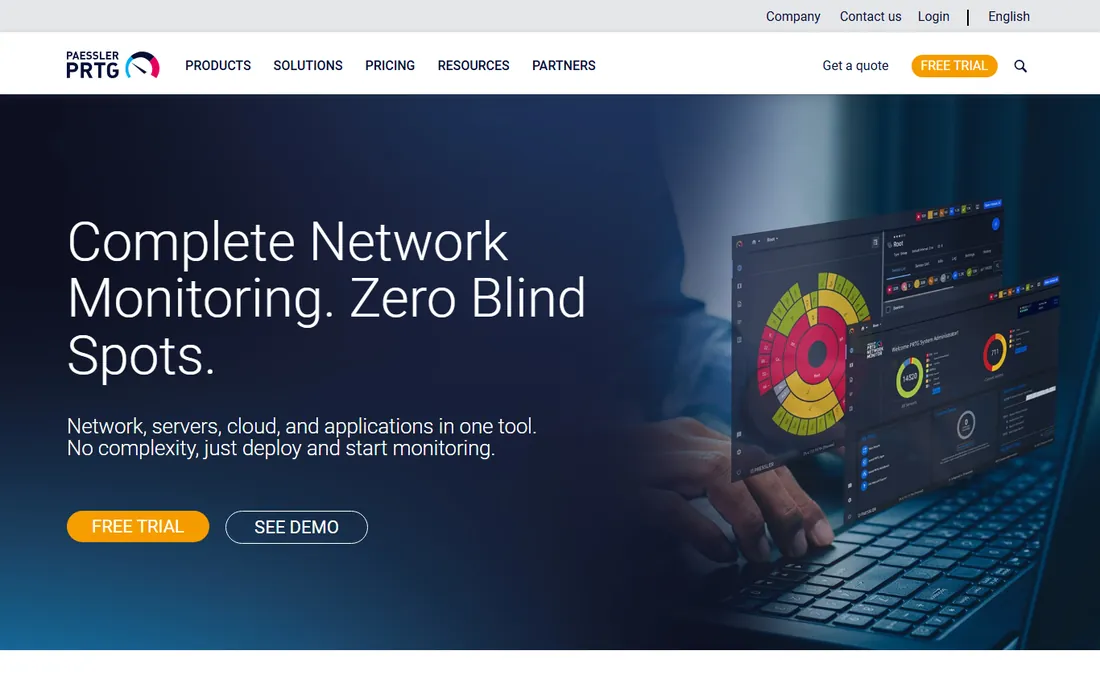
PRTG is the fastest path from "we have no monitoring" to "we have monitoring." Install it, run auto-discovery, and within hours you have maps, dashboards and alerts across SNMP, WMI, NetFlow and packet sniffing. The free 100-sensor tier covers a genuinely small network at $0, which makes it the default first tool for small IT teams.
Count sensors before you buy. One device can consume many sensors (CPU, memory, each interface, each service), so a "small" network can outgrow the free tier faster than expected, and costs scale steeply from there. The platform is Windows-server centric. For a small Windows shop, PRTG is the pragmatic pick; for a large estate, price the sensor math against the quote-based enterprise tools.
What we like- Free 100-sensor tier covers small networks fully
- Automatic discovery with maps and dashboards
- SNMP, WMI, NetFlow and packet sniffing in one tool
Watch out for- Sensor counting gets complicated as networks grow
- Windows-server centric
- Costs scale steeply at high sensor counts
#3
Datadog Network Monitoring
Best for: Cloud-centric organizations already invested in Datadog
Visit datadoghq.com
Starting price$15/host/month reported for infrastructure monitoring; network device monitoring priced separately
Free planNo (trial offered)
Datadog's argument is correlation. When the network alert fires, the same platform shows you the application traces, the logs and the infrastructure metrics for the same minute, which collapses the war-room debate about whose problem it is. For a cloud-native team already paying for Datadog, adding network monitoring beats buying and integrating a separate tool.
The metering demands respect. Consumption-based billing across hosts, devices and flow logs can surprise finance if nobody models it first; network monitoring is an add-on cost on top of the host pricing. Pure network teams may find the platform overkill. Buy this when observability is already centralized on Datadog; buy a network-first tool when it is not.
What we like- Network data sits next to APM, logs and infrastructure in one platform
- Strong for cloud and container traffic
- Synthetics and real-user monitoring included
Watch out for- Consumption-based billing can surprise
- Network monitoring is an add-on cost on top of hosts
- Complexity for pure network teams
#4
Nagios XI
Best for: Shops already running Nagios plugins or needing on-prem control
Visit nagios.com
Starting price$1,995 reported starting license (per-node tiers)
Free planNo (Nagios Core is free open source; 60-day XI trial)
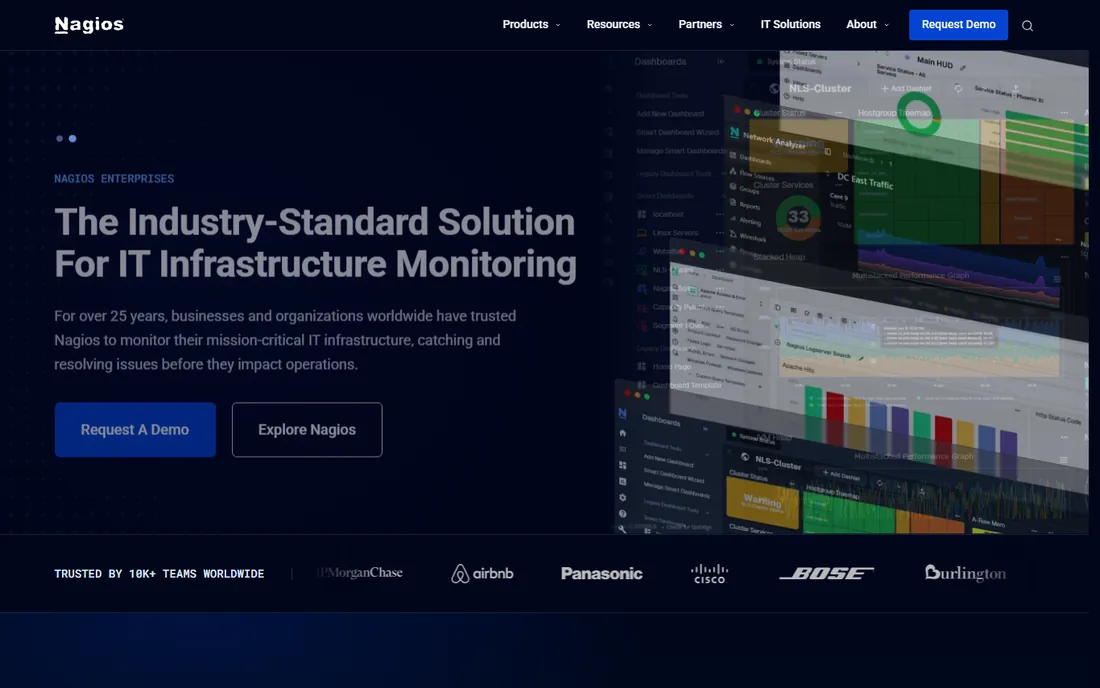
Nagios is the old guard, and the plugin ecosystem is its moat: decades of community checks cover everything from ancient UPS units to modern APIs. XI adds the commercial polish, dashboards and configuration wizards on top of the engine, with on-prem control and no SaaS dependency for regulated environments.
The operational cost is real. Configuration is complex for newcomers, the web UI feels dated next to Auvik or LogicMonitor, and per-node licensing adds up across a large estate. Shops already invested in Nagios plugins should stay; everyone else should weigh Zabbix (free) or PRTG (faster) before committing to the Nagios learning curve.
What we like- Massive plugin ecosystem covers almost any check
- On-prem control with no SaaS dependency
- Core version is free forever
Watch out for- Web UI feels dated
- Configuration is complex for newcomers
- Per-node licensing adds up
Starting price$0 (open source; paid support subscriptions available)
Free planYes (free open source)
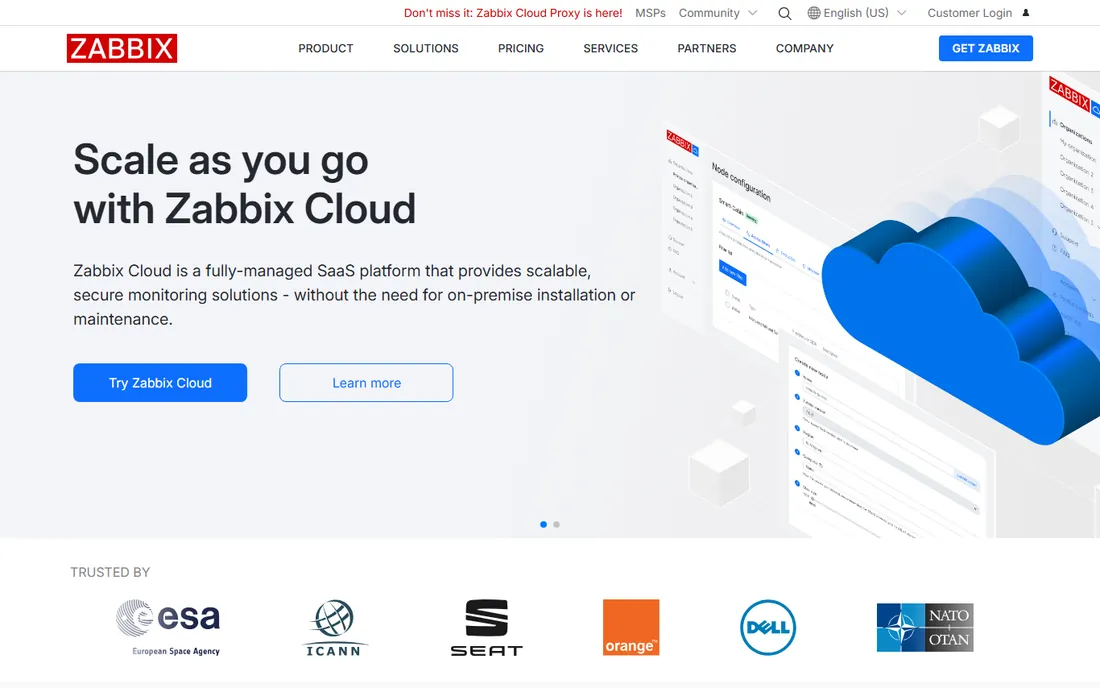
Zabbix is enterprise-grade monitoring at zero license cost. One tool covers network devices and servers together via SNMP, agents, ICMP, IPMI and HTTP, and it scales from a closet to a data center without a single license conversation. For a skilled Linux team with no budget, nothing else comes close.
The price is staffing. Deploying, tuning and maintaining Zabbix takes real effort and real Linux skills; the "free" tool costs engineer hours. Enterprise support and some features are paid add-ons. If your team has the skills, Zabbix is the obvious pick. If it does not, PRTG's free tier or Auvik's automation will cost less in practice than the learning curve.
What we like- Free with SNMP, agent, ICMP, IPMI and HTTP monitoring in one tool
- Covers servers and network together
- No license costs at any scale
Watch out for- Needs Linux skills to deploy and maintain
- Setup and tuning take real effort
- Enterprise support and some features are paid
#6
Auvik
Best for: MSPs and multi-site teams wanting maps and config management fast
Visit auvik.com
Starting priceSee website (quote-based, per network device)
Free planNo (trial offered)
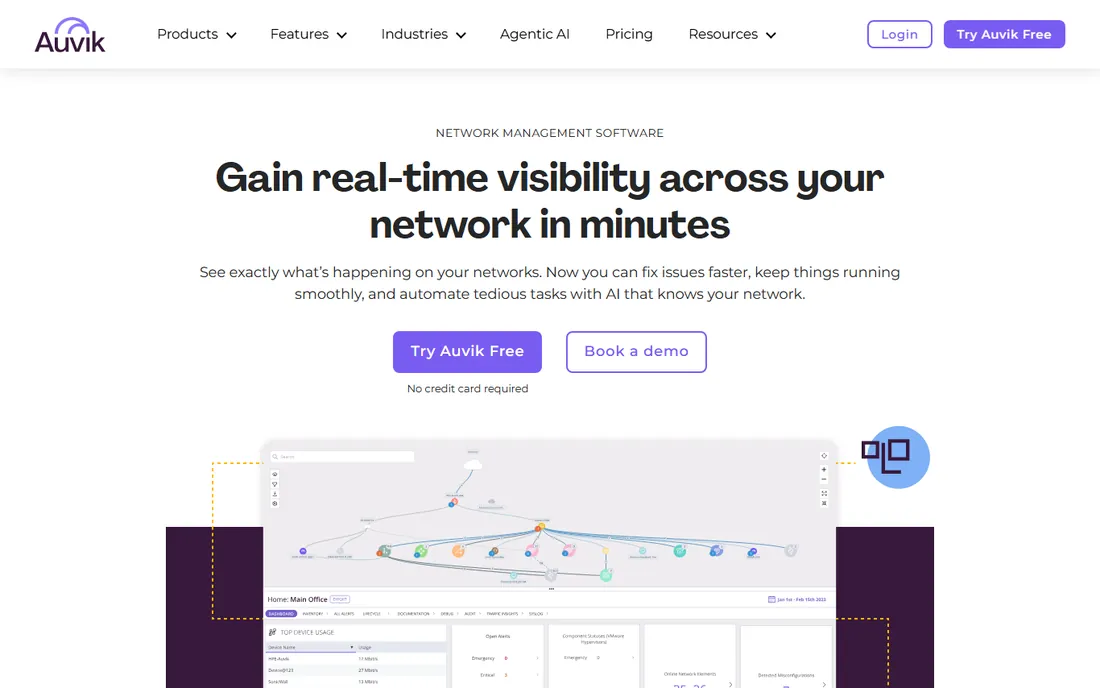
Auvik's demo sells itself: install the collector, and minutes later you are looking at a live topology map of a network nobody had documented. Configuration backup means the next switch failure is a restore, not a rebuild, and traffic analysis is included rather than upsold. For MSPs managing dozens of client networks, this speed is the product.
The buying process is the friction. Pricing is quote-based and per-device, so every switch, router and access point adds to the bill; get the per-device math in writing against your actual inventory. There is no on-prem option, which rules out some regulated environments. If fast visibility across many sites matters more than license control, Auvik earns the trial.
What we like- Automatic discovery with live topology maps out of the box
- Configuration backup and traffic analysis included
- Cloud-managed with no on-prem servers
Watch out for- No published pricing
- SaaS-only with no on-prem option
- Per-device costs scale with every switch and AP
#7
LogicMonitor
Best for: Enterprises wanting broad hybrid monitoring without running the backend
Visit logicmonitor.com
Starting priceSee website (quote-based, per device)
Free planNo (trial/demo)
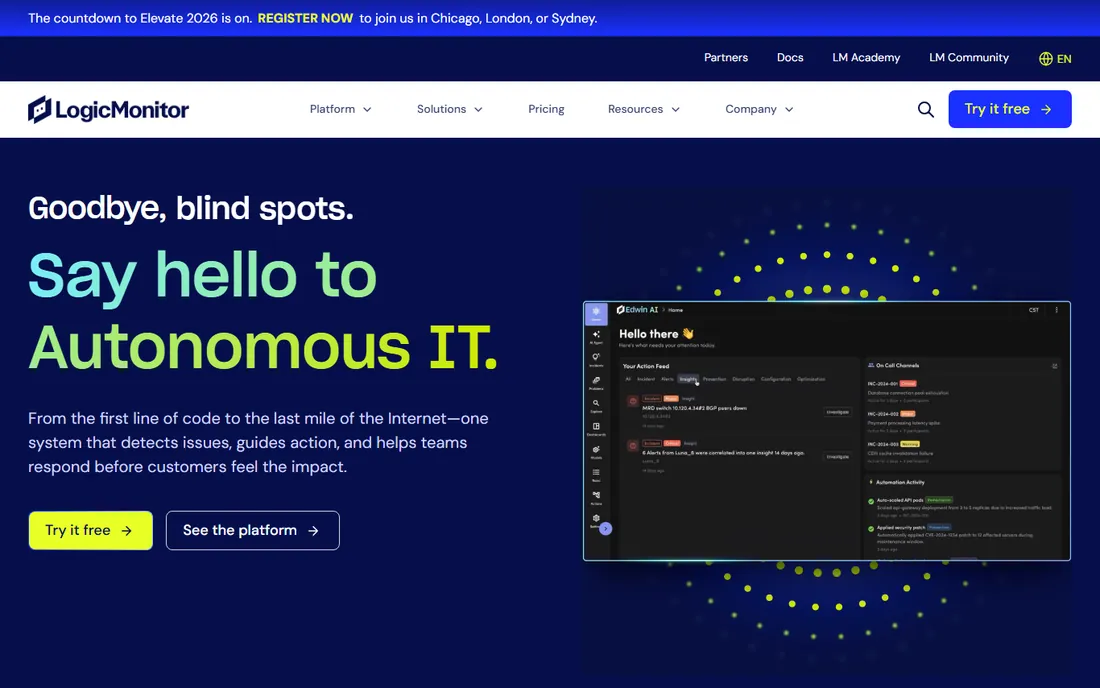
LogicMonitor covers the hybrid estate, cloud and on-prem together, from a SaaS platform: collectors sit on your network, the backend lives with the vendor, and nobody maintains monitoring servers. Auto-discovery, forecasting and topology views give enterprise teams broad visibility without the SolarWinds operational weight.
The licensing needs interrogation. Quote-based pricing plus "hybrid unit" packaging confuses buyers, and reviews flag pricing concerns, so demand a billable-unit worksheet built from your actual inventory before signing. Some advanced features need workarounds. Setup takes weeks with collectors and tuning. Buy LogicMonitor when you want SolarWinds-class breadth as a service; buy SolarWinds when you want it on your own servers.
What we like- SaaS platform with collectors, so no monitoring servers to maintain
- Broad hybrid coverage with auto-discovery
- Forecasting and topology views
Watch out for- Quote-based pricing with pricing concerns in reviews
- "hybrid unit" licensing confuses buyers
- Some features need workarounds
Starting priceSee website (per-device licensing; free edition for very small networks)
Free planYes (free edition with device limits)

OpManager is the pragmatic pick for the mixed estate: Cisco switches, Juniper firewalls, Fortinet gateways and HP servers under one console, with per-device licensing that finance can understand. The free edition covers very small networks, and deployment works on-prem or in the cloud.
The interface and workflows feel complex next to Auvik, flow analysis and application modules cost extra, and the modular pricing adds up once you assemble the full picture. For a single-vendor shop, the vendor's own tools may be simpler. For a multi-vendor network that needs one pane of glass without enterprise quotes, OpManager is the value play.
What we like- Per-device licensing is easy to understand
- Broad multi-vendor support for Cisco, Juniper, Fortinet and HP
- On-prem or cloud deployment
Watch out for- UI and workflows feel complex
- Flow analysis and add-ons cost extra
- Modular pricing adds up
Counting what you monitor
Every tool here bills on a different unit, and the unit decides the price more than the feature list. PRTG counts sensors, and one server can eat ten. SolarWinds counts elements, Auvik and LogicMonitor count devices, Nagios XI counts nodes, Datadog counts hosts plus flows. Before requesting any quote, inventory your network: device count, interface count, and how many metrics per device you actually need. The vendor whose unit matches your estate is usually the cheapest, regardless of the feature comparison.
On-prem vs SaaS is a real decision
Four of these tools are SaaS or cloud-managed (Auvik, LogicMonitor, Datadog, and PRTG's hosted option), and four are self-hosted (SolarWinds, Nagios, Zabbix, OpManager on-prem). SaaS removes the monitoring servers but means your network telemetry lives on someone else's infrastructure, which regulated industries may reject. Self-hosted gives control but needs staff, servers and patching. Decide this before you demo anything; it eliminates half the list immediately.
Frequently asked questions
What is the best free network monitoring software?
Zabbix for full-featured open source at any scale, if you have Linux skills. Paessler PRTG's 100-sensor free tier for small Windows networks with zero setup pain. Nagios Core for plugin-ecosystem depth. ManageEngine's free edition for tiny networks. "Best" depends on your team's skills more than the feature list.
How much does network monitoring software cost?
It ranges from $0 (Zabbix, PRTG free tier) to quote-based enterprise pricing. Reported anchors: Nagios XI from $1,995, Datadog around $15 per host per month plus network add-ons, PRTG per-sensor tiers on its pricing page. SolarWinds, Auvik and LogicMonitor are quote-based; expect per-device or per-element pricing and always get it against your inventory.
Do I need network monitoring if I have Datadog or similar?
If you already pay for an observability platform, add its network module before buying a separate tool. The correlation between network, app and infra data is worth more than any standalone feature. Buy a dedicated network tool when the observability platform's network depth is insufficient or the metering gets absurd.
What is the difference between SNMP monitoring and flow analysis?
SNMP polls devices for health metrics: CPU, memory, interface status, up or down. Flow analysis (NetFlow, sFlow, IPFIX) shows who is talking to whom and how much bandwidth they use. You need SNMP for outages and flows for "why is the network slow" investigations. Most tools here do both; confirm before buying.
Can network monitoring tools monitor cloud infrastructure?
Yes, with caveats. Datadog and LogicMonitor are built for it. Auvik and PRTG handle cloud-adjacent gear well. SolarWinds and Nagios are stronger on-prem. If your estate is mostly cloud, shortlist the cloud-native tools first; SNMP thinking does not translate directly to VPCs and containers.
Sources we checked (10)
- https://www.solarwinds.com/network-performance-monitor/pricing
- https://www.paessler.com/pricing
- https://www.datadoghq.com/pricing/
- https://www.nagios.com/products/nagios-xi/
- https://www.zabbix.com/
- https://www.auvik.com/
- https://www.logicmonitor.com/
- https://www.manageengine.com/network-monitoring/
- https://www.g2.com/categories/network-monitoring
- https://www.capterra.com/network-monitoring-software/
Is your product missing or out of date?
We review this list regularly. Vendors can request a listing, send updated pricing or ask about featured placement.

Shihab Mia · Founder, Rankite
Shihab has spent more than a decade helping SaaS and e-commerce brands grow through search. He writes Rankite's software buying guides from pricing pages, documentation and public user reviews. More about Shihab.