How we make this list: we compare pricing pages, product documentation and public user reviews. Ratings come from G2, Capterra or Trustpilot, with the date we checked them.
Key takeaways
- Diagrams.net is the only fully free tool here, with no paid tier locking core diagram features.
- Lucidchart and Creately offer free plans, but document, shape and collaboration limits make them starting points rather than long-term free solutions.
- yEd and LibreOffice Draw suit offline desktop work, with no account or subscription needed for basic diagrams.
- Miro and SmartDraw suit teams that need collaboration or polished templates, but their useful free tiers are limited.
- For network diagrams specifically, check for device shapes, cloud icons, layer support and export formats before you commit to a tool.
Quick comparison
Is your product missing or out of date?
We review this list regularly. Vendors can request a listing, send updated pricing or ask about featured placement.
The best free network diagram software

#1diagrams.net
Best for: Fully free diagramming4.4/5 on
G2 (450 reviews, checked Oct 2026)
Visit diagrams.net
Starting price$0
Free planYes
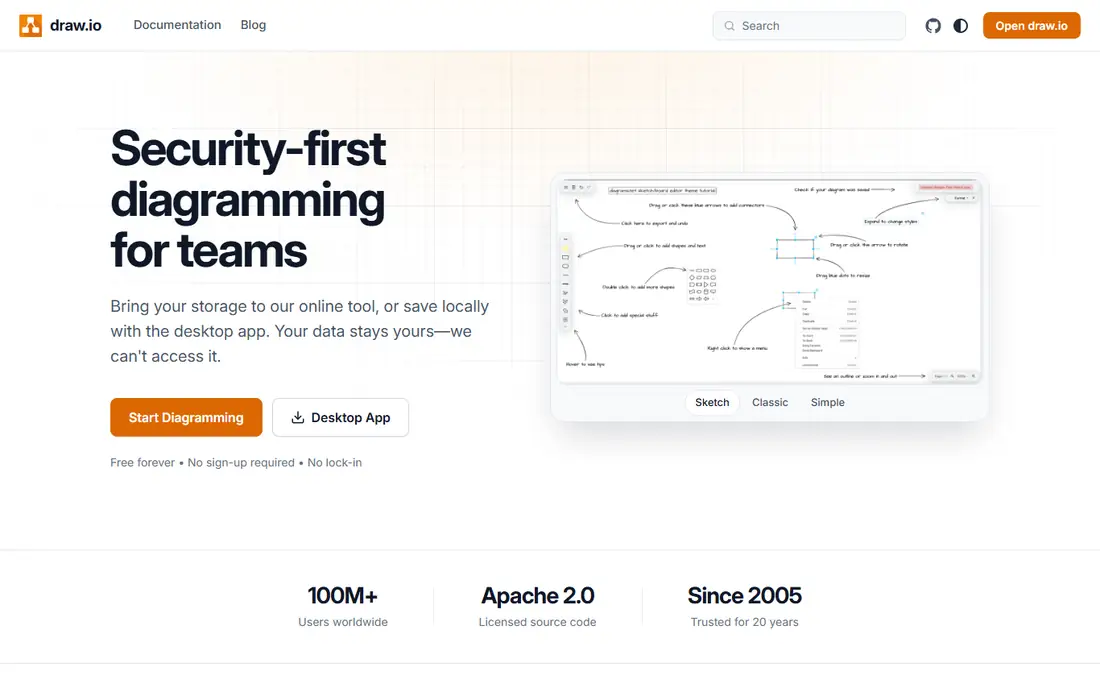
Diagrams.net, formerly draw.io, is the clearest free choice for network diagrams. The web app, desktop app and VS Code extension cost nothing, and every shape library, export format and storage option is available without a paid tier. You can save to your computer, Google Drive, OneDrive, Dropbox or GitHub, and you do not need an account to start a diagram.
The interface is functional rather than polished, and real-time collaboration is weaker than Lucidchart or Miro. Templates are fewer, so you may build network layouts from shapes more often. For an individual engineer, student or small IT team that wants a capable, private and truly free tool, diagrams.net is hard to beat.
What we like- Completely free with no core feature paywall
- Extensive network and cloud shapes
- Offline desktop app available
Watch out for- Interface feels dated
- Real-time collaboration is limited
Starting price$7.95 per month
Free planYes

Lucidchart is the most polished collaborative diagram tool here. Its drag-and-drop editor is easy for non-technical teammates, and real-time editing, comments and integrations with Google Workspace, Microsoft 365, Confluence and Slack make team reviews smooth. Network, cloud and infrastructure shapes cover routers, switches, servers and cloud services well.
The free plan limits you to a small number of editable documents and shapes per document, so it works as a trial rather than a permanent free solution. Paid plans start at $7.95 per month for individuals on annual billing. Lucidchart suits teams that prioritize collaboration and presentation, and are willing to pay once free limits are reached.
What we like- Easy drag-and-drop editor
- Real-time collaboration
- AWS, Azure and GCP shape libraries
Watch out for- Free plan limits documents and shapes
- Visio export limits apply

#3Creately
Best for: Team diagrams with templates4.4/5 on
G2 (1,394 reviews, checked Oct 2026)
Visit creately.com
Starting price$9 per month
Free planYes

Creately offers a large template library for network, cloud and infrastructure diagrams, which helps teams start faster than a blank canvas. It runs entirely in the browser, so there is nothing to install, and team features cover sharing, comments and versioning on paid plans. The editor is approachable for mixed technical and non-technical teams.
The free plan is limited in shapes and advanced features, so long-term network documentation usually requires a paid plan. Individual pricing starts around $9 per month per user. Creately suits teams that want templates and collaboration in a browser tool, and that value a guided starting point over a blank diagram canvas.
What we like- Large template library
- Browser-based with no install
- Team collaboration tools
Watch out for- Free tier limits shapes and features
- Large diagrams can slow down

#4Miro
Best for: Whiteboard-style collaboration4.6/5 on
G2 (13,631 reviews, checked Oct 2026)
Visit miro.com
Starting price$8 per member/month
Free planYes

Miro is a whiteboard first and a diagram tool second. Its infinite canvas suits workshops, planning sessions and collaborative design, where network diagrams sit alongside notes, sticky notes and flowcharts. Real-time collaboration is excellent, and integrations cover Slack, Jira, Confluence and Google Workspace.
For pure network documentation, Miro is less precise than diagrams.net or Lucidchart. Shape libraries for network devices are thinner, and the free plan limits boards. Paid plans start at $8 per member per month on annual billing. Miro suits teams that already use it for workshops and want network sketches in the same workspace.
What we like- Infinite canvas for workshops
- Real-time collaboration
- Many integrations
Watch out for- Free plan limits boards
- Not a dedicated network diagram tool
Starting price$0
Free planYes
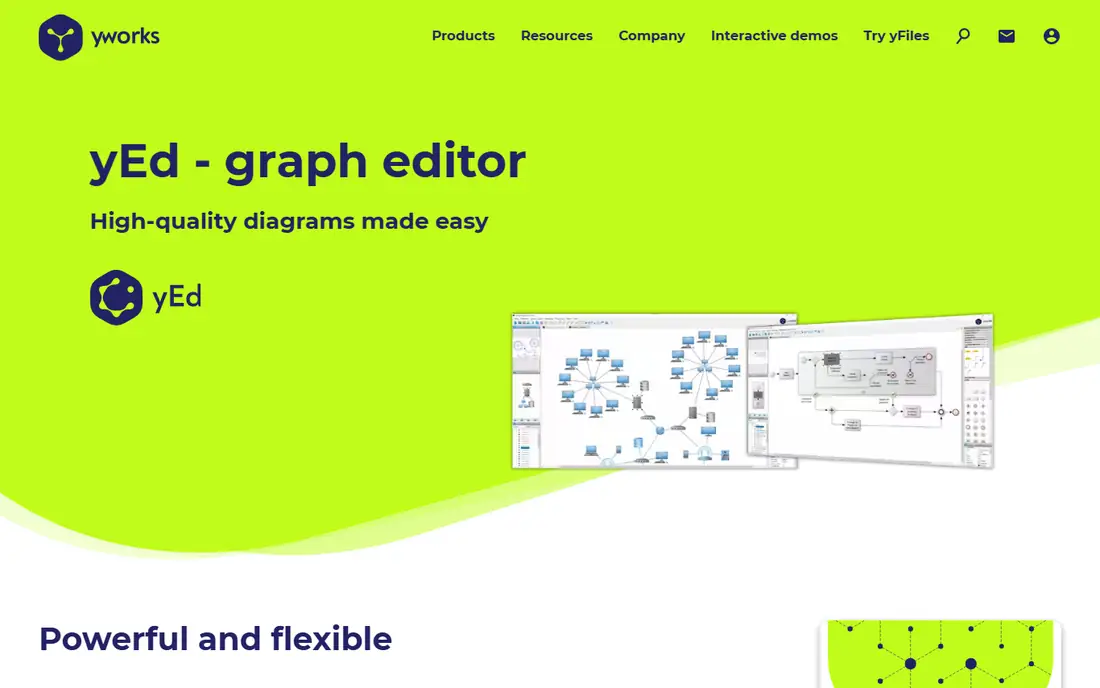
yEd Graph Editor is a free desktop tool from yWorks that excels at automatic layout. You can import data, arrange complex networks automatically, and adjust layouts with algorithms that handle large graphs better than manual dragging. It runs offline, needs no account, and exports to common image and document formats.
The interface feels older than Lucidchart or Creately, and there is no real-time collaboration. Templates for network devices are also thinner, so you may import shapes or build your own. yEd suits engineers who need a free desktop tool for complex, data-driven diagrams and do not need team editing.
What we like- Completely free desktop app
- Automatic layout algorithms
- Good for complex graphs
Watch out for- Interface feels dated
- Collaboration and templates are limited
Starting price$0
Free planYes
LibreOffice Draw is part of the free LibreOffice suite and works as a general drawing tool for network diagrams. You can place shapes, connectors, text and images on a page, group objects, and export to PDF or image formats. It runs offline on Windows, Mac and Linux, with no account or subscription.
Draw lacks network-specific features such as device libraries, automatic discovery or cloud shape sets, so building a detailed topology takes more manual work. It suits users who already use LibreOffice, need a simple offline diagram tool, and do not require collaboration or specialized network templates.
What we like- Completely free and open source
- Offline desktop app
- Good basic drawing tools
Watch out for- No network-specific automation
- Collaboration is limited

#7Microsoft Visio
Best for: Professional enterprise diagrams4.2/5 on
G2 (694 reviews, checked Oct 2026)
Visit microsoft.com
Starting priceSee website
Free planNo
Microsoft Visio remains the professional standard for many enterprise IT teams. Its shape libraries cover network devices, racks, data centers and engineering diagrams in depth, and integration with Microsoft 365, Teams and SharePoint suits organizations already on that stack. Templates and stencils help produce consistent, presentation-ready diagrams.
Visio is not a free tool. It requires a Microsoft 365 subscription or a standalone license, and the full desktop experience is Windows-focused. Visio suits enterprise teams that need standardized, detailed network documentation and already use Microsoft tools. For a free solution, diagrams.net or yEd are better starting points.
What we like- Deep network and engineering shapes
- Strong Microsoft 365 integration
- Professional templates
Watch out for- No useful free plan
- Windows-focused desktop experience

#8SmartDraw
Best for: Template-rich diagramming4.5/5 on
G2 (394 reviews, checked Oct 2026)
Visit smartdraw.com
Starting priceSee website
Free planFree trial
SmartDraw offers thousands of templates, including network, floor plan, org chart and flowchart diagrams, with automatic formatting that keeps diagrams neat as you add shapes. Visio import and export help teams that share files with Visio users, and the browser-based editor works without a desktop install.
SmartDraw offers a trial, but no permanent free plan, so it belongs here as a comparison for readers whose free tier limits run out. Pricing varies by plan, so check the current pricing page. SmartDraw suits teams that want template speed and polished output, and are willing to pay after a trial.
What we like- Very large template library
- Automatic formatting
- Visio import and export
Watch out for- No permanent free plan
- Price is quoted on current plans for some tiers
How we chose
We compared vendor pricing pages, free plan limits, shape libraries, collaboration features, export options and user reviews. We favored tools with a genuine free tier, not just a trial, and we included paid tools where readers commonly compare them after hitting free limits. We weighted network-specific value, such as device shapes, cloud icons and connector tools, over general whiteboard features.
Free versus paid: when to upgrade
A free tool is enough when you diagram alone or with a small team, update diagrams occasionally, and do not need version control, approvals or advanced sharing. Diagrams.net covers that case fully, with no paywall waiting. yEd and LibreOffice Draw cover offline desktop work at no cost.
Upgrade when free limits block real work. Signs include hitting document or shape caps, needing real-time collaboration, requiring version history, or needing to share diagrams with clients in a polished format. At that point, compare Lucidchart, Creately and Miro on team size and template needs, not on headline price alone. A tool that your whole team actually uses beats a cheaper tool that only one person opens.
Export and storage: two details that matter later
Check export formats before you build a large diagram library. Diagrams.net exports to SVG, PNG, PDF and XML, which keeps your work portable. Some tools limit exports on free plans, which can trap diagrams. Also check where diagrams are stored, because a tool that only saves in its own cloud makes migration harder than one that saves to your drive or Git repository.
Keeping diagrams accurate after you draw them
A network diagram is only useful if it stays current, so set a simple update habit. Assign one owner for each diagram, and review it whenever a device is added, moved or retired, rather than waiting for an annual audit. Store the source file where the team can find it, with a clear name and a date in the file or title, and export a PDF for wider sharing. Note IP ranges, VLANs and device roles on the diagram or in an attached key, because a diagram without labels helps no one during an outage. If you use diagrams.net, keep the source file in a shared drive or repository, so a colleague can edit it when the owner is away. A current, clearly labeled diagram saves hours during troubleshooting and onboarding.
Frequently asked questions
What is the best completely free network diagram software?
Diagrams.net is the best completely free option, because its web and desktop apps cost nothing and do not lock core features behind a paid tier. yEd and LibreOffice Draw are also fully free, but they offer fewer network shapes and no real-time collaboration.
Is Lucidchart free?
Lucidchart offers a free plan, but it limits editable documents and shapes per document. For ongoing network documentation, most teams need a paid plan starting at $7.95 per month for individuals on annual billing. Use the free plan to test collaboration and templates.
Can free tools handle large enterprise networks?
Free tools handle small to mid-size diagrams well, but very large networks benefit from automatic layout, discovery or data import features. yEd helps with large graphs through automatic layout, while enterprise teams may need Visio or a network monitoring tool that generates diagrams from live data.
Do I need an account to use diagrams.net?
No. You can start diagrams.net in a browser without an account and save files to your computer or cloud storage. That privacy and simplicity appeal to engineers who do not want another subscription or account for a diagram tool.
What shapes should a network diagram tool include?
Look for routers, switches, firewalls, servers, workstations, wireless access points and cloud service icons for AWS, Azure and Google Cloud. Connectors, layers, labels and grouping also matter, because they keep a complex topology readable.
Sources we checked (8)
- https://www.diagrams.net
- https://www.lucidchart.com/pricing
- https://creately.com/pricing/
- https://miro.com/pricing/
- https://www.yworks.com/products/yed
- https://www.libreoffice.org/discover/draw/
- https://www.microsoft.com/en-us/microsoft-365/visio
- https://www.smartdraw.com/pricing/
Is your product missing or out of date?
We review this list regularly. Vendors can request a listing, send updated pricing or ask about featured placement.

Shihab Mia · Founder, Rankite
Shihab has 5+ years in B2B and SaaS SEO. He writes Rankite's software buying guides from pricing pages, documentation and public user reviews. More about Shihab.
 Lucidchart
 yEd Graph Editor
 LibreOffice Draw