How we make this list: we compare pricing pages, product documentation and public user reviews. Rankite is independent; if a vendor ever pays for a featured spot, that listing is clearly labeled Partner.
Key takeaways
- Lucidchart, now under the Lucid brand, remains the business standard for flowcharts and process diagrams.
- Miro wins when diagramming happens inside collaborative workshops rather than as solo documentation.
- diagrams.net, now at drawio.com, is the best free option by a wide margin.
- Microsoft Visio persists in enterprises that already pay for it, but few would choose it fresh today.
Quick comparison
| Tool | Best for | Starting price | Free plan |
|---|
 Lucidchart Lucidchart | Business flowcharts and process maps | Free | Yes |
 Miro Miro | Collaborative diagramming in workshops | Free | Yes |
 diagrams.net diagrams.net | Free diagramming without limits | Free | Yes |
 Microsoft Visio Microsoft Visio | Enterprises on Microsoft 365 | See website | Free trial |
 Whimsical Whimsical | Fast, beautiful flowcharts | Free | Yes |
 Creately Creately | Diagramming with data-linked visuals | Free | Yes |
 Gliffy Gliffy | Simple diagramming inside Atlassian tools | See website | Free trial |
 SmartDraw SmartDraw | Template-driven diagrams for business | See website | Free trial |
 Cacoo Cacoo | Team diagramming from Nulab | Free | Yes |
 EdrawMax EdrawMax | All-in-one diagramming suite | See website | Free trial |
Is your product missing or out of date?
We review this list regularly. Vendors can request a listing, send updated pricing or ask about featured placement.
The best flow diagram software
#1
Lucidchart
Best for: Business flowcharts and process maps
Visit lucid.co
Starting priceFree
Free planYes
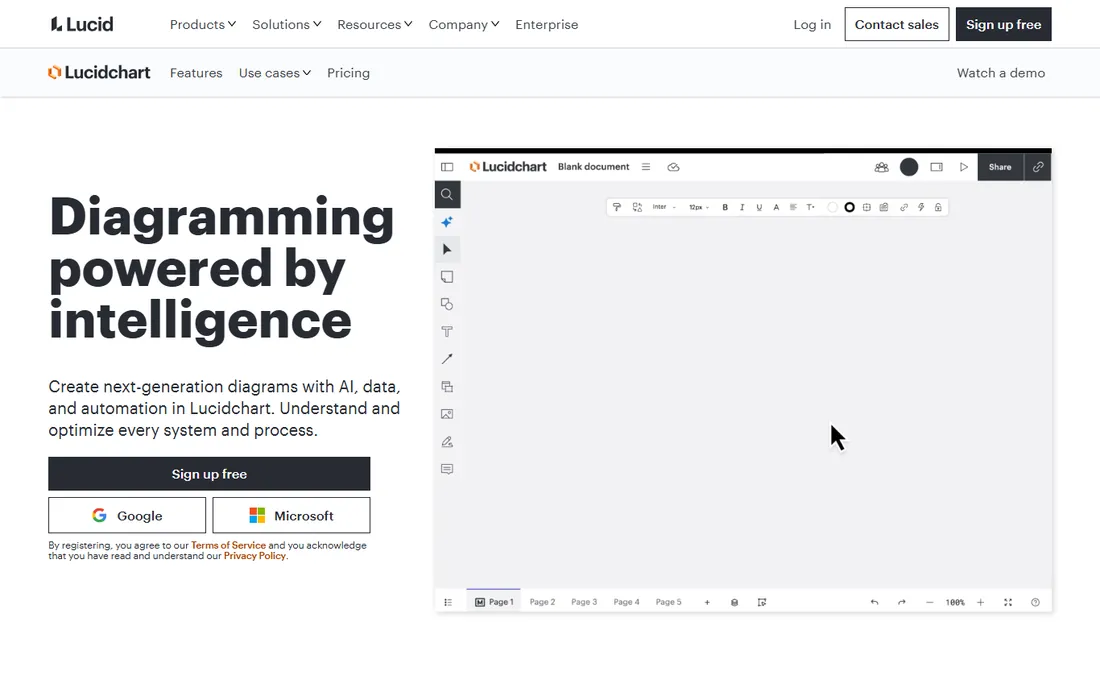
Lucidchart became the default business diagramming tool by being good at the unglamorous parts: process flows, org charts, system diagrams and network maps that teams actually maintain. The template library covers most business diagramming needs, collaboration works in real time, and integrations with Google Workspace, Microsoft and Atlassian put diagrams where work happens. The company now operates under the Lucid brand, which is why the homepage moved.
The free tier is limited to a handful of documents, so real use means paying. It can feel heavyweight for a quick sketch that Whimsical would handle in seconds. But for business process documentation that multiple people maintain, Lucidchart's combination of depth and familiarity keeps it the standard.
What we like- The business standard for a reason
- Huge template and shape libraries
- Strong collaboration and integrations
Watch out for- Meaningful use needs a paid plan
- Can feel heavy for quick sketches
- Lucid rebrand confuses old links
#2
Miro
Best for: Collaborative diagramming in workshops
Visit miro.com
Starting priceFree
Free planYes

Miro approaches diagrams from collaboration rather than documentation. Teams map processes together on an infinite canvas during workshops, with flowcharts emerging from sticky notes and discussion. That social process produces diagrams people actually understand, because they built them together.
Precision suffers compared to dedicated diagramming tools; Miro is a whiteboard first. Team pricing adds up, and large boards can feel chaotic without facilitation. But when the goal is aligning a team on a process rather than producing a perfect document, Miro's collaborative model wins.
What we like- Infinite canvas for collaborative sessions
- Flowcharts emerge from workshops naturally
- Huge template library
Watch out for- Less precise than dedicated diagrammers
- Pricing climbs with teams
- Can feel chaotic
Starting priceFree
Free planYes
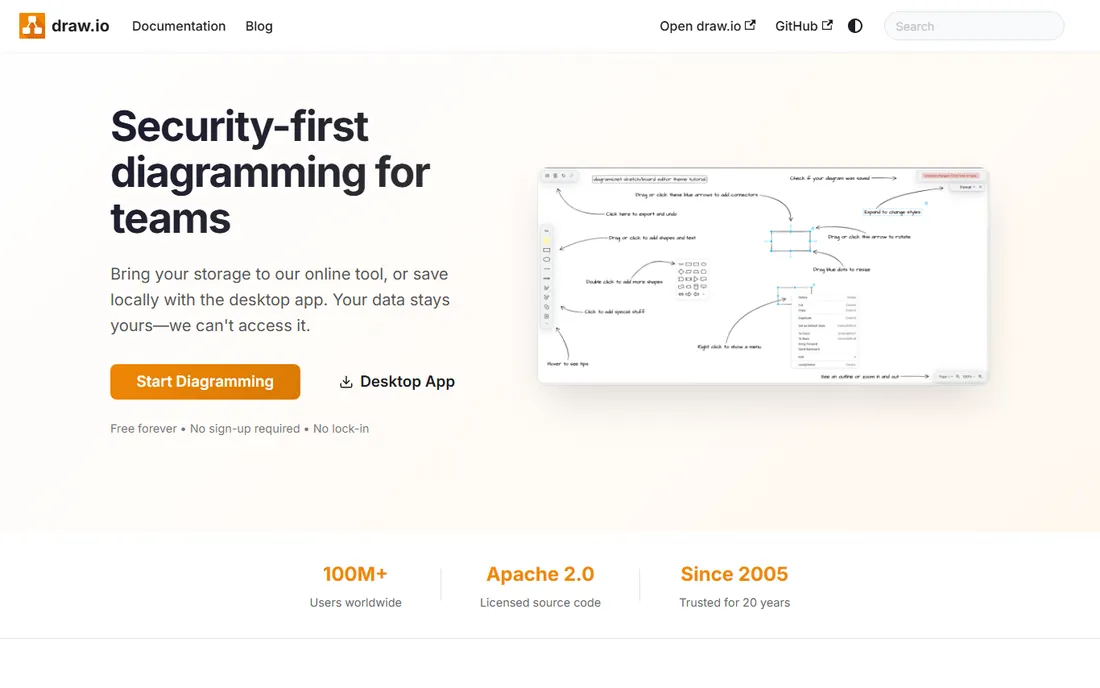
diagrams.net, the tool formerly known as draw.io and now hosted at drawio.com, is the best free diagramming software available. It handles flowcharts, network diagrams, UML and more with no document limits, no watermark and no account required. It integrates with Confluence, Google Drive and GitHub, and the desktop app works offline.
The interface is functional rather than delightful, and template libraries are thinner than Lucidchart's. There is no real-time collaboration. But the price-to-capability ratio is unbeatable. For anyone who needs real diagrams without a budget, this is the answer, full stop.
What we like- Completely free with no meaningful limits
- Runs in browser or desktop
- Integrates with Confluence and Google Drive
Watch out for- Interface is utilitarian
- Fewer templates than paid tools
- No real-time collaboration
Starting priceSee website
Free planFree trial
Visio persists through enterprise inertia and genuine engineering depth. The shape libraries for network, engineering and floor-plan diagrams are excellent, and integration with the Microsoft stack suits standardized IT environments. Where Visio is already deployed, it does the job.
Few organizations choose Visio fresh in 2026; the web version lags the desktop app, and licensing follows Microsoft's familiar complexity. But the installed base is enormous, and for engineering-adjacent diagramming inside Microsoft shops, it remains capable.
What we like- Deep Office integration
- Strong for engineering diagrams
- IT departments already manage it
Watch out for- Few would choose it fresh
- Web version trails desktop
- Pricing is Microsoft-complex
Starting priceFree
Free planYes

Whimsical optimized for speed and beauty. Flowcharts come together remarkably fast, the defaults look good without fiddling, and the same workspace handles wireframes, sticky notes and documents. For product teams that diagram constantly, the time savings compound.
Depth is the trade-off. Complex technical diagrams, data-linked visuals and enterprise features are thinner than Lucidchart or SmartDraw. But most flowcharts are simple, and Whimsical makes simple fast and pleasant. The free tier covers genuine use.
What we like- The fastest flowcharting experience
- Beautiful defaults
- Wireframes and docs in one
Watch out for- Less depth than Lucidchart
- Smaller template library
- Advanced diagram types are thin
Starting priceFree
Free planYes

Creately differentiates with data-linked diagrams: connect a diagram to data sources and visuals update as the data changes. For dashboards, org charts and process maps that must stay current, that linkage removes manual maintenance. Collaboration and a broad diagram catalog round out the package.
The interface packs in a lot, which new users find busy. The community is smaller than the leaders'. But the data-linking concept is genuinely useful for living diagrams, and the free tier lets teams test it properly.
What we like- Data-linked diagrams that update
- Good collaboration
- Broad diagram types
Watch out for- Interface is busy
- Smaller community
- Advanced features need paid plans
Starting priceSee website
Free planFree trial

Gliffy found its niche inside Atlassian: diagrams embedded directly in Confluence pages and Jira issues. For teams documenting processes where the documentation already lives, that embedding removes context switching. The tool itself is simple and easy to learn.
As a standalone diagrammer it offers less than the leaders, and development pace has slowed. Per-user pricing in the Atlassian marketplace adds up. But Confluence-centric teams that need adequate diagramming where their docs live still find Gliffy practical.
What we like- Strong Confluence and Jira integration
- Simple to learn
- Adequate for basic diagrams
Watch out for- Innovation has slowed
- Standalone value is limited
- Pricing per user adds up
Starting priceSee website
Free planFree trial
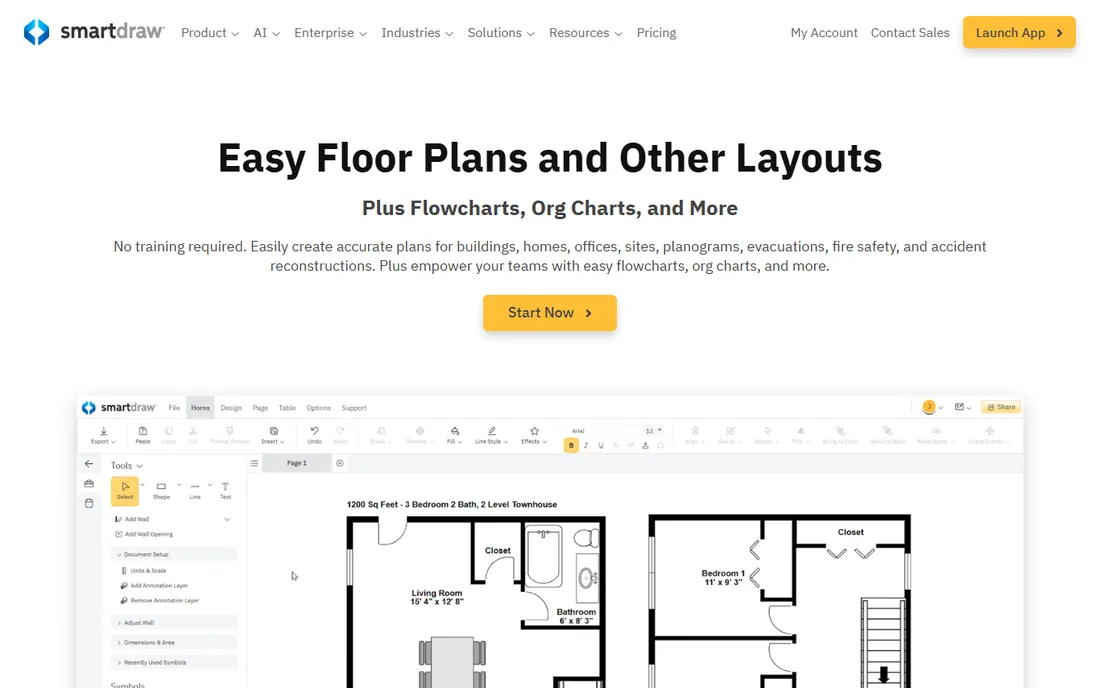
SmartDraw's pitch is templates: thousands of them, covering flowcharts, org charts, floor plans, network diagrams and more, with intelligent formatting that arranges shapes sensibly. For business users who want a decent diagram without design skill, the template-first approach works.
The interface shows its age, pricing is subscription-based, and collaboration trails the modern tools. But the template depth remains genuinely useful, particularly for org charts and facilities diagrams where starting from scratch wastes time.
What we like- Enormous template library
- Intelligent formatting
- Strong for org charts and floor plans
Watch out for- Interface feels dated
- Subscription pricing
- Less collaboration than modern tools
Starting priceFree
Free planYes
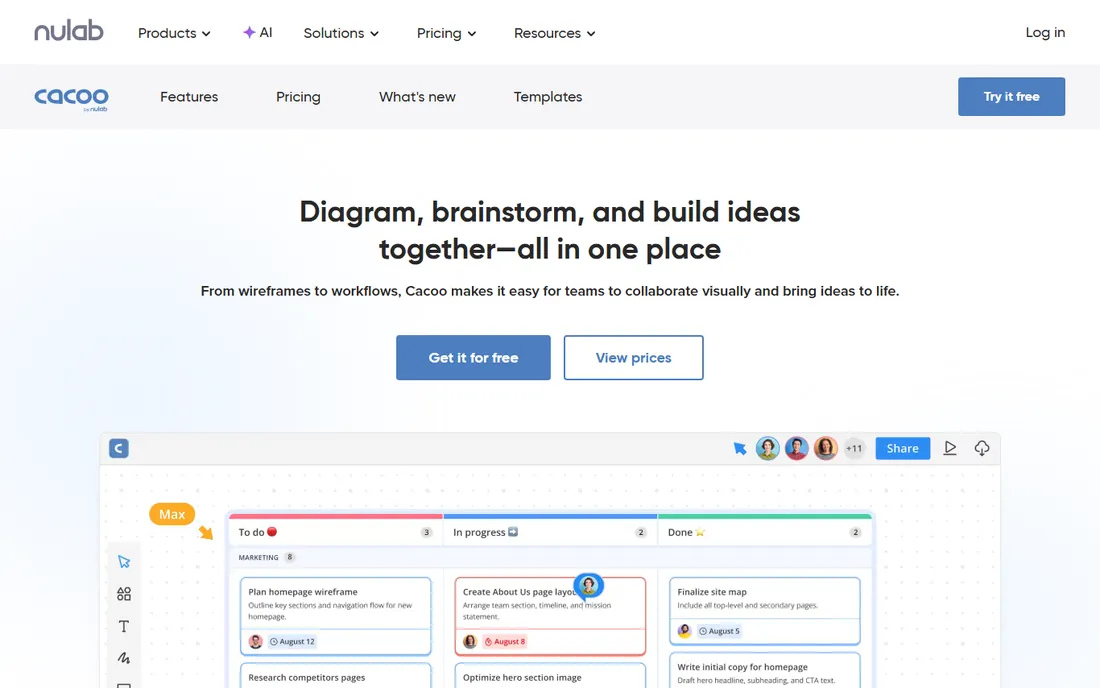
Cacoo, from the makers of Backlog and Typetalk, offers straightforward team diagramming with real-time collaboration. The interface is simple, the Nulab integrations suit existing customers, and the free tier covers team use. For Nulab shops, it is the natural diagramming choice.
The feature set is smaller than the leaders, and the template library is modest. Outside the Nulab ecosystem there is less reason to choose it. But as a simple collaborative diagrammer, particularly for existing Nulab teams, Cacoo is pleasant and capable.
What we like- Real-time team collaboration
- Simple interface
- Integrates with the Nulab suite
Watch out for- Smaller feature set
- Less known outside Nulab users
- Template library is modest
Starting priceSee website
Free planFree trial
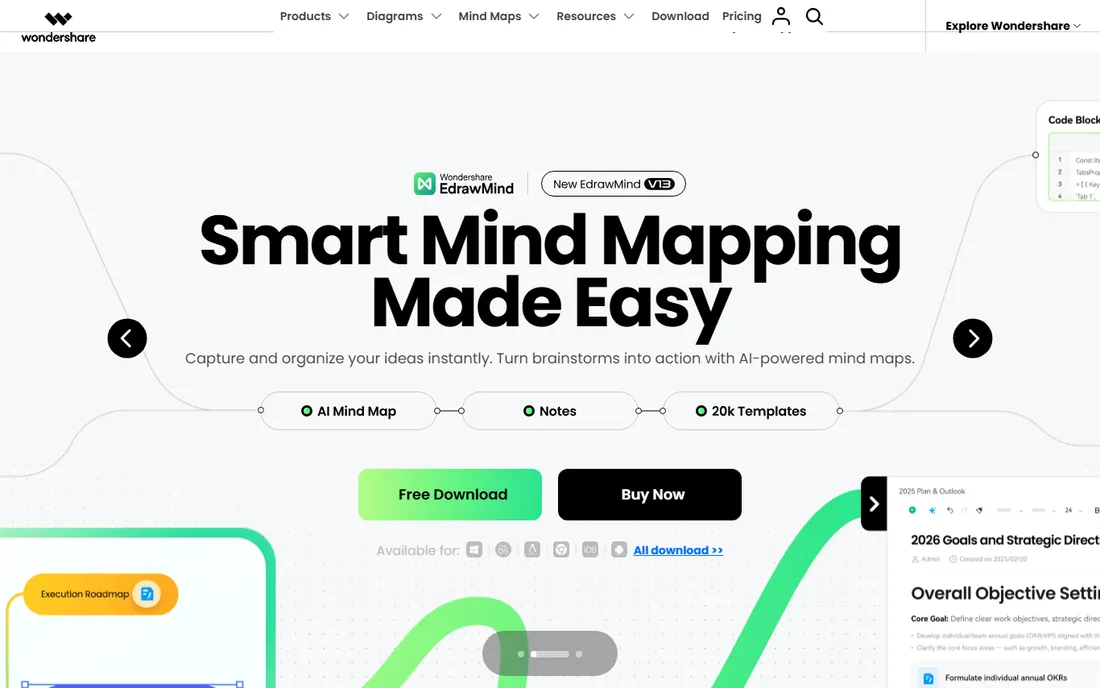
EdrawMax tries to be the everything diagrammer: flowcharts, mind maps, floor plans, electrical diagrams, infographics and dozens more in one application. Desktop and online versions exist, and perpetual licenses appeal to buyers tired of subscriptions. The sheer breadth is unmatched at the price.
The interface is dense with the weight of all those diagram types, and collaboration is basic compared to cloud-native tools. But for individual users and small teams that need many diagram types without many subscriptions, EdrawMax's breadth-for-price is compelling.
What we like- Huge range of diagram types in one app
- Desktop plus online
- Affordable perpetual options
Watch out for- Interface is dense
- Collaboration is basic
- Brand is less known in the West
How we chose
We covered business diagrammers, collaborative whiteboards, free tools and suites, since buyers search the category term across all of them. Each product was verified as currently offered, noting Lucidchart's move to lucid.co, diagrams.net's hosting at drawio.com and Cacoo's place under Nulab. Pricing came from vendor pages where published and was marked honestly where it was not. We weighed diagram quality, ease of use, collaboration, templates and value. No vendor paid for placement and we claimed no hands-on testing.
Free vs paid diagramming
The free options here are unusually strong. diagrams.net handles serious diagramming at no cost, and Whimsical, Miro, Lucidchart and Creately all offer usable free tiers. Paying makes sense for three reasons: team collaboration at scale, advanced features like data linking, and enterprise needs like SSO and admin controls.
Before paying, push the free tier to its limits. Many teams discover the free tools cover their actual needs. When limits hit, they are usually specific: document counts, team size or admin features, which makes the upgrade decision concrete rather than speculative.
What to check before you choose
Test with your actual diagram types. A tool excellent at flowcharts may be weak at network diagrams or org charts. Build one real diagram of each type you need during the trial. Template quality varies enormously and matters more than feature lists.
Check collaboration needs honestly. Solo diagrammers need none of it; distributed teams need real-time editing, comments and version history. And verify export and integration: diagrams usually live in docs, wikis or presentations, so check the Confluence, Google and Microsoft integrations your team actually uses.
Frequently asked questions
What is the best free flowchart software?
diagrams.net is the best free option, with no meaningful limits on diagramming. Whimsical, Miro and Lucidchart offer generous free tiers with some restrictions. For unlimited free diagramming, diagrams.net is unmatched.
Is Lucidchart still called Lucidchart?
The product is still Lucidchart, but the company rebranded to Lucid and the homepage moved to lucid.co. Existing accounts and links continue to work. The product itself is unchanged apart from normal development.
What is the difference between Miro and Lucidchart?
Lucidchart is a dedicated diagramming tool for producing precise, maintainable diagrams. Miro is a collaborative whiteboard where diagrams emerge from team workshops. Choose Lucidchart for documentation quality; choose Miro for collaborative process discovery.
Can I make flowcharts in Microsoft Visio for free?
Visio offers a trial but no permanent free tier. Organizations with Microsoft 365 may have access through certain plans. For free flowcharting, diagrams.net or the free tiers of Lucidchart and Whimsical are better options.
Which diagram tool is best for teams?
Lucidchart and Miro lead for teams, with Lucidchart stronger on diagram precision and Miro stronger on collaborative workshops. Cacoo and Creately offer simpler team options. Enterprise Microsoft shops often default to Visio.
Sources we checked (10)
- https://lucid.co/lucidchart
- https://miro.com
- https://www.drawio.com
- https://www.microsoft.com
- https://whimsical.com
- https://creately.com
- https://www.gliffy.com
- https://www.smartdraw.com
- https://nulab.com/cacoo/
- https://www.edrawsoft.com
Is your product missing or out of date?
We review this list regularly. Vendors can request a listing, send updated pricing or ask about featured placement.

Shihab Mia · Founder, Rankite
Shihab has spent more than a decade helping SaaS and e-commerce brands grow through search. He writes Rankite's software buying guides from pricing pages, documentation and public user reviews. More about Shihab.