How we make this list: we compare pricing pages, product documentation and public user reviews. Rankite is independent; if a vendor ever pays for a featured spot, that listing is clearly labeled Partner.

Key takeaways
- draw.io (diagrams.net) is completely free with no document limits, which makes every paid tool here compete on collaboration and polish.
- Lucidchart ($7.95/month Individual) is the structured-diagramming leader for technical teams; Visio ($5/user/month) wins where Microsoft 365 already lives.
- Miro ($8/user/month) is the whiteboard-first pick for workshops and brainstorming that turn into diagrams.
- EdrawMax ($119/year) is the cheapest full-featured desktop alternative to Visio, with 280+ diagram types.
- If diagrams are documentation, prioritize export and integrations; if they are collaboration, prioritize real-time editing and commenting.
Quick comparison
| Tool | Best for | Starting price | Free plan |
|---|
 Lucidchart Lucidchart | Structured technical diagrams | $7.95/month (Individual, billed annually) | Yes (3 documents) |
 Microsoft Visio Microsoft Visio | Microsoft 365 shops | $5/user/month (Visio Plan 1) | No |
 draw.io draw.io | Free unlimited diagramming | Free | Yes |
 Miro Miro | Whiteboard-to-diagram workflows | $8/user/month (Starter, billed annually) | Yes (3 boards) |
 SmartDraw SmartDraw | Template-driven business diagrams | $9.95/month (Individual; $7.95/month billed annually) | Free trial |
 EdrawMax EdrawMax | Affordable Visio alternative | $119/year (Individual) | Yes (limited) |
 Creately Creately | Visual team collaboration | $8/month (Personal) | Yes |
 Whimsical Whimsical | Fast clean flowcharts | $12/month per editor ($10/month billed annually) | Yes (limited) |
 Cacoo Cacoo | Simple online diagramming | $4.95/user/month (Plus) | Yes |
Is your product missing or out of date?
We review this list regularly. Vendors can request a listing, send updated pricing or ask about featured placement.
The block diagram sounds simple until you need to make one with five engineers editing it, version history, and an export that looks right in a board deck. Then the differences between these tools matter a lot. Some are whiteboards that grew diagram features. Some are precision diagrammers with engineering shape libraries. One is completely free.
The buying question is really about how your team works. Solo engineers documenting systems need something different from product teams running remote workshops. The nine tools below cover that range, from free to enterprise, with real prices as of October 2026.
Starting price$7.95/month (Individual, billed annually)
Free planYes (3 documents)
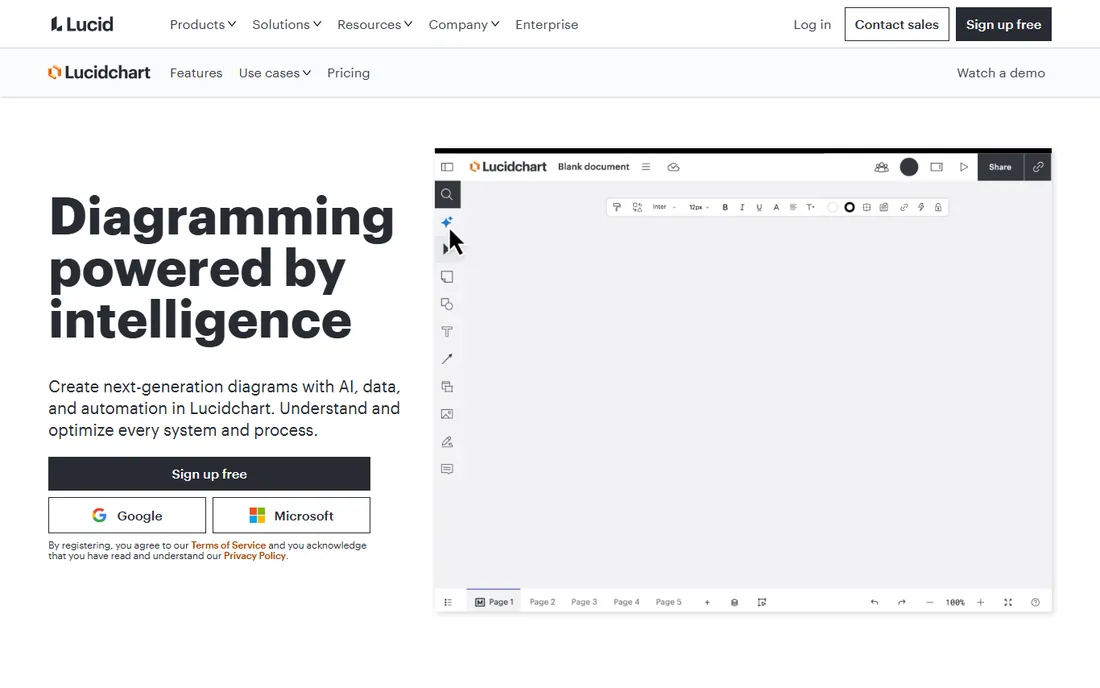
Lucidchart is the tool technical teams reach for when a diagram has to be correct, not just pretty. The shape libraries for cloud architecture (AWS, Azure, GCP), UML, ER diagrams, and network topology are the deepest in the category, and the output looks professional enough for documentation and board presentations. Visio import and export make migration painless.
The pricing has a cliff worth knowing about. Individual at $7.95 a month (billed annually) removes limits, but the Team plan at $9 to $10 per user per month requires a 3-user minimum, so the real jump from solo to team is roughly triple. The free tier caps at 3 documents and 60 shapes per document. For structured diagramming, Lucidchart is the benchmark. For freeform brainstorming, pair it with something looser.
What we like- Cleanest structured diagrams
- AWS, Azure, UML, and ER shape libraries
- Visio import/export
Watch out for- Free tier is effectively a trial
- Team plan has a 3-user minimum
- Rigid for freeform whiteboarding
Starting price$5/user/month (Visio Plan 1)
Free planNo

Visio is the incumbent, and in organizations already standardized on Microsoft 365, it is often the path of least resistance. Plan 1 at $5 per user per month covers web-based diagramming; Plan 2 at $15 per user per month adds the desktop app and advanced features. Data-linked diagrams that update from Excel or SharePoint lists are a genuine strength for operational dashboards and org charts.
The honest downsides: there is no free tier, real-time collaboration feels bolted on compared to cloud-native rivals, and the web version cannot match the desktop app. If your company runs on Microsoft and IT prefers one vendor, Visio is the comfortable choice. If your team collaborates across tools and time zones, the newer platforms will feel faster.
What we like- Deep Microsoft 365 integration
- Data-linked diagrams
- Familiar to enterprise IT
Watch out for- No free plan
- Web version is less capable than desktop
- Collaboration lags cloud-native tools
Starting priceFree
Free planYes
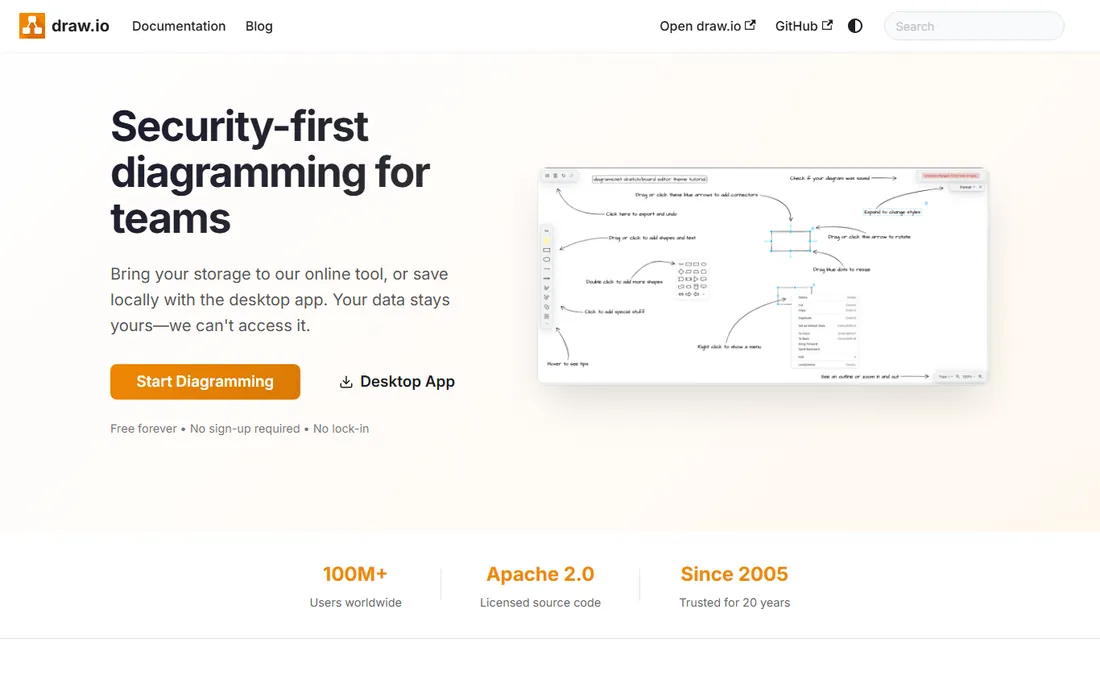
draw.io (hosted at diagrams.net) is the open secret of the diagramming world: a full-featured diagram editor with no document limits, no shape limits, and no account required, all free. It imports and exports Visio, Lucidchart, and Gliffy formats, runs as a desktop app or in the browser, and saves wherever you want. For individual engineers and students, it is absurdly good for the price.
The catch is collaboration. There is no real-time multi-editor experience, no hosted sharing links, and the interface prioritizes function over beauty. Teams that need simultaneous editing and commenting should look at Lucidchart or Miro. But as a personal tool, or for organizations that refuse to pay for diagramming, draw.io removes every excuse. Try it before buying anything.
What we like- Completely free with no limits
- Works offline
- Saves to Google Drive, OneDrive, or locally
Watch out for- No real-time collaboration
- Interface is utilitarian
- No hosted sharing
Starting price$8/user/month (Starter, billed annually)
Free planYes (3 boards)

Miro starts where most diagrams actually begin: a whiteboard session. Teams brainstorm, map user journeys, and run retrospectives on an infinite canvas, then formalize the result into flowcharts and diagrams. The template library of 2,500+ boards and the facilitation tools (voting, timers, breakout frames) are unmatched for remote workshops.
For pure structured diagramming, it is looser than Lucidchart: connectors and shapes do not snap with the same rigor. The free tier allows only 3 boards, so regular use needs Starter at $8 per user per month billed annually. Very large boards can slow down. Choose Miro when diagrams emerge from collaboration, not when they start as documentation.
What we like- Best real-time whiteboard collaboration
- 2,500+ templates
- Strong workshop facilitation tools
Watch out for- Free tier limited to 3 boards
- Performance dips on huge boards
- Overkill for simple diagrams
Starting price$9.95/month (Individual; $7.95/month billed annually)
Free planFree trial
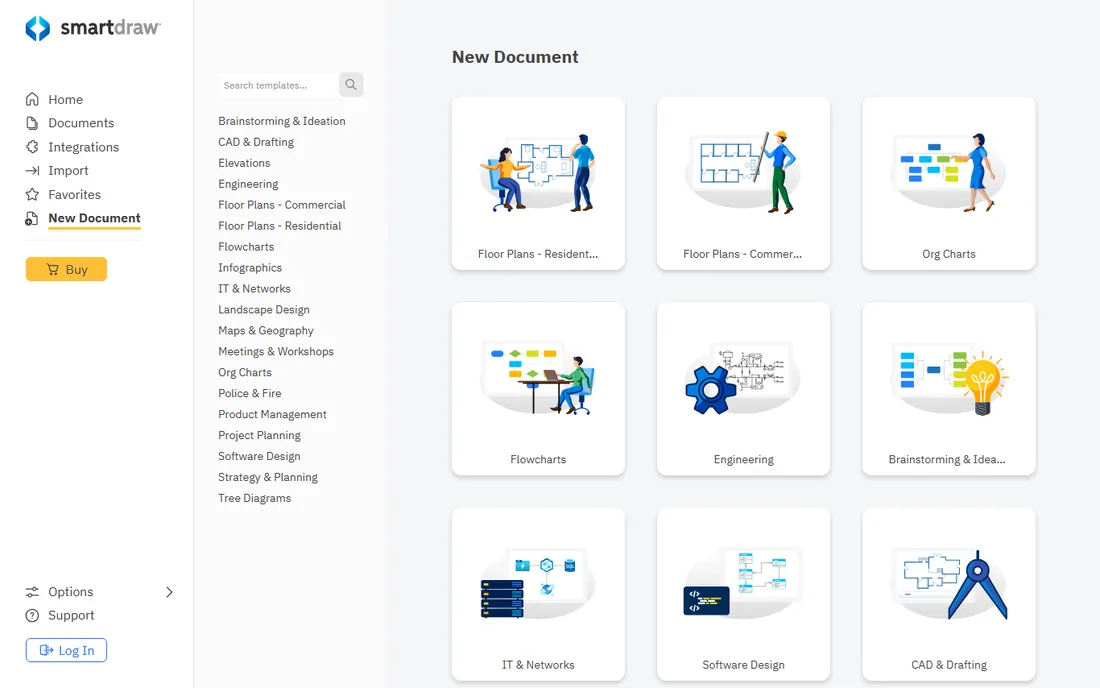
SmartDraw's pitch is speed through templates. Thousands of templates cover flowcharts, org charts, floor plans, network diagrams, and more, and the intelligent formatting engine keeps layouts neat automatically. The standout trick is generating diagrams from data: import a spreadsheet and get an org chart, or build cloud diagrams from Azure and AWS integrations.
Individual runs $9.95 a month ($7.95 billed annually), with Team at $8.95 per user per month. There is no free plan, only a trial. The interface feels less modern than Lucidchart or Whimsical, and the aesthetic polish lags the newest tools. But for business users who want a diagram from a template in minutes, SmartDraw's library depth is hard to beat.
What we like- Huge template and symbol library
- Automatic formatting engine
- Generates diagrams from data
Watch out for- No permanent free plan
- Interface less modern
- Team plans add up
Starting price$119/year (Individual)
Free planYes (limited)
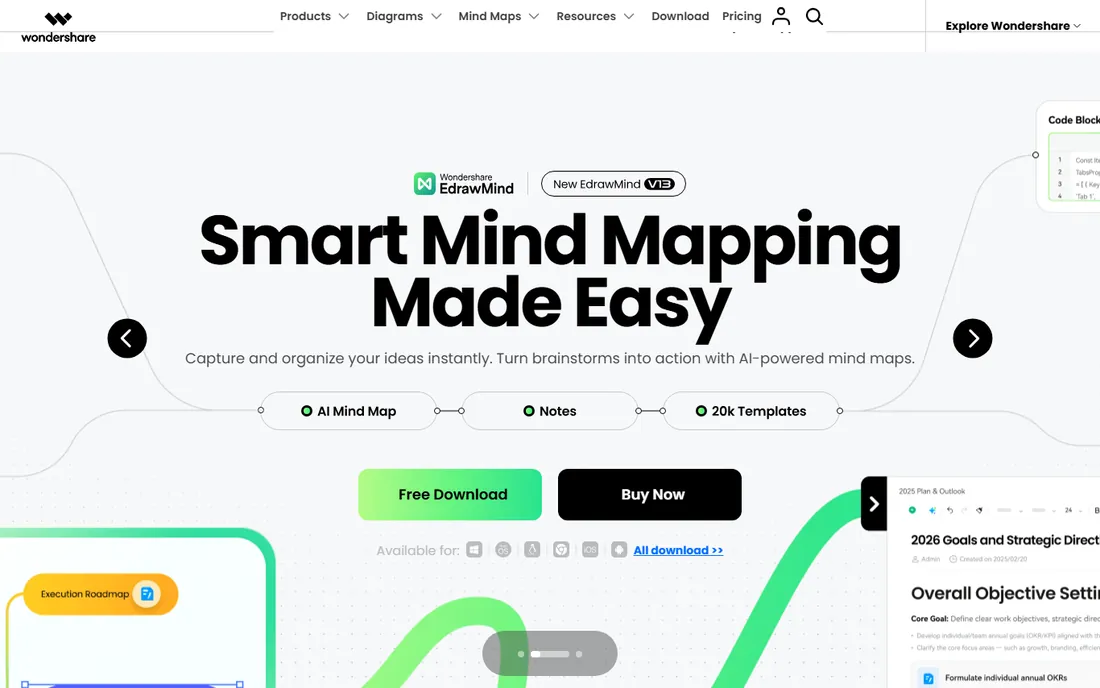
EdrawMax is the value play for anyone who looked at Visio's pricing and flinched. For $119 a year, you get over 280 diagram types, 26,000 symbols, and 1,500 templates, covering everything from block diagrams to floor plans to electrical schematics. It works on desktop, web, and mobile, online and offline, and exports to Visio, PDF, SVG, and Office formats.
The experience is functional rather than delightful: the interface takes cues from older Microsoft Office, and the company's marketing leans heavily on discounts and upsells. The free version watermarks exports, which limits it to evaluation. But the feature-to-price ratio is the best among paid desktop diagrammers, and reviewers consistently call it good enough to replace Visio at a fraction of the cost.
What we like- 280+ diagram types for $119/year
- Desktop plus web plus mobile
- Visio-compatible exports
Watch out for- Interface inspired by older Office
- Upsell-heavy
- Free version watermarks exports
Starting price$8/month (Personal)
Free planYes

Creately positions itself as the visual collaboration platform for teams that plan together. The differentiator getting attention is Creately VIZ, an AI feature that generates diagrams from text prompts, which speeds up the blank-canvas problem considerably. Real-time collaboration, version history, and presentation mode round out a solid team tool.
Personal at $8 a month is reasonable for individuals, and Business at $89 a month covers unlimited users, which is an interesting flat structure for larger teams. There is no mobile app, and the integration ecosystem is smaller than Miro's or Lucidchart's. For small teams that want AI-assisted diagramming with real collaboration at a moderate price, Creately is worth a trial.
What we like- AI diagram generation from text
- Real-time collaboration
- 50+ diagram types
Watch out for- No mobile app
- Some features gated to paid plans
- Smaller ecosystem than Miro
Starting price$12/month per editor ($10/month billed annually)
Free planYes (limited)

Whimsical wins on speed and looks. Its AI flowchart generator turns a text description into a usable diagram in seconds, and the interface is the cleanest of any tool here. Flowcharts, wireframes, mind maps, and sticky notes share one workspace, which suits product and design teams that diagram weekly.
The pricing is per editor: $12 a month monthly, $10 billed annually, with Business at $18 per editor. The free plan is aggressively limited, essentially a trial. It lacks enterprise features like swimlanes, audit logs, and deep Microsoft Teams integration. For individuals and small teams who value speed and aesthetics over compliance depth, Whimsical is the most pleasant diagramming experience available.
What we like- Fastest text-to-diagram workflow
- Cleanest interface in the category
- Wireframes plus flowcharts plus mind maps
Watch out for- Free plan is very limited
- No swimlanes or enterprise compliance features
- Priced per editor
Starting price$4.95/user/month (Plus)
Free planYes
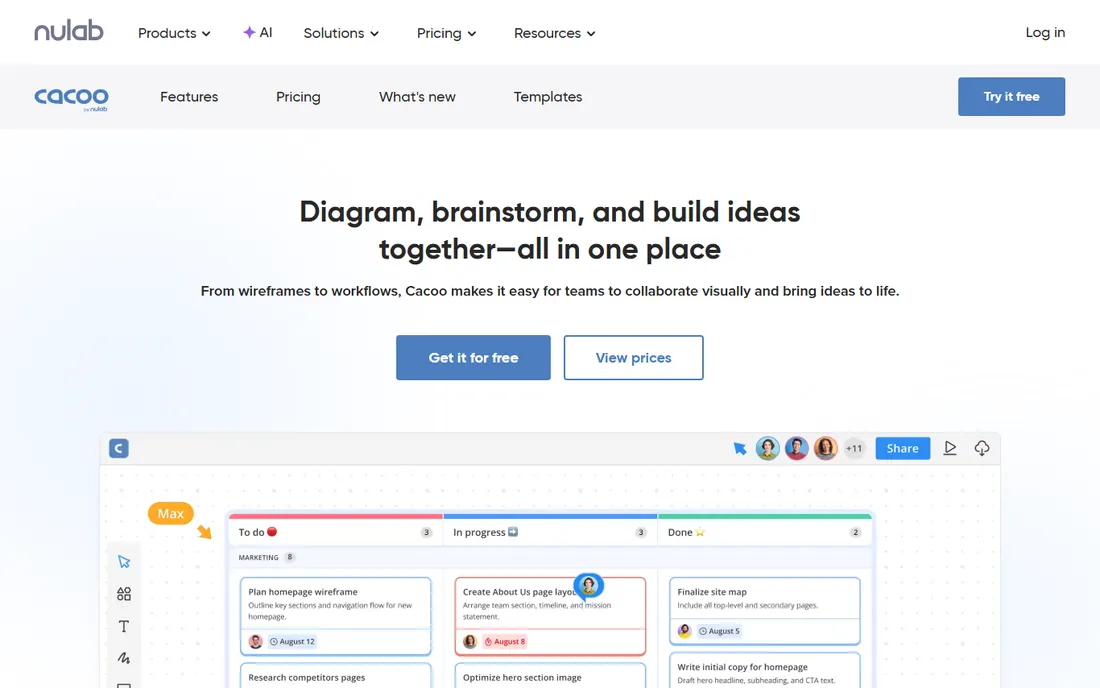
Cacoo is the quiet budget option. From Nulab (the company behind Backlog and Typetalk), it offers straightforward online diagramming with templates for flowcharts, wireframes, UML, network diagrams, and more, plus real-time collaboration, commenting, and version history. The Plus plan at $4.95 per user per month is the cheapest paid tier on this list.
It does not try to out-feature the leaders: the shape libraries are smaller, the integrations fewer, and the brand less known, which matters if you need to convince an IT department. But for small teams that want simple, collaborative diagramming without paying $8 to $12 per seat, Cacoo delivers the essentials at half the price. The free plan is genuinely usable for light work.
What we like- Cheapest paid tier here
- Simple to learn
- Solid templates and collaboration
Watch out for- Smaller feature set
- Less known
- Fewer integrations
Choosing by workflow
Diagrams as documentation
If diagrams live in wikis, specs, and board decks, prioritize export quality, shape libraries, and version control. Lucidchart and Visio lead here, with EdrawMax as the budget alternative and draw.io as the free one. Check Visio compatibility if your organization has legacy files.
Diagrams as collaboration
If diagrams are made together in real time, prioritize simultaneous editing, commenting, and workshop tools. Miro is the whiteboard leader, Creately and Whimsical cover faster structured work, and Cacoo does it cheapest. Free tiers will run out fast for active teams, so budget for seats.
Diagrams as a personal tool
If it is just you documenting systems or studying, draw.io is free and unlimited, and Lucidchart's Individual plan or EdrawMax's annual license covers everything else. Do not pay team prices for solo work.
How we chose
We reviewed vendor pricing pages and documentation, 2026 diagramming-tool coverage from ToolRadar, Lark, and practitioner outlets, public reviews on G2, Capterra, TrustRadius, and SaaSworthy, and user discussion on Reddit. Each tool had to be a live product with a verifiable price. We never claim hands-on testing. The shortlist balances the three workflows in this market (documentation, collaboration, personal use) across a range of team sizes and budgets.
Frequently asked questions
What is the best free block diagram software?
draw.io (diagrams.net) is the best free option: unlimited documents and shapes, offline desktop apps, and Visio compatibility, all without an account. Lucidchart, Miro, Creately, Whimsical, and Cacoo all have free tiers, but each caps documents, boards, or features.
Is Lucidchart better than Visio?
For cloud collaboration and modern structured diagrams, yes. For organizations deeply invested in Microsoft 365 with data-linked diagrams and IT standardization, Visio is often the better fit. Lucidchart imports and exports Visio files, so you can migrate or mix both.
Can Miro replace a dedicated diagramming tool?
For collaborative and informal diagrams, yes. For precise technical documentation like network topology or ER diagrams, dedicated tools like Lucidchart or Visio produce cleaner, more rigorous output. Many teams use Miro for workshops and Lucidchart for documentation.
What is the cheapest paid diagramming tool?
Cacoo at $4.95 per user per month is the cheapest per-seat option here. EdrawMax at $119 a year is the cheapest full-featured desktop alternative to Visio. And draw.io is free outright.
Do I need to pay for diagramming software at all?
Often not. draw.io covers unlimited personal diagramming for free. You need to pay when you want real-time team collaboration, advanced shape libraries, data integrations, admin controls, or polished exports at scale.
Which tool is best for software architecture diagrams?
Lucidchart, with its AWS, Azure, GCP, UML, and ER shape libraries, is the strongest pick. draw.io covers the same diagram types for free with less polish. Miro works for collaborative architecture sessions but produces less rigorous documentation.
Sources we checked (12)
- https://www.lucidchart.com
- https://procurementvms.com/vendors/lucidchart-pricing-guide.html
- https://www.getpricepulse.com/companies/miro-pricing.html
- https://toolradar.com/guides/best-diagram-tools
- https://www.g2.com/products/smartdraw/pricing
- https://softwarefinder.com/project-management-software/smartdraw
- https://www.g2.com/products/wondershare-edrawmax/pricing
- https://www.g2.com/products/creately/pricing
- http://creately.com/reviews/best-flowchart-software/
- https://www.trustradius.com/compare-products/cacoo-vs-creately
- https://whimsicalaireview.org/review/whimsical-ai
- https://www.vendr.com/marketplace/whimsical
Is your product missing or out of date?
We review this list regularly. Vendors can request a listing, send updated pricing or ask about featured placement.

Shihab Mia · Founder, Rankite
Shihab has spent more than a decade helping SaaS and e-commerce brands grow through search. He writes Rankite's software buying guides from pricing pages, documentation and public user reviews. More about Shihab.