How we make this list: we compare pricing pages, product documentation and public user reviews. Ratings come from G2, Capterra or Trustpilot, with the date we checked them.
Key takeaways
- Audacity is the best free option for basic editing, recording on Windows, Mac and Linux with no paid tier or trial clock.
- GarageBand is the best free option for music production on Apple hardware, teaching concepts that transfer directly to Logic Pro.
- Logic Pro at 199.99 dollars once and FL Studio from 99 dollars once are the strongest buy once options, avoiding subscriptions entirely.
- A DAW handles multitrack recording, MIDI, mixing and mastering, while an audio editor focuses on cutting and processing files, so pick by job.
Quick comparison
| Tool | Best for | Starting price | Free plan |
|---|
 Audacity Audacity | Free editing and recording | Free | Yes |
 GarageBand GarageBand | Free Mac and iOS studio | Free | Yes |
 Logic Pro Logic Pro | Full Mac DAW, one-time price | $199.99 one-time | No |
 FL Studio FL Studio | Beat making, bought once | $99 one-time | Yes |
 Ableton Live Ableton Live | Electronic and live performance | $99 one-time | Yes |
 Pro Tools Pro Tools | Industry standard studios | $9.99 per month | Yes |
 REAPER REAPER | Best value full DAW | $60 one-time | Yes |
 Adobe Audition Adobe Audition | Pro broadcast and podcast post | $22.99 per month | No |
Is your product missing or out of date?
We review this list regularly. Vendors can request a listing, send updated pricing or ask about featured placement.
The best music editing software
Starting priceFree
Free planYes
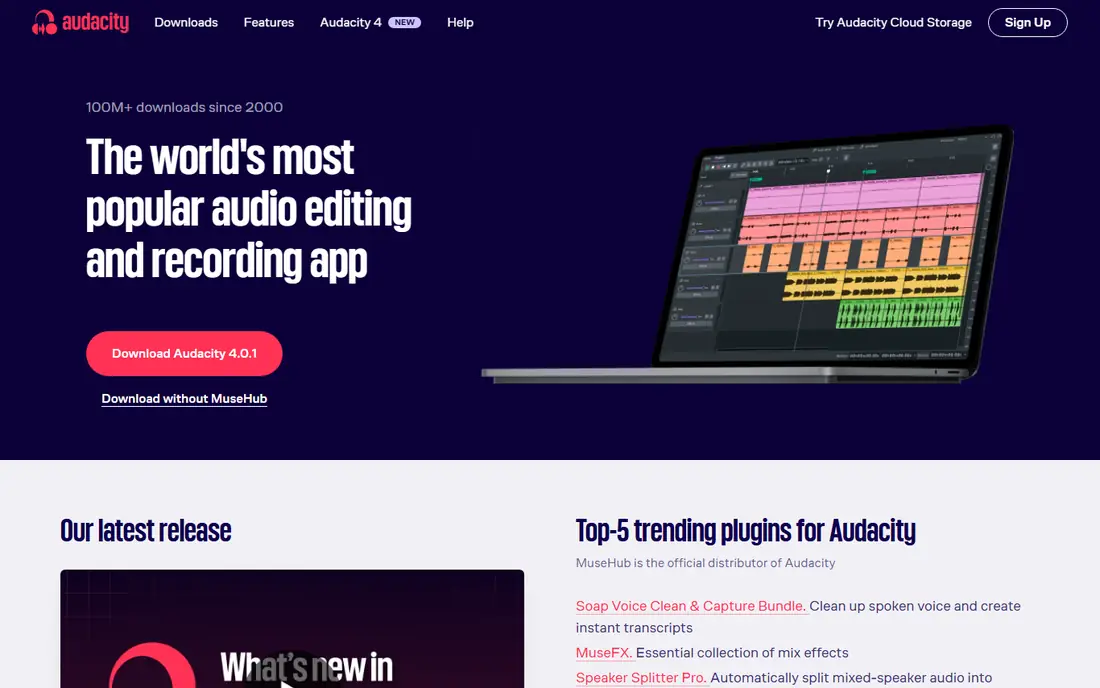
Audacity is the best free option for basic editing: it records and edits on Windows, Mac and Linux, supports major formats and plugins, and has no paid tier or trial clock. Noise reduction, multitrack editing and broad format support cover most editing and recording jobs, from podcast cleanup to song trimming.
It is an editor, not a full DAW, so MIDI instruments, virtual instruments and advanced mixing need a second tool, and destructive editing means you should keep originals. For a user who needs to record and edit audio at no cost, Audacity is the pick for everyday jobs.
What we like- Completely free and open source
- Records and edits on Windows, Mac and Linux
- Supports major formats and plugins
Watch out for- No MIDI instruments or full DAW production
- Interface is functional rather than modern
- Destructive editing needs care with originals
#2GarageBand
Best for: Free Mac and iOS studio4.3/5 on
G2 (277 reviews, checked Oct 2026)
Visit apple.com
Starting priceFree
Free planYes
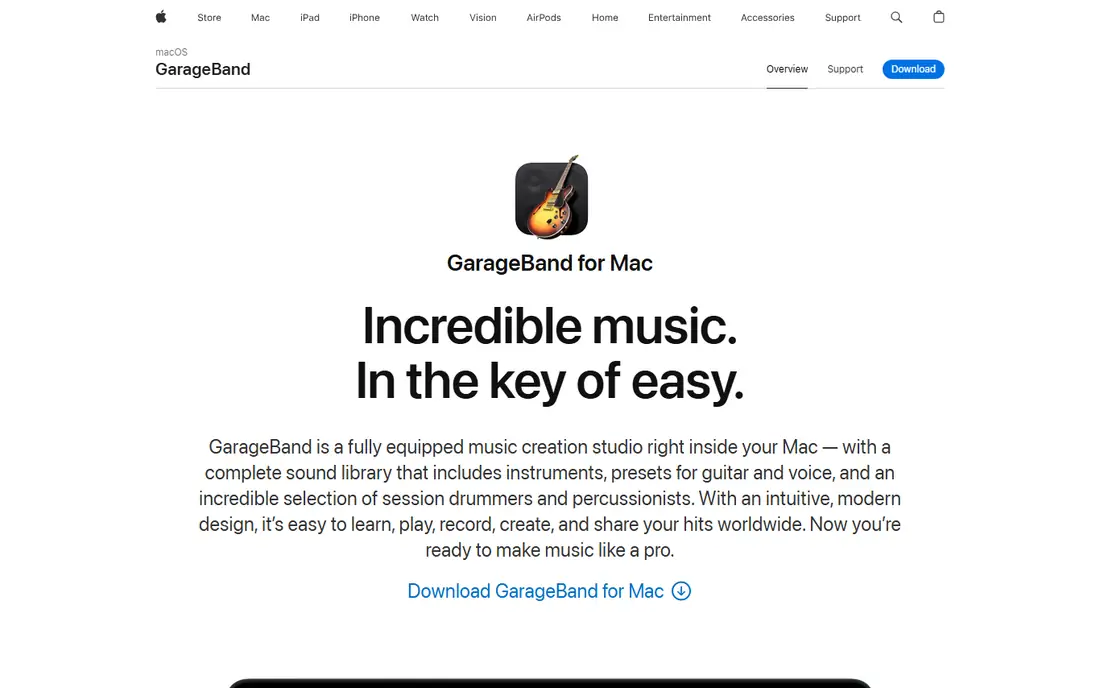
GarageBand is the best free option for music production if you own Apple hardware, because it is free, visual, and teaches concepts that transfer directly to Logic Pro. Loops, software instruments and simple recording let a beginner make a complete song quickly, and a project started in GarageBand opens in Logic Pro when you outgrow it.
It runs only on Mac and iOS, plugin support is limited, and advanced editing is constrained for large sessions. For an Apple user starting music production, GarageBand is the pick.
What we like- Free on Mac, iPhone and iPad
- Visual and beginner friendly
- Projects open in Logic Pro for upgrading
Watch out for- Mac and iOS only
- Limited plugin support and advanced editing
- Constrained for large professional sessions
#3Logic Pro
Best for: Full Mac DAW, one-time price4.6/5 on
G2 (177 reviews, checked Oct 2026)
Visit apple.com
Starting price$199.99 one-time
Free planNo
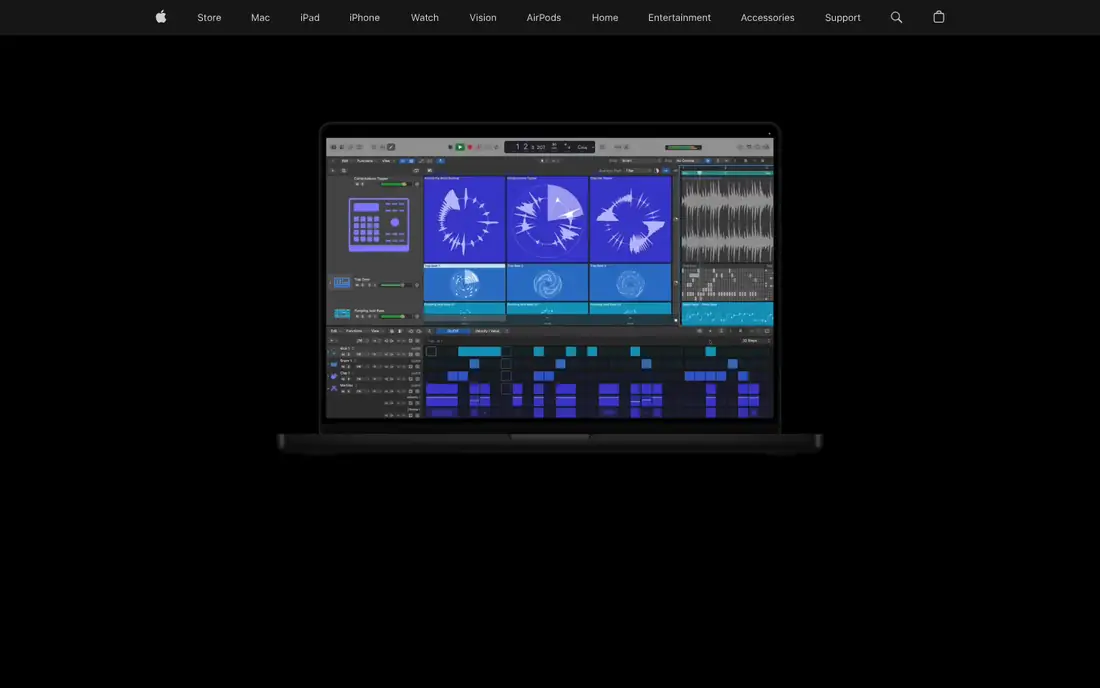
Logic Pro offers incredible value for Mac users: a full professional DAW for 199.99 dollars once, with no subscription, plus a huge instrument and loop library that would cost far more as separate plugins. Scoring, MIDI work and mixing are all covered, and GarageBand projects upgrade cleanly.
It runs only on Mac, the upfront price is higher than a free editor, and the iPad version is a separate 4.99 dollars a month subscription. For a Mac musician who wants a complete DAW without ongoing payments, Logic Pro is the pick.
What we like- Full professional DAW for one fixed price
- No subscription
- Huge instrument and loop library included
Watch out for- Mac only
- 199.99 dollars upfront
- IPad version costs 4.99 dollars a month separately
#4FL Studio
Best for: Beat making, bought once4.6/5 on
G2 (103 reviews, checked Oct 2026)
Visit image-line.com
Starting price$99 one-time
Free planYes
FL Studio is the beat driven production pick, bought once from about 99 dollars with lifetime free updates, which gives it the lowest five year cost of ownership among paid DAWs in published comparisons. The Channel Rack, Piano Roll, Playlist and mixer, plus more than 100 instruments and effects, give beat makers deep production tools, and the free trial has no time limit.
Four editions from Fruity to All Plugins complicate choice, and the pattern workflow suits beat makers more than linear band recording. For a Windows or Mac beat maker who wants to pay once, FL Studio is the pick.
What we like- From 99 dollars one time with lifetime free updates
- Pattern sequencing and piano roll for beat making
- Free trial with no time limit
Watch out for- Four editions from Fruity to All Plugins complicate choice
- Workflow suits beat makers more than linear recording
- Higher editions cost up to 499 dollars
#5Ableton Live
Best for: Electronic and live performance4.7/5 on
G2 (159 reviews, checked Oct 2026)
Visit ableton.com
Starting price$99 one-time
Free planYes
Ableton Live excels for electronic music and live performance, with Session View letting producers trigger loops and scenes live, plus strong MIDI, looping and sound design tools. Intro costs 99 dollars, Standard 449 dollars and Suite 749 dollars, with a 30 day free trial of Suite.
The price climbs steeply for independent producers, and Session View takes learning. For an electronic producer who also performs live, Ableton Live is the pick.
What we like- Session View for live performance as well as producing
- Strong MIDI and looping
- 30 day free trial of Suite
Watch out for- Intro at 99 dollars, Standard at 449 dollars, Suite at 749 dollars
- Expensive for independent producers
- Learning curve for Session View
#6Pro Tools
Best for: Industry standard studios4.3/5 on
G2 (122 reviews, checked Oct 2026)
Visit avid.com
Starting price$9.99 per month
Free planYes
Pro Tools remains the industry standard for professional studios, and its session format is what commercial studios exchange. Intro is free with limited track counts, Artist costs 9.99 dollars a month or 99 dollars a year, Studio 34.99 dollars a month, and Ultimate 99 dollars a month.
Beginners should avoid Pro Tools until they need studio compatibility, since cheaper DAWs cover learning better, and the subscription never ends. For a musician or engineer who must exchange sessions with commercial studios, Pro Tools is the pick.
What we like- Industry standard for commercial studios
- Free Intro tier with limited track counts
- Best for working with other studios
Watch out for- Paid from 9.99 dollars a month, Studio 34.99 dollars, Ultimate 99 dollars
- Beginners should avoid it until studio compatibility is needed
- Subscription only
#7REAPER
Best for: Best value full DAW4.5/5 on
G2 (28 reviews, checked Oct 2026)
Visit reaper.fm
Starting price$60 one-time
Free planYes
REAPER is the best value full DAW: 60 dollars for a discounted license, 225 dollars commercial, with a 60 day full featured evaluation and no feature limits. Plugin compatibility, low CPU footprint and deep customization make it a serious tool used by professional sound designers and film composers, not just budget producers.
The interface needs customization to feel polished, and bundled instruments trail Logic and FL Studio. For a Windows, Mac or Linux user who wants a complete professional DAW for almost nothing, REAPER is the pick.
What we like- Full professional DAW for 60 dollars discounted license
- 60 day full evaluation with no feature limits
- Runs on any machine with low CPU use
Watch out for- Interface needs customization to feel polished
- Commercial license costs 225 dollars
- Fewer bundled instruments than Logic or FL Studio
#8Adobe Audition
Best for: Pro broadcast and podcast post4.4/5 on
G2 (420 reviews, checked Oct 2026)
Visit adobe.com
Starting price$22.99 per month
Free planNo
Adobe Audition is the pro standard for broadcast and podcast post production, with spectral editing, audio restoration and multitrack workflows plus Creative Cloud integration for video creators. Repairing and finishing spoken audio is its strongest job, ahead of music production.
The subscription costs 22.99 dollars a month with only a 7 day trial, and it is overkill for simple music editing that Audacity handles free. For a podcaster or broadcast editor who needs professional restoration, Audition is the pick.
What we like- Pro standard for broadcast and podcast post production
- Spectral editing and audio restoration
- Creative Cloud integration
Watch out for- Subscription at 22.99 dollars a month
- 7 day trial only
- Overkill for simple music editing
How we chose
We compared pricing, platform support, free tier terms, DAW versus editor scope, and instrument and plugin depth from vendor pricing pages and independent comparisons checked in 2026, and we weighed buy once value against subscription cost, beginner friendliness and studio compatibility. We noted where prices vary by edition rather than inventing a single figure. No tool was credited with hands-on testing, and no performance or quality scores beyond published comparisons were invented for this guide.
What to check before you pick
First, decide whether you need a DAW or an editor. A DAW like Ableton Live, Logic Pro or Pro Tools handles multitrack recording, MIDI instruments, mixing and mastering in one environment, while an editor like Audacity or Adobe Audition focuses on recording, cutting and processing audio files with surgical precision. Podcasters usually need an editor, musicians usually need a DAW, and many creators use both.
Second, run one test project before committing: record, edit, mix and export a short piece in the tool you are considering, since that single test prevents more buyer remorse than any review. Check plugin compatibility, since old plugins may not work in a new DAW, and agree on a stem based workflow with collaborators, because full project files rarely transfer cleanly between brands, though GarageBand projects open in Logic Pro. Finally, count five year cost, not entry price: FL Studio lifetime updates and Logic one time pricing beat subscriptions over time, while Audacity and GarageBand cost nothing at all, and a subscription that looks cheap monthly can cost hundreds more over five years.
Frequently asked questions
What is the best free music editing software?
Audacity for recording and editing on any computer, with no paid tier or trial clock. For music production rather than editing, GarageBand is the best free option on Apple hardware, and REAPER 60 day evaluation is the best free way to try a professional DAW.
Which software is best for beginners?
GarageBand for Apple users, because it is free, visual and teaches concepts that transfer to Logic Pro. On Windows, Audacity covers recording and editing, while FL Studio trial is the friendliest path into beat making.
Do I need to pay monthly for music software?
No. Logic Pro at 199.99 dollars once, FL Studio one payment per edition with free updates for life, and REAPER low one time license all avoid subscriptions. Audacity and GarageBand are free outright, while only Adobe Audition and Pro Tools subscriptions require ongoing payment among the tools here.
What is the difference between a DAW and an audio editor?
A DAW handles multitrack recording, MIDI instruments, mixing and mastering in one environment. An audio editor focuses on recording, cutting and processing audio files, often with destructive or surgical precision. Podcasters usually need an editor, musicians usually need a DAW.
Can I collaborate with someone using different software?
Sometimes. Stems, exported audio files per track, move between any DAWs without trouble, and most programs import and export WAV, MP3 and MIDI. Full project files rarely transfer cleanly between brands, so agree on a stem workflow before anyone starts recording.
Will my old plugins work in a new DAW?
Usually yes for standard VST, VST3 and AU formats, but check each plugin and format support before switching, since some older or proprietary plugins may not load. Test your essential plugins in a trial version first.
Sources we checked (4)
- https://www.flozic.ai/blog/best-audio-editing-software
- https://stemsplit.io/blog/best-audio-editing-software
- https://rankite.com/blog/best-audio-software
- https://rankite.com/blog/best-audio-editing-software
Is your product missing or out of date?
We review this list regularly. Vendors can request a listing, send updated pricing or ask about featured placement.

Shihab Mia · Founder, Rankite
Shihab has 5+ years in B2B and SaaS SEO. He writes Rankite's software buying guides from pricing pages, documentation and public user reviews. More about Shihab.