How we make this list: we compare pricing pages, product documentation and public user reviews. Ratings come from G2, Capterra or Trustpilot, with the date we checked them.
Key takeaways
- Spotify has the best free mix of catalog depth and discovery, despite shuffle limits on mobile.
- YouTube Music offers the widest free catalog, including live versions and uploads other apps lack.
- Audiomack and SoundCloud are the strongest free picks for independent artists and offline-friendly listening.
- Pandora and iHeartRadio suit listeners who prefer radio-style play without building playlists.
Quick comparison
| Tool | Best for | Starting price | Free plan |
|---|
 Spotify Spotify | Best all-round free listening | Free | Yes |
 YouTube Music YouTube Music | Widest catalog including videos | Free | Yes |
 SoundCloud SoundCloud | Independent and underground music | Free | Yes |
 Audiomack Audiomack | Truly free listening with downloads | Free | Yes |
 Deezer Deezer | Balanced free listening with Flow | Free | Yes |
 Pandora Pandora | Radio-style stations | Free | Yes |
 Amazon Music Amazon Music | Free listening for Prime members | Free | Yes |
 iHeartRadio iHeartRadio | Live radio and podcasts | Free | Yes |
Is your product missing or out of date?
We review this list regularly. Vendors can request a listing, send updated pricing or ask about featured placement.
The best free music apps
Starting priceFree
Free planYes
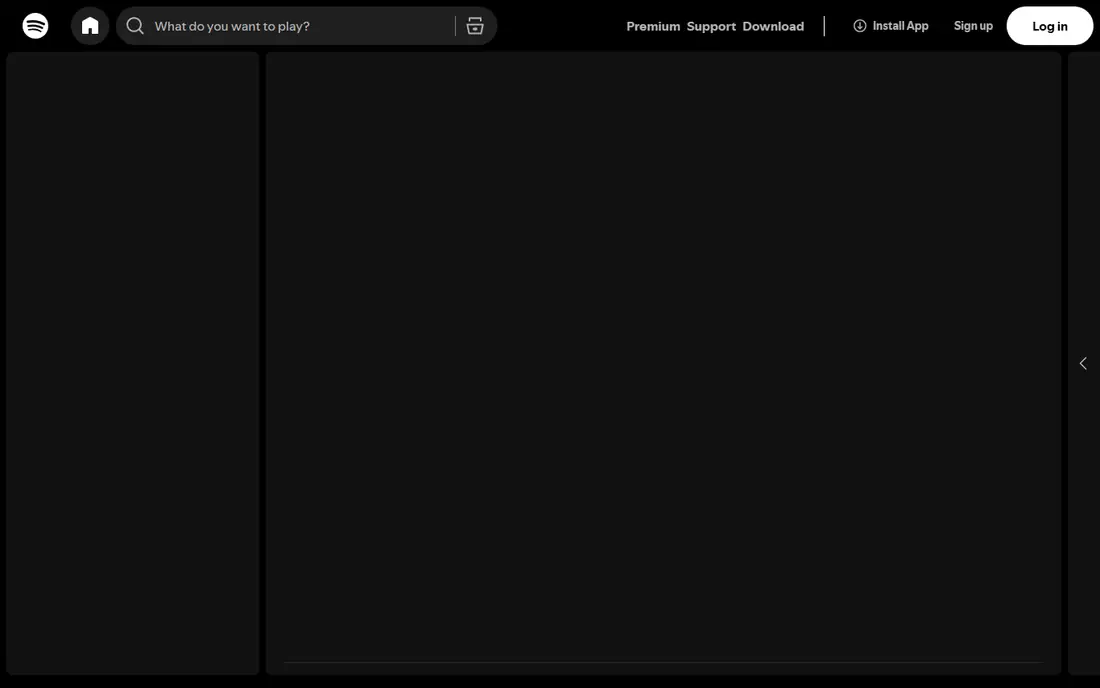
Spotify leads the free field because its catalog, playlists, and discovery tools work together well. Discover Weekly and Daily Mixes surface new music from listening habits, and editorial playlists cover nearly every mood. The app runs on phones, computers, speakers, and cars with little setup.
The free catch is control. Mobile playback shuffles albums and playlists with limited skips, ads break up sessions, and offline downloads need Premium at $11.99/month. Desktop listening is freer, which makes Spotify stronger for a listener who plays music at a desk. Even with those limits, it is the default free pick.
What we like- Huge catalog with strong playlists
- Discover Weekly and Daily Mixes
- Works on almost every device
Watch out for- Mobile free play is mostly shuffle with limited skips
- Ads interrupt listening
- No offline downloads on free
Starting priceFree
Free planYes
YouTube Music wins on sheer variety, since its catalog includes official releases, live performances, covers, and uploads that never reach other streaming apps. Music videos sit inside the same app, and Android and Google device integration is smooth. For a listener chasing rare versions, nothing else matches it.
Background play on a phone needs Premium at $10.99/month, which is a real limit for a listener who locks the screen while walking. Ads also interrupt free sessions. On a computer or with the screen on, the free version is one of the strongest here.
What we like- Official tracks plus live versions and uploads
- Music videos built in
- Strong Google and Android integration
Watch out for- Background play on mobile needs Premium
- Ads interrupt free listening
- No offline downloads on free
Starting priceFree
Free planYes
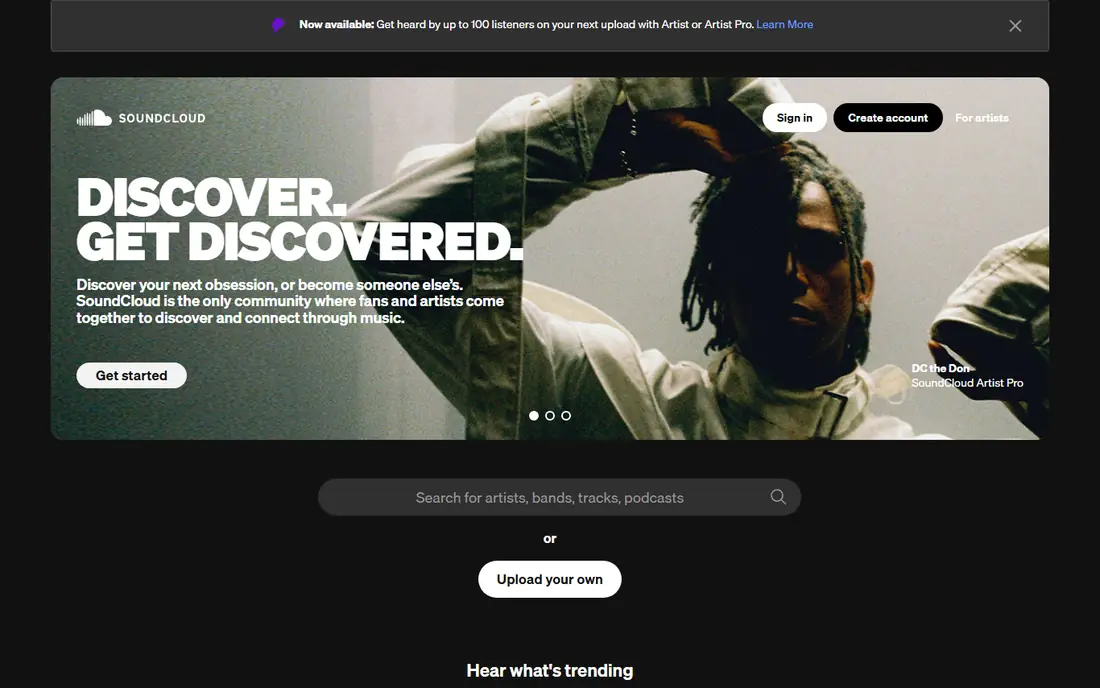
SoundCloud is where independent artists, remixers, and DJs publish first, so its catalog holds tracks no mainstream app carries. Genre browsing and reposts make discovery feel community-led rather than algorithm-only. For a listener who follows underground scenes, it is essential.
Mainstream albums have gaps, since some major artists limit their presence here. Free listening includes ads, and offline play needs a paid plan. Pair SoundCloud with Spotify or YouTube Music for mainstream albums, and use it for the music those apps miss.
What we like- Huge library of independent artists, remixes, and DJ sets
- Free uploads for creators
- Discovery by genre and community
Watch out for- Mainstream catalog has gaps
- Ads and limited skips on free
- Offline play needs a paid plan
Starting priceFree
Free planYes
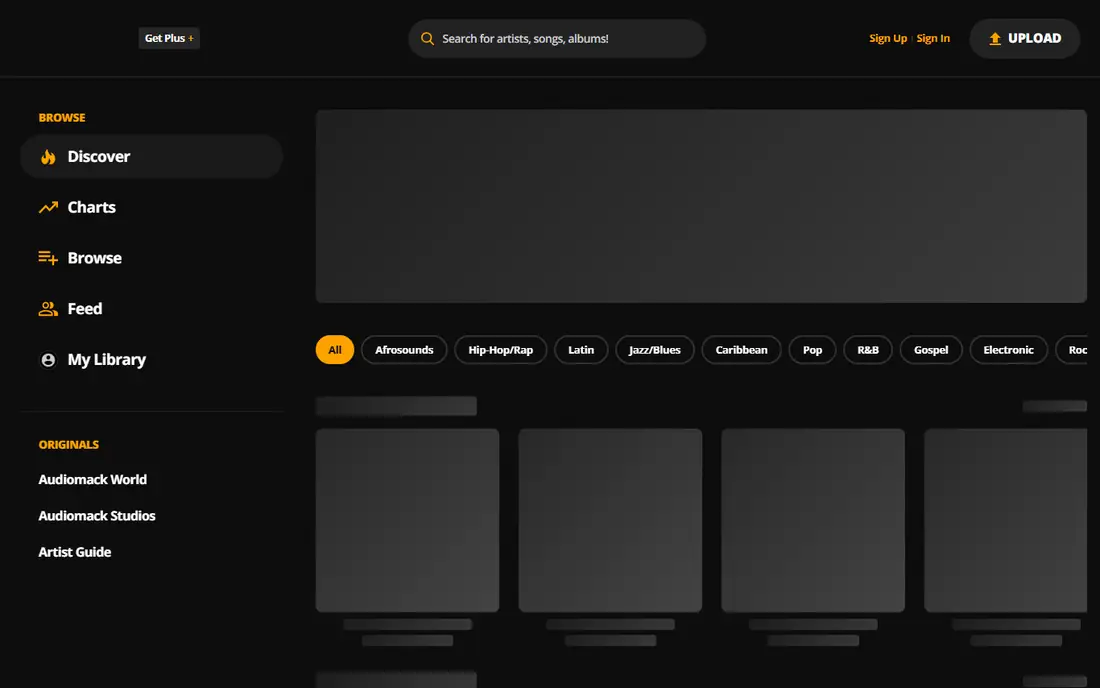
Audiomack stands out because its free tier allows offline downloads on many tracks, a feature rivals reserve for subscribers. Its catalog is strongest in hip-hop, Afrobeats, and R&B, and listening starts without an account. For a listener on a limited data plan, that offline option changes the value completely.
The catalog is thinner for rock, classical, and some pop back catalogs, and a few trending tracks carry artist-set limits. It will not replace Spotify as a single app for every genre. As a free second app, or a primary app for its strong genres, Audiomack is hard to beat.
What we like- Free tier allows offline downloads on many tracks
- Strong hip-hop, Afrobeats, and R&B catalog
- No account needed to start
Watch out for- Catalog is smaller for rock and classical
- Some trending tracks are limited by artist settings
Starting priceFree
Free planYes
Deezer offers a calm, balanced free experience centered on Flow, a personal radio that mixes favorites with new suggestions. Lyrics are built in, the interface stays clean, and the catalog covers mainstream music well. Listeners who want a station that learns their taste will enjoy it.
Free mobile play shuffles like Spotify, and offline downloads need a subscription. Its social and playlist-sharing features are also thinner than Spotify. Deezer suits a listener who prefers radio-style discovery over building playlists by hand.
What we like- Flow creates a personal radio from taste
- Lyrics built in
- Clean interface across devices
Watch out for- Free mobile play is shuffle-based
- Offline downloads need a paid plan
- Smaller social features than Spotify
Starting priceFree
Free planYes
Pandora remains the easiest free option for a listener who wants music without choosing tracks. Start a station from a song or artist, rate tracks up or down, and the station adapts. That low-effort model suits driving, working, or cooking, when picking songs is a distraction.
Availability centers on the United States, which limits its use elsewhere. On-demand albums and playlists need a paid plan, and free stations include ads. For a US listener who prefers radio to playlists, Pandora is still a fine free pick.
What we like- Stations built from a song or artist
- Thumb ratings shape the station
- Simple, low-effort listening
Watch out for- Available mainly in the United States
- On-demand play needs a paid plan
- Ads on free stations
Starting priceFree
Free planYes
Amazon Music gives Prime members a large catalog at no extra cost, with playlists and stations included. Echo and Alexa integration makes it the natural pick for a household already using Amazon speakers. The app itself is straightforward and stable.
Listeners without Prime get a thinner free tier, and full on-demand control needs Amazon Music Unlimited. Its discovery tools also lag behind Spotify. For a Prime household, though, it is the best value free option on this list.
What we like- Included with Prime membership
- Works well with Alexa and Echo
- Large mainstream catalog
Watch out for- Full on-demand play needs Unlimited at $10.99/month
- Free tier for non-Prime users is limited
Starting priceFree
Free planYes
iHeartRadio blends live radio, custom artist stations, and podcasts in one free app. A listener can follow a local station, build a station from an artist, and switch to a podcast without changing apps. That mix suits a listener whose day already includes radio.
On-demand albums and offline play need a paid plan, and the experience is radio-led rather than playlist-led. It will not satisfy a listener who wants to play a specific album on demand for free. As a free radio and podcast companion, it earns its place.
What we like- Live radio stations from across the United States
- Podcasts built in
- Custom artist stations
Watch out for- On-demand albums need a paid plan
- Music choice is radio-led, not playlist-led
How we chose
Our shortlist came from vendor pricing pages, help documentation, and public feedback on G2, Capterra, Reddit, and app store listings. We looked for a clear fit with the category, honest pricing, and features a real user would notice in the first month. We did not test these apps ourselves. Where a price changed by region or plan length, we marked it as See website instead of printing a figure we could not confirm.
We also read the complaints, not just the praise. Repeated reports about a paywall, a thin local pool, or a feature that stopped working weighed against an app, even when its marketing looked strong. That balance is why some well-known names sit lower in a list than a smaller app with fewer complaints and a clearer price.
Picking by listening style
Before paying for anything, list the three features that would actually change daily use. If an app cannot name those three clearly on its pricing or features page, it is probably selling a feeling rather than a function. A short trial with a calendar reminder at the renewal date keeps that test honest, and a note about what was used each day makes the renewal decision easy.
One more check helps before committing: read the app's help pages for the feature that matters most, and confirm it works on the device that will actually be used. A feature listed on a desktop page sometimes behaves differently on a phone, and that gap only shows up after paying. A few minutes on the help pages prevents most subscription regrets.
Price alone rarely decides a good pick. An app that costs nothing but goes unused is worse value than a modest subscription that becomes part of a routine. Judge the choice after two weeks of real use, not after the first evening, and be ready to switch when a better fit appears. The lists above are a starting point, and the right answer is the app that still gets opened when the novelty fades.
Start from the listening habit, not the brand. A playlist builder needs Spotify or YouTube Music, a radio listener needs Pandora or iHeartRadio, and an independent music fan needs SoundCloud or Audiomack. The wrong app for the habit will feel limited even when its catalog is large.
Test the free limits first
Spend a week on the free tier before paying. Check shuffle limits, skip limits, ads, and background play on the device used most. Those four limits decide whether the free version is livable.
Use two free apps together
Pairing a mainstream app with an independent one covers more music than any single free tier. Spotify plus SoundCloud, or YouTube Music plus Audiomack, is a common and effective combination.
Pay only for one missing feature
Pay when a single feature, like offline downloads or background play, is clearly missing every day. Paying for a catalog that is already free elsewhere wastes the subscription.
Frequently asked questions
What is the best completely free music app?
Spotify is the best all-round free app for catalog and discovery, while Audiomack is the best free app for offline downloads on many tracks. YouTube Music offers the widest catalog, including live versions and uploads.
Can I listen offline for free?
Audiomack allows offline downloads on many tracks for free, which is unusual. Most other apps, including Spotify and YouTube Music, reserve offline downloads for paid subscribers.
Why does Spotify free shuffle on mobile?
Spotify limits mobile free playback to shuffle with limited skips to encourage Premium subscriptions. Desktop free playback allows more direct track selection, so the experience differs by device.
Is YouTube Music free really free?
Yes, with ads and limited background play on mobile. Full background play, ad-free listening, and offline downloads need YouTube Music Premium at $10.99/month.
Which free app is best for new artists?
SoundCloud is best for independent artists, remixes, and DJ sets, while Audiomack is strong for hip-hop, Afrobeats, and R&B. Both surface music that mainstream apps often miss.
Sources we checked (8)
- https://www.spotify.com
- https://music.youtube.com
- https://soundcloud.com
- https://audiomack.com
- https://www.deezer.com
- https://www.pandora.com
- https://music.amazon.com
- https://www.iheart.com
Is your product missing or out of date?
We review this list regularly. Vendors can request a listing, send updated pricing or ask about featured placement.

Shihab Mia · Founder, Rankite
Shihab has 5+ years in B2B and SaaS SEO. He writes Rankite's software buying guides from pricing pages, documentation and public user reviews. More about Shihab.