How we make this list: we compare pricing pages, product documentation and public user reviews. Ratings come from G2, Capterra or Trustpilot, with the date we checked them.
Key takeaways
- Waveform Free and Cakewalk Sonar are the most complete free DAWs, with unlimited tracks and no expiry date.
- GarageBand is the easiest start on a Mac, and its projects open directly in Logic Pro if you upgrade later.
- BandLab Studio is the best option when you want to make music in a browser or on a phone with nothing to install.
- LMMS suits electronic producers on any operating system, while Audacity is an editor, not a full DAW, and works best beside one.
Quick comparison
| Tool | Best for | Starting price | Free plan |
|---|
 Waveform Free Waveform Free | Cross-platform all-round production on Windows, Mac, and Linux | Free | Yes |
 Cakewalk Sonar Cakewalk Sonar | Windows producers who want a full professional DAW for free | Free | Yes |
 GarageBand GarageBand | Beginners on Mac, iPhone, and iPad | Free with Apple devices | Yes |
 BandLab Studio BandLab Studio | Making music in a browser or on a phone, with collaboration built in | Free | Yes |
 LMMS LMMS | Electronic, hip-hop, and beat-driven production on any system | Free, open source | Yes |
 Pro Tools Intro Pro Tools Intro | Learning the DAW used in most professional studios | Free | Yes |
 LUNA Free LUNA Free | Recording and mixing on a Mac with analog-style workflow | Free | Yes |
 Audacity Audacity | Editing, cleaning up, and exporting audio | Free, open source | Yes |
 Ardour Ardour | Open source recording and mixing, especially on Linux | Free (source build); paid binaries available | Yes |
Is your product missing or out of date?
We review this list regularly. Vendors can request a listing, send updated pricing or ask about featured placement.
The best free music producing software
#1
Waveform Free
Best for: Cross-platform all-round production on Windows, Mac, and Linux
Visit tracktion.com
Starting priceFree
Free planYes
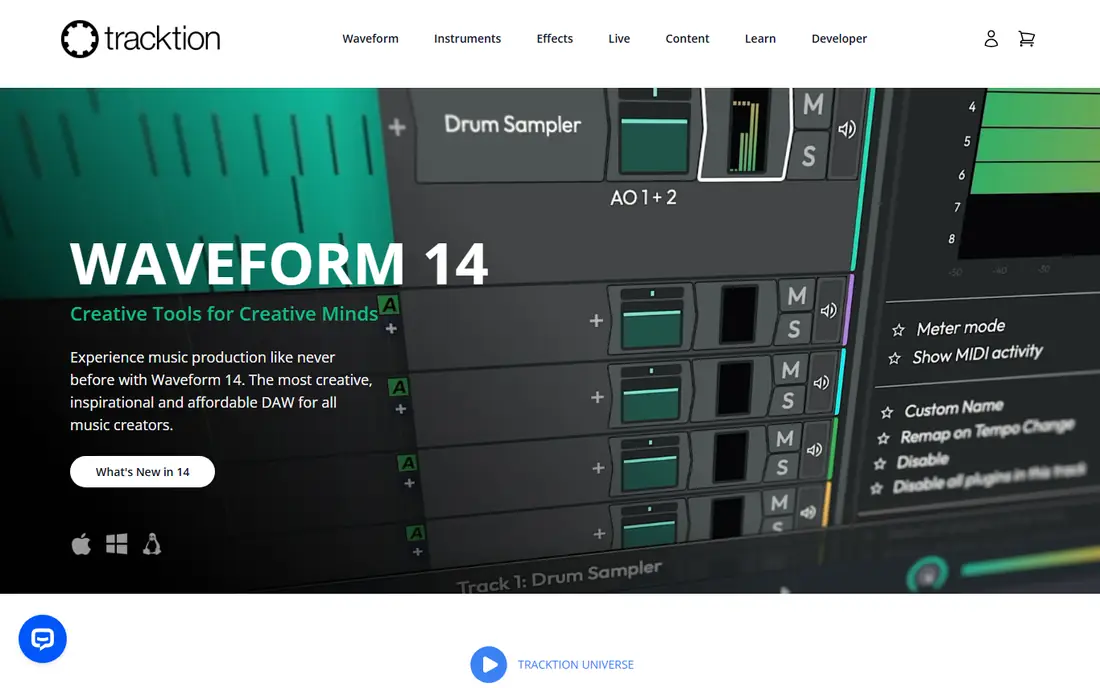
Waveform Free earns its place at the top because it asks for almost nothing and gives a lot back. It runs on all three desktop systems, handles unlimited tracks, and supports the third-party plugins that most producers eventually rely on. That combination means a track started in Waveform Free does not hit a wall halfway through an arrangement.
New producers should expect a learning curve. The single-screen layout packs a lot into one view, and the manual is worth an evening. Once the layout clicks, though, Waveform Free covers recording, MIDI sequencing, and mixing without a subscription, which few free DAWs manage.
What we like- Unlimited audio and MIDI tracks
- VST and AU plugin support
- No time limit or expiring trial
Watch out for- Interface can feel dense for first-time producers
- Some advanced features are reserved for the paid Waveform Pro
#2
Cakewalk Sonar
Best for: Windows producers who want a full professional DAW for free
Visit cakewalk.com
Starting priceFree
Free planYes
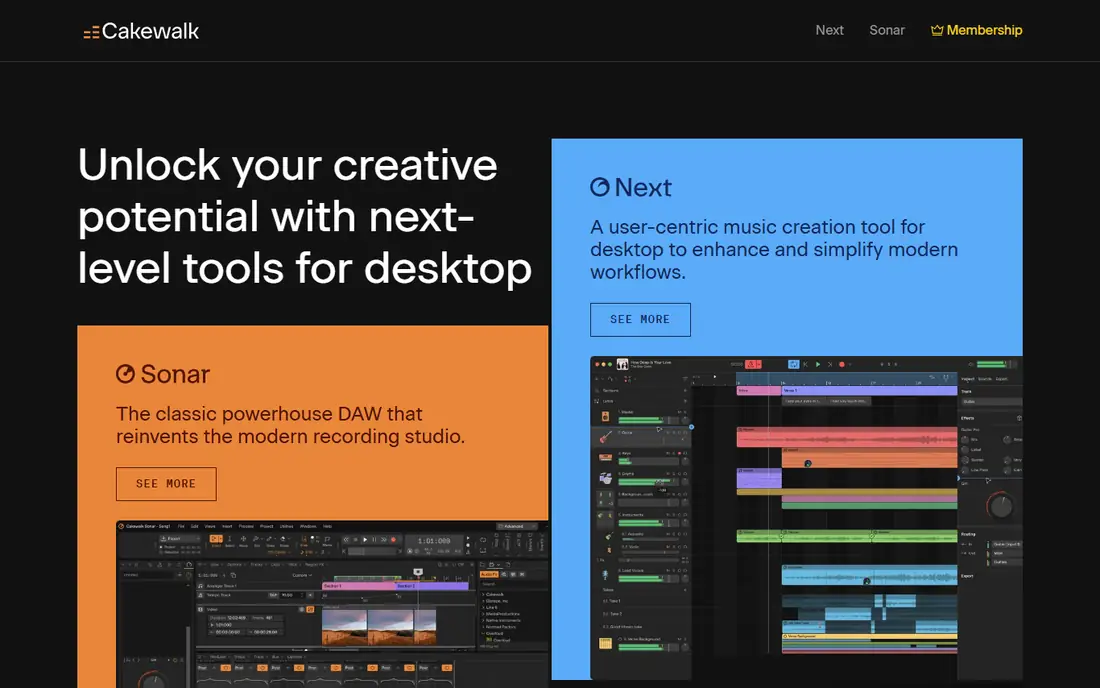
Cakewalk Sonar is the former flagship Sonar Platinum, now free under BandLab, and it still behaves like a paid product. Unlimited tracks, a full mixing console, comping, and deep MIDI tools come standard, which makes it the strongest free choice for Windows users recording bands or arranging large sessions.
The price of that depth is complexity and platform lock-in. There is no Mac version, and the installer is large. Windows producers who want one DAW to grow into, rather than a starter app they will replace, should start here and skip the usual upgrade cycle.
What we like- Unlimited tracks and buses
- Mature mixing console
- Strong MIDI editing and notation tools
Watch out for- Windows only
- Download size and setup take longer than lighter rivals
#3GarageBand
Best for: Beginners on Mac, iPhone, and iPad4.3/5 on
G2 (277 reviews, checked Oct 2026)
Visit apple.com
Starting priceFree with Apple devices
Free planYes
GarageBand is the fastest route from idea to finished song for anyone with a Mac or iOS device. Loops, software instruments, and Live Loops let a beginner build a track in an evening, and the built-in lessons teach guitar and piano basics along the way. It ships free with Apple hardware, so there is nothing to buy or subscribe to.
Its limits appear when a project grows. GarageBand supports Audio Unit plugins but not VST, and its mixing tools are simpler than a full DAW's. The saving grace is the upgrade path: a GarageBand project opens in Logic Pro, so early work carries over instead of being rebuilt.
What we like- Very easy first session
- Large built-in sound library
- Projects transfer to Logic Pro
Watch out for- Apple devices only
- No VST support, only Audio Units
- Limited mixing depth
#4
BandLab Studio
Best for: Making music in a browser or on a phone, with collaboration built in
Visit bandlab.com
Starting priceFree
Free planYes
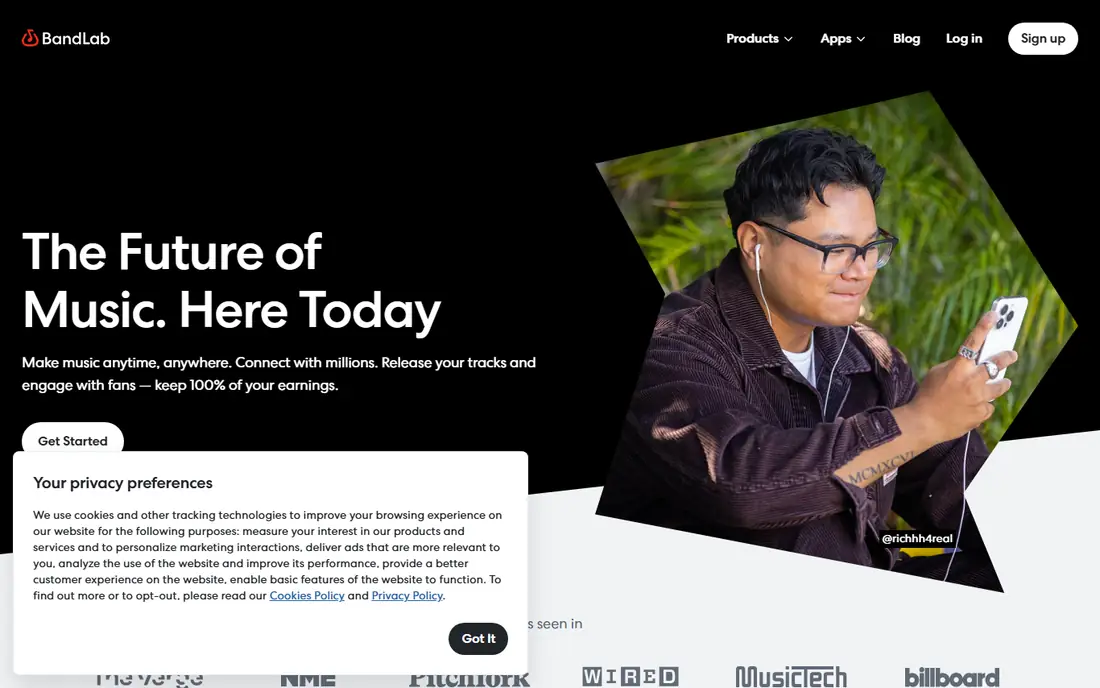
BandLab Studio runs in a browser and on phones, which makes it the most accessible tool in this list. You can start a beat on a school Chromebook, add vocals from a phone, and invite a friend to add a part, all without installing software or managing files. A large loop library and free mastering tools round out the package.
Serious mix engineers will miss the depth of a desktop DAW, and offline work is limited. For songwriting, collaboration, and learning the basics, though, BandLab removes every barrier between an idea and a recorded track.
What we like- No install needed
- Cloud projects sync across devices
- Built-in sharing and collaboration
Watch out for- Needs an internet connection for full use
- Less deep than desktop DAWs for mixing
#5LMMS
Best for: Electronic, hip-hop, and beat-driven production on any system3.3/5 on
G2 (6 reviews, checked Oct 2026)
Visit lmms.io
Starting priceFree, open source
Free planYes
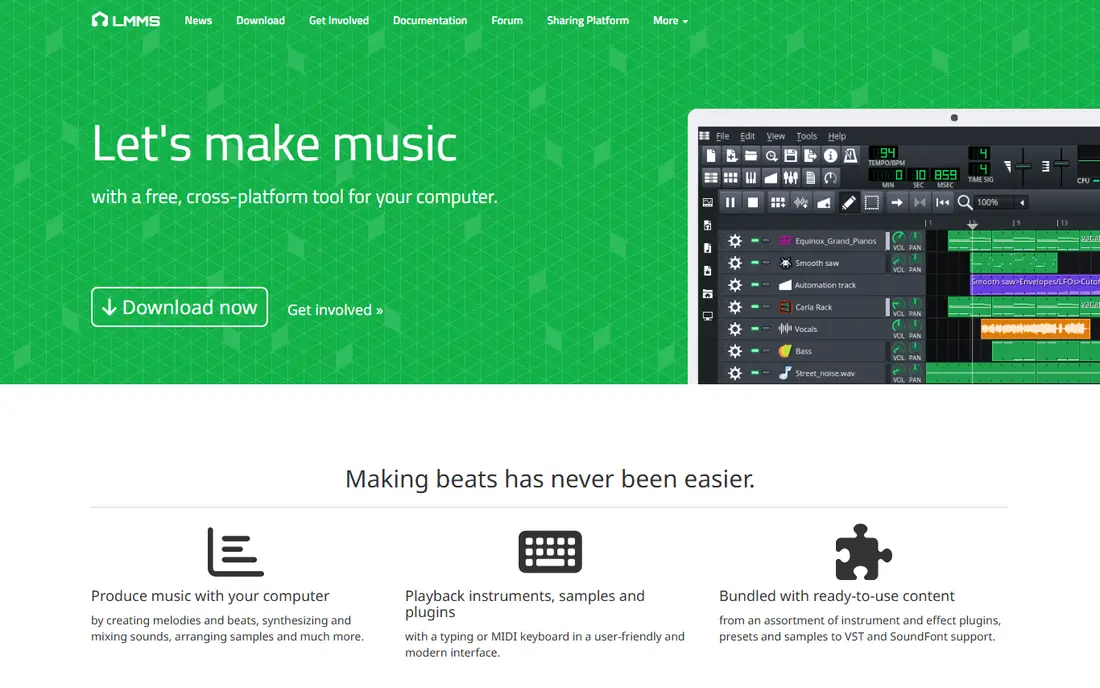
LMMS, short for Linux MultiMedia Studio, is built for patterns, beats, and synthesized sounds. Its beat and bassline editor, piano roll, and bundled instruments suit electronic producers who build tracks from MIDI rather than recording live instruments. It runs on Windows, Mac, and Linux, and being open source means it will never add a subscription.
The notable gap is audio recording. LMMS is not the tool for tracking vocals or a live band, and its look lags behind newer DAWs. Pair it with Audacity for recorded audio, or choose Cakewalk or Waveform Free if recording matters more than beat making.
What we like- Open source and fully free
- Built-in synthesizers and beat editor
- VST support on Windows and Linux
Watch out for- No audio recording in the traditional sense
- Interface looks dated next to modern DAWs
#6
Pro Tools Intro
Best for: Learning the DAW used in most professional studios
Visit avid.com
Starting priceFree
Free planYes
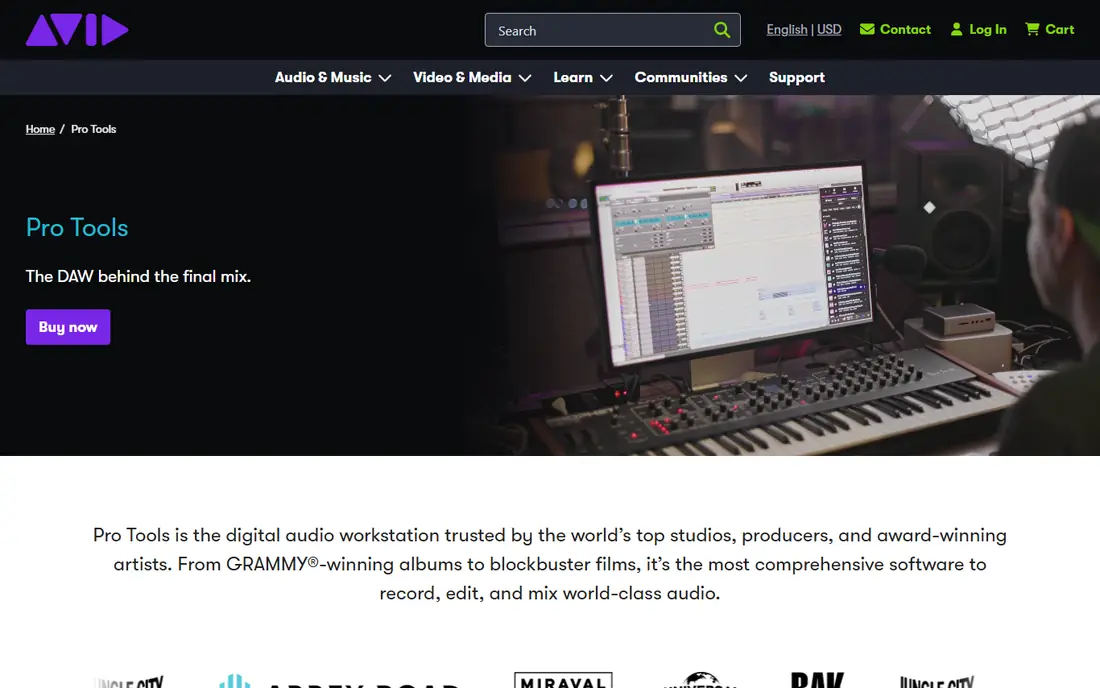
Pro Tools Intro is the free tier of the DAW most commercial studios run. Its value is not feature count but familiarity: sessions, shortcuts, and mixing habits learned here transfer directly to paid Pro Tools in a studio job. The bundled instruments and effects cover the basics well.
Free-tier limits are real. Track counts are capped and cloud project storage is limited, so large sessions will need an upgrade. If your goal is a career in studios rather than bedroom production, those limits are a fair trade for learning the standard tool.
What we like- Real Pro Tools workflow and session format
- Good bundled instruments and effects
- Industry-standard skills transfer
Watch out for- Track and project limits on the free tier
- Requires an Avid account and iLok setup
#7
LUNA Free
Best for: Recording and mixing on a Mac with analog-style workflow
Visit uaudio.com
Starting priceFree
Free planYes
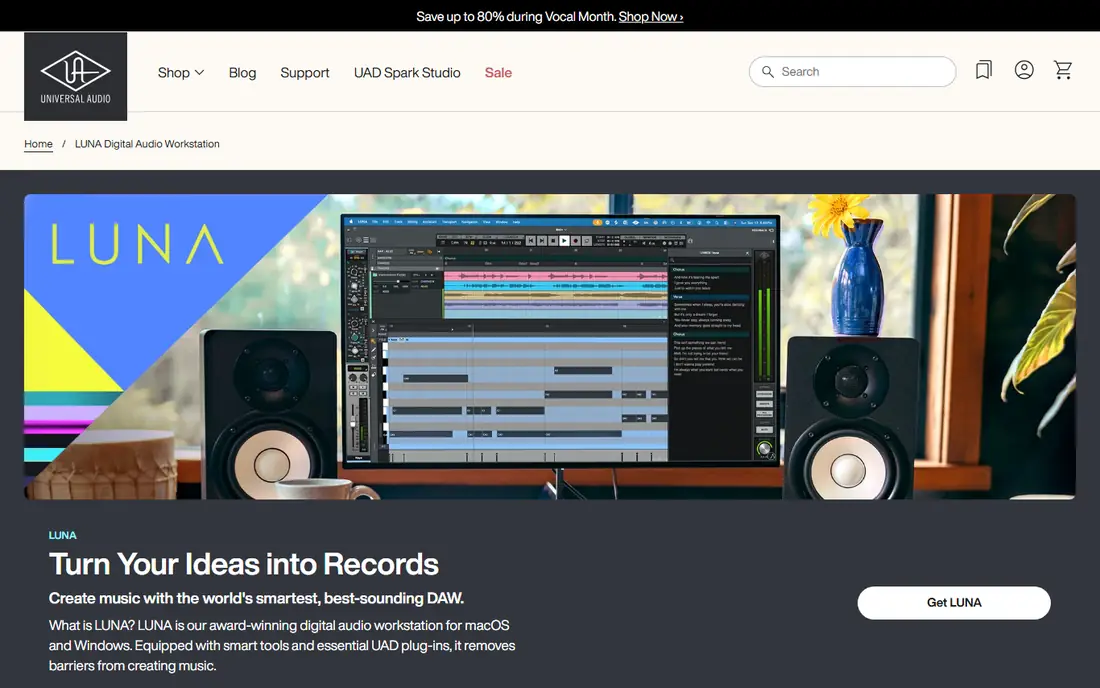
LUNA comes from Universal Audio, a company known for studio hardware, and it feels like it. The workflow centers on recording and mixing, with a warm, analog-flavored interface and solid built-in tools. Mac users who record instruments and vocals will find it fast and pleasant.
Windows users are out of luck, and some extensions and instruments cost extra. LUNA Free is also less of a beat-making tool than LMMS or BandLab. For Mac-based recording, though, it is one of the most enjoyable free options available.
What we like- Clean, tape-style recording workflow
- Good built-in instruments and effects
- Tight Mac performance
Watch out for- Mac only
- Deeper features and extensions require paid add-ons
#8Audacity
Best for: Editing, cleaning up, and exporting audio4.5/5 on
G2 (459 reviews, checked Oct 2026)
Visit audacityteam.org
Starting priceFree, open source
Free planYes
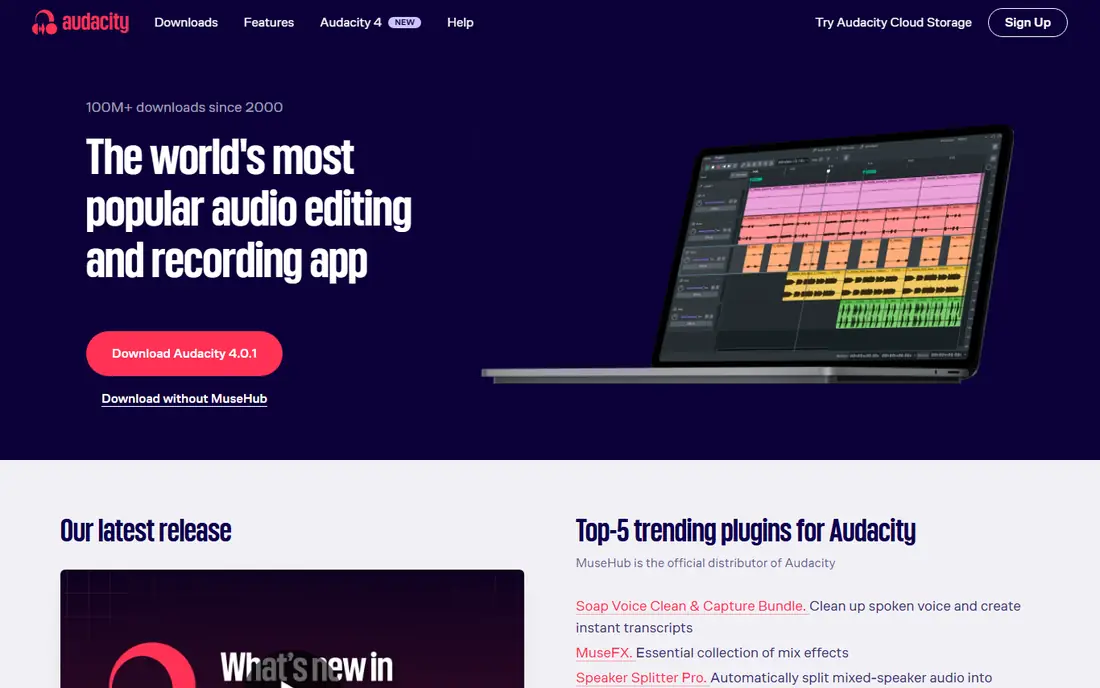
Audacity is the tool most producers keep beside their DAW rather than instead of it. It edits audio files quickly, removes noise, trims podcasts, and converts formats, all for free and on every desktop system. Its simplicity is the point: open a file, fix it, export it.
What it cannot do is replace a DAW. There is no MIDI sequencing, no virtual instrument hosting in the classic sense, and no non-destructive mixing workflow. Use Audacity for editing and cleanup, and pair it with Waveform Free, Cakewalk, or LMMS for full production.
What we like- Fast destructive editing
- Noise reduction and effects
- Runs on all desktop systems
Watch out for- Not a full multitrack DAW
- No live MIDI sequencing or virtual instruments
#9Ardour
Best for: Open source recording and mixing, especially on Linux4.1/5 on
G2 (11 reviews, checked Oct 2026)
Visit ardour.org
Starting priceFree (source build); paid binaries available
Free planYes
Ardour is the open source answer to a professional recording studio. It handles multitrack recording, editing, and mixing with a depth that rivals paid DAWs, and it is the strongest choice for Linux producers. The code is free, so anyone can build it at no cost.
The catch is convenience. Ready-made downloads from the Ardour site request a payment, though the amount is flexible, and building from source takes technical effort. The interface also expects some familiarity with recording concepts. For Linux users and open source purists, it remains the most capable free recording tool.
What we like- Professional multitrack recording and mixing
- Runs on Linux, Mac, and Windows
- No subscription
Watch out for- Official ready-to-run downloads ask for a payment
- Interface assumes some audio knowledge
How we chose
We picked tools that are free to use indefinitely, not time-limited trials, and that cover the main ways people make music: recording, beat making, editing, and collaboration. Details were checked against vendor sites and documentation, with public reviews on music production forums and review sites used to confirm limits such as track caps and platform support. Paid-only DAWs and discontinued products were excluded, even when well known.
Picking the right free DAW for your setup
Start with your computer and your goal, not with a popularity ranking. The wrong match wastes weeks.
Match the tool to the machine
Mac owners should start with GarageBand, then consider LUNA Free for recording. Windows producers get the most from Cakewalk Sonar, while anyone on Linux should look at LMMS, Ardour, or Waveform Free. If you switch machines often, BandLab Studio or Waveform Free travels best.
Match the tool to the music
Beat makers and electronic producers will be happiest in LMMS or BandLab, where patterns and loops come first. Bands and vocalists need a recording-first DAW such as Cakewalk, LUNA, or Waveform Free. Podcasters and editors can stop at Audacity unless they also need music production.
Plan the upgrade path
Free tools differ in what happens when you outgrow them. GarageBand leads to Logic Pro, Pro Tools Intro leads to paid Pro Tools, and Waveform Free leads to Waveform Pro. Choosing a free tool with a clear paid upgrade protects the time you invest learning it.
Frequently asked questions
What is the best completely free music production software?
Waveform Free for most desktop producers, because it combines unlimited tracks, plugin support, and all three desktop systems at no cost. Cakewalk Sonar matches it on Windows, and GarageBand is the easiest start on a Mac.
Can free software really produce professional-sounding music?
Yes. The sound comes from the recording, the arrangement, and the mix, not the price of the DAW. Free DAWs export the same audio formats as paid ones, and many released tracks started in free tools before moving to paid mixing.
Do I need extra plugins to start?
No. Every DAW in this list ships with instruments and effects that cover the basics. Add third-party plugins later, once you know which sounds you are missing, rather than collecting them before your first track.
Is BandLab really free, or is there a catch?
BandLab Studio is free, including its loop library and collaboration tools. The company earns money from related services such as distribution and hardware, but the studio itself has no subscription tier for core features.
Can I use these tools without an internet connection?
Most desktop DAWs work offline once installed, including Waveform Free, Cakewalk, LMMS, and Audacity. BandLab Studio needs a connection for cloud projects, and Pro Tools Intro requires account sign-in.
Sources we checked (9)
- https://www.tracktion.com/products/waveform-free
- https://www.cakewalk.com
- https://www.apple.com/mac/garageband/
- https://www.bandlab.com
- https://lmms.io
- https://www.avid.com/pro-tools
- https://www.uaudio.com/luna
- https://www.audacityteam.org
- https://ardour.org
Is your product missing or out of date?
We review this list regularly. Vendors can request a listing, send updated pricing or ask about featured placement.

Shihab Mia · Founder, Rankite
Shihab has 5+ years in B2B and SaaS SEO. He writes Rankite's software buying guides from pricing pages, documentation and public user reviews. More about Shihab.