How we make this list: we compare pricing pages, product documentation and public user reviews. Rankite is independent; if a vendor ever pays for a featured spot, that listing is clearly labeled Partner.
Key takeaways
- BandLab claims over 100 million creators and fans on its homepage, and its in-browser Studio is the only pick here that runs entirely online with unlimited multi-track projects.
- For desktop power without spending anything, LMMS and Ardour give you full DAWs with deep MIDI editing, while Waveform Free is the most polished free desktop option with no track limits.
- MPC Beats is the fastest route from zero to a finished beat, thanks to the MPC pad workflow and 2GB of included sounds, though full arrangements need a second tool.
- Audacity is not a DAW at all, it is a wave editor, so treat it as a free companion for chopping samples rather than building tracks.
Quick comparison
| Tool | Best for | Starting price | Free plan |
|---|
 LMMS LMMS | Producers on Windows, Linux or macOS who want a complete free DAW | Free | Yes (100% free, open source) |
 BandLab BandLab | Beginners and groups who want a DAW in the browser | Free | Yes |
 Waveform Free Waveform Free | Producers who want a polished free DAW with no track or plugin limits | Free | Yes (fully featured free version) |
 GarageBand GarageBand | Mac and iPhone owners making EDM and hip hop | Free | Yes (included with Apple devices) |
 Ardour Ardour | Recording and mixing purists who want professional tools for free | Free (source code; official binaries are pay-what-you-want) | Yes |
 MPC Beats MPC Beats | Beat-first producers who think in pads and samples | Free | Yes |
 Audacity Audacity | Chopping, cleaning and converting audio for use in your DAW | Free | Yes (100% free, open source) |
 SoundBridge SoundBridge | Producers who record vocals or instruments with remote collaborators | Free tier available | Yes (free tier; paid plans add features) |
 Zrythm Zrythm | Experimental producers who want deep automation and modern routing | Free | Yes (free software, source available) |
Is your product missing or out of date?
We review this list regularly. Vendors can request a listing, send updated pricing or ask about featured placement.
The best free EDM production software
BandLab's homepage reports more than 100 million creators and fans on the platform, which says something about how production has moved downstream. You no longer need a $500 DAW to make electronic music that sounds finished. What you do need is to pick the right free tool for how you work, because the free DAWs on this list differ wildly in workflow, platform and depth.
#1
LMMS
Best for: Producers on Windows, Linux or macOS who want a complete free DAW
Visit lmms.io
Starting priceFree
Free planYes (100% free, open source)
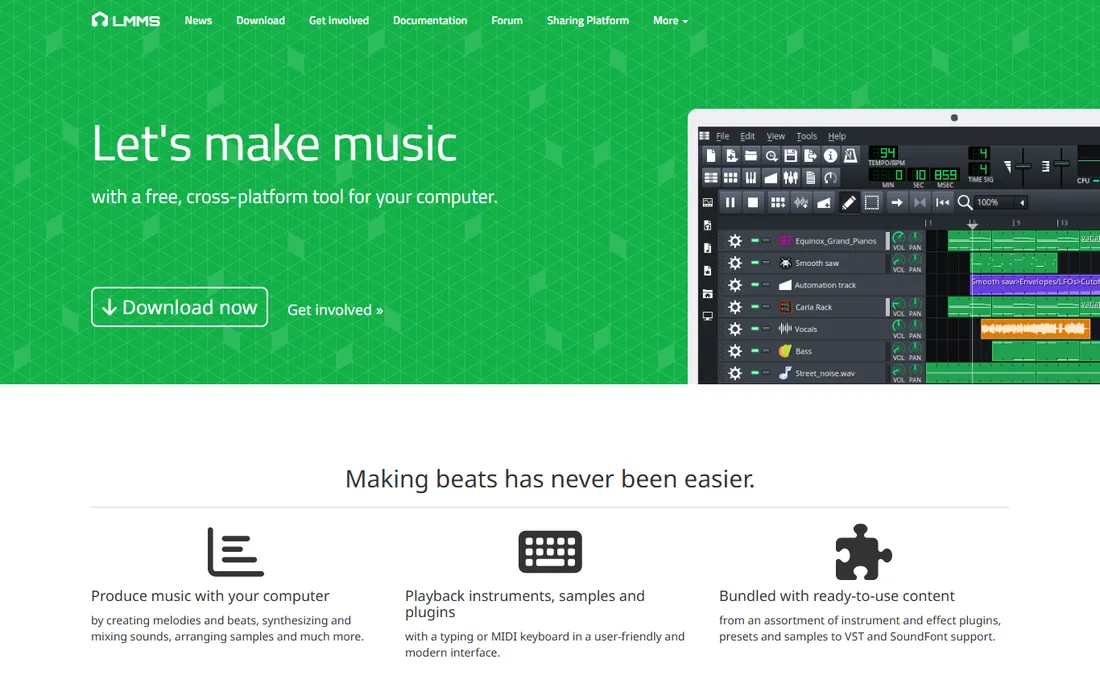
LMMS (Linux MultiMedia Studio) has been the open-source answer to FL Studio for years, and the comparison still holds. The beat/bassline editor makes loop-based EDM writing fast, the piano roll is genuinely good, and the bundled synths include emulations of classic chips like the Commodore 64 SID and Nintendo NES. VST support on Windows and Linux opens the door to the free plugin ecosystem, and SoundFont support gives you usable instruments on day one.
The honest catch is polish. The interface shows its age, some workflows take more clicks than they should, and audio recording is an afterthought compared with Ardour or Waveform. If your music is mostly MIDI, loops and samples, that barely matters. LMMS remains the strongest fully-free desktop DAW for electronic music on a tight machine budget.
What we like- Full MIDI sequencing with piano roll, beat/bassline editor and automation
- 16 built-in synthesizers plus VST and SoundFont support
- Runs on Windows, Linux and macOS
Watch out for- Interface feels dated next to commercial DAWs
- Audio recording and mixing are weaker than its MIDI side
#2
BandLab
Best for: Beginners and groups who want a DAW in the browser
Visit bandlab.com
Starting priceFree
Free planYes
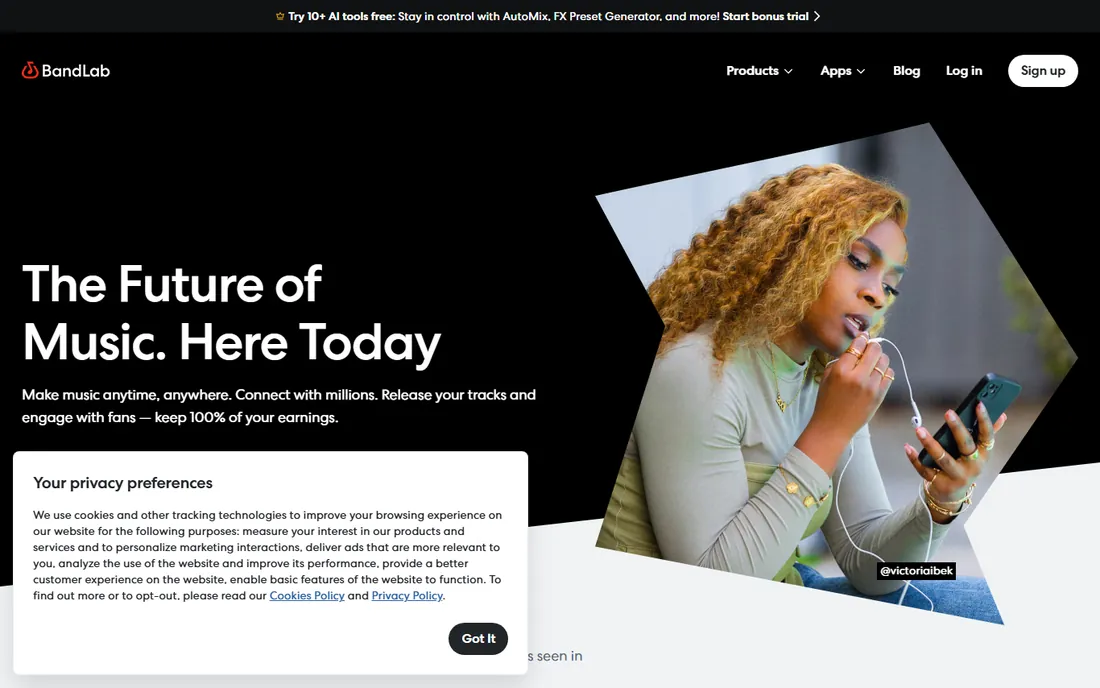
BandLab's pitch is music creation without installation, and it delivers. The web Studio is a genuinely capable multi-track DAW with loops, software instruments and effects, and projects sync across browser, phone and tablet. The social layer means you can publish tracks, find collaborators and keep all of your earnings, which matters for producers building an audience from a bedroom.
Where it falls short is offline reliability and depth. A browser DAW lives and dies by your connection, and while the core Studio is free, BandLab pushes its paid Membership for mastering and extra loops. Still, as a free starting point for EDM, especially for younger producers and remote collaborations, nothing else on this list is as frictionless.
What we like- Full multi-track Studio runs in the browser, on iOS and on Android
- Unlimited projects with free cloud storage
- Up to 50 collaborators per project
Watch out for- Browser-based workflow depends on your connection
- Mastering and some advanced features sit behind BandLab Membership
#3
Waveform Free
Best for: Producers who want a polished free DAW with no track or plugin limits
Visit tracktion.com
Starting priceFree
Free planYes (fully featured free version)
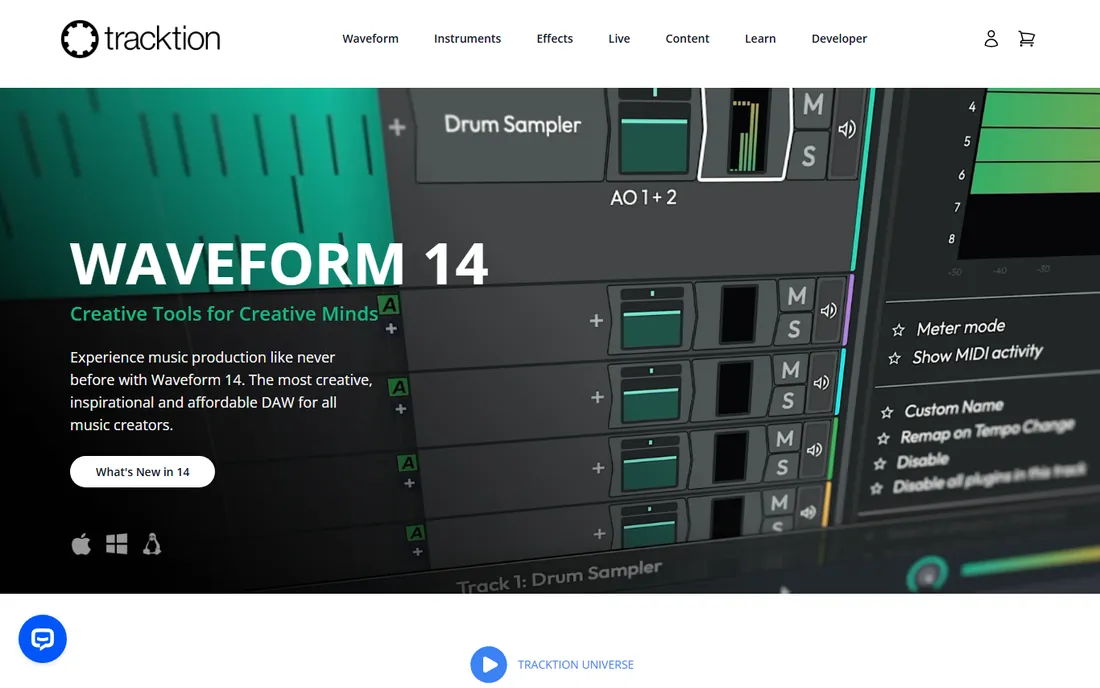
Tracktion's claim that Waveform Free is "fully featured" and "completely unlimited" holds up better than most free-version marketing. You get unlimited tracks, full plugin support and a serious mixing environment, and the new version adds a clip launcher that makes it friendlier for loop-based electronic music. It runs on all three desktop platforms, which already puts it ahead of the Apple-only and Windows-only options.
The tradeoff is content. The free version ships light on instruments, and Tracktion sells expansion packs starting at $30 to fill that gap. But nothing in the core DAW is held back, which is the right priority for a free tool. If you want one free desktop DAW that can take you from sketch to finished EDM track, start here.
What we like- Unlimited tracks with VST, VST3 and AU support
- Works on Windows, macOS and Linux
- Free download with paid expansion packs only if you want them
Watch out for- Built-in instrument selection is thin without the paid packs
- The interface takes a weekend to learn
#4
GarageBand
Best for: Mac and iPhone owners making EDM and hip hop
Visit apple.com
Starting priceFree
Free planYes (included with Apple devices)
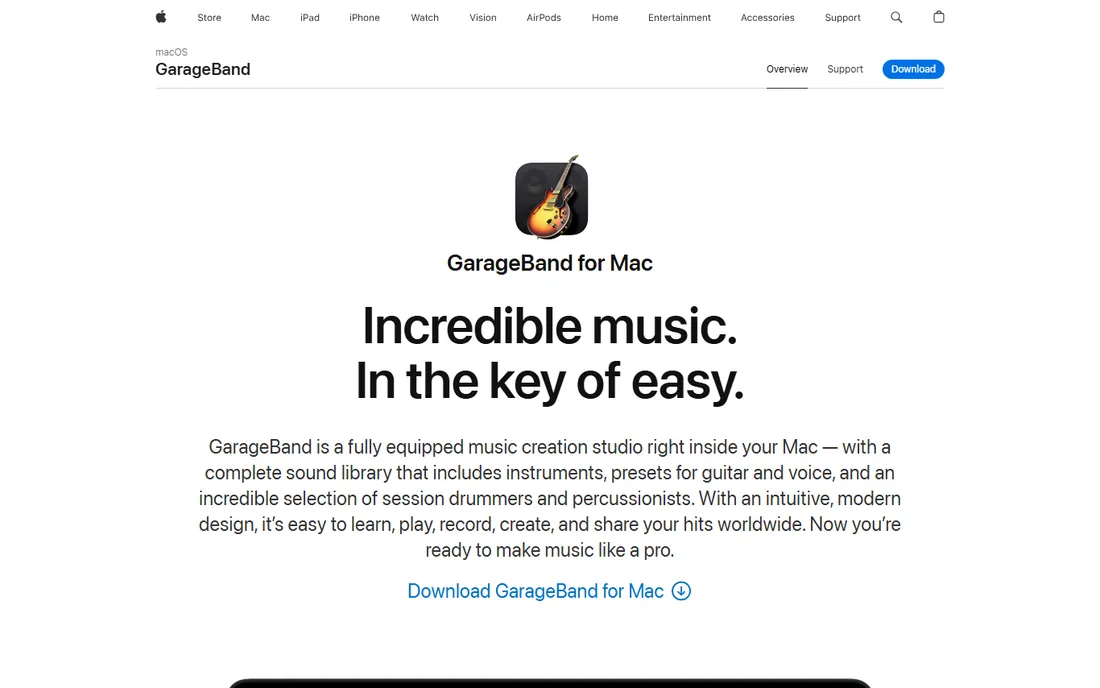
Apple ships GarageBand free with every Mac, iPhone and iPad, which makes it the most-installed free DAW on the planet by default. For EDM specifically, the 100 synth sounds aimed at electronic and hip hop styles and the EDM loop library give beginners real material to work with. The Drummer feature builds human-feeling drum parts across genres, and anything you start can move up to Logic Pro later.
The limits are the platform and the ceiling. If you do not own Apple hardware, it is irrelevant to you. And while 255 tracks sounds generous, the simplified mixing and editing will eventually push serious producers toward Logic. As a free way to learn arrangement and finish your first tracks, though, it is excellent.
What we like- 100 EDM and hip hop inspired synth sounds plus loops from popular genres
- Drummer creates realistic drum tracks in styles including EDM and dubstep
- Projects open in Logic Pro
Watch out for- MacOS and iOS only
- 255-track limit and simplified mixing cap how far it goes
#5
Ardour
Best for: Recording and mixing purists who want professional tools for free
Visit ardour.org
Starting priceFree (source code; official binaries are pay-what-you-want)
Free planYes
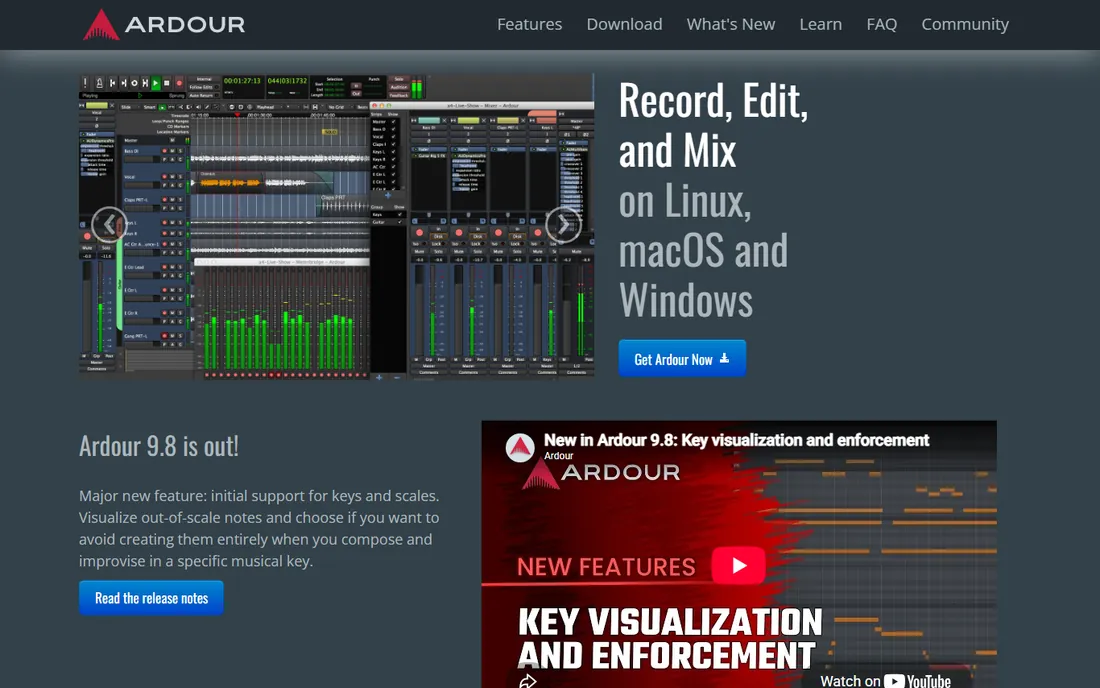
Ardour is the free DAW that recording engineers respect. Its mixer architecture, sample-accurate editing and anywhere-to-anywhere routing are genuinely professional, and plugin support covers every major format. For producers who record hardware synths, guitars or vocals into their EDM tracks, nothing free comes close on the audio side.
For pure electronic production, though, Ardour is the wrong shape. It is built for tracking and mixing, not for step-sequencing loops and drawing MIDI patterns, and the interface does not hold your hand. Download the source for free or pay a small amount for official binaries, which funds development. Pair it with LMMS if you need both worlds.
What we like- Professional-grade multitrack recording, editing and mixing
- Supports AU, LV2, VST2/VST3 and LADSPA plugins
- Flexible routing that rivals commercial DAWs
Watch out for- MIDI and loop-based electronic workflows are not its strength
- The interface assumes you know audio engineering
#6
MPC Beats
Best for: Beat-first producers who think in pads and samples
Visit akaipro.com
Starting priceFree
Free planYes
Akai took the legendary MPC workflow and gave it away. MPC Beats includes the pad-based beatmaking the hardware is famous for, a solid sample editor, and 2GB of sounds with genre templates that get you from blank screen to a knocking beat in an hour. The 80-plus built-in effects and third-party plugin support mean your beats can sound finished, not demo-like.
The hard limit is arrangement: two stereo audio tracks cap what you can build inside it. Think of MPC Beats as the world's best free beat sketchpad rather than a complete studio. Many producers start beats here and arrange them in Waveform or LMMS. For EDM and hip hop beatmakers, that is a workflow worth having for free.
What we like- Classic MPC pad workflow with 16 pads, piano roll and sample chopping
- 2GB of included sounds plus genre templates for trap, dance and pop
- Over 80 audio FX and VST/AU support
Watch out for- Limited to 2 stereo audio tracks, so full songs need a second DAW
- Expansions cost extra
Starting priceFree
Free planYes (100% free, open source)
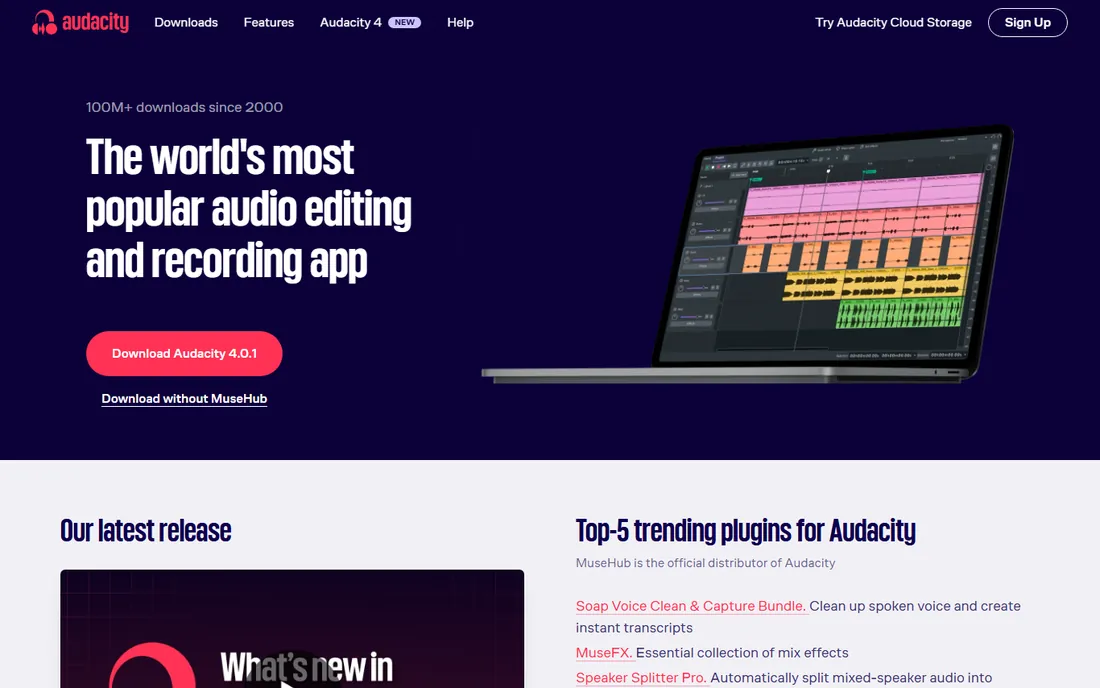
Every producer on this list should have Audacity installed, but not as their DAW. It is a wave editor: record, cut, clean noise, apply effects, convert formats. For EDM work that means chopping samples, trimming loops, normalizing stems and converting between WAV, MP3 and FLAC. The new Audacity 4 brings a refreshed interface and workspaces, but the job is the same.
The important distinction is what it cannot do. There is no piano roll, no MIDI sequencing and no real multitrack production environment, so you cannot build an EDM track in Audacity the way you can in LMMS or Waveform. Use it as the free utility knife next to your actual DAW and it earns its place.
What we like- Fast, precise wave editing with spectrogram view and effects
- Supports all major formats with VST3 and Nyquist plugin support
- Free companion site audio.com for sharing
Watch out for- Not a DAW: no MIDI sequencing, no multitrack production workflow
- Destructive editing requires care
#8
SoundBridge
Best for: Producers who record vocals or instruments with remote collaborators
Visit soundbridge.io
Starting priceFree tier available
Free planYes (free tier; paid plans add features)
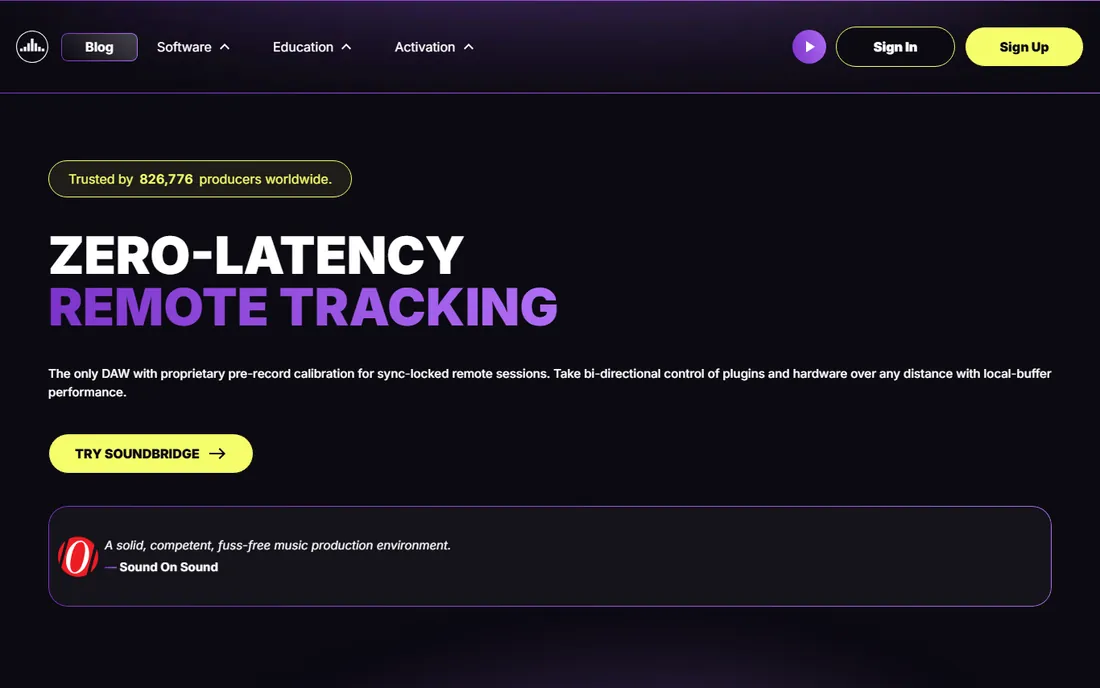
SoundBridge is the odd one out here, and deliberately so. Where the other free DAWs compete on instruments and workflow, SoundBridge competes on remote recording: its zero-latency remote tracking lets you record a vocalist or musician in another city in sync, with video and talkback built in. The audio engine runs at 192kHz with professional time-stretching and video scoring support.
For a solo EDM producer who never records anyone, that is all irrelevant, and the free tier limits will annoy you. But if your productions involve remote vocalists, session players or scoring to picture, the free tier is worth trying before you pay for anything. It is the only free DAW on this list built around collaboration as the core feature.
What we like- Patent-pending tech for zero-latency remote recording sessions
- 192kHz engine with full VST support and video scoring tools
- Built-in video and talkback for sessions
Watch out for- Free tier is limited and collaboration features push toward paid plans
- Overkill if you never record anyone remotely
#9
Zrythm
Best for: Experimental producers who want deep automation and modern routing
Visit zrythm.org
Starting priceFree
Free planYes (free software, source available)
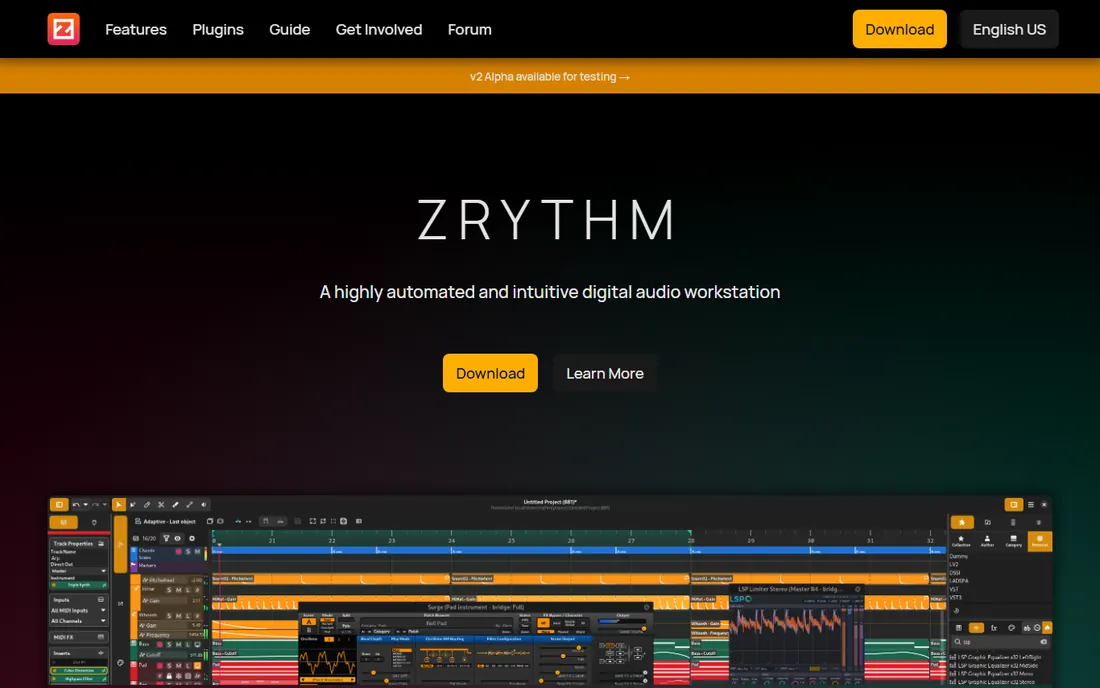
Zrythm is the young, ambitious open-source DAW on this list. Its standout is automation: nearly everything can be automated with curves, LFOs and envelopes, which suits the evolving textures of modern EDM. The chord track and chord pad help producers who think in progressions, and plugin support is the broadest here, covering the new CLAP format alongside the classics.
The price of youth is ecosystem. There are fewer tutorials, fewer templates and fewer battle-tested workflows than LMMS or Ardour offer, and you may hit bugs. If you like tinkering and want a DAW that treats automation as a first-class citizen, Zrythm rewards the effort. If you want something proven, pick Waveform Free instead.
What we like- Automation of almost any parameter with curves, LFOs and envelopes
- Chord track and chord pad for building progressions
- Supports LV2, VST2/VST3, AU, CLAP and JSFX plugins
Watch out for- Smaller community means fewer tutorials and templates
- Still maturing, so expect occasional rough edges
What actually makes a free DAW usable
Price is not the constraint with free DAWs, workflow is. Before you commit to learning one, check four things. First, the platform: GarageBand is Apple-only, several are Windows and Mac, and LMMS, Waveform Free, Ardour and Zrythm cover Linux too. Second, the input method: pad-based (MPC Beats), loop-based (BandLab, GarageBand) and piano-roll MIDI (LMMS, Zrythm) suit different brains.
Third, plugin support. A free DAW that loads VST or AU plugins can grow with you through the huge free plugin ecosystem; one that does not will box you in. Fourth, the ceiling. Ask what happens when you outgrow it: GarageBand projects move to Logic, Waveform Free has a paid Pro version, and the open-source tools cost nothing no matter how far you go.
The real costs hiding inside free DAWs
Free DAWs are free, but finished music usually is not. The costs show up in four places. Sounds and instruments: Waveform Free and MPC Beats ship light and sell expansion packs, so budget for third-party sample packs or learn the free plugin world. Storage and collaboration: BandLab's cloud is free, but serious producers eventually pay for backup and distribution.
Learning time is the biggest hidden cost. A weekend learning Waveform's interface or Ardour's routing is time not spent making music, so pick the tool whose workflow matches how you already think. Finally, the upgrade path. Cakewalk's move from free to paid membership in 2025 is the cautionary tale: when a free DAW changes terms, your projects can get stranded. Open-source tools (LMMS, Ardour, Audacity, Zrythm) cannot be taken away, which is worth something.
How we chose
We started with the searches buyers use: free DAW, free EDM production software, free beat making software and free music production software. For each candidate we opened the vendor's own site, confirmed the free tier or open-source license is current, and checked features, platform support and plugin compatibility against public reviews on G2, Capterra and Reddit's producer communities. We excluded tools whose free versions were discontinued or moved behind paywalls in 2025 and 2026, including Cakewalk, and we excluded paid DAWs with limited trials. Where a price could not be verified we wrote "See website" rather than guessing.
Frequently asked questions
What is the best completely free DAW for EDM?
For most producers, LMMS or Waveform Free. LMMS is fully open source with strong MIDI tools for electronic music, while Waveform Free is more polished with unlimited tracks and broad plugin support. MPC Beats is the best free pick if you mainly make beats rather than full arrangements.
Can you make professional-sounding EDM with free software?
Yes. The DAW is the least important part of the chain; sound design, arrangement and mixing skill matter far more. Free DAWs like Waveform, Ardour and LMMS all support professional plugins and export full-quality audio. Many released tracks started in free tools.
Is BandLab really free?
The core Studio, unlimited projects and cloud storage are free, which we confirmed on bandlab.com. BandLab also sells a Membership with extras like advanced mastering and additional loops. You can produce and release music without paying anything.
What happened to Cakewalk by BandLab?
Cakewalk by BandLab, the long-running free DAW, had its activation renewals end in December 2025. BandLab's current desktop DAWs, Cakewalk Sonar and Cakewalk Next, require a paid membership. That is why it is not on this list.
Do free DAWs work on Linux?
LMMS, Waveform Free, Ardour, Audacity and Zrythm all run on Linux. GarageBand is Apple-only, and MPC Beats and SoundBridge cover Windows and macOS. If Linux is your platform, LMMS and Ardour are the strongest picks.
Should I use Audacity to make EDM?
No, not as your main tool. Audacity is a wave editor, not a DAW: it has no MIDI sequencing or production workflow. Use it alongside a real DAW for chopping samples, cleaning audio and converting formats, which it does excellently for free.
Sources we checked (11)
- https://lmms.io
- https://www.bandlab.com
- https://www.tracktion.com/products/waveform-free
- https://www.apple.com/mac/garageband/
- https://ardour.org
- https://www.akaipro.com/mpc-beats
- https://www.audacityteam.org
- https://www.soundbridge.io
- https://www.zrythm.org
- https://tapeop.com/reviews/gear/164/cakewalk-sonar-daw
- https://techdows.com/download-cakewalk-sonar-for-pc-windows-11-10-mac.html
Is your product missing or out of date?
We review this list regularly. Vendors can request a listing, send updated pricing or ask about featured placement.

Shihab Mia · Founder, Rankite
Shihab has spent more than a decade helping SaaS and e-commerce brands grow through search. He writes Rankite's software buying guides from pricing pages, documentation and public user reviews. More about Shihab.