How we make this list: we compare pricing pages, product documentation and public user reviews. Rankite is independent; if a vendor ever pays for a featured spot, that listing is clearly labeled Partner.
Key takeaways
- Serato DJ Pro remains the club standard for hip-hop and open-format DJs, at $9.99/month or $249 one-time, with a free Lite version for beginners.
- DJs who want one purchase instead of a subscription should look at Traktor Pro 4 ($149 one-time) or Mixed In Key ($58 one-time).
- Free options are genuinely usable: Mixxx and DJUCED both handle full four-deck mixing without paying anything.
- djay Pro is the most affordable paid option at $6.99/month, and it runs on phones, tablets, and desktops with streaming integration built in.
- rekordbox makes the most sense if you play on Pioneer DJ club gear, since the library preparation transfers directly to CDJs.
Quick comparison
| Tool | Best for | Starting price | Free plan |
|---|
 Serato DJ Pro Serato DJ Pro | club DJs and hip-hop performers | $9.99/month or $249 one-time | Yes (Serato DJ Lite free; 14-day Pro trial) |
 VirtualDJ VirtualDJ | mobile DJs and video mixing | See website | Yes (free Home version for non-commercial use) |
 djay Pro djay Pro | DJs who mix across phone, tablet, and laptop | $6.99/month or $49.99/year | Yes (free app download; 7-day Pro trial) |
 rekordbox rekordbox | DJs who play on Pioneer DJ club gear | $12/month (Core plan) | Yes (Free plan for library management) |
 Traktor Pro 4 Traktor Pro 4 | electronic music DJs and remix performers | $149 one-time | Free trial (demo through Native Access) |
 Mixxx Mixxx | budget DJs and open-source users | Free | Yes (fully free, open source) |
 DEX 3 DEX 3 | karaoke hosts and video DJs | $149 one-time | Free trial |
 DJUCED DJUCED | beginners learning DJ fundamentals | Free | Yes (free standard version) |
 Mixed In Key Mixed In Key | DJs preparing harmonic mixes and mashups | $58 one-time | Free trial |
Is your product missing or out of date?
We review this list regularly. Vendors can request a listing, send updated pricing or ask about featured placement.
The best remix software
Starting price$9.99/month or $249 one-time
Free planYes (Serato DJ Lite free; 14-day Pro trial)
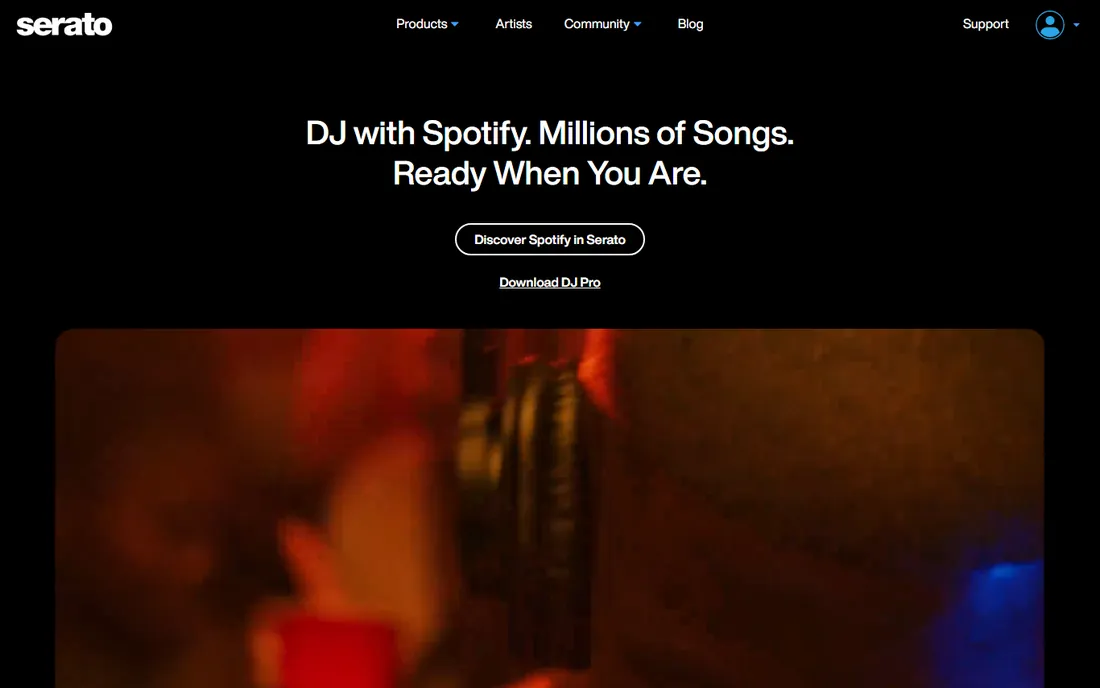
Serato DJ Pro is the software most working club DJs reach for, especially in hip-hop, open-format, and scratch circles. It earned that position through reliability: when a set runs four hours in a packed venue, the software cannot freeze, and Serato rarely does. Hardware support is another reason it stays on top. More than 90 controllers, mixers, and interfaces from major brands are officially supported, so your existing gear almost certainly plugs in and works.
The current pricing model gives you two paths. The monthly subscription at $9.99 keeps the upfront cost low, while the $249 one-time purchase suits DJs who dislike recurring bills. Stepping up to the DJ Suite at $14.99/month (or $499 one-time) adds Serato Studio, video mixing, DVS, and the full expansion pack, which is worth it for DJs who also produce edits. The honest catch is that the base Pro version leaves some features, like Pitch n Time key shifting and extra FX packs, as paid add-ons, so the real cost can climb past the sticker price.
What we like- Extremely stable in live settings
- Huge hardware support with over 90 supported controllers and mixers
- Strong stem separation and DVS features
Watch out for- Subscription needed for the full Suite
- Some advanced features cost extra as expansions
- Higher price than Traktor
Starting priceSee website
Free planYes (free Home version for non-commercial use)
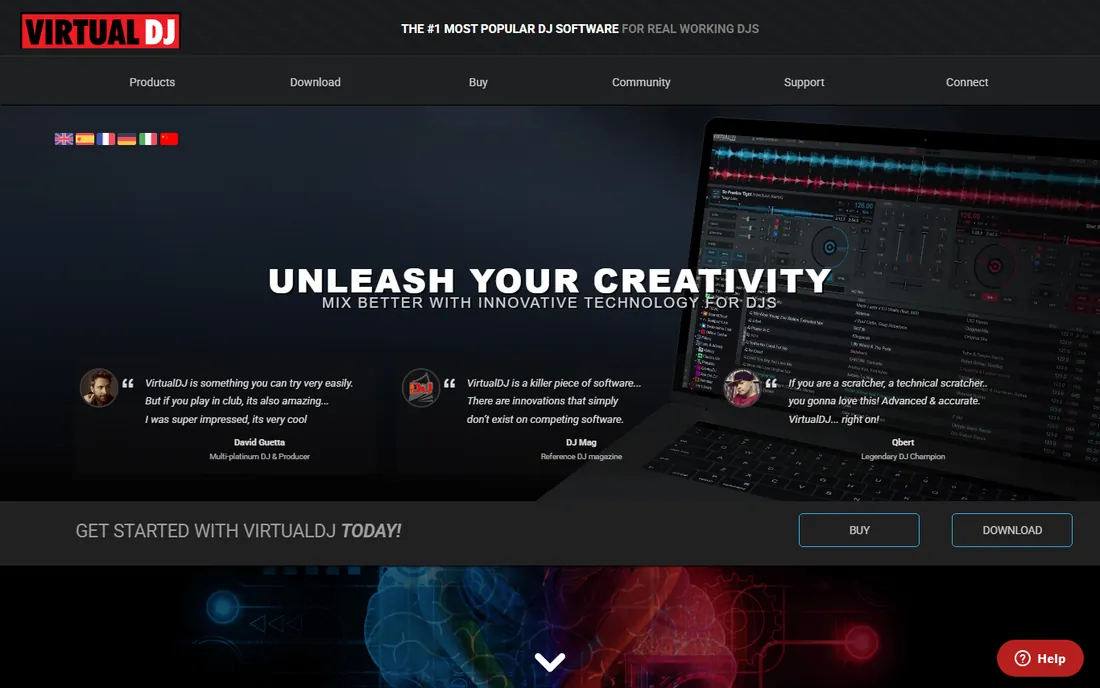
VirtualDJ has been around since 2003, and it shows in the best way: the software handles almost any scenario a working DJ meets. Mobile DJs who run weddings and corporate events appreciate the video mixing and karaoke support, which come built in rather than as add-ons. Controller support is wide enough that even older or unusual hardware usually maps without a fight.
The licensing structure is tiered. The free Home version covers practice and non-commercial use, with a 10-minute controller session limit that keeps it honest. Paid options include a monthly Pro subscription and the Pro Infinity lifetime license for working professionals, plus a Business tier with priority support for DJ companies. The trade-off is the look and feel: the interface is functional but dated compared with djay or rekordbox, and the AI stem features lag slightly behind the newest releases.
What we like- Free Home version is generous for practice
- Built-in video mixing and karaoke
- Supports an enormous range of controllers
Watch out for- Full Pro license is one of the pricier options
- Interface looks dated next to newer rivals
- Some advanced AI features need paid tiers
Starting price$6.99/month or $49.99/year
Free planYes (free app download; 7-day Pro trial)
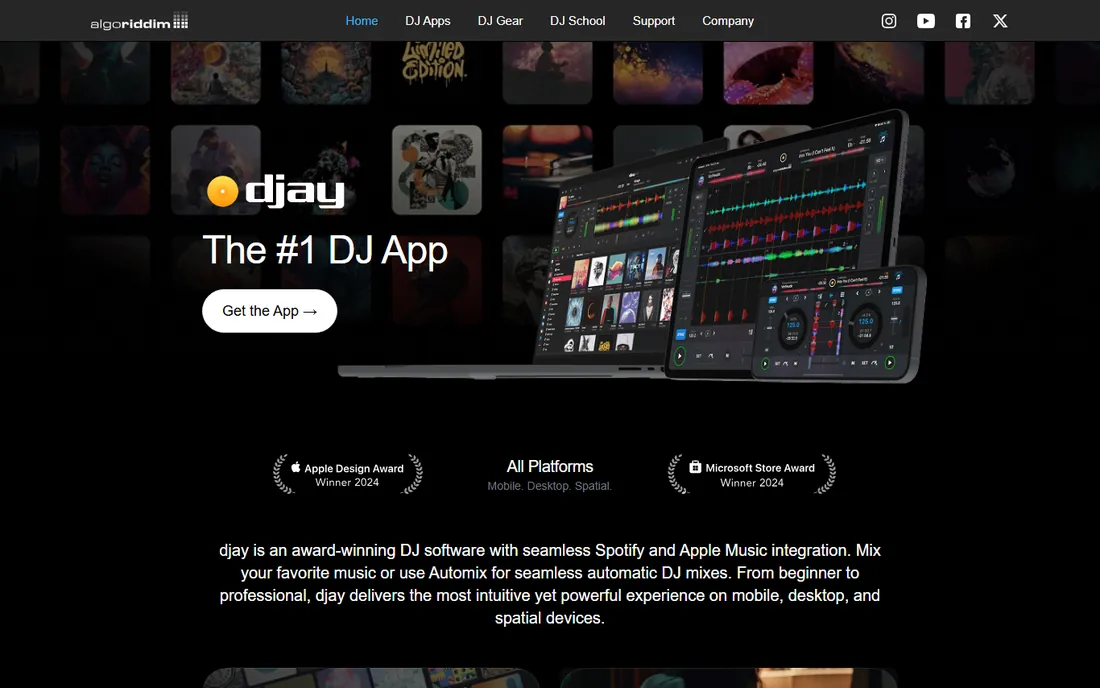
Algoriddim built djay Pro for the way many DJs actually work today: on a laptop at home, an iPad at a small gig, and a phone for practice. covers every platform, which no competitor matches at this price. The $6.99 monthly or $49.99 yearly cost makes it the cheapest serious option in this list, and the free app with a 7-day trial lets you test everything before paying.
Streaming integration is the standout feature. With Spotify or Apple Music linked, you can pull millions of tracks into a set without buying downloads, and the Automix AI builds listenable transitions from playlists automatically. That makes djay Pro a strong pick for background music gigs, parties, and beginners. The limitation is credibility in pro booths: CDJ integration and advanced DVS workflows are weaker than rekordbox or Serato, so touring club DJs will likely outgrow it.
What we like- One subscription covers Mac, Windows, iOS, Android, and Vision Pro
- Built-in Spotify and Apple Music streaming
- Excellent touch interface
Watch out for- Pro club features are thinner than Serato or rekordbox
- Controller support is narrower
- Relies on streaming subscriptions for full catalog access
Starting price$12/month (Core plan)
Free planYes (Free plan for library management)
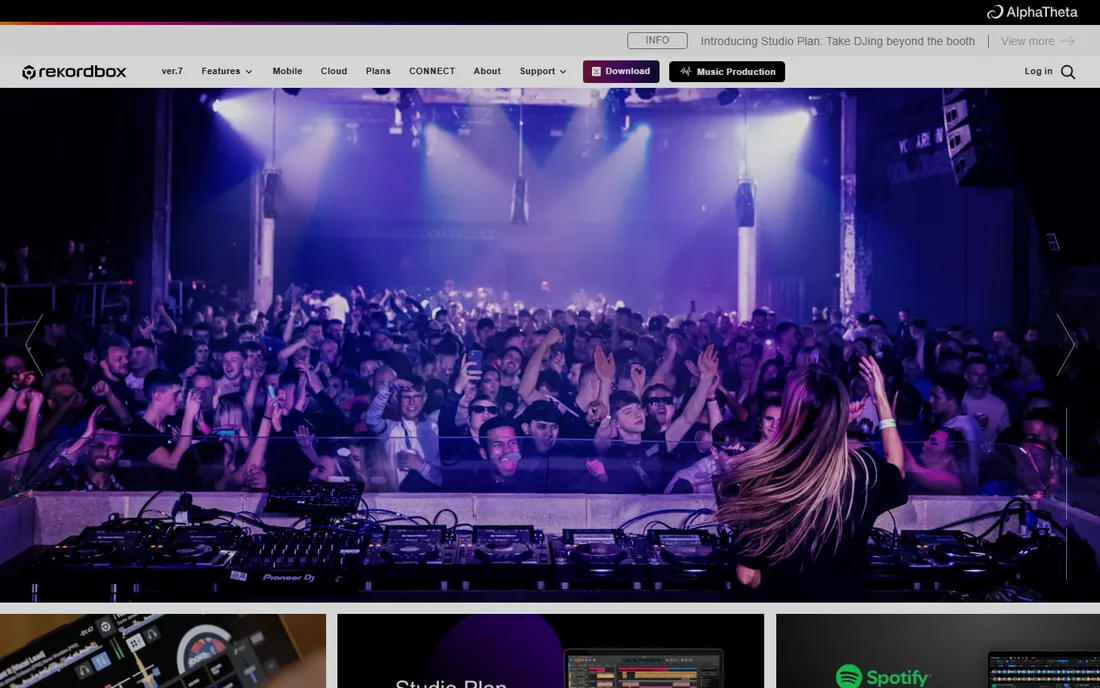
If you play clubs, you will eventually face a pair of Pioneer CDJs, and rekordbox is the software that prepares your music for them. You organize playlists, set cue points, and analyze tracks at home, then export everything to a USB stick that the club gear reads natively. That workflow is the reason most working DJs keep rekordbox installed even if they perform on something else.
The Free plan handles library management and export, which is genuinely useful without paying. The Core plan at $12/month enables performance mode with any supported hardware, and the Creative plan at $18/month adds cloud sync and advanced effects. The downside is lock-in: the software is built around Pioneer DJ hardware, third-party controller support is limited, and the subscription never ends. For DJs committed to the Pioneer ecosystem, though, it is close to mandatory.
What we like- Direct export to USB for Pioneer CDJs
- Strong library organization and track analysis
- Hardware activation with compatible controllers
Watch out for- Subscription required for performance features
- Tied to the Pioneer ecosystem
- Cloud features add cost on top
Starting price$149 one-time
Free planFree trial (demo through Native Access)
Traktor Pro 4 is the pick for DJs who want to own their software outright. The $149 one-time license includes everything, with no subscription and no expansion packs to buy later. Native Instruments folded the old Pro Plus subscription features into the main release, so you get stem separation, the Pattern Player drum kits, and the Ozone Maximizer as standard.
Creative control is where Traktor shines. The Remix Decks let you chop tracks into loops and one-shots, trigger samples in sync, and rebuild songs live, which is why so many techno and house DJs swear by it. The iZotope-powered stem separation splits tracks into drums, bass, vocals, and instruments with impressive clarity. The catch is the ecosystem: fewer controllers are natively supported than with Serato, the interface takes longer to learn, and music streaming is limited to Beatport and Beatsource rather than Spotify.
What we like- One-time purchase with no subscription
- Excellent stem separation powered by iZotope RX
- Deep remix decks and 40+ effects
Watch out for- Smaller controller ecosystem than Serato
- Interface has a learning curve
- Streaming options are limited to Beatport and Beatsource
Starting priceFree
Free planYes (fully free, open source)
Mixxx proves that free DJ software can be serious software. It offers four decks, hot cues, looping, beat sync, key detection, effects, recording, and even live broadcasting, with no paid tier hiding features. Development is community-driven, and the GPL license means it will stay free. For Linux users, it is essentially the only full-featured option.
Controller support is a pleasant surprise: most common MIDI and HID controllers work, including timecode vinyl setups. The compromises are polish and support. The interface looks utilitarian next to commercial rivals, there is no support hotline when something breaks before a gig, and the built-in stem separation is rudimentary compared with Traktor or Serato. For practice, small parties, and radio shows, though, it is hard to argue with the price.
What we like- Completely free with no feature limits
- Runs on Windows, macOS, and Linux
- Broad MIDI and HID controller support
Watch out for- No official customer support
- Interface is less polished
- Stem separation is basic compared with paid rivals
Starting price$149 one-time
Free planFree trial
DEX 3 serves the event DJ market that bigger names underserve. Karaoke support with MP3+G files, video mixing with separate preview windows, and a singer rotation list are built in, not bolted on. For DJs who run karaoke nights, weddings, and bar gigs, that combination matters more than the latest AI effect. One $149 purchase covers three computers, which suits DJs running a booth laptop plus a backup.
The software is stable and the format support is broad, covering everything from MP3 to FLAC to video files. The weaknesses are community and momentum: fewer tutorials exist than for Serato or rekordbox, the interface has not kept pace visually, and streaming integrations are thinner. If your work is events rather than clubs, those trade-offs are easy to accept.
What we like- Karaoke and video mixing built in
- One license activates on three computers
- Stable for long event sets
Watch out for- Smaller user community
- Interface feels dated
- Fewer modern streaming integrations
Starting priceFree
Free planYes (free standard version)
DJUCED is the rare beginner software that does not punish you for starting out. The free version includes four decks, real-time stem separation, hot cues, effects, recording, and streaming from Beatport and SoundCloud. The DJ Academy walks new users through beatmatching and phrasing with interactive guides instead of dumping them into a manual.
Hercules bundles DJUCED with its controllers, and the free tier works best in that setup, though it also supports controllers from other brands. Paid tiers exist: DJUCED Pro at a one-time fee frees the software from needing a controller and adds VJing, while Pro+ adds a monthly option with ongoing updates. The honest limitation is the ecosystem: fewer community mappings and tutorials exist than for the big four, so troubleshooting takes more digging.
What we like- Free version includes four decks, stems, and recording
- DJ Academy teaches actual technique
- Works with many third-party controllers
Watch out for- Free version is tied to Hercules controllers for full use
- Pro tiers add cost
- Smaller ecosystem of mappings and tutorials
Starting price$58 one-time
Free planFree trial
Mixed In Key does one job and does it better than anything else: it analyzes your music library and tells you the musical key and energy level of every track. The Camelot Wheel display shows which tracks mix harmonically, so you can build sets and mashups that sound musical instead of clashing. Mashup producers use it to find samples in compatible keys before ever opening a DAW.
It is not DJ software by itself. You run it on your collection, tag your files, and then perform in Serato, Traktor, rekordbox, or VirtualDJ with key information already in place. At $58 one-time with no subscription, it pays for itself quickly for working DJs. The limitation is scope: if you want one app that both prepares and performs, look elsewhere. As a companion tool for remix work, it is close to essential.
What we like- Accurate key and energy detection
- Camelot Wheel makes harmonic mixing visual
- Works alongside any DJ software
Watch out for- It is a preparation tool, not a performance tool
- No mixing or playback features of its own
- Interface is minimal
How we chose
We compared tools that working DJs and remix producers actually use in 2026, based on vendor pricing pages, documentation, feature lists, and public reviews on G2, Capterra, and Reddit. Every product had to exist today, offer real mixing or remix preparation features, and publish clear pricing or a usable free tier. We checked hardware compatibility claims against vendor support pages and noted where free versions carry real limits, like controller session caps or missing performance modes. No product was tested hands-on; the rankings reflect documented features, pricing, and fit for different DJ workflows.
What to check before you buy remix software
Start with your hardware. If you already own a controller, check the vendor's official compatibility list before spending money: Serato and rekordbox are picky about which controllers enable full features, while VirtualDJ and Mixxx accept almost anything. Buying software that half-supports your controller is the most common regret we see.
Next, decide how you feel about subscriptions. Traktor Pro 4, DEX 3, and Mixed In Key sell one-time licenses, which cost more upfront but end there. Serato, rekordbox, djay, and VirtualDJ lean on subscriptions that add up over two to three years. If you DJ weekly, a subscription often pays for itself in included updates and features; if you mix occasionally, a one-time purchase or a free tool like Mixxx makes more sense.
Think about where you perform. Club DJs need software that talks to CDJs and club mixers, which points to rekordbox or Serato. Mobile and event DJs need video and karaoke, which points to VirtualDJ or DEX 3. Bedroom DJs and learners should start free with Mixxx or DJUCED and only pay once they hit a real limit.
Finally, consider your music source. If you stream from Spotify or Apple Music, djay Pro is the only serious option with both integrated. If you buy tracks from Beatport, Traktor and rekordbox fit naturally. Make sure the software reads your file formats and library: most handle MP3, WAV, AIFF, and FLAC, but iTunes library import and existing cue data do not always transfer cleanly between apps.
Common mistakes buyers make
The biggest mistake is paying for features you will never use. A bedroom DJ does not need DVS timecode control or video mixing, and a wedding DJ does not need four-deck remix performance tools. Match the software to the gigs you actually play, not the gigs you imagine.
Another frequent error is ignoring the free tier. Serato DJ Lite, VirtualDJ Home, rekordbox Free, Mixxx, and DJUCED all let you learn and practice without spending anything. Run a free version for a month first; you will discover which limits annoy you, and that tells you exactly which paid tier to buy.
People also forget to budget for music. Software is only half the cost of DJing. Streaming subscriptions, download purchases, and controller hardware add up fast, so factor them into the total before comparing a $58 tool against a $15/month one.
Frequently asked questions
What is the best remix software for beginners?
Start with Mixxx or DJUCED, both free, or Serato DJ Lite if you own a supported controller. They cover the fundamentals of beatmatching, cueing, and EQ without any cost. Move to a paid tool once you need features like DVS, video mixing, or club-standard hardware support.
Do I need a controller to use DJ software?
No. Every tool in this list works with just a mouse and keyboard, and most include a practice or offline mode for mixing without hardware. A controller makes mixing far easier and more fun, but it is not required to learn or to prepare remixes.
Is a subscription or a one-time purchase better?
It depends on how often you DJ. Subscriptions like Serato DJ Pro ($9.99/month) or djay Pro ($6.99/month) cost less upfront and include ongoing updates. One-time licenses like Traktor Pro 4 ($149) or Mixed In Key ($58) cost more at first but nothing afterward. Heavy users often save with subscriptions; occasional DJs usually save with one-time purchases.
Can remix software separate vocals from a track?
Yes, most modern tools include stem separation. Traktor Pro 4, Serato DJ Pro, djay Pro, and DJUCED can isolate vocals, drums, and instruments from a finished track in real time. Quality varies: Traktor and Serato currently produce the cleanest separations.
What is the cheapest way to start remixing music?
Mixxx is free and handles full DJ sets, while Mixed In Key ($58 one-time) prepares your library for harmonic mixing. Pair either with free sample packs and you can start building remixes and mashups without a monthly bill.
Does DJ software work with Spotify?
Streaming support is limited by licensing. djay Pro integrates with Spotify and Apple Music directly. Serato works with TIDAL and SoundCloud, rekordbox with Beatport and SoundCloud, and Traktor with Beatport and Beatsource. Check current integrations before buying, since streaming deals change.
Sources we checked (9)
- https://serato.com/dj/pro/pricing
- https://www.virtualdj.com/
- https://www.algoriddim.com/
- https://rekordbox.com/en/2023/01/new-prices-announcement-subscription-plans/
- https://www.native-instruments.com/products/traktor-pro
- https://mixxx.org/
- https://www.pcdj.com/dj-software/dex-3/
- https://www.djuced.com/
- https://mixedinkey.com/
Is your product missing or out of date?
We review this list regularly. Vendors can request a listing, send updated pricing or ask about featured placement.

Shihab Mia · Founder, Rankite
Shihab has spent more than a decade helping SaaS and e-commerce brands grow through search. He writes Rankite's software buying guides from pricing pages, documentation and public user reviews. More about Shihab.