How we make this list: we compare pricing pages, product documentation and public user reviews. Rankite is independent; if a vendor ever pays for a featured spot, that listing is clearly labeled Partner.
Key takeaways
- FL Studio (from $99 one-time) is the best software for making beats if you want to buy once and get lifetime free updates.
- Four genuinely free options cover most beginners: MPC Beats, BandLab, LMMS, and GarageBand all make finished beats at zero cost.
- Ableton Live (from $99) suits producers who perform or want the fastest idea-to-arrangement workflow; Logic Pro ($199.99) is the best value on Mac.
- Browser-based tools like Soundtrap (free, paid from $9.99/month) and BandLab are ideal for collaborating without installing anything.
- Start free, then pay only when a specific limit blocks you: that rule saves most beginners $100 or more.
Quick comparison
| Tool | Best for | Starting price | Free plan |
|---|
 FL Studio FL Studio | hip-hop and electronic beat producers | From $99 one-time (Fruity Edition) | Free trial (unlimited-time demo; saved projects need a license to reopen) |
 Ableton Live Ableton Live | electronic producers and live performers | From $99 one-time (Intro) | Free trial (30 days, full Suite) |
 Logic Pro Logic Pro | Mac producers wanting maximum value | $199.99 one-time (Mac App Store) | Free trial (30 days via Creator Studio) |
 MPC Beats MPC Beats | free MPC-style beat production | Free | Yes (fully free) |
 BandLab BandLab | free cloud-based beat making | Free | Yes (free Studio; optional Membership adds AI tools) |
 Soundtrap Soundtrap | collaborating on beats online | Free; from $9.99/month (Music Makers Premium) | Yes (free plan with unlimited projects) |
 LMMS LMMS | free open-source beat production | Free | Yes (fully free, open source) |
 GarageBand GarageBand | Apple beginners making their first beats | Free | Yes (free with Mac, iPhone, and iPad) |
 Serato Studio Serato Studio | DJs making beats and edits | Free (free edition) | Yes (free edition; 14-day full trial) |
 Magix Music Maker Magix Music Maker | loop-based beginners on Windows | Free (basic version); from $59 (paid editions) | Yes (free basic version) |
Is your product missing or out of date?
We review this list regularly. Vendors can request a listing, send updated pricing or ask about featured placement.
The best beat making software
Starting priceFrom $99 one-time (Fruity Edition)
Free planFree trial (unlimited-time demo; saved projects need a license to reopen)
If you ask producers what is the best beat making software for hip-hop, FL Studio wins the popular vote by a wide margin. The Channel Rack step sequencer is the fastest way ever designed to program drums, and the piano roll is the most capable in any DAW. Countless platinum records started as FL Studio projects, and the community means any question you have has ten video answers already.
Pricing starts at $99 for the Fruity Edition, with Producer at $179 adding audio recording, and every edition includes lifetime free updates: buy once, get every future version free. The free demo never expires, though you cannot reopen saved projects until you buy. The honest catch is that Fruity's lack of audio recording hurts as soon as you work with vocalists, so most serious producers should start at Producer Edition.
What we like- Lifetime free updates on every paid edition
- Legendary step sequencer and piano roll
- Huge tutorial community
Watch out for- Fruity Edition cannot record audio
- Workflow feels unusual if you come from traditional DAWs
- MacOS version arrived later and still trails slightly
Starting priceFrom $99 one-time (Intro)
Free planFree trial (30 days, full Suite)
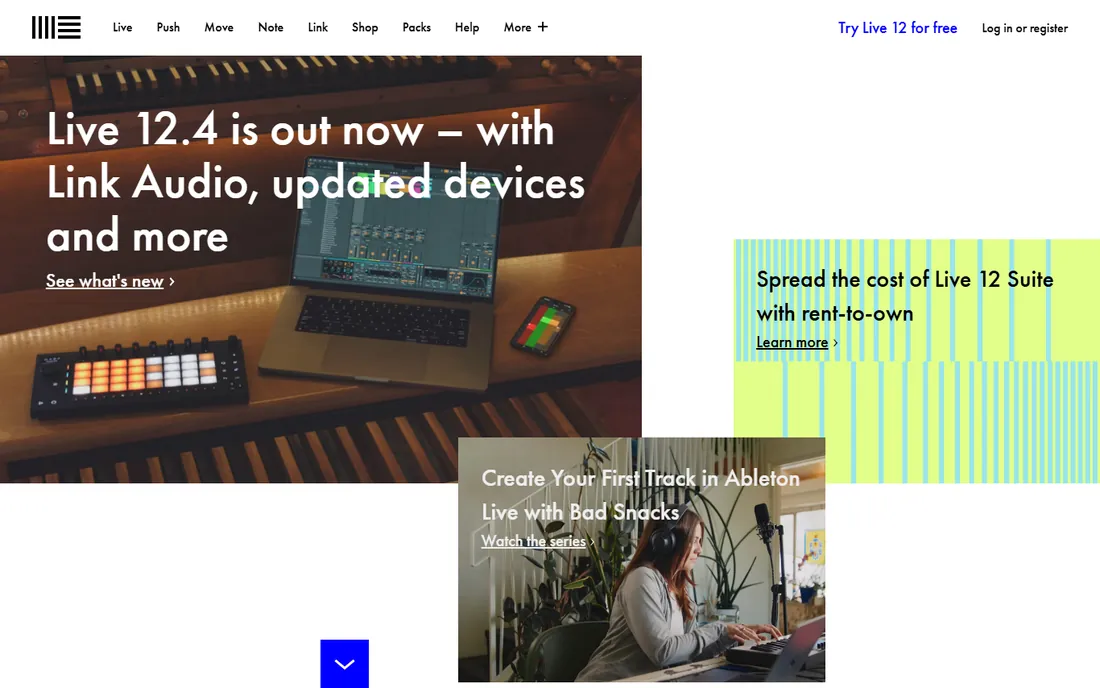
Ableton Live thinks about music differently. Instead of a linear timeline, you get the Session View: a grid of clips you trigger, combine, and rearrange in real time. For beat makers, that means building a track feels like performing it, and many producers never leave that view. The audio warping is the best in the business, letting you stretch any sample to your tempo without artifacts.
Intro costs $99 one-time and covers the essentials, while Standard ($439) and Suite ($749) add instruments, effects, and Max for Live. A 30-day trial of the full Suite lets you test everything. The trade-off is price at the top end and a learning curve for producers used to traditional timelines. If you make electronic music or want to perform your beats live, nothing else works quite like it.
What we like- Session View is unmatched for sketching ideas
- Superb audio warping
- The standard for live electronic performance
Watch out for- Intro edition is limited to 16 tracks
- Suite is expensive at $749
- Arrangement workflow confuses some beginners
Starting price$199.99 one-time (Mac App Store)
Free planFree trial (30 days via Creator Studio)
Logic Pro is the best deal in music software for Mac owners. One $199.99 purchase gets you a full professional DAW with a massive sound library, dozens of instruments including Alchemy, Drums kits recorded by top session players, and Dolby Atmos mixing. Comparable capability from other vendors costs two to three times more. GarageBand projects open directly in Logic, so beginners have a free on-ramp.
The catch is the platform: there is no Windows version and never will be. Apple also folded the standalone trial into its Creator Studio subscription, so testing now means a subscription trial rather than a simple download. For Mac-based beat makers, though, the value is unmatched: one payment, professional results, no subscription.
What we like- Enormous included instrument and loop library
- Professional mixing tools at a low fixed price
- Free updates historically
Watch out for- Mac only
- No Windows version
- The trial now runs through a subscription bundle
Starting priceFree
Free planYes (fully free)
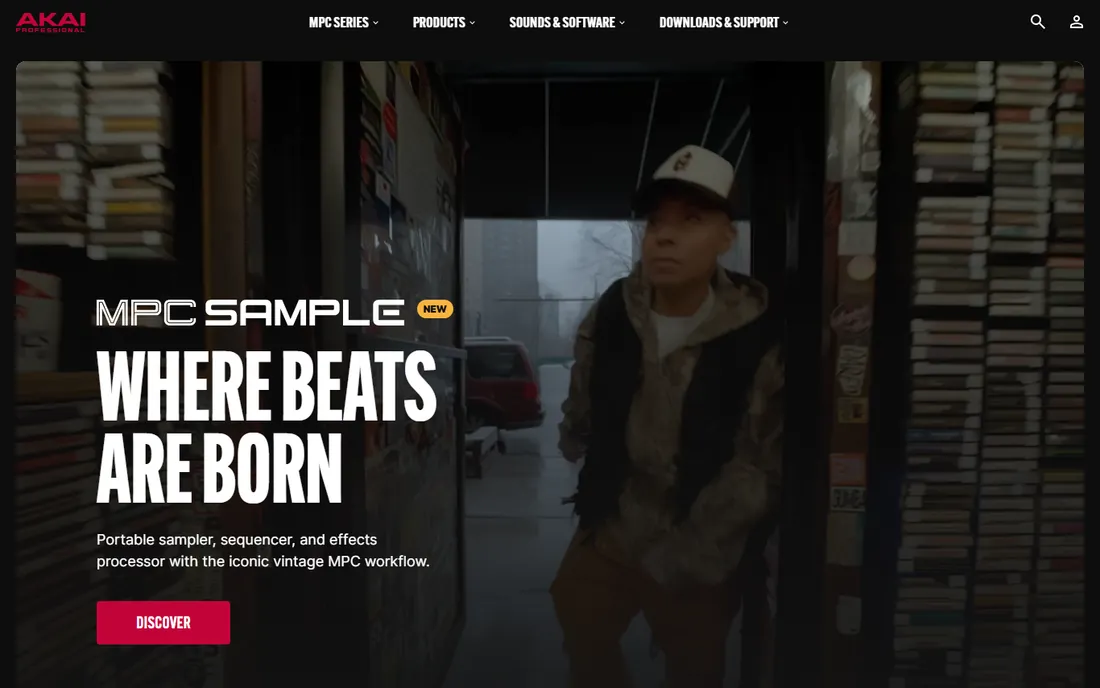
Akai took the workflow of its legendary MPC hardware and released it as a free DAW. The 16-pad grid, sample chopping, and step sequencing feel exactly like the hardware that shaped hip-hop, and the 2GB content library plus 80 built-in effects mean you can finish real beats without spending anything. It even loads as a VST plugin inside FL Studio or Ableton if you want the MPC workflow within another DAW.
The limits are real but fair for free software: 8 MIDI tracks and 2 audio tracks cap large projects, and genre expansion packs cost $9.99 each. For beginners learning to make beats the classic way, those limits rarely matter. If you want the MPC feel without buying hardware, this is the obvious starting point.
What we like- Authentic MPC pad workflow
- 2GB of included sounds and 80+ effects
- Works as a plugin inside other DAWs
Watch out for- Limited to 8 MIDI and 2 audio tracks
- Expansion packs cost extra
- Smaller community than FL Studio
Starting priceFree
Free planYes (free Studio; optional Membership adds AI tools)
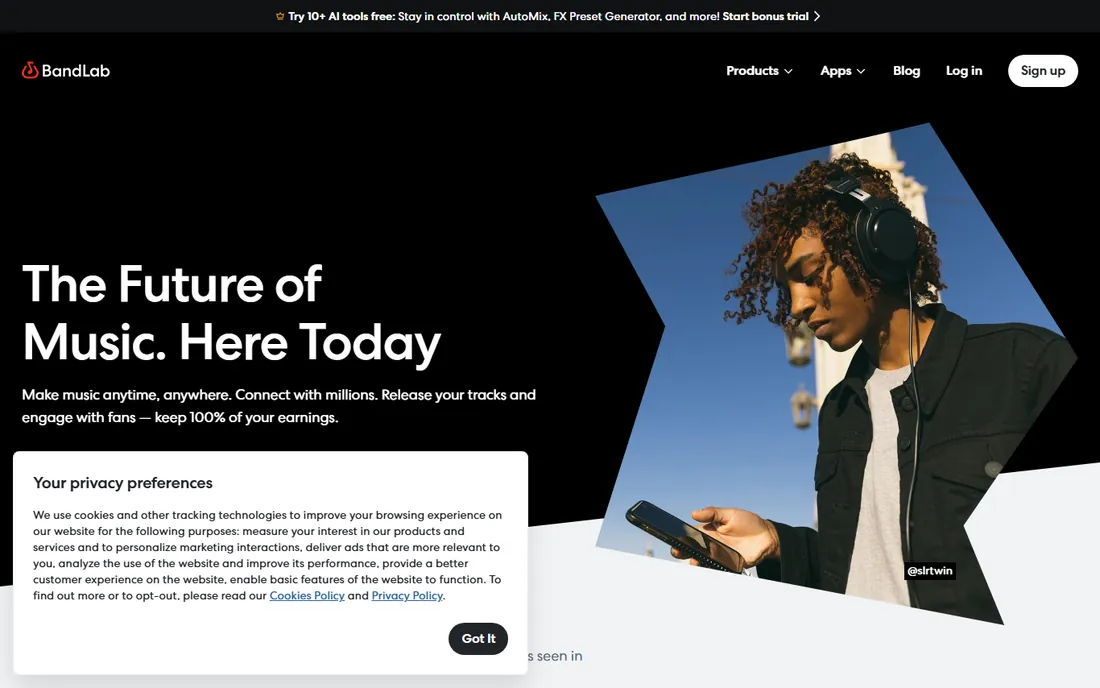
BandLab is the most generous free option in music software. The browser-based Studio gives you unlimited multi-track projects, virtual instruments, a drum machine, sampler, vocal tuning, and mastering, all free, with apps for iOS and Android that sync through the cloud. Over 100 million creators use it, and the 250,000-plus royalty-free sample library keeps growing.
An optional Membership adds premium AI tools and instruments, but the free tier already makes finished, releasable music. The trade-offs are a browser-first workflow that needs a solid connection and mixing tools that cannot match desktop DAWs for fine detail. For beginners, collaborators, and phone-based producers, it is the best free beat software available.
What we like- Completely free core DAW with unlimited projects
- Works in browser, phone, and desktop
- Huge royalty-free sample library
Watch out for- Advanced AI tools need paid Membership
- Internet required for the best experience
- Mixing depth trails desktop DAWs
Starting priceFree; from $9.99/month (Music Makers Premium)
Free planYes (free plan with unlimited projects)
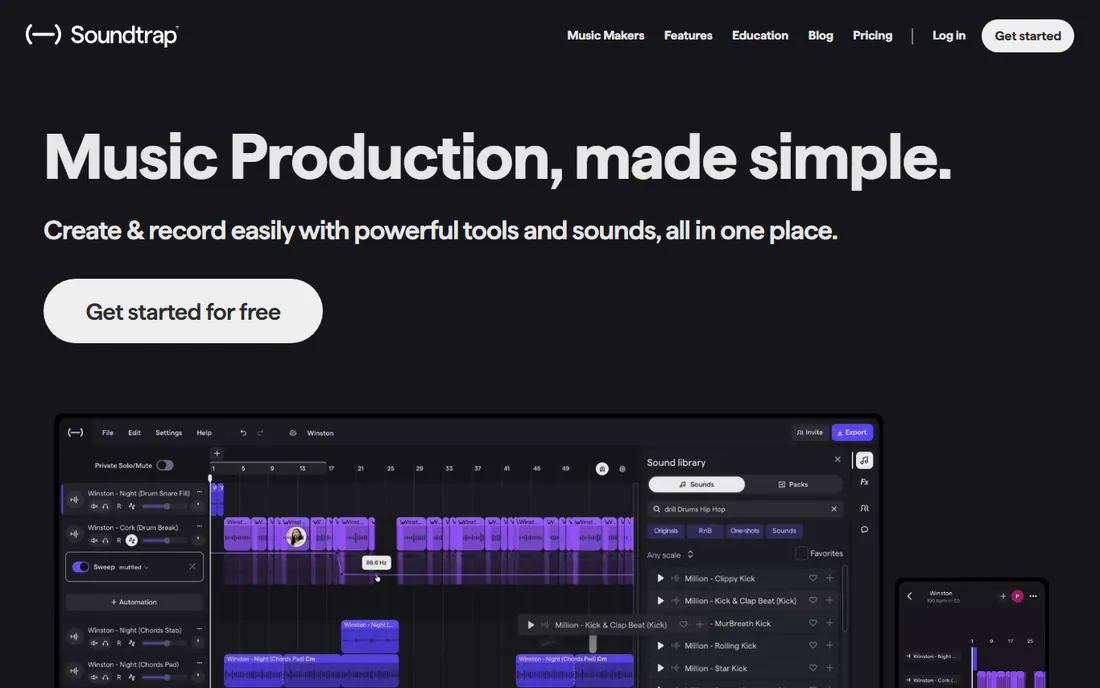
Soundtrap runs entirely in the browser, which makes it the easiest way to make beats with someone in another city. Invite a collaborator, and you both edit the same project live with video chat built in. The Patterns beatmaker, virtual instruments, and loop library cover the basics well, and the Spotify connection makes publishing podcasts straightforward.
The free plan includes unlimited projects but caps loops and sounds; Music Makers Premium at $9.99/month opens up the full library plus Auto-Tune, and Supreme at $14.99/month adds Splice sounds. There is no desktop app for offline work, and power users will miss the depth of FL Studio or Ableton. For remote collaboration, school projects, and quick ideas, it is purpose-built.
What we like- Real-time collaboration in the browser
- Owned by Spotify with podcast publishing
- Easy for beginners and classrooms
Watch out for- Free plan limits loops and instruments
- Full features need a subscription
- No offline desktop app
Starting priceFree
Free planYes (fully free, open source)
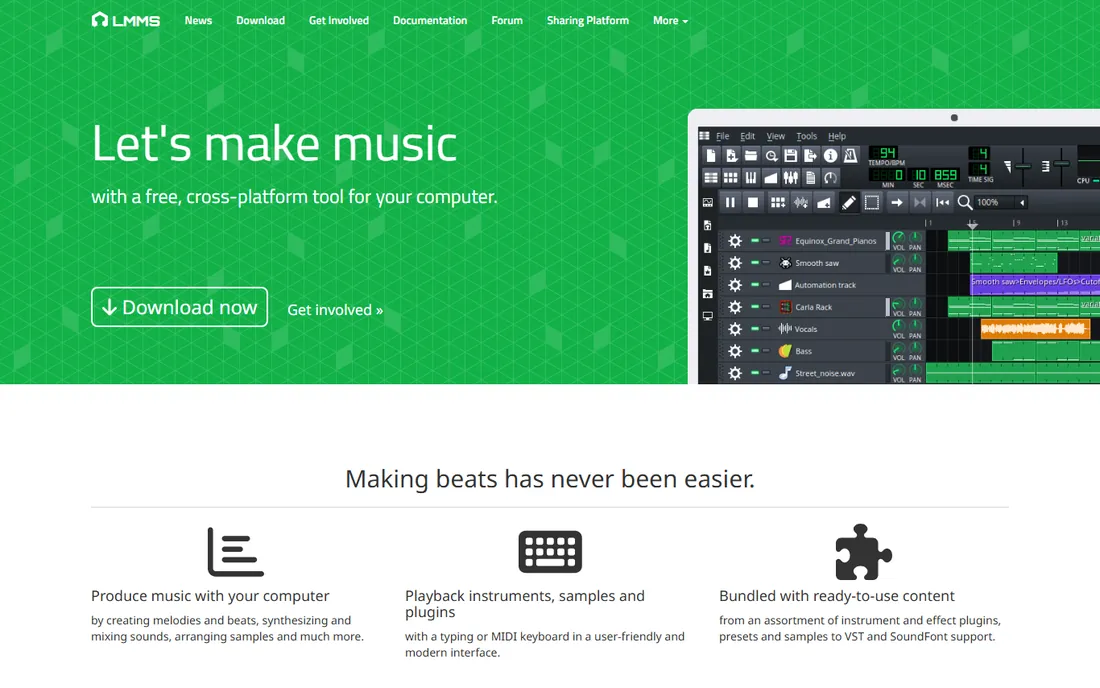
LMMS is the open-source answer to FL Studio, and the resemblance is deliberate: a step-sequencer-style beat editor, piano roll, and mixer in a free package. It ships with 16 built-in synthesizers, supports VST plugins, and runs on Windows, macOS, and Linux with no account, no subscription, and no feature locks. For a free download, the sound-shaping depth is remarkable.
The price of free is polish: the interface looks a decade old, documentation is community-written, and you will find fewer tutorials than for the big commercial DAWs. It also lacks the sample library and cloud features of BandLab. But if you want a real desktop DAW that costs nothing and respects your privacy, LMMS delivers more than its price suggests.
What we like- Completely free with no limits or accounts
- 16 built-in synthesizers and VST support
- Runs on Windows, Mac, and Linux
Watch out for- Interface looks dated
- No official support
- Smaller preset and tutorial ecosystem
#8
GarageBand
Best for: Apple beginners making their first beats
Visit apple.com
Starting priceFree
Free planYes (free with Mac, iPhone, and iPad)
Every Mac, iPhone, and iPad ships with a capable beat-making studio, and most owners never open it. GarageBand's Live Loops grid is genuinely fun for building beats, the virtual Drummer plays realistic patterns in dozens of styles, and the included loops and instruments are royalty-free. For a free app, the sound quality embarrasses some paid software.
The upgrade path is the real story: open any GarageBand project in Logic Pro and continue where you left off, with all tracks and settings intact. Limitations include Apple-only availability, shallow mixing tools, and no AU plugin support on iOS. If you own Apple hardware and want to make beats today, start here before spending a dollar.
What we like- Free on every Apple device
- Surprisingly capable Drummer and Live Loops
- Projects upgrade directly to Logic Pro
Watch out for- Apple devices only
- Limited mixing depth
- No third-party plugin support on iOS
Starting priceFree (free edition)
Free planYes (free edition; 14-day full trial)
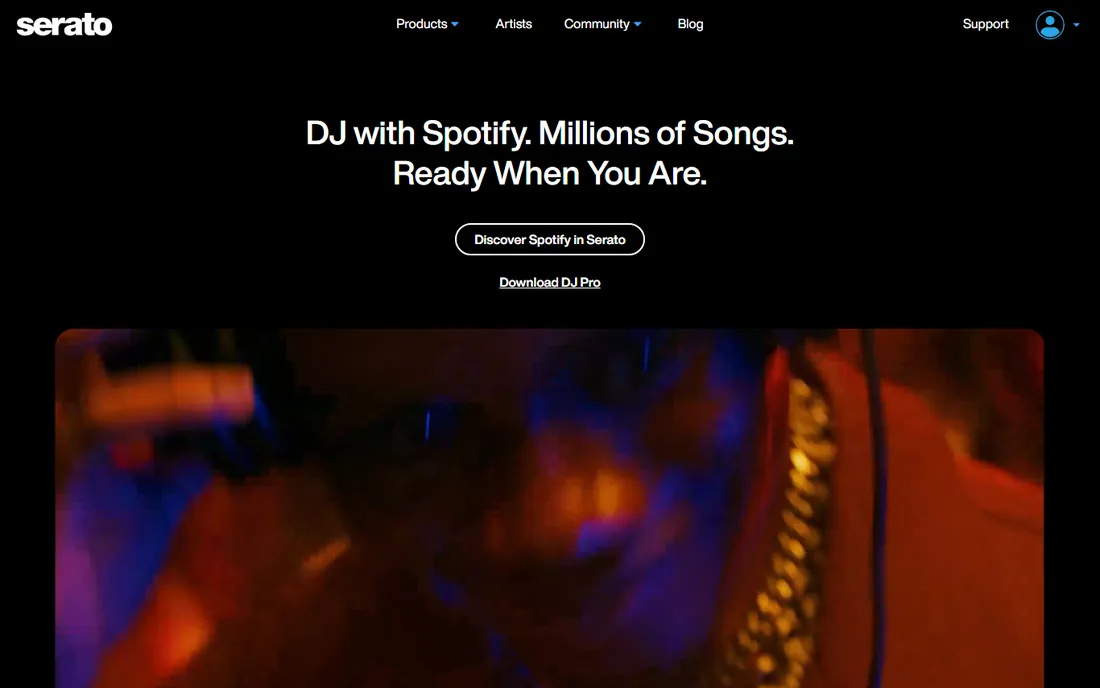
Serato built Studio for DJs who want to make beats, edits, and mashups without learning a traditional DAW. The workflow centers on scenes and decks rather than timelines, with master key and BPM controls that keep everything in tune automatically. The free edition is genuinely usable: four decks, four scenes, sampling, instruments, and effects, with MP3 export included.
The full version was $179 one-time and now ships inside the Serato DJ Suite, which makes it a strong value for DJs already in that ecosystem. Limitations of the free tier include MP3-only export, no automation, and fewer sound packs. If you DJ with Serato and want to produce, this is the shortest path from booth to studio.
What we like- Free edition makes full tracks
- DJ-friendly workflow with stems and key matching
- Now included in Serato DJ Suite
Watch out for- Free edition limited to 4 decks and MP3 export
- Smaller sound library than FL Studio
- Tied to the Serato ecosystem
#10
Magix Music Maker
Best for: loop-based beginners on Windows
Visit magix.com
Starting priceFree (basic version); from $59 (paid editions)
Free planYes (free basic version)
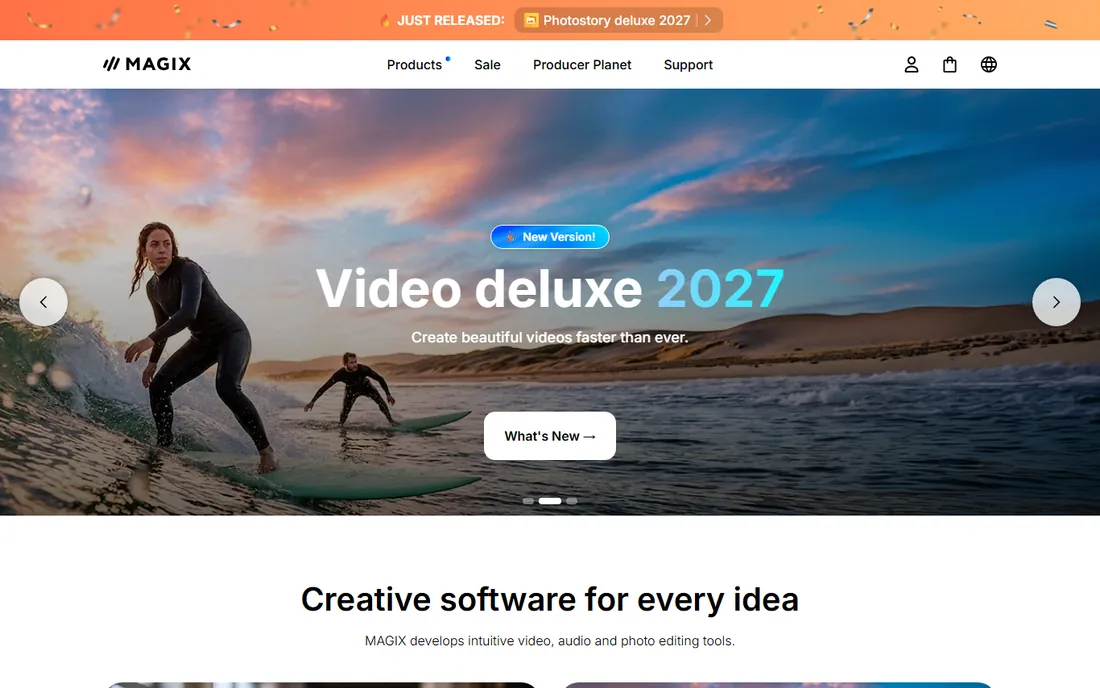
Music Maker is built for people who have never made music before. You drag loops from genre Soundpools onto a timeline, and the software keeps everything in key and in time automatically. Within an hour, a complete beginner has a finished-sounding track. The free version covers the basics, and paid editions start around $59 with larger sound libraries.
The trade-off is creative ceiling: loop assembly teaches arrangement but not composition, and experienced producers will outgrow it fast. It is Windows-only, and it carries little prestige in professional circles. As a first step into beat making for someone intimidated by a full DAW, though, its simplicity is the point.
What we like- Drag-and-drop loop workflow needs no theory
- Huge Soundpool library
- Very low price for paid editions
Watch out for- Windows only
- Loop-based approach limits original composition
- Less respected in pro circles
How we chose
We compared beat-making tools that exist and are actively maintained in 2026, using vendor pricing pages, documentation, and public reviews on Reddit, G2, and music production forums. Every product had to let a user create finished beats, not just edit audio. We verified current prices and free tiers, noted platform limits (Mac-only, Windows-only, browser-only), and weighed how each tool fits different producers: beginners, hip-hop beat makers, electronic artists, and collaborators. Nothing was tested hands-on; the rankings reflect documented features, pricing, and real-world fit.
Free vs paid: where the line really is
The free tier in beat software is unusually strong. MPC Beats, BandLab, LMMS, GarageBand, and the free editions of Serato Studio and Soundtrap all produce finished, releasable music without paying. The differences show up in three places: track counts, sound libraries, and export quality. Free tools cap how many tracks you can run, offer smaller loop collections, and sometimes limit export formats.
Paid software earns its price with depth. FL Studio Producer ($179) adds audio recording and unlimited arrangement. Ableton Standard ($439) adds instruments and effects you would otherwise buy as plugins. Logic Pro ($199.99) bundles a pro mixing environment with its instruments. The honest rule: stay free until a specific limit blocks a specific project, then buy the cheapest tier that removes that limit. Most beginners hit their first real wall six to twelve months in, not on day one.
Watch out for the subscription trap in disguise. Rent-to-own plans from Ableton and Image-Line are fair: payments count toward ownership. Pure subscriptions like Soundtrap Premium only make sense if you use the collaboration features regularly. A $99 one-time tool you own beats a $10/month tool you rent, unless the rented tool does something the owned one cannot.
What to look for before you buy beat software
Match the software to your genre first. Hip-hop and trap producers live in FL Studio and MPC Beats for good reason: the drum programming workflow is built for them. Electronic producers gravitate to Ableton for its warping and performance tools. Songwriters who record instruments usually prefer Logic Pro or a traditional DAW layout.
Check your platform before falling in love. Logic Pro and GarageBand are Mac and iOS only. Magix Music Maker is Windows only. FL Studio, Ableton, and MPC Beats cover both desktop platforms, while BandLab and Soundtrap run anywhere with a browser. Switching platforms later means relearning, so choose for the computer you will own for the next few years.
Think about how you learn. FL Studio and Ableton have enormous tutorial libraries; every technique has a video. Smaller tools like LMMS have thinner documentation, which slows beginners down. If you are self-taught, the size of the community is a feature worth paying for.
Finally, test the workflow, not the feature list. Every tool here offers a free version or trial. Make one complete beat in each finalist before buying: program drums, add a melody, arrange it, and export it. The software that gets out of your way during that test is the right one, regardless of what reviews say.
Frequently asked questions
What is the best beat making software for beginners?
Start free with BandLab, MPC Beats, LMMS, or GarageBand (if you use Apple devices). They all make finished beats without spending money. When you are ready to buy, FL Studio Producer Edition ($179) is the most popular next step for hip-hop and electronic producers.
What is the best software for making beats on a phone?
BandLab is the strongest phone option, with a full multitrack DAW, sampler, and drum machine on iOS and Android, all free. GarageBand on iPhone and iPad is excellent for Apple users. Soundtrap also works well in mobile browsers for collaboration.
Is FL Studio or Ableton better for beats?
Both are excellent. FL Studio has the faster drum programming workflow and costs less to own outright, with lifetime free updates. Ableton has better audio warping and live performance tools but costs more at higher tiers. Hip-hop producers usually pick FL Studio; electronic producers usually pick Ableton.
Can you make beats for free?
Yes. MPC Beats, BandLab, LMMS, GarageBand, and Serato Studio's free edition all produce finished beats at zero cost. Free tools limit track counts and sound libraries compared with paid versions, but they are more than enough to learn on and release early work.
Do I need music theory to make beats?
No. Tools like Serato Studio (Auto Chord, Play-in-Key), Magix Music Maker (automatic key matching), and BandLab's SongStarter generate musical ideas without theory knowledge. Learning basic theory helps eventually, but it is not a prerequisite for making good beats.
What is the cheapest good beat software to buy?
FL Studio Fruity Edition at $99 one-time is the cheapest serious purchase, with lifetime updates included. Affinity-style value picks do not exist in this category, so the real budget play is staying free with MPC Beats or BandLab until you need more. Magix Music Maker's paid editions from $59 suit Windows beginners who want loops.
Sources we checked (9)
- https://www.image-line.com/
- https://www.ableton.com/
- https://www.apple.com/
- https://www.akaipro.com/
- https://www.bandlab.com/
- https://www.soundtrap.com/
- https://lmms.io/
- https://serato.com/
- https://www.magix.com/
Is your product missing or out of date?
We review this list regularly. Vendors can request a listing, send updated pricing or ask about featured placement.

Shihab Mia · Founder, Rankite
Shihab has spent more than a decade helping SaaS and e-commerce brands grow through search. He writes Rankite's software buying guides from pricing pages, documentation and public user reviews. More about Shihab.