How we make this list: we compare pricing pages, product documentation and public user reviews. Rankite is independent; if a vendor ever pays for a featured spot, that listing is clearly labeled Partner.
Key takeaways
- FL Studio is still the default for most hip hop beatmakers; the $199 Producer edition is the value tier, and every purchase includes lifetime free updates.
- Akai MPC Beats and LMMS cost nothing and give beginners a genuine pad-based beat workflow; BandLab adds free cloud collaboration plus unlimited algorithmic mastering.
- Logic Pro at $199.99 one-time is the strongest value for Mac producers who record full songs; Ableton Live Intro at $99 suits producers leaning into electronic production and live performance.
- Serato Studio and MPC Beats both start free, so you can test the core workflow before spending anything.
Quick comparison
| Tool | Best for | Starting price | Free plan |
|---|
 FL Studio FL Studio | Trap, drill, and loop-based beats | $99 one-time (Fruity edition) | Free trial |
 Akai MPC Beats Akai MPC Beats | Free pad-based beat making | $0 | Yes |
 Serato Studio Serato Studio | DJs and sample choppers | $9.99 per month | Yes |
 Ableton Live Ableton Live | Electronic-leaning producers and live sets | $99 one-time (Intro edition) | Free trial |
 Logic Pro Logic Pro | Mac producers recording full songs | $199.99 one-time (Mac App Store) | No |
 Reason Reason | Sound designers who want a virtual rack | $299 one-time (Reason DAW) | Yes |
 BandLab BandLab | Beginners and online collaboration | $14.99 per month (Pro) | Yes |
 Soundtrap Soundtrap | Browser-based collaboration | $9.99 per month (Music Makers Premium) | Yes |
 LMMS LMMS | Zero-budget producers on any platform | $0 | Yes |
Is your product missing or out of date?
We review this list regularly. Vendors can request a listing, send updated pricing or ask about featured placement.
The best hip hop beat making software
Starting price$99 one-time (Fruity edition)
Free planFree trial
FL Studio became the default beat-making program for a generation of hip hop producers for reasons you can hear in the music. The Channel Rack and step sequencer make drum programming fast, and the piano roll is still the one other DAWs get compared against. Four editions exist: Fruity at $99, Producer at $199, Signature at $299, and All Plugins at $499, all one-time purchases with lifetime free updates.
The Producer edition is the one most beatmakers should target. It adds audio recording and the full playlist, which is what you need when an artist steps in to lay vocals. Fruity skips audio recording entirely, which becomes a problem the moment your beats stop being instrumentals. Upgrades only cost the difference between editions, so starting small carries no penalty.
The honest catch is the learning curve. FL Studio packs more than 100 instruments, effects, and tools, and the interface shows most of it at once. New producers should budget a few weeks of tutorials before the workflow clicks. The free trial never expires, so you can take that time before paying anything.
What we like- Lifetime free updates
- Best-in-class piano roll and step sequencer
- Huge library of included instruments and effects
Watch out for- Fruity edition cannot record audio
- The interface can overwhelm total beginners
Starting price$0
Free planYes
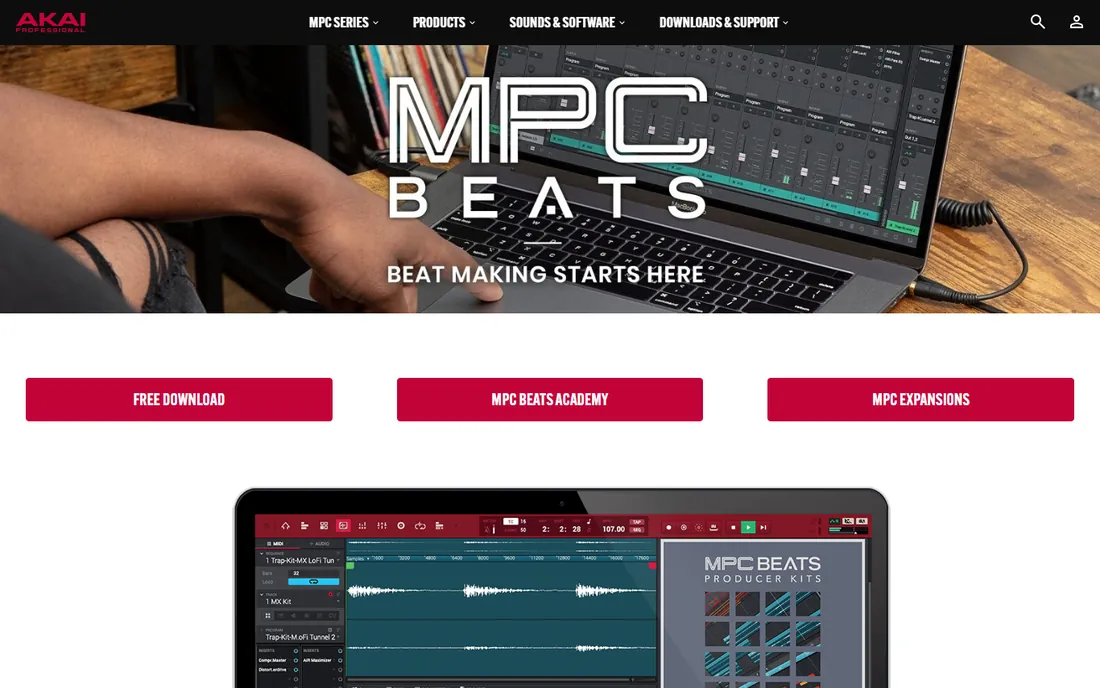
Nothing else free gets this close to the classic hip hop production experience. MPC Beats is built around the same pad-driven workflow as Akai's hardware samplers, and it ships with genre templates for trap, dance, and pop plus about 2 GB of samples, loops, and built-in instruments. More than 80 audio effects are on board, and it supports VST and AU plugins, which is unusual generosity for a free program.
You can run it standalone or load it as a plugin inside another DAW, which makes it a useful sidekick even after you outgrow it. Setup is quick, and any class-compliant MIDI controller maps to the pads without fuss. For someone testing whether beat making is for them, the entire risk is the download time.
The limit to know about is the track count. Two stereo audio tracks is enough for a reference vocal or a sampled hook, but full song recording will hit a wall fast. Paid expansion packs add sounds at roughly $10 each, so the library can grow with you if you want it to.
What we like- Completely free with no time limit
- Authentic MPC pad workflow
- VST and AU plugin support included
Watch out for- Limited to 2 stereo audio tracks
- Paid expansions sell for about $9.99 each
Starting price$9.99 per month
Free planYes
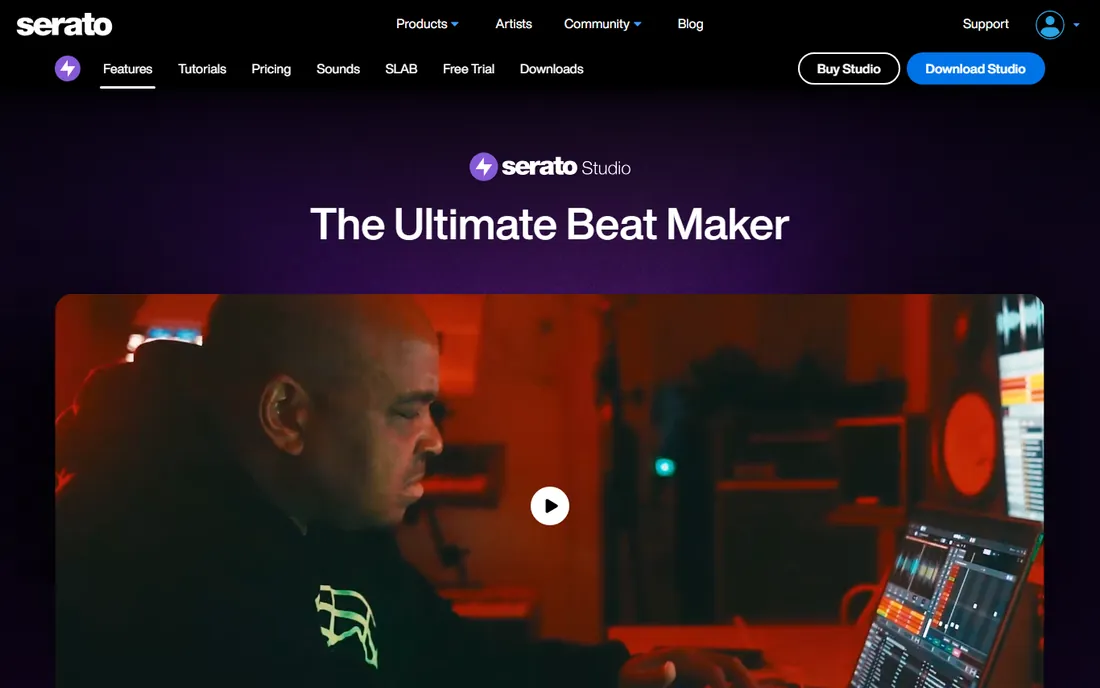
If you come from DJing, Serato Studio speaks your language. The sample deck chops, flips, and separates stems from any track in real time, powered by the same Pitch 'n Time engine Serato built its reputation on. You can pull an acapella, melody, bassline, and drums out of a sample and rebuild it into something new within minutes.
The free version is a real working copy: one audio track, four decks, four scenes, MP3 export. It is enough to learn the workflow and finish rough ideas. The paid version removes those caps, adds WAV export, and opens all sound packs, available as a $9.99 per month subscription or a one-time purchase.
The trade-off is that Serato Studio is built for making beats, not finishing records. Mixing and mastering features are thinner than in a full DAW like FL Studio or Ableton. Many producers pair it with a second program when a track needs polish.
What we like- Fast sample chopping with stem separation
- DJ library integration
- Genuinely free version
Watch out for- Free version caps audio tracks, scenes, and MP3-only export
- Paid features spread across subscription and one-time options
#4
Ableton Live
Best for: Electronic-leaning producers and live sets
Visit ableton.com
Starting price$99 one-time (Intro edition)
Free planFree trial
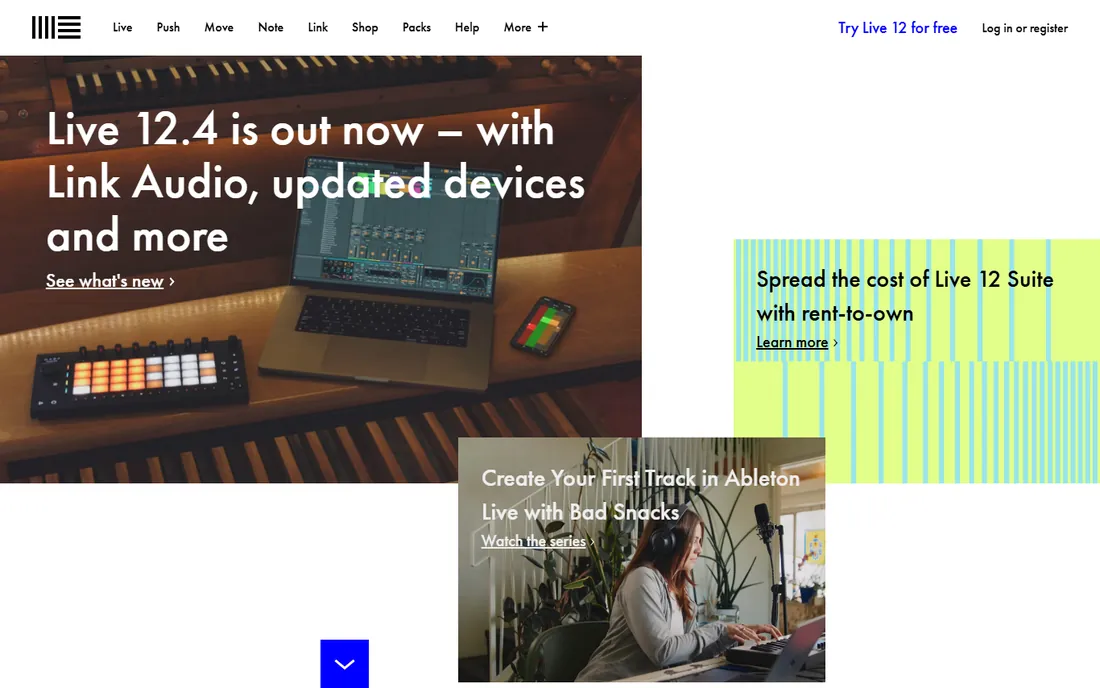
Ableton Live took a different path to hip hop. Session View, with its clip-launching grid, turns arrangement into performance, and producers who think in loops and scenes tend to adopt it fast. The drum rack is a natural home for 808s and chopped samples, and warping keeps everything in time without manual slicing.
Intro costs $99 and covers the essentials with 5+ GB of sounds, but the 16-track ceiling arrives sooner than most people expect. Standard at $439 removes track limits and adds instruments and audio-to-MIDI. Suite at $749 is the full studio, and Ableton offers it rent-to-own at about $31 a month, which suits producers who want the full kit without the lump sum. A 30-day trial of Suite comes before any of that.
Live is less of a natural fit for traditional boom bap recording than FL Studio or Logic Pro, and its sound library leans electronic. For sample-heavy and trap production, though, the workflow is hard to beat once it clicks.
What we like- Session View is unmatched for sketching ideas
- Rent-to-own option on Suite
- Strong controller and hardware integration
Watch out for- Intro caps you at 16 tracks
- Suite at $749 is expensive compared with FL Studio and Logic Pro
Starting price$199.99 one-time (Mac App Store)
Free planNo
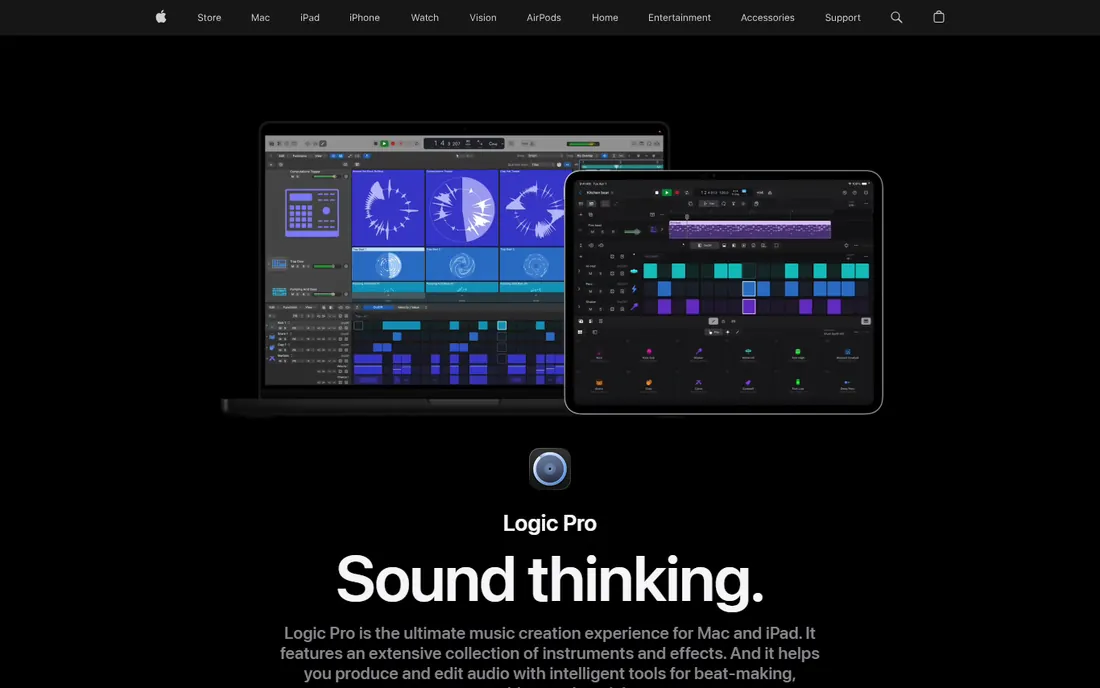
Logic Pro is the argument-ender for Mac users. One $199.99 purchase gets you a full professional DAW with a 70+ GB sound library, Dolby Atmos mixing, stem splitting, a mastering assistant, and free updates for life. GarageBand projects open directly in it, so beginners can graduate without relearning everything.
For hip hop specifically, the value shows up when you record. Multi-track recording, comping, and vocal production tools are deeper than anything else at this price. The beat-making tools are solid too: a dedicated step sequencer, drum machine designer, and live loops for sketching ideas. Producers who make beats and then record artists over them get both halves in one program.
The catch is the Apple wall. There is no Windows version and never will be, so cross-platform collaborators need to export stems. Apple also launched Apple Creator Studio in 2026, a $12.99 per month bundle including Logic Pro, Final Cut Pro, and more, which is worth a look if you need the video apps too.
What we like- Exceptional value with 70+ GB of included content
- Strong for recording vocals and live instruments
- Free updates since purchase
Watch out for- Mac and iPad only, no Windows version
- The interface takes time to master
Starting price$299 one-time (Reason DAW)
Free planYes
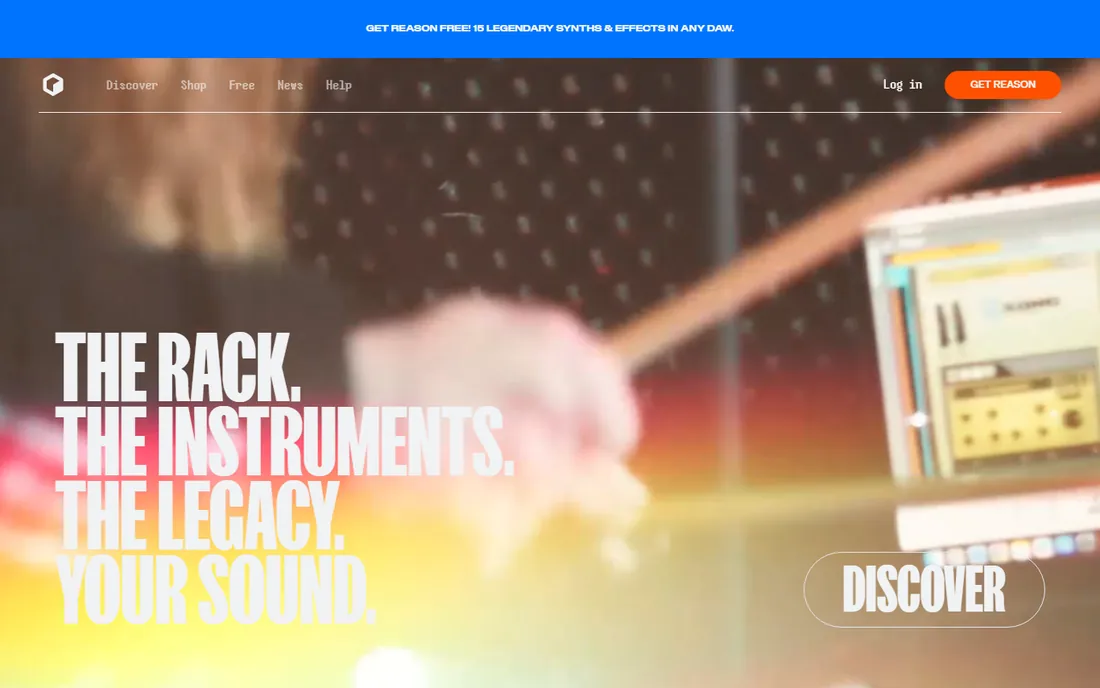
Reason is the odd one out in the best way. Instead of a timeline full of tracks, you get a virtual studio rack where you wire instruments and effects together with cables. Producers who love building their own synth patches and textures tend to fall hard for it, and the included device collection is genuinely deep.
Pricing got friendlier in 2026. Reason DAW dropped to $299 from $499, the Reason Rack is available separately as a plugin for $199, and the Reason+ subscription costs $169 per year with extras like AI mastering and sample libraries. There is also a free plugin edition, so you can try the instruments before committing.
The rack is both the selling point and the limitation. The sequencer and arrangement tools feel a step behind FL Studio or Ableton for straight beat programming. Reason shines brightest as a sound design playground inside a workflow you already like, which the $199 Rack plugin option acknowledges.
What we like- Virtual rack of 60+ instruments and effects
- Reason Rack plugin works inside any DAW
- New lower pricing in 2026
Watch out for- Sequencer lags behind rival DAWs
- The ecosystem encourages paid add-ons
Starting price$14.99 per month (Pro)
Free planYes
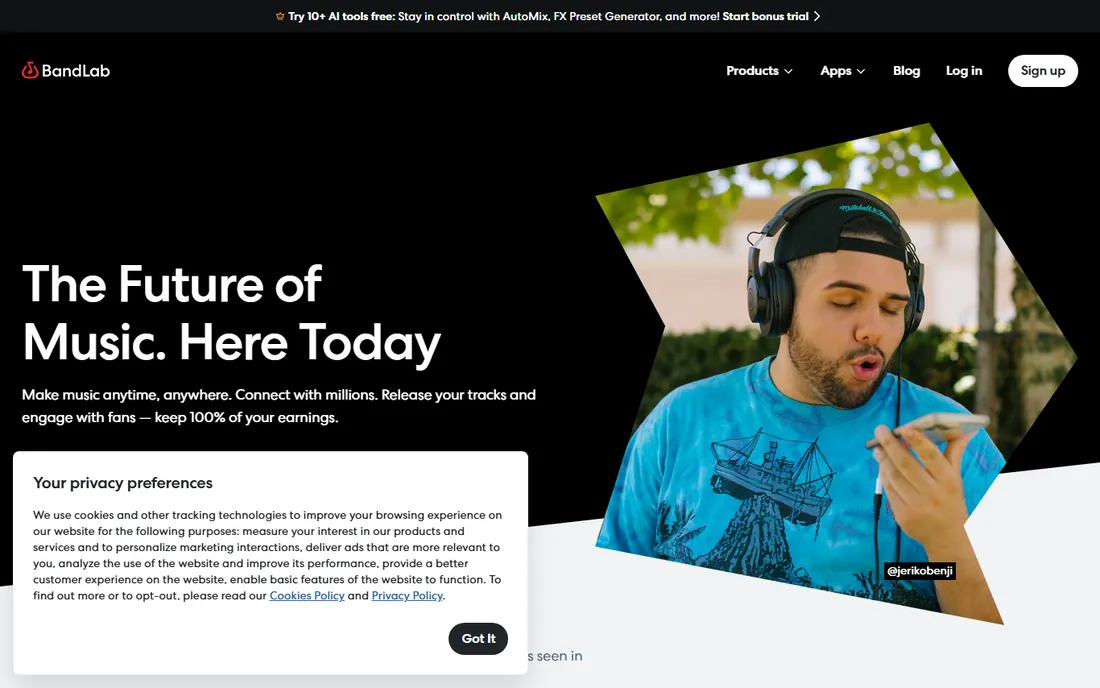
BandLab is what a free DAW should be. The core studio costs nothing, runs in the browser and on phones, and includes unlimited projects, a large royalty-free loop library, and unlimited algorithmic mastering. Real-time collaboration means a producer in Atlanta and a rapper in London can work on the same beat simultaneously.
The paid tiers add power without breaking the model. BandLab Pro at $14.99 per month adds AI tools like voice cleaning and auto-mixing, more sample claims, and distribution. The free tier keeps 16 tracks per project, which is plenty for learning and finishing simple beats.
BandLab is not where you mix a commercial album, and serious producers will eventually want a desktop DAW. But as a starting point that costs zero dollars, demands no install, and teaches real production concepts, nothing beats it.
What we like- Core DAW completely free
- Unlimited free algorithmic mastering
- Strong collaboration and mobile apps
Watch out for- Projects cap at 16 tracks
- Advanced mixing tools are thinner than desktop DAWs
Starting price$9.99 per month (Music Makers Premium)
Free planYes
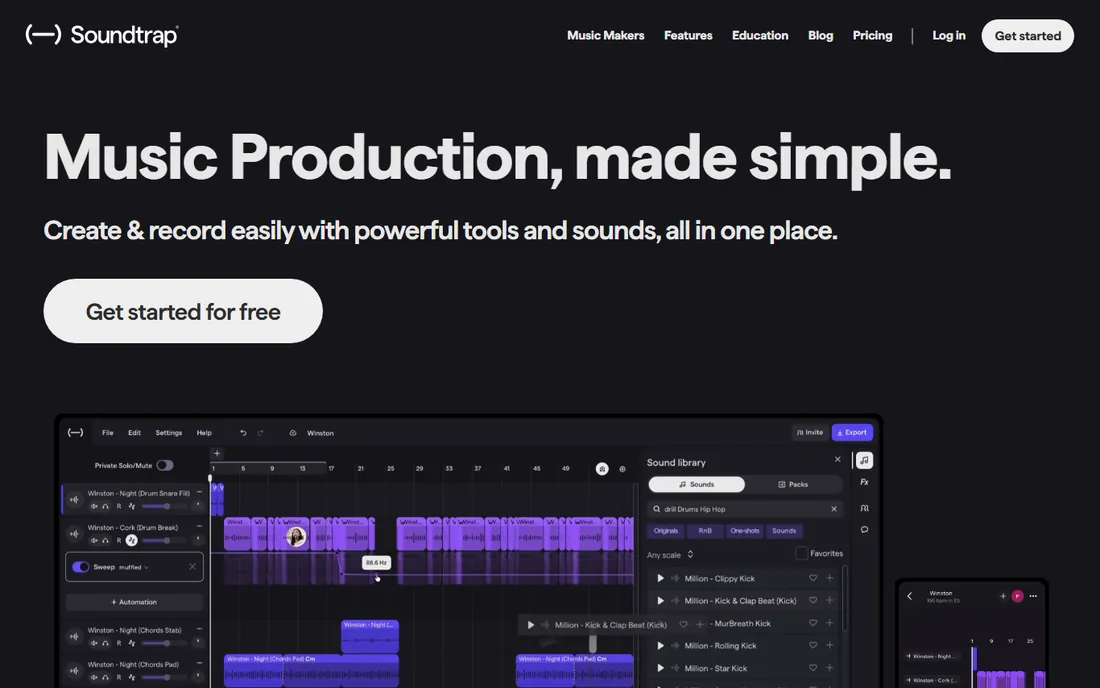
Soundtrap, owned by Spotify, is the browser studio that grew up. The free plan covers unlimited projects with thousands of loops and hundreds of instruments. Paid plans start at $9.99 per month and add Auto-Tune, automation, high-quality downloads, and Splice sounds at higher tiers.
Its strength is accessibility. Nothing installs, it works on Chromebooks and school computers, and the collaboration tools with video chat built in make it popular with remote teams and classrooms. The loop library skews modern, with fresh sound packs in genres like drill, phonk, and lo-fi.
The limits are real: browser-based audio has latency that makes live recording feel sluggish, and the free tier keeps WAV export and stem splitting behind the paywall. For sketching beats and collaborating, it is strong. For final production, pair it with a desktop DAW.
What we like- Runs fully in the browser
- Built-in Antares Auto-Tune on paid plans
- Education-friendly with classroom tools
Watch out for- Free plan exports MP3 only with no stem splitting
- Browser latency limits serious recording
#9
LMMS
Best for: Zero-budget producers on any platform
Visit lmms.io
Starting price$0
Free planYes
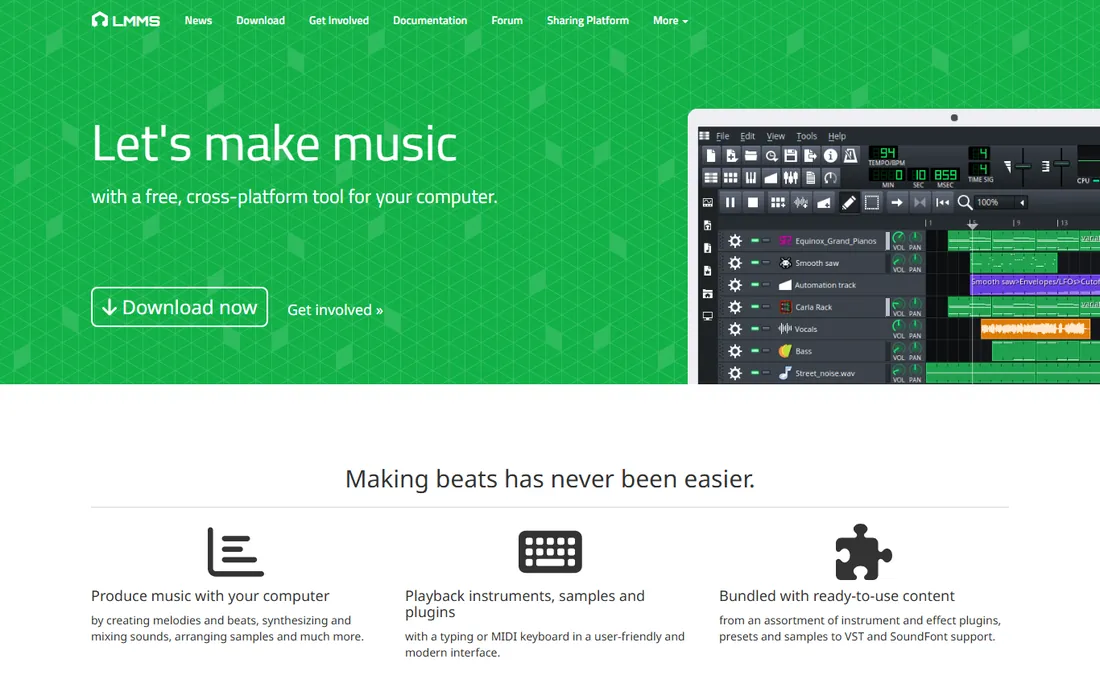
LMMS is the community answer to expensive DAWs. It is free, open source, and runs on every major operating system, with a song editor, piano roll, beat and bassline editor, and support for VST instruments and SoundFonts. For a producer with literally no budget, it is a working studio.
The hip hop credentials are solid in practice. The step-sequencer-style beat editor suits drum programming, and the bundled synthesizers include emulations of classic chips and analog gear. YouTube is full of producers recreating famous beats in it, which proves the ceiling is higher than the price suggests.
Be honest about the floor, though. The interface feels dated next to FL Studio or Ableton, the included sounds are a mixed bag, and you will spend time finding good free drum kits and plugins. If you can afford $99, FL Studio or Ableton Intro will move you faster. If you cannot, LMMS will not hold you back.
What we like- Completely free and open source
- Runs on Windows, macOS, and Linux
- Supports VST plugins and SoundFonts
Watch out for- Interface looks dated
- Stock sounds need replacing for professional results
How we chose
We started by confirming every product is still sold and still fits hip hop production in 2026, checking each vendor's own homepage and pricing page rather than relying on memory. Prices came from vendor pricing pages and current reviews dated 2026, and we dropped anything discontinued or renamed without a clear successor. Public reviews on G2, Capterra, and Reddit informed the pros and cons, and we weighted real buyer details like track limits, export formats, and upgrade paths over marketing claims. No hands-on testing was done; this is a research comparison, not a lab review.
What to check before you buy a beat-making DAW
A price tag tells you less than the limits around it. Track counts matter most for beginners: programs like MPC Beats, BandLab, and Ableton Intro cap audio or total tracks, and hitting that ceiling mid-song is frustrating. Check export formats too, since free tiers often lock WAV export behind payment, and WAV is what distributors and engineers expect.
Think about where you will record. If artists will lay vocals in your sessions, you need multi-track audio recording, which rules out FL Studio Fruity and the tightest free tiers. If you only program beats and export instrumentals, recording features are dead weight and you can save money.
Finally, match the program to your computer and your collaborators. Logic Pro only runs on Apple hardware. Browser tools like BandLab and Soundtrap work anywhere but need a solid internet connection. Desktop DAWs run offline once installed, and all of them export stems you can share with any engineer on any system.
Free vs paid: where the money actually goes
The free tier in beat software is unusually generous, which is good news if you are starting out. MPC Beats, LMMS, and BandLab's core DAW all cost nothing and produce releasable music. You can learn arrangement, mixing basics, and collaboration without spending a dollar, and several working producers built their early catalogs on exactly these tools.
Paying makes sense at specific bottlenecks. Audio recording for vocals, unlimited tracks, WAV export, and larger sound libraries are the usual triggers. FL Studio's $199 Producer edition and Logic Pro's $199.99 one-time price are the two best value purchases in this category, because both are permanent licenses with free updates for life. Subscriptions like BandLab Pro at $14.99 per month or Serato Studio at $9.99 per month fit better when you want flexibility or only produce for a season.
Avoid paying for sounds before you need them. Expansion packs and sample libraries are the easiest way to overspend, and every program on this list ships with enough content to finish your first twenty beats.
Frequently asked questions
What is the best free hip hop beat making software?
Akai MPC Beats is the strongest free option for pad-based beat making, with 2 GB of content, 80+ effects, and VST support at no cost. LMMS is the best fully free open-source DAW across Windows, Mac, and Linux. BandLab is the best free choice if you want cloud collaboration and free mastering included.
Is FL Studio good for hip hop?
Yes. FL Studio is one of the most widely used programs in hip hop production, especially for trap and drill. Its step sequencer, piano roll, and included 808 and drum sounds are built for the genre, and the Producer edition at $199 handles full vocal recording too.
Can I make beats on my phone?
Yes. BandLab and Soundtrap both run on phones with full beat-making tools, and BandLab syncs projects between mobile and desktop. FL Studio Mobile is a separate paid app. Phone production works for sketching ideas, but serious mixing is still easier on a computer.
Do I need to pay for sounds and drum kits?
Not at first. Every program on this list ships with enough drums, loops, and instruments to finish complete beats. Buy expansions only after you have finished several tracks and know exactly what sound is missing. Royalty-free packs from the vendor's own store are the safest first purchase.
Mac or Windows: does it matter for beat making?
Only for software choice. Logic Pro runs only on Mac, while FL Studio, Ableton Live, Reason, and the free options run on both. Your beats sound the same either way, so pick the computer you already own and the DAW that runs on it.
Sources we checked (17)
- https://image-line.com/
- https://www.audeobox.com/learn/fl-studio/fl-studio-pricing-which-edition/
- https://www.ableton.com
- https://www.musicmanta.com/views/the-cheapest-way-to-buy-ableton-live
- https://www.apple.com/logic-pro/
- https://www.akaipro.com/mpc-beats
- https://www.adsrsounds.com/product/software/akai-professional-mpc-beats-free-beat-making-daw/
- https://serato.com/studio
- https://audionewsroom.net/2026/05/serato-dj-suite-now-bundles-studio-at-no-extra-cost.html
- https://www.getapp.co.uk/software/2037091/serato-studio
- https://www.reasonstudios.com
- http://en.zicos.com/proaudio/i32463152-Reason-Studios-makes-Reason-Rack-available-as-a-separate-product-and-introduces-lower-pricing.html
- https://www.bandlab.com
- https://www.veena.studio/blog/bandlab-vs-soundtrap
- https://www.soundtrap.com
- https://www.getapp.com/education-childcare-software/a/soundtrap/
- https://lmms.io
Is your product missing or out of date?
We review this list regularly. Vendors can request a listing, send updated pricing or ask about featured placement.

Shihab Mia · Founder, Rankite
Shihab has spent more than a decade helping SaaS and e-commerce brands grow through search. He writes Rankite's software buying guides from pricing pages, documentation and public user reviews. More about Shihab.