How we make this list: we compare pricing pages, product documentation and public user reviews. Rankite is independent; if a vendor ever pays for a featured spot, that listing is clearly labeled Partner.
Key takeaways
- Auto-Tune Pro 11 ($459 perpetual) remains the standard for real-time tuning and the iconic hard-tuned effect.
- Melodyne is the pick for transparent, surgical vocal editing, with note-level control over pitch, timing, and vibrato.
- Revoice Pro 5 ($299) is the specialist for aligning doubles, harmonies, and ADR to a guide performance.
- Logic Pro owners already have Flex Pitch built in, which makes the $199.99 DAW the best pitch deal on this list.
- Graillon 2 and MAutoPitch cover live tuning and basic correction for free, enough for demos and experimentation.
Quick comparison
| Tool | Best for | Starting price | Free plan |
|---|
 Antares Auto-Tune Antares Auto-Tune | real-time tuning and the classic effect | $459 one-time (perpetual license) | Free trial |
 Celemony Melodyne Celemony Melodyne | transparent, surgical vocal editing | See website | Free trial |
 Waves Tune Waves Tune | budget offline pitch editing | See website | Free trial |
 Revoice Pro 5 Revoice Pro 5 | aligning doubles and harmonies | $299 one-time | No |
 iZotope Nectar 4 iZotope Nectar 4 | all-in-one vocal chain with pitch | $55 one-time (Elements) | No |
 Logic Pro (Flex Pitch) Logic Pro (Flex Pitch) | Mac producers who want it built in | $199.99 one-time | Free trial |
 Graillon 2 Graillon 2 | free live pitch correction | $29 one-time (Full Edition) | Yes (Free Edition) |
 MAutoPitch MAutoPitch | free automatic tuning | Free | Yes |
Is your product missing or out of date?
We review this list regularly. Vendors can request a listing, send updated pricing or ask about featured placement.
The best pitch correction software
Starting price$459 one-time (perpetual license)
Free planFree trial
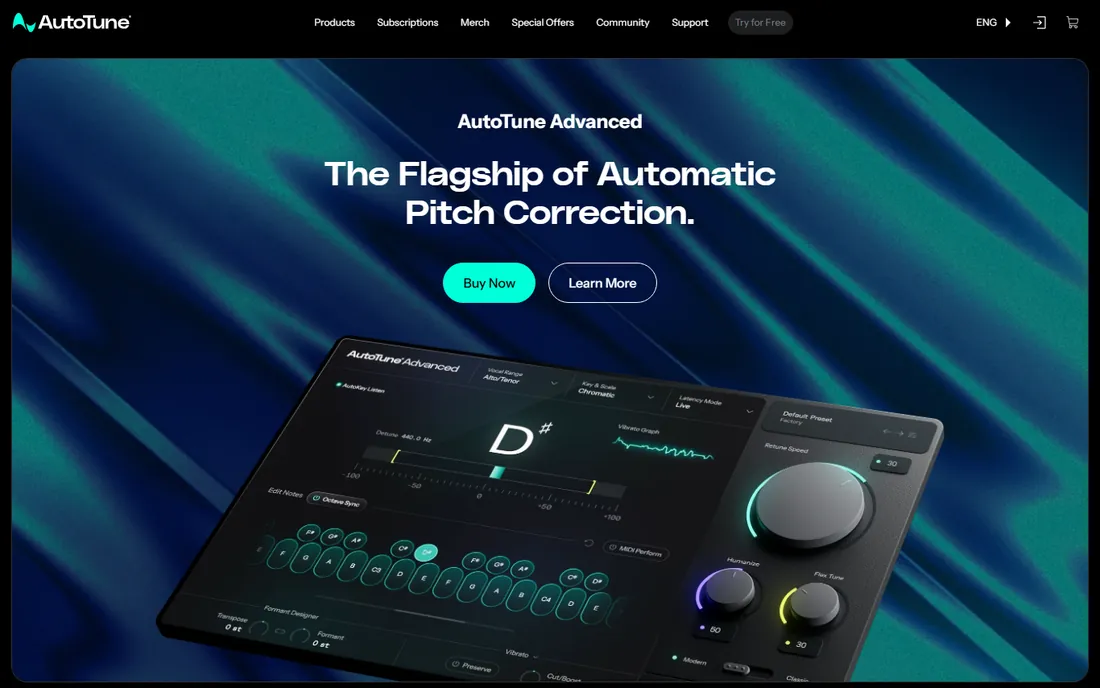
Auto-Tune is the name everyone knows, and it earned that position over decades. Auto-Tune Pro 11 works two ways: automatic mode for real-time tuning with low latency, and graph mode for drawing pitch curves by hand. The automatic mode is what created the modern vocal sound, and no competitor quite matches its character at fast retune speeds.
Buy it if you produce vocals professionally or want that specific effect. The perpetual license is $459, and Antares also sells subscriptions for those who prefer monthly payments. The catch, beyond price, is that many buyers only ever use automatic mode, which the cheaper tools on this list also do. Pay for Auto-Tune when the sound and the workflow matter to your clients.
What we like- The original real-time tuner with near-zero latency
- The iconic hard-tune sound
- Deep graph mode for detailed edits
Watch out for- $459 is steep for hobbyists
- The subscription push adds ongoing cost if you go that route
Starting priceSee website
Free planFree trial
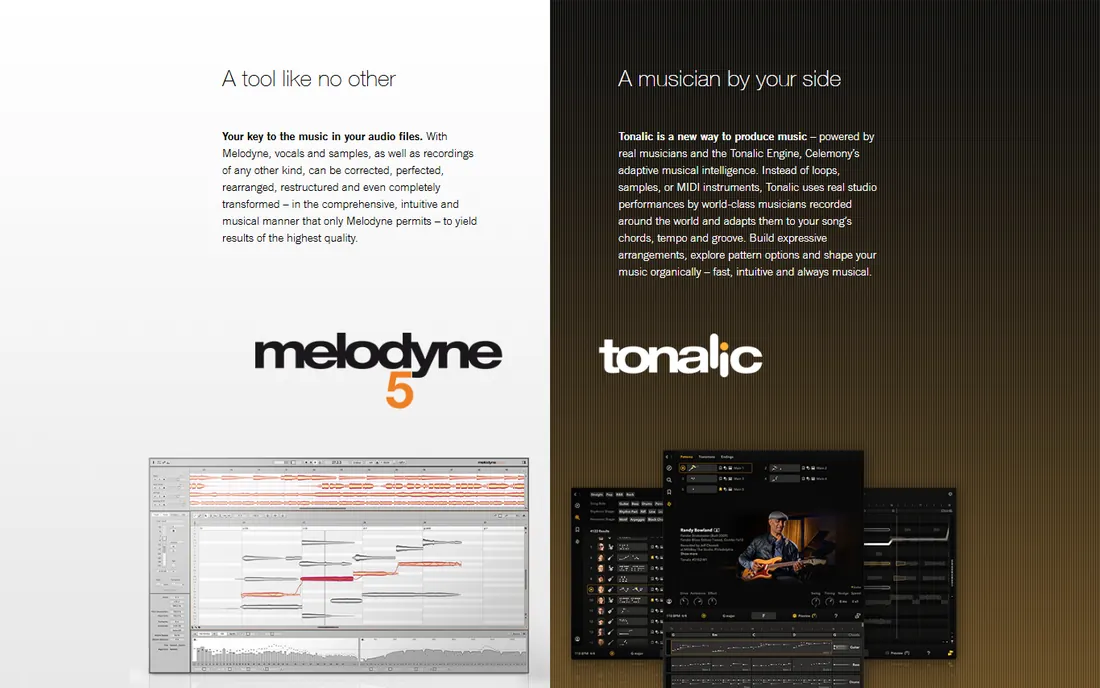
When the job is making a vocal sound perfect without sounding processed, engineers reach for Melodyne. It shows your audio as individual notes on a piano-roll-like display, and you can move each note's pitch, timing, vibrato, and volume independently. The results stay musical in a way that automatic tuners cannot match.
It comes in four editions, from essential up to studio, so you can buy only the depth you need. The trial version lets you test the full workflow before paying. The honest weaknesses: it works offline rather than in real time, the pricing requires a trip through Celemony's shop, and the interface takes a weekend to learn. For studio vocal production, it is the deepest tool here.
What we like- Note-level editing of pitch, timing, vibrato, and formants
- The most natural-sounding results
- ARA integration with major DAWs
Watch out for- Pricing lives behind the online shop
- Real learning curve
- Not a real-time effect
Starting priceSee website
Free planFree trial
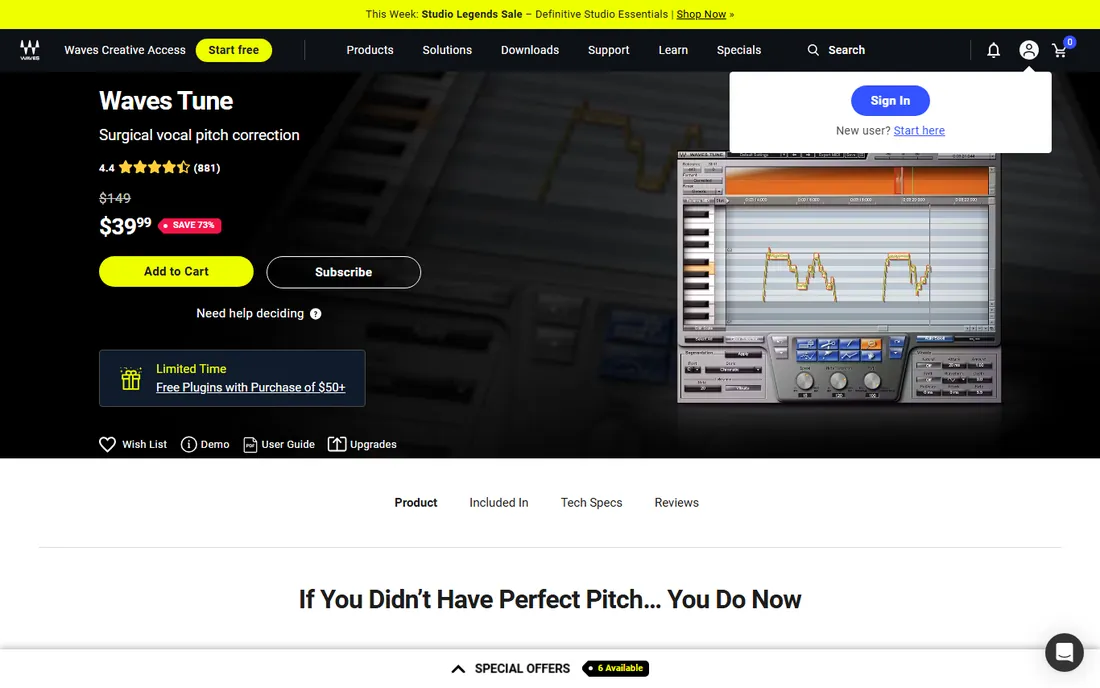
Waves Tune is the value play in serious pitch editing. It gives you a piano-roll editor with pitch, timing, and vibrato control plus formant correction, covering most of what Melodyne's lower editions do. Waves runs constant sales (an October 2026 vocal sale was live during our check), so the street price is usually far below list.
The audience is project studios that want offline editing without Melodyne money. The catches are real: there is no real-time mode, so it cannot do the live Auto-Tune effect, and Waves' licensing through Waves Central plus its update-plan system adds ongoing admin. If you can live with offline editing and you buy during a sale, it is the cheapest way into deep pitch work.
What we like- Full-featured pitch editor with formant correction
- Frequent Waves sales drop the price far below list
- Demo available
Watch out for- Offline editing only, no real-time mode
- Waves Central licensing adds friction
- Sale prices make timing matter
Starting price$299 one-time
Free planNo
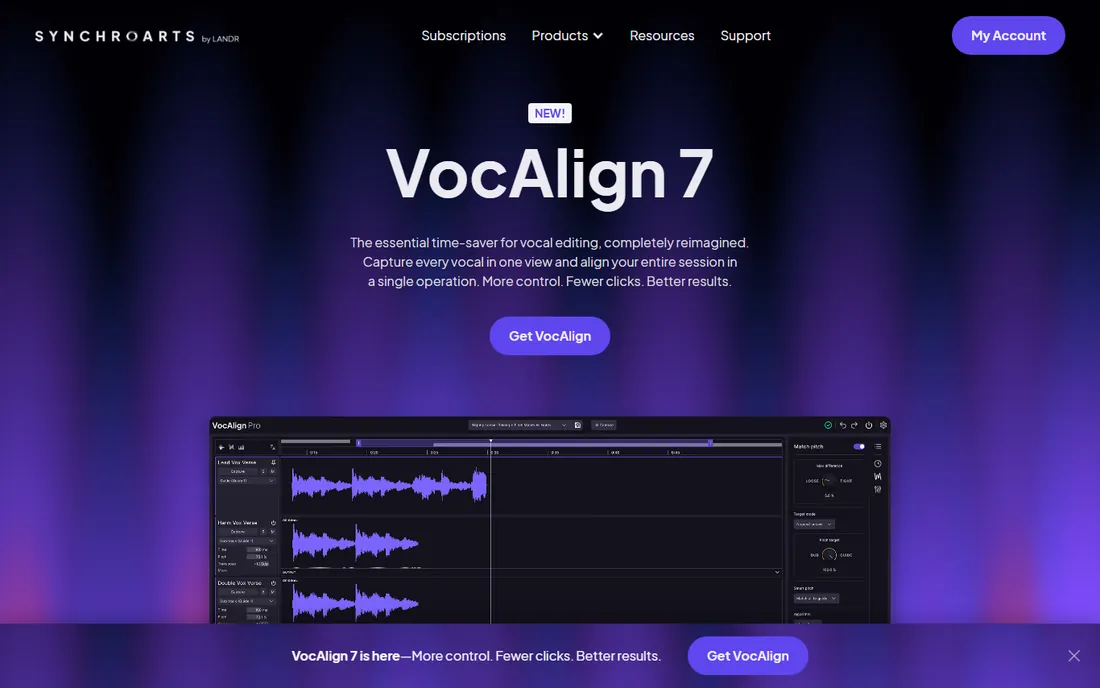
Revoice Pro does something the others do not. Feed it a guide vocal and a stack of doubles, and it transfers the timing, pitch, and vibrato of the guide onto the doubles, tightening stacks in minutes instead of hours. It also generates realistic doubles from a single take. Film and TV dialogue editors use it for ADR alignment, which tells you how good the timing engine is.
This is a specialist purchase, not a first pitch plugin. At $299 one-time, it makes sense for producers who tune stacked vocals weekly or handle dialogue. If your needs stop at fixing flat notes, Auto-Tune or Melodyne cover you for similar or less money. Buy Revoice Pro when alignment and doubling are the actual bottleneck.
What we like- Aligns timing and pitch of doubles to a guide track
- Creates natural doubles from one take
- Industry standard for ADR
Watch out for- $299 for a specialist tool
- Overkill if you only need basic tuning
Starting price$55 one-time (Elements)
Free planNo
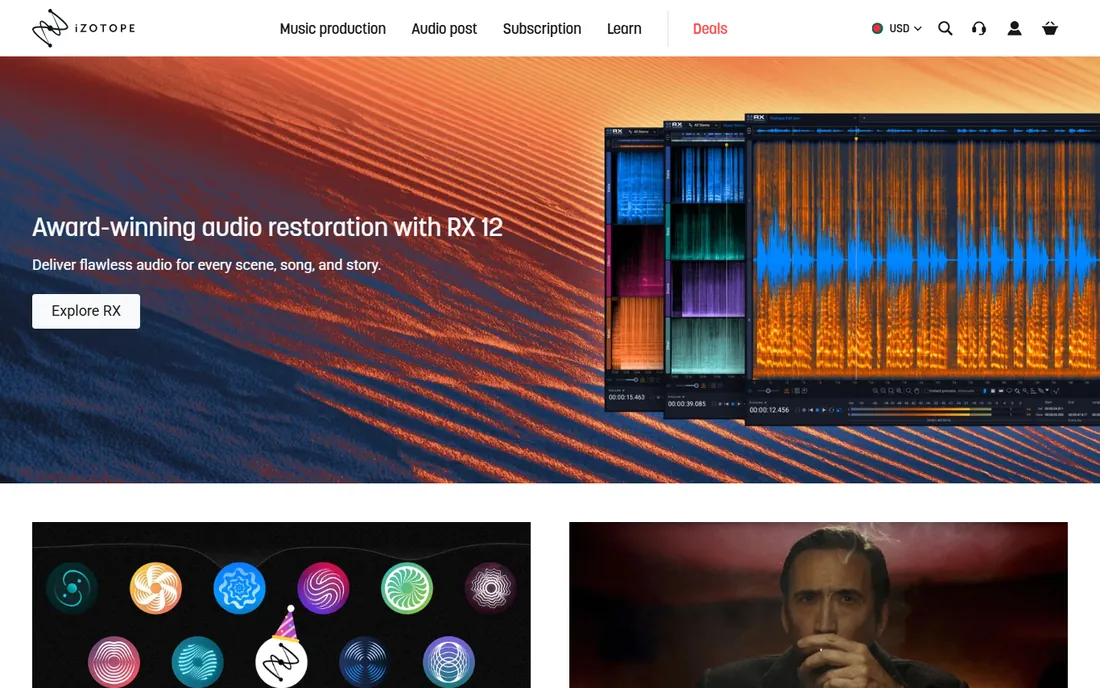
Nectar is the all-in-one vocal channel strip that happens to include pitch correction. Instead of buying five plugins, you get EQ, dynamics, de-essing, saturation, and pitch in one window with an assistant that suggests starting settings. For small studios and content creators, that consolidation is the selling point.
Elements costs $55 on iZotope's site, with Standard at $199 and Advanced at $299 adding more modules and control. The pitch correction handles everyday fixes well but does not go as deep as Melodyne or Auto-Tune's graph mode. Buy Nectar when you want the whole vocal chain in one purchase; buy a dedicated tuner when pitch is the main event.
What we like- Complete vocal chain (EQ, de-esser, compression, pitch) in one plugin
- Elements tier starts at $55
- Fast assistant-based setup
Watch out for- The pitch module is shallower than dedicated tuners
- IZotope's frequent sales make list prices fuzzy
#6
Logic Pro (Flex Pitch)
Best for: Mac producers who want it built in
Visit apple.com
Starting price$199.99 one-time
Free planFree trial
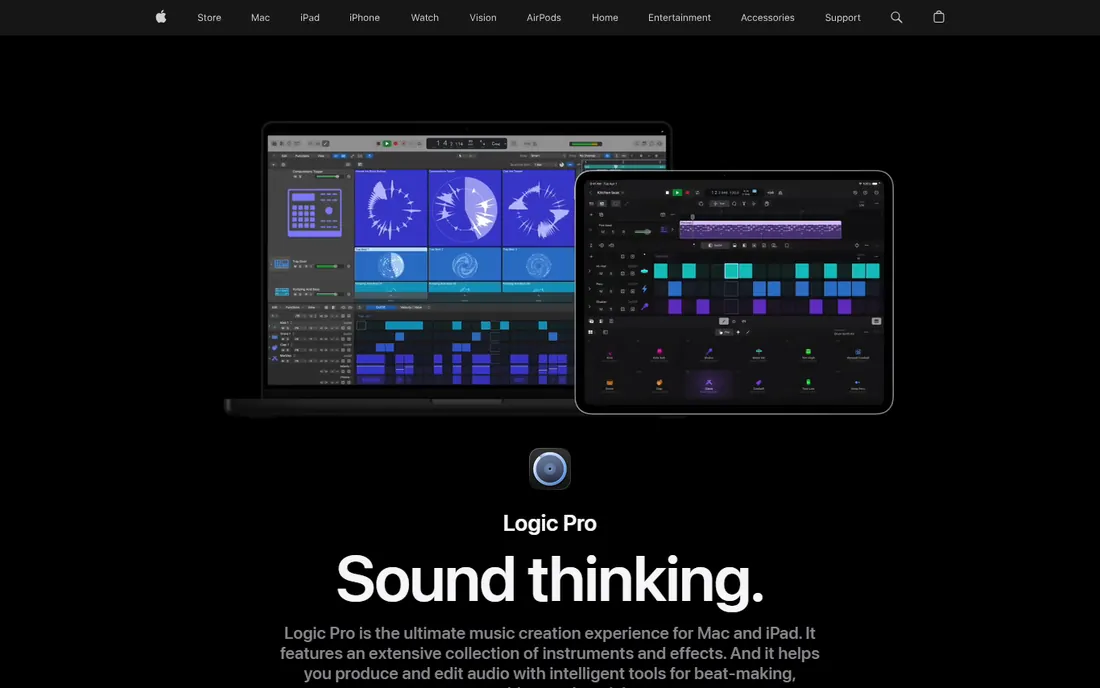
The best pitch correction deal in music is hiding inside a DAW. Logic Pro costs $199.99 as a one-time purchase and includes Flex Pitch, a capable note-based pitch and timing editor built into every audio region. For most vocal fixes, it is genuinely enough, and it costs nothing beyond the DAW.
The limitation is the platform: you need a Mac and you need to work in Logic. Flex Pitch does not match Melodyne's depth on vibrato and formant control, and it cannot do the live Auto-Tune effect. But if you already own Logic, try Flex Pitch before spending a dollar elsewhere. Many producers never need more.
What we like- Flex Pitch included free with Logic Pro
- No extra purchase or license to manage
- Solid ARA-style integrated workflow
Watch out for- Mac and Logic only
- Less deep than Melodyne
Starting price$29 one-time (Full Edition)
Free planYes (Free Edition)

Graillon's free edition is the best no-cost way to experiment with live pitch correction. It tunes incoming audio in real time with low latency, doubles as a voice changer, and runs as a standard VST/AU plugin. Streamers and hobbyists use it for the robotic vocal effect without paying anything.
The $29 Full Edition adds pitch shifting, more correction control, and extra features. Sound quality is good for the price but a step behind Auto-Tune and Melodyne on transparent correction. Use Graillon when the budget is zero and the goal is fun or demo-level tuning; upgrade to a pro tool when clients are listening.
What we like- Free edition handles live pitch correction and voice changing
- Low latency for stage and streaming
- Full edition is only $29
Watch out for- Free edition is feature-limited
- Correction quality trails the pro tools
Starting priceFree
Free planYes
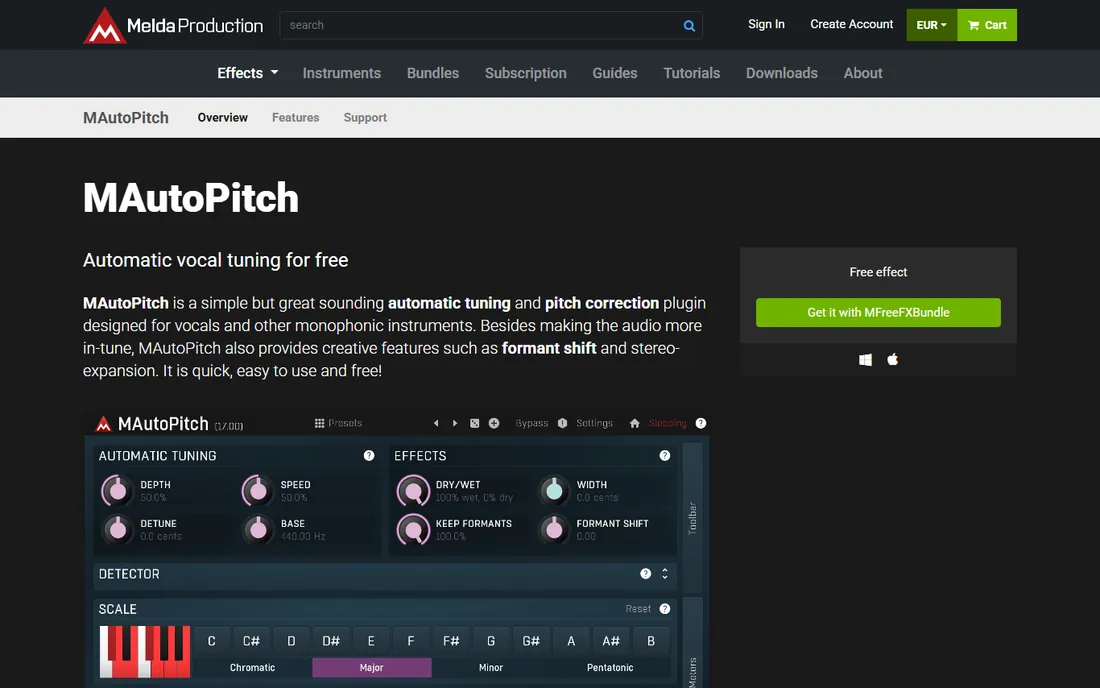
MAutoPitch is MeldaProduction's free automatic tuner, and it is genuinely free, not a trial. Drop it on a vocal, set the scale, and it corrects pitch in real time with optional formant shifting for character. It is light on CPU and stable across DAWs.
The audience is beginners, demo makers, and anyone who wants the tuned effect for free. The controls are basic compared to Auto-Tune, and the correction is audible rather than invisible, so it suits stylistic use more than transparent fixing. As a free starting point, it is hard to argue with.
What we like- Completely free with no time limits
- Simple automatic pitch and formant correction
- Light on CPU
Watch out for- Fewer controls than paid tuners
- Not suited to transparent pro vocal work
Matching the plugin to your workflow
Real-time or offline is the first fork. Real-time tuners (Auto-Tune, Graillon, MAutoPitch) process audio as it plays, which you need for live performance, streaming, and tracking with the effect. Offline editors (Melodyne, Waves Tune, Flex Pitch) analyze first and let you redraw pitch by hand, which gives better results for finished records.
Transparency or effect
Decide what the listener should hear. Transparent correction hides itself: Melodyne and Flex Pitch excel here. The hard-tuned effect is a creative choice: Auto-Tune's fast retune, Graillon, and MAutoPitch deliver it. Buying a transparent tool for an effect job wastes money, and vice versa.
DAW and plugin format
Check format support before buying: VST3 and AU cover most DAWs, AAX is needed for Pro Tools, and ARA integration (Melodyne, Revoice Pro) makes editing far smoother in supported hosts. Demo the plugin in your actual DAW, since authorization and latency behavior vary.
Budget reality
Add up the real cost: the license, any required iLok or license manager, and paid updates down the line. A $299 one-time purchase with no subscription (Revoice Pro) can be cheaper over three years than a subscription you keep paying. Free tools cost nothing but your time learning them.
Free is enough when the stakes are low: demos, YouTube covers, streaming, and learning how pitch correction works. MAutoPitch and Graillon's free edition cover automatic tuning, and Logic's Flex Pitch covers editing if you own a Mac. Pay when clients pay you: transparent correction on a commercial release, tight deadlines on stacked vocals, or ADR work where Revoice Pro saves billable hours. The paid tools earn their price in time saved and results that survive professional scrutiny.
How we chose
We worked from the vendors' own pages: pricing and product pages at Antares, Celemony, Waves, Synchro Arts, iZotope, Apple, MeldaProduction, and Auburn Sounds. Where pricing pages were JavaScript-only, we recorded what the vendor published and marked the rest as unverified rather than guessing. We read documentation for format support and real-time behavior, then checked public reviews on G2, Capterra, Reddit, and production forums for complaints about sound quality, licensing, and support. We judged fit for small studios and independent producers: fair pricing, reasonable learning curves, and no enterprise sales process. No listening tests were run; treat this as a comparison of published specs and user reports.
Frequently asked questions
Should I buy Auto-Tune or Melodyne?
Buy Auto-Tune if you need real-time tuning or the hard-tuned vocal effect. Buy Melodyne if you edit recorded vocals and want the most natural, detailed correction. Many professional studios own both because they do different jobs. If you only do one of those jobs, buy only that tool.
Can listeners hear pitch correction?
Badly used correction, yes: warbling, robotic artifacts, and unnatural vibrato. Well-used correction is inaudible, which is the whole point of tools like Melodyne. The audible hard-tune effect is a deliberate style, not a mistake, when the artist wants it.
Do I need pitch correction if I can sing well?
Good singers still use it. Modern productions tune nearly every commercial vocal, often subtly, because listeners expect a polished sound. Think of it as the vocal equivalent of editing a photo: the best work is invisible.
What is the best free pitch correction software?
MAutoPitch is the best fully free automatic tuner. Graillon 2's free edition adds live pitch correction and voice changing. If you own a Mac with Logic Pro, Flex Pitch is the most capable free option since it is already included.
Can I use pitch correction live on stage?
Yes, with a real-time plugin and low-latency setup. Auto-Tune and Graillon 2 are built for this. The keys are a fast audio interface, small buffer sizes, and rehearsing with the exact settings, since there is no undo on stage.
Sources we checked (8)
- https://www.antarestech.com/
- https://www.celemony.com/
- https://www.waves.com/plugins/waves-tune
- https://www.synchroarts.com/
- https://www.izotope.com/
- https://www.apple.com/logic-pro/
- https://www.meldaproduction.com/MAutoPitch
- https://www.auburnsounds.com/
Is your product missing or out of date?
We review this list regularly. Vendors can request a listing, send updated pricing or ask about featured placement.

Shihab Mia · Founder, Rankite
Shihab has spent more than a decade helping SaaS and e-commerce brands grow through search. He writes Rankite's software buying guides from pricing pages, documentation and public user reviews. More about Shihab.