How we make this list: we compare pricing pages, product documentation and public user reviews. Rankite is independent; if a vendor ever pays for a featured spot, that listing is clearly labeled Partner.
Key takeaways
- ElevenLabs has the most natural-sounding free tier, with 10,000 credits a month, but free use is non-commercial and expires monthly.
- Murf, Fliki, and WellSaid Labs offer free plans built for voiceover production, with timelines, voice tuning, and export, though with strict minute caps.
- Narakeet and CapCut are the cheapest routes for occasional paid use: Narakeet sells one-off $6 credit packs, and CapCut's text-to-speech is free inside the editor.
- Speechify and Descript serve adjacent jobs: Speechify turns documents into audio for listening, and Descript edits audio and video from a transcript.
Quick comparison
| Tool | Best for | Starting price | Free plan |
|---|
 ElevenLabs ElevenLabs | Natural-sounding narration and voice cloning | Free; Starter from $6/month | Yes (10,000 credits/month, non-commercial) |
 Murf Murf | Studio-style voiceover with timeline editing | Free; Creator from $29/month (monthly) | Yes (10 minutes lifetime, no downloads) |
 Speechify Speechify | Listening to documents instead of reading | Free; Premium $29/month or $139/year | Yes (10 basic voices) |
 Fliki Fliki | Script-to-video with AI voices | Free; Standard $28/month | Yes (5 minutes/month, watermarked) |
 Descript Descript | Editing audio and video from a transcript | Free; Hobbyist $16/month (billed annually) | Yes (1 hour transcription, watermarked exports) |
 CapCut CapCut | Free voiceover inside video editing | Free; Pro from ~$8/month | Yes |
 Narakeet Narakeet | Occasional narration with no subscription | Pay as you go, from $6 (30 minutes) | Yes (free account, non-commercial) |
 WellSaid Labs WellSaid Labs | Consistent English corporate narration | $19/month ($10/month billed annually) | Free trial (3 download minutes/month) |
 Cartesia Cartesia | Real-time TTS for voice agents and apps | Free; Pro from $5/month | Yes (20,000 credits/month) |
Is your product missing or out of date?
We review this list regularly. Vendors can request a listing, send updated pricing or ask about featured placement.
The best free AI voice over software
Starting priceFree; Starter from $6/month
Free planYes (10,000 credits/month, non-commercial)
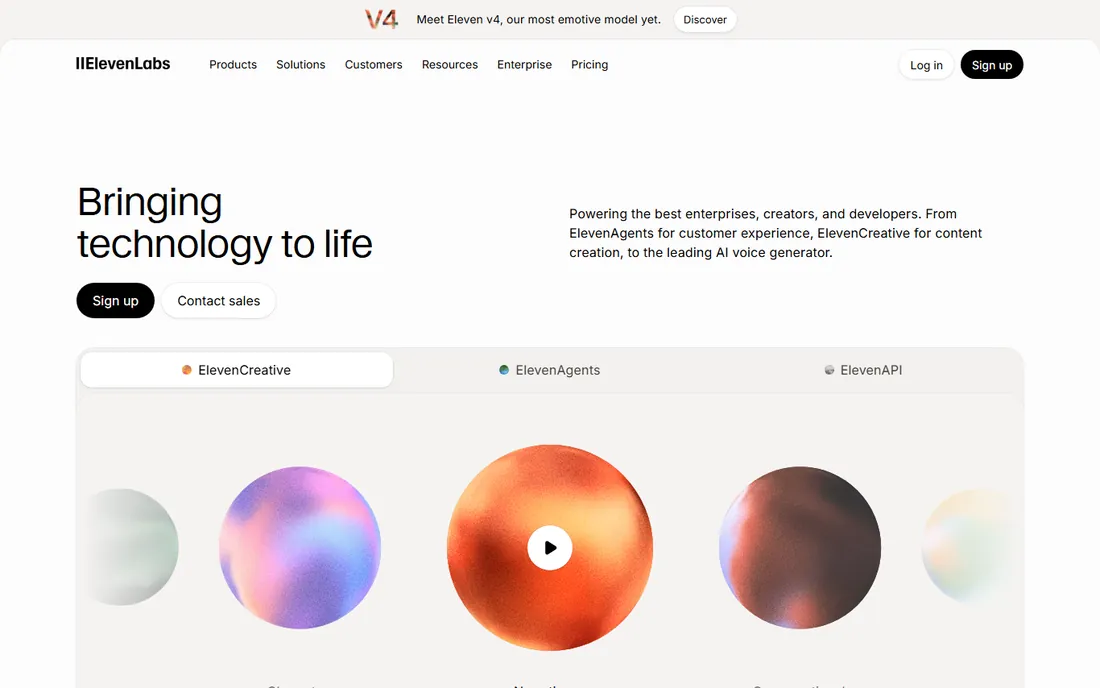
ElevenLabs set the standard that every other tool here is chasing. Its voices handle pacing, emphasis, and emotion better than the competition, and the free tier hands you 10,000 credits a month, roughly ten minutes of audio, with access to the voice library and basic voice cloning. For testing whether AI narration fits your project, it is the obvious first stop.
The limits are what you would expect from a market leader protecting its margins. Free use is non-commercial, credits expire at the end of each month, and higher-quality models burn credits faster. Paid plans start at $6 a month for Starter, $22 for Creator, and $99 for Pro, with commercial rights opening up as you climb. If your project makes money, budget for a paid tier from the start.
What we like- The most realistic voices in the category
- Instant and professional voice cloning
- Generous 10,000-credit monthly free tier
Watch out for- Free tier is non-commercial with attribution
- Credits expire monthly
- Costs scale quickly for long-form production
#2
Murf
Best for: Studio-style voiceover with timeline editing
Visit murf.ai
Starting priceFree; Creator from $29/month (monthly)
Free planYes (10 minutes lifetime, no downloads)
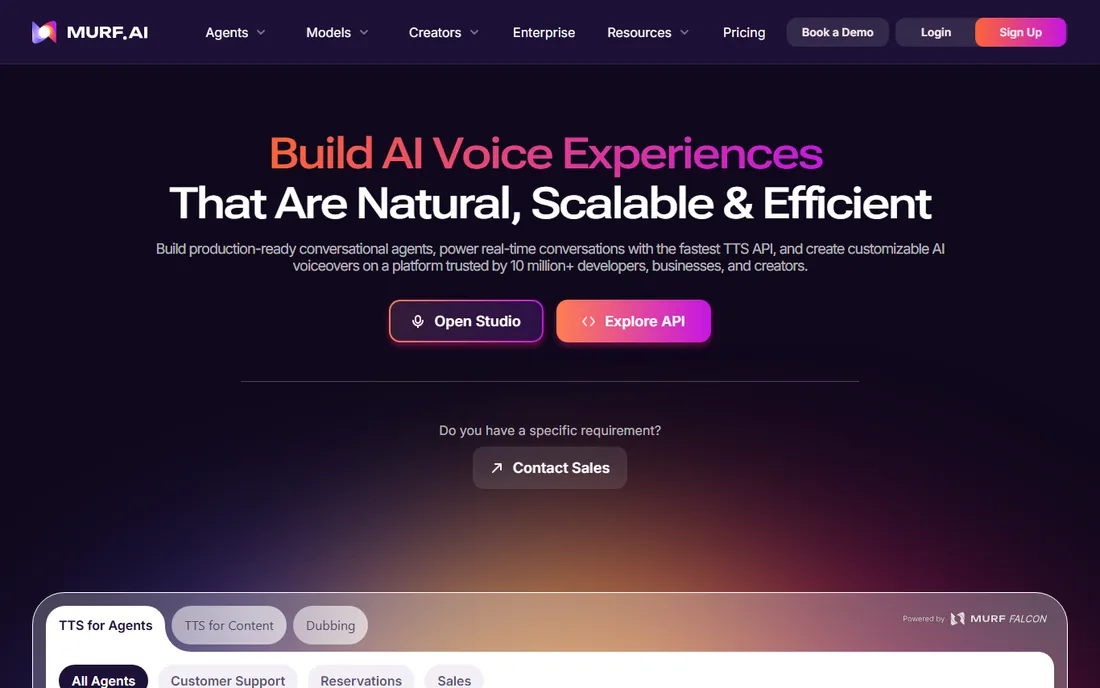
Murf thinks of itself as a voice studio, not a text-to-speech API, and the interface shows it. You get a timeline where you can adjust pitch, speed, emphasis, and pauses per block, upload your own voice or music, and fine-tune pronunciation for tricky words. The voice catalog spans over 140 voices in more than 20 languages.
The free plan is a trial in all but name: 10 minutes of lifetime generation, no downloads, no commercial rights. It is enough to evaluate the voices and the editor, not to produce anything. Creator starts at $29 a month billed monthly or $19 billed annually, with Business at $99 or $66 for higher limits and team features. Murf suits creators who want production control without learning audio software.
What we like- Timeline editor with pitch, pause, and pronunciation controls
- 140+ voices across 20+ languages
- Collaborative workspace for teams
Watch out for- Free plan allows no downloads or commercial use
- Paid plans are pricier than ElevenLabs at entry
Starting priceFree; Premium $29/month or $139/year
Free planYes (10 basic voices)
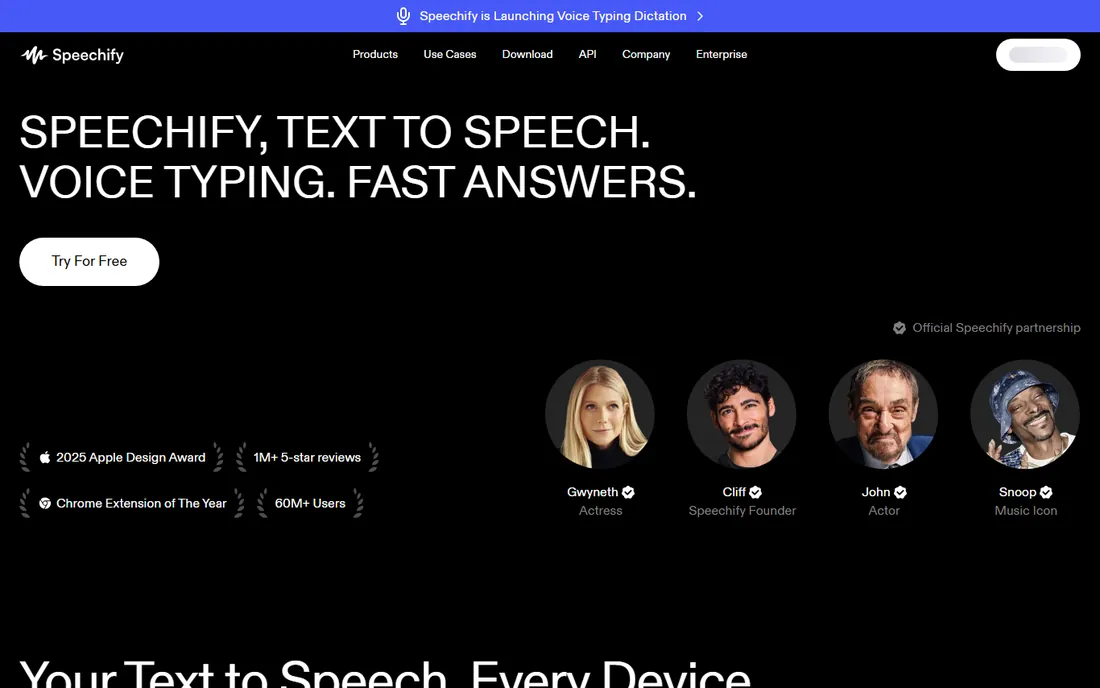
Speechify answers a different question from the rest of this list. Instead of producing narration for an audience, it reads to you: PDFs, articles, emails, and documents, at up to several times normal speed. The free tier includes ten basic voices and unlimited listening on many platforms, which is genuinely useful for students and busy readers.
The paid tiers, Premium at $29 a month or $139 a year, and the Studio plans for creators, open up the natural voices and HD quality. If your goal is to hear your own content read back, it works. But if you need to export voiceover tracks for videos or courses, start with ElevenLabs, Murf, or Fliki instead. Speechify is included here because many people searching for free voice software actually want a reader, and this is the best one.
What we like- Best-in-class document and web reading experience
- Mobile and desktop apps with sync
- Celebrity and natural voices on paid tiers
Watch out for- It is a reader, not a voiceover studio: exporting narration for videos is not the core workflow
- Premium is expensive for casual use
Starting priceFree; Standard $28/month
Free planYes (5 minutes/month, watermarked)
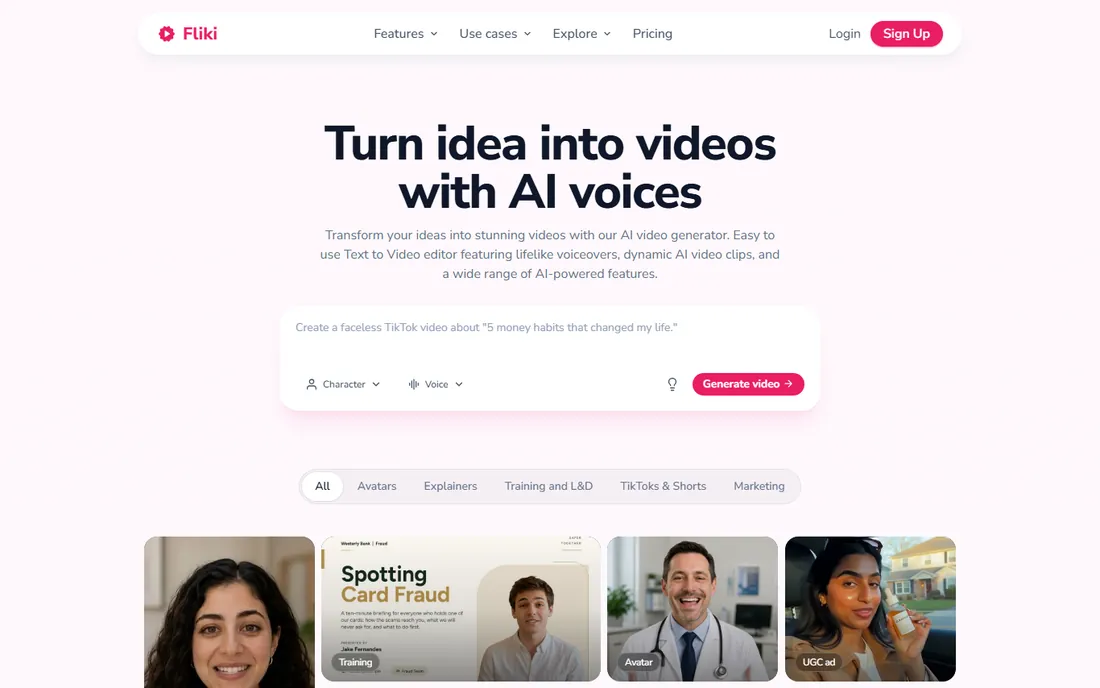
Fliki skips the voiceover step entirely and goes straight to video. Paste a script or a blog URL, and it generates narration, picks stock visuals, and adds subtitles, producing a finished video in minutes. With over 2,000 voices across 80-plus languages, the voice selection is one of the largest here.
The free plan gives you 5 minutes of audio and video a month with watermarked exports, enough to test the workflow on a short video. Standard at $28 a month, or $21 billed annually, raises limits to 1,800 minutes a year and removes the watermark. Fliki is ideal for faceless YouTube channels, social clips, and internal explainers where speed matters more than cinematic quality.
What we like- Turns scripts into full videos with voices, images, and subtitles
- 2,000+ voices across 80+ languages
- No editing skills required
Watch out for- Free tier caps at 5 minutes a month with watermarked exports
- Template-driven output can look generic without effort
Starting priceFree; Hobbyist $16/month (billed annually)
Free planYes (1 hour transcription, watermarked exports)
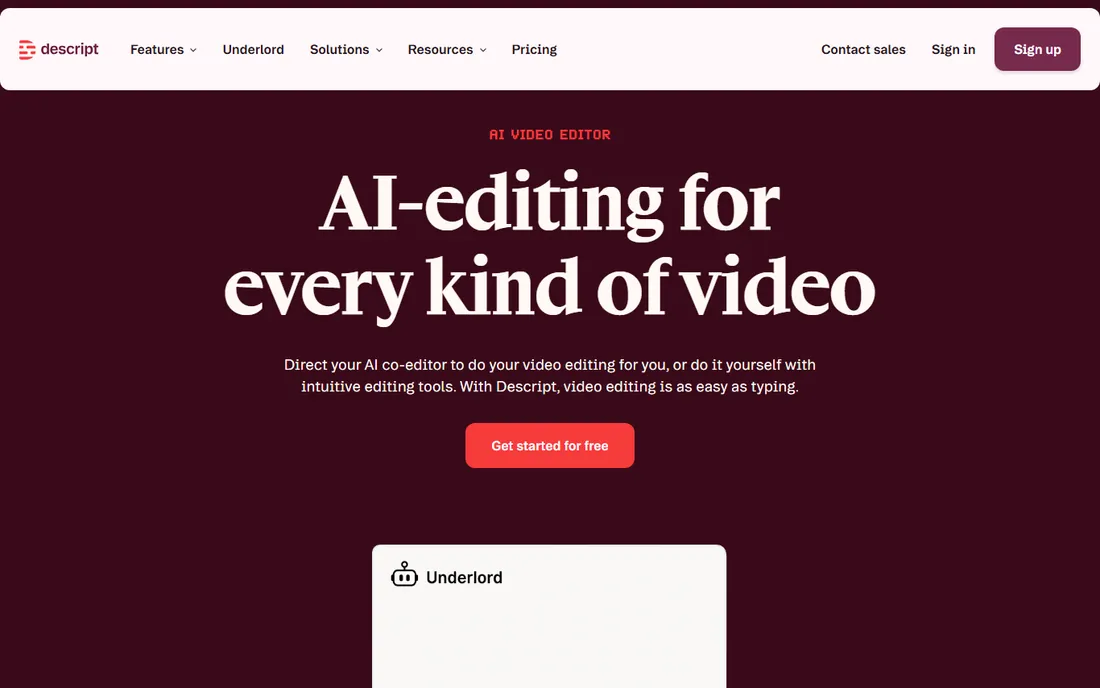
Descript is an editor that happens to do voice, not a voice tool that happens to edit. You record or import audio and video, get a transcript, and then cut filler words, rearrange sections, or rewrite sentences by editing text. Overdub, its voice clone, can then speak your edited words in your own voice, which is remarkable for fixing mistakes without re-recording.
The free plan includes an hour of transcription with watermarked exports, and paid plans start at $16 a month for Hobbyist billed annually. As a pure text-to-speech voiceover generator, Descript is outgunned by ElevenLabs and Murf: fewer voices, less voice control. But if your workflow is record, transcribe, edit, and polish, nothing else combines those steps this well.
What we like- Edit media by editing text, including the Overdub voice clone
- Strong podcast and video workflow
- Collaboration built in
Watch out for- Text-to-speech voices are fewer than dedicated TTS tools
- Free exports carry watermarks
Starting priceFree; Pro from ~$8/month
Free planYes
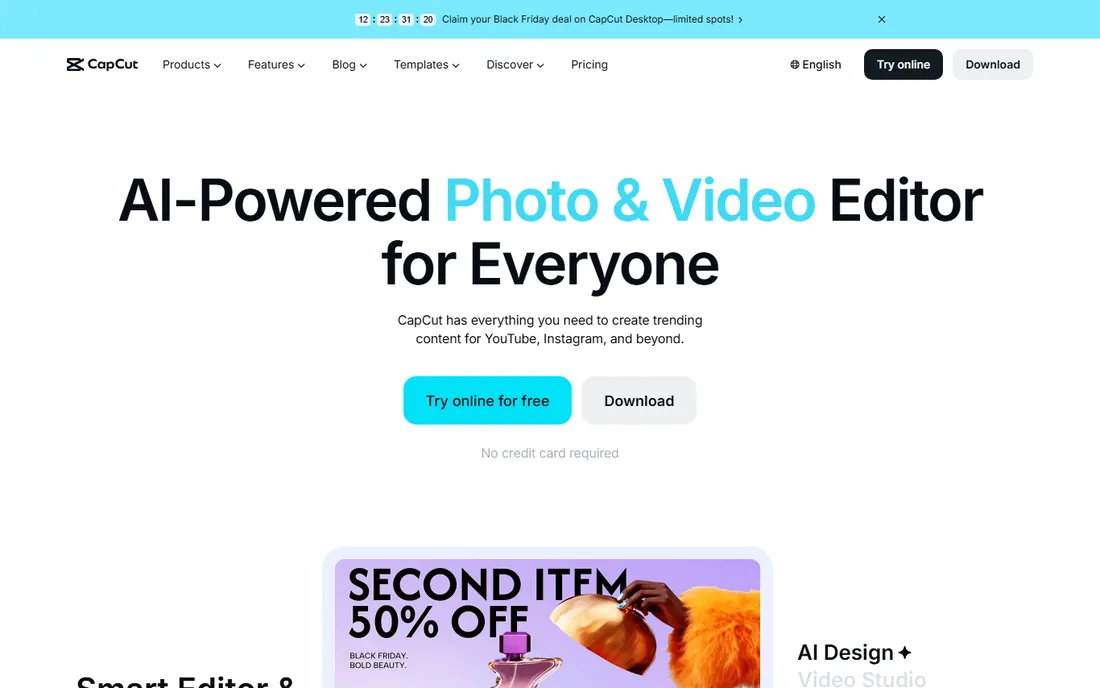
CapCut's text-to-speech does not win beauty contests, but it wins on price: it is free. Inside the free CapCut editor, you can convert text to speech in multiple languages and voices, drop it on a video timeline, and export the whole thing with no per-minute charges and no watermark games. For TikTok, Reels, and YouTube Shorts creators, that is often all they need.
The trade-off is voice quality and control. The voices are clear and serviceable but lack the nuance of ElevenLabs or the tuning controls of Murf. CapCut Pro at around $8 a month adds premium effects and cloud storage but does not change the TTS fundamentals. If you are already editing in CapCut, use its voices. If you need narration that carries a long video, pair CapCut's editing with audio from a dedicated voice tool.
What we like- Text-to-speech is free in the desktop and web editor
- Full video editing suite included
- No per-minute metering on TTS
Watch out for- Voices are functional rather than premium
- The workflow assumes you are editing video, not producing standalone audio
Starting pricePay as you go, from $6 (30 minutes)
Free planYes (free account, non-commercial)
Narakeet is the odd one out in a good way. There is no subscription at all. Free accounts get a set number of conversions for non-commercial experiments, and when you need more, you buy a one-time top-up: $6 for 30 minutes of audio, with larger packs bringing the per-minute cost down. Credits never expire, so a creator who narrates one video a quarter pays almost nothing.
The voice catalog is large, over 800 voices across more than 100 languages, and it handles PowerPoint narration and video voiceover as well as plain text-to-speech. The interface is plain and functional rather than delightful, and the free tier is non-commercial. For occasional narrators who hate subscriptions, the pricing model alone makes it worth a look.
What we like- No subscription: buy a $6 one-time top-up for 30 minutes
- Credits never expire
- 800+ voices across 100+ languages
Watch out for- Utilitarian interface aimed at function over polish
- Free accounts cannot be used commercially
Starting price$19/month ($10/month billed annually)
Free planFree trial (3 download minutes/month)
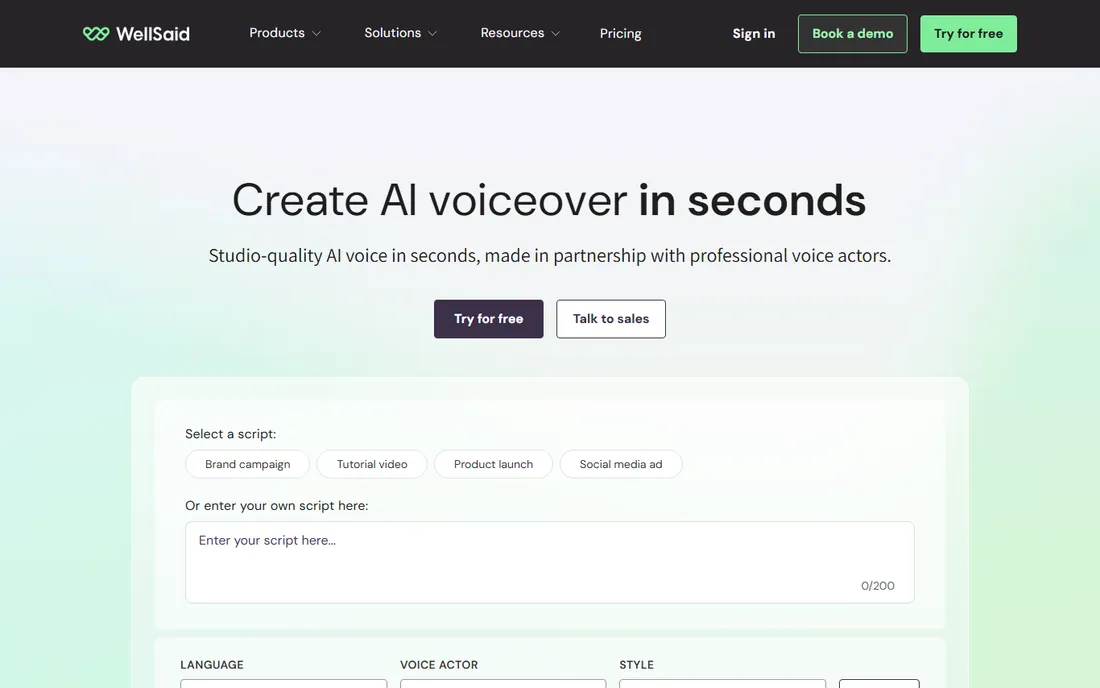
WellSaid Labs targets corporate narration: training modules, e-learning, and internal communications where consistency matters more than character. Its voices are polished and even, and the pronunciation library lets you lock in how product names and jargon are spoken across every project.
There is no permanent free tier. The trial includes 3 download minutes a month with no commercial use, and Starter is $19 a month billed monthly or $10 billed annually. That makes it the weakest free option on this list and one of the stronger paid ones for its niche. Include it here as the trial to take if your use case is corporate rather than creative.
What we like- Highly consistent, professional English voices
- Pronunciation library for brand terms
- Built for corporate training and e-learning
Watch out for- No permanent free tier, only a trial
- Voice variety is narrower than ElevenLabs or Murf
Starting priceFree; Pro from $5/month
Free planYes (20,000 credits/month)
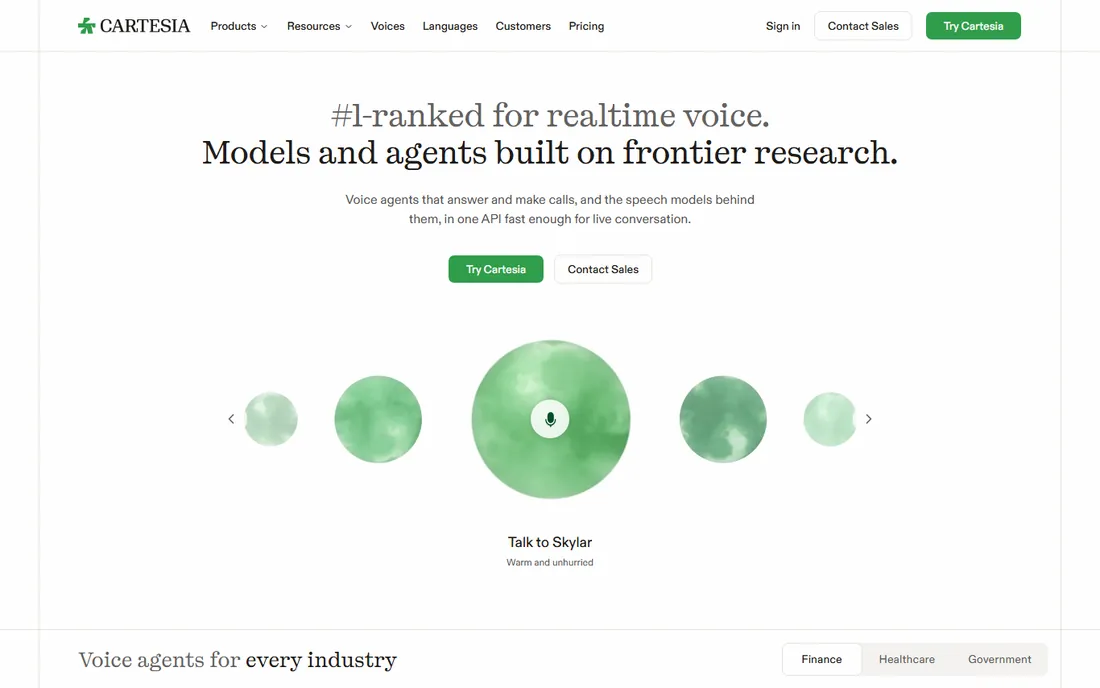
Cartesia is built for a different job: real-time voice in applications. Its streaming text-to-speech is designed for voice agents, conversational AI, and interactive products where latency measured in milliseconds decides whether the experience works. The free tier offers 20,000 credits a month, and Pro starts at just $5 a month.
For a creator who wants to narrate a video, Cartesia is the wrong tool: the workflow is API-first, not studio-first. But if you are building a voice agent, an interactive demo, or an app that talks back, it is the most capable free option in this category. Voice cloning and even AI sound effects come along for the ride.
What we like- Extremely low-latency streaming for conversational AI
- Generous free tier at 20,000 credits a month
- Voice cloning and sound effects included
Watch out for- Developer-oriented: the product assumes you can work with APIs
- Less of a creator studio than the other tools here
How we chose
We compared these tools using vendor pricing pages, documentation, and practitioner reviews. Every product is actively sold in 2026 and offers a free tier or free trial for voice generation. Two once-popular names are deliberately excluded: PlayHT shut down its platform at the end of 2025 after its team was acquired, and LOVO filed for bankruptcy in 2026, so neither is a safe choice today. No hands-on testing was involved; the picks reflect documented voice quality, free-tier generosity, and fit for different use cases.
Free plan limits to watch
Free tiers in this category are generous but fenced, and the fences matter more than the headline allowance. The first fence is commercial use. ElevenLabs, Murf, Fliki, Narakeet, and WellSaid all restrict free tiers to non-commercial projects. If your video is monetized, your course is sold, or your client pays you, you need a paid plan.
The second fence is expiry. ElevenLabs credits reset monthly whether you use them or not. Murf's free 10 minutes are lifetime, so once they are gone, they are gone. Narakeet and TextMagic-style top-ups never expire, which favors sporadic creators.
The third fence is export. Several free tiers let you generate and preview but not download, or stamp a watermark on exports. Always confirm that the free tier lets you take the audio out before you build a project around it. A free tier you cannot export from is a demo, not a tool.
How to pick
Start with the job. Narration for videos and courses: ElevenLabs, Murf, or Fliki. Listening to documents: Speechify. Editing recorded audio and video: Descript. Video editing with built-in voiceover: CapCut. Real-time voice in an app: Cartesia. Occasional narration with no subscription: Narakeet. Corporate training: WellSaid Labs.
Next, count your minutes. A ten-minute weekly video needs about 40 minutes of narration a month. That fits inside most paid entry tiers but exceeds most free tiers, so be honest about volume before you commit to a free-only workflow.
Then check the voice in your language. English catalogs are deep everywhere; smaller languages vary enormously. Generate the same paragraph in two or three tools and listen on speakers, not laptop audio. Voice quality differences that are invisible in a feature table are obvious in thirty seconds of listening.
Finally, read the commercial terms. If the content earns money, the free tier almost certainly does not cover you. The cheapest compliant option is usually an entry paid plan or a pay-as-you-go top-up, not the free tier used hopefully.
Frequently asked questions
Is free AI voice over software actually free?
The free tiers are real, but they come with limits on minutes, commercial use, and exports. ElevenLabs gives 10,000 credits a month and Cartesia gives 20,000, both non-commercial. For hobby projects and testing, free is genuinely enough. For anything that earns money, plan on a paid tier.
What happened to PlayHT and Lovo?
PlayHT shut down its platform at the end of 2025 after its team was acquired by Meta. LOVO filed for Chapter 7 bankruptcy in May 2026. Both are excluded from this list because their services are no longer available, which is worth knowing if you find old tutorials recommending them.
Which free AI voice sounds the most realistic?
ElevenLabs is widely regarded as the most natural-sounding, and its free tier gives you 10,000 credits a month to test it. Murf and WellSaid Labs are strong in the studio and corporate categories respectively. Realism is subjective, so generate the same script in two tools and compare.
Can I use free AI voices in monetized YouTube videos?
Generally no. Most free tiers, including ElevenLabs, Murf, and Fliki, restrict free use to non-commercial projects. Monetized videos count as commercial. You need a paid plan with commercial rights, and you should also check each platform's policy on AI-generated content disclosure.
Do I need to disclose that a voice is AI-generated?
Platform policies are moving that way. YouTube asks creators to disclose realistic AI-generated content, and several jurisdictions require disclosure for synthetic voices in commercial contexts. Check the rules of the platform where you publish and the terms of the voice tool you use.
What is the cheapest way to narrate occasional videos?
Narakeet's one-time $6 top-up for 30 minutes with credits that never expire is the cheapest compliant route for sporadic use. CapCut's built-in text-to-speech is free if you are already editing video there. Both beat a monthly subscription you will barely use.
Sources we checked (7)
- https://dev.to/stimlau/elevenlabs-pricing-explained-free-starter-creator-and-pro-in-2026-4p6b
- https://dev.to/stimlau/6-best-elevenlabs-alternatives-in-2026-verified-with-pricing-3m4l
- https://www.cartesia.ai/learn/top-lovo-ai-alternatives
- https://appscribed.com/software/speechify-review/
- https://www.freestackhq.com/reviews/fliki
- https://www.narakeet.com/docs/pricing2/
- https://news.ssbcrack.com/best-ai-voice-generators/
Is your product missing or out of date?
We review this list regularly. Vendors can request a listing, send updated pricing or ask about featured placement.

Shihab Mia · Founder, Rankite
Shihab has spent more than a decade helping SaaS and e-commerce brands grow through search. He writes Rankite's software buying guides from pricing pages, documentation and public user reviews. More about Shihab.