How we make this list: we compare pricing pages, product documentation and public user reviews. Rankite is independent; if a vendor ever pays for a featured spot, that listing is clearly labeled Partner.
Key takeaways
- Free DAWs in 2026 are genuinely complete: Cakewalk Sonar, Waveform Free and LMMS record, mix and master without time limits.
- Mac owners should start with GarageBand; phone-first creators should start with BandLab's cloud studio.
- Linux users get the strongest free lineup: Ardour for recording and LMMS for beat-making, both open source.
- The real tradeoffs in free DAWs are plugin support and bundled content, not track counts; check VST support before you commit.
- All eight tools here are free without a trial clock; paid tiers only add extras, never hold back the core.
Quick comparison
| Tool | Best for | Starting price | Free plan |
|---|
 Cakewalk Sonar Cakewalk Sonar | Windows users who want a pro-level free DAW for recording and mixing | Free | Yes (free tier) |
 LMMS LMMS | Beat-makers and electronic producers who want a free open-source DAW | Free | Yes |
 Waveform Free Waveform Free | Creators who want a modern free DAW on any desktop OS | Free | Yes |
 Ardour Ardour | Engineers and Linux users who want an open-source pro recording DAW | Free | Yes |
 GarageBand GarageBand | Mac, iPhone and iPad owners starting music production | Free | Yes |
 BandLab BandLab | Phone-first creators and collaborators making music together | Free | Yes |
 SoundBridge SoundBridge | Beginners who want the simplest possible path to a finished track | See website | Yes (free version with a reduced feature set) |
 Studio One Prime Studio One Prime | Beginners who want an easy, drag-and-drop free DAW | Free | Yes |
Is your product missing or out of date?
We review this list regularly. Vendors can request a listing, send updated pricing or ask about featured placement.
The best free DAW software
Here is the good news: you no longer need to spend anything to make real music on a computer. Free digital audio workstations have gone from crippled demos to genuinely complete production tools. Some of them used to cost hundreds of dollars. The eight below are free without trial clocks, covering Windows, Mac, Linux, iOS, Android and the web, so the only thing standing between you and a finished track is picking one.
#1
Cakewalk Sonar
Best for: Windows users who want a pro-level free DAW for recording and mixing
Visit cakewalk.com
Starting priceFree
Free planYes (free tier)
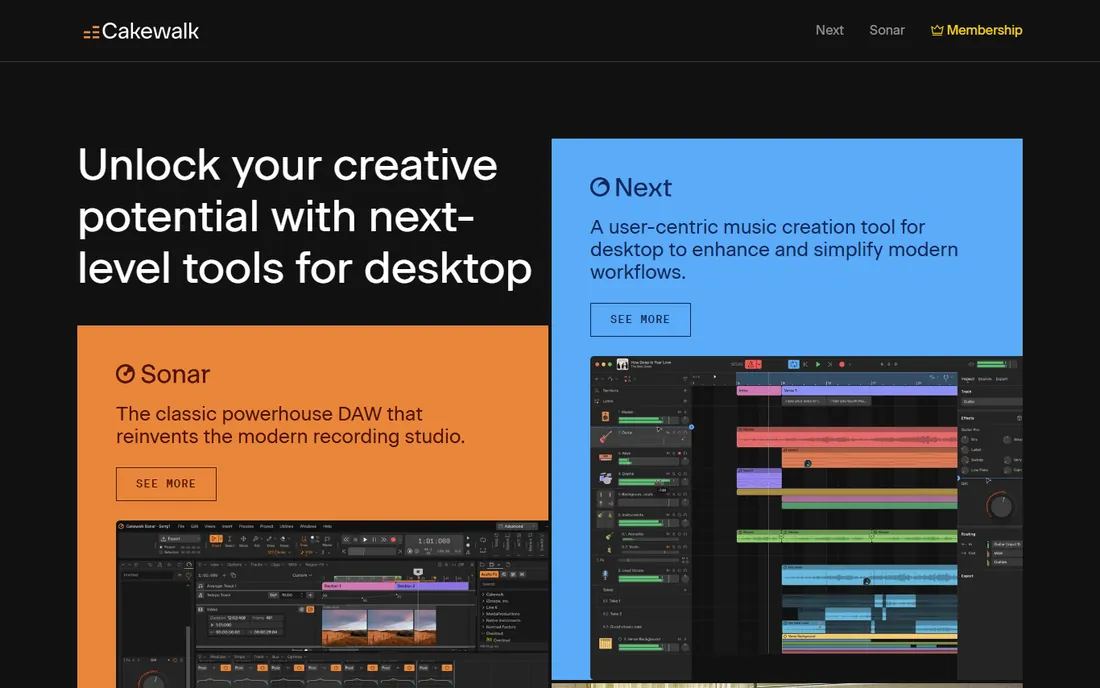
Cakewalk Sonar is the renamed successor to Cakewalk by BandLab, which was retired in August 2025. The free tier delivers much of what made the old software famous: a 64-bit mix engine, the Skylight interface, ProChannel console-style modules, ARA support and unlimited audio and MIDI tracks. BandLab's official FAQ confirms Sonar is free to use, with a paid BandLab Membership adding exclusive extra features.
For Windows recording, this is the most fully featured free DAW available. Bands, podcasters, and film and game composers can track, edit and mix complete projects without paying. The tradeoffs are platform and upsell: there is no Mac version, and premium plugins and content live behind the membership. Download it through the Cakewalk Product Center with a free BandLab account.
What we like- Formerly $499-class software now with a free tier
- Full mixing engine, ProChannel modules and VST support
- Opens old Cakewalk by BandLab projects
Watch out for- Windows only
- The deepest features sit in the paid BandLab Membership tier
#2
LMMS
Best for: Beat-makers and electronic producers who want a free open-source DAW
Visit lmms.io
Starting priceFree
Free planYes
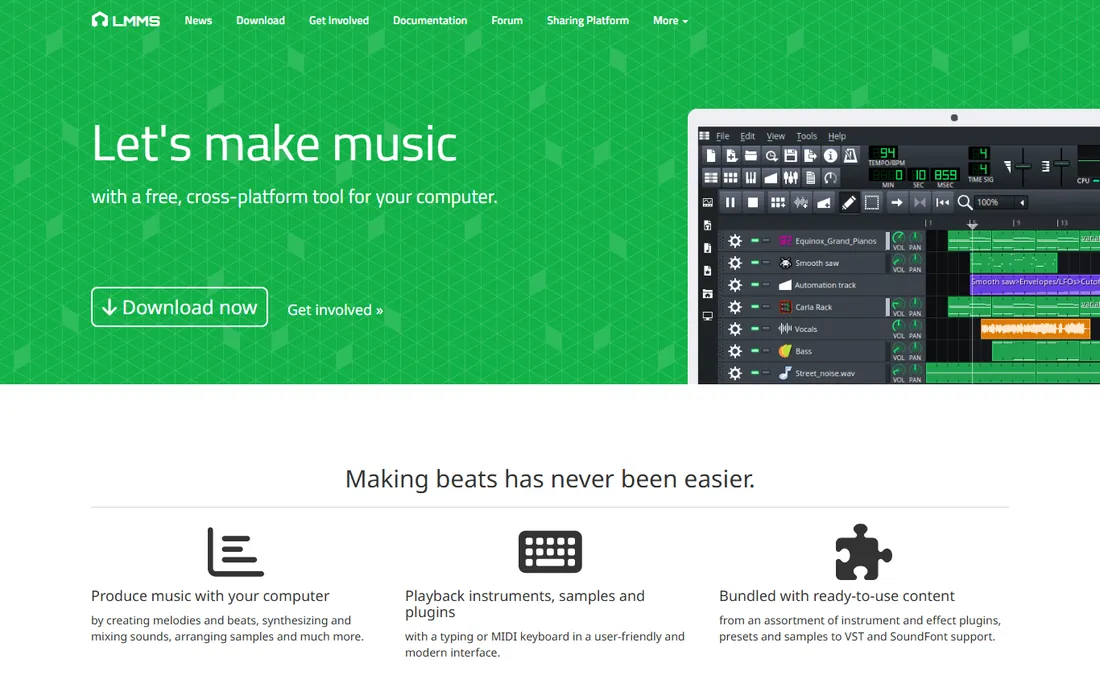
LMMS (formerly Linux MultiMedia Studio) is the free DAW that thinks like FL Studio. Its pattern-based workflow, beat and bassline editors, and stack of built-in synthesizers make it natural for hip-hop, EDM and electronic production. It is free and open source software licensed under the GPL, with no paid tier at all, and it runs on Windows, macOS and Linux.
Recording live audio is not its strength; LMMS is a MIDI and pattern machine first. But for making beats, arranging samples, and learning synthesis, it is unmatched in the free world. Export to WAV, FLAC, Ogg or MP3 and take your mix anywhere. Download only from lmms.io, since fake download sites have bundled malware with it.
What we like- Free and open source under the GPL, no account needed
- Strong beat and bassline editors, piano roll and mixer
- Runs on Windows, Mac and Linux
Watch out for- Audio recording is basic compared to the recording-first DAWs
- Development moves slowly
#3
Waveform Free
Best for: Creators who want a modern free DAW on any desktop OS
Visit tracktion.com
Starting priceFree
Free planYes
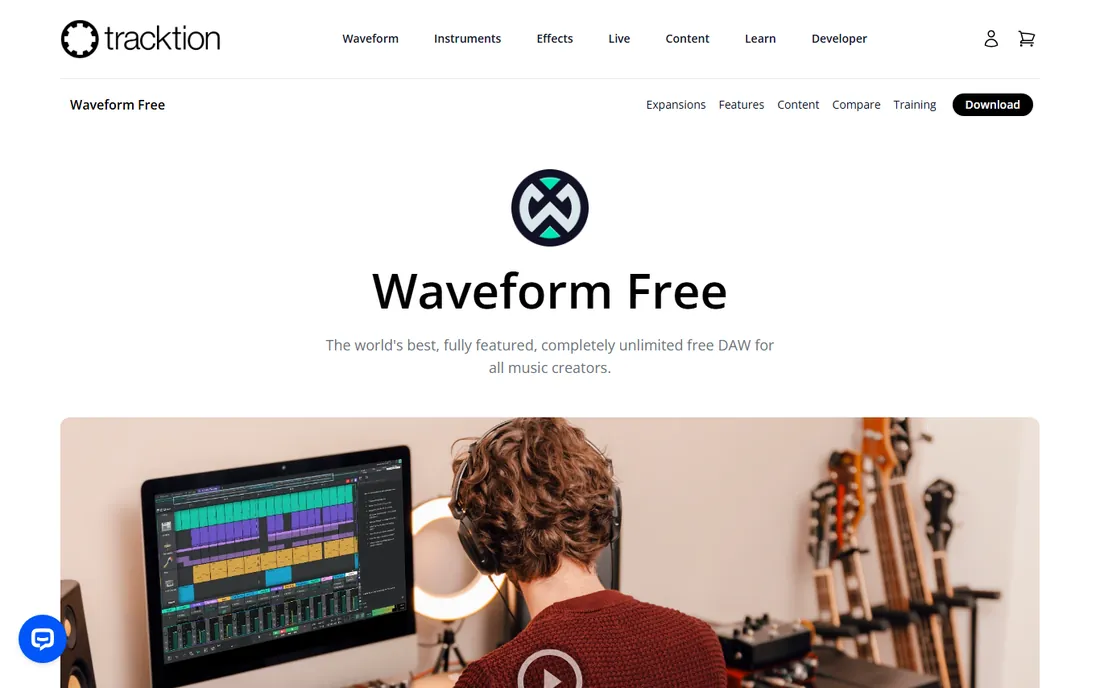
Tracktion's Waveform Free is the free DAW that feels the most modern. Unlimited track count, unlimited plugins, full MIDI editing and a clean single-window interface come free, on Windows, macOS, Linux and even Raspberry Pi. The MIDI pattern generator, 40SC virtual synthesizer and Micro Drum Sampler give beginners starting points, and templates cover EDM production and band recording.
It is freemium rather than open source: Waveform Pro adds advanced features and content, and expansion packs sell separately. But the free version is a complete DAW, not a demo, and Tracktion has offered free tiers for years. If you want the closest free equivalent to a paid modern DAW, start here.
What we like- Completely free with unlimited tracks and plugin support
- Runs on Windows, Mac, Linux and Raspberry Pi
- Single-screen workflow without window clutter
Watch out for- Bundled instruments are modest
- Advanced features reserved for paid Waveform Pro
#4
Ardour
Best for: Engineers and Linux users who want an open-source pro recording DAW
Visit ardour.org
Starting priceFree
Free planYes
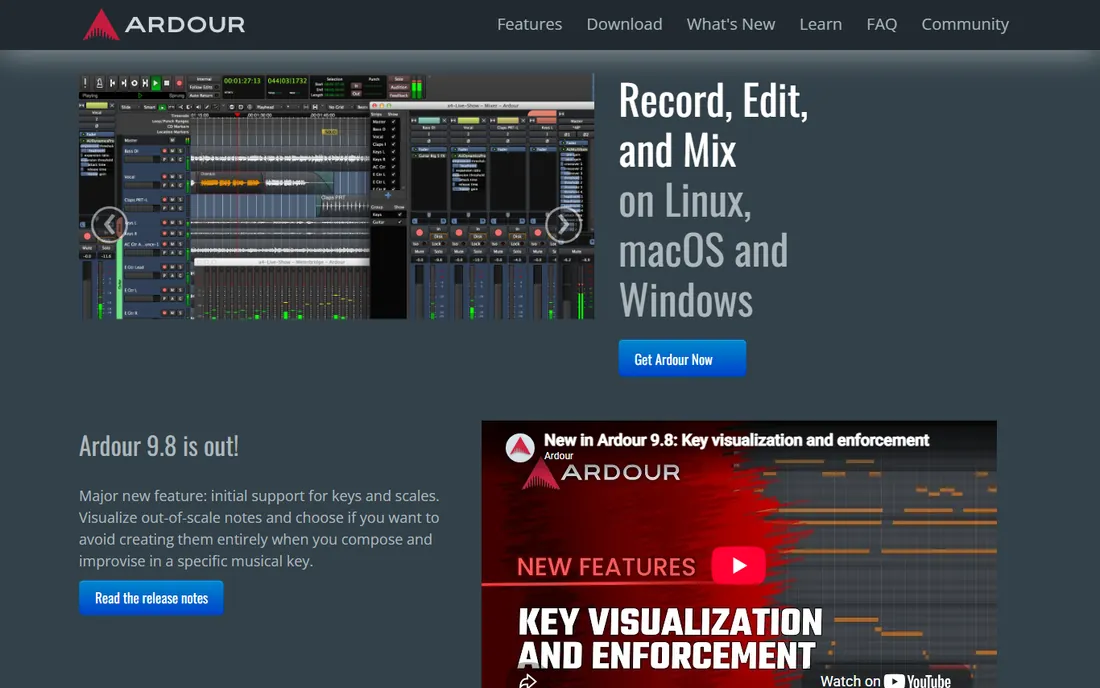
Ardour is the free DAW built for serious recording. Multichannel recording, non-destructive editing with unlimited undo, a full mixer with automation, and flexible routing make it the open-source answer to Pro Tools. It is developed openly under the GPL and runs on Linux, macOS and Windows, with version 9.x adding cue launching, clip sequencing and improved MIDI tools.
The official site offers binaries on a pay-what-you-want basis, with the source code free; Linux users can also install it from their distribution's repositories. Ardour assumes you know your way around a studio: beginners will find LMMS or Waveform Free friendlier. For engineers who want pro capability without pro cost, it is the real thing.
What we like- Free and open source (GPL) with pro-grade recording, editing and mixing
- Anything-to-anywhere routing and unlimited tracks
- Linux, Mac and Windows
Watch out for- Interface is utilitarian and the learning curve is steep
- Official ready-to-run builds use pay-what-you-want
#5
GarageBand
Best for: Mac, iPhone and iPad owners starting music production
Visit apple.com
Starting priceFree
Free planYes
GarageBand is the best free DAW most Mac owners already have and never open. It includes a complete sound library, realistic session drummers, guitar amp and pedal simulations, and thousands of loops, all in an interface a beginner can learn in an afternoon. It is free on macOS, iOS and iPadOS with no paid tier.
Serious producers eventually outgrow its mixing and editing limits, but that is by design: GarageBand projects open directly in Apple's Logic Pro, so your work transfers when you upgrade. There is no Windows version and never will be. For songwriters, students and podcasters on Apple hardware, it is the obvious first DAW.
What we like- Free with every Mac, iPhone and iPad
- Virtual Drummer, loops and amp simulations sound great
- Projects open directly in Logic Pro
Watch out for- Apple only, no Windows version
- Limited mixing depth for advanced users
#6
BandLab
Best for: Phone-first creators and collaborators making music together
Visit bandlab.com
Starting priceFree
Free planYes
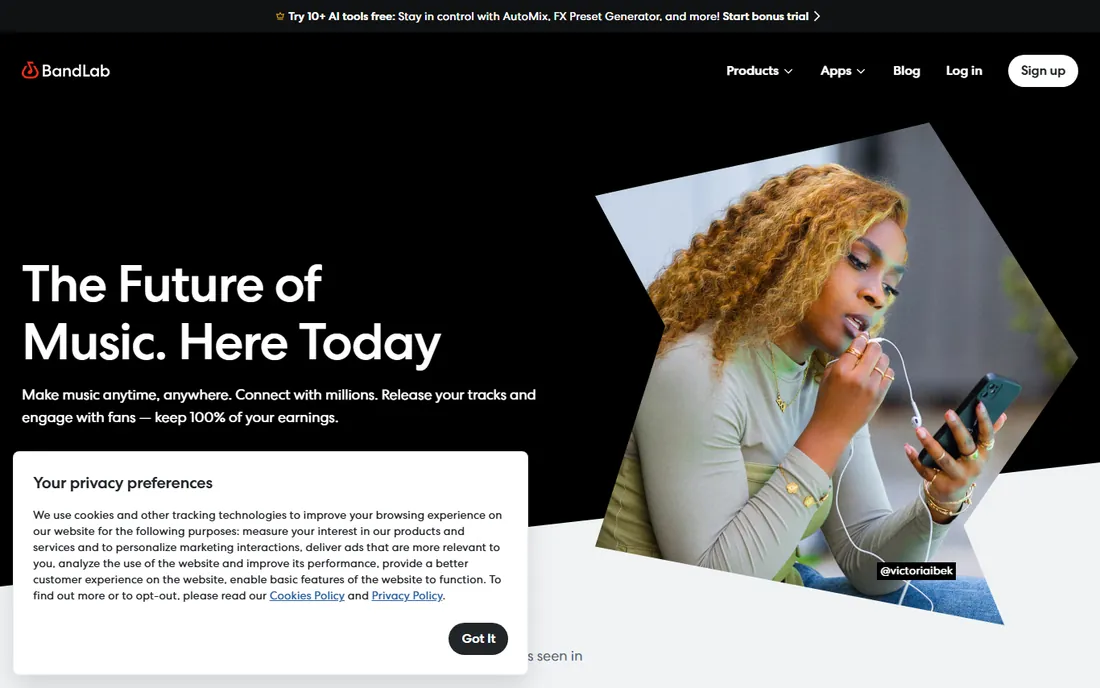
BandLab is the free DAW for the phone era. It runs in the browser and on iOS and Android, syncs projects across devices, and combines the studio with a social network: you can collaborate with other creators, remix their tracks, and publish to a built-in community. Core features are free, including a drum machine, sampler, vocal effects, AI mastering presets and over 250,000 royalty-free loops.
The catch is the cloud: you need an internet connection to work, and the newest AI tools, bigger sound packs and music distribution require a paid BandLab Membership. For beat-makers starting on a phone, bands collaborating remotely, and anyone who wants to make music anywhere, the free tier is more than enough.
What we like- Free cloud DAW on web, iOS and Android with unlimited projects
- Collaboration, remixing and a huge free loop library
- Free mastering presets
Watch out for- Needs an internet connection
- Advanced AI tools and distribution sit in paid Membership
#7
SoundBridge
Best for: Beginners who want the simplest possible path to a finished track
Visit soundbridge.io
Starting priceSee website
Free planYes (free version with a reduced feature set)
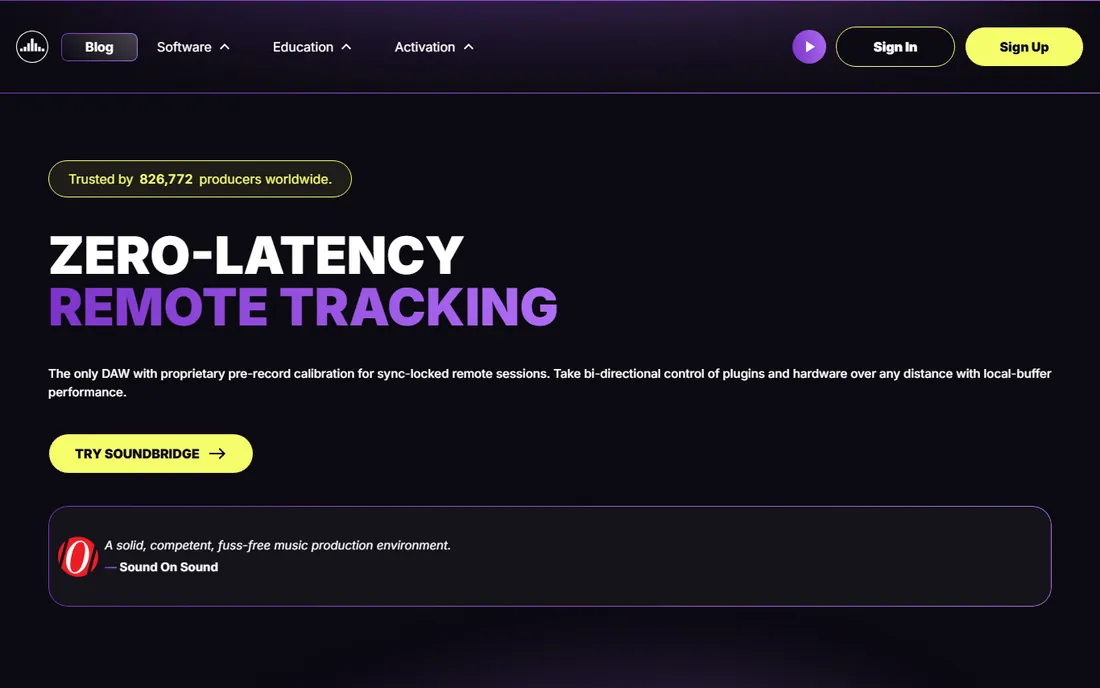
SoundBridge built its reputation on simplicity: a full-featured DAW stripped down to the essentials so beginners can start making music immediately. It supports third-party VST plugins, includes a mixer, sequencer and editors in a familiar layout, and pairs with the RitMix drum machine and reChord arpeggiator plugins.
The pricing model has evolved: alongside the free version with a reduced feature set, SoundBridge offers a monthly subscription and a lifetime license for the full Everything Bundle. For this list, what matters is the free version: it is a genuinely usable simple DAW for learners. Check the current feature split on soundbridge.io before committing your workflow to it.
What we like- Streamlined interface designed for fast learning
- VST plugin support
- Free version available alongside paid options
Watch out for- Free version limits track count and premium features
- Subscription and lifetime models add confusion
#8
Studio One Prime
Best for: Beginners who want an easy, drag-and-drop free DAW
Visit presonus.com
Starting priceFree
Free planYes
Studio One Prime is PreSonus's free entry to its respected Studio One line, and it is free in the best sense: no time limit, no nag screens, no project limits. Unlimited audio and MIDI tracks, nine native effects plugins, the Presence XT sampler with a 1.5 GB library, and the drag-and-drop workflow that made Studio One famous all come free on Mac and Windows.
The main limit is plugins: Prime cannot load third-party VST or AU plugins, so you work with what PreSonus includes. When you outgrow it, the upgrade path to Artist and Professional is built in. For beginners who want a clean, modern recording experience with zero cost and zero pressure, Prime is the friendliest option here.
What we like- Free with no time limit or nag screens
- Unlimited tracks, projects and inserts
- Acclaimed drag-and-drop workflow
Watch out for- No third-party plugin support in the free version
- Fewer bundled instruments than the paid tiers
How to pick the right free DAW
Start with your platform and your goal. Windows users choosing between recording and beat-making should compare Cakewalk Sonar (recording, mixing, bands) against LMMS (beats, electronic, patterns). Mac users should try GarageBand first and only look further if they hit its limits. Linux users get Ardour and LMMS free.
Then check the two limits that matter: plugin support and content. Waveform Free and Cakewalk Sonar load your VST plugins; Studio One Prime does not. BandLab and GarageBand ship the most beginner-friendly loops and instruments. None of these expire, so the practical move is to install two candidates, make one full track in each, and keep the one whose workflow clicked.
Free vs paid: what you actually give up
Free DAWs give up less than you would think. Track counts, recording quality and core editing are typically unlimited. What paid versions add is depth: more bundled instruments and loops, advanced mixing and mastering tools, premium plugins, and priority support. A free DAW will not stop you finishing and releasing music.
The paid tier makes sense when you know exactly what you are missing. If you keep reaching for a specific instrument, a better drum library, or Melodyne-style pitch correction, that is the signal. Until then, the free tools here cover the full journey from first loop to released track. Many producers never pay for a DAW at all.
How we chose
We selected free digital audio workstations with no trial clock and no cost for the core product, covering recording, beat-making, mobile and collaboration use cases. We verified each product's current status on its vendor site or official documentation, including the retirement of Cakewalk by BandLab and its replacement by Cakewalk Sonar, and checked pricing models against recent coverage from MusicRadar, Sound On Sound and PreSonus. No hands-on testing was involved.
Frequently asked questions
What is the best completely free DAW?
For Windows recording and mixing, Cakewalk Sonar. For beat-making, LMMS. For Mac, GarageBand. For a modern cross-platform free DAW, Waveform Free. All four are free without trial limits, so the best one depends on your platform and what you make.
Are free DAWs good enough for professional music?
Yes for many workflows. Free DAWs record at the same quality as paid ones and handle mixing and mastering. The gaps are bundled content, advanced plugins and convenience features. Plenty of released music was made on free tools, and upgrades exist when you need them.
What happened to Cakewalk by BandLab?
Cakewalk by BandLab was retired in August 2025 and replaced by Cakewalk Sonar, which has a free tier covering most of the old functionality. Old projects open in Sonar, and users should migrate through the Cakewalk Product Center.
Can I use VST plugins with free DAWs?
Most of them, yes: Cakewalk Sonar, Waveform Free, LMMS, Ardour and SoundBridge all support third-party plugins. Studio One Prime notably does not, and GarageBand uses Apple's Audio Units format instead of VST.
Which free DAW is best for beginners?
Studio One Prime and GarageBand are the easiest to learn, with guided workflows and good bundled sounds. SoundBridge is built for simplicity too. If you want beats specifically, LMMS's pattern workflow clicks fast for hip-hop and electronic styles.
Sources we checked (7)
- https://help.cakewalk.com/hc/en-us/articles/41129734682393-Cakewalk-Sonar-FAQ
- https://discuss.cakewalk.com/topic/85520-cakewalk-sonar-is-now-free-to-everyone-as-we-transition-from-cakewalk-by-bandlab/
- https://en.wikipedia.org/wiki/LMMS
- https://www.musicradar.com/news/tracktion-launches-waveform-free-is-this-the-worlds-best-free-daw
- https://weraveyou.com/2026/03/free-open-source-daw-ardour-9-2-released-with-midi-improvements-and-critical-fixes/
- https://www.soundonsound.com/reviews/soundbridge-daw
- https://fohonline.com/blogs/new-gear/free-presonus-studio-one-3-prime-perfect-for-beginners-and-students/
Is your product missing or out of date?
We review this list regularly. Vendors can request a listing, send updated pricing or ask about featured placement.

Shihab Mia · Founder, Rankite
Shihab has spent more than a decade helping SaaS and e-commerce brands grow through search. He writes Rankite's software buying guides from pricing pages, documentation and public user reviews. More about Shihab.