How we make this list: we compare pricing pages, product documentation and public user reviews. Ratings come from G2, Capterra or Trustpilot, with the date we checked them.
Key takeaways
- Descript is the most complete AI editor for podcasters who want text based editing, filler removal, and publishing in one place.
- Adobe Podcast is the cheapest way to rescue a bad recording, while Auphonic is the best automatic final polish for loudness and leveling.
- Riverside fits remote interview shows first, because local recording prevents a bad connection from ruining audio.
- Cleanvoice and Resound suit producers who already have an editor and only want cleanup or a first edit draft.
- Plans are metered by hours in many tools, so check monthly media hours, not just features, before subscribing.
Quick comparison
| Tool | Best for | Starting price | Free plan |
|---|
 Descript Descript | All in one text based editing | $16 per month (billed annually) | Yes |
 Adobe Podcast Adobe Podcast | AI speech enhancement | $9.99 per month | Yes |
 Auphonic Auphonic | Automatic post production | $11 per month | Yes |
 Cleanvoice Cleanvoice | Filler and noise removal | $11 per month | Free trial |
 Riverside Riverside | Remote recording plus editing | $24 per month (billed annually) | Yes |
 Alitu Alitu | Simple episode assembly | $32 per month (billed annually) | Free trial |
 Async Async | Beginner browser studio | $11.99 per month | Yes |
 Resound Resound | Automatic edit drafts | $15 per month | Yes |
 Kapwing Kapwing | Video podcast and clips | $16 per month (billed annually) | Yes |
Is your product missing or out of date?
We review this list regularly. Vendors can request a listing, send updated pricing or ask about featured placement.
#1Descript
Best for: All in one text based editing4.6/5 on
G2 (928 reviews, checked Oct 2026)
Visit descript.com
Starting price$16 per month (billed annually)
Free planYes
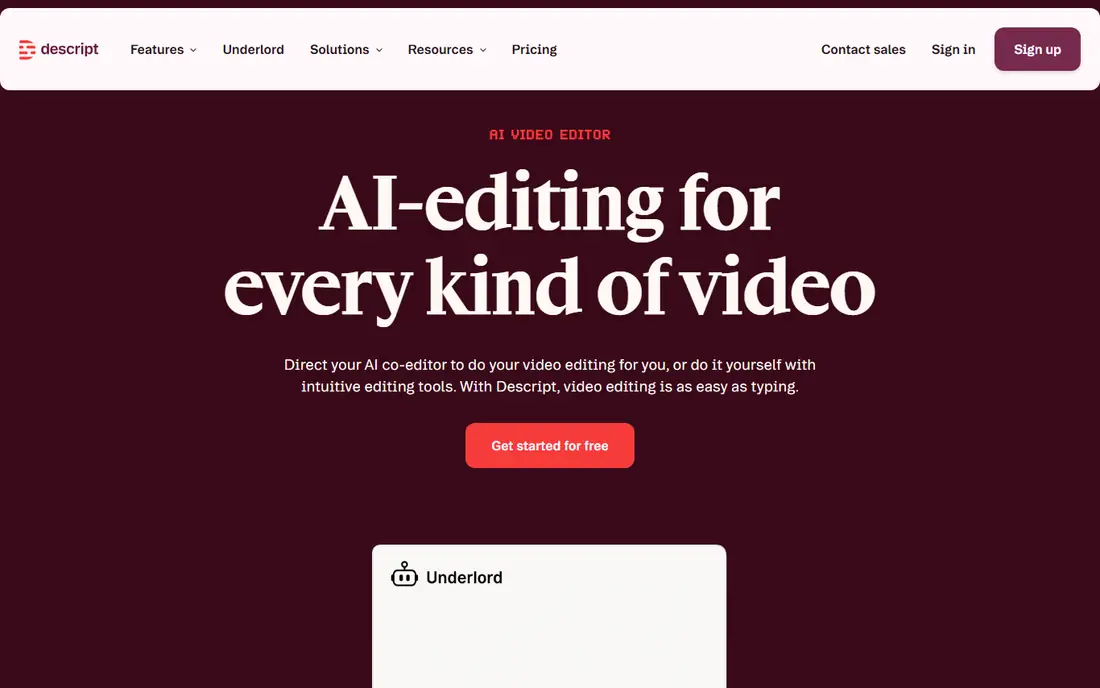
Descript changes editing from waveform work to text work. Delete a word in the transcript, and the audio follows, which makes cutting ums, repeats, and tangents much faster than scrubbing a timeline. Studio Sound cleans up voice recordings, Overdub can replace a word with a cloned voice on higher plans, and publishing tools help move an episode toward distribution.
Hour limits are the catch. Plans meter media hours, so a busy show can hit a ceiling before the month ends, even when features remain. Descript also lacks the deep mixing control of a traditional digital audio workstation. For podcasters who edit spoken word and want speed, Descript remains the strongest single tool in this list.
What we like- Edit audio by editing a transcript
- Automatic filler word removal
- Studio Sound for voice cleanup
Watch out for- Plans metered by media hours
- Advanced audio mixing is limited
- Exports on free plan carry limits
Starting price$9.99 per month
Free planYes
Adobe Podcast earns its place on one feature: Enhance Speech. A laptop mic recording, a noisy room, or a remote guest on earbuds can sound far clearer after processing, with reduced echo and background noise. Mic Check helps set up a microphone before recording, and the Studio tool adds browser based recording and transcript editing for simpler projects.
It is not a full replacement for Descript or a traditional editor. Assembly, detailed mixing, and long form production still need another tool in many workflows. Free use covers a daily amount of enhancement, while Premium at $9.99 per month raises limits. Keep Adobe Podcast as a cleanup layer, and pair it with an editor for assembly.
What we like- Enhance Speech can rescue poor recordings
- Mic Check helps before recording
- Simple browser workflow
Watch out for- Not a full audio editor on its own
- Free plan has daily limits
- Heavy enhancement can sound artificial
#3Auphonic
Best for: Automatic post production4.2/5 on
G2 (10 reviews, checked Oct 2026)
Visit auphonic.com
Starting price$11 per month
Free planYes
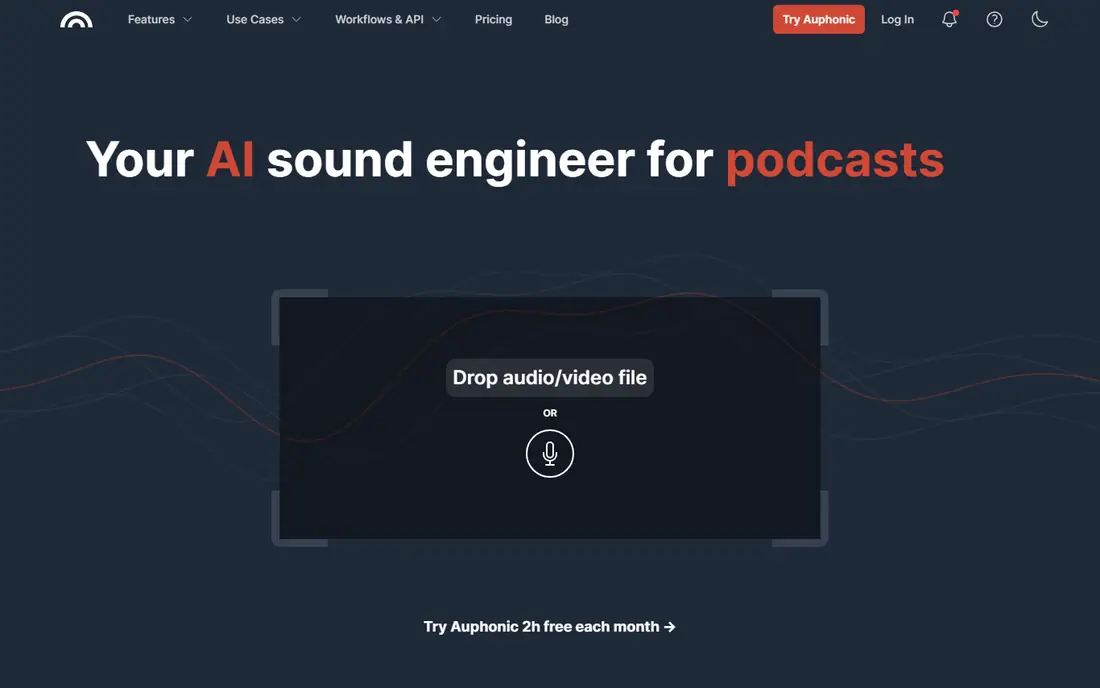
Auphonic is a post production tool, not an editor. Upload a finished edit, and it levels voices, reduces noise and hum, applies loudness targets, and prepares a file for publishing. That automatic final pass saves producers from manual loudness work, and batch processing helps when a show publishes many episodes or segments.
It does not replace transcript editing or detailed cuts. Filler removal and content editing should happen before Auphonic, in Descript or another editor. The free tier covers about 2 hours per month, and paid plans start at $11 per month for more hours. Auphonic fits producers who want a consistent, publish ready sound without manual mastering.
What we like- Automatic leveling and loudness to standards
- Noise and hum reduction
- Batch processing for many files
Watch out for- No full transcript editor
- Filler removal is not its main job
- Hour based pricing needs planning
Starting price$11 per month
Free planFree trial
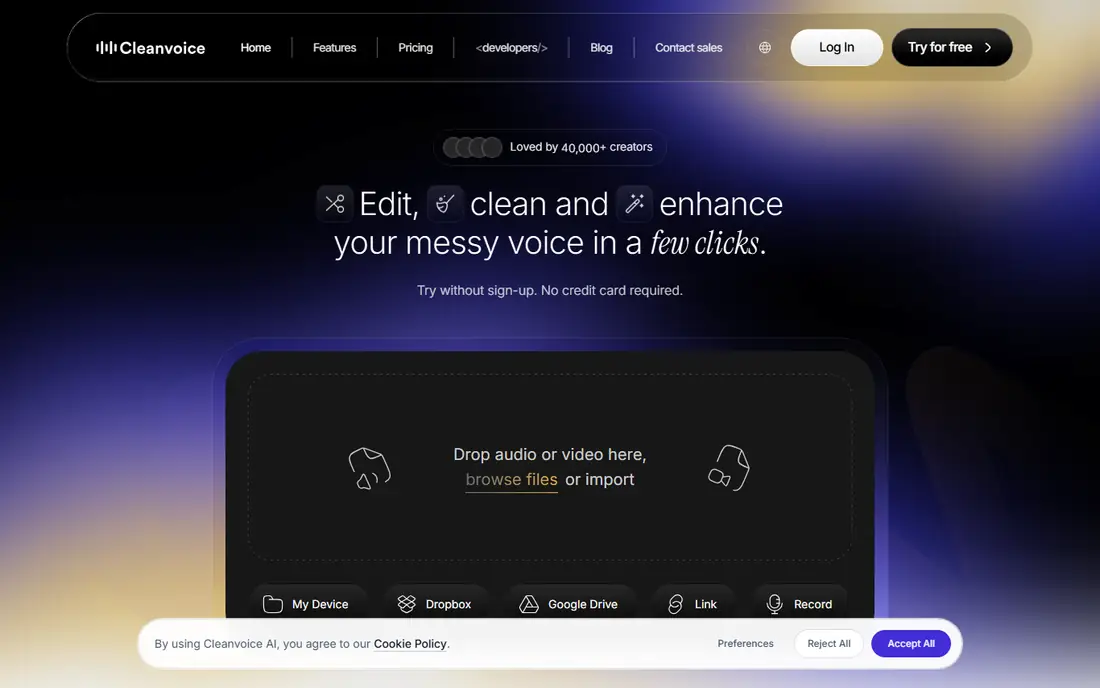
Cleanvoice is a pre edit cleanup tool. It detects filler words, mouth sounds, stutters, and dead air, and produces a cleaner track for the main edit. That first pass can shorten editing time for interview heavy shows, because the editor starts with a tighter recording rather than raw audio.
It is not a full editor, and it is not designed for music or complex sound design. Use Cleanvoice before Descript or a traditional editor, then do content cuts and mixing in the main tool. Paid plans start at $11 per month for a set number of hours, with a trial for testing. For producers who already own an editor, Cleanvoice is a focused and affordable upgrade.
What we like- Removes filler words, mouth sounds, and long pauses
- Fast cleanup before a main edit
- Simple upload workflow
Watch out for- Spoken word focus only
- No full multitrack editor
- Music and complex mixes are out of scope
#5Riverside
Best for: Remote recording plus editing4.8/5 on
G2 (1,754 reviews, checked Oct 2026)
Visit riverside.fm
Starting price$24 per month (billed annually)
Free planYes
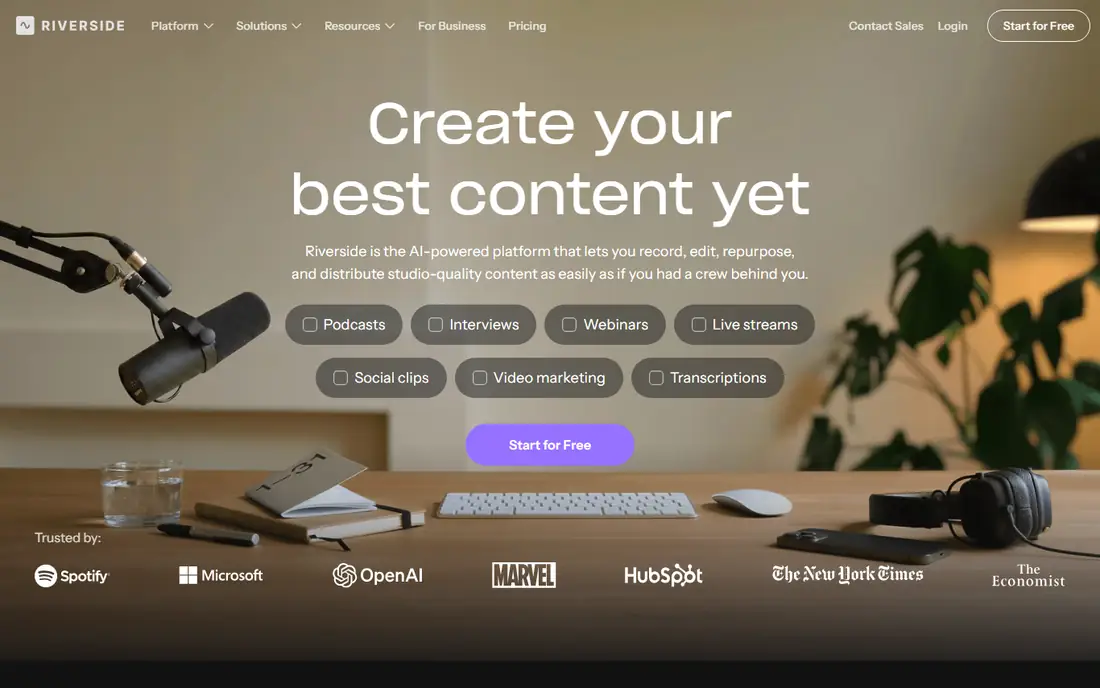
Riverside fixes audio quality at the recording stage. Each guest is recorded locally on their own device, so a weak internet connection does not degrade the final file in the same way as a call recording. Separate tracks make it easy to edit one speaker without affecting another, and text based editing, show notes, and clips help turn a recording into publishable content.
Recording hours are the limit to watch. Lower plans include a limited number of multitrack hours per month, and a weekly hour long show can use that allowance quickly. Riverside fits remote interview shows that value clean source audio and want recording plus editing in one place, rather than shows that record in person.
What we like- Local recording for each guest
- Text based editing and AI clips
- Separate tracks for each speaker
Watch out for- Recording hours limit lower plans
- Editing is less deep than Descript for some workflows
- Higher plans needed for video features
Starting price$32 per month (billed annually)
Free planFree trial
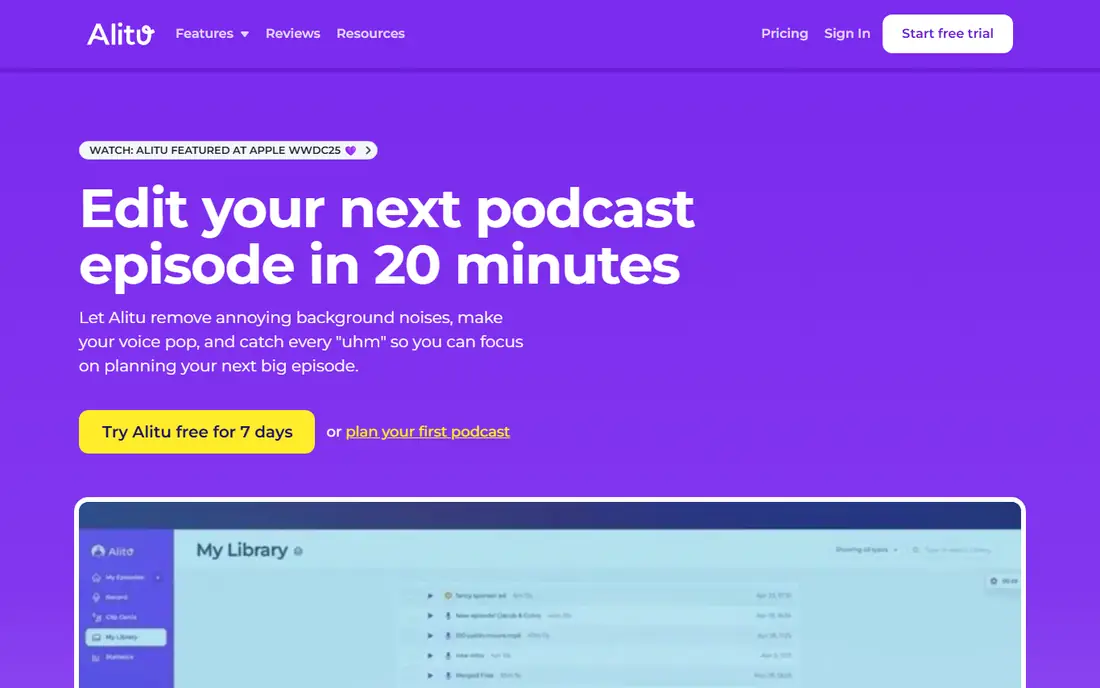
Alitu is built for solo creators who want an episode out without learning a full editor. Upload recordings, follow a guided builder, add intro music and transitions, and let Alitu handle cleanup, leveling, and publishing steps. Hosting is included, so a new podcaster can record, assemble, and publish from one account.
Control is the trade. Experienced editors will miss detailed timeline work, and the price at $32 per month on annual billing is high for a show that publishes rarely. Alitu fits beginners and solo hosts who value a guided workflow over deep editing control, and who publish regularly enough to justify the monthly cost.
What we like- Guided episode builder for solo creators
- Automatic cleanup and music handling
- Hosting and publishing included
Watch out for- No free plan, trial only
- Less control than a full editor
- Price is high for occasional podcasters
#7Async
Best for: Beginner browser studio4.7/5 on
G2 (187 reviews, checked Oct 2026)
Visit async.com
Starting price$11.99 per month
Free planYes
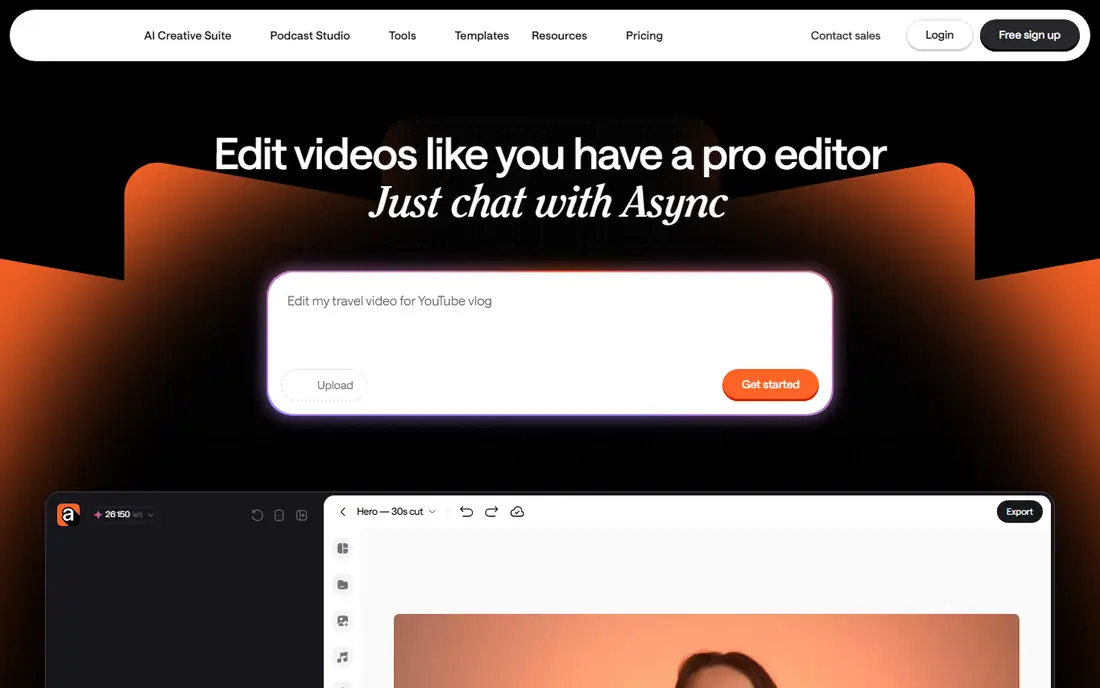
Async, formerly Podcastle, offers a browser based studio for recording, editing, AI voices, and enhancement. Beginners can start without installing software, and the interface is friendlier than many traditional editors. That all in one approach suits creators who make podcasts, voice content, and short audio for social channels.
Audio enhancement is not as strong as Adobe Podcast for severely damaged recordings, and AI voices should be checked carefully before publishing. Paid plans start at $11.99 per month for the Essential tier in reports checked for this article, with a free plan for basic use. Async fits new creators who want one simple studio, rather than a specialist cleanup or mastering tool.
What we like- Browser based recording and editing
- AI voices and enhancement in one place
- Friendlier interface for beginners
Watch out for- Enhancement is less strong than Adobe for bad audio
- AI voices vary in quality
- Some features need higher plans
Starting price$15 per month
Free planYes
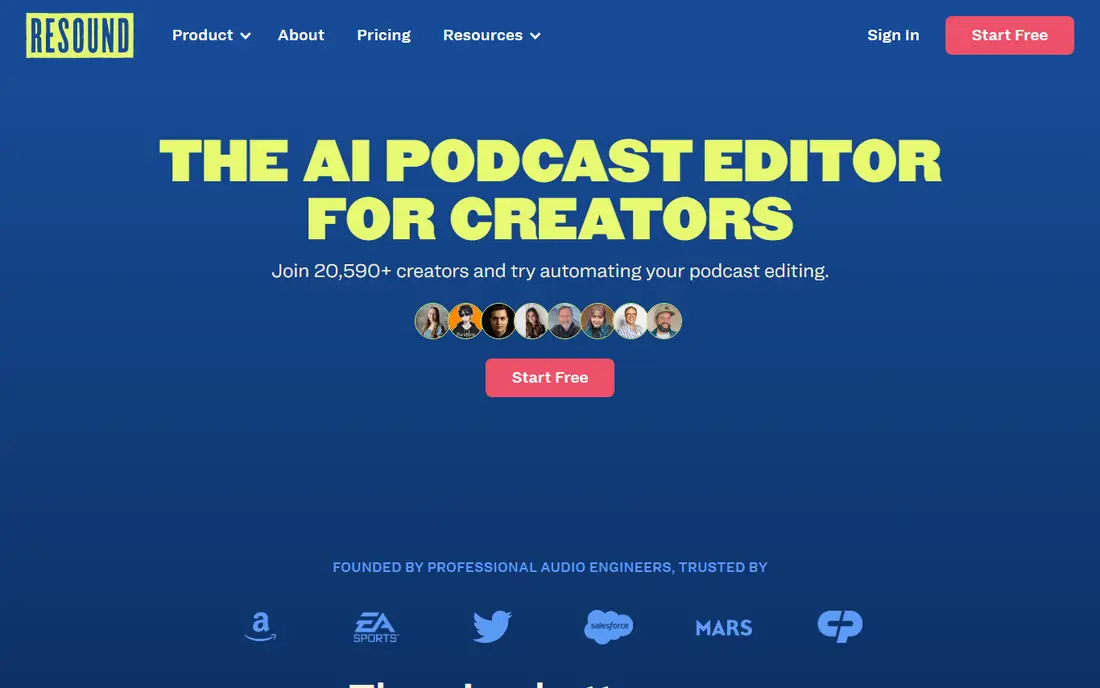
Resound aims to shorten the first edit, which is often the longest part of podcast production. Upload a recording, and it creates an edit draft by removing fillers, pauses, and tangents, leaving the producer to review and refine rather than cut from scratch. That draft can be a major time saver for interview shows with a clear structure.
Human review remains essential. A draft can cut a pause that carried meaning, or keep a tangent that should go, so producers should listen to the result before publishing. Resound fits shows that publish often and want a faster first pass, while highly produced narrative shows may still need manual editing from start to finish.
What we like- Creates a first edit draft automatically
- Removes fillers and dead air
- Useful for interview and solo shows
Watch out for- Draft still needs human review
- Less suited to narrative or highly produced shows
- Hour limits apply
#9Kapwing
Best for: Video podcast and clips3.9/5 on
G2 (40 reviews, checked Oct 2026)
Visit kapwing.com
Starting price$16 per month (billed annually)
Free planYes
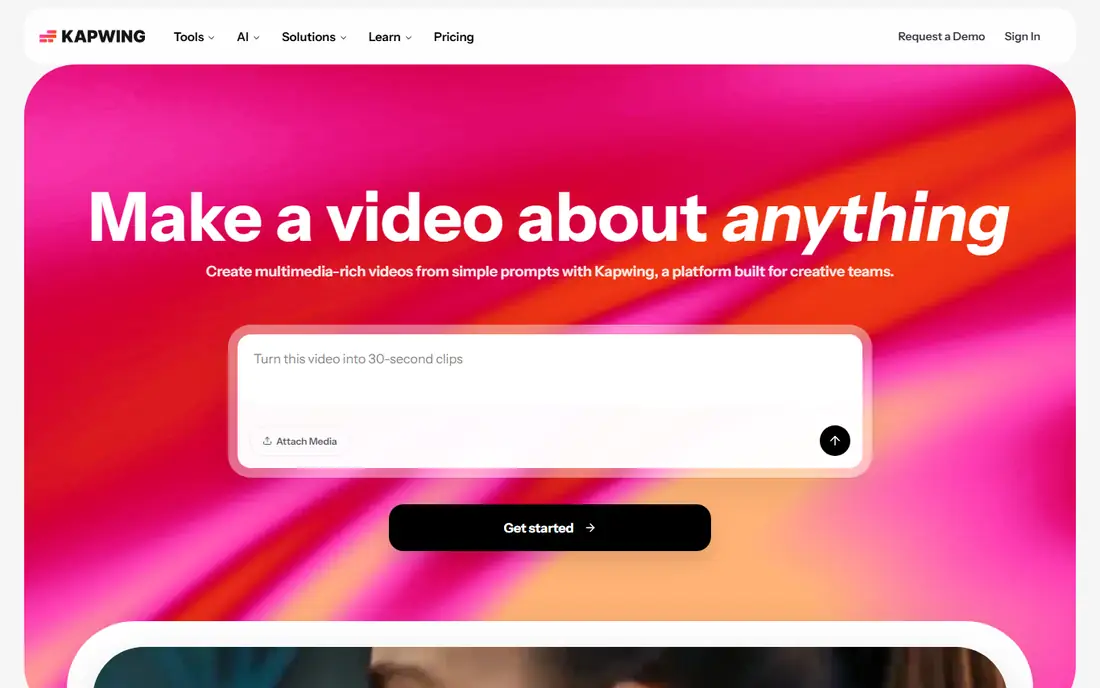
Kapwing suits creators whose podcast is also a video product. It edits video podcasts in a browser, adds captions, creates short clips for social channels, and handles basic audio cleanup alongside video. That combined workflow matters when a show publishes on YouTube and audio platforms from the same recording.
Audio only producers may find Kapwing less focused than Descript or Auphonic, and free exports have limits. Paid plans start at $16 per month on annual billing. Kapwing fits video first podcasters who need captions, clips, and simple audio cleanup in one browser tool, rather than audio purists who need deep mixing.
What we like- Browser editor for video podcasts
- AI captions and clip tools
- Easy sharing to social platforms
Watch out for- Audio only workflows are less focused
- Free exports carry limits
- Advanced audio mixing is limited
How we chose
We compared vendor pricing pages, product documentation, and public reviews on G2, Capterra, and Reddit, and we checked editing style, cleanup quality, recording options, hour limits, free plans, and fit for solo creators versus production teams. A tool made this list only if it exists today and offers AI help for audio editing, cleanup, recording, or mastering, not just transcription alone. We treated vendor claims about time saved as claims to test on a real episode.
Hour metering was a key check, because many tools limit media or processing hours per month. We favored tools with a clear free plan or trial, and we noted where a tool is a cleanup layer rather than a full editor. Readers should test a tool on one real episode, including a bad guest track, before choosing a plan.
Building a simple audio workflow
A practical workflow uses three stages, and each stage can use a different tool. Record clean source audio with Riverside or a good local setup, edit content in Descript or a similar text editor, and finish with Auphonic for loudness and leveling. Adobe Podcast or Cleanvoice can sit between recording and editing when a track needs rescue or cleanup.
Recording, editing, and finishing checks
Record in a quiet room, keep the microphone close and steady, and record separate tracks for remote guests when possible. During editing, cut for clarity first, then check pacing, breaths, and transitions. Before publishing, listen on headphones and on a phone speaker, check loudness against a previous episode, and confirm that intros, ads, and outros sit at a consistent level.
When to pay, and when to stay free
Free plans suit a new show, an occasional episode, or a single cleanup job. Paid plans make sense when hour limits, watermarks, or export limits block regular publishing. Compare cost per episode, not just monthly price, and check whether a cheaper cleanup tool plus a free editor covers your needs before paying for an all in one plan.
Frequently asked questions
What is the best AI tool for podcast editing?
Descript is the best all in one pick for most podcasters, because it combines text based editing, filler removal, and voice cleanup. Adobe Podcast is better for rescuing a single bad track, and Auphonic is better for final loudness and leveling. The best pick depends on whether editing, cleanup, or mastering is your main bottleneck.
Can AI replace a human audio editor?
AI can speed up routine cuts, filler removal, and leveling, but it does not replace judgment on story, pacing, and tone. A producer should still review cuts, check for meaning lost in a pause, and listen to the final mix. For narrative or highly produced shows, human editing remains central.
Is Descript free?
Descript offers a free plan with limited transcription hours and export limits. Paid plans start at $16 per month on annual billing for the Hobbyist tier in sources checked for this article. Check current Descript pricing, because media hour limits vary by plan.
How do I fix a remote guest with bad audio?
Run the track through Adobe Podcast Enhance Speech first, then edit in Descript or your main editor, and finish with Auphonic for leveling. If the source is severely distorted, no tool will fully restore it, so ask the guest to re record a key section when possible. For future episodes, use local recording through Riverside.
What is the difference between Cleanvoice and Auphonic?
Cleanvoice cleans a recording before editing by removing fillers, mouth sounds, and pauses. Auphonic polishes a finished edit by leveling voices, reducing noise, and setting loudness for publishing. Many producers use both, with Cleanvoice first and Auphonic last.
Do I need a separate tool for video podcast clips?
Not always. Descript and Riverside include clip tools, and Kapwing focuses on video podcast editing and captions. If your show is audio only, a clip tool is optional. If you publish video clips regularly, a dedicated video editor or clip tool will save time.
Sources we checked (9)
- https://www.descript.com/pricing
- https://podcast.adobe.com/pricing
- https://auphonic.com/pricing
- https://cleanvoice.ai/pricing
- https://riverside.fm/pricing
- https://alitu.com/pricing
- https://async.com/pricing
- https://www.resound.fm/pricing
- https://www.kapwing.com/pricing
Is your product missing or out of date?
We review this list regularly. Vendors can request a listing, send updated pricing or ask about featured placement.

Shihab Mia · Founder, Rankite
Shihab has 5+ years in B2B and SaaS SEO. He writes Rankite's software buying guides from pricing pages, documentation and public user reviews. More about Shihab.