How we make this list: we compare pricing pages, product documentation and public user reviews. Rankite is independent; if a vendor ever pays for a featured spot, that listing is clearly labeled Partner.
Key takeaways
- Most people never need to pay: Thunderbird, BlueMail, Outlook, and Spark all have genuinely free tiers that cover everyday email.
- Superhuman at $30 per user per month is built for people who live in email; everyone else should start with a free option first.
- Check your account types before committing: all eight handle Gmail and Outlook, but Exchange and iCloud support varies in quality.
- Privacy models differ a lot: some clients sync through their own servers, while Thunderbird keeps everything local on your device.
Quick comparison
| Tool | Best for | Starting price | Free plan |
|---|
 Spark Spark | Smart inbox and focus features across devices | See website (free version available) | Yes |
 Thunderbird Thunderbird | Free, private, open-source email on desktop | Free | Yes |
 Outlook Outlook | Microsoft and mixed-account users everywhere | Free (premium features via Microsoft 365) | Yes |
 eM Client eM Client | Outlook-style power with calendar and tasks | See website | Yes (free license) |
 BlueMail BlueMail | A calm, unified inbox on every device | Free | Yes |
 Canary Mail Canary Mail | Security-first email with encryption built in | See website | See website |
 Spike Spike | Chat-style email for fast-moving teams | See website (free plan available) | Yes |
 Superhuman Superhuman | Maximum inbox speed for heavy email users | $30 per user/month (Starter) | No |
Is your product missing or out of date?
We review this list regularly. Vendors can request a listing, send updated pricing or ask about featured placement.
Starting priceSee website (free version available)
Free planYes
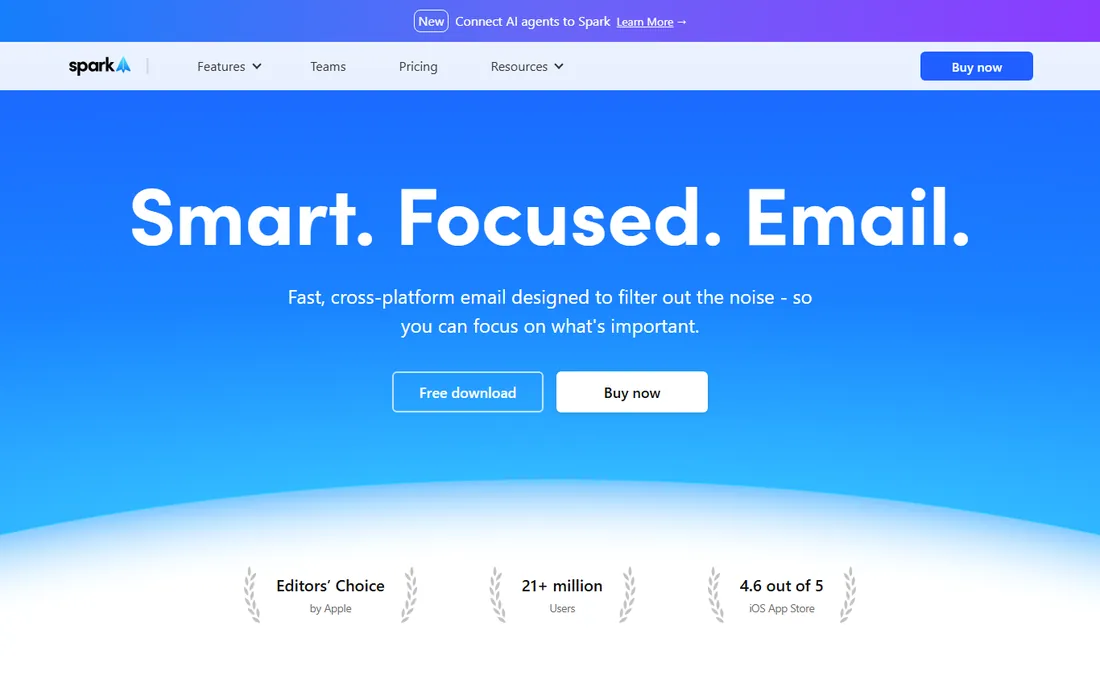
Spark is the closest thing email has to a productivity coach. The Smart Inbox automatically separates personal email from newsletters and notifications, the Home Screen shows what needs attention today, and features like Gatekeeper screen out unwanted senders before they reach you. It is designed for people whose inbox is a source of stress, and it shows.
The cross-platform story is strong: Windows, Mac, iOS, and Android apps all sync through your Spark account, so your setup follows you. It handles all the major providers, and the team collaboration features (shared drafts, private comments on emails, delegated threads) make it a genuine option for small businesses, not just individuals.
The tradeoff is the cloud model. Spark syncs your accounts through its own servers for push notifications and cross-device consistency, with encryption handled through Google Cloud infrastructure. The company states it never shares data with third parties, but if you want an email client that never touches a middleman, Thunderbird below is the alternative. The free version is generous; the paid tier adds AI writing tools and removes limits.
What we like- Smart Inbox sorts newsletters and notifications away from real mail
- Works with Gmail, iCloud, Exchange, Outlook, and Yahoo
- Team features like shared drafts and private comments
Watch out for- Some data syncs through Spark's servers, which privacy-minded users should know
- Best features sit behind the paid tier
Starting priceFree
Free planYes
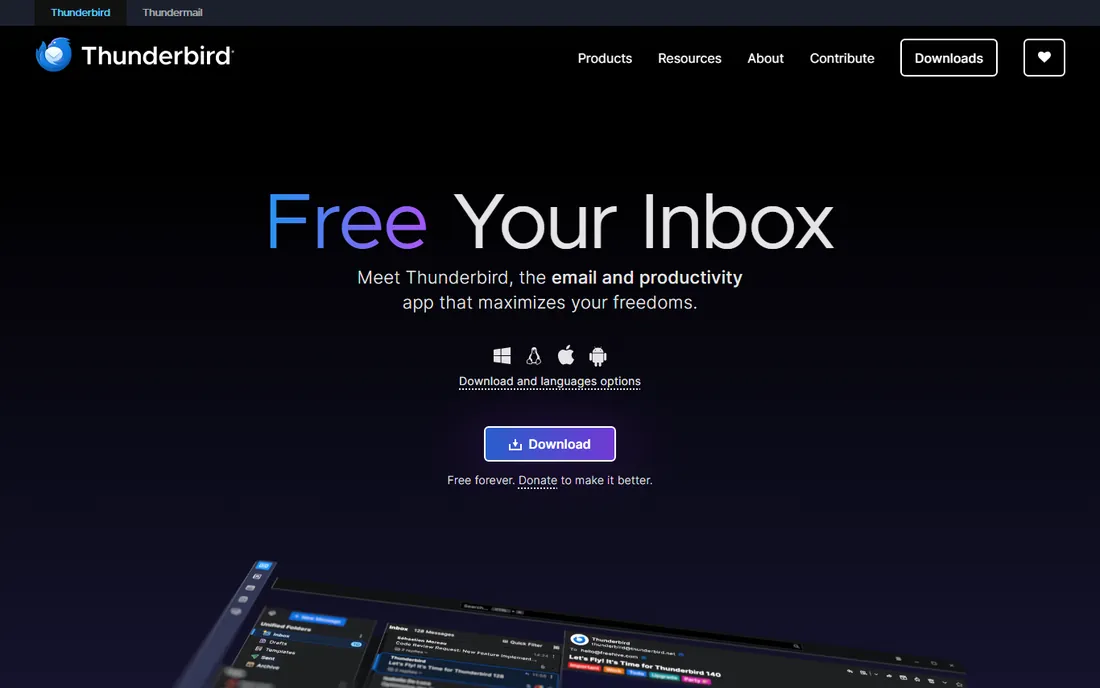
Thunderbird has been around for twenty years, and it shows in the best way. This is the free, open-source email client from the Mozilla family, and it does exactly what it promises: all your messages, calendars, and contacts in one fast app, with a unified inbox, powerful filters, and no one watching. The homepage says it plainly: free forever, funded by donations, no personal data collected.
For a small business, the appeal is practical. Thunderbird handles unlimited accounts across providers, supports OpenPGP encryption for sensitive mail, and the add-on ecosystem lets you shape it to your workflow. There is no upsell, no premium tier gating features, and no account required to use it.
The honest limits are platform and polish. Thunderbird is a desktop creature: Windows, Mac, and Linux are first-class, while the mobile app is newer and still catching up. The interface is functional rather than beautiful. But if your priority is a free client that respects your privacy and runs on every office computer you own, nothing else on this list matches it.
What we like- Completely free and open source, funded by donations
- No data collection, no ads, no tracking
- Deep customization with add-ons and themes
Watch out for- Desktop-first: Windows, Mac, and Linux, with mobile still maturing
- Interface looks dated next to modern rivals
Starting priceFree (premium features via Microsoft 365)
Free planYes
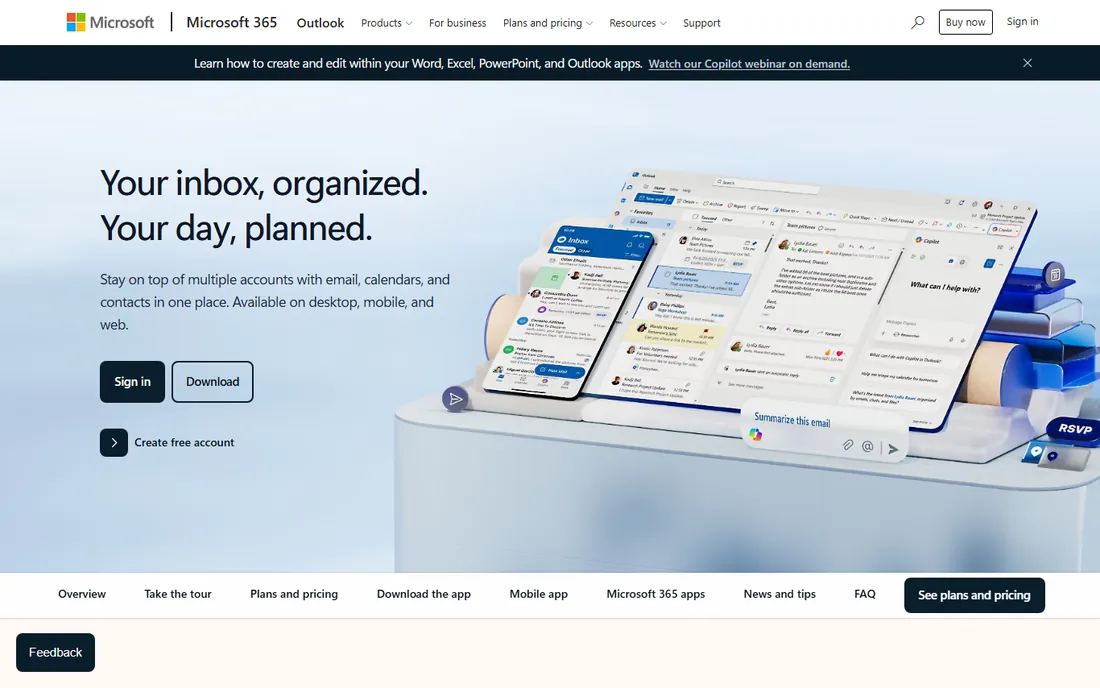
Outlook is the default choice for a reason that has nothing to do with features: it is already everywhere. It ships free with Windows, the mobile apps are free on iOS and Android, the Mac version is free for personal use, and it connects Gmail, Yahoo, iCloud, and Exchange accounts into one place. For a mixed-device household or a company standardizing on Microsoft, the path of least resistance wins.
The current Outlook is genuinely capable. Focused Inbox separates important mail, the calendar integration is the best in the business, and Copilot AI features are arriving for Microsoft 365 subscribers. Third-party account support means even Gmail loyalists can live in Outlook without switching providers.
The catch is the two-tier experience. Free users see ads in the inbox and miss the advanced features like expanded storage and premium security. The full classic desktop client and the best features sit behind Microsoft 365. If your company already pays for Microsoft 365, Outlook is a no-brainer. If not, the free version is fine for basic email but less compelling than Spark or BlueMail.
What we like- Free on Windows, Mac, iOS, Android, and web
- Handles Gmail, Yahoo, and iCloud alongside Exchange
- Calendar and contacts built in
Watch out for- Free version shows ads
- The classic desktop power features need a Microsoft 365 subscription
Starting priceSee website
Free planYes (free license)
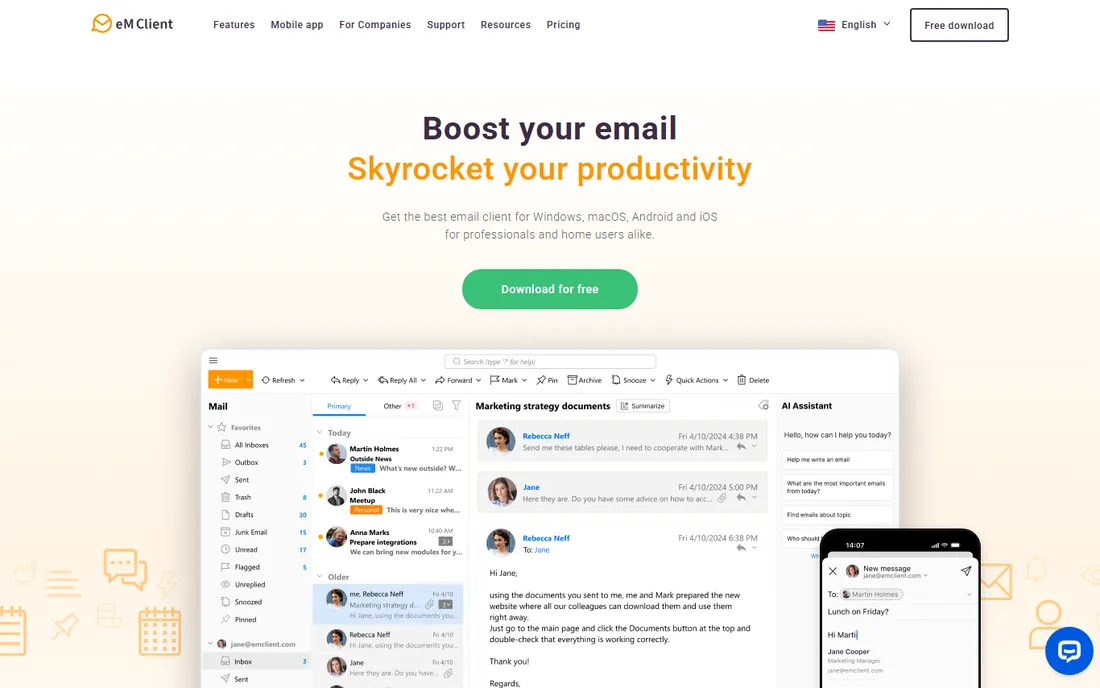
eM Client is what Outlook would feel like if it were built by a small, focused team. It packs email, calendar, tasks, notes, contacts, and even chat into one polished desktop app, with mobile apps for iOS and Android to complete the picture. The interface will feel instantly familiar to anyone coming from Outlook, which makes it an easy switch for office staff.
What stands out is completeness. Message encryption, translation, snoozing, watch-for-replies, and an AI assistant that drafts replies and summarizes threads all come standard. Exchange support is excellent, so companies on Microsoft infrastructure get a real alternative to Outlook itself. The company reports millions of users and a large business customer base.
The licensing is the thing to read carefully. The free license covers non-commercial use with two email accounts, which is fine for personal use. Businesses need paid Personal or Business licenses, available as one-time purchases or subscriptions. For a company wanting an Outlook replacement without Microsoft 365, the math usually still works.
What we like- Full package: email, calendar, tasks, notes, contacts, and chat
- Excellent Exchange and Office 365 support
- AI writing and summarization features
Watch out for- Free license is limited to non-commercial use with two accounts
- Paid licenses needed for business use
Starting priceFree
Free planYes
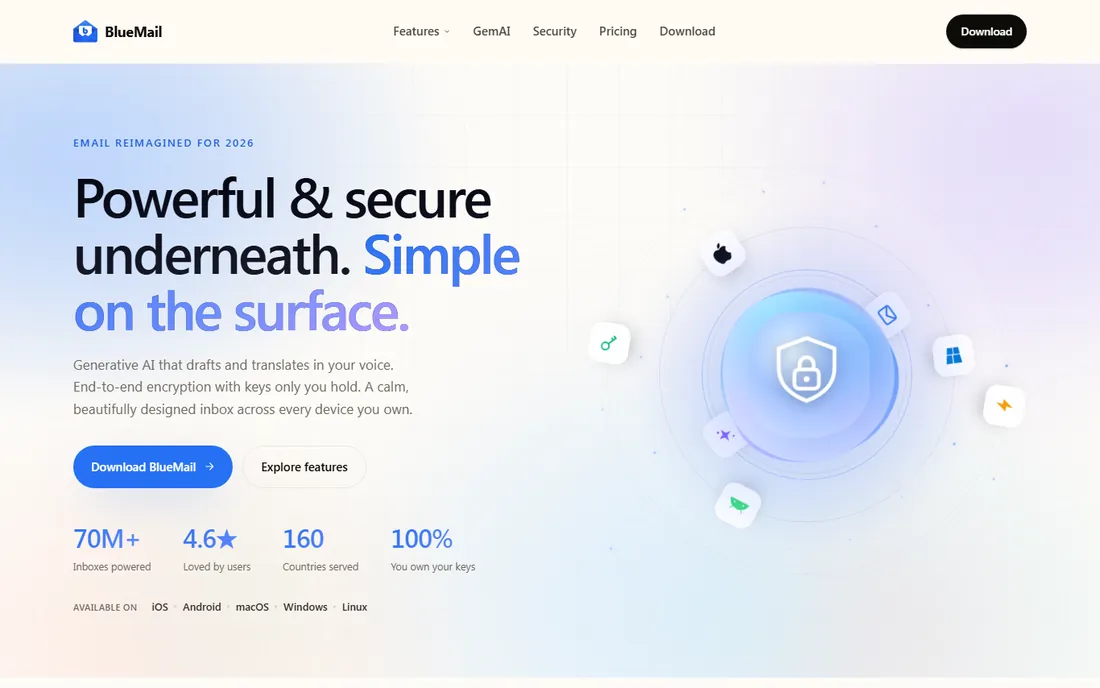
BlueMail is the design-first option for people who want one calm inbox everywhere. It runs on five platforms (iOS, Android, Mac, Windows, Linux), which is more than anyone else on this list, and the interface is consistent across all of them. Your accounts, unified inbox, and preferences follow you from phone to desktop without friction.
The privacy story is a genuine differentiator. BlueMail emphasizes that you hold your own encryption keys, and it offers end-to-end encrypted email alongside standard accounts. Recent versions add AI drafting and translation built into the inbox. For a free app, the polish is remarkable.
The tradeoff is scale. BlueMail is made by a smaller company, and while the app is mature, it lacks the deep enterprise tooling of Outlook or the business ecosystem of eM Client. Some users report occasional sync hiccups with certain providers. For individuals and small teams who want a beautiful free client on every device they own, it is one of the best picks here.
What we like- Available on iOS, Android, Mac, Windows, and Linux
- Unified inbox for all accounts
- End-to-end encryption with keys you control
Watch out for- Smaller company than the big names
- Advanced business features trail Outlook and eM Client
Starting priceSee website
Free planSee website
Canary Mail is for people who take email security personally. End-to-end PGP encryption is built in with straightforward key management, plus a SecureSend option for sensitive messages and a human-error prevention feature that warns you before sending to the wrong recipient. For lawyers, consultants, and anyone handling confidential client mail, that last feature alone can justify the price.
The app is not just a security tool, though. An AI copilot drafts replies, summarizes long threads, and finds emails that need responses. Read receipts, snooze, pinning, bulk cleaner, and templates cover the productivity basics, and it runs on Mac, iOS, Android, and Windows with all major providers supported.
Canary is a smaller company backed by venture funding, so expect a more focused product and a smaller support community than the giants offer. Pricing is not published on the homepage, so check the site for current plans. If encryption and data protection top your list, Canary deserves a serious look.
What we like- End-to-end PGP encryption with easy key management
- AI copilot for drafting and summarizing
- Human-error prevention warns before misdirected sends
Watch out for- Smaller user base means fewer community resources
- Premium pricing for the full feature set
Starting priceSee website (free plan available)
Free planYes
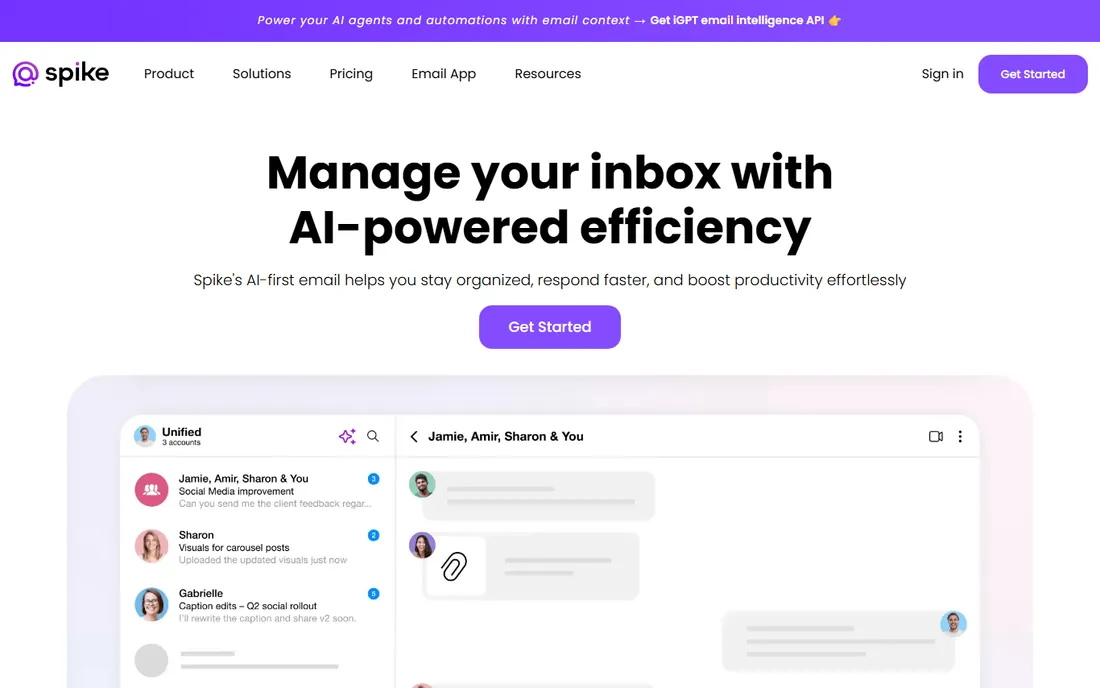
Spike throws out the email rulebook and starts over. Instead of formal threads with headers and signatures, Spike presents email as chat-like conversations. External recipients still get normal emails, but inside the app everything feels like messaging. For teams drowning in long threads, the format genuinely speeds up reading and replying.
It goes further than email. Team chat, video and audio calls, collaborative docs, tasks, and a shared inbox all live inside the same app, on Windows, Mac, iOS, Android, and web. You can also use Spike with your existing Gmail or Microsoft account, or create a business email with Spike for your team. The free plan covers individuals; teams pay per user.
The honest question is taste. Some people love the conversational view; others find it disorienting after decades of traditional email. Spike also wants to be your collaboration hub, which is great if you commit and annoying if you just wanted an email app. Try the free plan for a week before deciding which camp you are in.
What we like- Conversational view turns email threads into chat
- Built-in team chat, calls, docs, and tasks
- Works with your existing Gmail or Microsoft account
Watch out for- The chat metaphor is not for everyone
- Power features and larger teams need paid plans
Starting price$30 per user/month (Starter)
Free planNo
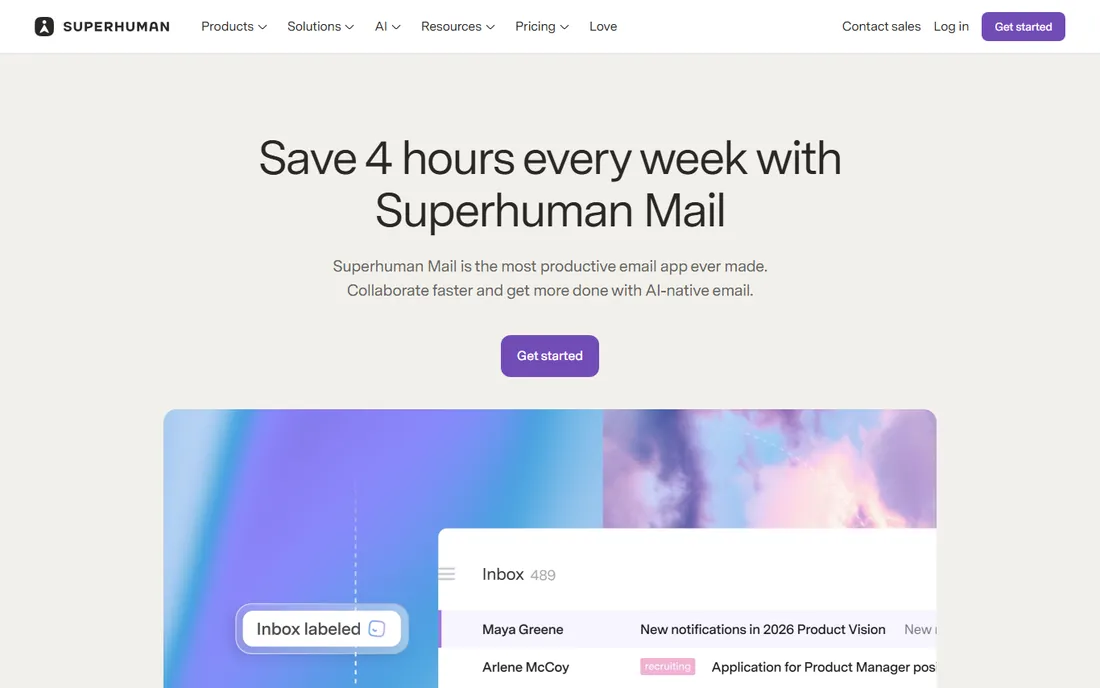
Superhuman is the most expensive email client on this list, and it knows exactly who it is for. This is a premium client built for people who spend hours a day in email: founders, salespeople, recruiters, executives. Everything is optimized for speed, with keyboard shortcuts for nearly every action, an interface that responds instantly, and AI features that draft replies and summarize threads.
The workflow features are genuinely thoughtful. Split Inbox separates what matters from noise, read statuses show when recipients open your mail, and team features like shared conversations and reply collision detection help sales and support teams work without stepping on each other. The company claims users save hours per week.
The price is the whole conversation. Starter costs $30 per user per month, Business $40, and you still need your own Gmail or Outlook account underneath. There is no free tier. For most small businesses, that math does not work. But if email volume is directly costing you deals, Superhuman is the one tool here that treats your inbox like the mission-critical system it is.
What we like- Blazing fast, keyboard-driven workflow
- Split Inbox and AI triage for high-volume mail
- Team features like shared conversations and collision detection
Watch out for- Expensive at $30 to $40 per user per month
- Only works with Gmail and Outlook accounts
- No free tier
How we chose
We started from each vendor's own site: product pages, pricing pages, and published documentation about platform support. We cross-checked pricing against public review sites like G2 and Capterra and against user discussions on Reddit from people who run these clients daily. We required every tool to run on at least four platforms (desktop and mobile), and we favored clients with a real free or trial tier where one exists.
We did not test every client hands-on. Our comparisons come from published pricing, documented features, and what verified users report about daily use. Prices and plans change, so confirm on the vendor's site before you buy.
How to pick an email client you will actually keep
Check your accounts first
List every email account you need: Gmail, Outlook, iCloud, Exchange, old IMAP accounts from your hosting provider. Every tool here handles the big providers, but Exchange quality and iCloud quirks vary. If your work runs on Exchange, eM Client and Outlook deserve the top of your shortlist.
Free is enough for most people
Thunderbird, BlueMail, Outlook, and Spark all handle everyday email well at no cost. Pay only when you need something specific: Superhuman's speed, Canary's encryption, eM Client's business licensing, or Spike's team workspace. Start free and upgrade when you hit a real limit, not before.
The privacy model matters more than the privacy page
Some clients keep your mail local (Thunderbird). Some sync through their own servers for push and cross-device features (Spark). Some put encryption keys in your hands (BlueMail, Canary). Read how each one handles your data, not just what it promises, and pick the model you are comfortable with.
Test it on your worst device
An email client lives or dies on the device you use most awkwardly: the old Windows laptop, the phone with the cracked screen. Install your top two picks there first. If the app feels fast and readable on that device, it will feel great everywhere else.
The privacy question nobody asks
Every email client on this list can read your email; that is its job. The real question is what happens to your data beyond your screen. Thunderbird is the strictest: no data collection, no ads, funded by donations, everything local. Spark syncs through its own servers for push notifications and device sync, encrypted via Google Cloud infrastructure, and states it never shares data with third parties.
BlueMail and Canary Mail take the encryption-first route, giving you control of keys and end-to-end protection for sensitive messages. Outlook's free tier is ad-supported, which is the price of free at Microsoft's scale. None of these are wrong answers, but they are different answers, and "which company holds my mail" deserves a conscious choice rather than a default.
Frequently asked questions
What is the best free multi-platform email client?
Thunderbird is the best fully free option: open source, no ads, no tracking, on Windows, Mac, and Linux. For mobile plus desktop in one free app, BlueMail and Spark cover iOS, Android, Windows, and Mac. Outlook's free tier is also solid if you already live in Microsoft's world.
Can one email client handle Gmail and Outlook accounts together?
Yes. All eight tools on this list connect Gmail, Outlook, and other major providers in a single unified inbox. You do not need separate apps for work and personal mail anymore.
Is Superhuman worth $30 per month?
Only if email is a major part of your job. Founders, salespeople, and recruiters who process hundreds of emails a day can genuinely save hours a week with its speed-focused workflow. For everyone else, the free clients above do the job at no cost.
Which email client is best for privacy?
Thunderbird collects no data and keeps everything local, making it the strictest choice. Canary Mail and BlueMail add end-to-end encryption with keys you control. Spark and Outlook sync through company servers, which enables their best features but means a third party handles your mail flow.
Do these clients work with Exchange for business email?
Outlook and eM Client have the deepest Exchange support. Spark, Canary Mail, and Spike also connect to Exchange and Office 365 accounts. Thunderbird handles Exchange through add-ons and standard protocols, which works but takes more setup.
Can I use the same email client on my phone and computer?
That is the point of this list. Every tool here runs on both desktop and mobile platforms with synced accounts and settings, so your inbox looks the same wherever you open it.
Sources we checked (8)
- https://sparkmailapp.com/
- https://thunderbird.net/
- https://www.emclient.com/?lang=en
- https://bluemail.me
- https://canarymail.io/
- https://www.spikenow.com/
- https://superhuman.com/products/mail
- https://www.microsoft.com/en-gb/microsoft-365/outlook/email-and-calendar-software-microsoft-outlook
Is your product missing or out of date?
We review this list regularly. Vendors can request a listing, send updated pricing or ask about featured placement.

Shihab Mia · Founder, Rankite
Shihab has spent more than a decade helping SaaS and e-commerce brands grow through search. He writes Rankite's software buying guides from pricing pages, documentation and public user reviews. More about Shihab.