How we make this list: we compare pricing pages, product documentation and public user reviews. Rankite is independent; if a vendor ever pays for a featured spot, that listing is clearly labeled Partner.
Key takeaways
- For replacing screens, signs and surfaces, a planar tracker (Mocha Pro) beats a point tracker and saves hours per shot.
- For 3D camera solves and matchmoving, SynthEyes and PFTrack remain the dedicated tools; Nuke does it inside a full compositor.
- Budget buyers get real tracking free: Blender's motion tracker and DaVinci Resolve's trackers handle most YouTube-level work.
- After Effects ships with both a point tracker and Camera Tracker, so many editors never need a separate tool.
Quick comparison
| Tool | Best for | Starting price | Free plan |
|---|
 Mocha Pro Mocha Pro | Planar tracking, screen replacements and object removal | See website (annual subscription) | Free trial |
 SynthEyes SynthEyes | Dedicated 3D camera tracking and matchmoving | See website (perpetual license) | Free trial |
 PFTrack PFTrack | High-end matchmoving, survey and on-set workflows | See website (perpetual license) | Free trial |
 Adobe After Effects Adobe After Effects | Motion graphics artists and editors already paying for Adobe | $22.99/month (single-app plan, annual billing) | Free trial (7 days) |
 DaVinci Resolve DaVinci Resolve | Editors who want capable tracking free inside their NLE | Free; DaVinci Resolve Studio $295 one-time | Yes |
 Blender Blender | 3D artists who want free camera tracking and matchmoving | Free | Yes |
 Nuke Nuke | Compositors who need tracking inside a node-based pipeline | See website (annual subscription) | Free trial |
 Silhouette Silhouette | Roto and paint artists who need tracking that serves the mask | See website (annual subscription) | Free trial |
 Fusion Studio Fusion Studio | Node-based compositing with tracking at a one-time price | $295 one-time | Free trial |
Is your product missing or out of date?
We review this list regularly. Vendors can request a listing, send updated pricing or ask about featured placement.
The best motion tracking software
Tracking is the invisible craft of visual effects: making a graphic stick to a moving object so the audience never notices. The wrong tracker turns a 20-minute job into a 2-hour fight. The right one depends on the shot: planar tracking for surfaces, point tracking for simple follows, and 3D camera solves when you need to put objects into a scene with real depth.
#1
Mocha Pro
Best for: Planar tracking, screen replacements and object removal
Visit borisfx.com
Starting priceSee website (annual subscription)
Free planFree trial
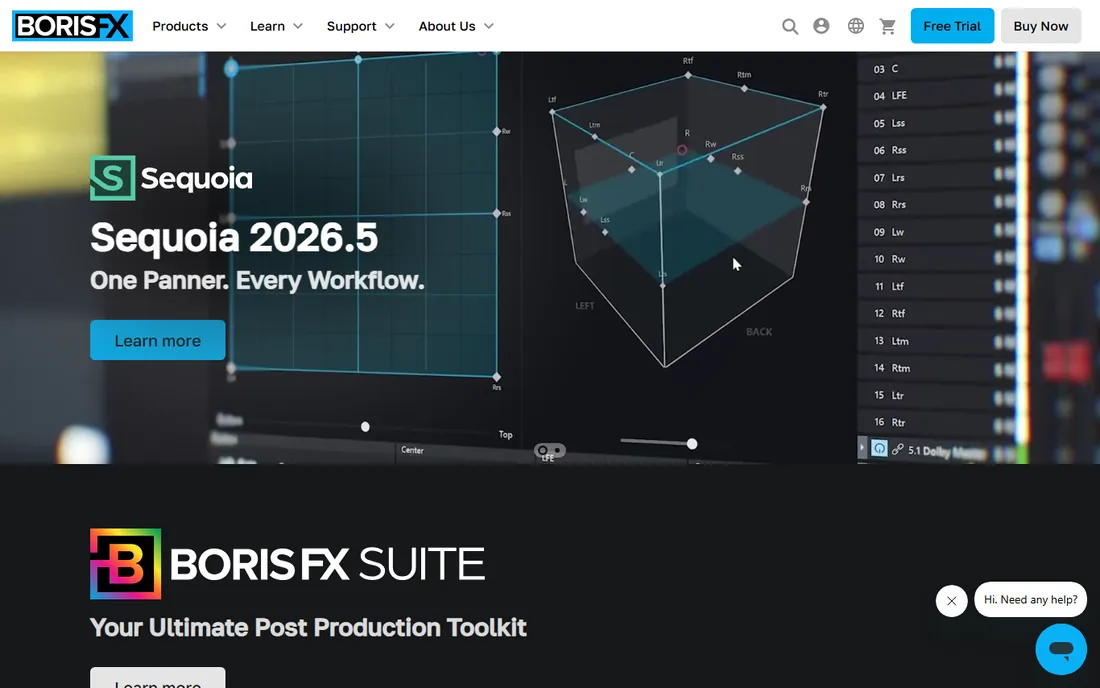
Mocha Pro is the tool professionals reach for when a point tracker fails. Its planar tracker follows surfaces, not pixels: it tracks a sign, a screen or a face as a plane, holding through rotation, perspective change and partial occlusion. The practical result is that screen replacements and sign swaps that take an hour of keyframe babysitting in a point tracker take minutes in Mocha. Object removal, stabilization and the 3D camera solver round out the package.
Mocha ships both standalone and as a plugin for the major hosts, and a cut-down Mocha AE comes bundled with After Effects. The subscription model is the friction point for freelancers who liked the old perpetual licenses. For compositing artists and editors doing client work, it remains the most productive tracking purchase available.
What we like- Planar tracking handles perspective, blur and occlusion that defeat point trackers
- Object removal and clean plating built in
- Works standalone or as a plugin for After Effects, Premiere, Nuke and Resolve
Watch out for- Annual subscription pricing adds up for freelancers
- The 3D camera solver is newer and less proven than dedicated matchmovers
Starting priceSee website (perpetual license)
Free planFree trial
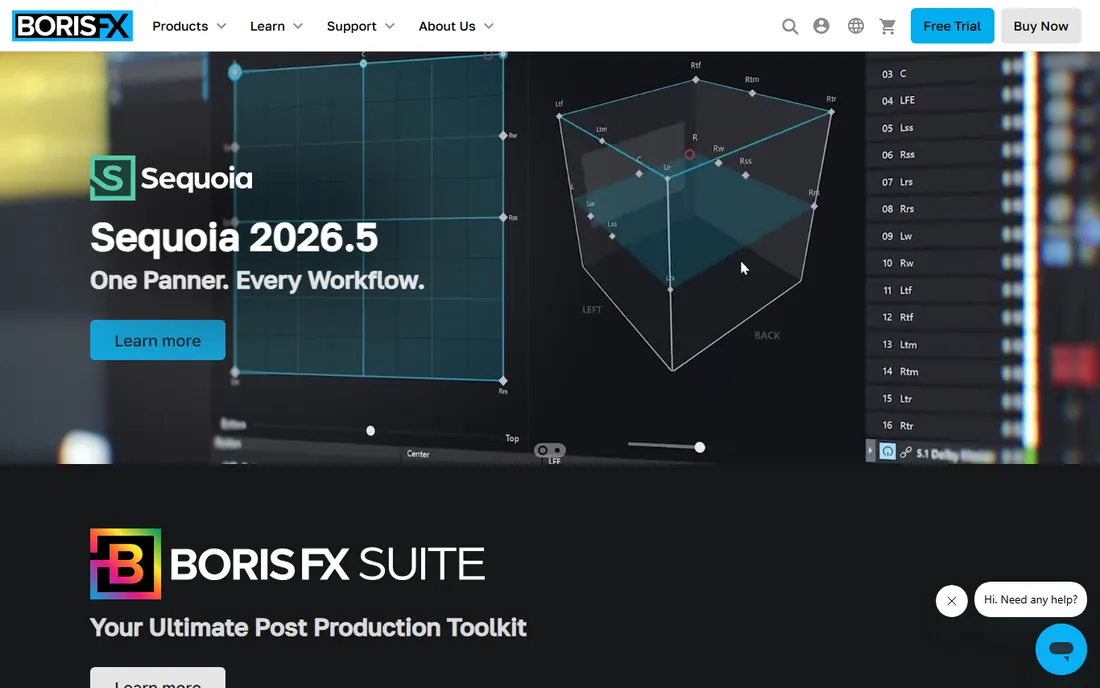
SynthEyes has been the matchmover's value pick for two decades: a dedicated 3D tracker that solves cameras, objects and geometry at a fraction of the cost of the tools it competes with. It handles 360VR footage, lens distortion workflows and survey data, and exports solved cameras to Maya, Blender, Nuke, After Effects and the rest. Boris FX acquired it and continues development, including Mocha-powered tracking features in recent releases.
This is a specialist's tool. The UI rewards learning and punishes casual use, and you still need a compositor or 3D app to do anything with the solve. But for freelancers and small studios doing real 3D integration work, the perpetual license makes it the cheapest professional-grade matchmover on this list.
What we like- One of the fastest and most accurate camera solvers in its price class
- Exports to virtually every 3D and compositing package
- Perpetual license, no subscription
Watch out for- The interface is utilitarian and takes learning
- It is a tracker, not a compositor, so you still need a host app
Starting priceSee website (perpetual license)
Free planFree trial
PFTrack from The Pixel Farm is the facility-grade matchmover: the tool that solves the shots other trackers give up on. Its node-based workflow gives precise control over every stage of the solve, and its survey, geometry tracking and lens tools suit productions with on-set data. If a studio lists matchmoving as a service, PFTrack is usually in the pipeline.
The price and learning curve reflect that positioning. This is not a casual purchase; it is a capital investment for a VFX business, with training to match. Freelancers on a budget should look at SynthEyes or Blender. Facilities that bill for matchmove hours will find the control worth it.
What we like- The industry standard for demanding matchmove work with node-based precision
- Survey and geometry tracking workflows for complex productions
- Strong lens and distortion toolset
Watch out for- Premium pricing aimed at facilities, not freelancers
- Steep learning curve with real training investment
#4
Adobe After Effects
Best for: Motion graphics artists and editors already paying for Adobe
Visit adobe.com
Starting price$22.99/month (single-app plan, annual billing)
Free planFree trial (7 days)
Most editors never buy a tracker because After Effects already has three. The point tracker handles simple follows, the 3D Camera Tracker reverse-engineers camera moves for adding 3D elements, and the bundled Mocha AE brings planar tracking into the timeline. For lower thirds, callouts, screen comps and basic object attachment, that is the complete job.
The ceiling is real, though. Difficult shots with heavy occlusion, motion blur or rolling shutter will defeat the built-in tools long after Mocha Pro or SynthEyes solve them. If you are already paying for Creative Cloud, start here and buy a dedicated tracker only when shots start failing. If you are not in the Adobe ecosystem, the subscription is an expensive way to get a tracker.
What we like- Point tracker, mask tracker and 3D Camera Tracker built in
- Bundled Mocha AE adds planar tracking free
- Tracking data flows straight into a full motion graphics toolset
Watch out for- The built-in trackers lag dedicated tools on hard shots
- Subscription cost if you are not already in the Adobe ecosystem
Starting priceFree; DaVinci Resolve Studio $295 one-time
Free planYes
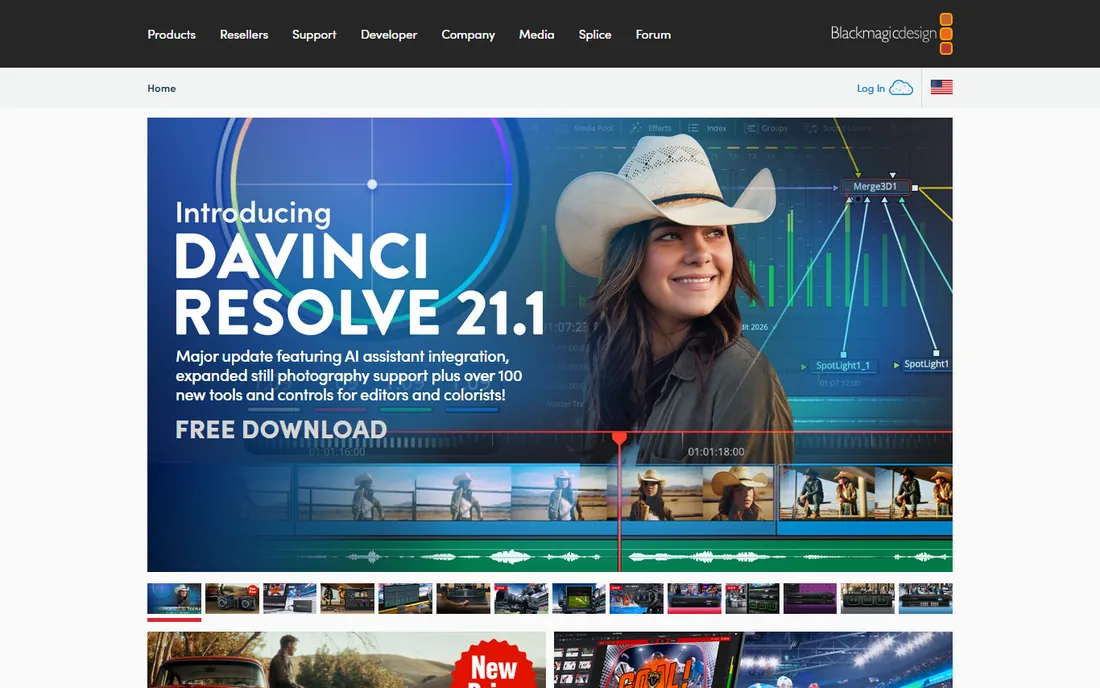
DaVinci Resolve is the best free tracking package available. The free version includes a point tracker, a planar tracker, 3D camera tracking and the AI Magic Mask for isolating subjects, all inside a full editor, color page and Fusion compositor. For YouTubers, wedding videographers and indie filmmakers, that covers nearly every tracking need at zero cost.
The paid Studio version ($295 one-time) adds stereoscopic 3D tools, more AI features and higher-end finishing, but the trackers themselves are the same. The limitation is polish: tracking in Resolve works, but the workflow is clunkier than Mocha's and the 3D solver is simpler than SynthEyes'. At free, those are complaints about a gift.
What we like- Free version includes point, planar and 3D trackers plus the Magic Mask
- Fusion page adds node-based tracking depth
- Studio is a one-time $295 with no subscription
Watch out for- Tracking workflows are less refined than dedicated tools
- The Fusion page learning curve is steep for editors
#6
Blender
Best for: 3D artists who want free camera tracking and matchmoving
Visit blender.org
Starting priceFree
Free planYes
Blender's motion tracking workspace is the open-source answer to matchmoving. It does camera solving, object tracking and plane tracking, reconstructs 3D scenes from footage, and hands the solve directly to Blender's modeling, animation and rendering tools. Indie filmmakers use it to put 3D objects into live footage without spending a dollar.
The cost is learning. Blender's tracker is capable but its interface assumes you already understand tracking concepts, and tutorials are thinner on the ground than for Mocha or After Effects. For 3D artists already in Blender, it is the obvious choice. For editors who just need a screen replaced, Mocha or Resolve will be faster to learn.
What we like- Completely free and open source with a real motion tracking workspace
- Camera solving, object tracking and plane tracking included
- Tracking data feeds straight into a full 3D package
Watch out for- The tracking UI is powerful but unintuitive
- Smaller community knowledge base than the commercial tools
#7
Nuke
Best for: Compositors who need tracking inside a node-based pipeline
Visit foundry.com
Starting priceSee website (annual subscription)
Free planFree trial
Nuke does not sell tracking separately; it sells the compositor that tracking lives inside. Its Tracker node handles 2D point tracking, CameraTracker solves 3D cameras, and everything connects through the node tree with the precision that facility pipelines demand. If you composite for a living, tracking in Nuke is simply how the work gets done.
Nobody buys Nuke just to track. The subscription is professional-grade pricing for a professional-grade compositor, and the learning curve is a career investment. But for compositors choosing a platform, the integrated tracking is part of why Nuke remains the facility standard: the track, the roto and the comp never leave the same tree.
What we like- Tracker, CameraTracker and 3D system integrated in the industry-standard compositor
- Tracking data flows through the node tree with total control
- The tool facilities standardize on
Watch out for- Subscription pricing aimed at professionals
- Massive overkill if tracking is all you need
#8
Silhouette
Best for: Roto and paint artists who need tracking that serves the mask
Visit borisfx.com
Starting priceSee website (annual subscription)
Free planFree trial
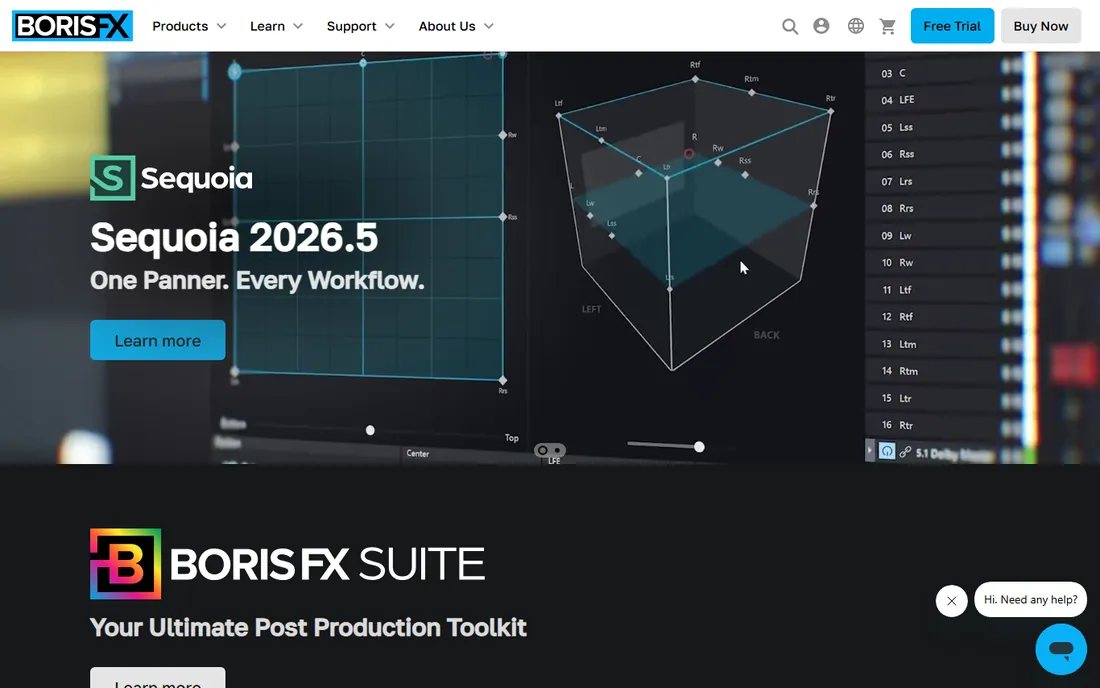
Silhouette approaches tracking from the roto artist's side: the track exists to serve the mask. Its planar and point trackers drive roto shapes through difficult shots, and where they struggle, Mocha Pro data drops in directly. The paint, warp and morph tools around the tracker are the reason facilities buy seats.
Like Nuke, nobody buys Silhouette just to track. It is a specialized roto and paint station with tracking good enough to drive its real work. Roto artists and finishing houses will know if they need it; everyone else should buy the tracker, not the roto tool.
What we like- Planar and point trackers designed around rotoscoping workflows
- Mocha Pro integration for the hardest tracks
- Academy-recognized roto and paint toolset
Watch out for- It is a roto tool with tracking, not a tracking tool
- Subscription pricing for a specialized seat
Starting price$295 one-time
Free planFree trial
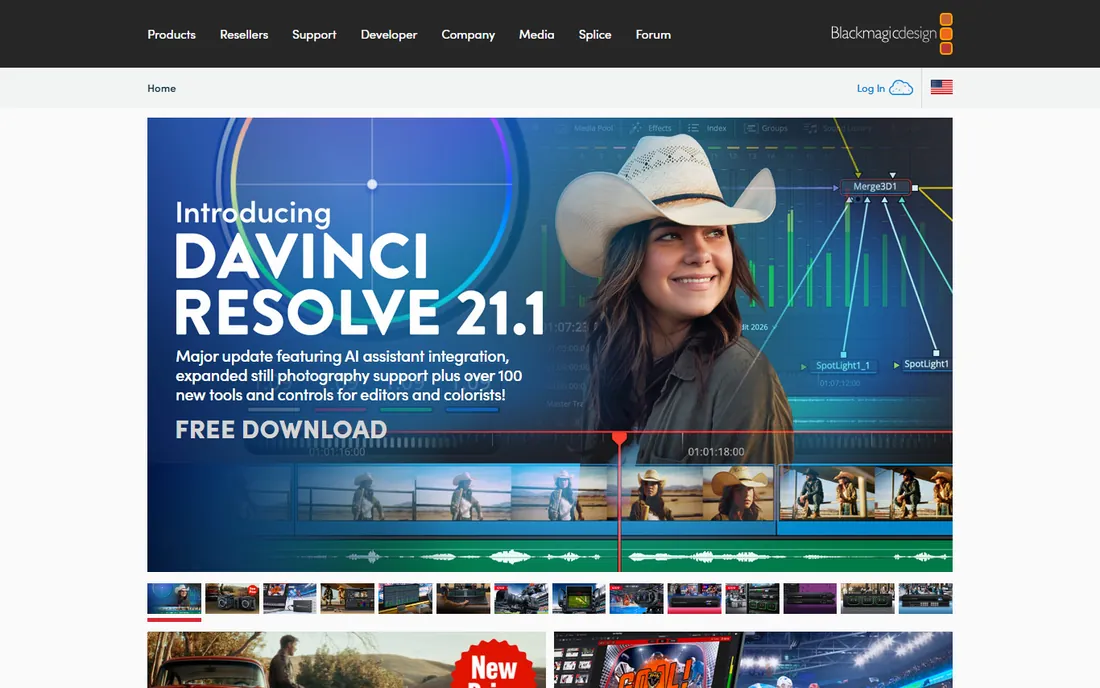
Fusion Studio is the standalone version of the compositor inside DaVinci Resolve, and its pricing is the story: $295 once, yours forever, for a node-based compositor with planar tracking, 3D camera tracking and a real 3D workspace. Freelance compositors get Nuke-style workflows without Nuke-style subscriptions.
The ecosystem is the trade-off. Fewer artists use it, fewer studios hire for it, and tutorials are thinner than for Nuke or After Effects. But the tool itself is deep and the price is honest. For freelancers building a compositing practice on a budget, it is the best value in professional compositing.
What we like- Full node-based compositor with planar and 3D tracking for a single $295 payment
- No subscription
- The same Fusion engine inside DaVinci Resolve
Watch out for- Smaller community and fewer tutorials than Nuke or After Effects
- The standalone product gets less attention than Resolve
Planar, point and 3D: which tracker you actually need
Three tracking technologies solve three different problems. Point trackers follow high-contrast pixels frame to frame; they handle simple jobs like attaching text to a moving car or stabilizing a shot. Planar trackers follow surfaces through perspective change, rotation and partial occlusion; they handle screen replacements, sign swaps and face replacements. 3D camera trackers reverse-engineer the camera's movement through a scene so you can add 3D objects that sit correctly in the space.
Match the purchase to the shot list. Talking-head videos with graphics: a point tracker (in your editor) is enough. Product videos with screen or label replacements: a planar tracker (Mocha) pays for itself on the first project. Short films and VFX shots with 3D elements: a 3D solver (SynthEyes, Blender or Nuke's CameraTracker). Buying a matchmover for lower thirds is like buying a crane to hang a picture.
The Mocha question: plugin or standalone
Mocha Pro sells two ways: standalone application and plugin for After Effects, Premiere Pro, Nuke, Fusion and Resolve. The tracking engine is the same; the difference is workflow. The plugin keeps you in the host timeline, which suits editors doing quick screen comps. The standalone gives you the full toolset, including object removal and the 3D solver interface, which suits compositors doing finishing work.
A wrinkle: After Effects bundles Mocha AE free, which covers planar tracking basics. Many editors buy Mocha Pro thinking they need it, then discover Mocha AE already handles their shots. The paid upgrade buys object removal, stabilization, the PowerMesh warp tracking and faster workflows. Try the bundled version on your hardest recent shot first; upgrade when it fails.
Frequently asked questions
What is the best motion tracking software for beginners?
DaVinci Resolve: it is free and includes point, planar and 3D trackers inside a full editor. Learn the concepts there, then buy a dedicated tool when paying work demands it.
What is the difference between planar tracking and point tracking?
A point tracker follows individual pixels, which breaks when the target rotates, changes perspective or gets occluded. A planar tracker follows a surface as a plane, holding through perspective change and partial occlusion. Planar tracking handles screen and sign replacements that point trackers cannot.
Can I do motion tracking for free?
Yes. Blender and DaVinci Resolve both include real tracking toolsets free, and After Effects bundles Mocha AE. Free tools cover most YouTube and indie work; dedicated tools earn their price on difficult shots and client deadlines.
Do I need Mocha Pro if I have After Effects?
Not always. After Effects includes a point tracker, 3D Camera Tracker and bundled Mocha AE. Buy Mocha Pro when shots need object removal, heavy occlusion handling or faster planar workflows that the bundled tools cannot deliver.
What software do professionals use for 3D camera tracking?
Facilities use PFTrack, SynthEyes and Nuke's CameraTracker. Freelancers and indie filmmakers get real results from SynthEyes and Blender at far lower cost.
Is a subscription or perpetual license better for tracking software?
Perpetual licenses (SynthEyes, PFTrack, Fusion Studio, DaVinci Resolve Studio) cost less over multi-year use and never lock you out. Subscriptions (Mocha Pro, Nuke, After Effects) spread the cost and include updates. If you track daily, subscriptions are a cost of doing business; if you track occasionally, perpetual wins.
How we chose
We searched the queries VFX buyers use: motion tracking software, planar tracker, 3d camera tracking software and matchmoving software. We favored tools with real professional adoption over app-store novelties, checked each vendor's own site for pricing and trial terms, and compared tracking technology, host integration and learning curve against practitioner discussion and review coverage. Where a price could not be verified on the vendor's page we wrote "See website."
Sources we checked (9)
- https://borisfx.com/products/mocha-pro/
- https://borisfx.com/products/syntheyes/
- https://www.thepixelfarm.co.uk
- https://www.adobe.com/products/aftereffects.html
- https://www.blackmagicdesign.com/products/davinciresolve
- https://www.blender.org
- https://www.foundry.com/products/nuke
- https://borisfx.com/products/silhouette/
- https://www.blackmagicdesign.com/products/fusion/
Is your product missing or out of date?
We review this list regularly. Vendors can request a listing, send updated pricing or ask about featured placement.

Shihab Mia · Founder, Rankite
Shihab has spent more than a decade helping SaaS and e-commerce brands grow through search. He writes Rankite's software buying guides from pricing pages, documentation and public user reviews. More about Shihab.