How we make this list: we compare pricing pages, product documentation and public user reviews. Rankite is independent; if a vendor ever pays for a featured spot, that listing is clearly labeled Partner.
Key takeaways
- Milanote is the best all-round pick for client-facing mood boards: boards nest inside boards, sharing is polished, and the free plan is genuinely useful.
- If you already pay for Canva, Miro or Figma, you probably do not need a dedicated mood board app; all three handle boards well enough.
- PureRef and Eagle are the two best buys for solo creatives: one is pay-what-you-want, the other is a $29.95 one-time purchase with no subscription.
- Niice is built for brand teams with budget, not freelancers; at $83.25 per month it costs more than everything else here combined.
- Pinterest is free and infinite, but it is a discovery feed, not a board tool; you cannot present a Pinterest feed to a client.
Quick comparison
| Tool | Best for | Starting price | Free plan |
|---|
 Milanote Milanote | client-facing creative boards | $9.99 per person/month (billed annually) | Yes (up to 100 items) |
 Miro Miro | team workshops and collaboration | $8 per user/month (billed annually) | Yes (3 editable boards) |
 Canva Canva | quick boards inside a design suite | $15 per month ($120 per year billed annually) | Yes |
 Morpholio Board Morpholio Board | interior designers on iPad | Free (5 projects); in-app purchases from $4.99 | Yes (5 projects) |
 Niice Niice | brand hubs for remote teams | $83.25 per month (Basic) | Yes (free version available) |
 Conceptboard Conceptboard | GDPR-friendly team whiteboarding | 5 EUR per user/month (Starter) | Yes (limited boards and objects) |
 FigJam FigJam | Figma users who need a whiteboard | $3 per month (Collab seat, billed annually) | Yes (3 FigJam boards) |
 PureRef PureRef | desktop reference canvas | Pay what you want ($0 accepted for personal use) | Yes |
 Eagle Eagle | one-time image library | $29.95 one-time (two devices) | Free trial (30 days) |
 Pinterest Pinterest | free visual discovery | Free | Yes |
Is your product missing or out of date?
We review this list regularly. Vendors can request a listing, send updated pricing or ask about featured placement.
The best mood board software
Starting price$9.99 per person/month (billed annually)
Free planYes (up to 100 items)
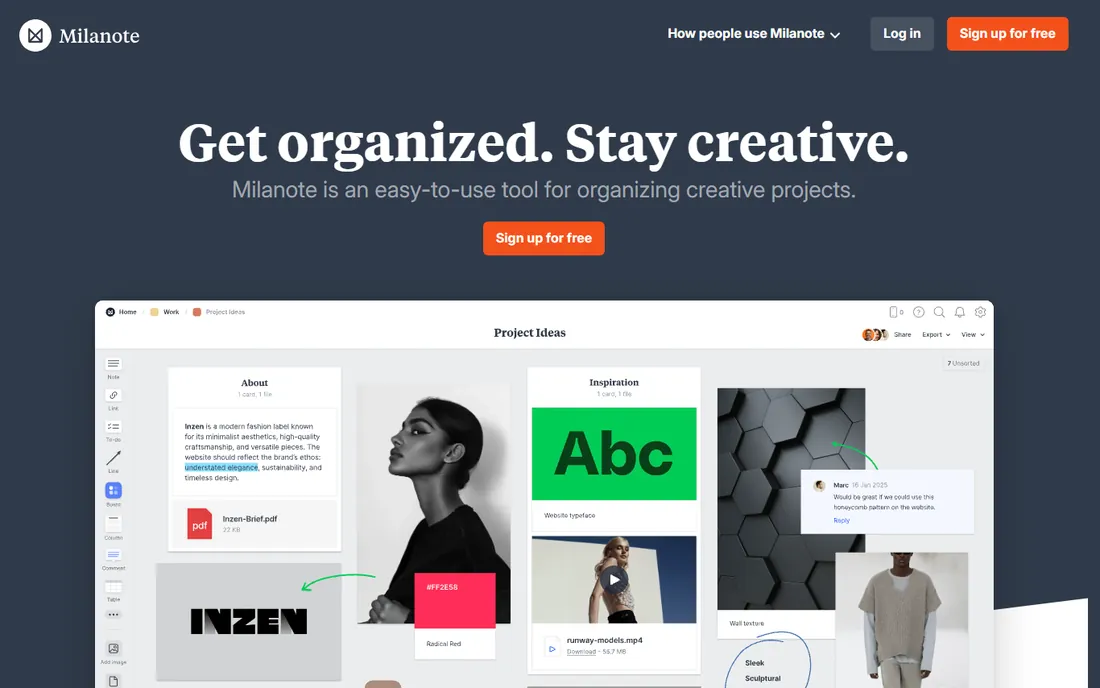
Milanote is the tool this category was named for. Drop images, notes, links and files onto a board and they stay where you put them. Boards nest inside boards, so a big branding project splits into neat sections without losing the overview. Sharing is where it earns its place: invite a client to edit, comment or view, protect boards with passwords, and export to PDF, PNG, Word or Markdown when the board becomes a deliverable.
The pricing gap is the thing to know. The free plan covers 100 notes, images or links, which handles one small project. Cross that line and you jump straight to $9.99 per person per month on annual billing, or $12.50 month to month. A team bundle for up to 10 people runs about $49 per month. There is no API and no version history, which matters once two people edit the same board. For solo designers and small studios presenting to clients, it is still the most purpose-built option here.
What we like- Boards nest inside boards for clean project structure
- Polished client sharing with comments
- Easy drag-and-drop collecting from the web
Watch out for- Free plan caps at 100 items with no middle tier
- Weak mobile apps and no real offline mode
- Live collaboration lags behind Miro and FigJam
Starting price$8 per user/month (billed annually)
Free planYes (3 editable boards)

Miro is a whiteboard first and a mood board tool second, but it does the second job well. Real-time co-editing, sticky notes, comments, voting and timers make it the strongest pick when a team builds a board together in a live session. The template library includes plenty of mood board starting points, and integrations with Slack, Google Drive and Zoom keep the board inside your existing workflow.
The free plan is a trial in disguise: three editable boards, no more. Starter at $8 per member per month billed annually removes the cap and adds private boards, custom templates and 90-day board history. Business at $20 per member per month adds SSO and unlimited guest editing. For a team that already runs workshops in Miro, building mood boards there costs nothing extra.
What we like- Best-in-class live collaboration with voting and timers
- 5,000+ templates
- 250+ integrations including Slack and Google Drive
Watch out for- Free plan limited to 3 editable boards
- Built for workshops, not personal asset libraries
- Per-seat costs add up fast for large teams
Starting price$15 per month ($120 per year billed annually)
Free planYes
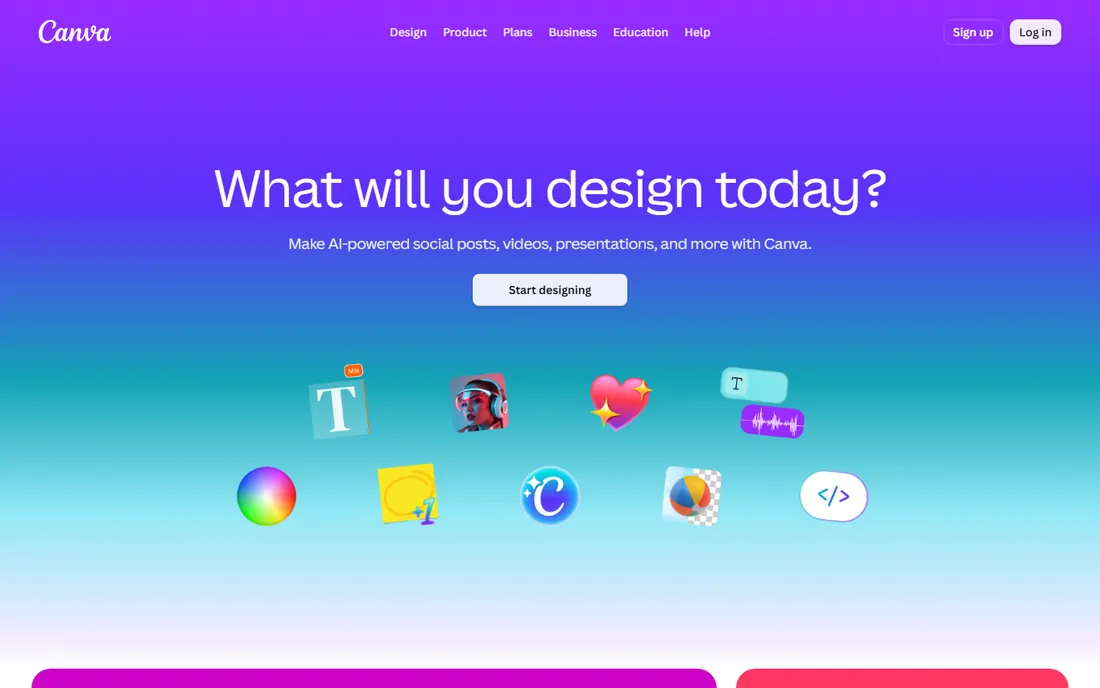
You probably already have Canva, which is exactly the argument for using it. Canva Whiteboards give you an infinite canvas with sticky notes, images and templates, and the same account hands you the full design suite: background remover, Magic Resize, 610,000 templates and over 100 million stock assets on Pro. For a marketing team that needs a mood board on Monday and the social graphics on Tuesday, that combination is hard to beat.
The pricing history is messy, so check the current page. Pro now costs $15 per month or $120 per year. The old Teams plan was rebranded to Canva Business at roughly $20 per person per month. The free plan remains genuinely usable. The catch is aesthetic: Canva boards look like Canva boards. If the board itself is the deliverable a client judges you on, a dedicated tool presents better.
What we like- Huge template library and stock assets
- Whiteboards plus full design tools in one place
- Generous free plan with 5 GB storage
Watch out for- Boards feel generic next to dedicated tools
- Pro raised to $15 per month in 2025
- Team pricing changed multiple times, so verify before budgeting
Starting priceFree (5 projects); in-app purchases from $4.99
Free planYes (5 projects)
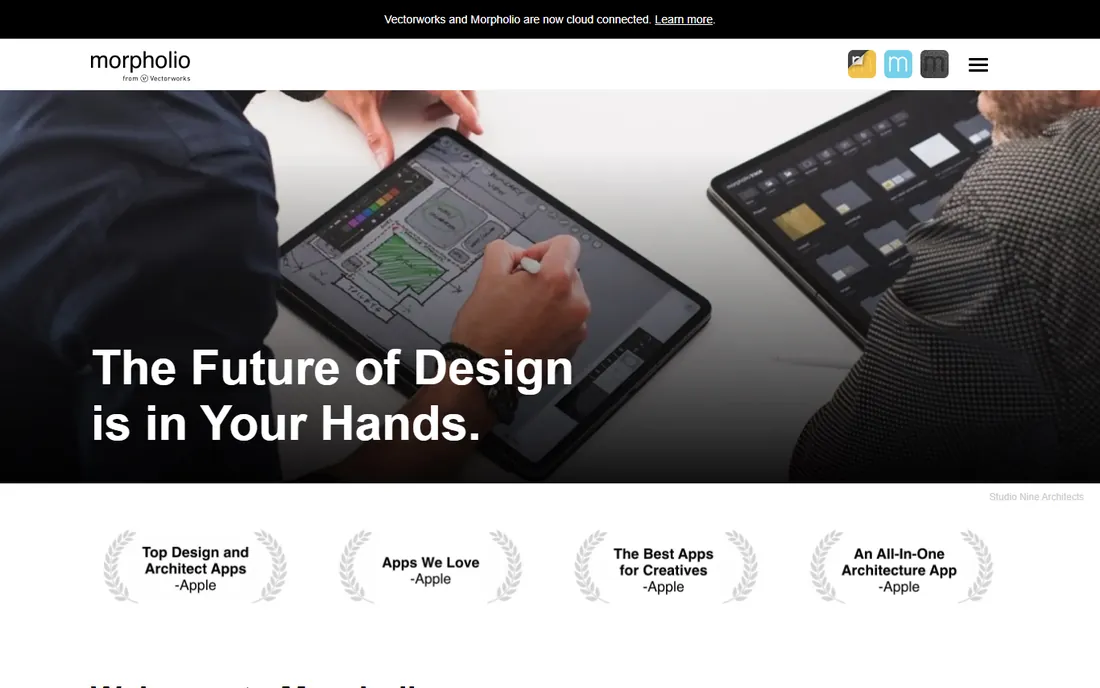
This is the specialist. Morpholio Board is built for interior designers and it shows: curated galleries from brands like Knoll, Herman Miller and Blu Dot, automatic shopping lists and furniture books generated from your boards, and AR that drops furniture into a real room at scale. A board can become a client presentation, a color chart or a cutsheet without leaving the app.
The free tier covers up to 5 projects, which is enough to test properly. Essentials, Premium and Pro subscriptions open up more projects, export to Excel, PDF and PSD, presentation mode and smart layers, with in-app purchases starting around $4.99. The hard limit is platform: iPhone, iPad and Mac only. If your team mixes devices, look elsewhere. If you design interiors on an iPad, nothing else here is close.
What we like- Curated product libraries from real furniture brands
- Turns boards into presentations, color charts and shopping lists
- AR furniture preview on device
Watch out for- Apple devices only, no Android or web app
- Advanced features locked behind subscription tiers
- Overkill if you do not work in interiors
Starting price$83.25 per month (Basic)
Free planYes (free version available)
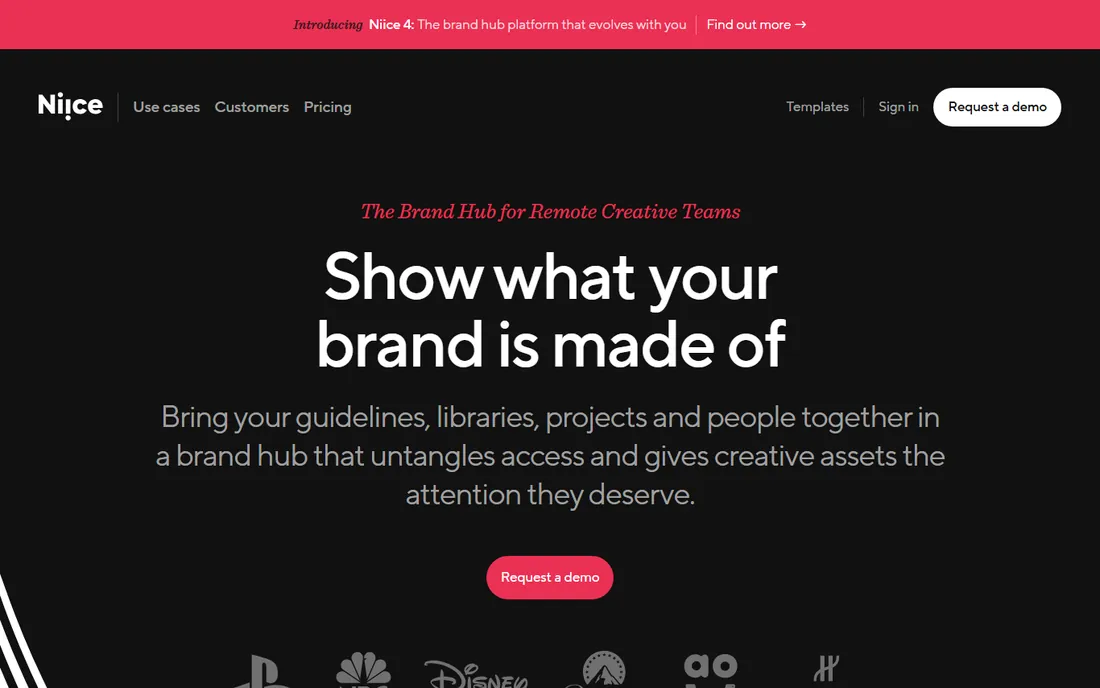
Niice is not really a mood board app; it is a brand hub that happens to include beautiful canvases. Remote creative teams use it to present guidelines, libraries and projects in one place, with version control, permissions and workflow automation underneath.
The price puts it in a different category: $83.25 per month for the Basic plan, flat rate, with a free version for small teams getting started. If you are a freelancer making inspiration boards, this is massive overkill. If you run brand for a distributed team and need boards, asset management and approvals in one place, the cost starts to make sense.
What we like- Beautiful canvases for presenting brand assets
- Combines boards with digital asset management
- Solid integrations with Figma, Slack and Google Slides
Watch out for- By far the most expensive tool here
- Aimed at brand teams, not freelancers
- Feature depth exceeds what a simple mood board needs
Starting price5 EUR per user/month (Starter)
Free planYes (limited boards and objects)
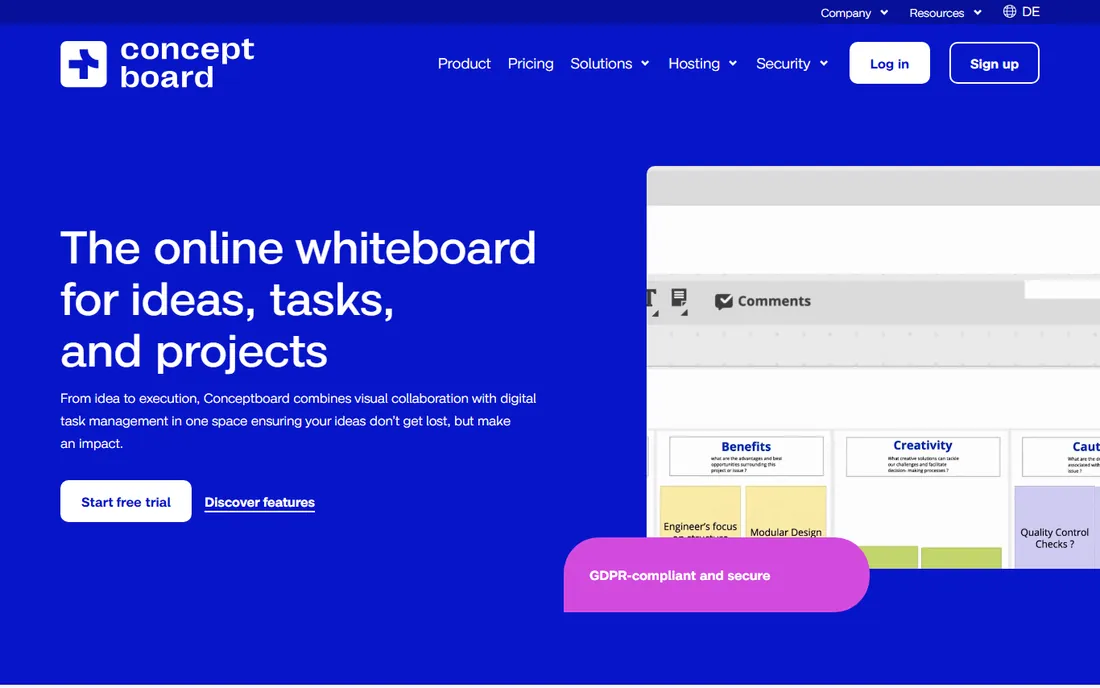
Conceptboard is the European answer to Miro. It is an online whiteboard with real-time collaboration, sticky notes, commenting and version history, plus two things Miro charges more for: built-in video conferencing and task management directly on the board.
The compliance story is the real differentiator. Data residency in Germany, ISO 27001 certification and public-sector procurement suitability make it the pick for European companies, agencies handling sensitive clients, and government-adjacent work. Pricing starts at 5 EUR per user per month for Starter, with a free plan covering limited boards. The ecosystem is smaller than Miro's, with fewer templates and integrations, but the core whiteboarding is solid.
What we like- Data hosted in Germany with ISO certification
- Built-in video conferencing and task management on the board
- Generous free tier for individuals
Watch out for- Smaller template and integration ecosystem than Miro
- Interface can feel cluttered on large boards
- Real-time sync can lag on big projects
Starting price$3 per month (Collab seat, billed annually)
Free planYes (3 FigJam boards)
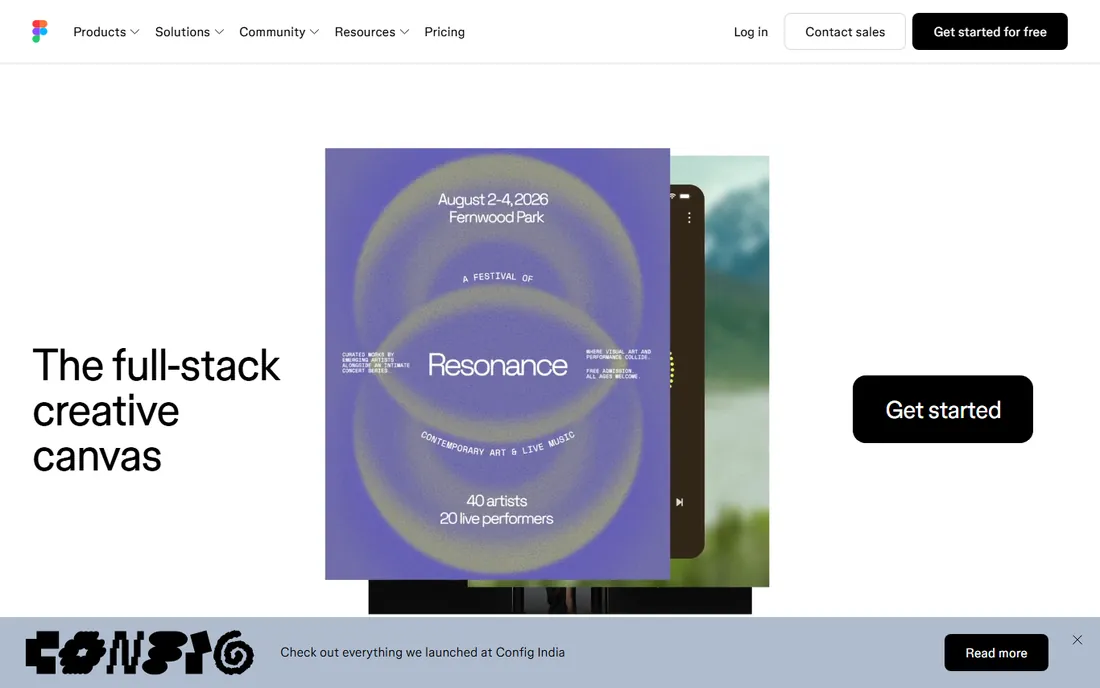
If your studio lives in Figma, stop reading and use FigJam. It is one click from your design files, which means crits, flows and mood boards happen in the same place. The $3 per month Collab seat on the Professional plan is the lowest-priced serious whiteboard here, and viewers and commenters are free.
The free Starter plan allows 3 FigJam boards, enough for occasional use. The honest limitation is scope. FigJam is a whiteboard, not a mood board specialist: no asset libraries, no curated product galleries, no board-to-presentation pipeline. For quick internal boards and workshops inside a design team, it is the cheapest good option. For client-facing creative boards, Milanote presents better.
What we like- Cheapest serious whiteboard at $3 per editor per month
- Sits one click from your Figma design files
- Open sessions let clients join for 24 hours with no account
Watch out for- Only makes sense inside a Figma workflow
- Free plan caps at 3 boards
- Stickies and stamps feel basic next to Miro's toolkit
Starting pricePay what you want ($0 accepted for personal use)
Free planYes
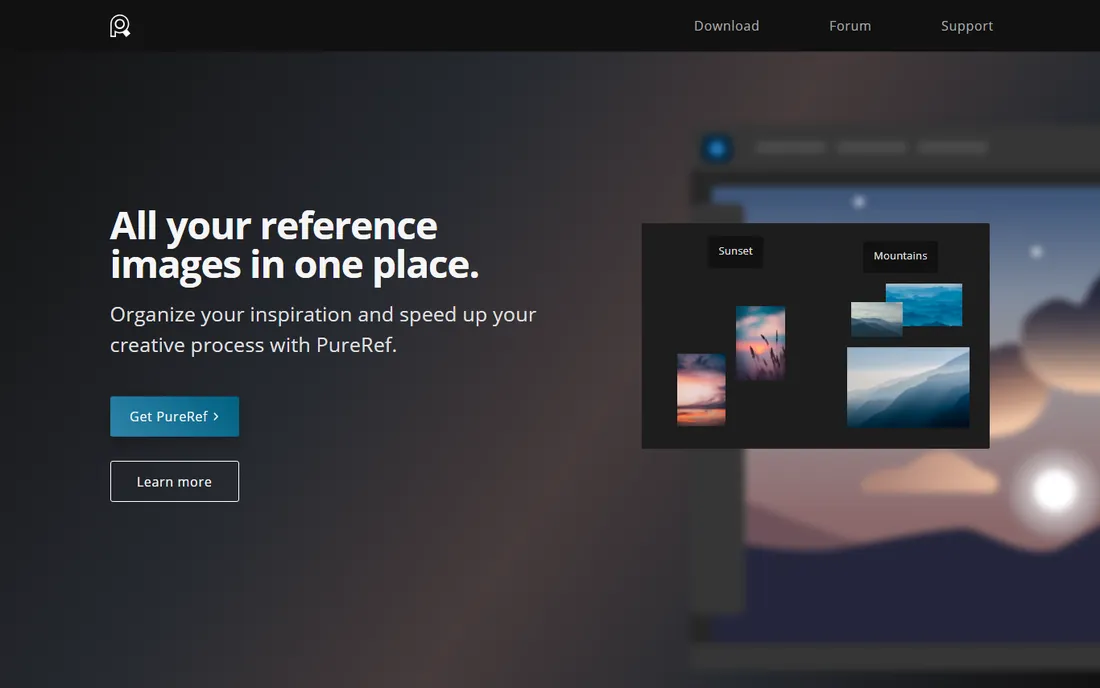
PureRef does one thing and does it perfectly. It is a floating canvas that sits on top of your workspace, holding reference images while you paint, model or design. Drag images in from anywhere, arrange them, add quick notes, toggle desaturation to check values.
The pricing is pay-what-you-want for personal use, and $0 is accepted. A $49 one-time studio license covers up to three people for commercial teams. There is no catch hidden in the free version; it is the full app. The limitation is that it is yours alone: no sharing, no collaboration, no cloud sync. For gathering references while you work, nothing beats it. For presenting boards to anyone else, pair it with one of the tools above.
What we like- Always-on-top floating canvas beside your work
- Drag and drop images from anywhere
- Runs on Windows, Mac and Linux
Watch out for- Personal reference tool, no sharing or collaboration
- No cloud sync or mobile apps
- Minimal organization beyond the canvas itself
Starting price$29.95 one-time (two devices)
Free planFree trial (30 days)
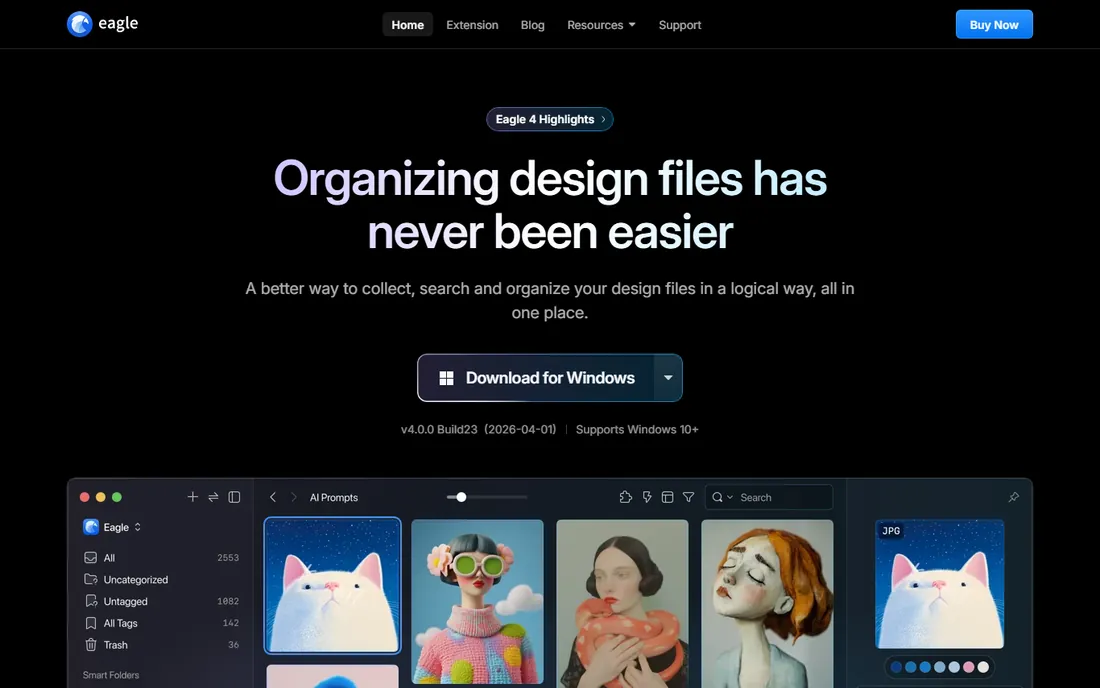
Eagle is a digital asset manager that designers use as a personal mood board library. Collect images with the browser extension, organize them with tags, smart folders, ratings and annotations, and search by color, shape or dimensions. It previews over 90 file formats including video, audio, fonts and 3D objects.
The business model is the attraction: $29.95 once for a license covering two devices, with free lifetime updates and no per-user fees. A 30-day free trial lets you test the full app. The tradeoff is that it is a desktop app with no web version and no real-time collaboration, though libraries can be shared through cloud storage. If your mood boards start as a personal collection you build over years, Eagle is the cheapest permanent home for them.
What we like- One-time payment, no subscription, free lifetime updates
- Powerful tagging, smart folders and color search
- Browser extension for clipping images fast
Watch out for- Desktop app only, no web or mobile version
- No real-time collaboration
- Support is email-based and can be slow in English
Starting priceFree
Free planYes
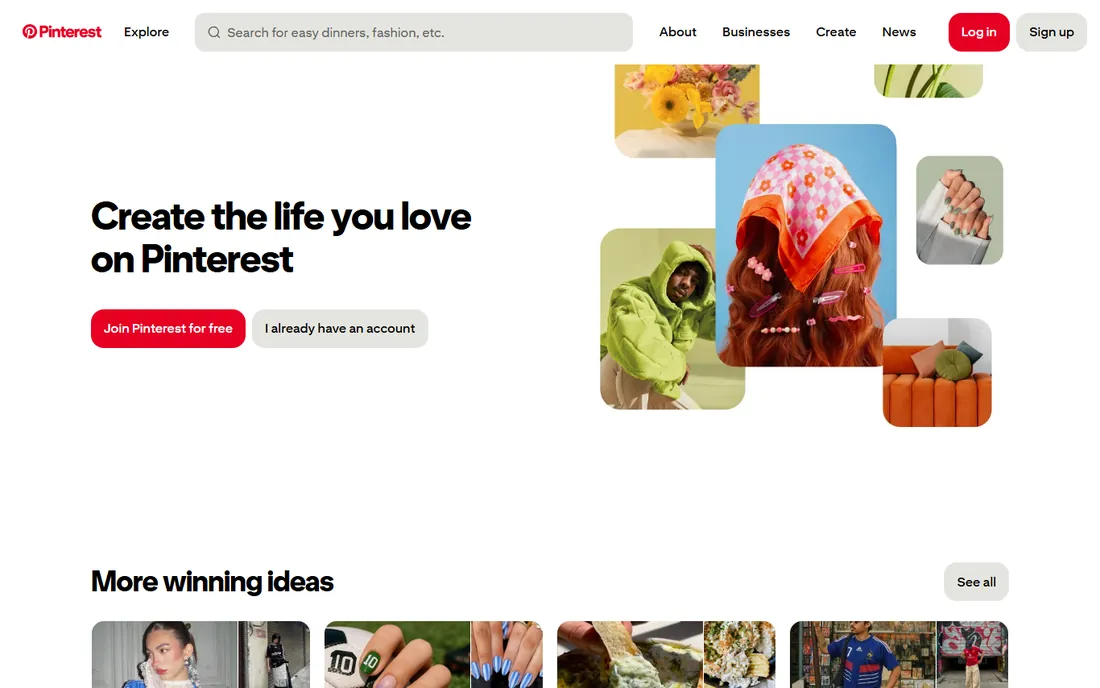
Pinterest belongs on every mood board list and in none of the workflows. As a discovery engine it is unmatched: search any style, material or aesthetic and you will find thousands of references in seconds. Secret boards let you collect privately, and it costs nothing.
But a Pinterest board is not a deliverable. There is no layout control, no annotations worth mentioning, no export to PDF, and no way to present it professionally. Worse, pins link to external sources, so boards rot when pages disappear. Use Pinterest for what it is: the fastest way to gather raw inspiration. Then build the actual board in Milanote, Canva or Morpholio.
What we like- The largest free collection of visual references on earth
- Secret boards for private collecting
- Genuinely useful for early-stage inspiration
Watch out for- Not a board tool, just a discovery feed
- No client presentation features
- Images link out, so boards break when sources disappear
What to look for before you buy
Decide who sees the board
A board you present to a paying client has different requirements from one you build for yourself. Client-facing boards need clean layouts, your branding, PDF export and share links that do not require an account. Milanote, Niice and Morpholio Board are built for this. Internal team boards need real-time collaboration and comments instead, which is where Miro, FigJam and Conceptboard win. PureRef and Eagle are personal tools; do not buy them for client presentations.
Check the free plan limits against your real usage
Free plans in this category are capped in ways that bite at specific moments. Milanote gives you 100 items, enough for one project. Miro gives you 3 editable boards, enough for a trial. Figma gives you 3 FigJam boards. Canva's free plan is the most generous for casual use. Before paying, count how many boards and items your last three projects actually used, then check which cap you would hit first.
Count seats, not just the sticker price
Per-seat pricing looks cheap until the team grows. Miro Starter at $8 per member per month is $96 per person per year; a 20-person team pays $1,920 annually. FigJam's $3 Collab seat is dramatically cheaper for the same headcount. Milanote's $49 per month team bundle covers up to 10 people. Map the price to your actual headcount for a year before choosing.
Confirm export and ownership
Boards have a habit of becoming the project record. Check what happens when you need the board outside the app. Milanote exports to PDF, PNG, Word and Markdown. Miro and FigJam export boards as images and PDFs. Pinterest exports nothing. Also check what happens to your boards if you cancel: most tools keep them readable but locked, so export finished client work before downgrading.
How we chose
We started from how small and mid-size companies actually use mood boards: collecting references, arranging them, and presenting them to clients or teammates. We read current pricing pages, product documentation and public reviews on G2, Capterra, Software Advice and Reddit, and checked each tool's free plan limits, sharing features and export options. We dropped one established name, SampleBoard, because its creator software was discontinued in December 2023 and the site has since become a trend blog, replacing it with Morpholio Board. No hands-on testing was involved.
Frequently asked questions
What is the best free mood board software?
Pinterest for discovery, PureRef for a personal reference canvas, and Canva's free plan for shareable boards. Milanote's free plan handles one real project at up to 100 items.
Is Milanote worth paying for?
If you present boards to clients, yes. The $9.99 per person per month annual plan removes the 100-item cap and the sharing, password protection and export features are built for client work. If your boards are internal only, Miro or FigJam give you more collaboration for similar money.
Can I use Miro just for mood boards?
You can, and teams that already pay for Miro should. But it is a workshop whiteboard at heart, and its per-seat pricing and 3-board free cap make it an expensive dedicated mood board tool. Milanote or Canva serve pure mood boarding better at lower cost.
What do interior designers use for mood boards?
Morpholio Board is the specialist pick, with curated furniture brand libraries and automatic shopping lists and presentations. Many designers also use Milanote for client-facing boards and Canva for quick concepts. The now-discontinued SampleBoard was the old standard in this niche.
Do I need a paid plan for a small team?
Often not at first. A team of three can run on Canva's free plan or FigJam's free tier for months. You need to pay when you hit item or board caps, or when you need private client sharing. Audit usage quarterly; most teams pay a year too early.
Which tool is best for brand mood boards?
Niice, if the budget allows: its canvases are built to present brand assets beautifully and it adds asset management underneath. For smaller budgets, Milanote's nested boards handle brand guidelines, references and presentation in one place at a fraction of the price.
Sources we checked (13)
- https://nubiapage.com/milanote-review-2026-download-alternatives-login-free-plan-pricing/
- https://storyflow.so/blog/canva-vs-milanote-vs-miro-vs-figma-moodboard-maker-creative-projects-2026
- https://storyflow.so/blog/best-mood-board-tools-interior-designers-2026
- https://www.cloudeagle.ai/blogs/miro-pricing-guide
- https://www.miracamp.com/learn/canva/pricing-plans
- https://sampleboard.com/sampleboard-mood-board-creator-software/
- https://apps.apple.com/gb/app/morpholio-board-moodboard/id761867957
- https://www.getapp.co.nz/software/2054600/niice
- https://www.capterra.com/p/130545/Conceptboard/
- https://costbench.com/software/diagramming/figjam/
- https://www.getapp.ca/software/2057347/eagle
- https://www.refern.app/alternatives/best-milanote-alternatives
- https://pureref.com/
Is your product missing or out of date?
We review this list regularly. Vendors can request a listing, send updated pricing or ask about featured placement.

Shihab Mia · Founder, Rankite
Shihab has spent more than a decade helping SaaS and e-commerce brands grow through search. He writes Rankite's software buying guides from pricing pages, documentation and public user reviews. More about Shihab.