How we make this list: we compare pricing pages, product documentation and public user reviews. Rankite is independent; if a vendor ever pays for a featured spot, that listing is clearly labeled Partner.
Key takeaways
- Tinkercad (free) is the best 3d print design software for absolute beginners; you can design and export a printable model in under an hour.
- Fusion 360 ($680/year commercial, free for personal use) is the best value professional pick for functional parts and product design.
- Blender, FreeCAD, and Tinkercad are completely free and capable enough for most hobbyist printing; start free before paying.
- Browser-based options (Onshape, Tinkercad, SelfCAD) need no installation and work on any computer, including Chromebooks.
- STL and 3MF export matters more than features: every tool here exports printable files, but check resolution settings on free tiers.
Quick comparison
| Tool | Best for | Starting price | Free plan |
|---|
 Tinkercad Tinkercad | absolute beginners | Free | Yes (fully free, account required) |
 Fusion 360 Fusion 360 | functional parts and product design | $680/year (commercial) | Yes (free for personal, non-commercial use) |
 Blender Blender | organic and artistic models | Free | Yes (fully free, open source) |
 SketchUp SketchUp | fast concept modeling | From $129/year (Go) | Yes (free web version for personal use) |
 FreeCAD FreeCAD | free parametric CAD | Free | Yes (fully free, open source) |
 Shapr3D Shapr3D | tablet and iPad modeling | $299/year (Pro) | Yes (Basic plan, 2 projects) |
 Onshape Onshape | browser-based collaboration | $1,500/user/year (Standard) | Yes (free for non-commercial use) |
 SelfCAD SelfCAD | design plus built-in slicing | $14.99/month | Yes (free plan available) |
 SolidWorks SolidWorks | professional engineering | See website (quote-based licensing) | Free trial (evaluation available) |
Is your product missing or out of date?
We review this list regularly. Vendors can request a listing, send updated pricing or ask about featured placement.
The best 3D modeling software for 3D printing
Starting priceFree
Free planYes (fully free, account required)
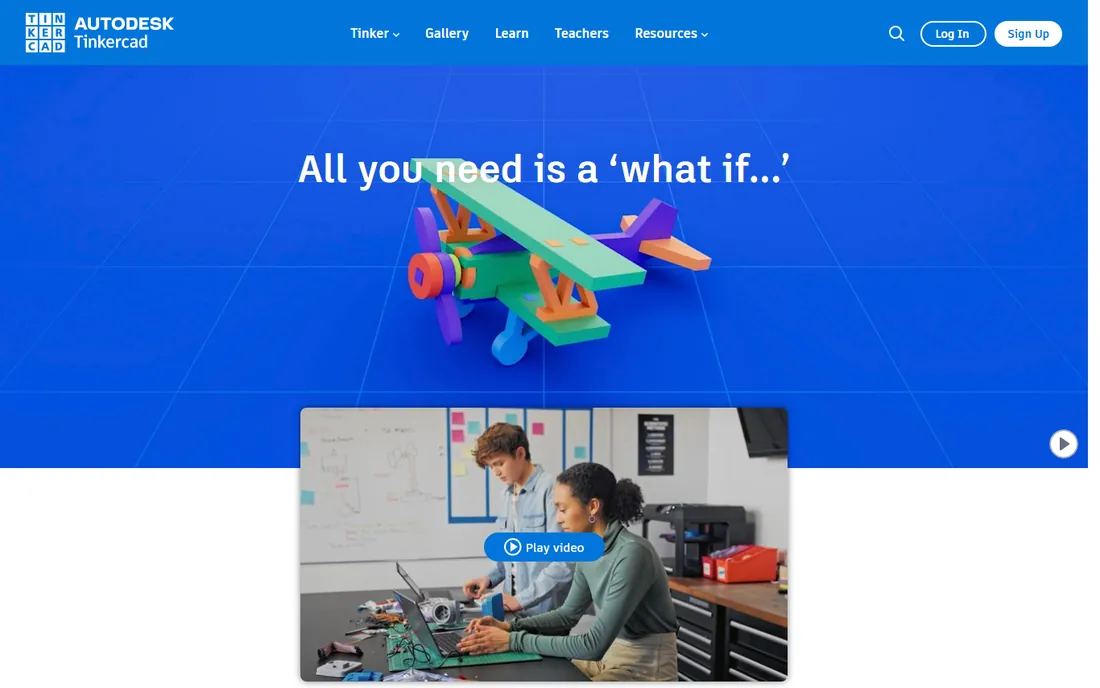
Tinkercad is where most people should start designing 3D prints. It runs entirely in the browser, so there is nothing to install, and the drag-and-drop workflow of combining simple shapes teaches real 3D thinking within minutes. Autodesk keeps it free, and the community gallery holds millions of models you can copy, modify, and print. For brackets, enclosures, toys, and household fixes, it is genuinely enough.
The limits are honest: you cannot do precise parametric engineering, complex surfacing, or fine mechanical tolerances. But most beginners never hit those limits in their first year. If you are asking what the best software to design 3D prints is for someone who has never modeled anything, this is the answer, and it costs nothing.
What we like- Runs in any browser with zero setup
- The easiest learning curve of any 3D tool
- Huge library of community models to remix
Watch out for- Too simple for precise engineering parts
- Needs an Autodesk account
- Requires internet access
Starting price$680/year (commercial)
Free planYes (free for personal, non-commercial use)
Fusion 360 is the default recommendation when someone outgrows Tinkercad and wants to design real parts. The parametric workflow means every dimension stays editable: change a hole diameter and the whole model updates. The timeline lets you step back through your design decisions. For 3D printing, the solid modeling tools, mesh handling, and precise measurements make it the best 3d design software for 3d printing functional objects like gears, mounts, and mechanical assemblies.
Commercial use costs $680 per year per user, which is fair for professional CAD but real money for a hobbyist. The free personal-use tier covers non-commercial projects with limits on active documents and some features. If you sell printed parts or do client work, you need the paid license. The cloud document system is convenient until your internet drops, which is worth knowing before you depend on it.
What we like- Parametric modeling with timeline history
- Built-in CAM, simulation, and rendering
- Massive tutorial library
Watch out for- Commercial license is $680/year
- Free tier limits active documents and exports
- Cloud-based, so offline work is limited
Starting priceFree
Free planYes (fully free, open source)
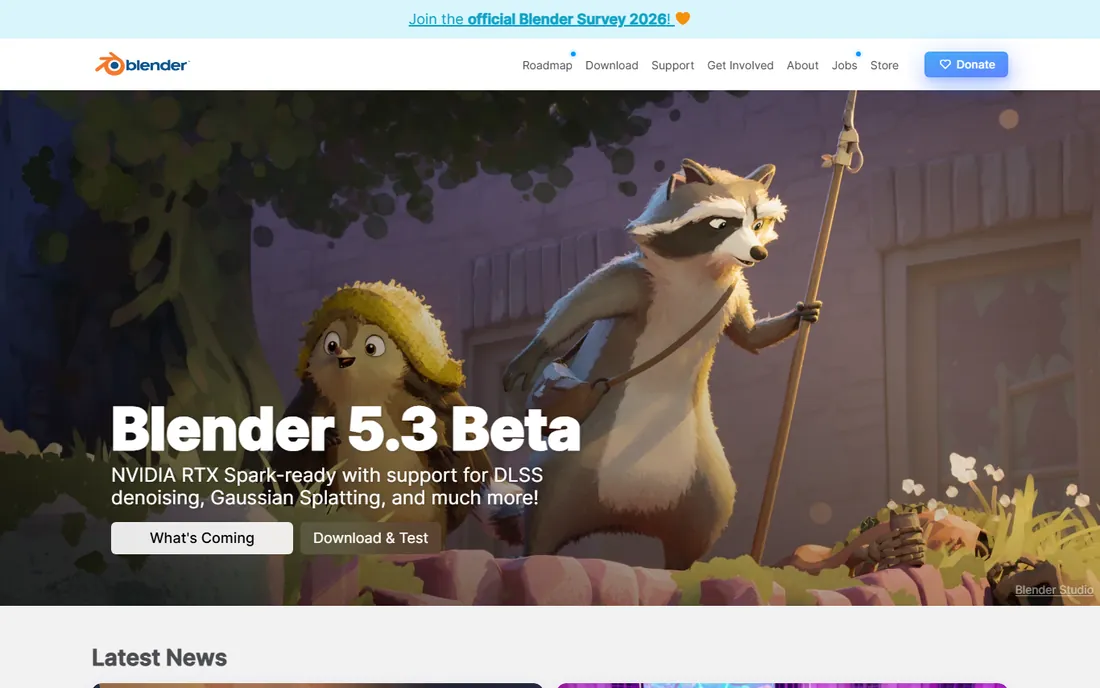
Blender is free, open source, and absurdly capable. For 3D printing, its strength is organic and artistic modeling: characters, sculptures, cosplay props, and decorative objects that parametric CAD tools struggle with. The sculpting mode rivals paid software costing thousands, and the 3D Print Toolbox add-on checks your models for common printing problems like non-manifold edges before you export.
The catch is the learning curve. Blender's interface was designed for film and game artists, and simple tasks can feel buried. It is also not parametric: if you need a bracket with exact 4.2mm holes, Fusion 360 or FreeCAD will frustrate you less. But for anything artistic, Blender is the best free option, and the tutorial ecosystem is enormous.
What we like- The most powerful free 3D software in existence
- Excellent sculpting tools for organic shapes
- Huge community and tutorials
Watch out for- Interface overwhelms beginners
- Not parametric, so precise parts are harder
- Overkill if you only print simple brackets
Starting priceFrom $129/year (Go)
Free planYes (free web version for personal use)
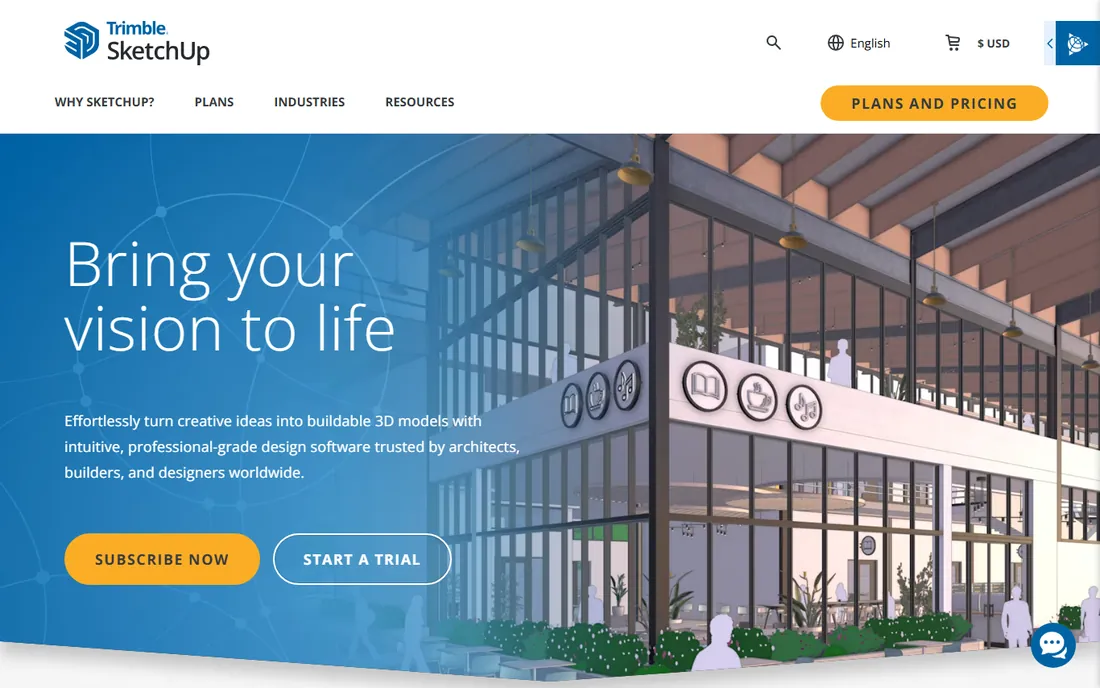
SketchUp's push-pull modeling is the fastest way to get a rough design out of your head. Draw a rectangle, pull it into a box, and you are modeling. The 3D Warehouse offers millions of free models to download and print, and the interface stays friendly where other CAD tools turn intimidating. For architectural models, terrain, furniture, and quick prototypes, it is hard to beat for speed.
For 3D printing specifically, know the trade-offs: SketchUp is not parametric, so editing precise dimensions is clumsy, and STL export on some plans requires an extension. The Go plan starts at $129/year, with Pro at $399/year. If your prints need engineering precision, Fusion 360 or FreeCAD serve you better. If speed and simplicity matter most, SketchUp earns its place.
What we like- The fastest way to block out a design
- Enormous 3D Warehouse of ready models
- Gentle learning curve
Watch out for- Not parametric
- STL export needs an extension on some plans
- Paid tiers cost more than Fusion for less engineering power
Starting priceFree
Free planYes (fully free, open source)
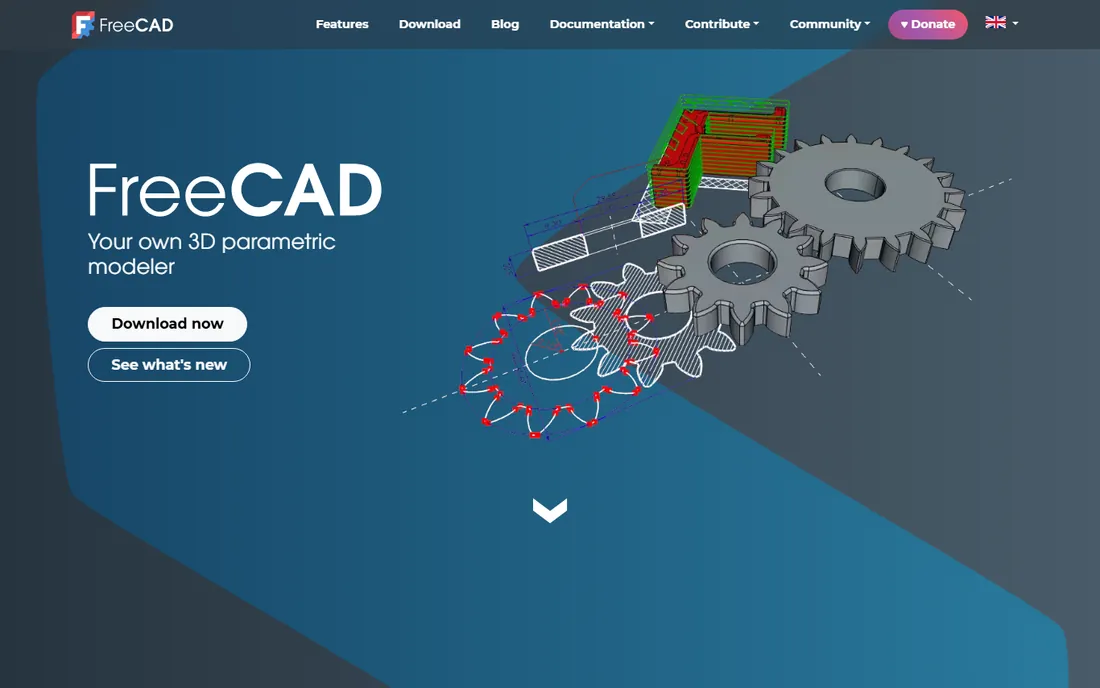
FreeCAD is the answer to the question "is there a free Fusion 360?" It is genuinely parametric: sketches drive features, dimensions stay editable, and assemblies update when parts change. It is released under an open license, so you can use it commercially, modify it, and never pay. Recent versions have improved stability and usability significantly, and for brackets, enclosures, and mechanical parts it does the job.
The honest comparison is that Fusion 360 remains smoother, better documented, and less crash-prone. FreeCAD's interface shows its open-source roots, and you will occasionally fight the software. But the price is zero forever, with no document limits or commercial restrictions. For budget-conscious makers and anyone who objects to subscriptions on principle, it is the best 3d printing design software you can get for free.
What we like- Real parametric modeling at zero cost
- No accounts, subscriptions, or limits
- Active development and improving fast
Watch out for- Interface feels rough next to commercial tools
- Occasional bugs and crashes
- Smaller tutorial library than Fusion 360
Starting price$299/year (Pro)
Free planYes (Basic plan, 2 projects)
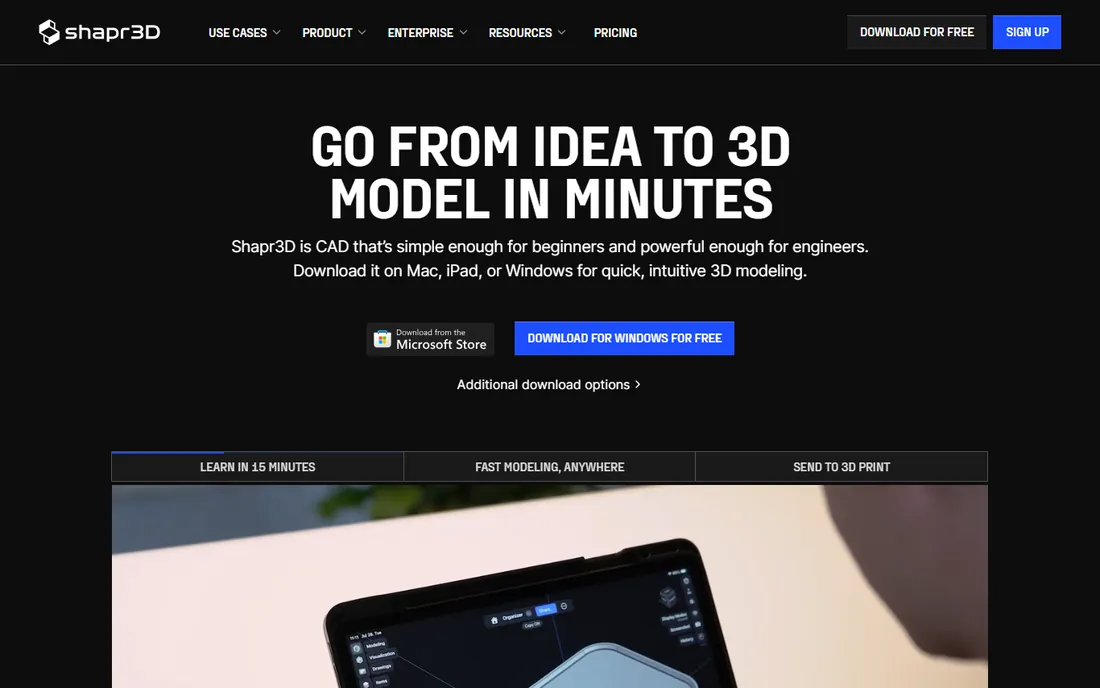
Shapr3D is the only serious CAD tool designed for the iPad first. Sketching with the Apple Pencil feels natural in a way mouse-based CAD never does, and underneath the touch interface sits the Parasolid kernel, the same geometry engine used by high-end engineering software. Models sync between iPad, Mac, and Windows, so you can sketch on the couch and refine at your desk. Export includes STL and 3MF for printing.
The free Basic plan allows 2 projects with low-resolution STL export, which is enough to evaluate but not to work seriously. Pro at $299/year adds unlimited projects and high-resolution export. If you do your best thinking away from a desk, Shapr3D is unmatched. If you work at a desktop anyway, Fusion 360 gives you more for a comparable price.
What we like- The best CAD experience on iPad with Apple Pencil
- Real Parasolid modeling kernel
- Syncs across iPad, Mac, and Windows
Watch out for- Pro costs $299/year
- Free tier limited to 2 projects and low-res export
- Touch-first design can frustrate desktop users
Starting price$1,500/user/year (Standard)
Free planYes (free for non-commercial use)
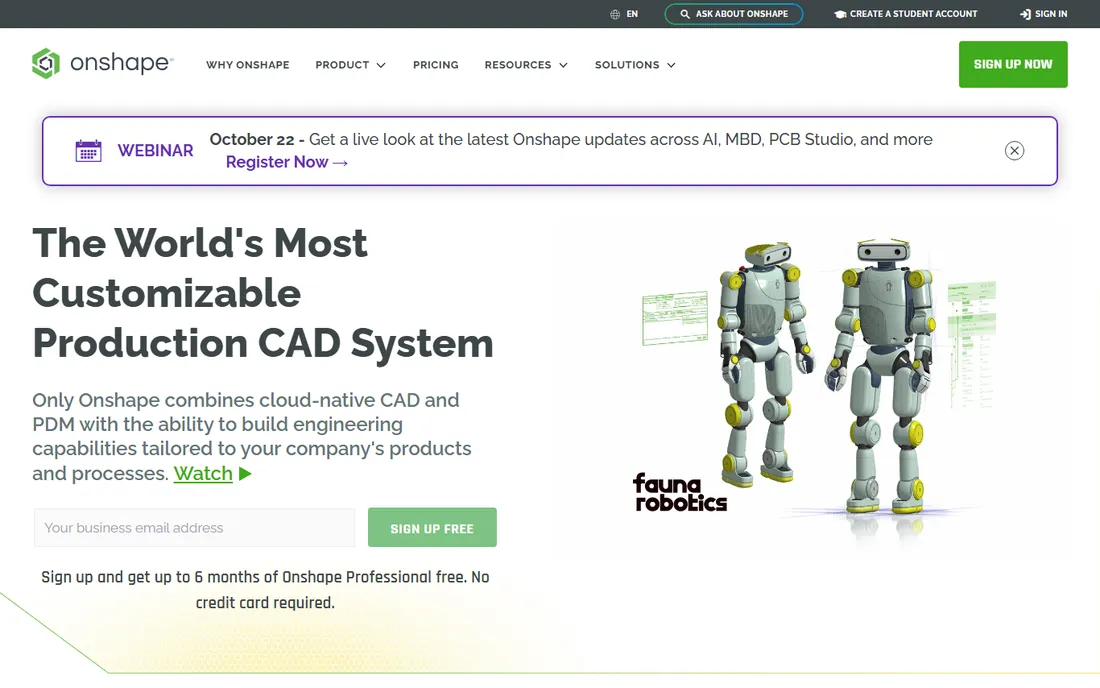
Onshape puts professional parametric CAD entirely in the browser. Multiple people can edit the same model simultaneously, with built-in version control that tracks every change. For teams, classrooms, and anyone who works across computers, the zero-install workflow is compelling. It was built by the original SolidWorks team, and the modeling quality shows.
The price is the conversation: $1,500 per user per year for Standard puts it firmly in professional territory. The free plan exists for non-commercial use but makes your documents public, which rules out private projects. It also needs reliable internet, since all computation happens in the cloud. For collaborative teams who live in browsers, it is excellent. For solo makers, the price is hard to justify against Fusion 360 or FreeCAD.
What we like- Full CAD in the browser with nothing to install
- Real-time multi-user editing like Google Docs
- Version control built in
Watch out for- Expensive at $1,500/user/year
- Free plan makes designs public
- Needs a solid internet connection
Starting price$14.99/month
Free planYes (free plan available)
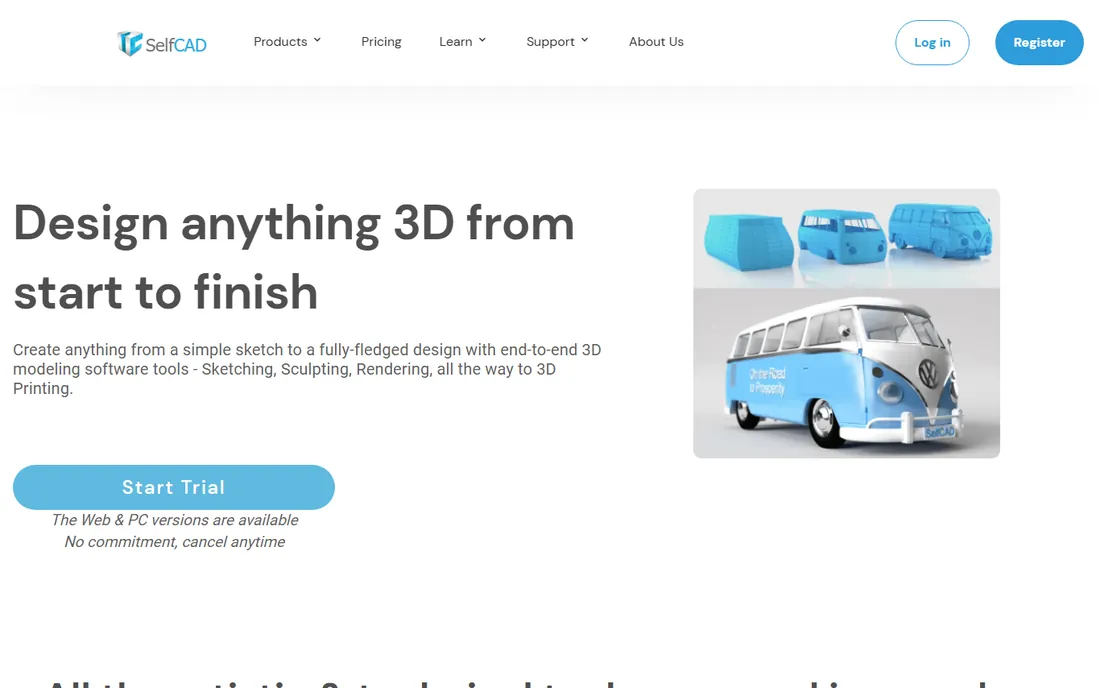
SelfCAD takes a different approach: it combines 3D modeling with a built-in slicer, so you can design a part and prepare it for printing without leaving the browser. The modeling tools are simpler than Fusion 360 or FreeCAD, which makes it approachable for beginners and students, and the monthly price of $14.99 is easy to try without commitment. It covers the full path from idea to printer in one place.
The trade-off is depth. Experienced modelers will find the toolset limited compared with dedicated CAD software, and complex models can slow down in the browser. The community is small, so tutorials are thinner. But as an all-in-one starting point that includes slicing, it fills a genuine niche for beginners who want one tool for everything.
What we like- Modeling and slicing in one browser tool
- Simpler than traditional CAD for beginners
- Affordable monthly pricing
Watch out for- Less powerful than dedicated CAD tools
- Browser performance lags on complex models
- Smaller community
Starting priceSee website (quote-based licensing)
Free planFree trial (evaluation available)
SolidWorks is what professional mechanical engineers use, and for complex assemblies, sheet metal, and simulation-driven design, it remains the benchmark. If you are designing parts that will be manufactured at scale or working in an engineering firm, its toolset justifies its reputation. Knowing SolidWorks is also a career asset: it appears on more engineering job postings than any other CAD tool.
For 3D printing hobbyists, it is overkill. Pricing is quote-based and sits in the thousands per year, it runs on Windows only, and the learning curve is steep. Unless you are studying engineering or working professionally, Fusion 360, FreeCAD, or Onshape cover your needs at a fraction of the cost. SolidWorks belongs on this list because professionals ask about it, not because hobbyists need it.
What we like- The industry standard for mechanical engineering
- Unmatched assembly and simulation tools
- Employers expect it on resumes
Watch out for- Expensive with quote-based pricing
- Windows only
- Overkill for hobbyist printing
How we chose
We compared 3D modeling tools that are actively maintained and genuinely used for 3D printing in 2026, drawing on vendor documentation, pricing pages, and community discussion on Reddit, 3D printing forums, and review sites. Every tool had to export printable file formats (STL or 3MF). We verified current pricing and free tiers, noted platform constraints (browser, Windows-only, Mac-only), and considered different users: first-time modelers, hobbyists printing functional parts, artists making organic models, and professionals. Nothing was tested hands-on; the picks reflect documented capabilities, pricing, and real-world fit.
Beginners should start with Tinkercad or SelfCAD. Both run in the browser, both are free to try, and both get you from zero to a printed object fast. Tinkercad is simpler; SelfCAD adds slicing. Spend your first month here before deciding whether you need more.
Intermediate makers printing functional parts should learn Fusion 360 (free for personal use) or FreeCAD (free forever). The parametric workflow is the skill that transfers everywhere: sketch, constrain, extrude, and edit dimensions. It feels slow for the first week and then becomes second nature. Artists and prop makers should go to Blender instead, where sculpting replaces sketching.
Professionals and teams choose based on workflow, not features. Solo engineers get the most value from Fusion 360 at $680/year. Teams that collaborate in real time justify Onshape. Engineering firms and students building resumes need SolidWorks. iPad-first designers have exactly one serious option: Shapr3D.
The common mistake is buying professional software as a beginner. A $680 Fusion subscription does not make your first bracket better than Tinkercad does. Start free, learn the concepts, and pay only when a specific project demands tools the free tier lacks.
What to check before you print
Export format matters more than most beginners realize. STL is the universal format every slicer reads, but it describes surfaces as triangles with no units or color information. 3MF is the modern replacement: it stores units, colors, and materials in one file. Every tool here exports STL; check that your pick also offers 3MF if your slicer supports it.
Watch export resolution on free tiers. Shapr3D's free plan exports low-resolution STL, which can show faceted curves on prints. Tinkercad's exports are fine for most prints but lack fine control. If your prints show visible faceting, the export settings are the first place to look.
Check your slicer compatibility early. Most slicers (Bambu Studio, PrusaSlicer, OrcaSlicer, Cura) accept STL and 3MF from any of these tools. But some CAD tools export meshes with the wrong units or flipped normals, which cause failed slices. Print a small calibration model from any new tool before committing to a large project.
Finally, think about where your files live. Browser tools like Tinkercad, Onshape, and SelfCAD store your designs in the cloud, which is convenient until a service changes terms or goes down. Export and back up your STL and source files locally for anything you care about. Desktop tools like Fusion 360, Blender, and FreeCAD keep files on your machine by default, which is one less thing to worry about.
Frequently asked questions
What is the best 3d print design software for beginners?
Tinkercad. It is free, runs in the browser, and you can design a printable model in your first session. When you outgrow it, move to Fusion 360 (free for personal use) or FreeCAD (free forever) for parametric modeling.
What is the best free software to design 3d prints?
Tinkercad, Blender, and FreeCAD are all completely free and cover different needs: Tinkercad for simple beginner models, Blender for organic and artistic shapes, and FreeCAD for precise parametric parts. SketchUp and Onshape also offer free tiers with some limits.
Can I use Blender for 3D printing?
Yes. Blender exports STL and works well for 3D printing, especially for organic models, characters, and decorative objects. Use the 3D Print Toolbox add-on to check for mesh errors before exporting. For precise mechanical parts with exact dimensions, parametric CAD like Fusion 360 or FreeCAD is easier.
Is Fusion 360 still free?
Fusion 360 offers a free personal-use license for non-commercial projects, with limits on active documents and some features. Commercial use requires a paid subscription at $680/year. If you sell printed parts or do client work, you need the commercial license.
What file format do I need for 3D printing?
STL is the standard format that every slicer accepts. 3MF is the newer, better format that includes units, colors, and materials. All nine tools in this comparison export STL, and most support 3MF as well.
Do I need a powerful computer for 3D modeling?
Browser-based tools (Tinkercad, Onshape, SelfCAD) run on modest hardware including Chromebooks, since the heavy work happens in the cloud. Desktop tools like Fusion 360, Blender, and SolidWorks benefit from a decent CPU, 16GB of RAM, and a dedicated graphics card for complex models.
Sources we checked (9)
- https://tinkercad.com/
- https://www.autodesk.com/
- https://www.blender.org/
- https://www.sketchup.com/
- https://www.freecad.org/
- https://shapr3d.com/
- https://www.onshape.com/
- https://www.selfcad.com/
- https://www.solidworks.com/
Is your product missing or out of date?
We review this list regularly. Vendors can request a listing, send updated pricing or ask about featured placement.

Shihab Mia · Founder, Rankite
Shihab has spent more than a decade helping SaaS and e-commerce brands grow through search. He writes Rankite's software buying guides from pricing pages, documentation and public user reviews. More about Shihab.