How we make this list: we compare pricing pages, product documentation and public user reviews. Rankite is independent; if a vendor ever pays for a featured spot, that listing is clearly labeled Partner.
Key takeaways
- Blender is the only free tool that handles serious sculpting end to end, with multiresolution sculpting, 80+ brushes and a full pipeline around it.
- ZBrush for iPad has a real free plan with 28 brushes, which makes it the best free way to learn actual ZBrush workflows on a tablet.
- SculptGL is the fastest way to try sculpting today: no download, no account, just a browser tab.
- Three famous free tools died recently: ZBrushCoreMini was discontinued in May 2025, Meshmixer is gone, and Mudbox ends in November 2026. Do not build a workflow on them.
- MakeHuman is quietly the most actively developed free character tool here, with MPFB 2.0.18 released in October 2026.
Quick comparison
| Tool | Best for | Starting price | Free plan |
|---|
 Blender Blender | serious sculpting with a full pipeline | Free | Yes |
 ZBrush for iPad ZBrush for iPad | learning real ZBrush on a tablet | Free plan (paid plans add 200+ brushes) | Yes |
 SculptGL SculptGL | trying sculpting in a browser | Free | Yes |
 Womp 3D Womp 3D | playful browser-based 3D creation | Free (Pro plan around $9 per month) | Yes |
 Tinkercad Tinkercad | beginners and classrooms | Free | Yes |
 MakeHuman MakeHuman | free parametric human characters | Free | Yes |
 Daz Studio Daz Studio | posing and rendering characters | Free | Yes |
 Wings 3D Wings 3D | clean subdivision modeling | Free | Yes |
Is your product missing or out of date?
We review this list regularly. Vendors can request a listing, send updated pricing or ask about featured placement.
The best free 3D sculpting software
Starting priceFree
Free planYes
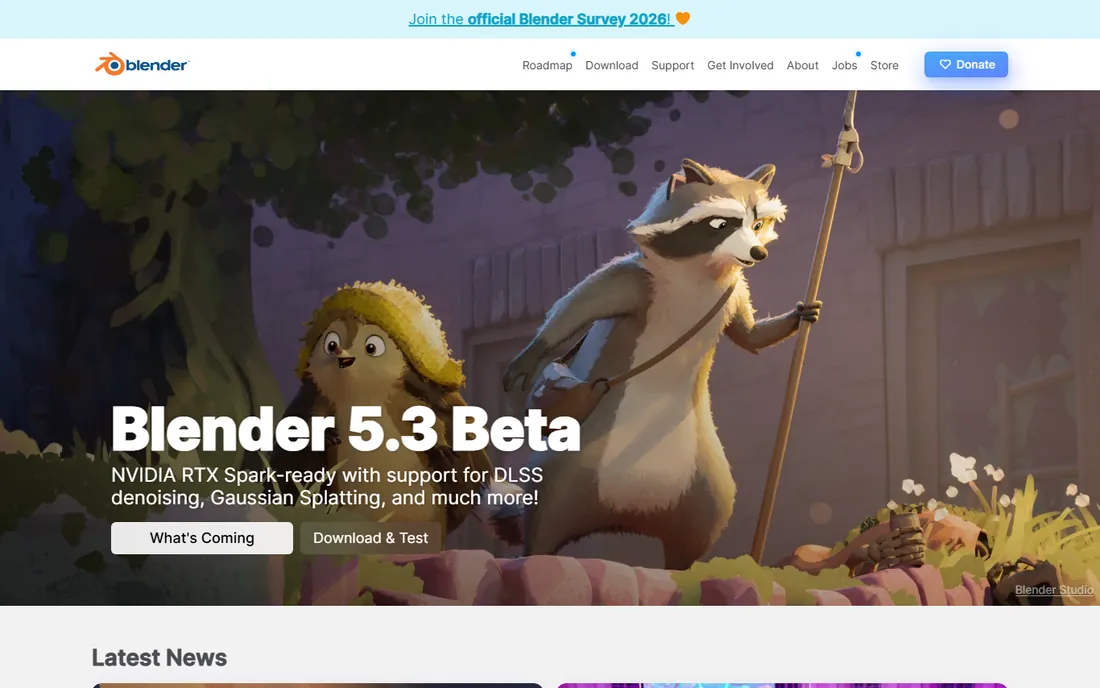
There is free sculpting, and then there is Blender. Its sculpt mode handles multiresolution sculpting, dynamic topology, cloth brushes, pose brushes and masking at a level no other free tool touches. Because the sculpt lives inside a complete 3D suite, you can retopologize, UV unwrap, texture paint, rig and render without exporting to anything else. For character work, creatures and 3D printing, it is the professional-grade free option.
The price of all that power is complexity. Blender's interface is famously dense, and sculpt mode hides behind the same learning curve as the rest of the app. On very high polygon counts, viewport performance falls behind ZBrush, so production character artists still pay for Maxon's tool. But for learning, freelancing and indie game work, Blender's sculpting is more than enough, and the tutorial library is the largest of any tool here.
What we like- Multiresolution sculpting with 80+ brushes
- Dyntopo for detail where you need it
- The sculpt feeds straight into retopology, texturing and rendering
Watch out for- The interface overwhelms first-time sculptors
- High-poly performance trails ZBrush
- No official support channel
#2
ZBrush for iPad
Best for: learning real ZBrush on a tablet
Visit maxon.net
Starting priceFree plan (paid plans add 200+ brushes)
Free planYes
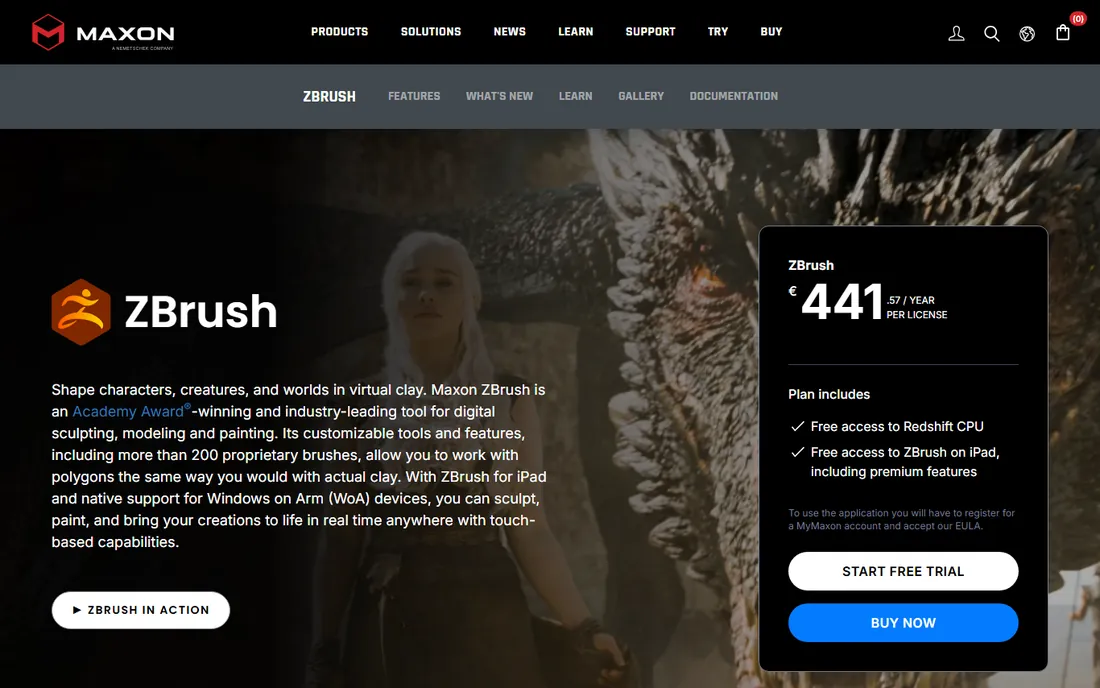
This is the most interesting free sculpting release in years. Maxon brought ZBrush to the iPad with a free plan that includes 28 of the most popular brushes and working versions of Dynamesh, Sculptris Pro, ZSpheres and ZRemesher, all with limits. It is not a demo; it is a usable sculpting app that happens to upsell. Anyone who learns here can move to desktop ZBrush later with skills intact, and files transfer through GoZ.
The limits are real but fair. The full brush library runs past 200 brushes, and the free tier caps the advanced features. You also need a reasonably recent iPad: iPadOS 17 or later on an A12 Bionic or newer. There is no Android version and no free desktop equivalent since ZBrushCoreMini was discontinued in May 2025. For tablet sculptors, this replaced CoreMini as the free on-ramp to ZBrush.
What we like- Genuine ZBrush sculpting engine on iPad
- 28 popular brushes free
- Files move to desktop ZBrush via GoZ
Watch out for- IPad only, no Android or desktop free version
- Advanced tools like ZRemesher are limited on free
- Requires iPadOS 17 and A12 chip or later
Starting priceFree
Free planYes
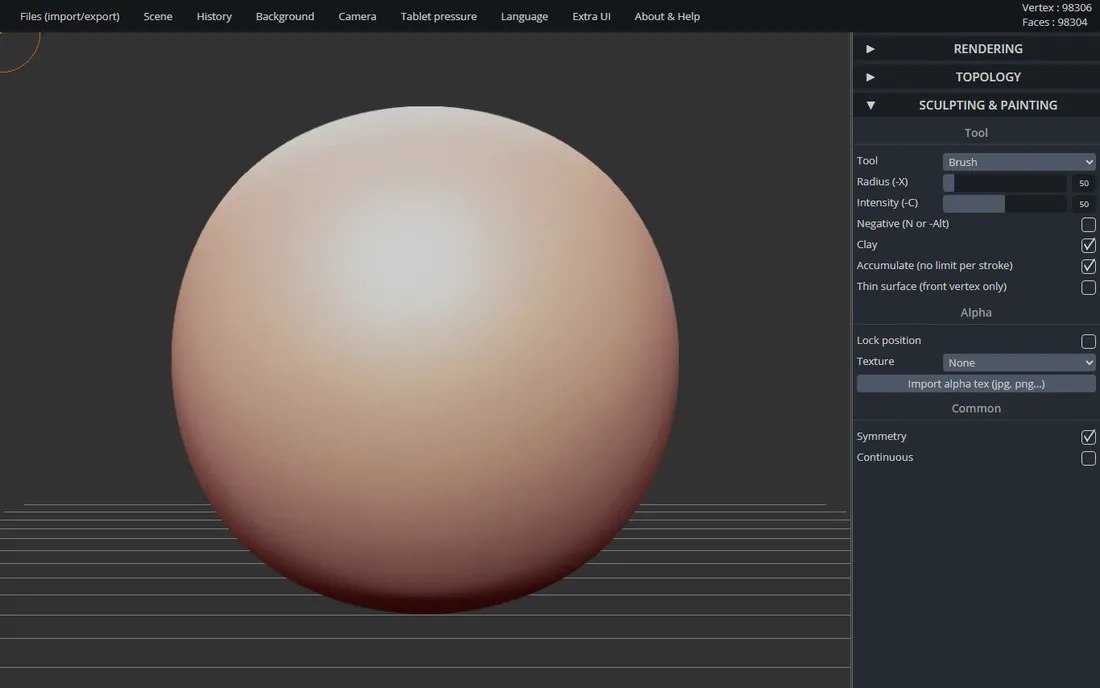
SculptGL is the fastest path from curiosity to a finished sculpt. Open the URL and you are sculpting within seconds: standard brushes, inflate, smooth, twist, drag, multiresolution subdivision, dynamic topology, even PBR vertex painting. It exports to OBJ, PLY and STL, so a sculpt can go straight to a 3D printer. For a classroom demo or a first evening of digital clay, nothing is quicker.
The honest footnote is maintenance. The creator has said he no longer maintains SculptGL beyond small fixes, and the interface shows its age. There is no account system, so work lives in your browser until you export. Treat it as what it is: a superb sketching sandbox, not a production tool. When a sculpt outgrows it, Blender imports the OBJ and takes over.
What we like- Runs in any browser with no install or account
- Real sculpting brushes plus dynamic topology and voxel remeshing
- Exports OBJ, PLY and STL for 3D printing
Watch out for- The original author no longer actively develops it
- Interface is minimal and dated
- No collaboration or cloud saving
Starting priceFree (Pro plan around $9 per month)
Free planYes
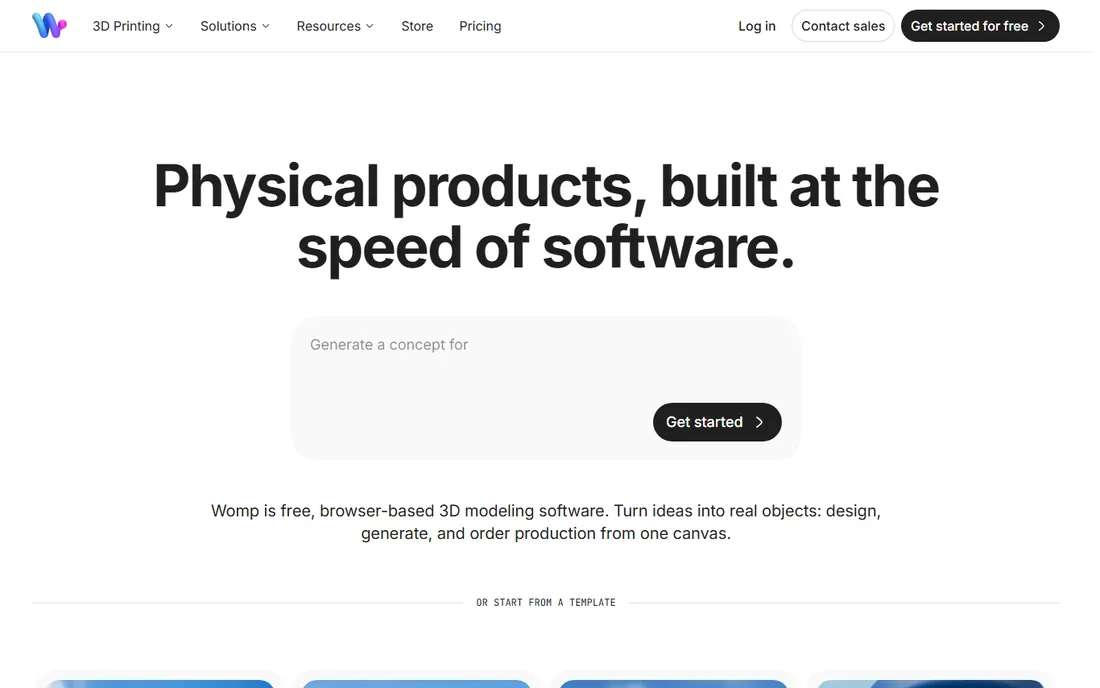
Womp takes a different philosophy from every other tool here. Instead of brushes on a mesh, you build with liquid SDF shapes that blend, merge and carve like digital clay, plus a Goop feature for smooth organic transitions. It runs entirely in the browser, the interface is playful rather than technical, and there is a real community sharing work. When you finish, Womp will 3D print and ship the object to you.
The free tier is generous with materials and tools, though the best options require the Pro plan at around $9 per month. The aesthetic skews stylized; realistic, messy, detailed work is harder to achieve than in Blender or ZBrush. Womp is also still a young company, so expect the workflow to keep changing. For beginners, kids, educators and anyone who finds traditional sculpting intimidating, it is the friendliest door in.
What we like- Runs in the browser with a genuinely fun interface
- Liquid SDF shapes that blend like clay
- Built-in 3D printing service ships your design
Watch out for- Stylized output leans cute, not realistic
- Best materials and tools sit behind Pro
- Young platform, workflow still evolving
Starting priceFree
Free planYes
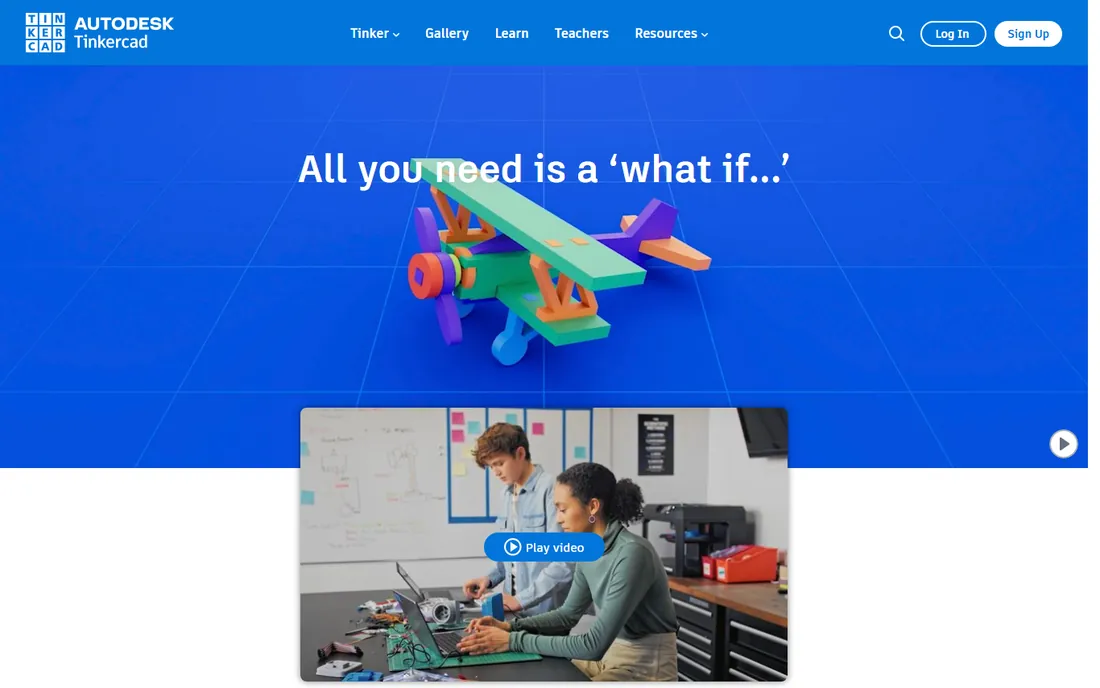
Tinkercad stretches the definition of sculpting, and the stretch is worth naming. It is a block-based modeler: you combine, subtract and reshape primitive shapes rather than pushing digital clay with brushes. But for a first 3D experience, especially for kids and classrooms, it is unmatched. The interface can be learned in an hour, it runs in any browser, and Autodesk keeps it completely free with no upsell inside the core tool.
Over 100 million people have used it, and the education resources are the best in this category. The ceiling arrives quickly, though. Organic characters, fine detail and anything resembling real sculpting are outside its reach. Think of Tinkercad as the on-ramp: learn 3D thinking here, then graduate to Blender or SculptGL when the blocks start feeling small.
What we like- The easiest 3D tool a complete beginner can learn
- Runs in the browser, no install
- Trusted by over 100 million users with classroom lesson plans
Watch out for- Not really sculpting, it is constructive solid modeling
- Too simple for organic character work
- Experienced users outgrow it fast
Starting priceFree
Free planYes
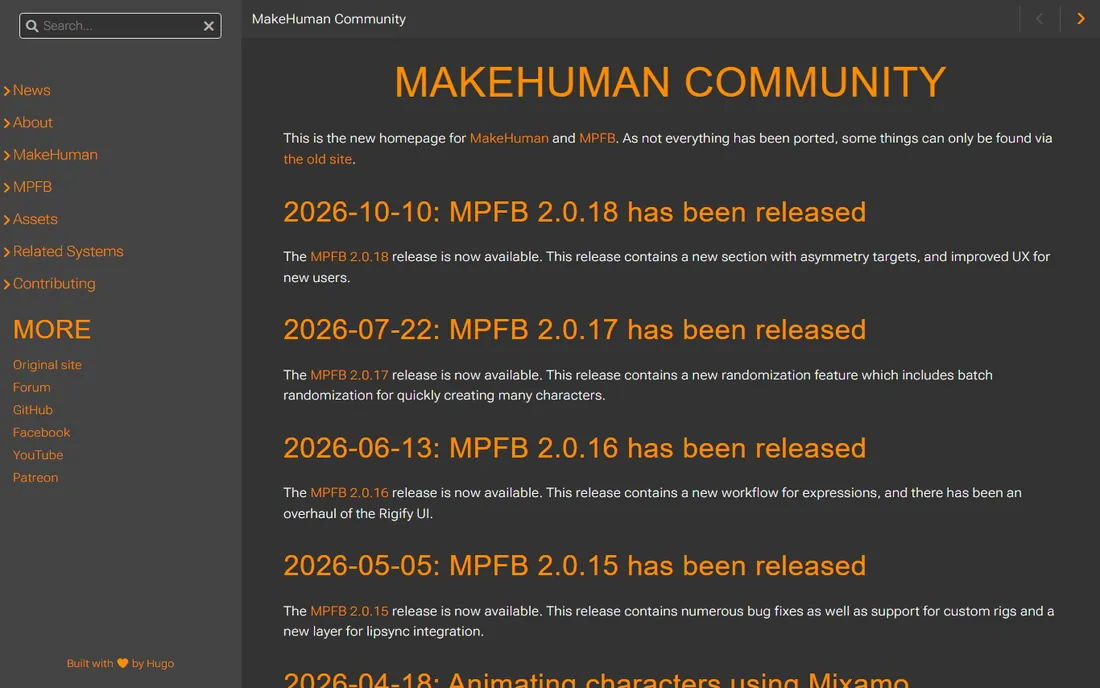
MakeHuman does not sculpt; it generates. Set sliders for age, gender, muscle, weight and proportions, and it builds a rigged, textured humanoid ready to pose and animate. For background characters, prototypes, anatomical reference and previz, it saves days of modeling. The project is open source, and development is more active than its quiet reputation suggests: MPFB, the modern Blender extension version, reached 2.0.18 in October 2026 and sits in the top 50 most downloaded Blender extensions.
The catch is character. Out-of-the-box MakeHuman figures look like MakeHuman figures, and making them distinctive takes clothing, texturing and sculpting passes in Blender. The old standalone application is aging while the team focuses on the Blender extension. But as a free starting point for human characters, especially paired with Blender's sculpt mode for finishing, nothing else costs zero.
What we like- Generates rigged human models from sliders in minutes
- Open source under AGPL
- MPFB 2.0.18 released October 2026 with active development
Watch out for- Characters can look generic without extra work
- The standalone app is aging
- Best results need Blender for finishing
Starting priceFree
Free planYes
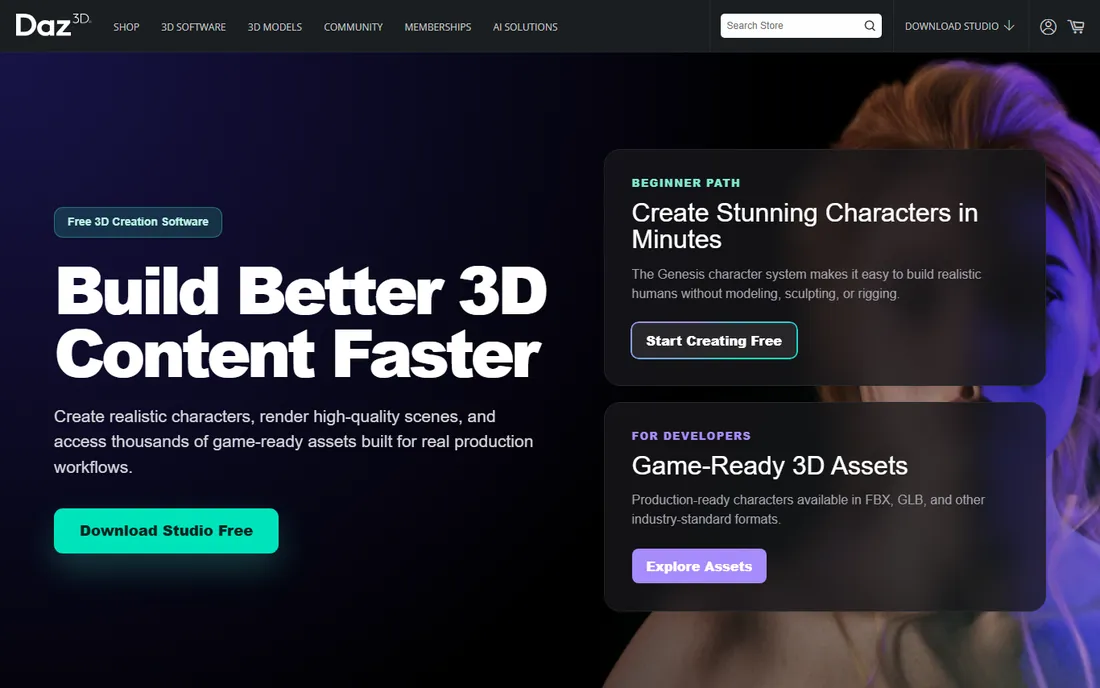
Daz Studio is the odd one out, and it earns its place on results alone. You do not sculpt here; you pose ready-made characters, dress them, light the scene and render. The software is free, and a complete beginner can produce a finished character render in an afternoon. Daz Studio 6 added an in-app AI assistant, faster scene loading and wider GPU support.
The business model is the thing to understand before you commit time. The software is free, but the content library is the product, and good characters, clothing and environments cost money. Renders you make are yours to use commercially, but putting Daz content in a game or interactive app requires an interactive license for each asset. For stills, animation reference and marketing visuals on a zero budget, it is remarkably capable.
What we like- Free to download and use commercially for renders
- Huge library of ready-made characters and scenes
- Fast results with no modeling skill
Watch out for- Not a sculpting tool at all
- Quality content costs money
- Interactive game use needs extra licenses per asset
Starting priceFree
Free planYes
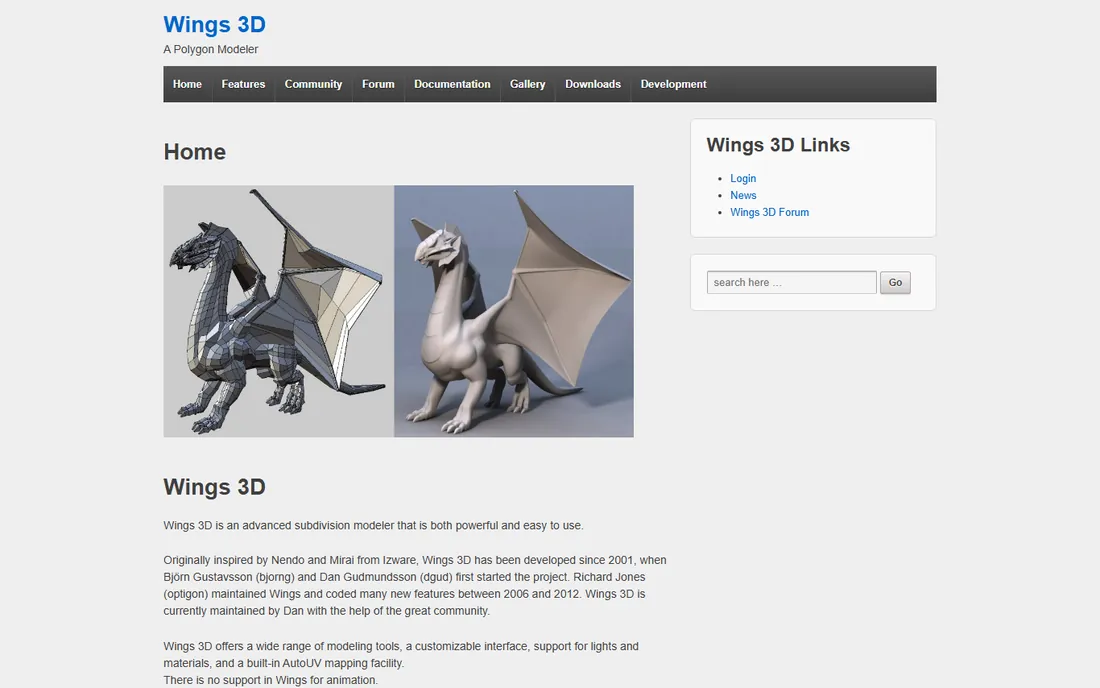
Wings 3D is a subdivision modeler in the old-school tradition, inspired by Nendo and Mirai. You build clean polygon meshes with a context-sensitive interface that many modelers still praise for its efficiency. It includes AutoUV mapping, material support and a customizable interface, and it runs well on hardware that would choke Blender.
It is not a sculpting app, and listing it here requires that honesty. There are no brushes, no dynamic topology, no clay. What it offers is the other half of organic 3D work: clean base meshes and retopology-friendly topology, which sculptors need before or after the fun part. It is free and open source for commercial use, maintained by its community since 2001. Pair it with Blender's sculpt mode and you have a complete free character pipeline.
What we like- Free and open source for personal and commercial use
- Focused subdivision modeling workflow
- Light, fast and stable on modest hardware
Watch out for- Not a sculpting tool, it is a polygon modeler
- No animation support
- Small community and slow development pace
Free 3D software has a graveyard, and this category's is unusually full. Sculptris, the beloved beginner sculpting app, was discontinued years ago. Autodesk's Meshmixer, the free mesh repair and sculpting utility, is gone. Mudbox, Autodesk's other sculpting app, stops selling new subscriptions in stages ending November 2026. Most recently, Maxon discontinued ZBrushCoreMini in May 2025, removing the free desktop on-ramp to ZBrush.
The replacements are the tools above. ZBrush for iPad's free plan is Maxon's official answer to CoreMini's death. Blender absorbed the users who wanted a serious free desktop sculptor. SculptGL and Womp cover the quick browser-based niche Sculptris once owned. The lesson for anyone choosing today: prefer tools with active development and open formats, and keep your files in OBJ or STL so no single shutdown strands your work.
How we chose
We looked for tools that are genuinely free to use today, not trials wearing a free label. That meant checking each product's current status, since this category has seen several high-profile shutdowns. We read vendor pages, documentation and community discussions, and verified that every tool on the list can be downloaded or opened without payment right now. We excluded discontinued products, paid trials and tools whose free tier is too limited to sculpt anything real. No hands-on testing was involved.
What to look for before you commit
Match the tool to the sculpting you actually do
Brush-based sculpting, parametric character generation and block-based modeling are different disciplines that happen to share the word 3D. Blender and ZBrush for iPad are true brush sculptors. MakeHuman and Daz Studio generate or pose characters instead of sculpting them. Tinkercad and Wings 3D build with shapes and polygons. Pick the discipline first, then the tool.
Check export formats before you invest time
A sculpt you cannot get out is a sketch, not an asset. SculptGL exports OBJ, PLY and STL. Blender reads and writes nearly everything. Womp exports STL for printing and meshes for other apps. MakeHuman exports through its Blender extension. Before spending a weekend on a detailed sculpt, confirm the export path to wherever the model needs to go next.
Free does not mean zero cost
The real costs are time and hardware. Blender's learning curve is measured in weeks. ZBrush for iPad needs a recent iPad. Daz Studio's free software leads to a paid content library. Sculpting also rewards a drawing tablet; a mouse works, but a pressure-sensitive pen changes the experience completely. Budget the learning time and the tablet before the software.
Frequently asked questions
What is the best completely free 3D sculpting software?
Blender. Its sculpt mode is the only free option with multiresolution sculpting, dynamic topology and a professional brush set, and the sculpt feeds into a full pipeline for retopology, texturing and rendering. Nothing else free comes close for serious work.
Is there a free version of ZBrush?
Yes, on iPad. ZBrush for iPad has a free plan with 28 popular brushes and limited versions of Dynamesh, Sculptris Pro, ZSpheres and ZRemesher. The old free desktop version, ZBrushCoreMini, was discontinued in May 2025 and is no longer available for download.
Can I sculpt 3D models without downloading anything?
Yes. SculptGL runs entirely in a browser tab with no account, and Womp 3D is also browser-based with a free tier. Both export standard formats, so you can start in the browser and finish in Blender if the project grows.
What happened to Sculptris and ZBrushCoreMini?
Sculptris was discontinued years ago after its features were folded into ZBrush. ZBrushCoreMini, the free streamlined ZBrush for desktop, was discontinued by Maxon in May 2025 and can no longer be downloaded. Maxon points new users to the free plan of ZBrush for iPad instead.
Can I 3D print models made with free sculpting software?
Yes. Blender, SculptGL, Womp 3D and Tinkercad all export STL or OBJ, the standard formats for 3D printing. Womp even offers its own print-and-ship service. For detailed sculpts, you may need to check wall thickness and manifold geometry in your slicer before printing.
Do I need a drawing tablet for 3D sculpting?
Not to start. A mouse works in every tool here, and SculptGL and Tinkercad are designed around it. But sculpting is a pressure-sensitive art; a basic pen tablet makes brush control dramatically better and is the single best upgrade once you commit to the craft.
Sources we checked (13)
- https://www.maxon.net/en/article/zbrushcore-and-zbrushcoremini-entering-limited-maintenance-mode
- https://80.lv/articles/maxon-is-shutting-down-zbrushcore-zbrushcoremini
- https://acnnewswire.com/press-release/english/92816/sculpting-reimagined:-maxon-releases-zbrush-for-ipad
- https://3dstudio.co/blog/3d-sculpting-software/
- https://gachoki.com/best-3d-sculpting-software-for-you/
- https://styly.cc/tips/3d_sclupttool_sculptgl
- https://github.com/stephomi/sculptgl
- https://victoriablouinart.com/learning-3d-sculpting-in-womp/
- https://www.womp.com/
- https://tinkercad.com/
- http://static.makehumancommunity.org/
- https://www.wings3d.com/
- https://www.daz3d.com/
Is your product missing or out of date?
We review this list regularly. Vendors can request a listing, send updated pricing or ask about featured placement.

Shihab Mia · Founder, Rankite
Shihab has spent more than a decade helping SaaS and e-commerce brands grow through search. He writes Rankite's software buying guides from pricing pages, documentation and public user reviews. More about Shihab.