How we make this list: we compare pricing pages, product documentation and public user reviews. Rankite is independent; if a vendor ever pays for a featured spot, that listing is clearly labeled Partner.
Key takeaways
- Blender is free and covers the full pipeline, which makes it the default recommendation for anyone starting out or watching the budget.
- For film and game animation work, Maya remains the industry standard, while 3ds Max keeps its hold on game art and architectural visualization.
- Cinema 4D is the most approachable paid option, and its MoGraph toolset owns the motion graphics corner of the market.
- Houdini Indie at $269 per year gives small teams the same simulation power as the big studios, if you can handle the learning curve.
- Rhino is the only serious 3D modeler here that still sells a perpetual license, one payment of $995 with no subscription attached.
Quick comparison
| Tool | Best for | Starting price | Free plan |
|---|
 Blender Blender | complete 3D pipeline at zero cost | Free | Yes |
 Autodesk Maya Autodesk Maya | character animation and VFX pipelines | $2,010 per year ($168 per month billed annually) | Free trial (30 days) |
 Autodesk 3ds Max Autodesk 3ds Max | game art and architectural visualization | $2,010 per year ($168 per month billed annually) | Free trial (30 days) |
 Cinema 4D Cinema 4D | motion graphics and broadcast design | $99 per month ($719 per year billed annually) | Free trial (14 days) |
 Houdini Houdini | procedural VFX and simulation | $269 per year (Houdini Indie) | Yes (Houdini Apprentice, non-commercial) |
 ZBrush ZBrush | digital sculpting of characters and creatures | $39 per month ($359 per year billed annually) | Free trial (14 days) |
 SketchUp SketchUp | fast architectural concepting | $129 per year (Go plan) | Yes (SketchUp Free, web-based) |
 Rhino 3D Rhino 3D | precision NURBS modeling | $995 one-time (perpetual license) | Free trial (90 days) |
 Daz Studio Daz Studio | character posing and fast rendering | Free | Yes |
 KeyShot KeyShot | fast photorealistic product rendering | $1,299 per year (Professional) | Free trial |
Is your product missing or out of date?
We review this list regularly. Vendors can request a listing, send updated pricing or ask about featured placement.
The best 3D editing software
Starting priceFree
Free planYes
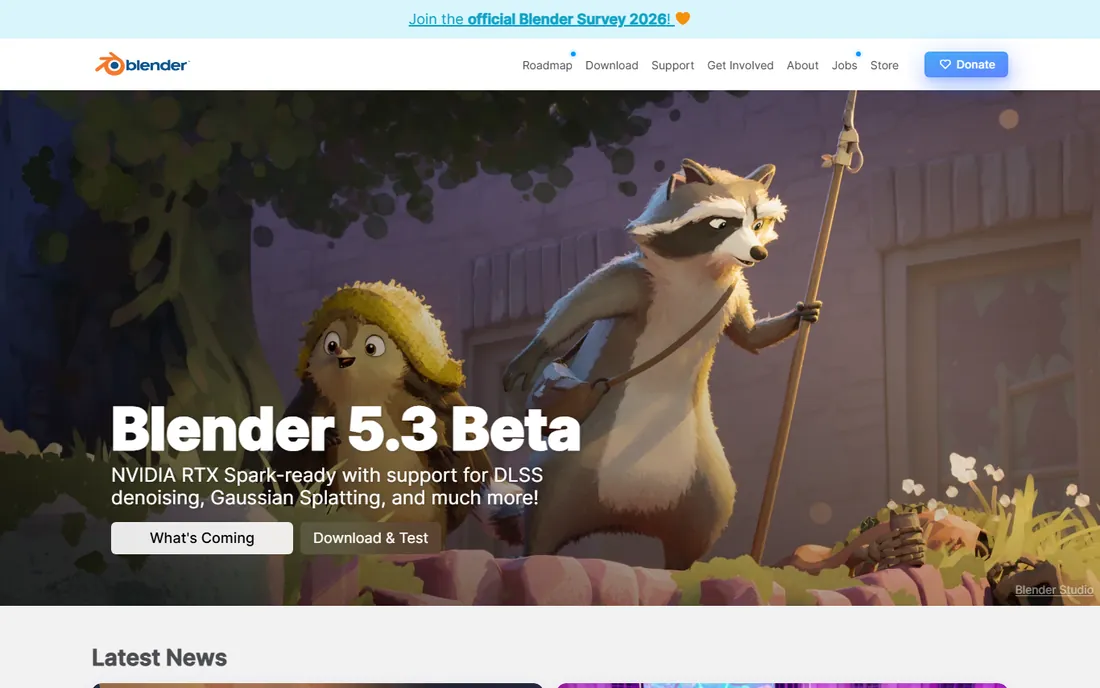
The free option on this list also happens to be one of the most capable. Blender handles modeling, sculpting, UV mapping, rigging, animation, simulation, rendering with Cycles and Eevee, compositing and video editing inside a single download. The Geometry Nodes system gives it procedural power that rivals paid tools for many tasks.
The honest catch is the onboarding cost in time. The interface has improved a lot, but the depth of the feature set still takes real effort to learn, and keyboard-heavy workflows can frustrate people coming from simpler apps. There is also no vendor support line to call when a deadline looms. For a small team with more time than budget, none of that matters much.
What we like- Full modeling, sculpting, animation and rendering in one app
- Free and open source forever
- Huge community with thousands of free tutorials
Watch out for- Steep learning curve for newcomers
- No official professional support channel
- Heavy scenes demand strong hardware
Starting price$2,010 per year ($168 per month billed annually)
Free planFree trial (30 days)
If your output is animated characters or visual effects for film, TV or games, Maya is the default answer. Its rigging, skinning and animation tools are the ones most studios build their pipelines around, and the integrated Arnold renderer means you can light and render production-quality work without buying a separate engine. Bifrost handles fluids, cloth and particles.
The price is the obvious friction. At $2,010 per year, or $255 per month if you pay month to month, it is a serious line item for a freelancer. Maya Indie exists for small creators under $100,000 in annual revenue, but Autodesk does not publish that price, which makes budgeting awkward. It also remains Windows and Mac only, so Linux-based pipelines need to look elsewhere.
What we like- Industry-standard animation and rigging toolset
- Arnold renderer built in
- Deep Python and MEL scripting for pipeline automation
Watch out for- Expensive subscription for solo artists
- New releases sometimes ship with stability issues
- Deep feature set means a long learning curve
Starting price$2,010 per year ($168 per month billed annually)
Free planFree trial (30 days)
3ds Max built its reputation in two industries: game development and architectural visualization. Its polygon modeling workflow is fast and predictable, the modifier stack keeps edits non-destructive, and decades of plugin development mean there is a tool for almost any niche task. Architects in particular lean on it because it pairs well with V-Ray for photorealistic renders and handles large scene files without falling apart.
The main tradeoff is the same as Maya: the subscription. Pricing runs $2,010 per year on the annual plan or $235 per month if you pay month to month. And unlike Maya, there is no Mac version at all. If you already work in an Autodesk-centered pipeline, Max fits naturally. If you are choosing fresh, Blender covers much of the same ground for free.
What we like- Strong polygon modeling workflow
- Huge plugin ecosystem including V-Ray
- Reliable on complex archviz and game scenes
Watch out for- Windows only, no Mac version
- Subscription pricing adds up for solo users
- Animation tools feel limited next to Maya
Starting price$99 per month ($719 per year billed annually)
Free planFree trial (14 days)
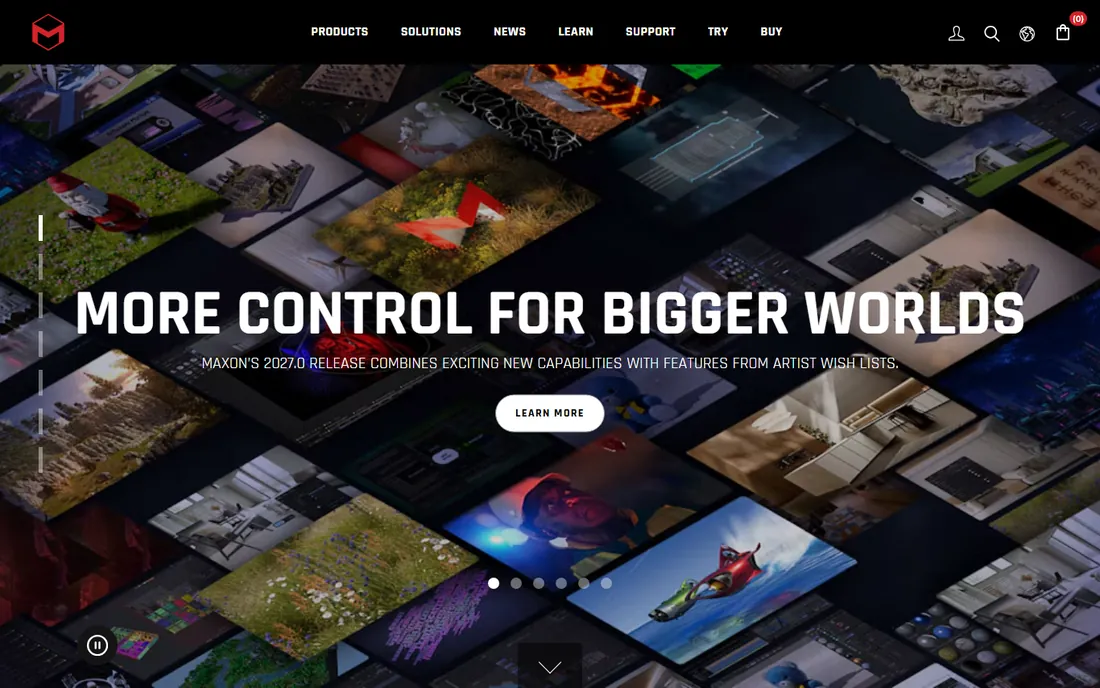
Ask a motion designer which 3D app they open first and the answer is usually Cinema 4D. The MoGraph module makes animated clones, text effects and procedural motion fast to build, and the interface is genuinely easier to learn than Maya or Houdini. Redshift is bundled with the subscription now, so you get a production-grade GPU renderer without a separate purchase. The After Effects integration is another real advantage for broadcast and advertising workflows.
The pricing is the debate. At $99 per month or $719 per year, it sits below Maya but well above Blender's zero. For studios doing client motion work, the speed of the tool usually pays for the subscription. For general 3D modeling, it is harder to justify over cheaper options.
What we like- MoGraph toolset is the best in class for motion graphics
- Cleanest interface of the paid 3D apps
- Tight integration with After Effects
Watch out for- Subscription only, no perpetual option
- Simulation tools lag behind Houdini
- Price is steep for hobbyists
Starting price$269 per year (Houdini Indie)
Free planYes (Houdini Apprentice, non-commercial)
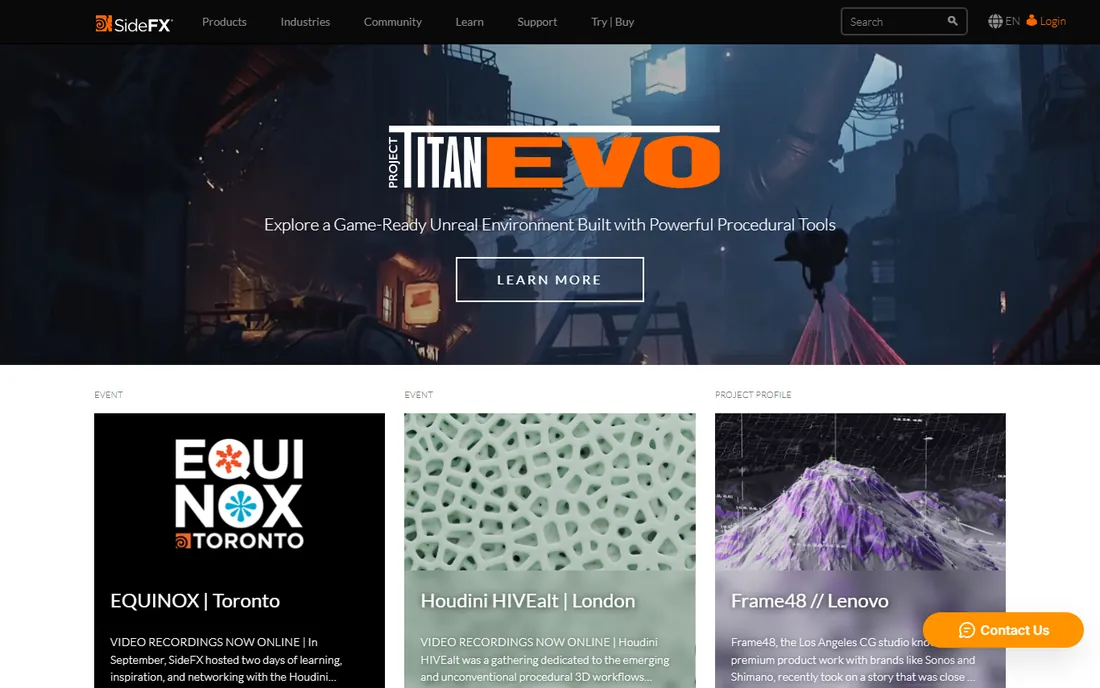
Houdini is the tool behind the water, smoke, destruction and crowd shots in big films and AAA games. Everything is procedural and node-based, so you can change a parameter late in production and the whole shot rebuilds. You are not really modeling the way you model in Blender; you are building systems that produce geometry.
The pricing structure is friendlier than it looks. Houdini Apprentice is free for learning and non-commercial work. Houdini Indie costs $269 per year with the full FX feature set, for teams under $100,000 in annual revenue and up to three seats. Only studios need Core at $1,095 per year or FX at $2,740 per year. If your work is simulation-heavy, there is no real substitute.
What we like- Unmatched procedural and simulation power
- Indie tier gives small teams full FX features cheaply
- Houdini Engine plugs into Maya, Unreal and Unity
Watch out for- Learning curve compared to rocket science
- Heavy simulations need serious hardware
- Full FX license costs $2,740 per year
#6
ZBrush
Best for: digital sculpting of characters and creatures
Visit maxon.net
Starting price$39 per month ($359 per year billed annually)
Free planFree trial (14 days)
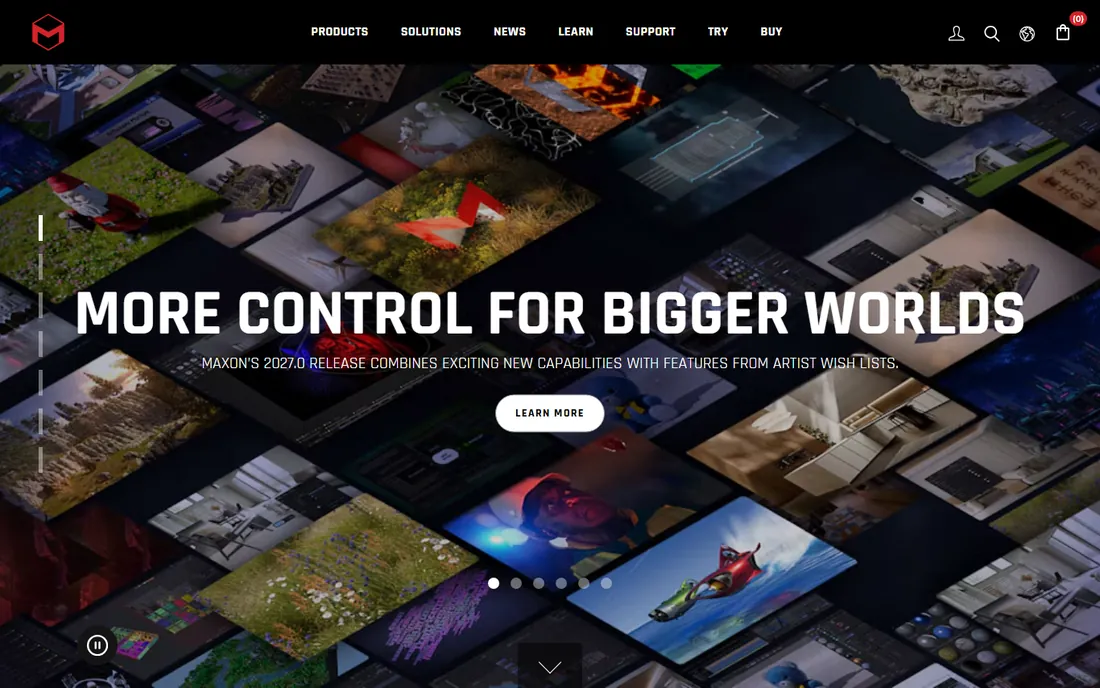
For sculpting organic detail, ZBrush has no equal. Character artists push millions of polygons through its brush engine to carve pores, wrinkles and muscle, and tools like Dynamesh and ZRemesher keep the underlying mesh workable. It is the sculpting stage of choice at film and game studios.
What it is not is a general 3D app. Hard-surface modeling, rigging and animation are all better done elsewhere, so most ZBrush users pair it with Maya, Blender or 3ds Max. The pricing changed when Maxon acquired Pixologic: the old perpetual license is gone and the current model is $39 per month or $359 per year. There is also ZBrushCoreMini, a free cut-down version worth trying before you subscribe.
What we like- Handles millions of polygons for fine organic detail
- Huge customizable brush library
- Standard tool in film and game character pipelines
Watch out for- Limited scope, weak for hard-surface modeling and animation
- Unconventional interface takes getting used to
- Now subscription-based under Maxon
Starting price$129 per year (Go plan)
Free planYes (SketchUp Free, web-based)
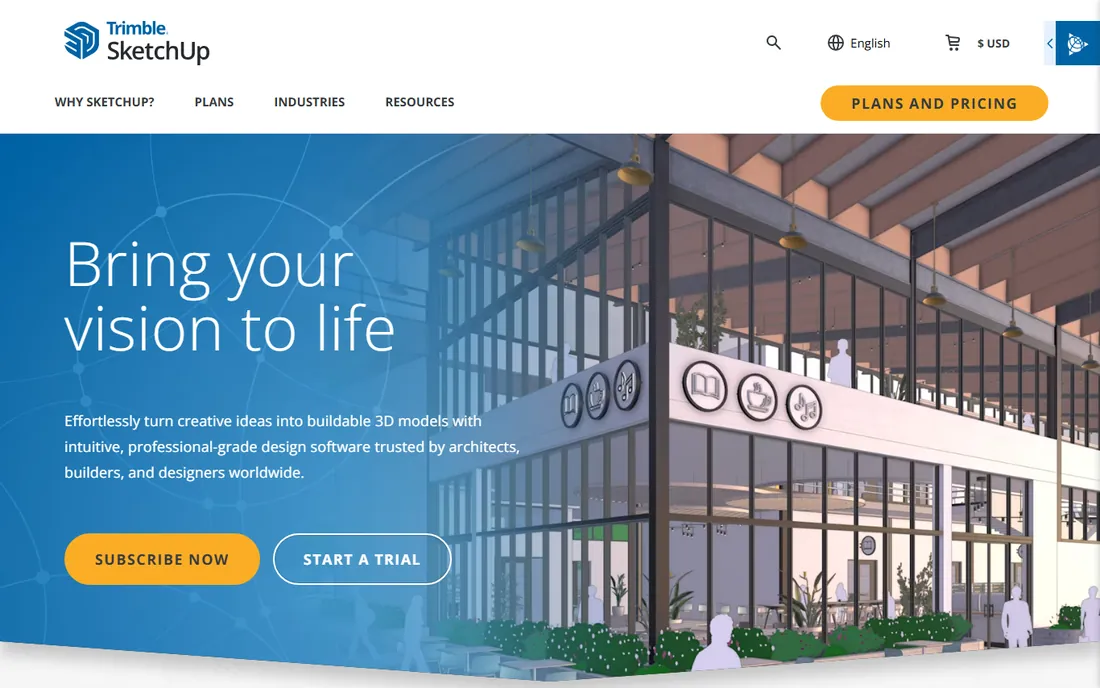
SketchUp wins on speed. The push-pull tool lets architects and interior designers sketch buildings and rooms in minutes, and the 3D Warehouse offers millions of ready-made models to drop into a scene. The learning curve is the shallowest on this list, which is why so many small firms standardize on it. Trimble Connect gives you cloud storage and collaboration, and the Extension Warehouse adds specialized tools for everything from cabinetry to terrain.
The pricing is tiered. SketchUp Free is a capable web app for personal use. Go at $129 per year adds the iPad and mobile apps. Pro at $399 per year is the desktop standard with LayOut for construction documents. Studio at $819 per year adds V-Ray for photorealistic rendering. Anything organic or character-like is outside its comfort zone, and large models with heavy rendering plugins can slow it down.
What we like- Push-pull modeling is fast to learn
- Huge 3D Warehouse of ready-made models
- Pro adds LayOut for 2D documentation
Watch out for- Weak for organic modeling and sculpting
- Rendering needs a separate engine on lower plans
- Desktop Pro costs $399 per year
Starting price$995 one-time (perpetual license)
Free planFree trial (90 days)
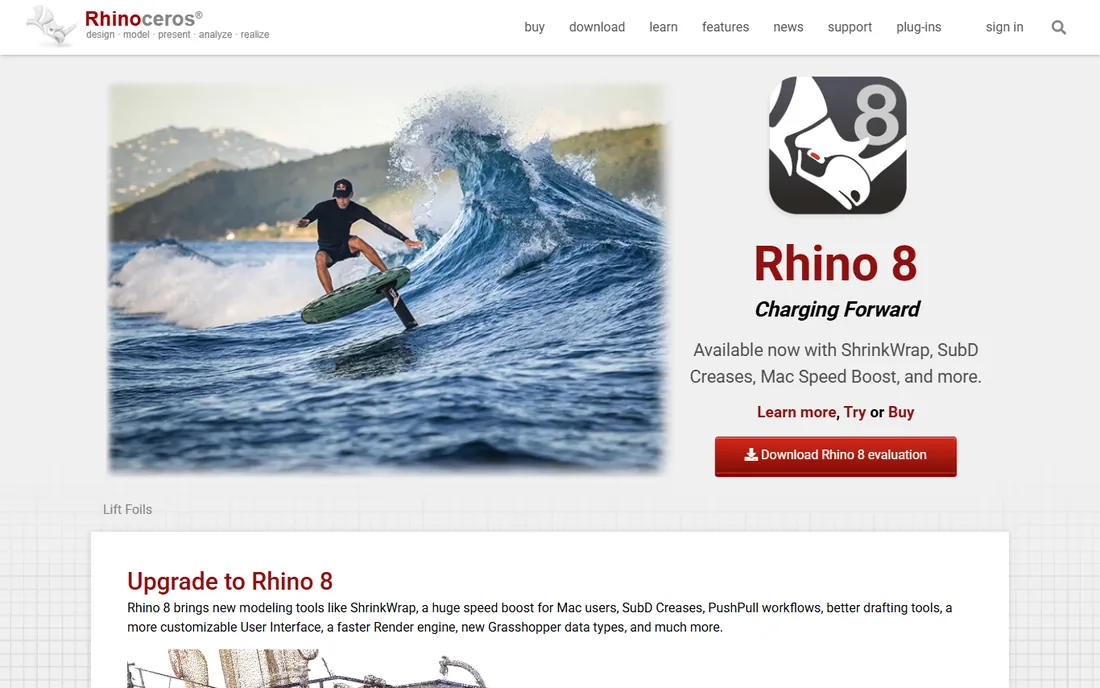
Rhino is the precision instrument of this list. Its NURBS engine produces mathematically accurate surfaces, which is why product designers, jewelers, architects and marine designers trust it for work that has to be manufactured. Grasshopper, the visual scripting environment included with every license, lets designers build parametric and generative forms without writing code. It reads and writes over 30 file formats including DWG, DXF, OBJ and STL.
The standout detail is the business model. Rhino costs $995 once, and that license is yours forever, with support and service releases included and no annual maintenance fee. The 90-day evaluation is fully functional. The tradeoffs are a dated interface and basic animation tools. For pure modeling accuracy at a fixed price, nothing else here matches it.
What we like- Perpetual license with no subscription
- Industrial-grade NURBS accuracy
- Grasshopper visual scripting built in
Watch out for- Interface feels dated next to newer apps
- Animation tools are basic
- Performance complaints since the Rhino 8 release
Starting priceFree
Free planYes
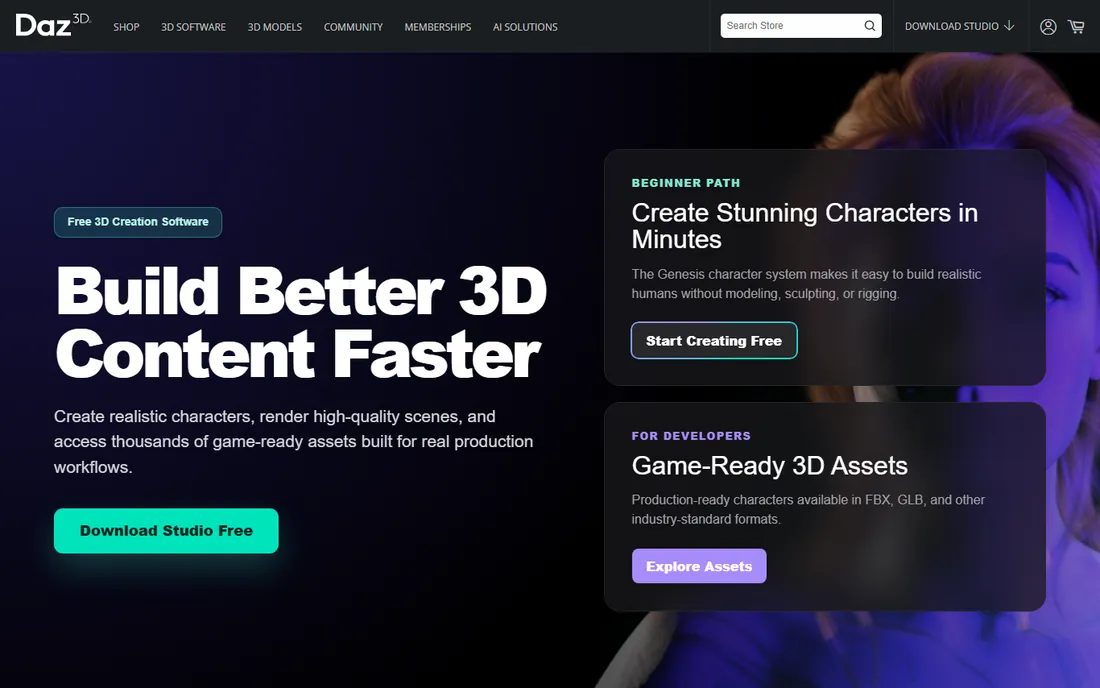
Daz Studio takes a different approach from everything else here. Instead of modeling from scratch, you pose and dress ready-made 3D characters, drop them into environments, and render. The software itself is free, and the workflow is genuinely fast: a marketer or illustrator with no 3D background can produce a finished render in an afternoon.
The business model is the catch to understand. The software is free, but the content library is the product. Quality characters, clothing and environments cost money. Also note the licensing: using Daz content in a game or interactive app needs an interactive license per asset. For stills, animations and marketing visuals, the standard license covers you.
What we like- Free to download and use
- Huge library of ready-made characters and scenes
- Fast to pose and render without modeling skills
Watch out for- Quality depends on purchased assets
- Not a real modeling tool
- Interactive license needed for games and apps
Starting price$1,299 per year (Professional)
Free planFree trial
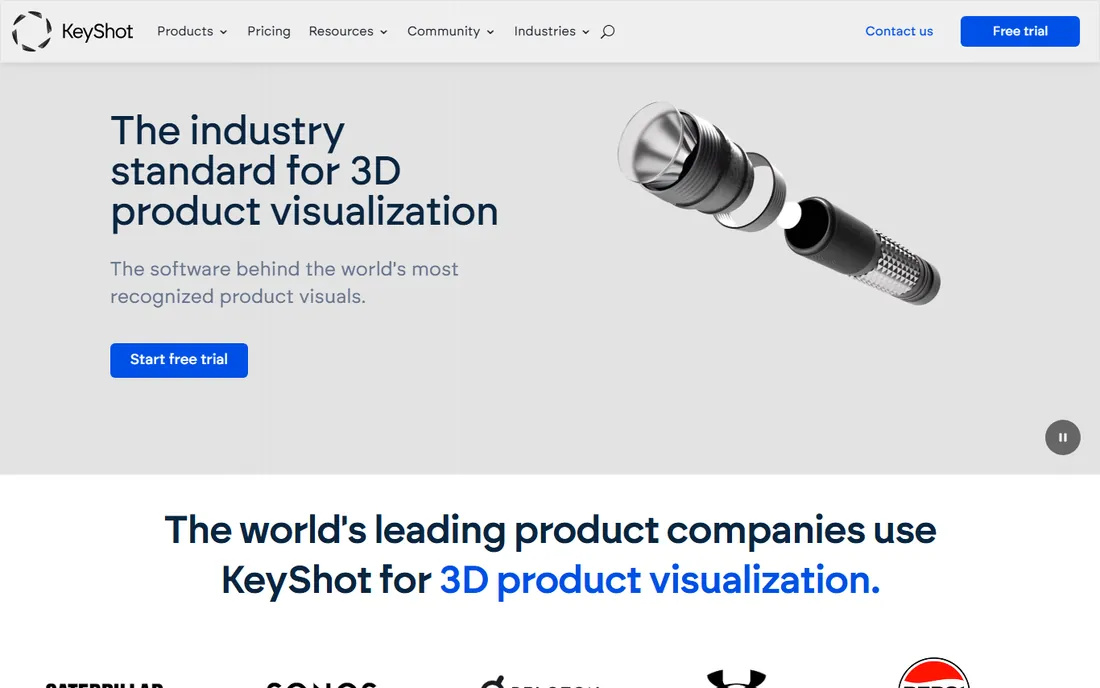
KeyShot is not a modeler, it is a renderer, and it is the fastest path from a CAD file to a photorealistic product image. Import your model, drag materials onto parts, set up lighting in a few clicks, and you are looking at a finished render. Industrial designers, engineers and marketing teams use it because it replaces prototype photography for catalogs and e-commerce. Plugins exist for 3ds Max, Blender, Cinema 4D, Maya and SketchUp.
Pricing is subscription only, starting at $1,299 per year for Professional. Note the 2026 change: network rendering now requires the Business plan at $1,599 per year. There is no free plan, just a trial. If your workflow starts with CAD models and ends with product images, KeyShot pays for itself quickly. If you need to create the geometry first, pair it with one of the modelers above.
What we like- Real-time rendering with drag-and-drop materials
- Imports CAD geometry accurately
- Easy enough to learn in a day
Watch out for- Rental only, no perpetual license
- Professional tier excludes network rendering
- It renders, it does not model
How we chose
We compared the tools against how small and mid-size companies actually buy 3D software: what the vendor charges today, what the free and trial options allow, and where each tool genuinely fits. We read current pricing pages, product documentation and public reviews on G2, Capterra and Reddit, and checked feature lists against the jobs buyers describe. We skipped discontinued tools and narrow plugins that cannot stand alone. No hands-on testing was involved.
What to check before you commit
License type matters more than the sticker price
A $995 perpetual license and a $99 monthly subscription look similar in year one and nothing alike in year five. Rhino and ZBrush show the split clearly. Rhino's $995 buys the software outright with service releases included. ZBrush's $39 per month never stops. Before you sign, multiply the subscription by three years and compare honestly against the perpetual option, including what happens to your files if you stop paying.
Match the tool to the output, not the hype
Every tool here can technically make a 3D model, but they are built for different finish lines. Maya and Houdini exist for animation and VFX. SketchUp and Rhino exist for buildings and manufactured objects. ZBrush exists for sculpted detail. KeyShot exists for product images. List the deliverables your team actually ships, then pick the tool whose strengths line up with them.
Count the hidden costs
The license is only the first line. Factor in render engines that do not ship with the app (V-Ray for SketchUp users, for example), paid asset libraries (Daz Studio's real cost), plugin subscriptions, and the workstation upgrades that heavy rendering demands. A free app that needs a $2,000 GPU upgrade is not free.
Check the trial terms, not just the length
Trial length varies from 14 days (Cinema 4D, ZBrush) to 30 days (Maya, 3ds Max) to 90 days (Rhino). More important is what the trial lets you do. Rhino's 90-day evaluation is fully functional, while some trials watermark renders or block commercial use. Run a real project through the trial before you buy.
Only two tools on this list let you buy once and own the software. Rhino sells a $995 perpetual license with no maintenance fees. Everything else is subscription or free. Blender, Daz Studio and Houdini Apprentice cost nothing. Maya, 3ds Max, Cinema 4D, ZBrush and KeyShot are subscription only.
This matters for budgeting. Subscriptions are easier to start, but they turn the software into a permanent line item. If you stop paying, you stop working. Perpetual licenses cost more up front but the software keeps running.
Frequently asked questions
Is Blender really good enough for professional work?
Yes, for most work. It covers the full pipeline from modeling to rendering, and studios at Netflix, Ubisoft and Amazon have used it in production. The gaps are mostly about pipeline compatibility: some studios require Maya or Max file formats, and ZBrush still leads for high-polygon sculpting detail.
Which 3D software is best for beginners?
SketchUp has the shallowest learning curve thanks to its push-pull modeling, and Blender is the best free starting point. Cinema 4D is the most approachable of the paid professional tools. Avoid starting with Houdini unless you specifically need procedural VFX.
What is the cheapest way to get started with 3D?
Download Blender. It is free, open source, and covers everything from modeling to rendering. If you want character work without modeling, Daz Studio is also free. For precision CAD-style modeling, Rhino's 90-day fully functional trial gives you three months before the $995 license decision.
Do I need a powerful computer for 3D software?
It depends on the task. Modeling and sculpting run fine on a mid-range machine, but rendering and simulation are demanding. Cycles in Blender, Redshift in Cinema 4D and Houdini's fluid simulations all benefit from a strong GPU and plenty of RAM.
Can I use the free versions commercially?
Blender is fully free for commercial use under the GPL. Daz Studio renders are yours to use commercially, though game and interactive use needs extra licenses per asset. Houdini Apprentice is non-commercial only; commercial work needs Indie at $269 per year or higher. SketchUp Free is for personal use, so business work needs a paid plan.
Which tool should an architect choose?
SketchUp for fast concepting and client presentations, Rhino for precision modeling and parametric design with Grasshopper, and 3ds Max with V-Ray for photorealistic architectural visualization. Many firms use two of the three: SketchUp for speed early, then Max or Rhino for detailed production work.
Sources we checked (12)
- https://superrendersfarm.com/article/how-much-does-maya-cost
- https://www.selecthub.com/3d-design-software/blender-3d-vs-3ds-max/
- https://www.selecthub.com/3d-design-software/sketchup-vs-zbrush/
- https://www.selecthub.com/3d-design-software/sketchup-vs-sidefx-houdini/
- https://www.g2.com/products/keyshot/pricing
- https://www.g2.com/products/sketchup/pricing
- https://www.keyshot.com/pricing/
- https://www.itqlick.com/pixologic-zbrush-4r7/pricing
- https://github.com/ishandutta2007/awesome-3d-design-software/blob/HEAD/README.md
- https://www.daz3d.com/
- https://www.rhino3d.com/
- https://vibe3d.ai/blog/best-free-3-d-modeling-software
Is your product missing or out of date?
We review this list regularly. Vendors can request a listing, send updated pricing or ask about featured placement.

Shihab Mia · Founder, Rankite
Shihab has spent more than a decade helping SaaS and e-commerce brands grow through search. He writes Rankite's software buying guides from pricing pages, documentation and public user reviews. More about Shihab.