How we make this list: we compare pricing pages, product documentation and public user reviews. Rankite is independent; if a vendor ever pays for a featured spot, that listing is clearly labeled Partner.
Key takeaways
- Placeit has the biggest template library for print-on-demand sellers, with unlimited downloads from about $7.47 a month on annual billing.
- Smartmockups is the fastest option for device and product mockups, with a genuinely useful free tier and exports up to 5K resolution.
- Artboard Studio and LS Graphics serve designers who want polished, minimal mockups with Figma plugins and browser editors.
- Renderforest and MockupHive extend mockups into video and huge template libraries, but check export limits before committing.
Quick comparison
| Tool | Best for | Starting price | Free plan |
|---|
 Placeit Placeit | Print-on-demand and t-shirt sellers | From $7.47/month (billed annually) | No (free templates available) |
 Smartmockups Smartmockups | Quick device and product shots | From $14/month ($9/month billed annually) | Yes (limited, about 200 mockups) |
 Canva Canva | Mockups as part of full designs | $15/month (Pro) | Yes |
 Figma Figma | UI and app mockups for designers | See website | Yes (Starter) |
 Artboard Studio Artboard Studio | Animated and video mockups | From $7/month (Lite) | Yes (Starter, limited) |
 LS Graphics LS Graphics | Clean minimal device mockups | From $9/month | Yes (free mockup selection) |
 Renderforest Renderforest | Video mockups and intros | From $13.09/month | Yes (watermarked exports) |
 Adobe Express Adobe Express | Free quick mockup-style graphics | $9.99/month (Premium) | Yes |
 MockupHive MockupHive | Big library on a budget | From $9/month (Pro) | Yes (free mockup collection) |
Is your product missing or out of date?
We review this list regularly. Vendors can request a listing, send updated pricing or ask about featured placement.
The mockup software worth paying for
Starting priceFrom $7.47/month (billed annually)
Free planNo (free templates available)
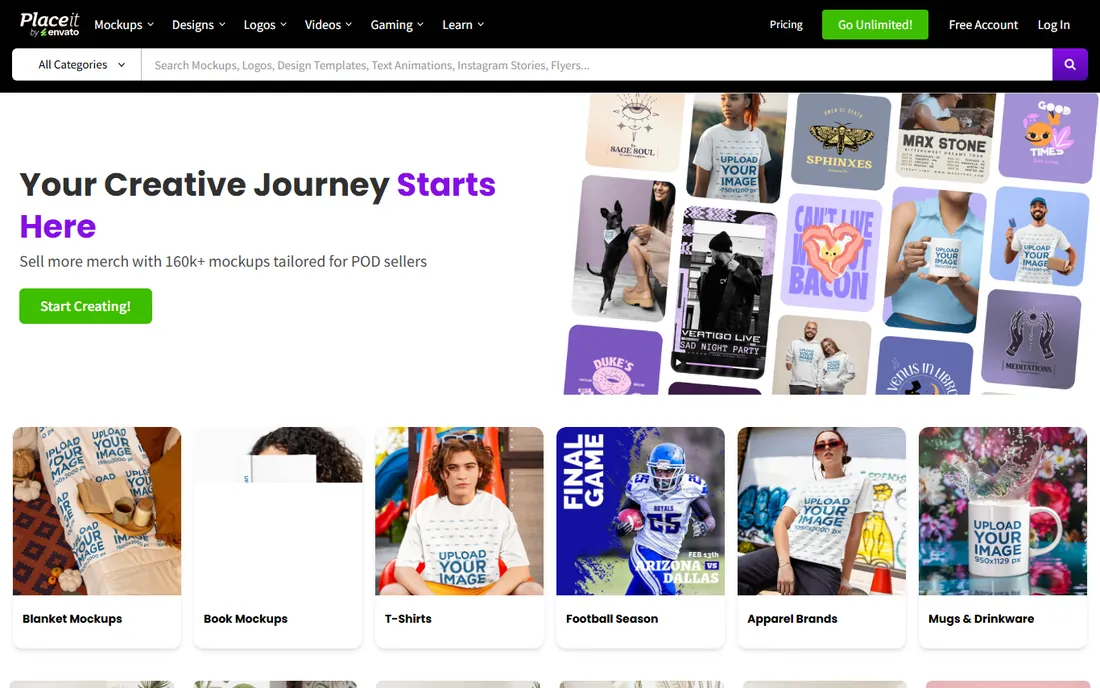
Placeit is Envato's mockup giant, and its scale is the selling point. One unlimited subscription covers tens of thousands of mockups across apparel, devices, packaging, and print, plus logo makers, video templates, and social designs. For a print-on-demand seller launching dozens of products a week, the annual plan at roughly $7.47 a month pays for itself quickly, and the commercial license covers client and merch work.
The catch is the monthly price. At $14.95 a month with no free trial, casual users overpay, and the one-month minimum commitment after downloading anything locks you in briefly. If you only need a handful of mockups, the free templates or a cheaper tool make more sense. Placeit wins on volume, not on value for light users.
What we like- Largest mockup library online with unlimited downloads
- Includes logos, videos, and designs in one subscription
- Commercial license included
Watch out for- Monthly billing at $14.95 is steep
- No free trial for the paid library
Starting priceFrom $14/month ($9/month billed annually)
Free planYes (limited, about 200 mockups)
Smartmockups does one thing with unusual polish: drop your design into a realistic product or device scene in seconds. The browser editor is genuinely quick, exports reach an ultra-high 5K resolution, and the URL screenshot feature puts any live website into a device frame by typing the address. Integrations with Canva and Dropbox pull your assets straight in.
The free tier is limited to a few hundred mockups with low-resolution downloads, which is fine for testing but not for client delivery. The Premium plan at $14 a month (or $9 billed annually) covers most needs, while video mockups and custom mockup uploads require Pro at $24. It is a step below Placeit on library size but ahead on speed and output quality.
What we like- Very fast browser editor
- Exports up to 5K resolution
- Integrations with Canva and Dropbox
Watch out for- Premium plan at $14 a month is mid-range
- Video mockups need the $24 Pro tier
Starting price$15/month (Pro)
Free planYes
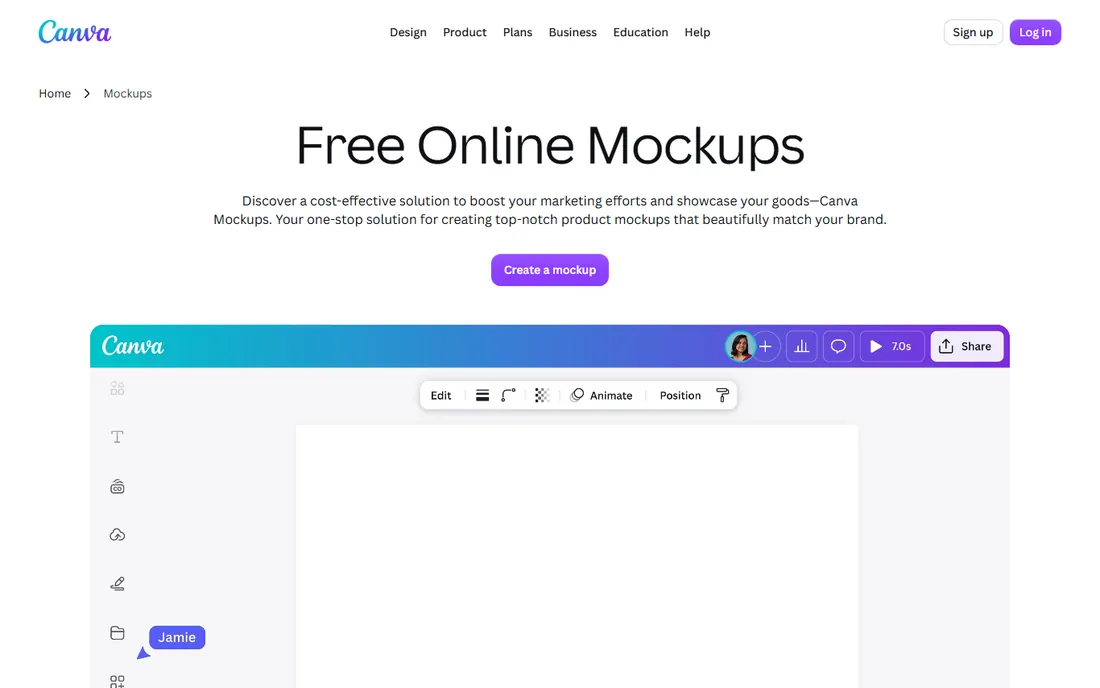
Canva's mockup features live inside its design editor, which is both the strength and the limit. You can drop a design into a t-shirt, phone, or book mockup and keep working on the surrounding layout, social post, or ad without switching tools. For marketers who need a mockup inside a bigger design, that integration beats any dedicated tool.
But Canva is not a mockup library. The scene selection is a fraction of Placeit's or Smartmockups', and you cannot control lighting, angles, or environments the way a specialist tool allows. Buy Canva Pro for the design suite and treat mockups as a bonus, not the reason to subscribe.
What we like- Mockup effects built into the editor
- Huge template ecosystem around them
- Easy for non-designers
Watch out for- Mockup selection is smaller than dedicated tools
- No advanced scene control
Starting priceSee website
Free planYes (Starter)
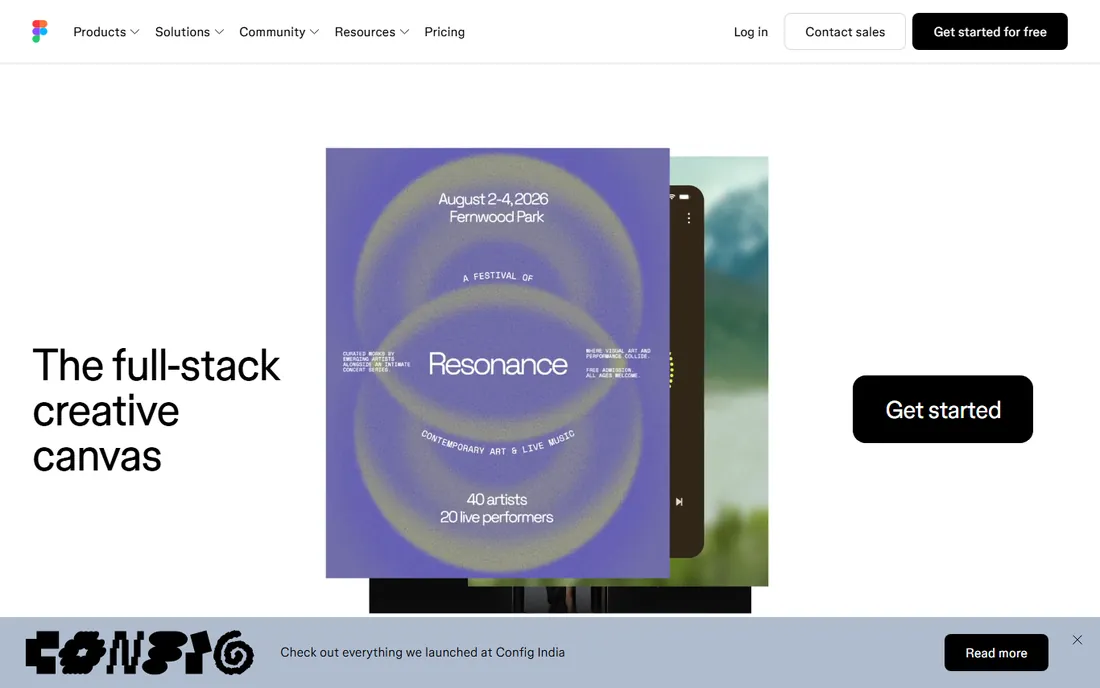
Figma is the odd one out here because it is not mockup software at all, it is where mockups get designed. UI designers build app screens, websites, and interfaces in Figma, then present them with mockup plugins and community templates that place screens into device frames. The Starter plan is free, which makes it the default starting point for any designer.
The honest view: you still need mockup assets from somewhere, whether plugins, LS Graphics, or Artboard Studio's Figma plugin. Figma's own pricing for paid seats sits above most tools on this list, so evaluate it as a design tool with mockup capabilities rather than as a mockup subscription. If you design interfaces for a living, you are probably here already.
What we like- Industry standard for interface design
- Huge plugin ecosystem including mockup plugins
- Real-time collaboration
Watch out for- Not a mockup library itself
- Paid seats get expensive for teams
Starting priceFrom $7/month (Lite)
Free planYes (Starter, limited)
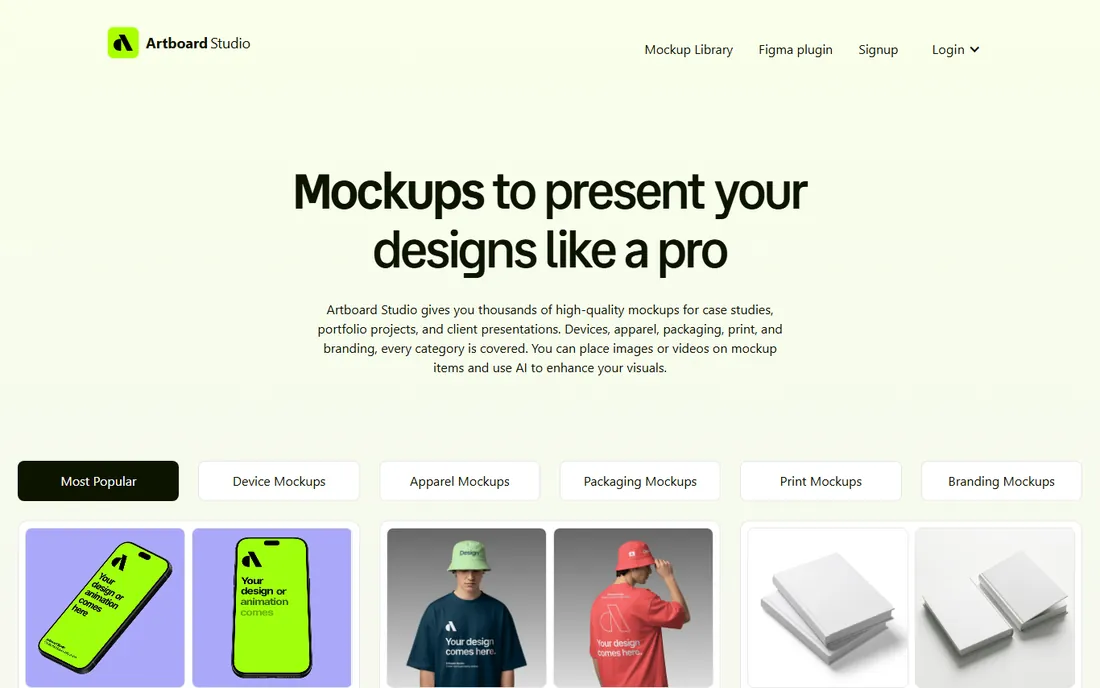
Artboard Studio targets designers who want more than static images. You can place videos onto mockup surfaces, animate scenes, and export MP4 or WEBM files for portfolios, Dribbble shots, and client decks. The AI mockup generator builds a scene from a text prompt, and the Figma plugin brings the library into your existing workflow.
Pricing starts at $7 a month for Lite, with Professional at $12 and a one-time Lifetime Mockup plan at $129 for people who hate subscriptions. The free Starter plan covers limited templates, which is enough to judge quality. The editor is powerful but busier than Smartmockups, so expect one learning session before it feels fast.
What we like- 5,000+ mockups with video export (MP4, WEBM)
- AI mockup generator
- Figma and Adobe Express plugins
Watch out for- Lite plan limits features
- Interface takes a session to learn
Starting priceFrom $9/month
Free planYes (free mockup selection)
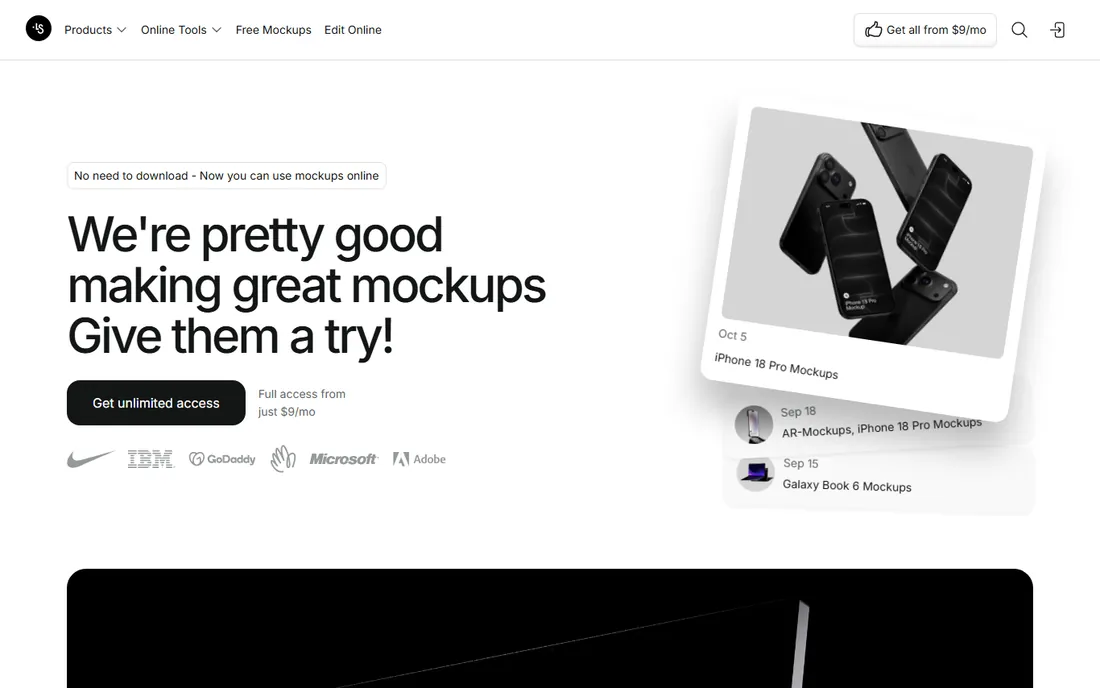
LS Graphics has a distinct look: clean, minimal, premium device and branding mockups that show up in portfolios everywhere. The Figma plugin is one of the most installed in the ecosystem, and the online editor handles quick customizations without Photoshop. The Pro plan at $9 a month billed annually adds PSD, Sketch, and Figma file downloads plus the full asset library.
The range is narrower than the giants. Apparel, packaging, and print categories exist but the catalog depth favors devices and branding. Individual packs can also be bought one-time, which suits designers who need ten perfect mockups rather than ten thousand. Choose LS Graphics for taste, not for volume.
What we like- High-end minimal aesthetic designers love
- Figma plugin with 1.2M+ installs
- Online mockup editor with PSD downloads on Pro
Watch out for- Narrower category range than Placeit
- Pro features need the higher tier
Starting priceFrom $13.09/month
Free planYes (watermarked exports)
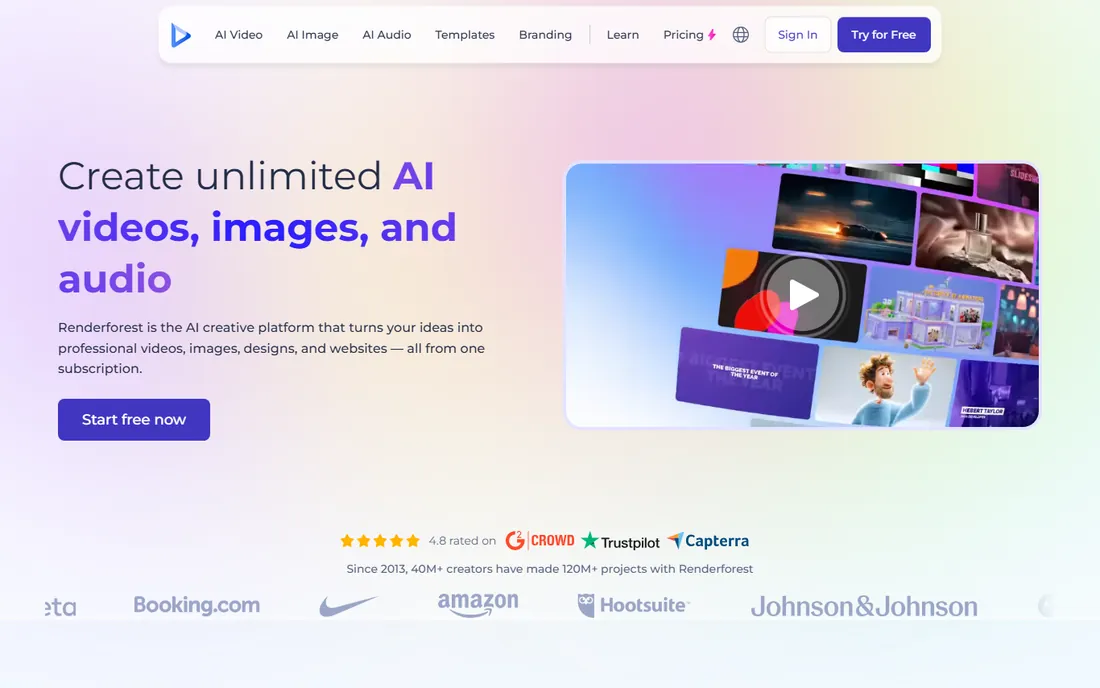
Renderforest is a video creation platform first, with mockups as part of a much bigger toolkit covering intros, logo animations, presentations, and even websites. If your mockup needs are video, product spins, app promo videos, and animated presentations, this bundles everything for one price starting around $13.09 a month.
As a pure mockup tool it is weaker than the specialists. The static mockup selection is modest, and the free plan's watermarked exports are only good for testing. The higher tiers open up more mockups per month and better export quality. Buy Renderforest for video, and treat its mockups as a useful extra rather than the main event.
What we like- Video mockups, intros, and logo animations in one subscription
- Large stock library
- Website builder included
Watch out for- Mockups are a side feature, not the core
- Free exports are watermarked and low quality
Starting price$9.99/month (Premium)
Free planYes
Adobe Express will not replace Placeit, but its free plan deserves a mention. Quick actions, templates, and one-click resize let you build simple product presentations and social graphics with mockup-style framing at no cost. The free background remover pairs well with template scenes for quick listing images.
Premium at $9.99 a month adds the full template library, brand kits, and stock assets, and it comes free with most Creative Cloud plans. The mockup capabilities stay basic, though: no deep scene libraries, no video mockups, no device frames beyond templates. It is the free starting point before you graduate to a dedicated tool.
What we like- Generous free plan with templates and quick actions
- Background removal and resize tools help mockup workflows
- Bundled with Creative Cloud
Watch out for- No dedicated mockup library
- Scenes are basic compared to specialists
Starting priceFrom $9/month (Pro)
Free planYes (free mockup collection)
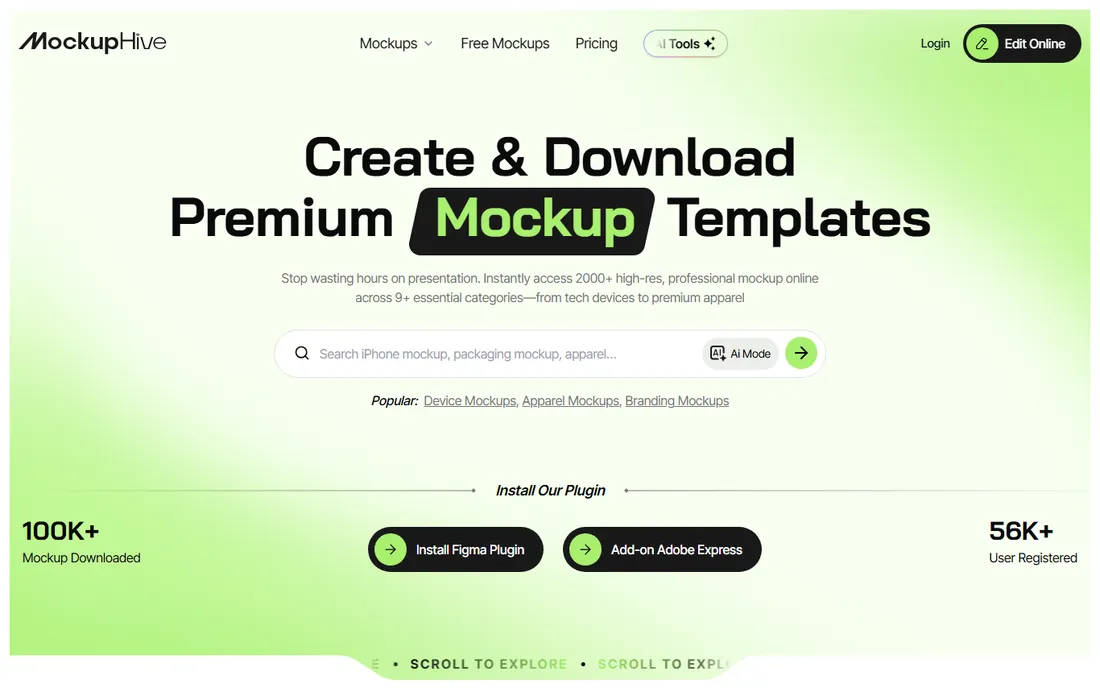
MockupHive is an AI-powered mockup platform competing on value: thousands of templates across devices, branding, packaging, apparel, and print, with a free collection that is genuinely usable and premium plans from $9 a month. The Figma plugin and PSD support keep it in designer workflows, and commercial licensing is included on paid plans.
The tradeoff is maturity. As a newer platform, its template quality is less consistent than Smartmockups or LS Graphics, and some categories feel thinner. Check the categories you actually need before subscribing rather than trusting the total template count. For budget-conscious sellers and freelancers, though, the free tier plus a $9 Pro plan is a strong deal.
What we like- Thousands of free and premium templates
- Figma plugin and PSD support
- AI-assisted mockup creation
Watch out for- Newer brand with a smaller track record
- Library quality varies by category
How we chose
We reviewed official pricing pages, feature lists, and license terms for each vendor, then compared them against reviews on G2, Capterra, and designer communities on Reddit. We weighted template library depth at each paid tier, export resolution and watermarks, commercial license terms, Figma and Photoshop integration, and whether the free tier is usable or just a teaser. We did not test mockup quality hands-on.
Print-on-demand sellers live on volume, so unlimited downloads and a big apparel library matter most. Placeit is the default here, with MockupHive as the budget alternative. UI and app designers should start with Figma plus the LS Graphics or Artboard Studio plugins, since the mockup needs to match their design files exactly.
Video changes the shortlist entirely. If your listings or ads need motion, Artboard Studio and Renderforest are the only options on this list that export real video mockups. Everyone else is static images, which is fine for Etsy and Amazon but limiting for social ads.
Free mockups vs paid plans
Every tool on this list offers something free, and the free tiers are worth testing before paying. Smartmockups, LS Graphics, and MockupHive all provide usable free mockups, while Canva and Adobe Express include mockup features in generous free plans. The paid upgrade becomes worth it when you need watermark-free high-resolution exports, which is the point where free tiers universally stop.
Watch for two traps. First, some free tiers limit commercial use, so check the license before using a free mockup in a client project or product listing. Second, monthly billing is often 40 to 60 percent more expensive than annual, so commit to annual only after a month of real use confirms the library fits your needs.
Frequently asked questions
What is the best mockup software for t-shirts?
Placeit has the largest apparel mockup library with unlimited downloads, making it the default for print-on-demand sellers. Smartmockups and MockupHive are solid alternatives with smaller libraries and lower prices.
Can I use mockups for commercial client work?
Yes, if the license allows it. Placeit, Smartmockups, Artboard Studio, LS Graphics, and MockupHive all include commercial licenses on paid plans. Always check the free tier terms, since some free mockups restrict commercial use or require attribution.
Do I need Photoshop to use mockup software?
No. Every tool on this list works in the browser except Figma, which is a desktop and web design app. Several tools offer Photoshop files as downloads for advanced editing, but none require Photoshop to produce finished mockups.
What resolution should mockup exports be?
For web listings and social media, 1920px wide is plenty. For print or large displays, look for 4K or 5K exports, which Smartmockups and Artboard Studio provide. Always export at the highest resolution your plan allows and downscale later.
Are free mockup tools good enough for selling products?
For testing and early listings, yes. Smartmockups, LS Graphics, and MockupHive all offer free mockups without watermarks at reasonable quality. Once you sell regularly, a paid plan pays for itself in export quality, library size, and commercial licensing.
Which mockup tool works best with Figma?
LS Graphics has the most installed Figma plugin in this category, and Artboard Studio, Smartmockups, and MockupHive all offer Figma plugins too. If your designs live in Figma, pick a tool with a plugin so mockups update alongside your files.
Sources we checked (12)
- https://placeit.net
- https://smartmockups.com
- https://artboard.studio
- https://www.ls.graphics
- https://www.figma.com
- https://www.canva.com
- https://www.adobe.com/express
- https://www.renderforest.com
- https://www.mockuphive.com
- https://www.g2.com/products/artboard-studio/pricing
- https://www.saasworthy.com/product/artboard-studio/pricing
- https://www.getapp.ca/software/111181/renderforest
Is your product missing or out of date?
We review this list regularly. Vendors can request a listing, send updated pricing or ask about featured placement.

Shihab Mia · Founder, Rankite
Shihab has spent more than a decade helping SaaS and e-commerce brands grow through search. He writes Rankite's software buying guides from pricing pages, documentation and public user reviews. More about Shihab.