How we make this list: we compare pricing pages, product documentation and public user reviews. Rankite is independent; if a vendor ever pays for a featured spot, that listing is clearly labeled Partner.
Key takeaways
- If you design packaging, Pacdora and Esko Studio are the specialists, with dieline-accurate 3D previews that generic mockup tools cannot match.
- For fast marketing visuals, Placeit, Mediamodifier, and Shots turn your designs into realistic scenes in minutes with huge template libraries.
- Rotato and Artboard Studio sit in the middle: real 3D control for app screens and branding work without a full 3D learning curve.
- Free options exist at both ends: Pacdora and Shots have genuinely useful free tiers, so test before paying.
The best 3d mockup software
Starting priceSee website
Free planYes
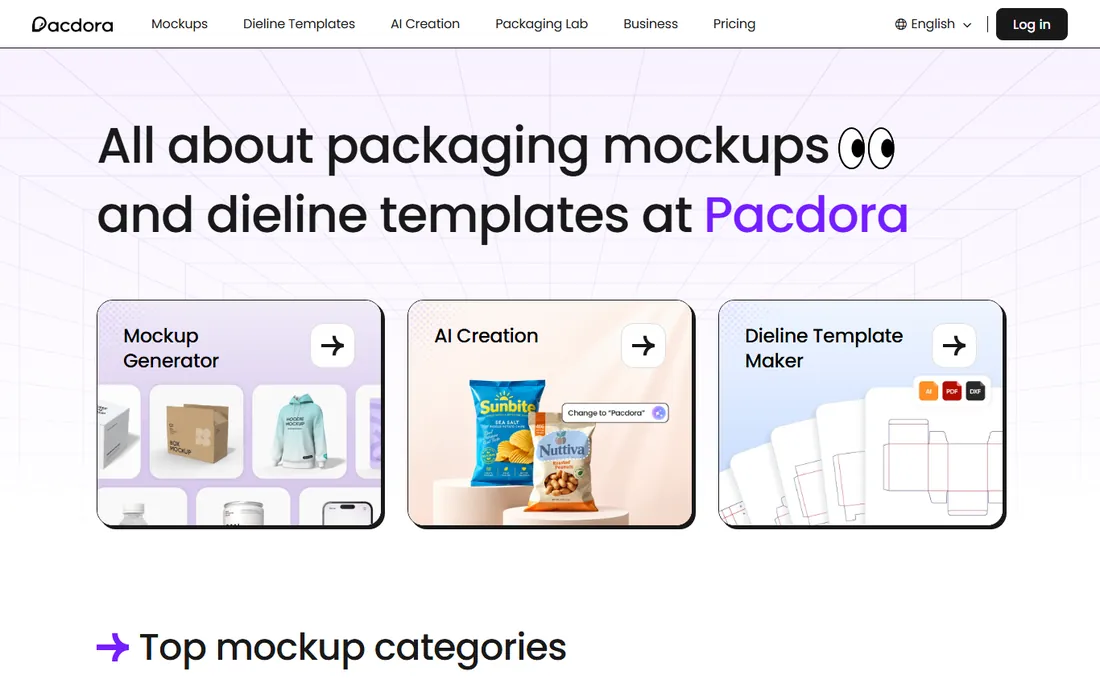
Pacdora is built for one industry and serves it well. Packaging designers upload their dielines or pick from thousands of box, bag, bottle, and pouch templates, then see photorealistic 3D renders in the browser within minutes. Because the mockups are built from real packaging structures rather than flat templates, what you see matches what the factory will produce.
The free plan is genuinely usable for trying the workflow and producing basic renders. Paid plans add higher resolution, more templates, and team features. If your work is boxes, labels, and pouches, start here. If you need app screens or apparel mockups, look at the generalist tools below.
What we like- Dieline-accurate packaging mockups
- Huge template library
- Renders in the browser
Watch out for- Packaging-focused, less useful for other mockup types
- Advanced features need a paid plan
Starting priceSee website
Free planFree trial
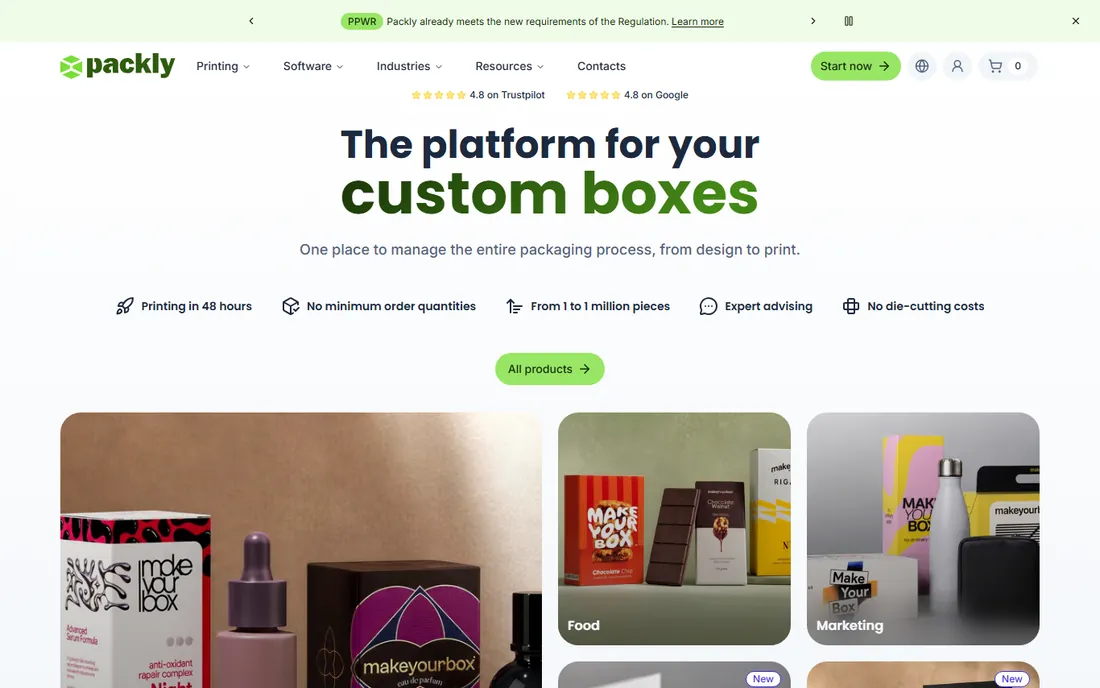
Packly takes a different route to the same destination. It is primarily an online packaging production platform, and its 3D mockup feature lets you visualize your box design instantly as you configure it. The appeal is the straight line from mockup to manufactured product: the thing you preview is the thing they print and cut.
That integration is also the limitation. You work within Packly's box styles and options, so designers who need unusual structures or full creative control will feel constrained. For startups and small brands that want to design a box online, see it in 3D, and order it from the same place, the simplicity is hard to beat.
What we like- Very fast results
- Connects to a real packaging production service
- No design skills needed
Watch out for- Tied to the Packly ecosystem
- Less control than dedicated 3D tools
Starting price$9/month (Lite, annual)
Free planFree trial
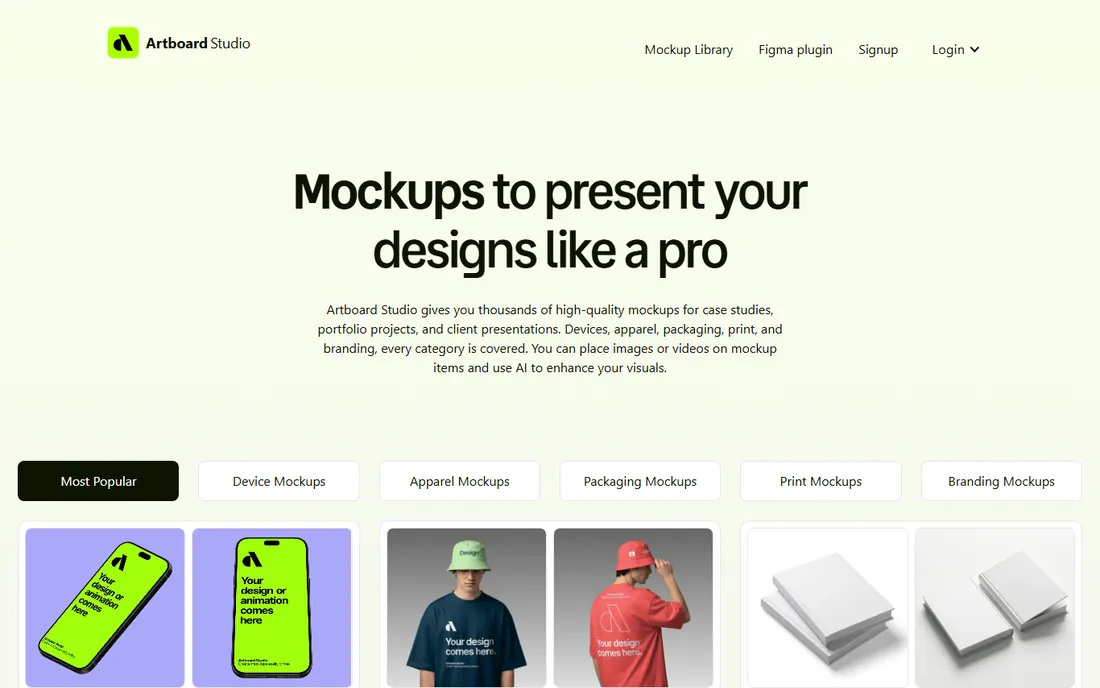
Artboard Studio is the generalist's choice for realistic product shots. Its library covers devices, packaging, apparel, stationery, and branding scenes, and many items are true 3D objects you can rotate and light rather than flat Photoshop-style templates. The result is mockups that hold up at larger sizes and odd angles.
Pricing is transparent: Lite at $9 per month on annual billing, Pro at $19, or a $129 lifetime deal that covers the current version. The lifetime option is unusual in this category and worth considering if you dislike subscriptions. For agencies and freelancers producing client presentation visuals weekly, it is one of the best values here.
What we like- Huge library of realistic scenes
- True 3D items you can rotate
- Clear tiered pricing
Watch out for- Subscription only apart from lifetime deal
- Browser performance varies with scene complexity
Starting priceSee website
Free planFree trial
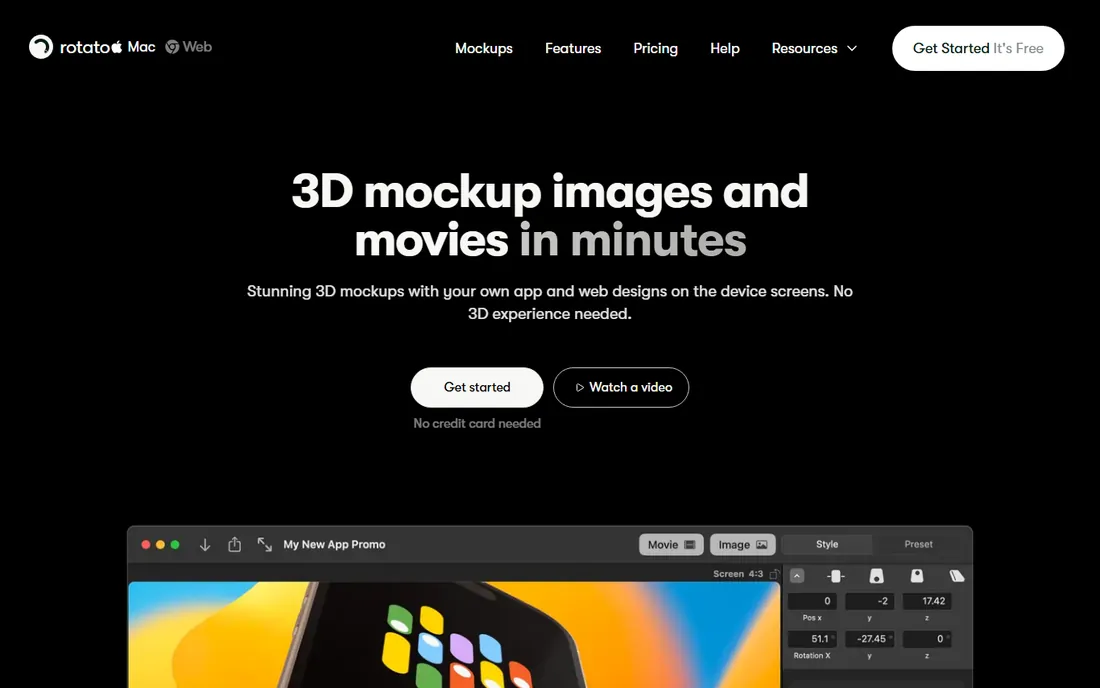
Rotato does a small job beautifully. Drop in your app screenshots or website captures, and it wraps them onto 3D Macs, iPhones, and iPads with studio lighting, shadows, and reflections. Animations and transparent backgrounds are built in, making it a favorite for App Store screenshots, landing page heroes, and investor decks.
The limitation is platform and scope: it is Mac-only, and it handles screens on devices, not packaging or apparel. Within that lane it has few rivals for speed and polish. If you ship apps or websites and need gorgeous device shots regularly, the free trial will sell itself in an afternoon.
What we like- Beautiful 3D device renders
- Dead simple to use
- Great for App Store screenshots
Watch out for- Mac only
- Focused on screens, not packaging

#5
Esko Studio
Best for: Professional packaging prepress
Visit esko.com
Starting priceSee website
Free planNo
Esko Studio is what the big packaging houses use. It plugs into Adobe Illustrator and turns flat artwork into virtual mockups with print-accurate detail: substrates, inks, varnishes, and embossing rendered as they will actually look. For brands where the mockup must predict the press sheet, nothing else here competes.
That power comes with enterprise reality: pricing is quote-based, onboarding involves sales conversations, and the tool assumes you already work in professional prepress. Small studios and freelancers will find Pacdora or Packly more practical. But if you operate at the level where packaging errors cost thousands, Studio is the standard for a reason.
What we like- Industry-standard for packaging artwork
- Hyper-realistic virtual mockups
- Integrates with the Esko suite
Watch out for- Enterprise pricing and sales process
- Overkill for simple mockup needs
Starting priceSee website
Free planFree trial
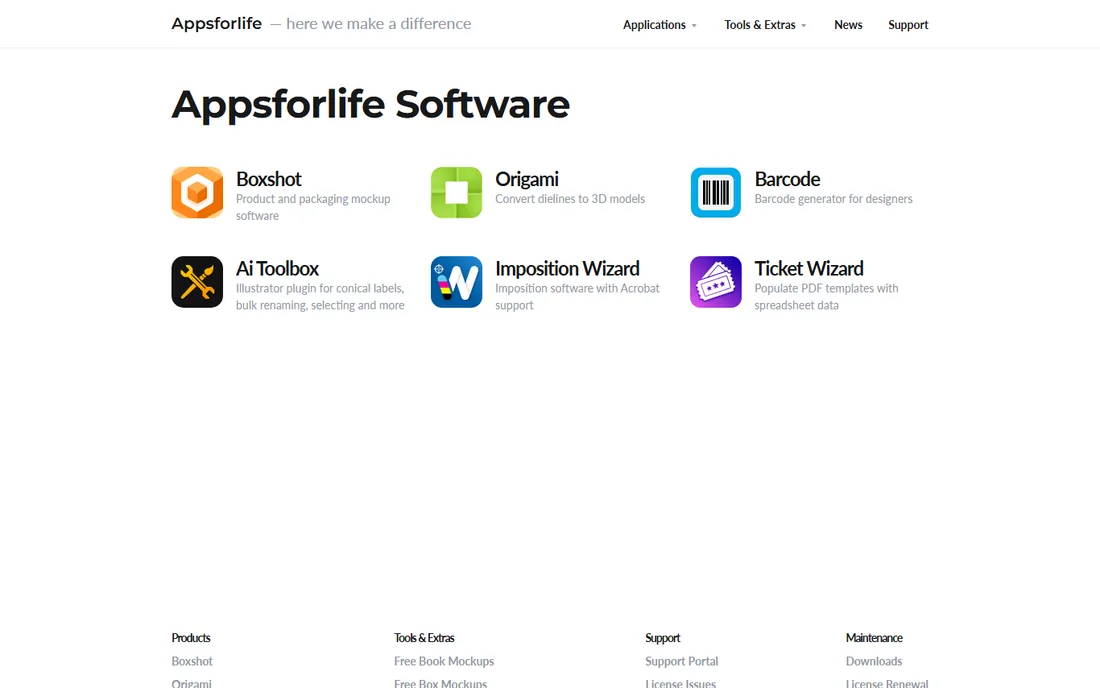
Boxshot is a desktop 3D renderer aimed squarely at software boxes, books, CDs, cans, and bottles. You assemble your scene from shapes, apply your artwork as textures, and render with realistic lighting and reflections. It will not hold your hand the way browser tools do, but it gives you real 3D control without learning Blender.
The pricing model is the attraction: a one-time purchase rather than a subscription, which is increasingly rare. The interface shows its age and the learning curve is steeper than template tools. For authors, indie software sellers, and small brands that need box and book renders on a budget, it remains a practical buy.
What we like- One-time purchase option
- Renders boxes, books, cans, and bottles
- No subscription required
Watch out for- Dated interface
- You build scenes from primitives
Starting priceSee website
Free planNo
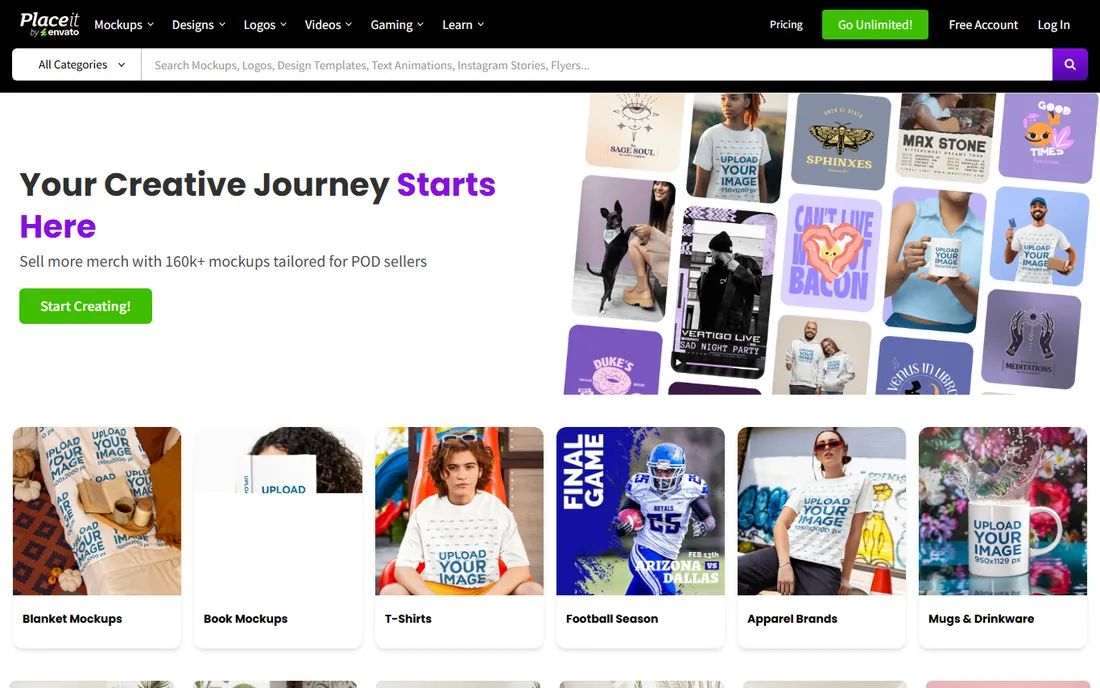
Placeit is the template supermarket of the mockup world. Upload your design, pick from thousands of scenes spanning apparel, devices, packaging, print, and more, and download a finished image in minutes. It also covers mockup videos, logos, and social templates, making it a one-stop shop for small marketing teams.
The subscription is the only way in, and the popularity of the library is a double-edged sword: your mockup may look like a competitor's. For speed and breadth on a deadline, though, nothing here matches it. It is the tool you reach for when the campaign launches tomorrow.
What we like- Enormous template library
- Mockups plus videos and logos
- No skills required
Watch out for- Subscription only
- Templates can look familiar since everyone uses them
Starting priceSee website
Free planFree trial
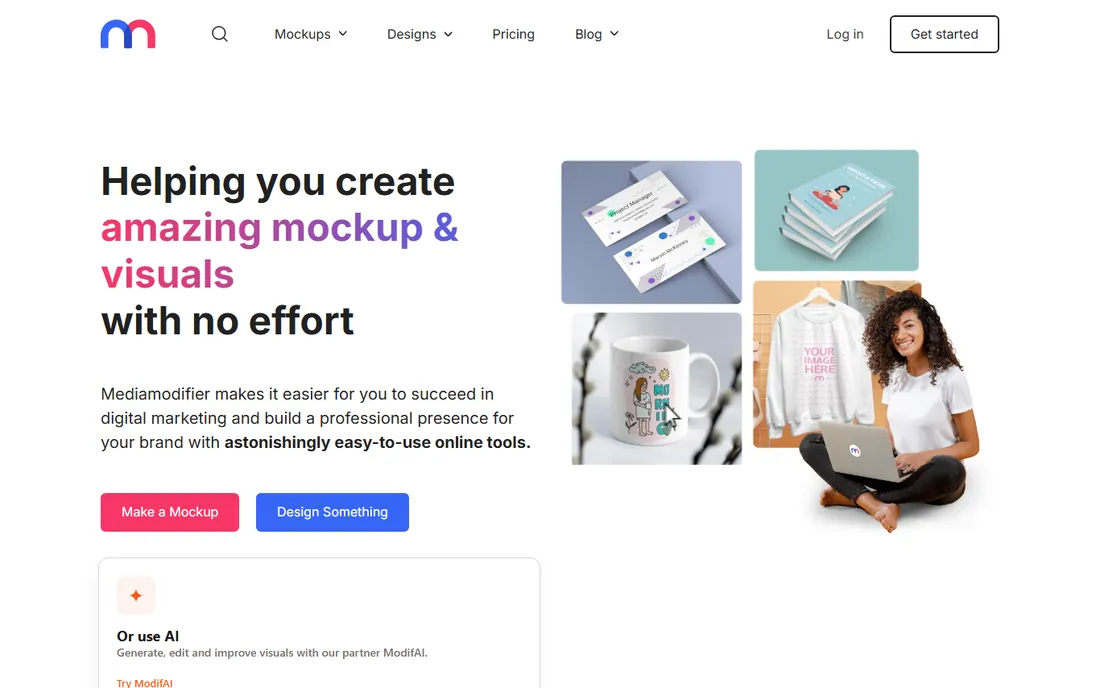
Mediamodifier sits between Placeit and the pro tools: a browser-based mockup generator with solid templates for devices, print, packaging, and apparel, plus an API for teams that generate mockups programmatically. The workflow is quick: upload artwork, choose a scene, adjust, download.
Template quality is consistent if not always inspiring, and the free tier is limited. Where it stands out is automation; if your store or app needs to generate hundreds of mockup variants, the API is a genuine differentiator. For one-off visuals, compare its library against Placeit before subscribing.
What we like- Fast browser-based workflow
- Good device and print mockups
- API for automation
Watch out for- Template depth varies by category
- Best features need a paid plan
Starting priceFree
Free planYes
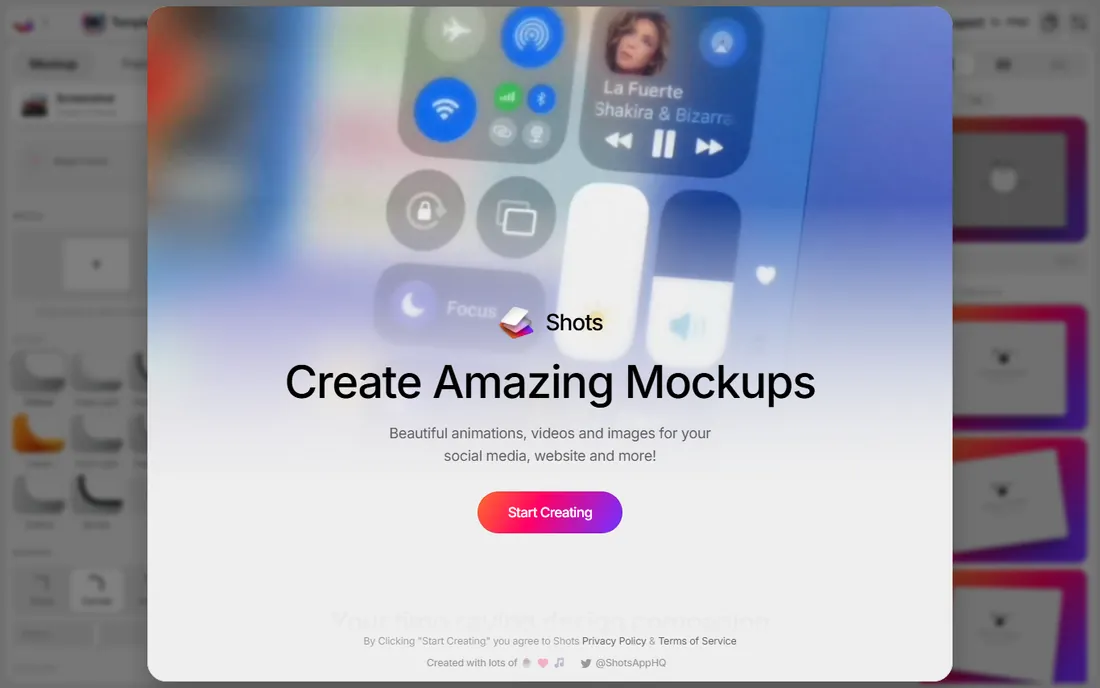
Shots is the free tool that embarrasses paid ones. Open the site, upload a screenshot, pick a device frame and background, and download a polished mockup with no account and no watermark. The frames are genuinely attractive, with the soft gradients and shadows that make app screenshots look premium.
The scope is narrow by design: screens on devices, nothing else. You will not find packaging, apparel, or complex scenes. But for developers, designers, and indie makers who need a quick hero image or social post, it removes every excuse. Bookmark it even if you buy something else.
What we like- Free with no signup
- Beautiful device frames
- Fast and simple
Watch out for- Limited to screen-based mockups
- Fewer scenes than paid rivals
Starting price$12/month (Premium, annual)
Free planFree trial
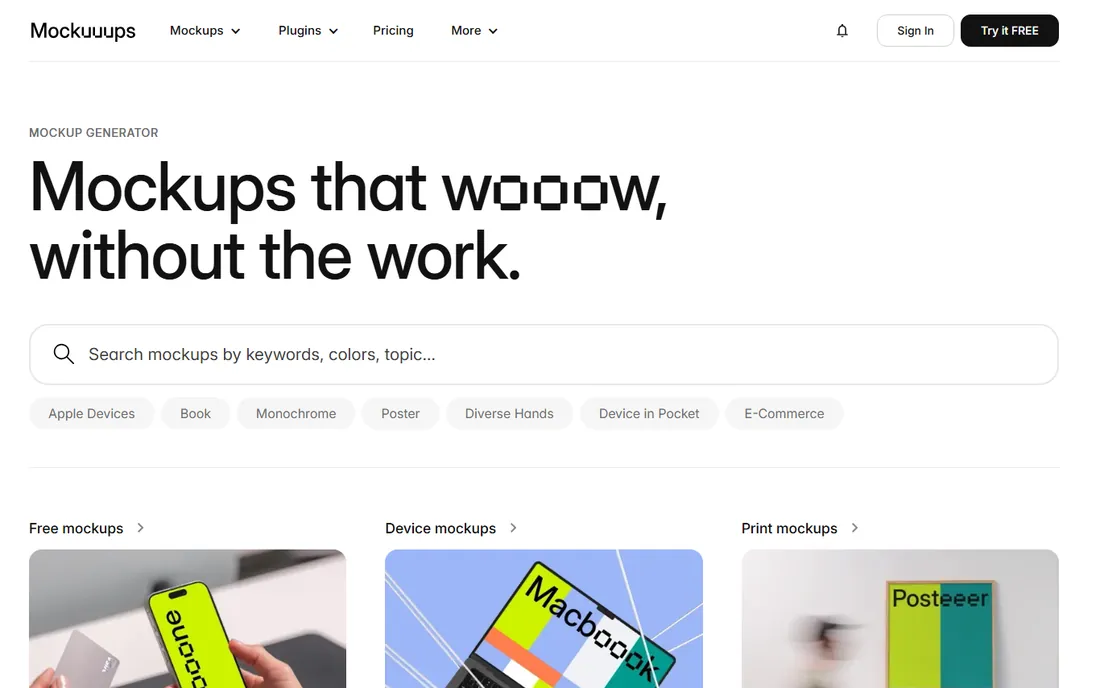
Mockuuups Studio meets designers where they already work. Instead of a separate app, it lives as a plugin inside Figma, Sketch, Photoshop, and Illustrator, letting you drop your artboards straight into hundreds of device, print, and lifestyle scenes without exporting files. The library is broad and the scenes are tasteful.
Premium starts at $12 per month on annual billing, with the full library and high-resolution exports. If your mockups start life in Figma, the plugin workflow saves real time over round-tripping through a browser tool. If you do not use those design apps, pick a standalone option instead.
What we like- Plugins for Figma, Sketch, and Photoshop
- Large scene library
- Clean pricing
Watch out for- Works best inside a design tool
- Standalone web use is secondary
Quick comparison
| Tool | Best for | Starting price | Free plan |
|---|
 Pacdora Pacdora | Packaging designers | See website | Yes |
 Packly Packly | Instant packaging mockups | See website | Free trial |
 Artboard Studio Artboard Studio | Branding and app mockups | $9/month (Lite, annual) | Free trial |
 Rotato Rotato | 3D app and web mockups on Mac | See website | Free trial |
| Esko Studio | Professional packaging prepress | See website | No |
 Boxshot Boxshot | 3D box and book renders | See website | Free trial |
 Placeit Placeit | Fast marketing mockups | See website | No |
 Mediamodifier Mediamodifier | Quick online mockups | See website | Free trial |
 Shots Shots | Free device mockups | Free | Yes |
 Mockuuups Studio Mockuuups Studio | Design-tool mockup plugins | $12/month (Premium, annual) | Free trial |
Is your product missing or out of date?
We review this list regularly. Vendors can request a listing, send updated pricing or ask about featured placement.
Packaging mockups versus general mockups: which do you need
Packaging mockups and general mockups solve different problems, and picking the wrong type wastes money. Packaging tools like Pacdora, Packly, and Esko Studio understand physical structure: dielines, folds, materials, and how artwork wraps around a real object. If you design boxes, bottles, or pouches, that structural accuracy is non-negotiable, because a pretty picture that ignores the dieline will mislead everyone who sees it.
General mockup tools like Placeit, Artboard Studio, and Mediamodifier trade structural accuracy for speed and variety. They place your flat design into a photographed or rendered scene, which is perfect for marketing visuals, client presentations, and social posts. Just do not use them to approve factory artwork.
Some teams need both: the packaging specialist for production accuracy and a generalist for marketing. If your budget covers one tool, choose based on where mistakes cost you more. A wrong factory run costs thousands; a dull social post costs nothing.
What to check before you pay
Start from your actual deliverable. If you need App Store screenshots, Rotato or Shots will get you there faster than a packaging specialist. If you need to show a client exactly how their box will look on a shelf, only a structural tool will do. List the three mockup types you produce most often, then pick the tool that covers all three.
Check export resolution and licensing. Some templates cap exports at web resolution on lower tiers, and a few libraries restrict commercial use of certain scenes. If your mockups end up in paid ads or client deliverables, confirm the license covers that.
Test the free tier with a real project, not a sample file. Upload your actual artwork, export at the size you need, and show it to someone who was not involved. If it passes that test, the paid tier is worth it. If the free export already satisfies your client, you may not need to pay at all.
How we chose
We verified that every product on this list is live and maintained in 2026 by opening each vendor's official site. We focused on tools whose primary job is product and packaging mockups, covering specialists and generalists, desktop and browser, free and paid. Pricing comes from the vendors' own pages where published. We excluded generic 3D modelers, stock photo sites, and dead template packs. No vendor paid for placement.
Frequently asked questions
What is the difference between a mockup and a 3D render?
A mockup places your 2D design into a realistic scene quickly, usually from a template. A 3D render builds the scene from geometry with full control over lighting and camera. Mockup tools are faster; 3D renderers are more flexible. Many designers use both.
Do I need 3D skills to use mockup software?
No. Every tool on this list except Boxshot is designed for non-3D users: you upload artwork and adjust a template. Boxshot asks a bit more of you but still far less than a true 3D program.
Can mockups replace product photography?
For early-stage products, pre-orders, and digital presentations, often yes. For final e-commerce listings of physical products, real photography still converts better. Many brands use mockups to launch fast, then replace them with photos.
Are free mockup tools good enough for client work?
Shots and Pacdora's free tier produce genuinely professional results. The main reasons to pay are higher export resolution, bigger template libraries, and commercial licensing terms. Check the license before delivering free-tier work to a paying client.
Which mockup tool is best for packaging?
Pacdora for most packaging designers, thanks to its dieline-accurate browser workflow and free tier. Esko Studio if you work in professional prepress where print accuracy is critical. Packly if you want to design and manufacture in one place.
Sources we checked (10)
- https://www.pacdora.com/
- https://pack.ly/
- https://artboard.studio/
- https://rotato.app/
- https://esko.com/
- https://boxshot.com/
- https://placeit.net/
- https://mediamodifier.com/
- https://shots.so/
- https://mockuuups.studio/
Is your product missing or out of date?
We review this list regularly. Vendors can request a listing, send updated pricing or ask about featured placement.

Shihab Mia · Founder, Rankite
Shihab has spent more than a decade helping SaaS and e-commerce brands grow through search. He writes Rankite's software buying guides from pricing pages, documentation and public user reviews. More about Shihab.