How we make this list: we compare pricing pages, product documentation and public user reviews. Rankite is independent; if a vendor ever pays for a featured spot, that listing is clearly labeled Partner.
Key takeaways
- Microsoft Power Apps is the natural choice for companies already running on Microsoft 365.
- OutSystems and Mendix are enterprise-grade but start at thousands per year.
- Bubble is the deepest no-code option for web apps, with native mobile now available.
- FlutterFlow generates real Flutter source code you can export and own.
- Zoho Creator is the cheapest low-code option at $8 per user per month.
Quick comparison
| Tool | Best for | Starting price | Free plan |
|---|
 Microsoft Power Apps Microsoft Power Apps | companies on Microsoft 365 | $20/user/mo | Yes |
 OutSystems OutSystems | enterprise-grade low-code | $36,300/yr (reported) | Yes |
 Mendix Mendix | Siemens-backed enterprise low-code | €918/mo (reported) | Yes |
 Bubble Bubble | deep no-code apps | $29/mo (billed annually) | Yes |
 FlutterFlow FlutterFlow | native apps with code export | $39/mo (reported) | Yes |
 Zoho Creator Zoho Creator | affordable low-code apps | $8/user/mo (reported) | Free trial |
 BuildFire BuildFire | DIY small business apps | See website | Free trial |
Is your product missing or out of date?
We review this list regularly. Vendors can request a listing, send updated pricing or ask about featured placement.
Starting price$20/user/mo
Free planYes
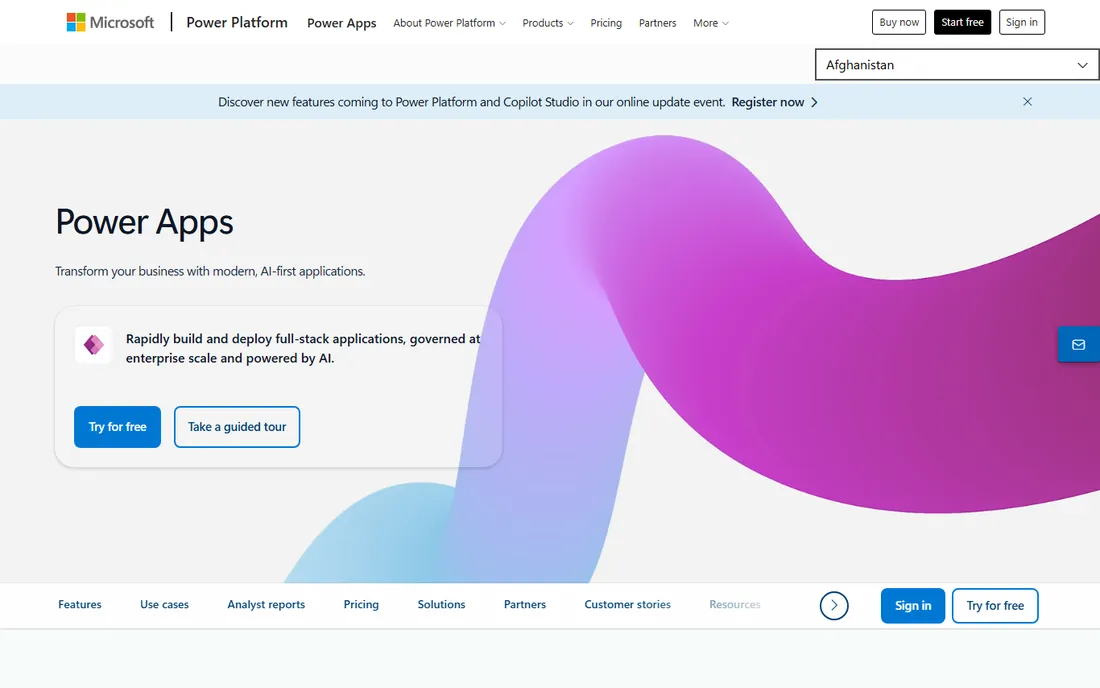
Microsoft Power Apps is the low-code app builder inside the Power Platform, and it is the default choice if your company already pays for Microsoft 365. Canvas apps build pixel-perfect mobile experiences, model-driven apps build data-driven admin screens, and the free Developer plan lets individuals build and test apps at no cost.
The ecosystem integration is the selling point. Apps connect to SharePoint, Teams, Dynamics 365, Excel, and Dataverse out of the box. Copilot AI generates screens and formulas from natural language. For internal tools like inspection forms, approval workflows, or field data collection, Power Apps is usually the fastest path.
The honest catch is licensing. The Developer plan is free for building and testing only. Production apps need Premium at $20 per user per month, a per-app plan at $5 per user per app per month, or pay-as-you-go. Outside the Microsoft stack, Power Apps makes little sense. But if you live in Microsoft 365, start here before looking anywhere else.
What we like- Included or cheap for Microsoft 365 shops
- AI-assisted app building with Copilot
- Deep Dataverse and Office integrations
Watch out for- Licensing is notoriously confusing
- Premium connectors add cost
- Best within the Microsoft ecosystem only
Starting price$36,300/yr (reported)
Free planYes
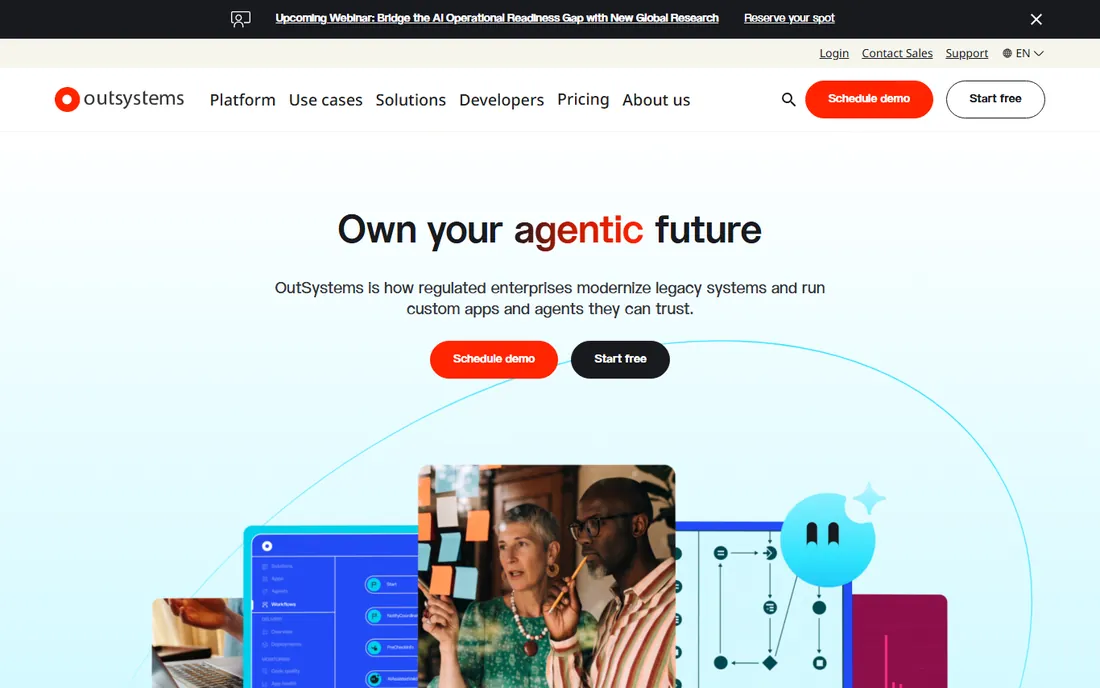
OutSystems is the leading enterprise low-code platform, designed for building mission-critical web and mobile apps that scale. The visual IDE with drag-and-drop UI design, workflow modeling, and AI-assisted development produces apps that compile to .NET or Java. Native iOS and Android apps with offline capabilities come from the same codebase.
The platform strength is lifecycle management. CI/CD pipelines, version control, automated testing, environment management, SSO, and compliance features are built in. Large organizations use OutSystems to modernize legacy systems and ship customer-facing apps faster than traditional development.
The catch is the price and the lock-in. Paid plans reportedly start around $36,300 per year, with costs scaling on app complexity and users. The free Personal plan is genuinely free but only for test applications. You cannot export the underlying code, so you are committed to the platform. This is an enterprise investment, not a startup tool.
What we like- Builds genuinely enterprise-scale web and mobile apps
- AI-assisted development with Mentor
- Deploys on AWS, Azure, or GCP
Watch out for- Pricing starts at five figures and requires a sales quote
- Steep learning curve for non-developers
- Full vendor lock-in
Starting price€918/mo (reported)
Free planYes
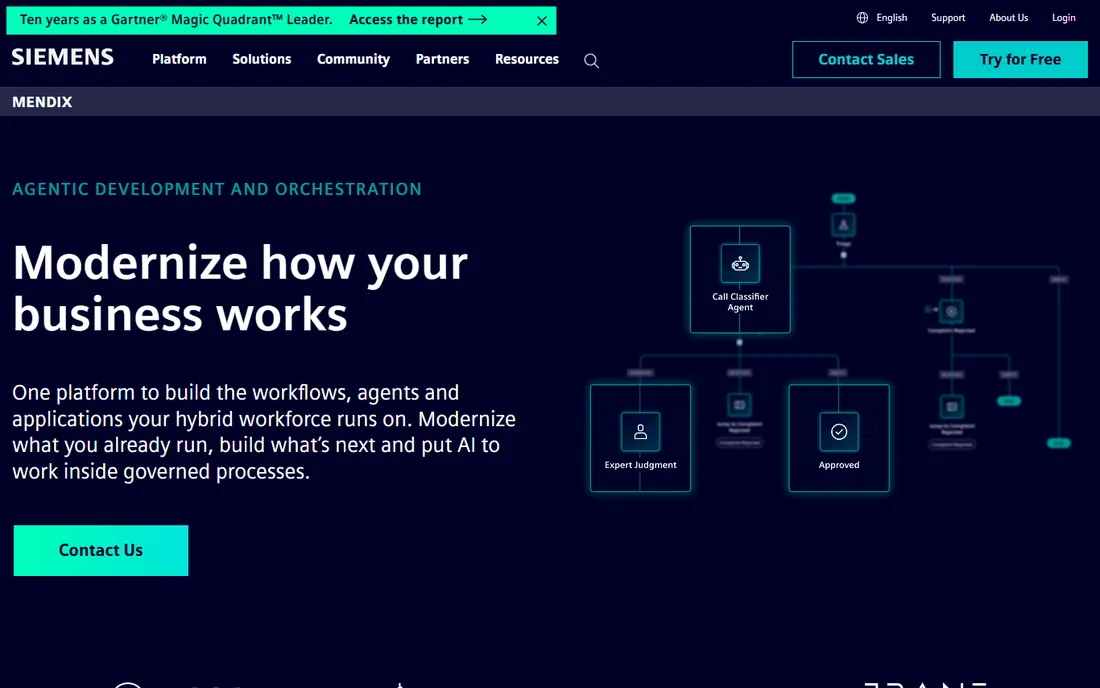
Mendix, owned by Siemens, is the other enterprise low-code heavyweight alongside OutSystems. The visual modeler lets professional developers and business users collaborate on apps with reusable components, version control, and feedback tools built in. Offline mobile support suits field operations in manufacturing, healthcare, and finance.
Pricing is more transparent than OutSystems. The Standard plan reportedly starts at €918 per month for a single app, with higher tiers for unlimited apps. A free tier exists for learning and prototyping. The company publishes clear plans, which is refreshing in this category.
The limits mirror OutSystems. Apps are not portable: they require the Mendix runtime and license to run, so there is vendor lock-in. As data models and business logic scale, the learning curve steepens. For serious digital transformation with governance requirements, Mendix earns its price. For quick utility apps, it is overkill.
What we like- Visual modeler with strong collaboration tools
- Offline mobile support for field teams
- Solid AI-assisted development
Watch out for- Pricing ramps up quickly past the entry tier
- Apps require the Mendix runtime to run
- Steeper learning curve as apps grow
Starting price$29/mo (billed annually)
Free planYes
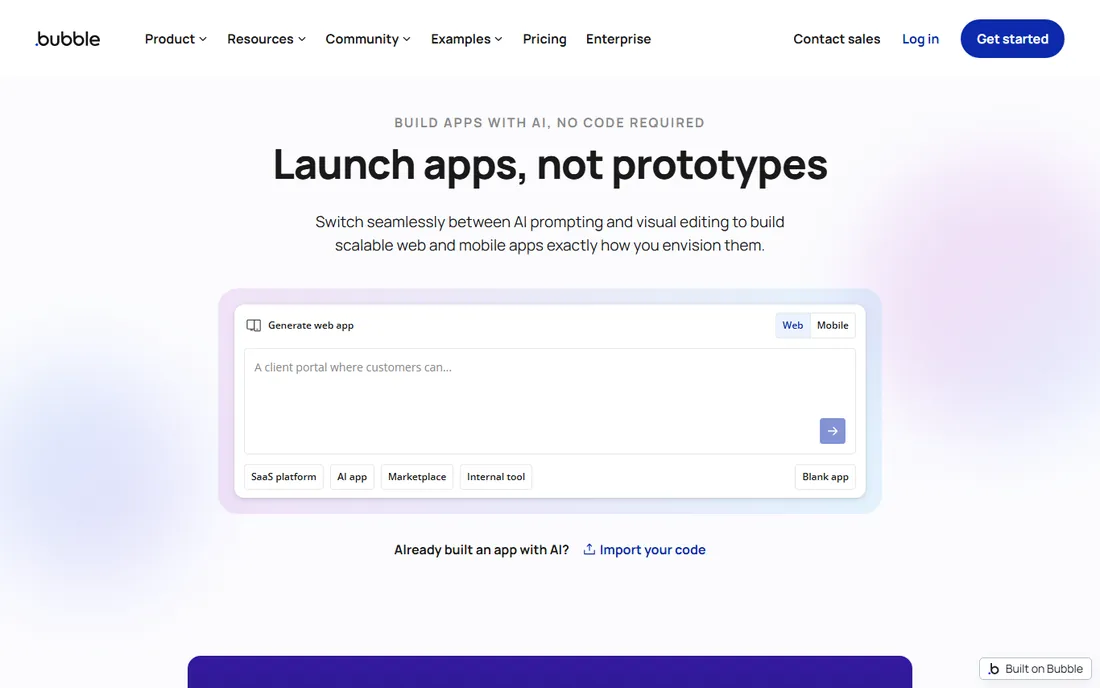
Bubble is the deepest no-code platform for building production-grade web applications, and its native mobile builder now publishes genuine iOS and Android apps. The visual editor, integrated database, and workflow engine can model almost any logic without code. Eight million apps have been built on the platform.
The ecosystem is unmatched. Thousands of plugins cover payments, auth, analytics, and email. The API connector integrates anything else. Ten years of community history means someone has solved your problem before. The free plan lets you build and test fully before paying.
The honest catch is pricing complexity. Plans price on workload units, a compute meter that aggregates every workflow, query, and API call. Traffic spikes translate directly into overage costs, so growing apps must model their usage carefully. You also cannot export source code. But for founders who need real depth without developers, Bubble remains the answer.
What we like- The deepest no-code logic builder available
- Visual database and workflow engine
- Thousands of plugins and a huge community
Watch out for- Usage-based workload pricing can surprise growing apps
- No source code export
- Steeper learning curve than simpler builders
Starting price$39/mo (reported)
Free planYes
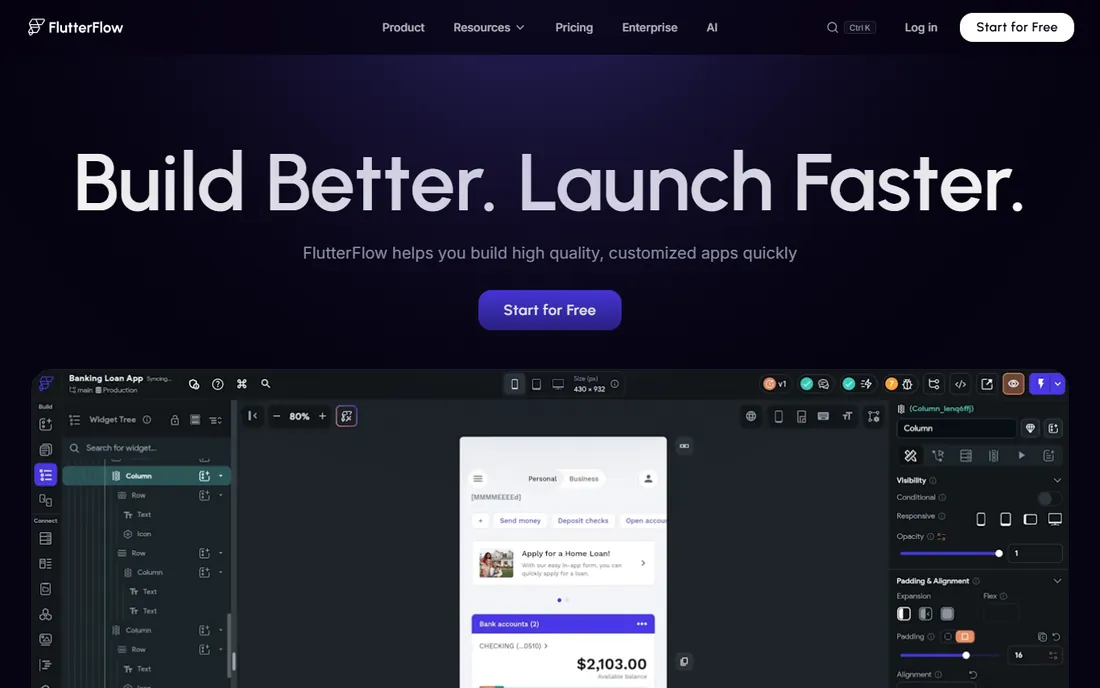
FlutterFlow is the standout native mobile builder because it generates genuine Flutter and Dart source code. From the Basic plan, you can download the code, push it to GitHub, and eventually leave the platform entirely. That export path is unique among no-code builders and eliminates the lock-in fear.
The product quality is high. A visual canvas with precise control, AI-assisted UI generation, one-click App Store and Google Play publishing, and native integrations with Firebase and Supabase. More than 3.3 million users build on the platform.
The trade-offs are complexity and backend. FlutterFlow requires external databases like Firebase or Supabase, which add cost and technical setup. The learning curve demands understanding layout systems and widget trees. And once you edit exported code externally, the visual builder diverges. For teams that want native output with an exit path, nothing else compares.
What we like- Generates real Flutter source code you can export
- One-click publishing to both app stores
- Strong Firebase and Supabase integration
Watch out for- Needs external backend services
- Moderate to high learning curve
- Visual and external code diverge once you export
Starting price$8/user/mo (reported)
Free planFree trial
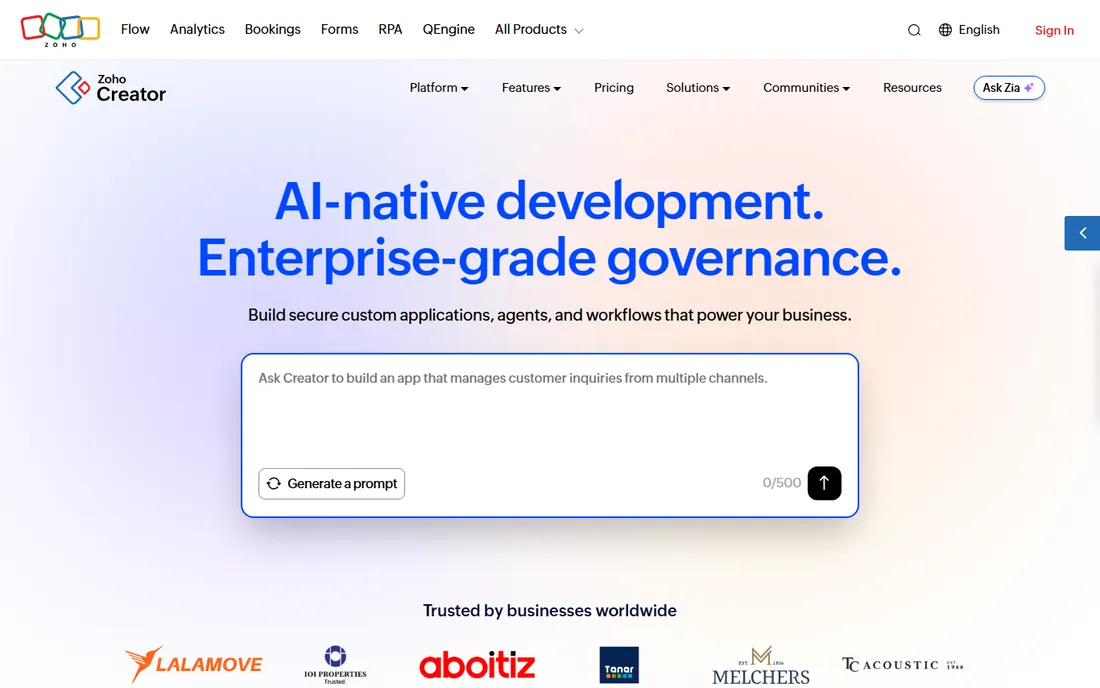
Zoho Creator is the budget champion of low-code. The Standard plan at $8 per user per month billed annually builds one application with forms, reports, workflow automations, and mobile deployment. Professional at $20 per user per month adds unlimited applications, AI models, and more integrations. For Zoho shops, the integration with CRM, Books, and the rest of the suite is a major plus.
The value proposition is simple: custom business apps at a fraction of enterprise platform prices. Deluge scripting extends functionality without full coding. Templates accelerate common use cases like inventory, HR, and field service.
The limits are capacity and polish. Record limits and feature restrictions in lower plans push upgrades as you grow. There is no permanent free plan, only a 15-day trial. The mobile output is functional rather than beautiful. For cost-conscious businesses building internal tools, Zoho Creator delivers the most per dollar.
What we like- The cheapest entry point in low-code
- AI-assisted app building
- Tight integration with the Zoho ecosystem
Watch out for- No permanent free tier
- Record limits push upgrades
- Mobile experience is functional rather than polished
Starting priceSee website
Free planFree trial
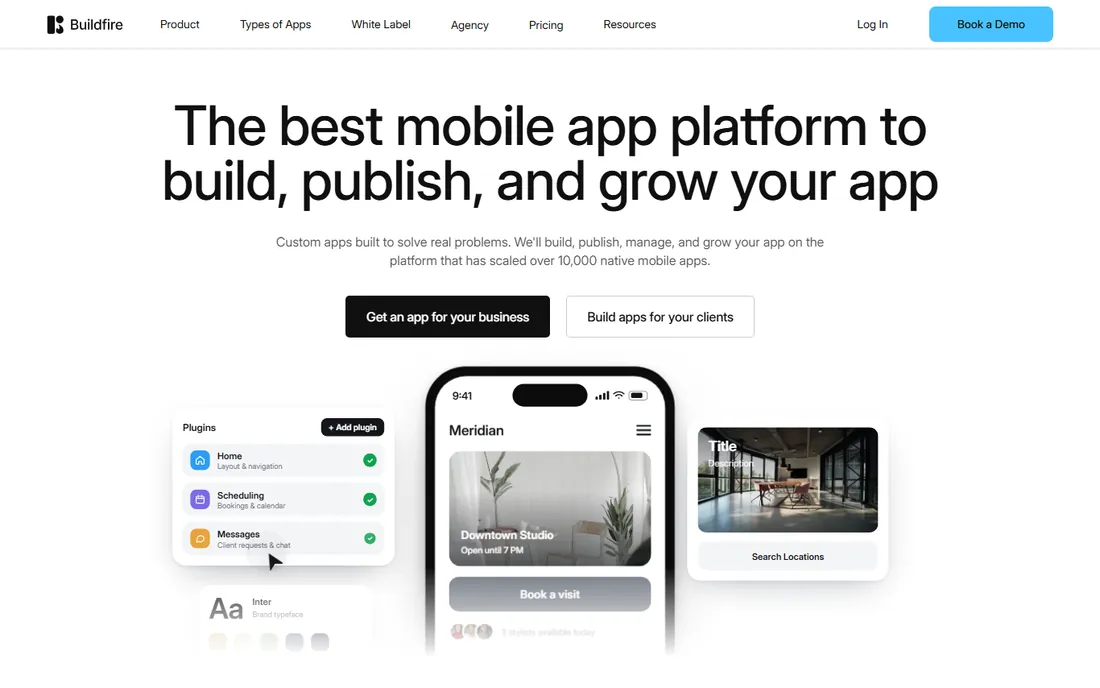
BuildFire is a DIY mobile app builder aimed squarely at small businesses: restaurants, gyms, churches, event venues, and local services. The drag-and-drop builder, plugin marketplace with 100+ plugins, and guided app store publishing get a functional app live without developers. Higher tiers add API access, SSO, and enterprise deployment.
The professional services arm is distinctive. If the DIY builder hits its limits, BuildFire's own team can take over the build, giving small businesses a paved upgrade path inside one vendor. Agencies can white-label the platform for client work.
The honest catch is cost. Plans reportedly start around $100 to $165 per month, substantially more than FlutterFlow or Adalo. There is no free tier, only a trial. And like most DIY builders, there is no code export. For small businesses that want a managed, supported path to a store-listed app, BuildFire earns its price. For budget builders, look elsewhere.
What we like- Purpose-built for small business apps
- Plugin marketplace covers common needs
- White-label reseller program for agencies
Watch out for- Higher monthly cost than competitors
- No permanent free tier
- Vendor lock-in with no code export
How we chose
We selected seven platforms that build genuine mobile apps: enterprise low-code suites, no-code builders with mobile publishing, and DIY app builders. We required iOS and Android output or publishing, current availability, and real pricing evidence. Pricing is vendor-reported or third-party reported where vendors quote privately. We did not build apps on any platform.
Start with the app's complexity. A simple internal tool or MVP with forms, lists, and notifications belongs on Power Apps, Zoho Creator, or FlutterFlow. A customer-facing app with custom logic and payments belongs on Bubble or FlutterFlow. An enterprise system with integrations, compliance, and hundreds of users belongs on OutSystems or Mendix.
Decide how you feel about lock-in. FlutterFlow exports real source code, so you can leave. Power Apps, OutSystems, Mendix, Bubble, Zoho Creator, and BuildFire all keep you on their platform. If owning the code matters to your CTO, that alone may decide the choice.
Budget honestly for the total cost. Platform subscriptions are only part of it. Apple Developer accounts cost $99 per year, Google Play is $25 one-time, backends like Firebase or Supabase bill separately, and Bubble's workload units scale with traffic. A $39 per month plan with a $100 per month backend bill is a $139 per month app.
Build vs. buy vs. low-code
Low-code platforms shine for internal tools and MVPs where speed beats perfection. They struggle with highly custom UX, complex animations, hardware integrations, and apps that need to feel truly native at scale. Be honest about which category your app falls into.
The hybrid path works well. Build the MVP on FlutterFlow or Bubble, validate the business, then either keep scaling on the platform or rebuild natively with the revenue the MVP earned. Many successful apps started exactly this way. The platform is a means to an end, not a marriage.
What changes as you scale
Every platform on this list gets more expensive and more constrained as you grow. Workload units, per-user licenses, and per-seat editor pricing all scale with success. Plan your pricing tier for year two, not launch month.
The migration question deserves an answer before you start. If the app succeeds, can you export the code, hire developers, and move on? With FlutterFlow the answer is yes. With the others, the honest answer is usually a rebuild. Factor that into the decision, because rebuilding a successful app is a good problem that still costs real money.
Frequently asked questions
What is the best mobile app platform for small businesses?
For budget builders, Zoho Creator at $8 per user per month or FlutterFlow from $39 per month offer the most value. For non-technical owners, BuildFire's guided DIY builder with professional services backup is the easiest path. Microsoft 365 companies should use Power Apps.
Can you build a mobile app without coding?
Yes. All seven platforms build apps visually. Bubble, FlutterFlow, and BuildFire publish to the App Store and Google Play without writing code. Power Apps, OutSystems, Mendix, and Zoho Creator deploy mobile apps from visual builders too, though complex logic benefits from some technical understanding.
Which no-code platform lets you export source code?
FlutterFlow is the standout: it exports genuine Flutter and Dart source code that developers can take over. The other platforms on this list do not offer source code export, which means your app stays on their infrastructure.
How much does it cost to build an app with low-code?
Platform subscriptions range from free to $3,000+ per month. Add Apple Developer ($99/year), Google Play ($25 one-time), backend services ($10-$80/month for Firebase or Supabase), and potentially Bubble workload overages. A typical small business app costs $50-$300 per month all-in.
Is Power Apps free?
The Power Apps Developer plan is free for building and testing apps, but not for production use. Deploying apps to users requires Premium at $20 per user per month, a per-app plan, or pay-as-you-go. Some Microsoft 365 licenses include limited Power Apps rights.
Should I use OutSystems or Mendix?
Both are enterprise low-code leaders. OutSystems typically costs more with fully custom quotes, while Mendix publishes clearer pricing starting at €918 per month. OutSystems offers more deployment flexibility; Mendix benefits from Siemens backing and manufacturing integrations. Either requires an enterprise budget and IT involvement.
Sources we checked (17)
- https://powerapps.microsoft.com/en-in/
- https://powerapps.microsoft.com/en-ca/pricing/
- https://www.getapp.co.uk/software/2046159/microsoft-power-apps
- https://hostadvice.com/ai-app-builders/outsystems-review/
- https://github.com/simple-icons/simple-icons/issues/9554
- https://www.superblocks.com/blog/mendix-pricing
- https://www.selecthub.com/low-code-development-platforms/mendix-vs-appsheet/
- https://bubble.io/blog/best-no-code-app-builder/
- https://www.choicely.com/blog/best-ai-app-builder
- https://www.lowcode.agency/blog/flutterflow-pricing-plans
- https://www.bilt.me/blog/flutterflow-pricing
- https://comparisons.financesonline.com/zoho-creator-vs-teamdesk-vs-kissflow/
- https://www.g2.com/products/zoho-creator/pricing
- https://apibit.com/product/zoho-creator/
- http://adalo.com/posts/buildfire-pricing
- http://buildfire.com/best-appmysite-alternative/
- https://ecommerceparadise.com/median-vs-buildfire/
Is your product missing or out of date?
We review this list regularly. Vendors can request a listing, send updated pricing or ask about featured placement.

Shihab Mia · Founder, Rankite
Shihab has spent more than a decade helping SaaS and e-commerce brands grow through search. He writes Rankite's software buying guides from pricing pages, documentation and public user reviews. More about Shihab.