How we make this list: we compare pricing pages, product documentation and public user reviews. Rankite is independent; if a vendor ever pays for a featured spot, that listing is clearly labeled Partner.
Key takeaways
- Expo reports that 80 percent of React Native developers choose its toolchain, showing how much of the ecosystem has consolidated around it.
- All eight platforms on this list are free and open source, so the decision is about team skills and architecture, not licenses.
- Kotlin Multiplatform says its presence among the top 10,000 apps doubled year over year, reflecting a shift toward shared business logic with native UIs.
- React Native's own docs now recommend starting with a framework like Expo, which tells you where the momentum is.
- If your team writes JavaScript, start with React Native or Expo. If it writes Dart or Kotlin, Flutter and Kotlin Multiplatform are the natural fits.
Quick comparison
| Tool | Best for | Starting price | Free plan |
|---|
 Flutter Flutter | Pixel-perfect apps from one codebase | Free | Yes |
 React Native React Native | Native apps with React skills | Free | Yes |
 .NET MAUI .NET MAUI | C# developers targeting mobile and desktop | Free | Yes |
 Ionic Ionic | Web developers building mobile apps | Free | Yes |
 NativeScript NativeScript | Truly native apps in TypeScript | Free | Yes |
 Kotlin Multiplatform Kotlin Multiplatform | Shared logic with native UI | Free | Yes |
 Apache Cordova Apache Cordova | Simple HTML/CSS/JS apps in a native shell | Free | Yes |
 Expo Expo | The fastest path to React Native | Free | Yes |
Is your product missing or out of date?
We review this list regularly. Vendors can request a listing, send updated pricing or ask about featured placement.
The best mobile application development software
Expo reports that 80 percent of React Native developers choose its toolchain. When four out of five developers in the largest cross-platform ecosystem use one set of tools, it says something about where mobile development has settled: build once, ship to iOS and Android, and spend the savings on the product.
Every platform here is free and open source, which moves the decision away from price and toward fit. The real divides are language (Dart, JavaScript, Kotlin, C#), rendering approach (native widgets versus custom rendering versus web views), and whether you share the UI or just the business logic. Pick the platform your team already knows how to use well.
Here are eight platforms worth comparing.
Starting priceFree
Free planYes
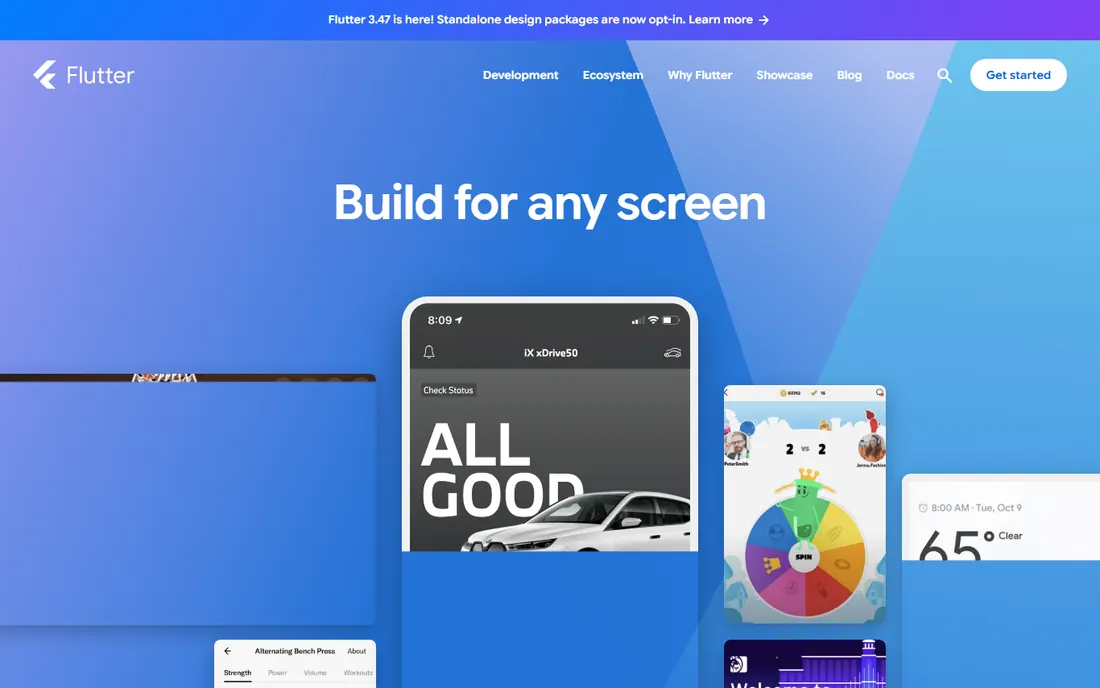
Flutter, Google's UI toolkit, draws its own widgets instead of using the platform's, which means total control over every pixel and identical designs across iOS and Android. Code compiles to ARM or Intel machine code as well as JavaScript, hot reload shows changes almost instantly, and the same codebase targets mobile, web, desktop, and embedded devices.
It is supported and used by Google, with deep integrations into Firebase, Google Play, and Google Pay. The catch is Dart: a good language, but one your team may need to learn and hire for. If design fidelity matters more than using platform-native widgets, Flutter is the strongest single-codebase choice.
What we like- One codebase reaches mobile, web, desktop, and embedded
- Hot reload speeds up iteration
- Compiles to native machine code for fast performance
Watch out for- Dart is a niche language to hire for
- Apps are larger than fully native ones
Starting priceFree
Free planYes
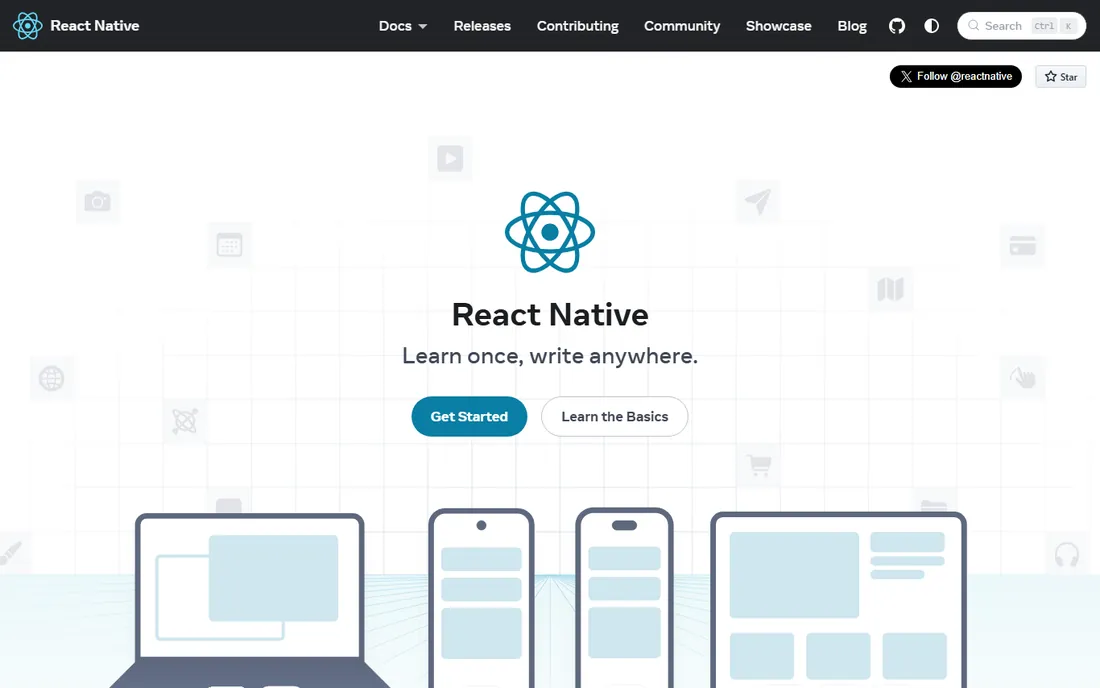
React Native brings React's programming model to mobile: JavaScript code renders to genuinely native UI components, so apps use the same platform APIs as native apps. It is a best-in-class library for teams that already think in React, and the community is enormous.
Notably, the official docs now recommend building new apps with a framework like Expo rather than bare React Native, and Expo reports that 80 percent of React Native developers use its toolchain. That means most teams experience React Native through Expo. Choose React Native when your team is JavaScript-first and wants native UI without learning a new language.
What we like- Uses your existing React and JavaScript skills
- Renders truly native UI components
- Huge ecosystem of libraries
Watch out for- Native modules need platform expertise
- React Native's own docs push new projects toward Expo
Starting priceFree
Free planYes
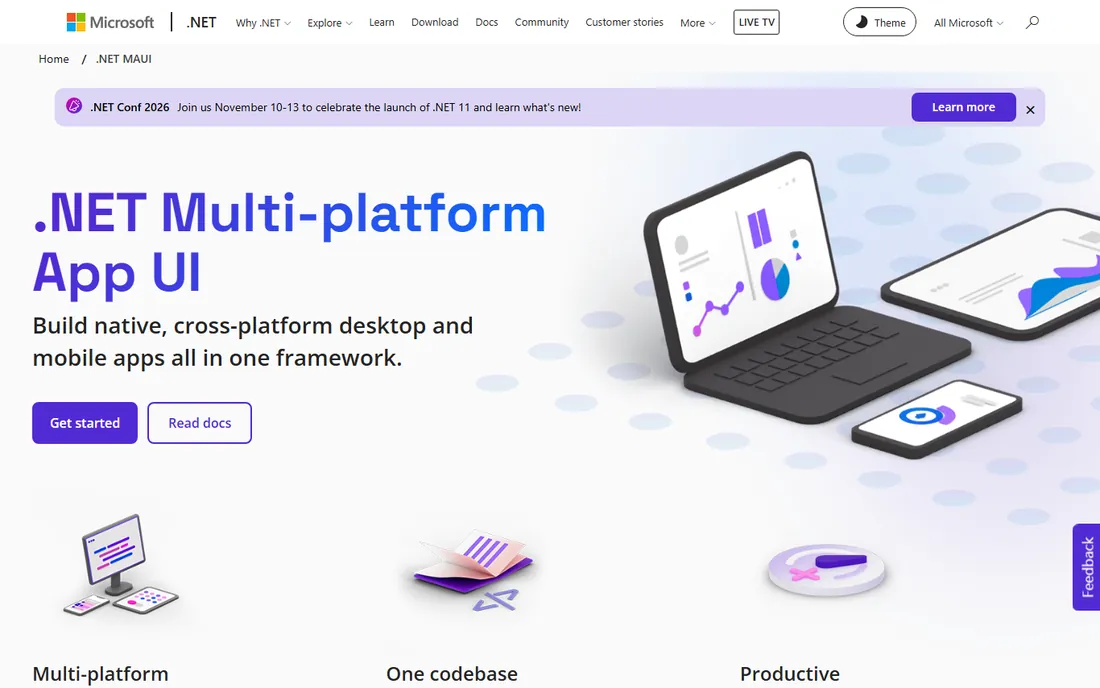
.NET MAUI lets C# developers build native apps for iOS, Android, macOS, and Windows from a single project. It abstracts each platform's native controls into one framework, integrates with Visual Studio, and ships with community and vendor UI toolkits to jumpstart development.
For organizations already invested in .NET, it is the obvious path: shared skills, shared code, and Microsoft's enterprise support. The trade-off is ecosystem size: fewer third-party libraries and community answers than Flutter or React Native. If your team lives in C#, MAUI removes the need to hire mobile specialists for each platform.
What we like- One C# codebase for iOS, Android, macOS, and Windows
- Deep Visual Studio integration
- Open source with strong Microsoft backing
Watch out for- Smallest mobile community here
- Desktop-first legacy can show in mobile UX
Starting priceFree
Free planYes
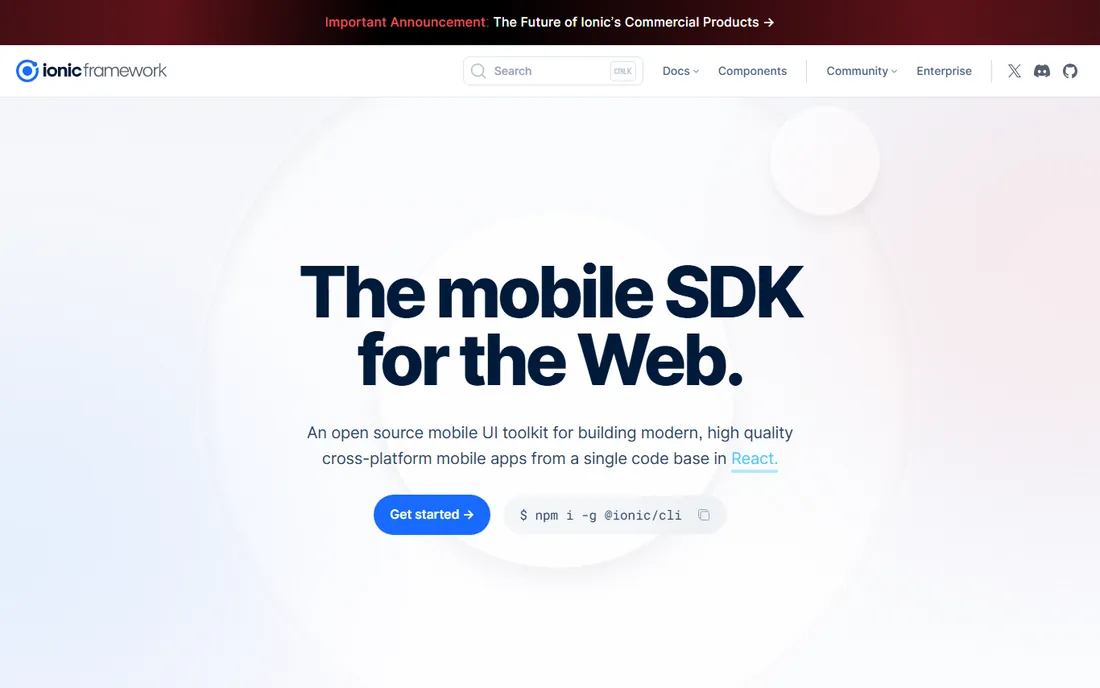
Ionic is the mobile SDK for the web: an open source UI toolkit that builds cross-platform apps from a single codebase in React, Vue, or Angular. Web developers can ship mobile apps with the skills they already have, using hardware-accelerated transitions and touch-optimized components.
Capacitor, the native bridge, deploys apps to the iOS and Android stores and exposes native APIs, while Ionic Appflow adds cloud builds and live updates. Performance is the honest caveat: web-view rendering is fine for most business apps but can lag truly native frameworks for animation-heavy products. For web teams shipping their first app, Ionic is the gentlest on-ramp.
What we like- Open source UI toolkit for React, Vue, or Angular
- Web skills transfer directly
- Capacitor bridge reaches native APIs
Watch out for- Web-view rendering can lag native performance
- Heavy apps need optimization
Starting priceFree
Free planYes
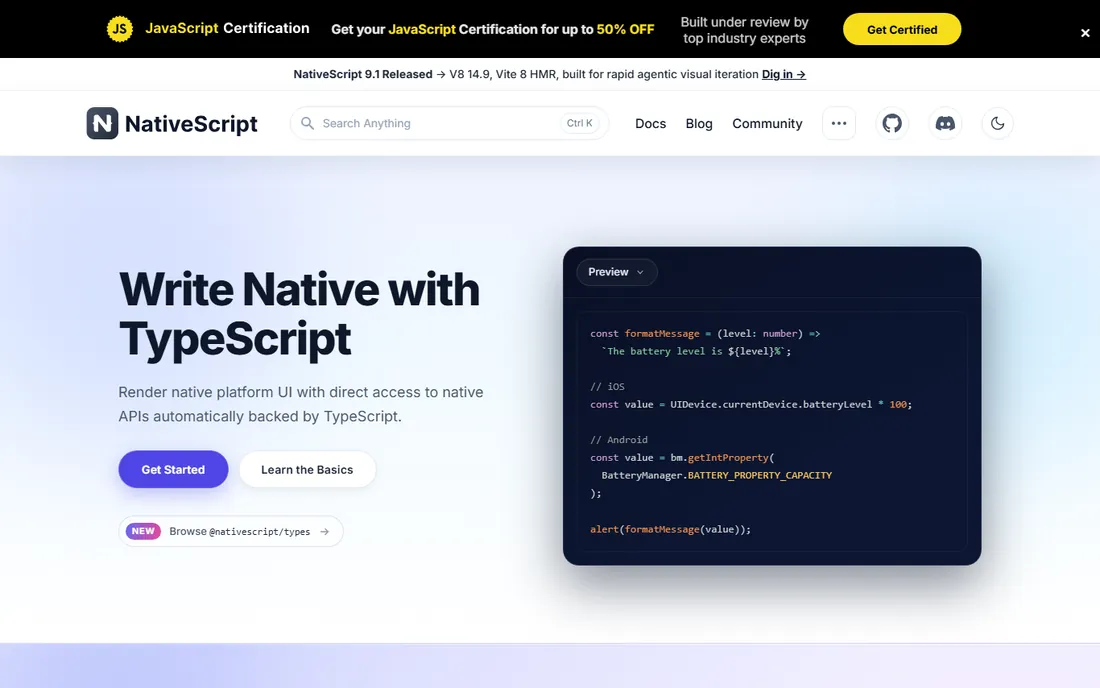
NativeScript lets you build fully native apps with TypeScript, using shared components that map directly to each platform's native UI building blocks rather than rendering in a web view. You get direct access to native platform APIs, which means capabilities like the Blackout Lighting Console's direct iOS hardware access.
Norrix, the deployment platform built for NativeScript, adds cloud builds for iOS and Android, store submissions, and over-the-air updates. The community is smaller than the big two, so expect to build more yourself. It suits TypeScript teams that want truly native UI without leaving their language.
What we like- Shared components map directly to native UI building blocks
- Direct access to native APIs
- Norrix adds cloud builds and over-the-air updates
Watch out for- Smaller community than Flutter or React Native
- Fewer third-party plugins
Starting priceFree
Free planYes
Kotlin Multiplatform takes a different approach: instead of sharing the UI, you share business logic, data models, and networking across Android, iOS, desktop, web, and server, while each platform keeps its native UI. It compiles to native code with no bridges, and Compose Multiplatform optionally shares the UI too with a declarative framework.
Adoption is accelerating: JetBrains says KMP presence among the top 10,000 apps doubled year over year, with Duolingo, McDonald's, Forbes, and Google Docs among the users. It fits teams with existing native apps that want to stop duplicating logic, or Kotlin-heavy teams that value native UX above all.
What we like- Share business logic while keeping native UIs
- Production-ready with adoption by Duolingo, McDonald's, and Google Docs
- Compiles to native code
Watch out for- IOS UI stays native code, so it is not write-once-run-anywhere
- Smaller talent pool outside Android
Starting priceFree
Free planYes
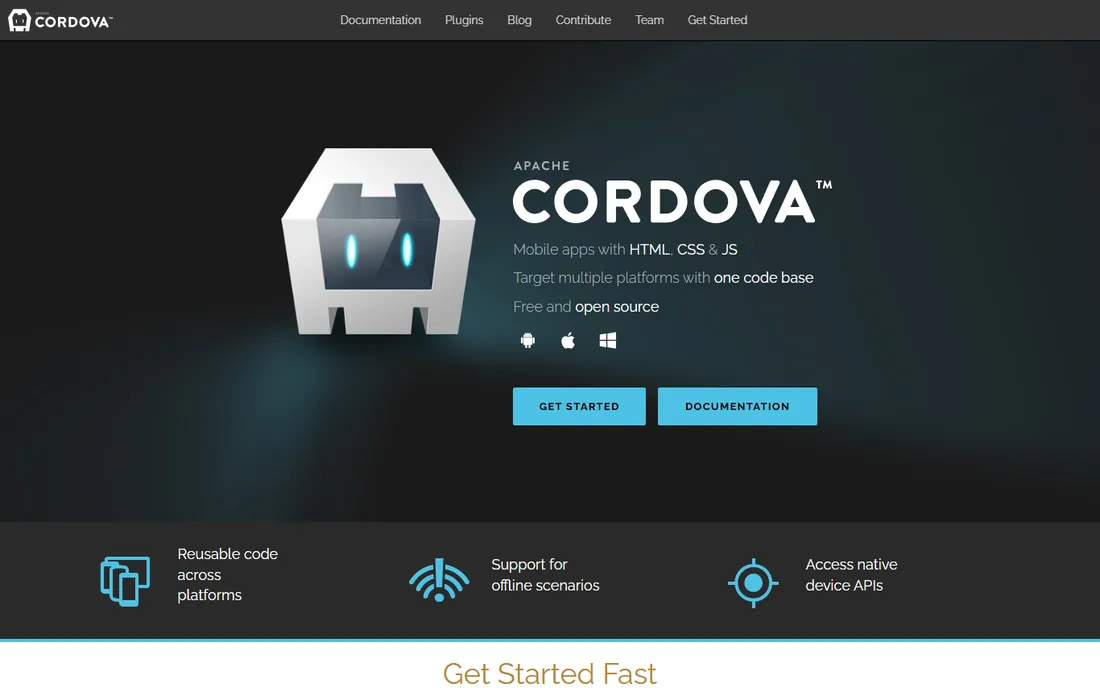
Apache Cordova wraps your HTML, CSS, and JavaScript app in a native container that accesses device functions through a unified JavaScript API. One codebase targets nearly every phone and tablet, supports offline scenarios, and publishes to the app stores. It is free, open source, and maintained by the Apache Foundation.
Cordova is the veteran of this list, and it shows: performance and plugin maintenance lag newer approaches like Capacitor (Ionic's spiritual successor). But for simple apps, internal tools, and prototypes where web skills are all you have, it still works. Choose it for straightforward projects, not flagship consumer apps.
What we like- Free and open source from the Apache Foundation
- Web skills are all you need
- Unified JavaScript API for device functions
Watch out for- Oldest approach here with dated performance
- Community momentum has moved to Capacitor and others
Starting priceFree
Free planYes
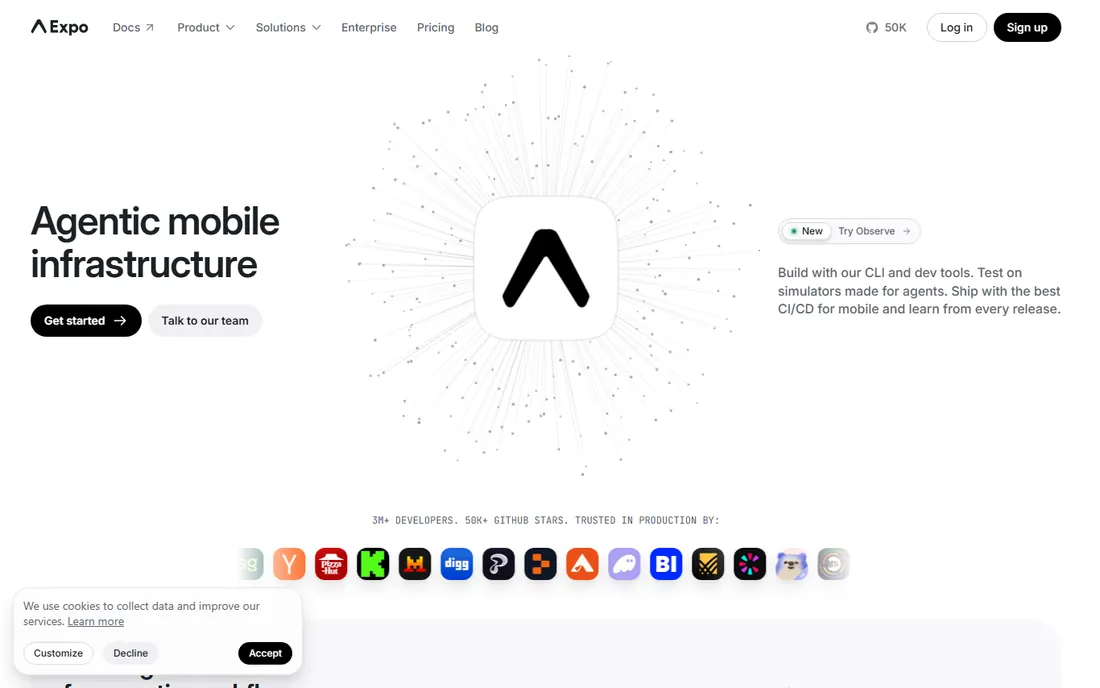
Expo is the toolchain and framework layer that most React Native developers actually use: 3 million-plus developers, 7 million-plus weekly downloads, and 500,000-plus projects. Build with its CLI, test instantly on devices with Expo Go, run builds in the cloud, and push over-the-air updates after release without app store review.
The 2026-era Expo adds simulators and workflows for agentic development, plus observability for production apps. The managed workflow trades some native flexibility for speed; teams that need deep native customization can use expo-dev-client or drop to bare React Native. For shipping a React Native app fast, start here.
What we like- Used by 80% of React Native developers
- Expo Go tests on real devices instantly
- Cloud builds and over-the-air updates included
Watch out for- Managed workflow limits some native customizations
- Advanced needs may require ejecting to bare React Native
How we chose
We compared mobile app development platforms using official documentation, project homepages, and developer adoption data, focusing on supported platforms, language, rendering approach, native API access, build and deployment tooling, community size, and production adoption. We consulted developer surveys and reviews on GitHub, Reddit, and Stack Overflow. We did not claim hands-on testing; assessments reflect documented capabilities and reported developer experience.
Start with your team's existing skills. A JavaScript team will ship faster with React Native, Expo, Ionic, or NativeScript than by learning Dart or Kotlin from scratch. A Kotlin team will do better with Kotlin Multiplatform or Flutter's Dart. Platform switches are expensive in both time and morale, so the best platform is usually the one your developers already know.
Decide how much UI to share
Full UI sharing (Flutter, React Native, Ionic) maximizes code reuse but can feel less native. Shared logic with native UI (Kotlin Multiplatform) maximizes platform feel but keeps two UI codebases. Hybrid approaches (Cordova, Ionic) are cheapest for simple apps. Match the choice to how much your users care about pixel-level platform conventions.
Check the native escape hatches
Every cross-platform project eventually needs something the framework does not provide: a sensor, a payment SDK, a platform API. Confirm the platform lets you write native code when needed and has plugins for your critical dependencies. NativeScript, React Native, and KMP all offer direct native access; Cordova depends on plugin availability.
Evaluate the build and release pipeline
Shipping is more than coding. Look for cloud builds, over-the-air updates, crash reporting, and CI integration. Expo leads here for React Native, Norrix covers NativeScript, and Ionic Appflow serves Ionic. Whatever you choose, make sure the path from code to app store is automated before you commit.
Why shared business logic is gaining ground
The newest trend is not write-once-run-anywhere UI but shared logic with native UI. Kotlin Multiplatform's doubling presence in top apps, plus adoption at companies like Google Docs and McDonald's, shows teams want native feel without duplicating networking, data models, and business rules. If your app already has native UIs you like, sharing everything underneath them is often the smarter move than rewriting.
Frequently asked questions
What is the best cross-platform mobile app development framework?
For most teams, the choice is Flutter or React Native (usually via Expo). Flutter offers pixel-perfect UI from one codebase; React Native uses your JavaScript skills and renders native components. .NET MAUI suits C# teams, and Kotlin Multiplatform suits teams that want native UIs with shared logic.
Is Flutter better than React Native?
Neither is universally better. Flutter gives you identical UI across platforms and compiles to native code, but requires learning Dart. React Native uses JavaScript and renders native platform components, but complex apps need native module work. Check your team's skills and your design requirements before deciding.
Can I build an app for free?
Yes. All eight platforms here are free and open source. Your costs will be developer time, Apple Developer Program membership ($99 a year) for iOS distribution, and optionally cloud build or backend services. The frameworks themselves cost nothing.
Do I need to know native iOS or Android development?
Not necessarily. Flutter, Ionic, and Cordova let you ship without native skills. React Native and NativeScript need native knowledge only for advanced features. Kotlin Multiplatform assumes native UI skills on each platform. For a first app, pick a platform that matches what you already know.
What is the difference between React Native and Expo?
React Native is the underlying framework; Expo is the toolchain and services built on top of it. Expo adds the CLI, Expo Go for instant device testing, cloud builds, and over-the-air updates. React Native's own docs recommend starting with Expo, and 80 percent of React Native developers use it.
Should I learn Kotlin Multiplatform or Flutter?
Learn Kotlin Multiplatform if you are an Android/Kotlin developer who wants to share logic with iOS while keeping native UIs. Learn Flutter if you want one UI codebase for everything and are willing to learn Dart. Both are production-ready and growing.
Sources we checked (8)
- https://flutter.dev/
- https://reactnative.dev/
- https://dotnet.microsoft.com/en-us/apps/maui
- https://ionicframework.com/
- https://nativescript.org/
- https://kotlinlang.org/lp/multiplatform/
- https://cordova.apache.org/
- https://expo.dev/
Is your product missing or out of date?
We review this list regularly. Vendors can request a listing, send updated pricing or ask about featured placement.

Shihab Mia · Founder, Rankite
Shihab has spent more than a decade helping SaaS and e-commerce brands grow through search. He writes Rankite's software buying guides from pricing pages, documentation and public user reviews. More about Shihab.