How we make this list: we compare pricing pages, product documentation and public user reviews. Rankite is independent; if a vendor ever pays for a featured spot, that listing is clearly labeled Partner.
Key takeaways
- MaintainX and Fiix both offer free plans, so small teams can start digitizing work orders without a budget conversation.
- Limble and FMX sit at $35 per user per month, a common mid-market entry point, while eMaint starts higher at $69 for deeper configuration.
- MPulse is the outlier: a $3,500 one-time license aimed at teams that want to own the software rather than rent it.
- Mobile quality decides adoption: the best-ranked tools here all run full work orders, photos and offline mode from a phone.
- Fracttal One prices by quote, which suits larger asset-heavy operations but makes it the hardest to budget for upfront.
Quick comparison
| Tool | Best for | Starting price | Free plan |
|---|
 MaintainX MaintainX | frontline teams that need fast mobile work orders | $25 per seat/month (Essential) | Yes |
 Limble Limble | mid-size plants with heavy preventive maintenance | $35 per user/month | Free trial |
 UpKeep UpKeep | small teams wanting a simple mobile-first CMMS | $24 per user/month | Yes |
 Fiix Fiix | asset-heavy operations backed by Rockwell | $45 per user/month (Basic) | Yes |
 eMaint eMaint | configurable multi-site maintenance programs | $69 per user/month | Free trial |
 Fracttal One Fracttal One | AI-assisted maintenance for asset-intensive teams | See website | Yes |
 MPulse MPulse | teams that prefer a one-time license | $3,500 one-time | Free trial |
 FMX FMX | schools and facilities running maintenance plus scheduling | $35 per user/month | Free trial |
Is your product missing or out of date?
We review this list regularly. Vendors can request a listing, send updated pricing or ask about featured placement.
The best mro software
A CMMS your technicians refuse to open is worse than no CMMS at all. You keep paying the subscription while the breakdowns continue, and the spreadsheet you were trying to kill quietly takes over again. The tools below all handle work orders, preventive maintenance, asset history and parts inventory, but they aim at very different teams. Match the tool to your crew's size, your asset count and how your technicians actually work, not to the longest feature list.
Starting price$25 per seat/month (Essential)
Free planYes
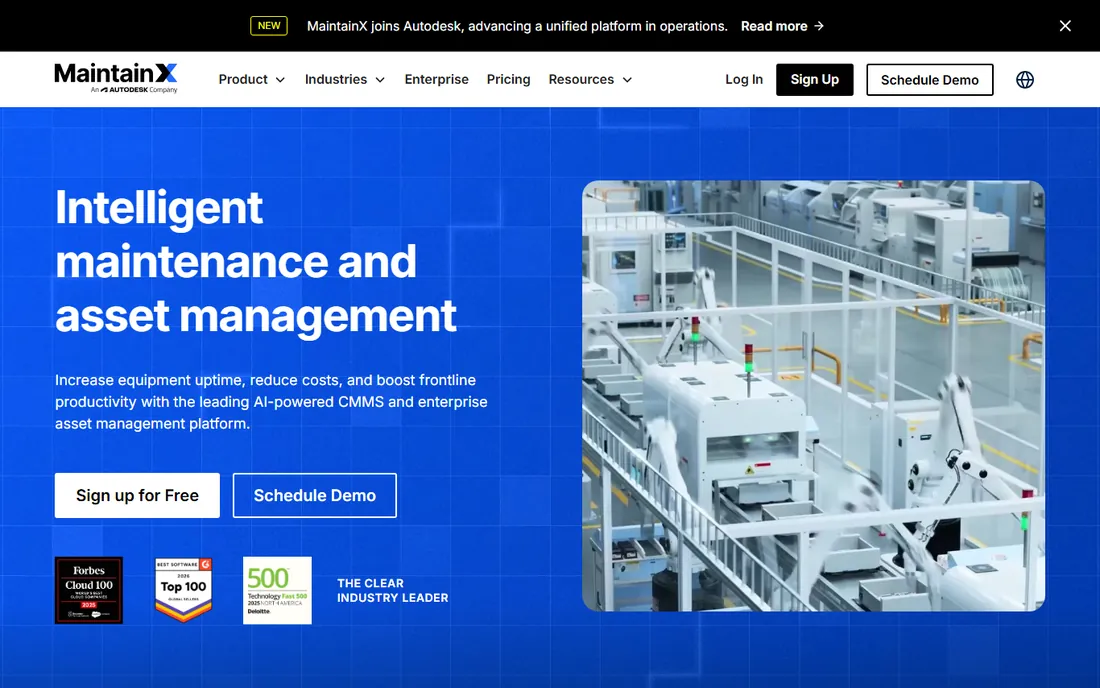
MaintainX grew by being the easiest CMMS to hand to a technician. Work orders, checklists, safety inspections and messaging live in one mobile app, and QR codes on equipment pull up the asset record in seconds. The free plan covers the basics for small teams, which is why it shows up in so many shops as the first step away from paper.
The trade is depth. Meter-based preventive maintenance, custom ERP integrations and the stronger analytics live on Premium at $75 a seat and up, so a plant with complex reliability needs will outgrow the cheap tiers. For distributed teams, multi-site facilities and anyone whose crew lives on phones, MaintainX is the fastest path to adoption.
What we like- Free plan for small teams
- Very fast technician adoption
- In-app messaging and QR code scanning
Watch out for- Advanced reporting sits on higher tiers
- Limited no-code customization
- ERP integrations need Premium or above
#2
Limble
Best for: mid-size plants with heavy preventive maintenance
Visit limble.com
Starting price$35 per user/month
Free planFree trial
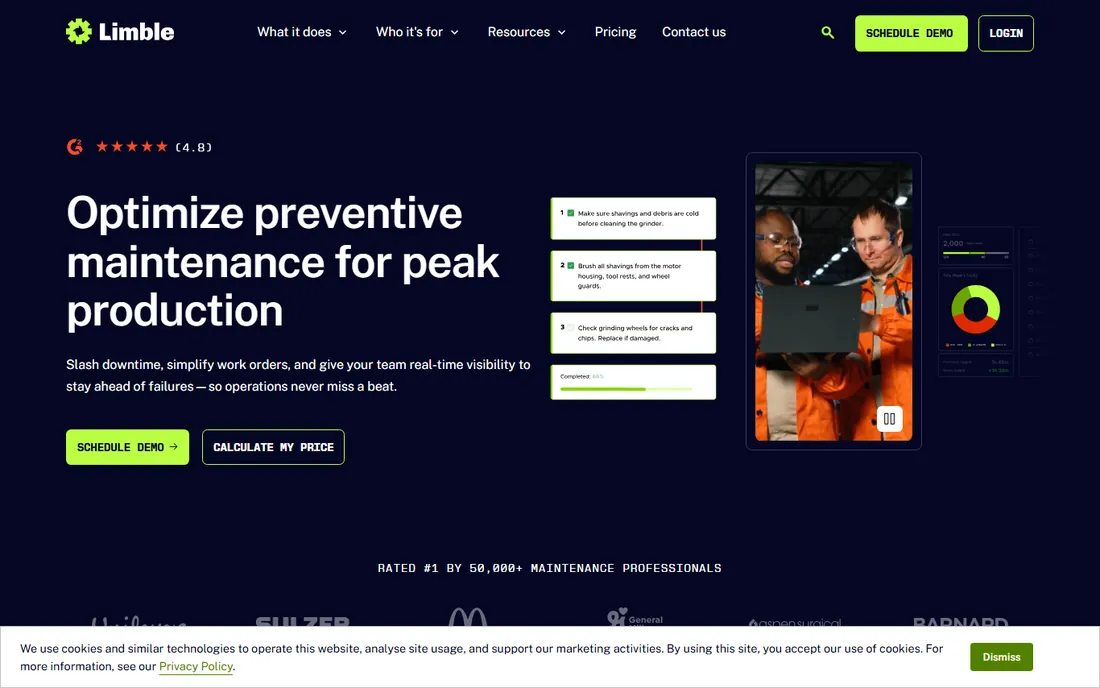
Limble pitches itself as the CMMS designed by technicians, and the scheduling engine backs that up: calendar, meter and condition-based PM plans with parts kitting and vendor management attached. Reviewers consistently rate its onboarding and support near the top of the category, which matters because a CMMS migration lives or dies on the first ninety days.
Pricing starts at $35 per user per month and the upper tiers pass $120, so it is not the cheapest route for a large crew. IoT connections and some ERP integrations add cost. Choose Limble when preventive maintenance is the core of your program and you want the scheduling to be genuinely good rather than merely present.
What we like- Strong preventive maintenance scheduling engine
- Custom asset hierarchies
- Highly rated onboarding
Watch out for- No permanent free plan
- ERP integrations can cost extra
- Pricing climbs quickly on higher tiers
#3
UpKeep
Best for: small teams wanting a simple mobile-first CMMS
Visit upkeep.com
Starting price$24 per user/month
Free planYes
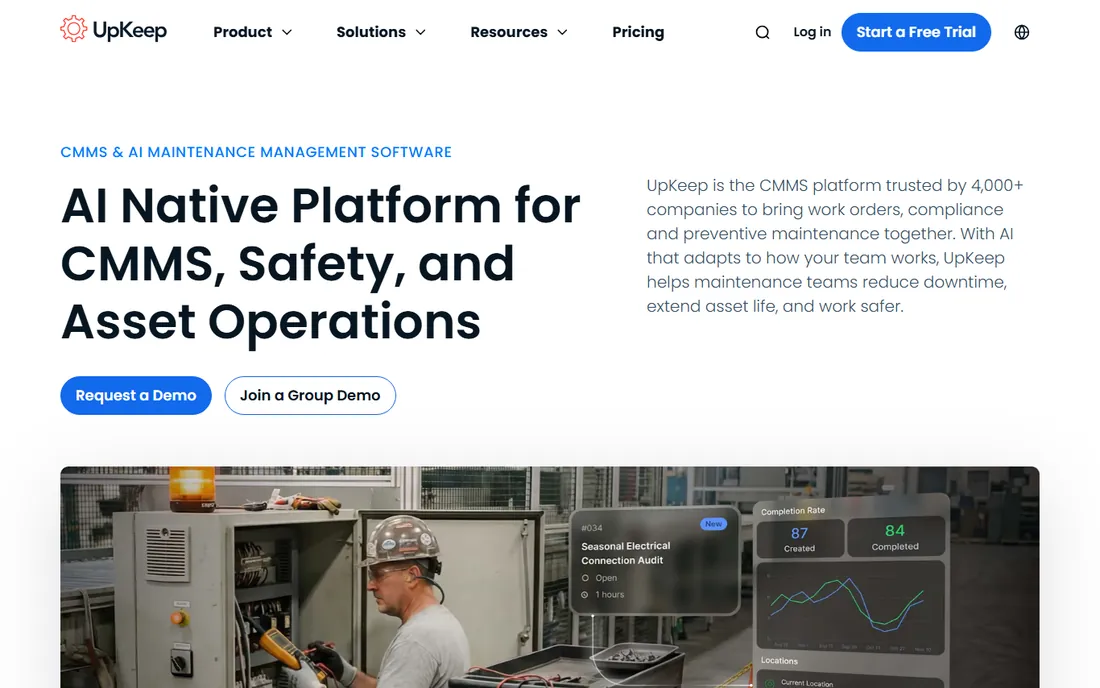
UpKeep keeps the feature set focused: work orders, asset tracking, parts inventory and preventive maintenance, all wrapped in an interface a new hire can learn in an afternoon. For a maintenance team of five to twenty people, that focus is a feature. Work order automation and sensor-based triggers cover the common cases without a consultant.
Larger operations will feel the ceiling. The reporting and analytics do not match the depth of eMaint or Fiix, and integrations beyond the basics sit on pricier plans. UpKeep is the right call for growing teams that want to be running this week, not for enterprises planning a multi-year reliability program.
What we like- Intuitive interface with a short learning curve
- Work order automation and IoT sensor triggers
- Free plan to start
Watch out for- Reporting is thinner than eMaint or Fiix
- API access needs higher tiers
- Advanced reliability features are limited
Starting price$45 per user/month (Basic)
Free planYes
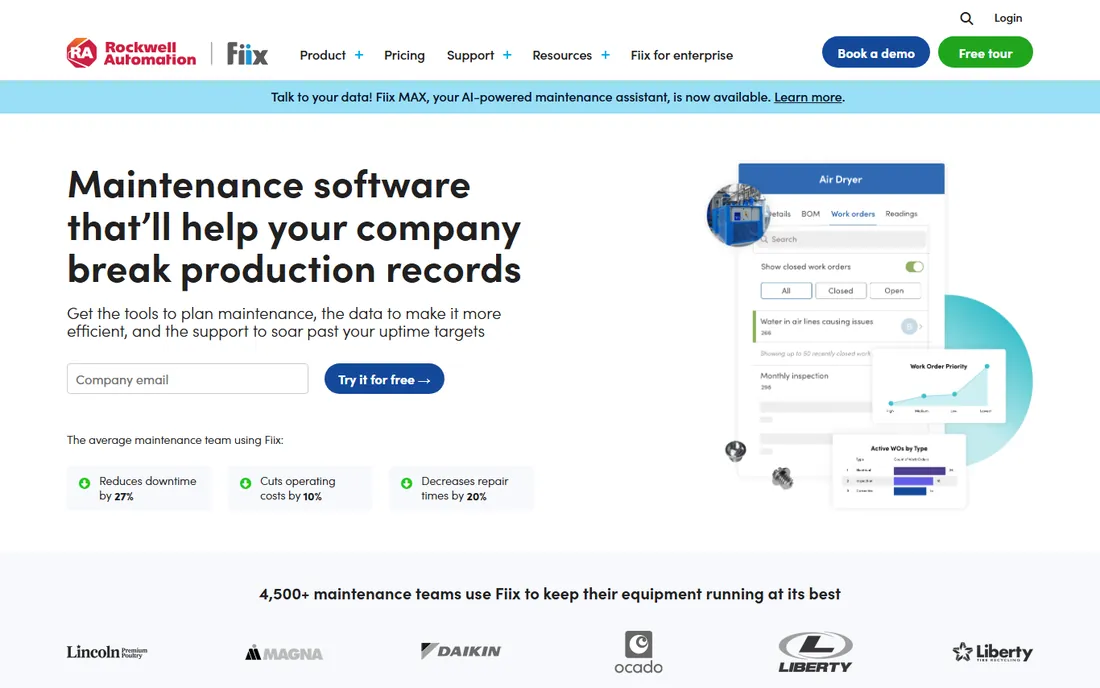
Fiix, now part of Rockwell Automation, aims at the industrial middle: manufacturers, utilities and facilities with serious asset counts. The Basic plan at $45 per user per month includes meter readings and core PM scheduling, while Professional and Enterprise add the reliability analytics and ERP integrations that plants actually buy it for.
The free plan is a real one, which makes Fiix easy to trial against MaintainX or UpKeep. The weak spot is mobile: user reviews of the app complain about stability and missing features compared with the strong desktop interface. If your technicians work from tablets on the plant floor, test the app hard before you commit.
What we like- Free plan available
- Reliability metrics and failure tracking
- Manufacturing and ERP integrations via Rockwell ecosystem
Watch out for- Higher starting price than most rivals
- Mobile app reviews are mixed
- Enterprise features cost extra
#5
eMaint
Best for: configurable multi-site maintenance programs
Visit emaint.com
Starting price$69 per user/month
Free planFree trial
eMaint is the veteran here, founded in 1986 and now part of Fluke Reliability. Its pitch is configurability: workflows, forms, reports and dashboards shaped to your operation without developers. The Fluke connection adds real condition-monitoring hardware, vibration sensors and thermal imaging, feeding data straight into work orders.
That depth costs $69 per user per month to start, with a three-user minimum, so it is priced for committed programs rather than experiments. The interface is functional rather than modern. Pick eMaint when you run multiple sites or plants and need one configurable system, not when you need the cheapest work order app.
What we like- Deep configuration without custom code
- Condition-based monitoring with Fluke hardware
- Strong multi-site reporting
Watch out for- The highest starting price in this list
- 3-user minimum on entry plans
- Interface shows its age
#6
Fracttal One
Best for: AI-assisted maintenance for asset-intensive teams
Visit fracttal.com
Starting priceSee website
Free planYes
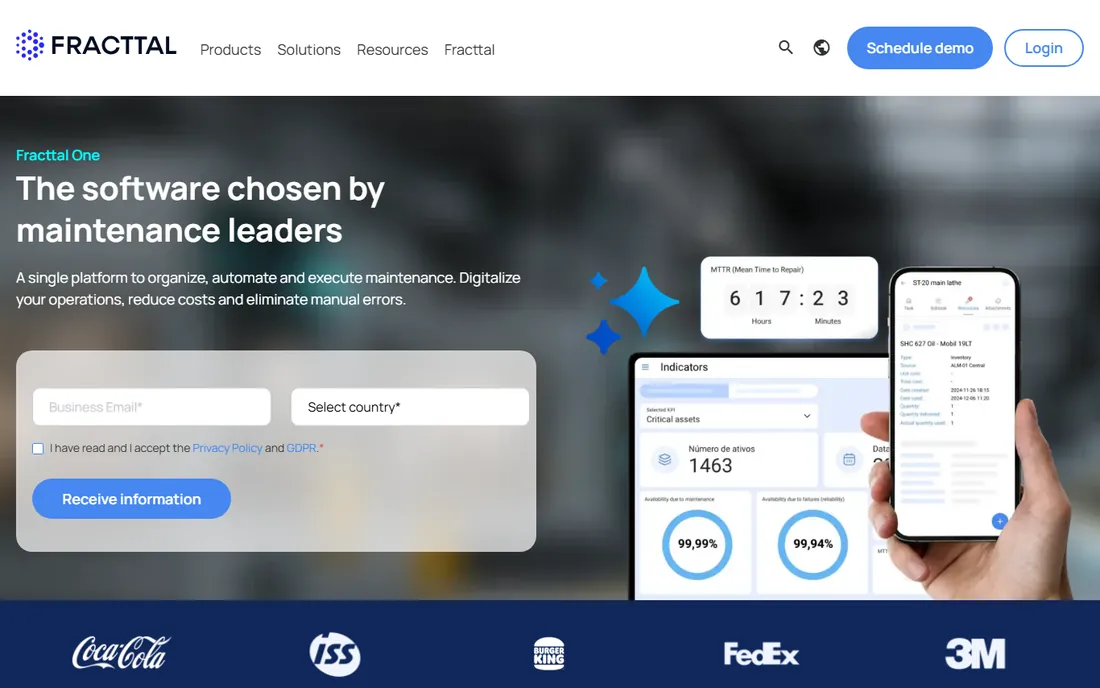
Fracttal One is the most modern-feeling platform in this list, built cloud-first with AI assistance for planning, indicators and reporting. It covers the full CMMS scope, asset tracking, purchasing, inventory, calibration and predictive maintenance, and the mobile app works offline for field crews. Teams in Latin America and Europe will find the deepest customer base and support.
The friction is commercial: pricing is quoted per organization, so you cannot budget it from the website, and US-based teams get a smaller local ecosystem than the domestic vendors offer. If you run an asset-intensive operation and want the most forward-looking platform, it deserves a demo. If you need a price this week, start elsewhere.
What we like- AI-assisted work order and KPI features
- Fully cloud and mobile with offline support
- Strong presence in Latin America and Europe
Watch out for- Quote-based pricing makes budgeting hard
- Smaller US support footprint
- Fewer native ERP integrations than Fiix or eMaint
Starting price$3,500 one-time
Free planFree trial
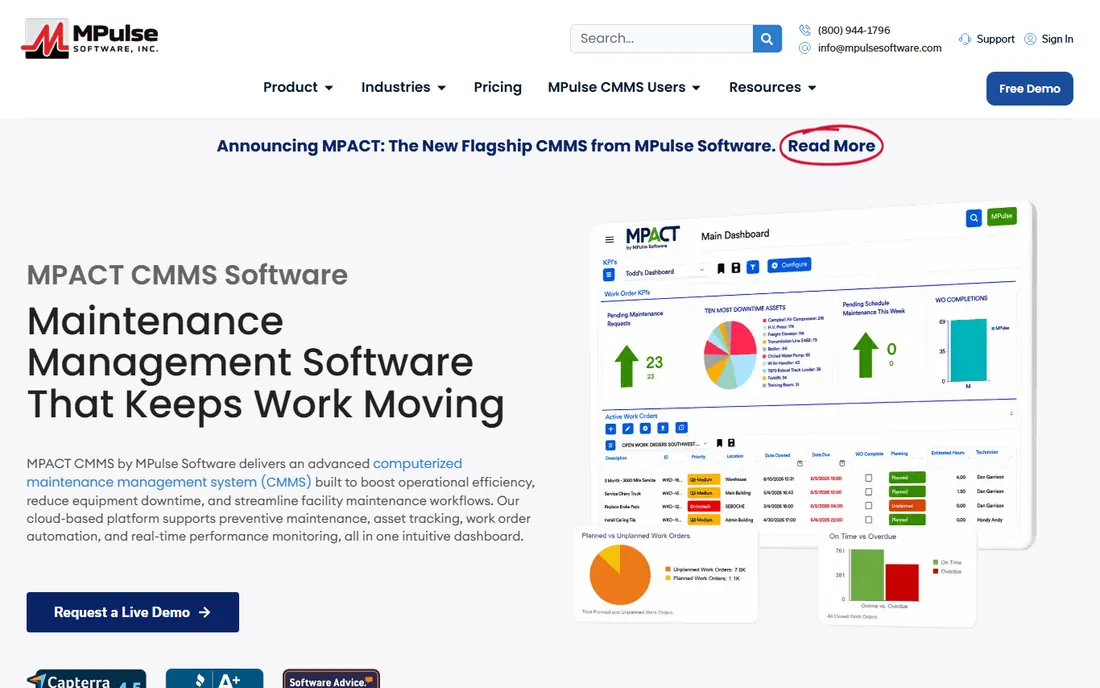
MPulse is the contrarian pick: while every other tool here rents you seats monthly, MPulse still sells a $3,500 one-time license. For a stable team that hates subscription creep, the math can work out in a couple of years. The feature set is complete for classic CMMS work, work orders, preventive maintenance, inventory, purchasing and calibration.
Everything else about it feels like 1995, the year it was founded. The interface is dated, integrations are thin, and mobile is basic compared with MaintainX or UpKeep. This is a tool for cost-conscious teams with straightforward needs and no appetite for monthly billing, not for anyone chasing modern UX.
What we like- One-time license instead of per-seat subscription
- Both purchase and SaaS options
- Long track record since 1995
Watch out for- No free plan
- Interface is dated
- Limited third-party integrations
#8
FMX
Best for: schools and facilities running maintenance plus scheduling
Visit gofmx.com
Starting price$35 per user/month
Free planFree trial
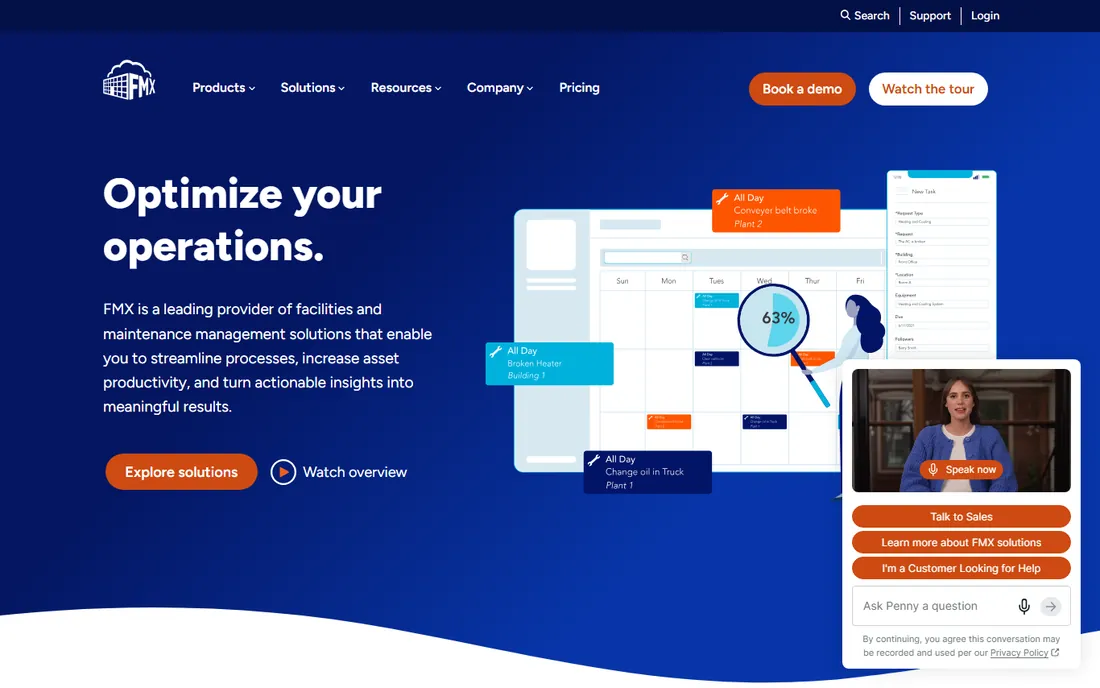
FMX started in facilities management, and it shows in the best way: maintenance work orders sit alongside room scheduling, event calendars, transportation and floorplan mapping. Schools, universities, churches and municipalities run their whole building operation in it, which is a different job from running a factory floor.
For pure industrial maintenance it is outgunned by Limble, Fiix and eMaint on asset depth and reliability analytics. But if your world is buildings, occupants and work requests rather than machines and MTBF, FMX fits better than any industrial CMMS. The $35 per user per month starting price lines up with the mid-market norm.
What we like- Combines maintenance with facility scheduling and calendaring
- Popular in education and government
- Floorplan mapping
Watch out for- Less suited to heavy manufacturing
- No free plan
- Asset hierarchy is simpler than Limble or eMaint
How we chose
We compared published pricing, plan documentation and feature lists from each vendor's own site, then cross-checked against 2026 CMMS roundups and reviewer consensus on G2, Capterra and SourceForge. We weighted mobile quality and technician adoption heavily, since an unused CMMS is a failed CMMS, alongside preventive maintenance depth, inventory management, integration options and fit for teams of different sizes. We did not run hands-on trials; nothing here reflects lab testing, only public documentation and reviewer evidence.
How to pick a CMMS without overbuying
Start with your work order volume and your asset count, not with features. A team closing twenty work orders a week across one building does not need the configurability of eMaint or the reliability analytics of Fiix; it needs MaintainX or UpKeep running by Friday. Write down the number of technicians, the number of assets and the number of sites before you look at a single demo.
Then trial with real technicians, not just managers. Give two finalists to the people who will open work orders on a phone at 6 a.m. and watch what happens for two weeks. Adoption problems show up fast: if the crew keeps texting each other instead of using the app, that tool loses no matter how good the demo was.
Finally, price the third year, not the first. Quote-based tools, per-seat plans and one-time licenses diverge sharply over time. A $24 seat for fifteen technicians costs more over three years than a $3,500 license, and a quoted enterprise platform can double once implementation and integrations are counted. Ask every vendor for the three-year total before you sign.
Cloud vs. on-premise CMMS in 2026
Nearly every tool in this list is cloud-only, and that is now the default for a reason: automatic updates, mobile access without VPN gymnastics, and no server to maintain. For most small and mid-size teams the debate is over, and the right question is data ownership and export, not where the server sits.
On-premise still matters in a few corners: defense contractors, utilities and plants with air-gapped networks or strict data residency rules. If that describes you, say so in the first sales call, because most cloud CMMS vendors cannot accommodate it and you will save everyone a month of evaluation. For everyone else, pick the cloud tool with the best export and API, and keep a quarterly backup of your asset history outside the platform.
Frequently asked questions
What does MRO software do?
MRO software, usually called CMMS, manages maintenance, repair and operations work: creating work orders, scheduling preventive maintenance, tracking assets and repair history, managing spare parts inventory, and reporting on downtime and costs. It replaces the spreadsheets, whiteboards and shared inboxes most teams start with.
How much does CMMS software cost?
Small-team plans start around $24 to $35 per user per month, with free plans available from MaintainX, Fiix, UpKeep and Fracttal One. Mid-market programs typically land between $35 and $75 per user per month, while configurable platforms like eMaint start at $69. Enterprise quotes are custom.
Is there really free CMMS software?
Yes, with limits. MaintainX, Fiix, UpKeep and Fracttal One all offer free tiers that cover basic work orders and asset tracking for small teams. They cap users, assets or features, so growing teams eventually pay, but a shop with a handful of technicians can run on free for a long time.
Cloud or on-premise CMMS: which is better?
Cloud wins for most teams on cost, mobile access and maintenance. On-premise only makes sense with strict security or data residency requirements, such as defense or regulated utilities. Every tool in this list except MPulse's licensed option is cloud-based.
How long does it take to implement a CMMS?
Simple tools like MaintainX or UpKeep can be running in days: import assets, invite technicians, build a few PM schedules. Configurable platforms like eMaint or Fiix Enterprise typically take four to twelve weeks with data migration, integrations and training. The biggest delay is usually cleaning up the asset list, not the software.
Can a CMMS integrate with our ERP?
Most can, but the depth varies. Fiix and eMaint offer the strongest ERP connectors, aimed at SAP, Oracle and Microsoft Dynamics environments, usually on higher tiers. MaintainX and Limble cover common integrations with some at extra cost. Confirm your specific ERP version with the vendor before you buy, because connector marketing often overpromises.
Sources we checked (14)
- https://www.getmaintainx.com
- https://limble.com
- https://upkeep.com
- https://fiixsoftware.com
- https://www.emaint.com
- https://www.fracttal.com/en/fracttal-one
- https://www.mpulsesoftware.com
- https://www.gofmx.com
- https://facilio.com/blog/best-cmms-software/
- https://facilio.com/blog/best-maintenance-management-software/
- https://facilio.com/blog/preventive-maintenance-scheduling-software/
- https://www.getclue.com/blog/best-cmms-software-for-construction-and-heavy-equipment
- https://slashdot.org/software/comparison/Fiix-vs-Limble-CMMS-vs-Mainsaver/
- https://slashdot.org/software/comparison/FMX-vs-Fiix/
Is your product missing or out of date?
We review this list regularly. Vendors can request a listing, send updated pricing or ask about featured placement.

Shihab Mia · Founder, Rankite
Shihab has spent more than a decade helping SaaS and e-commerce brands grow through search. He writes Rankite's software buying guides from pricing pages, documentation and public user reviews. More about Shihab.