How we make this list: we compare pricing pages, product documentation and public user reviews. Rankite is independent; if a vendor ever pays for a featured spot, that listing is clearly labeled Partner.
Key takeaways
- MaintainX (free Basic; Essential $20/user/month) and Fiix (free CMMS tier) are the best starting points: real work-order software at zero cost.
- UpKeep (Essential $24/user/month) suits small teams moving off spreadsheets; Limble, eMaint, Fracttal and Redlist are quote-based and scale upward.
- Mobile-first design matters more than feature lists: technicians live on the shop floor, not at desks.
- Eptura Asset (the product formerly sold as Hippo CMMS) is the enterprise pick for multi-site governance and compliance.
How we chose
We started with the searches maintenance managers actually run: CMMS software, industrial maintenance software, maintenance management system. For each candidate we opened the vendor's official homepage and pricing page, checked work-order management, preventive maintenance scheduling, asset tracking and mobile app quality, and compared fit for single-site versus multi-site operations. Where the vendor published no prices we wrote "See website" rather than guessing. One candidate's site would not load, so we evaluated the remaining eight.
The best industrial maintenance software
Unplanned downtime is the most expensive line item most plants never budget for. A single failed pump can idle a line worth thousands per hour, and the difference between catching it in a PM inspection and discovering it at 2 a.m. is usually just a system that schedules the inspection and records the reading. The eight tools below are computerized maintenance management systems (CMMS): work orders, preventive maintenance, asset histories and parts inventory, with verified prices and honest limits.

#1
MaintainX
Best for: Frontline teams that want a modern CMMS with a genuinely free tier
Visit getmaintainx.com
Starting priceFree (Basic); Essential $20 per user per month (billed annually)
Free planYes (Basic, free forever)
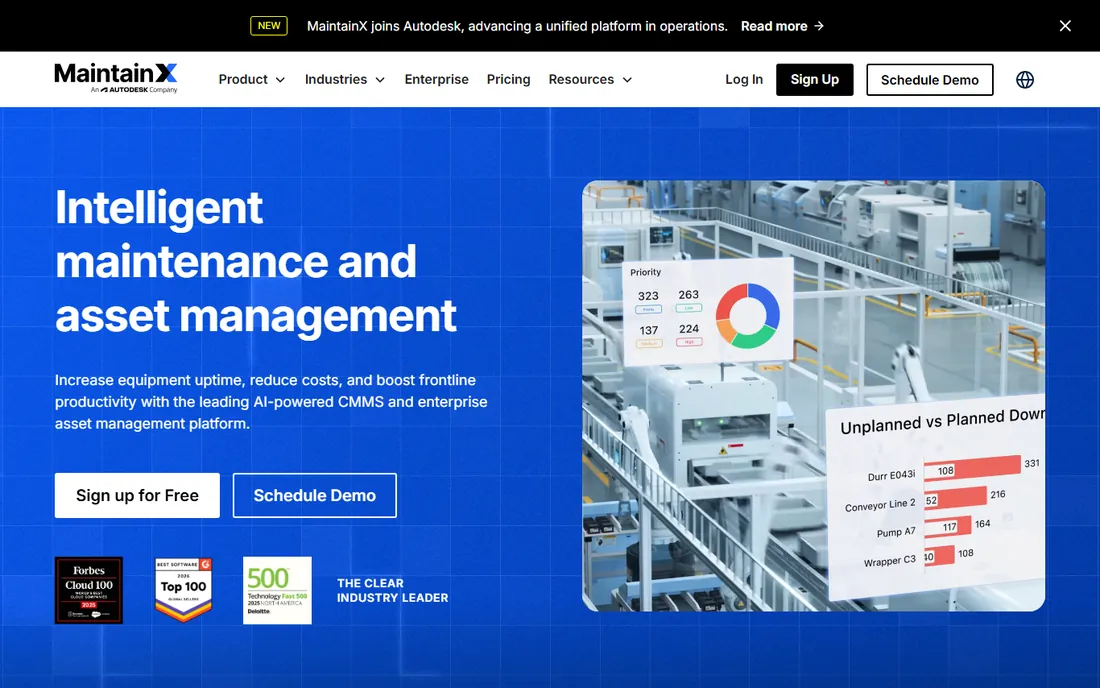
MaintainX built its reputation on the free tier: Basic costs nothing, forever, and includes unlimited work orders, unlimited procedures and unlimited requester users. For a small plant digitizing its first work orders, that removes the budget argument entirely. Essential at $20 per user per month annually ($25 monthly) adds unlimited repeating work orders and image attachments. Premium at $65 annually ($75 monthly) adds meter-based maintenance, parts inventory, purchase orders and API access. Enterprise is custom-priced with SSO and multi-site management.
The mobile experience is the differentiator. MaintainX was designed for technicians holding phones on the shop floor: QR and barcode scanning, offline mode, photo capture and messaging all work where the work happens. The tradeoff is depth at the top end: enterprise asset management features (global procedures, escalation protocols, IoT integrations) live on Enterprise, and the AI layer is newer than Fiix's. Start free, upgrade when the free tier's limits (2 procedure work orders per month) start to pinch.
What we like- Basic plan is free forever with unlimited work orders
- Clean mobile app technicians actually use
- Meter-based maintenance and parts inventory on paid tiers
Watch out for- Advanced analytics and multi-site tools sit on Premium ($65/user/month) and Enterprise
- AI features are newest and least proven here

#2
Fiix
Best for: Maintenance teams that want a free CMMS with a path to AI-driven insights
Visit fiixsoftware.com
Starting priceSee website (free CMMS plan available)
Free planYes (free CMMS)
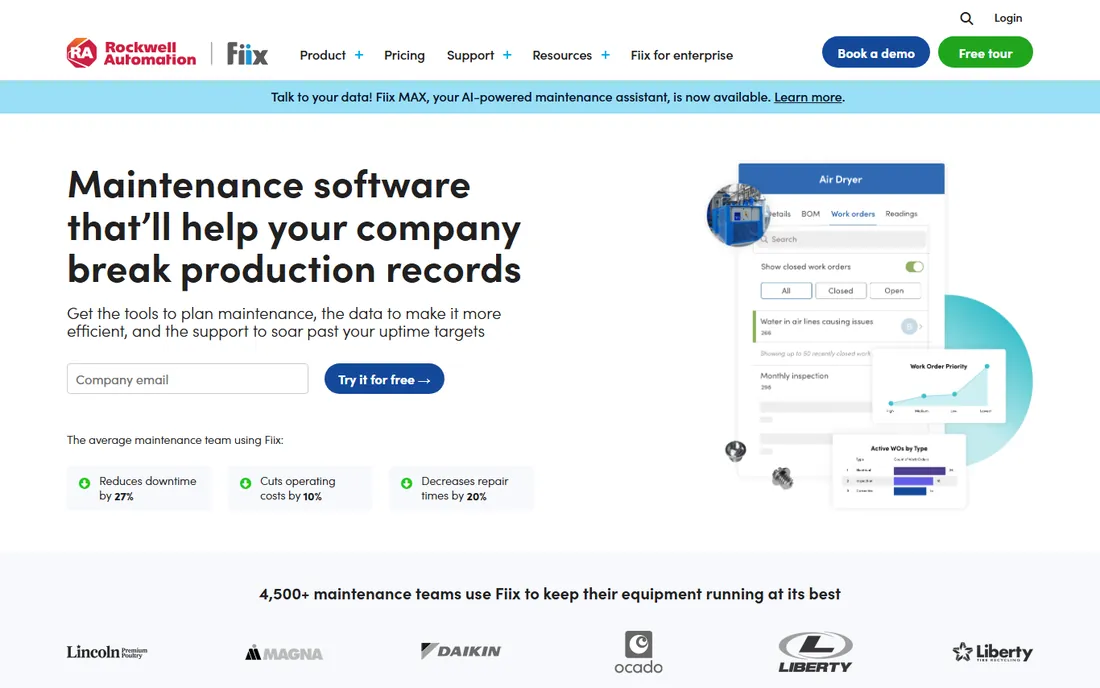
Fiix's pitch starts with "use our free CMMS," and for teams still running on paper or spreadsheets that is a serious offer. The free tier covers work orders, assets and parts; paid plans (month-to-month or annual, no setup fees) add the depth. The standout is Fiix Foresight, the AI engine that analyzes work-order history to forecast parts needs and flag the work orders that cause breakdowns. The Integration Hub offers an open API and pre-built apps, and the vendor claims thousands of integration endpoints.
The catch is commercial opacity: plan prices are not on the pricing page, so every evaluation involves sales. And the free tier, while real, is the on-ramp: preventive maintenance scheduling depth, analytics history and multi-site features live on the paid plans. Fiix suits teams that want to start free and grow into AI-assisted maintenance without switching platforms. Price the paid tier for your full technician count before committing, since per-user licensing is the model.
What we like- Free CMMS tier gets teams off paper at no cost
- Fiix Foresight AI analyzes work-order data for failure trends
- Open API and integration hub connect to ERP and control systems
Watch out for- Paid plan prices are not published, so budgeting requires a sales conversation
- The free tier is a starting point, not a full PM program

#3
UpKeep
Best for: Small teams getting off spreadsheets and paper for the first time
Visit upkeep.com
Starting price$24 per user per month (Essential)
Free planNo (free trial, no credit card required)
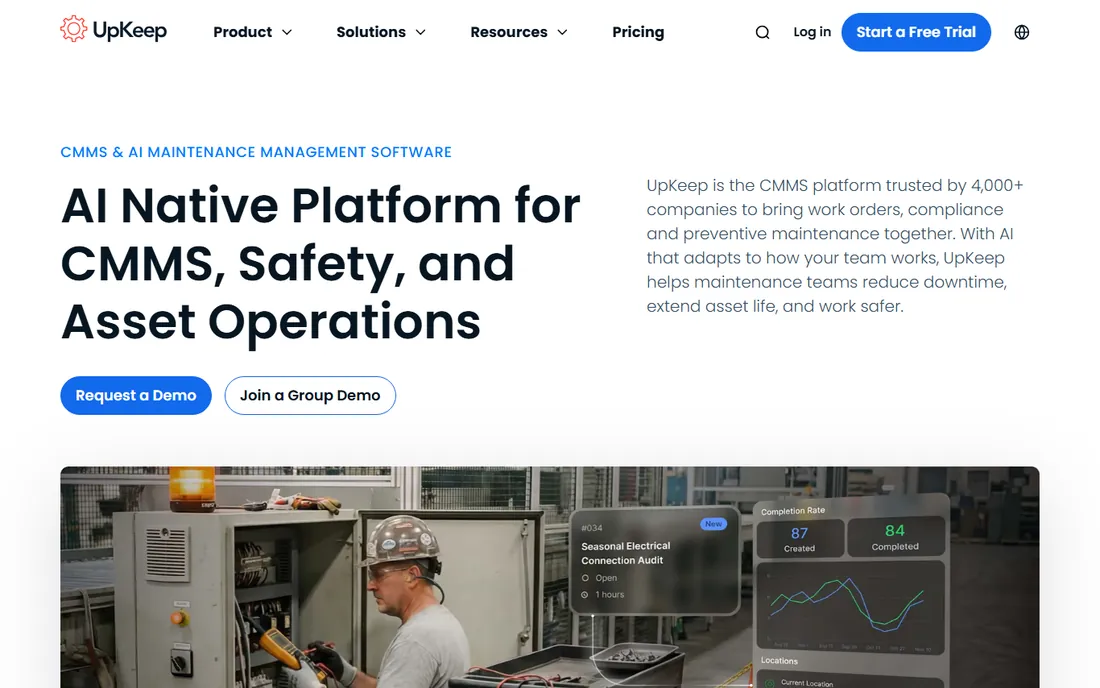
UpKeep positions itself as the Asset Operations Management platform for teams leaving paper behind, and the pricing page is refreshingly direct: Essential at $24 per user per month, Premium at $55, Professional and Enterprise by quote. Every tier includes unlimited work orders and unlimited locations. The free user types matter: view-only users, requesters and third-party vendors cost nothing, so the whole plant can submit requests while only technicians need licenses. A free trial requires no credit card.
Watch the total bill. Implementation packages run from $500 (training) to $5,000 (advanced), and the vendor is upfront that implementation fees apply. The Essential tier's 30-day analytics history is short for teams that want trend data; Premium extends it. UpKeep fits small, growing maintenance teams that want predictable per-user pricing and a mobile app their technicians will open. Multi-site enterprises should price Professional before falling in love with the trial.
What we like- Published per-user pricing from $24 (Essential) to $55 (Premium)
- Unlimited work orders and locations on every tier
- View-only and requester users are free
Watch out for- Professional and Enterprise are quote-only
- Implementation packages ($500 to $5,000) add real cost on top of licenses

#4
Limble
Best for: Operations that want deep PM automation without enterprise complexity
Visit limblecmms.com
Starting priceSee website (Standard, Premium+ and Enterprise tiers)
Free planNo
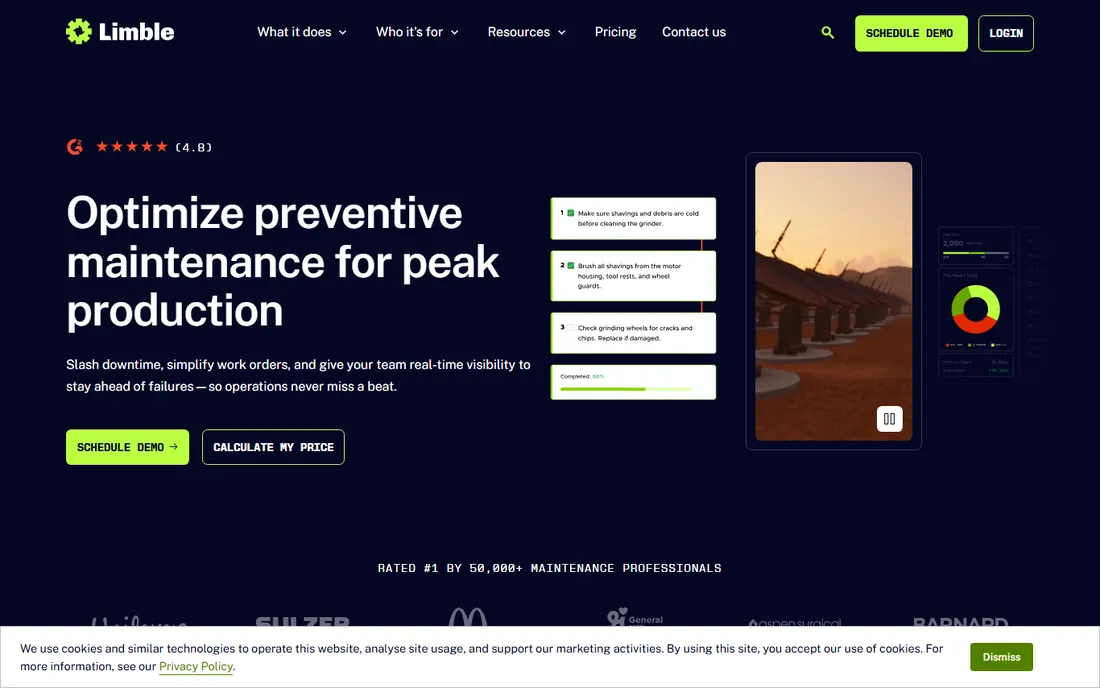
Limble's CMMS is built around the preventive maintenance workflow: recurring work orders, meter-based scheduling, automated corrective actions when readings cross thresholds, and an AI-powered PM builder. Every tier includes unlimited work orders, unlimited assets and unlimited cloud storage. Plans run Standard, Premium+ and Enterprise, with features like multi-location reporting, workflow automations and IoT sensor integrations scaling up the ladder.
The commercial model is quote-based: no prices on the pricing page. That makes head-to-head comparison with MaintainX and UpKeep awkward, and it usually means Limble costs more than the transparent per-user tools. The product earns it on PM depth: capital depreciation tracking, bill of materials, anomaly detection and certification tracking are here, not bolted on. Choose Limble when preventive maintenance is the program, not a checkbox, and you have the team to run it.
What we like- Strong preventive maintenance engine: AI PM builder, meter and threshold scheduling, automated corrective actions
- Unlimited work orders, assets and cloud storage on all tiers
Watch out for- No published prices, so comparison shopping requires a sales call
- The depth can overwhelm very small teams

#5
eMaint
Best for: Enterprises that need a proven, scalable CMMS backed by Fluke
Visit emaint.com
Starting priceSee website (no published prices)
Free planNo (free demo available)
eMaint is the veteran: a CMMS from Fluke with forty years of maintenance domain behind it, trusted by 150,000 users across 116 countries per the vendor. The product is built to scale: pre-built modules get teams live fast, then the same platform handles multi-site governance, deep ERP integrations and enterprise standardization. Customer stories cite 95 percent uptime improvements and seven-figure inventory savings.
This is not a tool you trial on a Friday afternoon. Pricing is quote-based, implementation is a project, and the feature depth assumes a maintenance organization with real process maturity. Single-site plants will find MaintainX or UpKeep faster and cheaper. eMaint belongs on the shortlist when the requirements include multi-site standardization, audit-grade compliance tracking and a vendor that will still be here in twenty years. The Fluke backing is the quiet differentiator: hardware and software from one ecosystem.
What we like- Four decades of maintenance expertise with Fluke's backing
- Scales from single site to 80-plus sites without switching platforms
- Strong multi-site governance and integrations
Watch out for- No published pricing
- Implementation timelines run longer than the lightweight tools
- The depth is overkill for single-site shops

#6
Eptura Asset (formerly Hippo CMMS)
Best for: Facilities and enterprises standardizing maintenance under Eptura
Visit hippocmms.com
Starting priceSee website (no published prices)
Free planNo
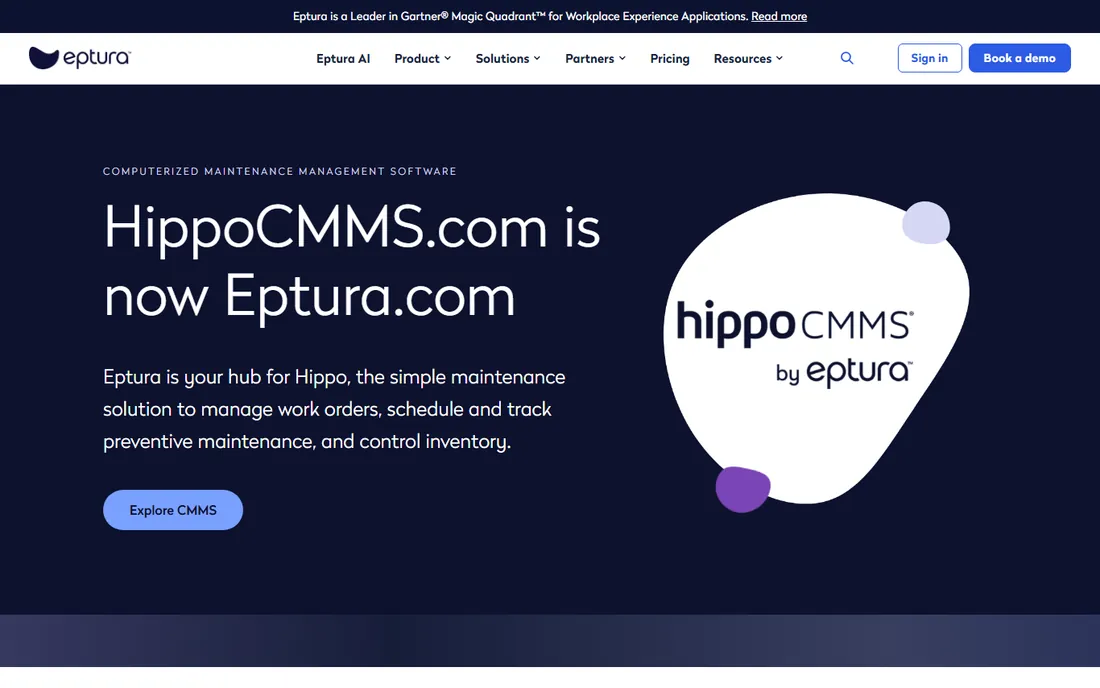
A note on the name: Hippo CMMS is evolving into Eptura Asset. The hippomms.com site now serves Hippo customers with resources while pointing new buyers toward the Eptura Asset product. Per our standing rule we use the current name and note the old one once: if you knew Hippo, you are now looking at Eptura Asset.
The product covers the facilities-maintenance core well: work order ticketing, preventive maintenance scheduling, parts inventory with barcode scanning, equipment inspections, vendor management and compliance records. Its customer base leans toward facilities, campuses, hospitality and healthcare rather than heavy manufacturing. Pricing is quote-based through Eptura's sales process. Consider it when maintenance is one part of a broader workplace and asset strategy, especially if your organization already uses Eptura products. Pure-play manufacturers will find deeper shop-floor tooling elsewhere on this list.
What we like- Now part of Eptura's workplace platform with asset management depth
- Work orders, parts inventory, inspections and vendor management in one system
- Strong facilities-management customer base
Watch out for- The brand transition means the product roadmap now follows Eptura's
- No published pricing
- Less manufacturing depth than Fiix or eMaint

#7
Fracttal
Best for: Asset-intensive operations that want AI and IoT-driven maintenance
Visit fracttal.com
Starting priceSee website (no published prices)
Free planNo
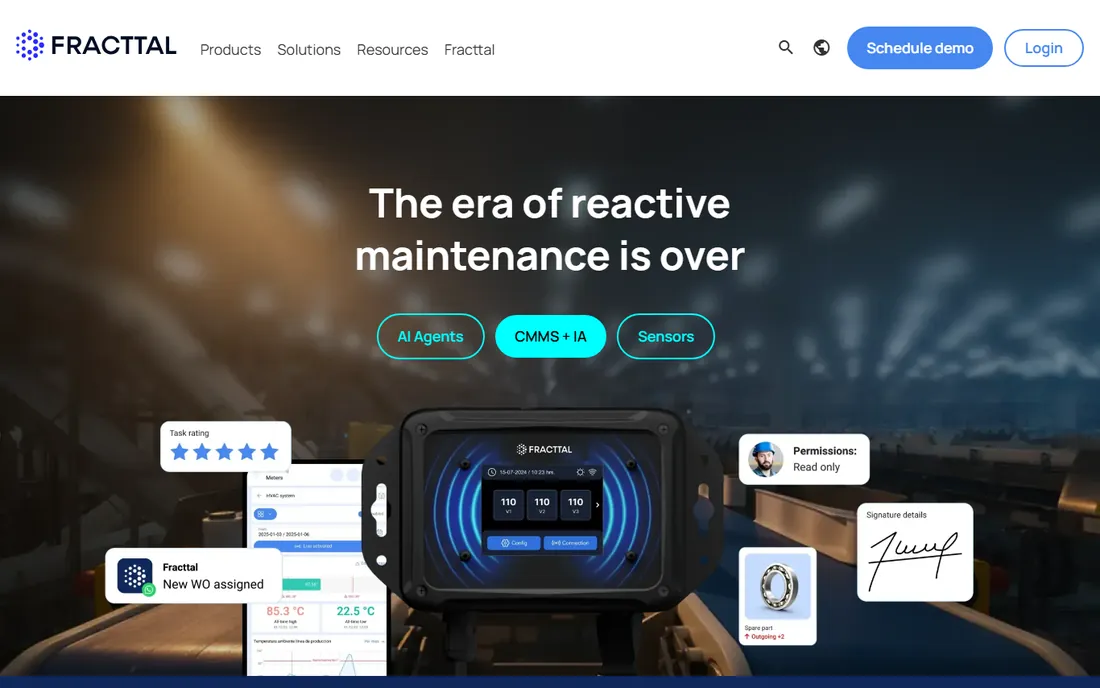
Fracttal pitches the AI-native CMMS: specialized AI agents that chain together across maintenance workflows, predictive failure anticipation, and IoT connectivity through its Fracttal Sense hardware for condition monitoring. Integrations cover SAP, major ERPs and even WhatsApp for technician communication. The platform manages assets, work orders and processes from one place with automation doing the repetitive parts.
The reality check is infrastructure. Predictive maintenance needs sensor data, and sensor data needs sensors, networks and someone to maintain them. Without that, Fracttal is a capable CMMS with AI features waiting for inputs. Pricing is not published. Fracttal suits asset-intensive operations (mining, energy, large manufacturing) that are ready to invest in condition monitoring, not plants looking for their first work-order system. If the IoT budget is real, the AI layer has something to work with; if not, buy simpler.
What we like- AI agents and predictive capabilities built into the CMMS core
- IoT sensor connectivity through Fracttal Sense
- Integrations with SAP, ERPs and WhatsApp
Watch out for- No published pricing
- The AI and IoT story needs compatible sensor infrastructure to pay off
- Newer in the US market than the established names
#8
Redlist
Best for: Reliability-focused operations that want maintenance organized around failure prevention
Visit getredlist.com
Starting priceSee website (demo-based pricing)
Free planNo
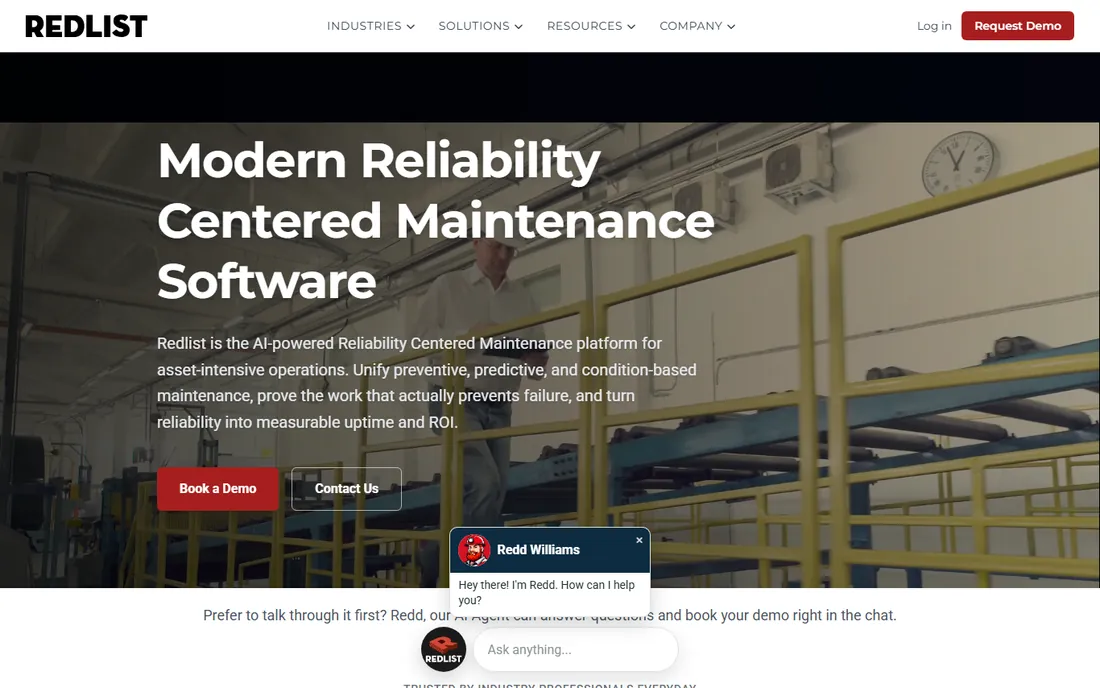
Redlist takes a different philosophical stance from the rest of this list: it argues that legacy CMMS tools record that work happened without tracking whether the work prevents failure. Its platform organizes everything around reliability-centered maintenance: granular asset-to-component hierarchies, standardized specs, and lubrication, maintenance and operator rounds sharing one system of record. An AI agent answers questions and books demos in the chat; the co-pilot upskills technicians. Implementation is pitched as turn-key in under seven days.
That positioning cuts two ways. Teams with a reliability engineering function will recognize the language and the value: failure-mode thinking is how mature programs actually reduce downtime. Teams that just need to schedule PMs and track work orders are buying more philosophy than they need, at enterprise pricing. Redlist is the pick when reliability is a managed program with engineering ownership, not when maintenance is three technicians and a whiteboard.
What we like- Reliability-centered design: asset-to-component hierarchy tied to failure modes
- AI maintenance co-pilot
- Turn-key implementation measured in days, not months
Watch out for- Positioned above basic CMMS, so pricing reflects that
- Less of a fit for teams that just need work orders
Quick comparison
| Tool | Best for | Starting price | Free plan |
|---|
| MaintainX | Frontline teams that want a modern CMMS with a genuinely free tier | Free (Basic); Essential $20 per user per month (billed annually) | Yes (Basic, free forever) |
| Fiix | Maintenance teams that want a free CMMS with a path to AI-driven insights | See website (free CMMS plan available) | Yes (free CMMS) |
| UpKeep | Small teams getting off spreadsheets and paper for the first time | $24 per user per month (Essential) | No (free trial, no credit card required) |
| Limble | Operations that want deep PM automation without enterprise complexity | See website (Standard, Premium+ and Enterprise tiers) | No |
| eMaint | Enterprises that need a proven, scalable CMMS backed by Fluke | See website (no published prices) | No (free demo available) |
| Eptura Asset (formerly Hippo CMMS) | Facilities and enterprises standardizing maintenance under Eptura | See website (no published prices) | No |
| Fracttal | Asset-intensive operations that want AI and IoT-driven maintenance | See website (no published prices) | No |
| Redlist | Reliability-focused operations that want maintenance organized around failure prevention | See website (demo-based pricing) | No |
Is your product missing or out of date?
We review this list regularly. Vendors can request a listing, send updated pricing or ask about featured placement.
Buying for the shop floor, not the boardroom
The evaluation mistake most companies make is buying CMMS software for the manager's dashboard instead of the technician's phone. Adoption lives or dies in the first two weeks on the floor. If technicians cannot create a work order, attach a photo and close it out from a phone with greasy gloves, the system becomes shelfware and the paper logbooks come back. Trial every candidate with actual technicians, not just the maintenance manager.
Second, match the tool to your program's maturity. A plant doing its first preventive maintenance schedule needs MaintainX free or UpKeep Essential, not eMaint or Redlist. The enterprise tools assume you already have PM processes, asset hierarchies and someone to administer them. Third, count the licenses honestly: per-user pricing means every technician, planner and supervisor needs a seat, while requester and view-only users are usually free. Model the full headcount, not just the maintenance department.
Fourth, check the offline story. Plants have dead zones: basements, remote pump stations, new construction. If the mobile app cannot queue work offline and sync later, it will fail exactly where you need it most. Finally, plan the data migration. Asset lists, PM schedules and parts catalogs live in spreadsheets today; the vendor's import tooling and implementation support determine whether go-live takes days or months.
The PM metrics worth tracking from day one
A CMMS without metrics is a digital filing cabinet. Start with four. Planned versus unplanned work ratio tells you whether the program is preventive or reactive; the goal is moving unplanned work down over time. Mean time between failures (MTBF) and mean time to repair (MTTR) per asset class tell you which equipment deserves attention and whether repairs are getting faster. PM completion rate tells you whether the schedule is real or aspirational: below 80 percent, the program is fiction. Parts stockout rate tells you whether the storeroom supports the schedule.
Track these monthly from the first quarter. The tools on this list all report them; the discipline is reviewing them in a standing meeting and acting on what they show. A pump with falling MTBF gets a root-cause work order, not another reactive repair. That loop, repeated across the asset base, is what turns a CMMS from an expense into the downtime reduction it promised.
Frequently asked questions
What is CMMS software?
Computerized Maintenance Management Software: a system for creating and tracking work orders, scheduling preventive maintenance, managing asset histories and controlling spare-parts inventory. Industrial plants, facilities and fleets use it to replace paper work orders and spreadsheets.
How much does industrial maintenance software cost?
From free: MaintainX Basic and Fiix's free CMMS cost nothing to start. Paid per-user plans run $20 to $65 per user per month (MaintainX), $24 to $55 (UpKeep). Enterprise platforms (Limble, eMaint, Eptura Asset, Redlist, Fracttal) are quote-based and cost substantially more, plus implementation fees.
Do we need the mobile app, or is desktop enough?
You need the mobile app. Technicians work on the shop floor, not at desks. Work order creation, photo documentation, barcode scanning and offline mode are the features that determine adoption. Evaluate every candidate on a phone in the plant before deciding.
How long does CMMS implementation take?
Lightweight tools (MaintainX, UpKeep, Fiix) can go live in days to weeks with spreadsheet imports. Enterprise platforms (eMaint, Limble, Redlist) typically take weeks to months with structured onboarding. The biggest variable is your data: clean asset lists and PM schedules compress every timeline.
Can a CMMS really reduce downtime?
The software does not reduce downtime; the preventive maintenance program it enables does. Plants that move from reactive to scheduled maintenance consistently report less unplanned downtime, but only when PM completion rates stay high and the metrics get reviewed. Buy the tool, then run the program.
Sources we checked (8)
- https://www.getmaintainx.com/pricing/
- https://fiixsoftware.com/pricing/
- https://upkeep.com/pricing/
- https://limblecmms.com/pricing/
- https://emaint.com/
- https://www.hippocmms.com/
- https://fracttal.com/
- https://getredlist.com/
Is your product missing or out of date?
We review this list regularly. Vendors can request a listing, send updated pricing or ask about featured placement.

Shihab Mia · Founder, Rankite
Shihab has spent more than a decade helping SaaS and e-commerce brands grow through search. He writes Rankite's software buying guides from pricing pages, documentation and public user reviews. More about Shihab.