How we make this list: we compare pricing pages, product documentation and public user reviews. Rankite is independent; if a vendor ever pays for a featured spot, that listing is clearly labeled Partner.
Key takeaways
- Pro Tools remains the studio standard for large sessions, but Fender Studio Pro (the former PreSonus Studio One) and Logic Pro now match most of its mixing workflow at a fraction of the long-term cost.
- Two of the strongest value picks cost almost nothing: REAPER's $60 discounted license covers everything a serious mixer needs, and Audacity handles basic editing and cleanup for free.
- If you mix on console logic instead of a blank canvas, Harrison Mixbus puts a Harrison analog-style mixer on every channel, which changes how mixes come together.
- Most of these tools overlap on core mixing features, so choose by workflow: pick the DAW whose mixer and automation you enjoy using for six hours a day.
Quick comparison
| Tool | Best for | Starting price | Free plan |
|---|
 Pro Tools Pro Tools | Commercial studios and engineers mixing large, multi-format sessions | Artist $9.99/month ($99/year); Studio $34.99/month ($299/year); Ultimate $99/month ($599/year) | Pro Tools Intro, free with limited track counts |
 Fender Studio Pro Fender Studio Pro | Producers and bands who want fast drag-and-drop mixing with strong guitar tools | $199.99 perpetual license (Pro+ $19.99/month or $179.99/year) | Free Fender Studio mobile companion app; no free desktop edition |
 Logic Pro Logic Pro | Mac users who want a full professional mixing toolkit for one fixed price | $199.99 standalone (or Apple Creator Studio at $12.99/month or $129/year) | None; GarageBand (free on every Mac) is the entry point |
 Cubase Cubase | Composers and producers mixing dense arrangements and orchestral work | $99.99 (Elements); Artist $329.99; Pro $579.99 | 30-day free trial of the full version |
 Ableton Live Ableton Live | Electronic producers and anyone who mixes toward live performance | $99 (Intro); Standard $449; Suite $749 | 30-day free trial of Live Suite |
 FL Studio FL Studio | Beatmakers and producers who build tracks from patterns and loops | See website (four one-time editions: Fruity, Producer, Signature, All Plugins) | Free trial with no time limit |
 Bitwig Studio Bitwig Studio | Sound designers and experimental producers who mix with modulation | $99 (Essentials); Producer $199; full Studio $399 | Free trial without limitations |
 REAPER REAPER | Budget-conscious producers who want a complete professional DAW for almost nothing | $60 (discounted license); $225 commercial license | 60-day full-featured evaluation |
 Harrison Mixbus Harrison Mixbus | Engineers who want to mix on a real analog-style console inside the box | See website (tiers: Mixbus, Mixbus Plus, Mixbus Pro) | Demo mode for evaluation |
 Audacity Audacity | Free basic recording, editing, and mix cleanup on any computer | Free | Free forever (open source) |
Is your product missing or out of date?
We review this list regularly. Vendors can request a listing, send updated pricing or ask about featured placement.
The best mixing software
You recorded everything. The takes are fine, the arrangement works, and yet the rough bounce sounds nothing like the records you are chasing. That gap is the mixing stage, and the software you mix in shapes every decision from here on out. This list covers the ten names that come up in every serious conversation about the best mixing software in 2026, judged with a mixer's eye: the console, the automation, the stem handling, and the price.
#1
Pro Tools
Best for: Commercial studios and engineers mixing large, multi-format sessions
Visit avid.com
Starting priceArtist $9.99/month ($99/year); Studio $34.99/month ($299/year); Ultimate $99/month ($599/year)
Free planPro Tools Intro, free with limited track counts
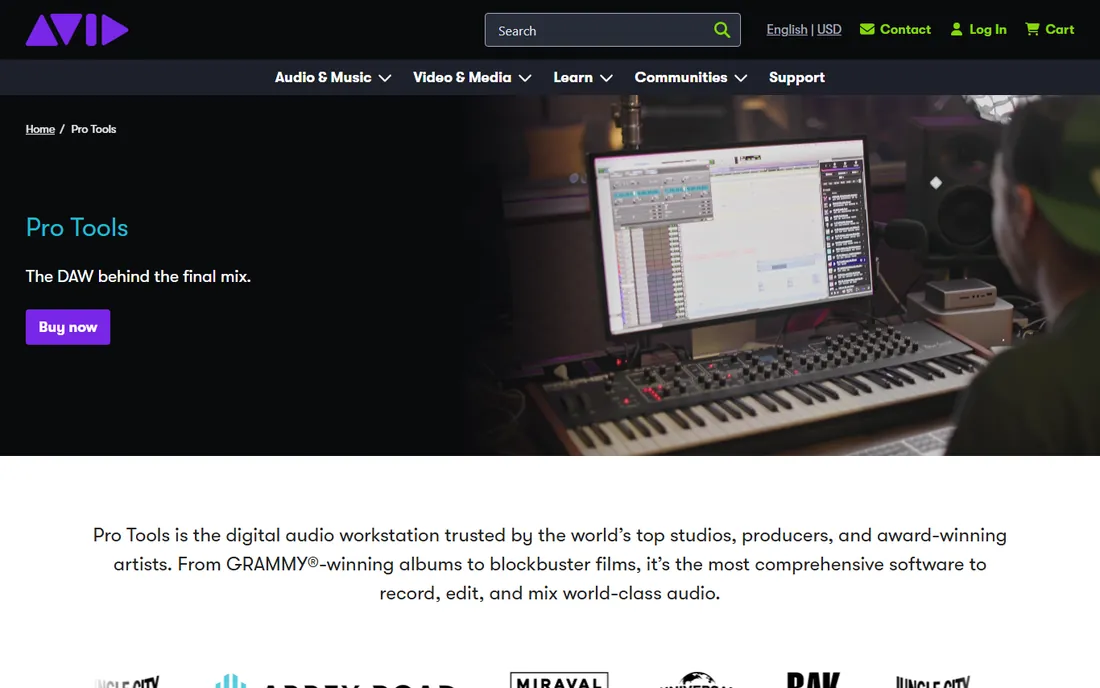
Pro Tools earned its place as the default mixing language of the recording industry, and that matters more than any feature chart. When a mix engineer sends a session to a mastering studio or another mixer, it arrives as a Pro Tools session. The workflow is built around speed at scale: clip gain, playlist comping, and automation handling that working engineers describe as the most predictable in the business. If your goal is client work or sessions with 100-plus tracks, this is still the room you need to walk into.
The honest tradeoff is the cost structure. Pro Tools Intro is genuinely free and fine for learning the layout, but real mixing happens in Artist, Studio, or Ultimate. Over five years, subscriptions cost more than any one-time purchase on this list. For client-facing engineering, fluency here is close to a job requirement.
What we like- The industry reference for mixing workflows, editing speed, and session compatibility
- Predictable automation and grouping
- Every professional studio can open your session
Watch out for- Subscription pricing adds up over the years
- Some mixing features that ship stock in rivals live in higher tiers
- Steep learning curve for newcomers
#2
Fender Studio Pro
Best for: Producers and bands who want fast drag-and-drop mixing with strong guitar tools
Visit fender.com
Starting price$199.99 perpetual license (Pro+ $19.99/month or $179.99/year)
Free planFree Fender Studio mobile companion app; no free desktop edition
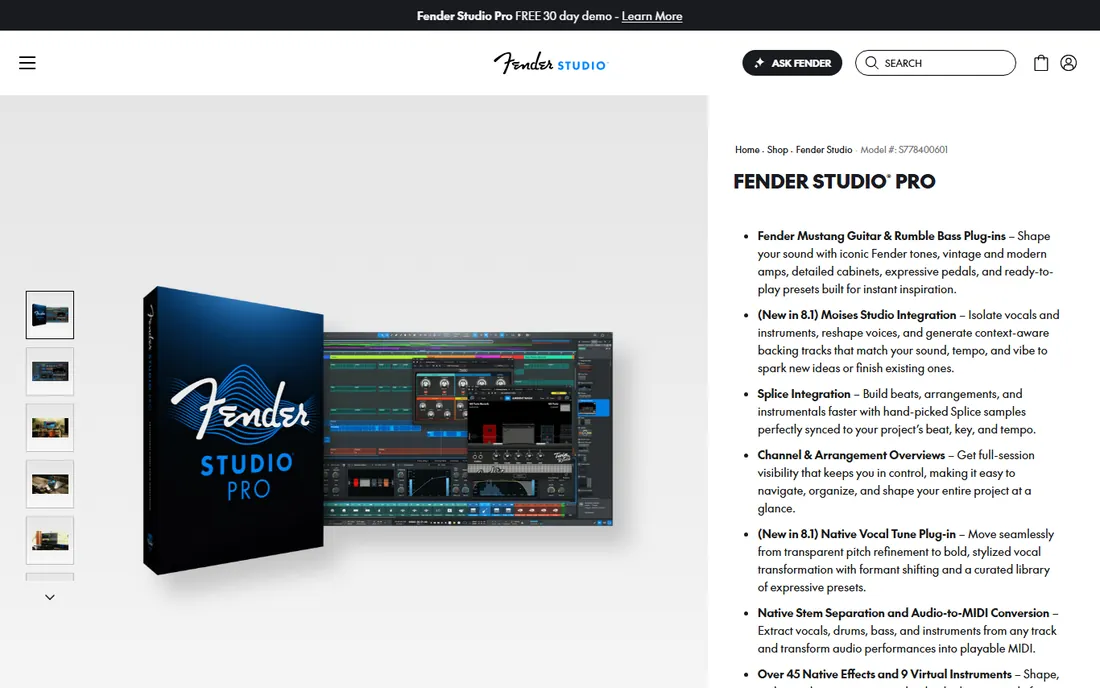
This is the former PreSonus Studio One, rebranded under Fender in early 2026. Fender kept the development team and the workflow, then added its own amps, effects, and ecosystem. For mixing, its strength is momentum: the drag-and-drop console and Channel Overview keep everything visible, so balancing a full band mix feels less like archaeology. Dedicated mastering and Show pages mean a song can go from raw tracks to finished master without leaving the application.
Pricing is friendlier than the feature set suggests. The $199.99 perpetual license includes a year of feature releases and is the only tier most mixers need, while Pro+ subscriptions bundle extras like an AI studio assistant. Native stem separation, Chord Assistant, and Dolby Atmos support ship in the box.
What we like- Single-window drag-and-drop workflow from recording to mastering
- Built-in Fender Mustang guitar and Rumble bass amp models
- Native stem separation, audio-to-MIDI, and Vocal Tune included
Watch out for- The rebrand from PreSonus Studio One still confuses some users
- Pro+ subscribers get some features perpetual buyers do not
- Smaller tutorial library than older DAWs
#3
Logic Pro
Best for: Mac users who want a full professional mixing toolkit for one fixed price
Visit apple.com
Starting price$199.99 standalone (or Apple Creator Studio at $12.99/month or $129/year)
Free planNone; GarageBand (free on every Mac) is the entry point
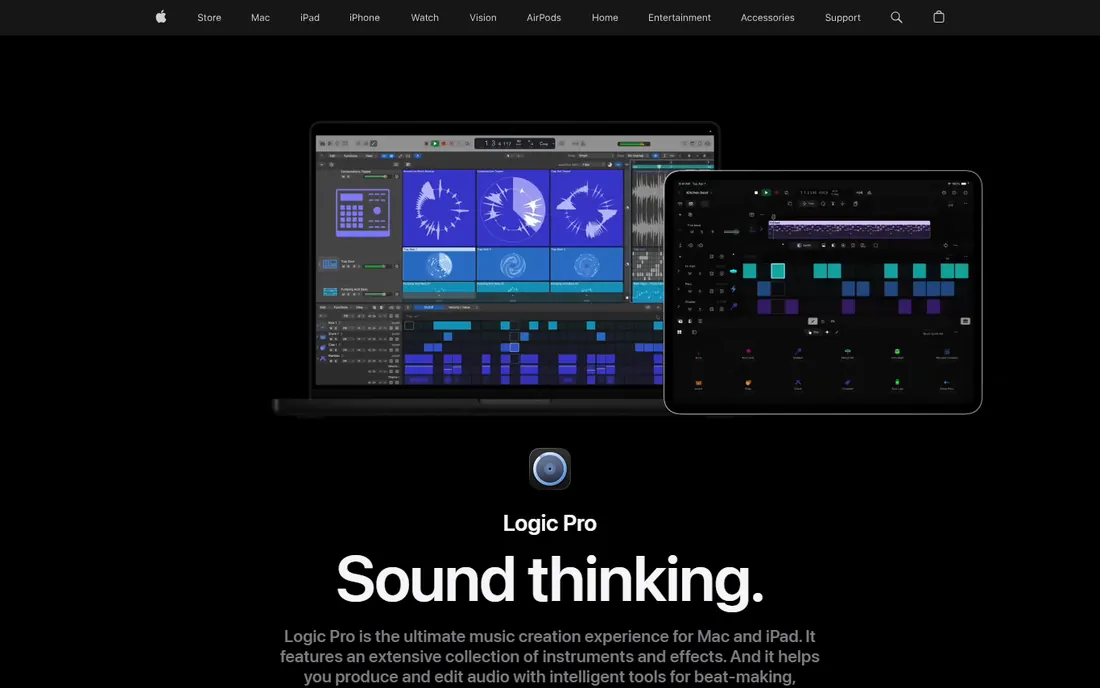
Logic Pro is the best deal in professional audio for anyone on a Mac. A single $199.99 purchase includes the entire application: no Intro versus Suite versus Ultimate ladder, no subscription. That covers a deep mixing toolkit with quality stock EQ, compressors, reverbs, and delays, plus Dolby Atmos mixing and a mastering assistant that gives a final bounce a competent polish. For a home studio owner who records, mixes, and masters their own releases, the math is hard to argue with.
The catch is platform lock-in. Logic runs only on macOS, so collaborators on Windows get stems, not sessions. The workflow favors producers and songwriters, with a legendary sound library, though engineers from Pro Tools sometimes find the mixer less suited to heavy client work.
What we like- One payment buys the complete app with no tiers
- Enormous library of instruments, loops, and mixing effects
- Dolby Atmos and surround mixing built in
Watch out for- Mac only, so collaboration with Windows users means exchanging stems
- Mixer interface is less flexible than Pro Tools or Cubase for some engineers
- No free version of the full app
#4
Cubase
Best for: Composers and producers mixing dense arrangements and orchestral work
Visit steinberg.net
Starting price$99.99 (Elements); Artist $329.99; Pro $579.99
Free plan30-day free trial of the full version
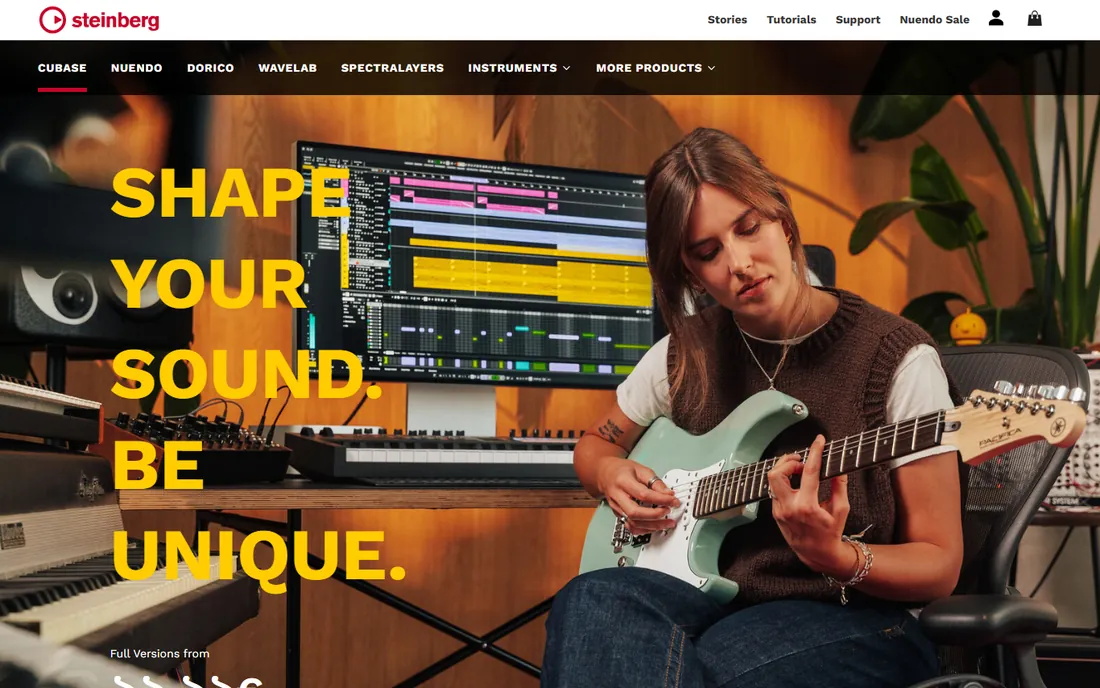
Cubase has been the composer's DAW for decades, and its mixing tools reflect that heritage. The MixConsole is a full pro desk with channel strips, VCA faders, and loudness metering, while the editing side handles dense MIDI and orchestral sessions with ease. Cubase Pro adds AI stem separation and a Spectral Comparison EQ, covering modern stem-based workflows alongside traditional scoring. If your mixes involve a hundred tracks of strings, brass, and synths, this environment was built for exactly that.
The three-tier structure needs attention. Elements at $99.99 is a genuine production environment, but serious mixing belongs in Artist ($329.99) or Pro ($579.99), with VariAudio pitch correction, deeper routing, and Dolby Atmos. Pro is the highest one-time cost here, but you pay once and own it.
What we like- The most mature MIDI and scoring toolkit on this list
- Pro tier includes Dolby Atmos, AI stem separation, and expression maps
- VariAudio pitch editing built into Artist and up
Watch out for- Top-tier pricing is steep for hobbyists
- The dense interface takes time to learn
- Meaningful feature gaps between the three tiers
#5
Ableton Live
Best for: Electronic producers and anyone who mixes toward live performance
Visit ableton.com
Starting price$99 (Intro); Standard $449; Suite $749
Free plan30-day free trial of Live Suite
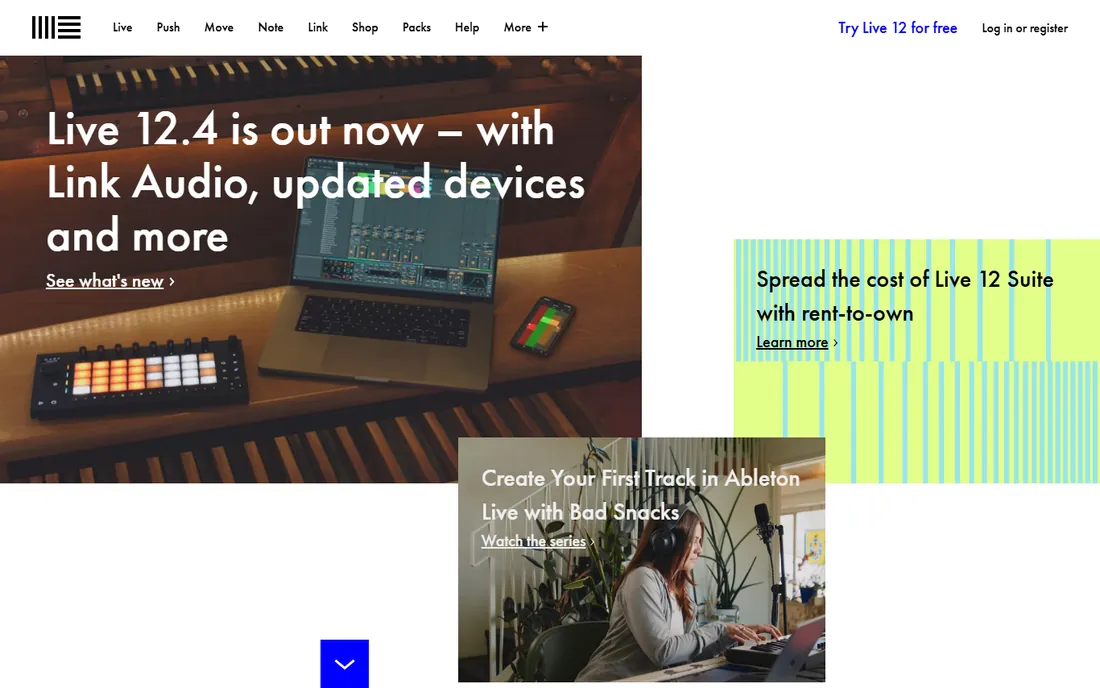
Ableton Live approaches mixing sideways, and for electronic music that is often an advantage. Session View treats the mix as a living thing: launch clips, ride faders, and audition balance ideas in real time before committing anything to the timeline. Warping and device chains blur sound design into mixing, which is why so much electronic music is mixed inside Live from start to finish.
Pricing is a one-time purchase across three editions: Intro at $99, Standard at $449, and Suite at $749. Standard is the sweet spot for mixing, with unlimited tracks and full audio-to-MIDI, while Suite adds every instrument, Max for Live, and the full library. Some traditional engineers bounce stems out of Live for final mixing elsewhere, but for producers who mix as they create, Live is a complete answer.
What we like- Session View makes trying arrangement and mix ideas unusually fast
- Dependable for live shows and hybrid studio-stage work
- Suite's instruments, Max for Live, and stem separation form a complete kit
Watch out for- The mixer is less traditional than Pro Tools or Cubase
- Suite is a big one-time outlay
- Intro's 16-track limit is tight for full mixes
#6
FL Studio
Best for: Beatmakers and producers who build tracks from patterns and loops
Visit image-line.com
Starting priceSee website (four one-time editions: Fruity, Producer, Signature, All Plugins)
Free planFree trial with no time limit
FL Studio's pricing policy deserves its headline: buy any edition once and get every future update free, forever. Producers who bought a decade ago have received years of major versions without paying again. The software grew up around beats and electronic music: the Channel Rack and step sequencer feed a mixer with complex routing, sidechaining, and automation, all tuned for speed.
The edition ladder matters. Fruity is the cheapest entry but cannot record audio, which rules it out for mixing recorded tracks; Producer is the practical minimum, adding recording, audio clips, and stem separation, while Signature and All Plugins add more instruments and effects. The free trial never expires, so you can learn the entire mixer before spending anything.
What we like- Lifetime free updates on every paid edition, a policy no competitor matches
- Pattern-based workflow is the fastest way to build beats
- Large built-in instrument and effect library
Watch out for- The mixer is powerful but unconventional
- Fruity Edition cannot record audio, so mixers need Producer or higher
- The interface can feel crowded on small screens
#7
Bitwig Studio
Best for: Sound designers and experimental producers who mix with modulation
Visit bitwig.com
Starting price$99 (Essentials); Producer $199; full Studio $399
Free planFree trial without limitations
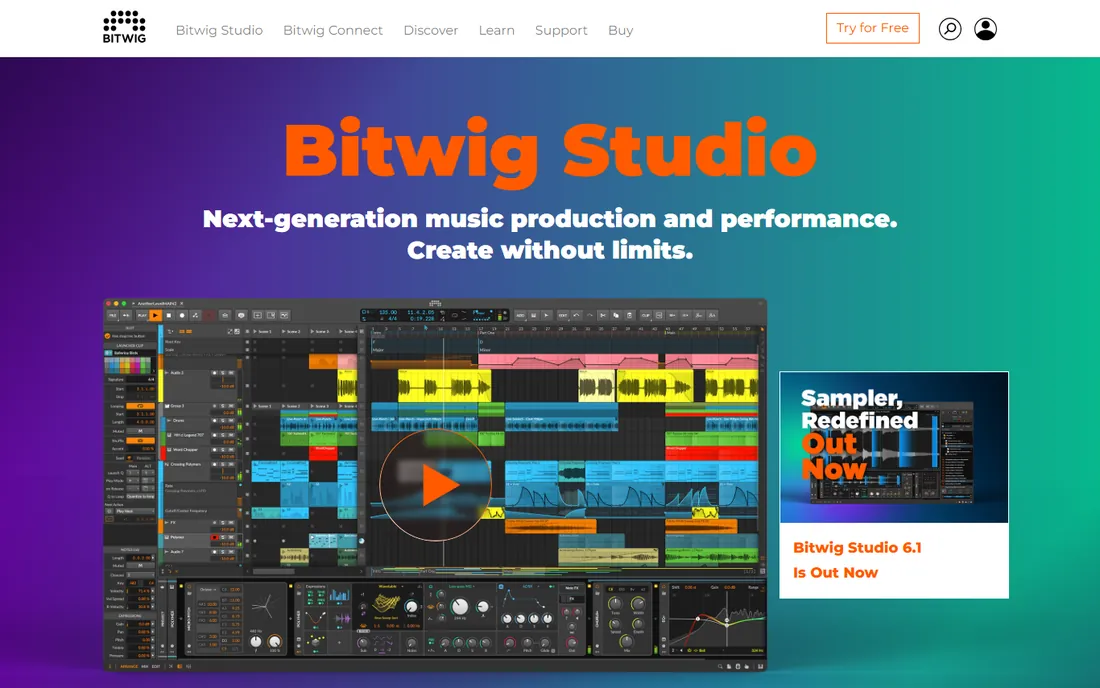
Bitwig Studio is the DAW for people who think of mixing as sound design. Its universal modulation system attaches modulators to almost any device parameter, so a mix can breathe and move in ways static automation cannot easily achieve. The Grid, a built-in modular environment, turns the DAW into an instrument-building lab, and the clip launcher keeps arrangement ideas fluid. The practical wins are real: sandboxed plug-ins mean a crashing third-party effect cannot take down your session.
Essentials at $99, Producer at $199, and full Studio at $399 all share the core engine and include 12 months of updates, and the free trial carries no limitations. Bitwig is one of the few professional DAWs with first-class Linux support. The tradeoff is ecosystem: fewer engineers mix full-time in Bitwig, so finding mix-specific templates takes more digging.
What we like- The Grid modular environment and universal modulation system are unmatched for creative mixing
- Sandboxed plug-ins keep sessions stable
- Runs on Windows, macOS, and Linux
Watch out for- Smaller community means fewer tutorials and templates
- Mixing workflow is less conventional
- The top edition costs as much as Logic with fewer stock sounds
#8
REAPER
Best for: Budget-conscious producers who want a complete professional DAW for almost nothing
Visit reaper.fm
Starting price$60 (discounted license); $225 commercial license
Free plan60-day full-featured evaluation
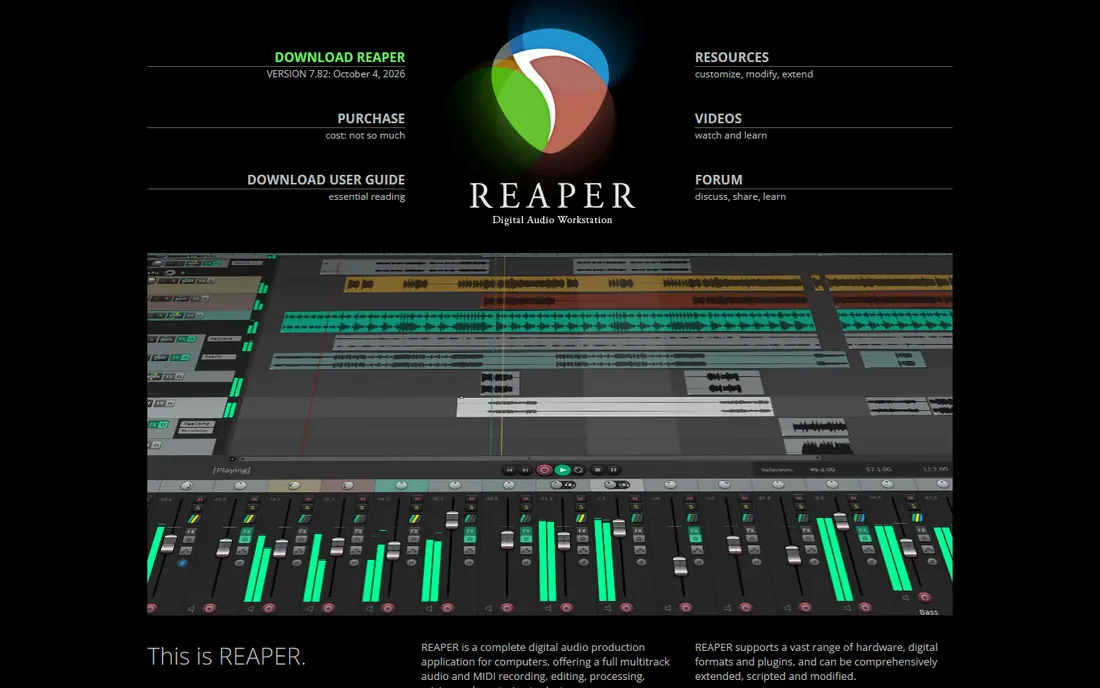
REAPER is the best value on this list and it is not close. The $60 discounted license includes the exact same software as the $225 commercial license: unlimited tracks, full automation, surround support, video, scripting, and routing flexibility that rivals DAWs costing ten times more. The 60-day evaluation is completely unrestricted, and the tiny installer runs smoothly on machines that choke other DAWs. For mixing, the routing is a particular strength, and the render queue handles stem exports beautifully.
What you do not get is hand-holding. REAPER ships with capable but plain effects and essentially no instruments or loops, so you supply your own plug-ins and samples. One license covers updates through two full version numbers, typically spanning years. If you want a professional mixing environment without a professional price, start here.
What we like- The entire professional feature set for $60, with no tiers or subscriptions
- Famously lightweight and stable on old hardware
- Deeply customizable with scripting, themes, and routing
Watch out for- Ships with almost no built-in instruments or loops
- The default interface is plain and needs customization
- The learning curve is real for first-time DAW users
#9
Harrison Mixbus
Best for: Engineers who want to mix on a real analog-style console inside the box
Visit harrisonaudio.com
Starting priceSee website (tiers: Mixbus, Mixbus Plus, Mixbus Pro)
Free planDemo mode for evaluation
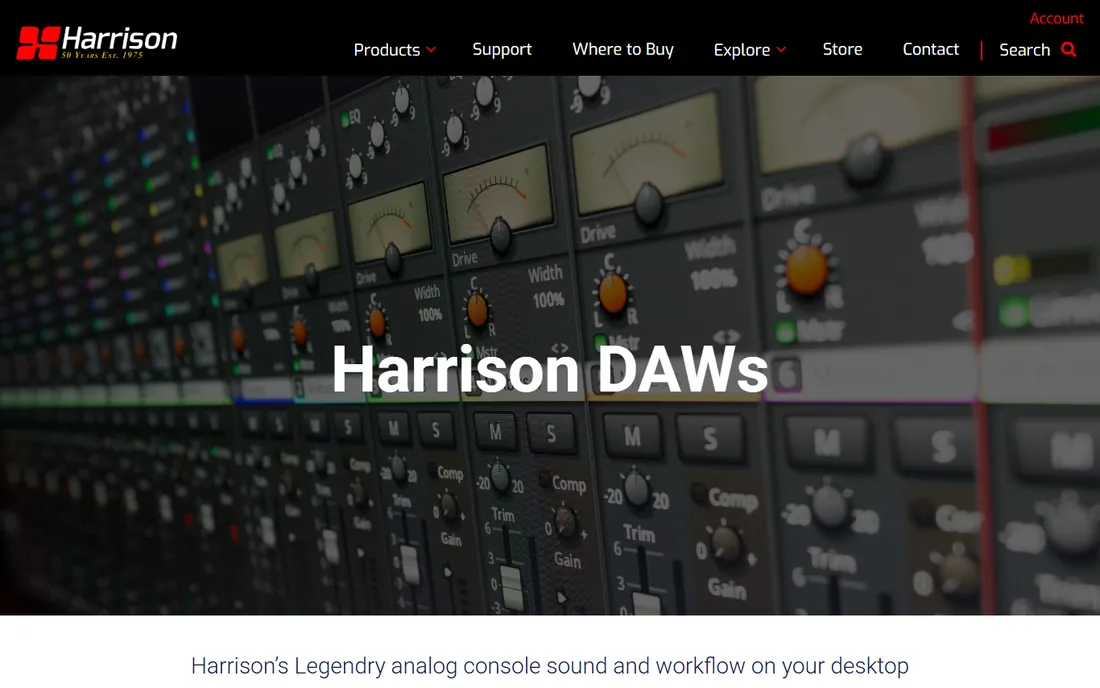
Harrison Mixbus is the odd one out here, and that is the point. Harrison has built large-format analog consoles for nearly 50 years, and Mixbus puts that console inside your computer: every channel carries Harrison EQ, compression, filtering, and saturation, with a knob-per-function mixer that invites you to mix with your ears. Engineers who learn it often find balances come together faster, because the console workflow pushes toward committing to decisions.
The lineup runs in three tiers, Mixbus, Mixbus Plus, and Mixbus Pro, with Pro adding Dolby Atmos mixing and a switchable SSL 9000J-style channel strip EQ. It is not the tool for building beats or scoring films; its heart is recording, editing, and mixing audio with console logic.
What we like- A genuine Harrison console channel strip, EQ, compression, and saturation on every channel
- Knob-per-function mixing changes balance decisions
- Dolby Atmos and SSL-style EQ in the Pro tier
Watch out for- Less suited to MIDI-heavy production and beatmaking
- Smaller community and fewer third-party resources
- Upgrade fees apply to major versions
Starting priceFree
Free planFree forever (open source)
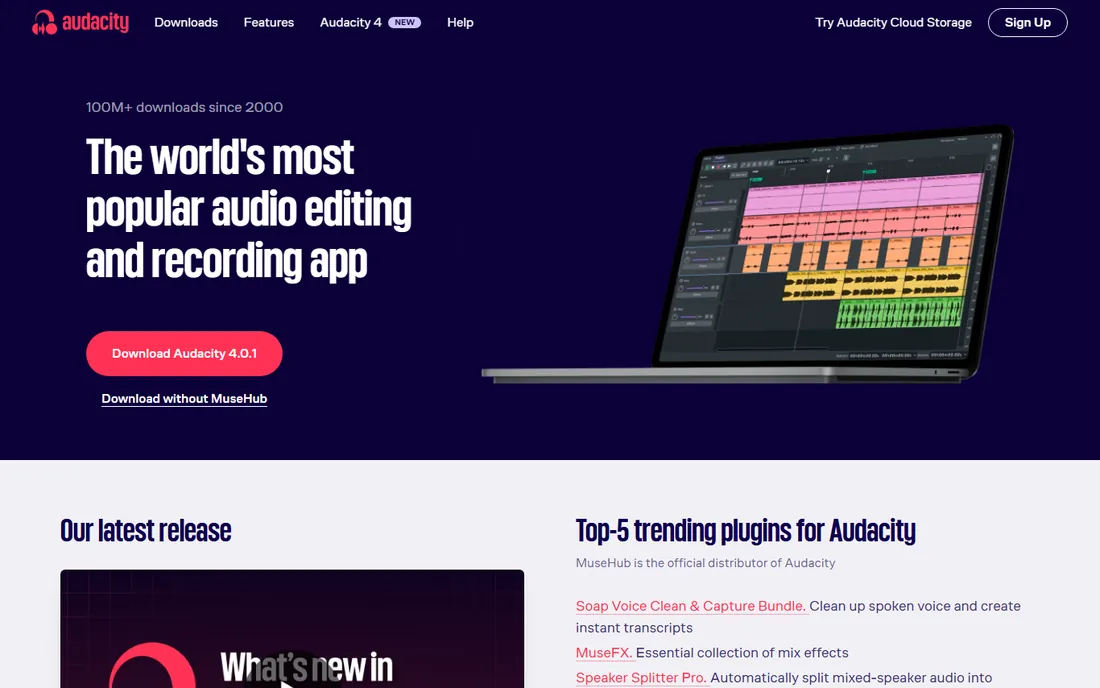
Audacity is not a mixing DAW in the modern sense, and it earns its place for a different reason: it is the free tool that handles everything around the mix. Recording a voiceover, cleaning up noise, trimming silence, and converting formats are all fast and painless here. It is open source, free forever, and runs on every major operating system with VST3 plug-in support. For podcasters, video creators, and musicians doing basic edits, it remains the world's most popular audio editor for a reason.
Know its limits before planning a mix around it. Audacity edits destructively, so changes are baked in rather than adjustable later, and it lacks the non-destructive mixer and automation that define the other tools here. But as a free companion to any DAW on this list, for cleanup and quick edits, it is indispensable.
What we like- Completely free with no tiers, trials, or upsells
- Fast for editing, cleanup, and format conversion
- Runs on Windows, macOS, and Linux with broad plug-in support
Watch out for- Destructive editing workflow is unforgiving
- No real-time effects chains or serious mixer
- Not suitable for multitrack music production
How we chose the best mixing software
We started from how working mixers actually choose tools: the mixer layout, automation behavior, stem handling, and session compatibility matter more than the instrument library. Every tool here is a real, maintained product with a verified official site. We weighted mixing-specific strengths, such as console design and EQ quality, alongside practical questions: the five-year cost, the free tier, and the learning curve. Where a product was renamed, as with PreSonus Studio One becoming Fender Studio Pro, we list the current name.
Buying guide: what actually matters in mixing software
Start with your workflow, not the feature chart. If you mix bands and vocals with lots of recorded audio, prioritize a strong traditional mixer, good comping, and reliable automation: Pro Tools, Fender Studio Pro, Logic Pro, or Cubase. If you produce electronic music and mix as you arrange, Ableton Live, FL Studio, or Bitwig will feel more natural. The mixer is the room you will live in for hours, so trial the demo and notice which interface you enjoy looking at; fatigue is a real cost.
Next, do the five-year math. Subscriptions like Pro Tools cost more over time than they appear month to month, while one-time purchases such as Logic Pro, Cubase, Ableton Live, and REAPER stop costing money after checkout. FL Studio's lifetime free updates make its long-term cost the lowest of any paid DAW. Factor in your computer too: Logic Pro is Mac only, most others cover Windows and Mac, and REAPER, Bitwig, Mixbus, and Audacity also run on Linux.
Finally, think about collaboration. If you exchange sessions with studios, Pro Tools compatibility is close to mandatory, and most DAWs can export stems or use the open DAWproject format to move work between applications. Beginners should lean on free tiers first: Audacity for editing basics, REAPER's 60-day evaluation for a full DAW education, and FL Studio's unlimited trial before buying.
Can you mix professionally with free software?
Yes, with honest limits. REAPER's 60-day evaluation is a complete professional DAW, and its $60 license is close enough to free that the question barely matters. Audacity handles editing and cleanup at zero cost, and several DAWs here offer free entry points: Pro Tools Intro, FL Studio's unlimited trial, and the free companion apps around Fender Studio Pro. Mixers have delivered commercial releases on REAPER and other affordable tools for years; the software has not been the bottleneck for a long time.
What free and cheap tools do not give you is the ecosystem: fewer mix templates, fewer specialized tutorials, and occasional friction when a client expects a Pro Tools session. Free third-party plug-ins close much of the gap in stock effects. Treat free software as a complete education and a viable production path, not a compromise to apologize for.
Frequently asked questions
What is the best mixing software for beginners?
REAPER and FL Studio are the strongest starting points. REAPER's 60-day full evaluation teaches real mixing concepts for free, and its $60 license is the cheapest professional option. FL Studio's trial never expires, so beginners can learn at their own pace. Logic Pro is ideal for Mac owners who want one purchase that covers everything.
Is Pro Tools still the industry standard for mixing?
For commercial studios, film, and TV post-production, yes. Pro Tools remains the session format every professional facility can open, and its editing and automation workflows are the reference other DAWs are measured against. Fluency in it is still close to a job requirement for client-facing engineering.
What happened to PreSonus Studio One?
PreSonus Studio One was rebranded as Fender Studio Pro in early 2026 after Fender folded the DAW into its own product line. It is the same software with the same development team, now with Fender amps and effects built in. Existing Studio One licenses carried over, and the product page now lives on fender.com.
Which mixing software is best for electronic music?
Ableton Live, FL Studio, and Bitwig Studio are the three built for electronic workflows. Live's Session View and warping suit performance-oriented producers, FL Studio's pattern workflow is the fastest path from idea to beat, and Bitwig's modulation system is unmatched for evolving, sound-design-heavy mixes. All three handle full mixing duties without leaving the app.
Do I need expensive software to get a professional-sounding mix?
No. The mix comes from decisions, not price tags: balance, EQ, compression, and automation sound the same in REAPER as in a $600 DAW. What paid software buys is workflow speed, better stock tools, and client compatibility. Spend your first dollars on room treatment and decent monitors before upgrading software.
Can I use these tools on Linux?
REAPER, Bitwig Studio, Harrison Mixbus, and Audacity all run natively on Linux. The rest of this list is Windows and macOS only, with Logic Pro limited to macOS. Linux users choosing between REAPER and Bitwig get two genuinely professional options, which is more than most categories of creative software can claim.
Sources we checked (10)
- https://www.avid.com/pro-tools
- https://www.fender.com/products/fender-studio-pro
- https://www.apple.com/logic-pro/
- https://www.steinberg.net/cubase/
- https://ableton.com/
- https://www.image-line.com/
- https://www.bitwig.com/
- https://www.reaper.fm/
- https://harrisonaudio.com/daw-home-page
- https://www.audacityteam.org/
Is your product missing or out of date?
We review this list regularly. Vendors can request a listing, send updated pricing or ask about featured placement.

Shihab Mia · Founder, Rankite
Shihab has spent more than a decade helping SaaS and e-commerce brands grow through search. He writes Rankite's software buying guides from pricing pages, documentation and public user reviews. More about Shihab.