How we make this list: we compare pricing pages, product documentation and public user reviews. Rankite is independent; if a vendor ever pays for a featured spot, that listing is clearly labeled Partner.
Key takeaways
- Migration software splits into four jobs: moving PCs, moving servers to the cloud, moving mailboxes between tenants, and moving websites.
- For PC replacements, EaseUS Todo PCTrans, Zinstall and Laplink PCmover transfer programs, settings and files without reinstalling everything.
- BitTitan MigrationWiz (from $14 per user) is the standard for moving mailboxes and documents between Microsoft 365 and Google Workspace tenants.
- AWS Application Migration Service handles lift-and-shift server moves to AWS with minimal downtime.
- Website moves between ecommerce platforms are a separate specialty where LitExtension does the heavy lifting.
Quick comparison
Is your product missing or out of date?
We review this list regularly. Vendors can request a listing, send updated pricing or ask about featured placement.
The best migration software

#1
Acronis Cyber Protect Home Office
Best for: Disk cloning and full-system moves
Visit acronis.com
Starting priceSee website
Free planFree trial
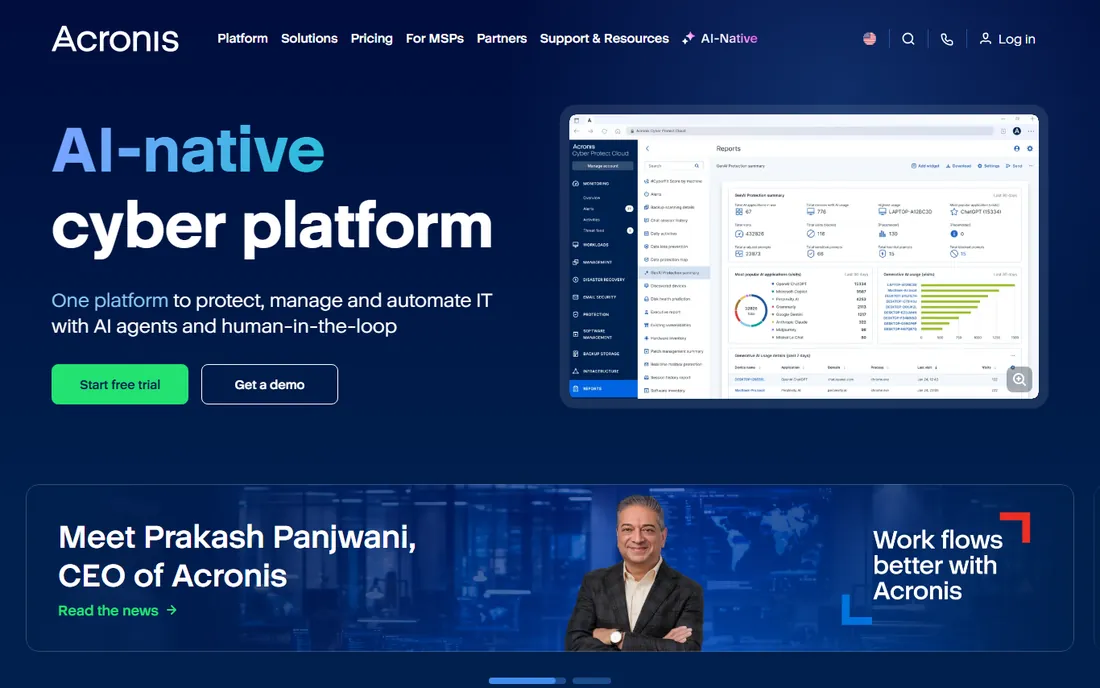
When the job is moving everything from an old drive to a new one, Acronis is the established name. Its disk cloning creates an exact replica of a Windows or Mac system while the operating system is still running, which means no downtime ritual of shutting down, booting from media and waiting. That same engine handles migrations to larger SSDs, a constant chore in offices refreshing hardware.
The suite bundles backup, antivirus and identity protection alongside migration, which is convenient but also how costs creep: check which tier includes the migration features you need. For IT staff doing regular drive upgrades, the cloning reliability alone justifies it.
What we like- Active disk cloning migrates a running system without rebooting
- Includes backup and security tools in one suite
- Works on Windows and Mac
Watch out for- Multi-machine licenses cost extra
- Some features sit behind higher tiers
Starting priceSee website
Free planYes (limited)
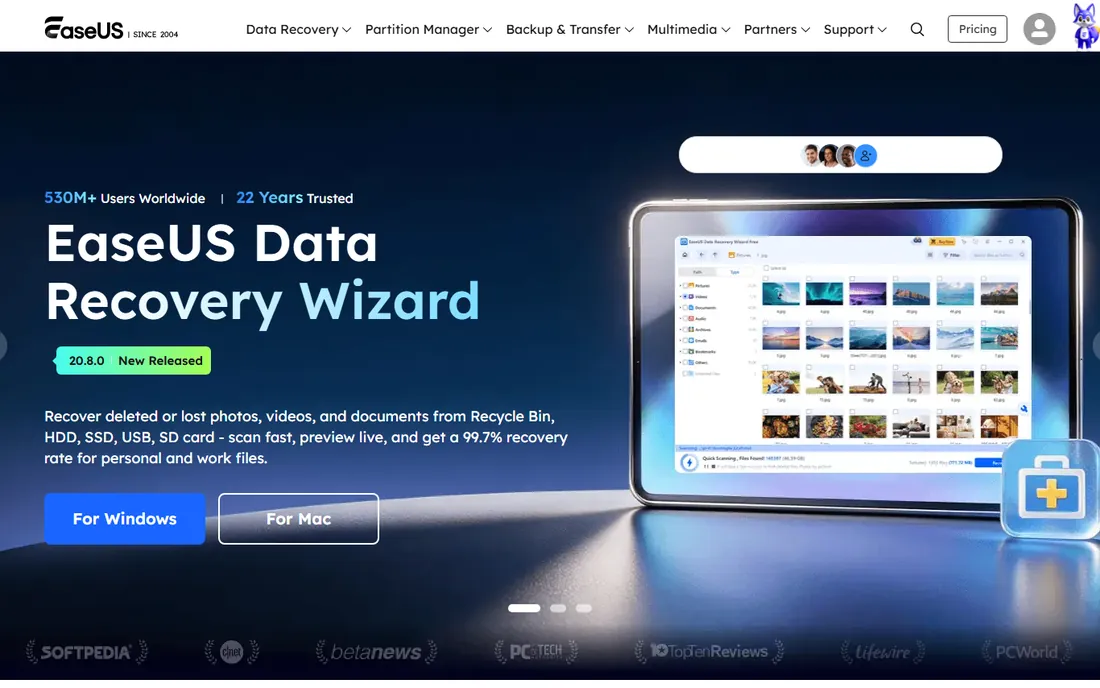
New computer day is where Todo PCTrans earns its place. Instead of reinstalling every application and reconfiguring settings by hand, the software moves programs, files, user accounts and preferences from the old PC to the new one over a network or via an image file. For offices replacing a batch of machines, that turns days of setup into hours.
The free version handles small transfers, which is enough to test it on a real machine before buying. Paid versions remove the caps. Be realistic about application compatibility: most programs transfer cleanly, but anything with hardware-locked licensing or deep driver ties may still need a fresh install.
What we like- Transfers applications, files, settings and user accounts between PCs
- Free version covers basic transfers
- Straightforward wizard interface
Watch out for- Free version caps how much you can transfer
- Some applications need reinstalling on the new machine anyway
Starting priceSee website
Free planNo
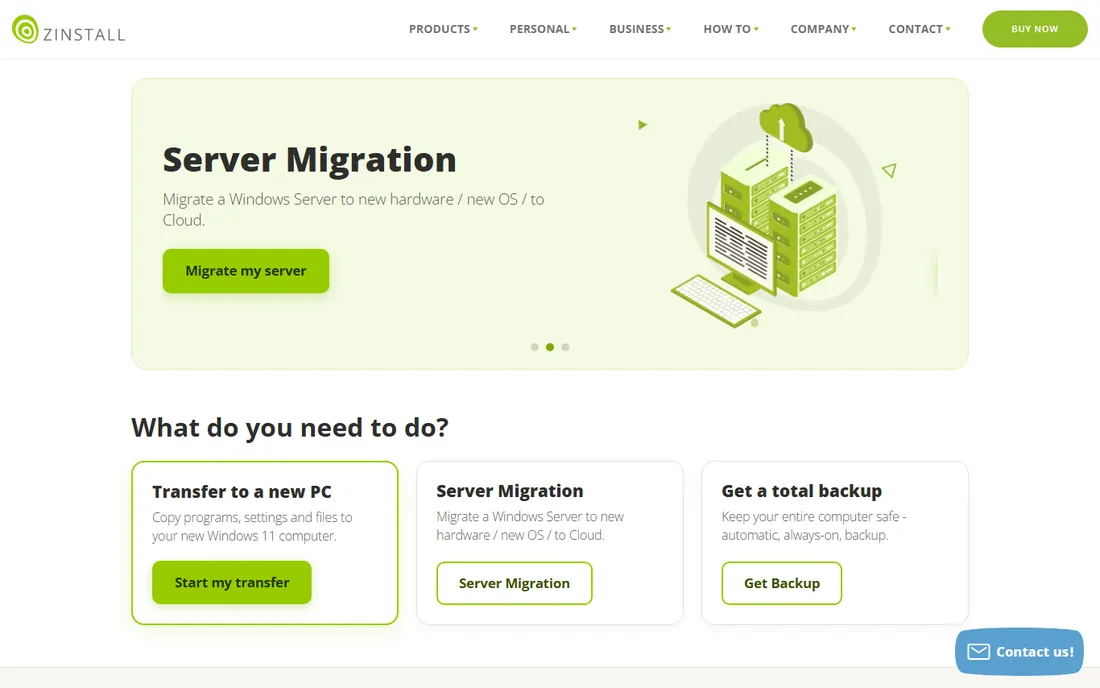
Zinstall takes the most thorough approach to PC migration: it transfers your programs, settings, profiles, files and customizations so the new computer feels like the old one. It even handles rescue cases where the old PC will not boot, pulling the environment off the dead drive.
That completeness comes at a price, and there is no free version for evaluation. Zinstall suits situations where downtime is expensive and the user's exact setup must survive the move: executives, developers with tuned environments, and anyone whose old machine died at the worst moment.
What we like- Moves the entire working environment including programs and profiles
- Handles broken-PC rescue scenarios
- No reinstallation workflow needed
Watch out for- No free tier to test with
- Premium pricing for the full transfer products
Starting priceSee website
Free planNo
Laplink PCmover has been moving Windows installations for decades, and Microsoft has recommended it for Windows upgrades in the past. It transfers selected applications, files, folders and settings from an old PC to a new one, with editions tuned for home users, professionals and enterprise deployment.
The software works, though the interface shows its age and user reviews of support are mixed. For straightforward Windows-to-Windows moves it remains a dependable choice, especially in organizations that value a vendor with a long enterprise history.
What we like- Long track record with Microsoft partnership history
- Moves applications, files and settings
- Profile-specific editions for different scenarios
Watch out for- Interface feels dated
- Support quality draws mixed reviews
Starting price$14 per user
Free planFree trial
When companies merge, rebrand or switch between Microsoft 365 and Google Workspace, MigrationWiz moves the mail. It automates mailbox, document, archive and collaboration migrations with per-user licenses starting at $14, which makes project pricing predictable. IT providers run thousands of tenant migrations on it, so edge cases are well documented.
The $14 figure covers standard mailbox migration licenses; document and Teams workloads use different license types, so price the actual mix before quoting a client. For straightforward tenant-to-tenant moves it is the default choice. For tangled hybrid Exchange environments, budget for expertise alongside the licenses.
What we like- Automated mailbox, document and Teams migrations between tenants
- Per-user pricing scales cleanly
- Widely used by IT service providers
Watch out for- Per-mailbox costs add up in large tenants
- Complex hybrid scenarios may need consultant help
Starting priceSee website
Free planFree trial
Carbonite Migrate (now under OpenText) moves whole server workloads: physical to virtual, virtual to cloud, or datacenter to datacenter. Continuous replication keeps the source and target in sync until cutover, which shrinks the downtime window to minutes. Automated testing verifies the migrated server actually works before you commit.
This is infrastructure software with infrastructure pricing, aimed at IT teams rather than individuals. For server consolidation projects, cloud adoption or datacenter moves, it belongs in the evaluation. For anything smaller, the PC tools above are the right scale.
What we like- Replicates Windows and Linux servers to new hardware or cloud with minimal downtime
- Automated testing of migrated workloads
- Now backed by OpenText
Watch out for- Enterprise-oriented pricing
- Overkill for single-PC moves
Starting priceSee website
Free planFree trial
Zerto (now part of HPE) approaches migration through continuous replication: every change is journaled, so you can move workloads to the cloud and roll back to any point in seconds if something goes wrong. That journal is also why disaster recovery buyers choose it; migration and DR share the same engine.
Pricing is enterprise and quote-based, and deployment assumes skilled infrastructure staff. For organizations already virtualized on VMware or Hyper-V and moving to public cloud, Zerto's combination of migration and ongoing protection is compelling. Smaller shops should look at simpler tools.
What we like- Continuous data protection with journal-based recovery
- Migrates to AWS, Azure and other clouds
- Strong disaster recovery story alongside migration
Watch out for- Quote-based enterprise pricing
- Complexity suits IT teams, not casual users
Starting pricePay for AWS resources used
Free planFree tier
If the destination is AWS, start with AWS's own migration service. It replicates source servers (physical, virtual or cloud) into AWS with continuous block-level replication, then automates the cutover. The migration service itself costs nothing beyond the AWS resources consumed during replication and after cutover.
The obvious limit is the destination: this moves you to AWS, not Azure or Google Cloud. It also assumes someone on the team understands VPCs, security groups and AWS networking. For companies standardizing on AWS, it is the most direct path from existing servers to the cloud.
What we like- Replicates servers to AWS with minimal downtime
- No-cost migration service itself, you pay only for AWS infrastructure
- Automated cutover and testing
Watch out for- AWS-only destination
- Assumes comfort with AWS consoles and networking
Starting priceSee website
Free planFree trial

AvePoint's migration tools move content across Microsoft 365: SharePoint sites, Teams, OneDrive, mail and public folders, between tenants or from on-premises and Google Workspace. Governance features, permission mapping and compliance controls come along, which matters when the migration involves regulated data.
This is enterprise software sold through a sales process, not a download-and-go utility. For large tenant consolidations, mergers or divestitures inside the Microsoft ecosystem, AvePoint's governance depth justifies the process. Smaller mailbox moves are simpler with MigrationWiz.
What we like- Policy-driven migration across SharePoint, Teams, OneDrive and mail
- Governance and compliance controls built in
- Strong enterprise track record
Watch out for- Enterprise pricing and sales process
- More platform than a simple migration utility
Starting priceSee website
Free planFree demo
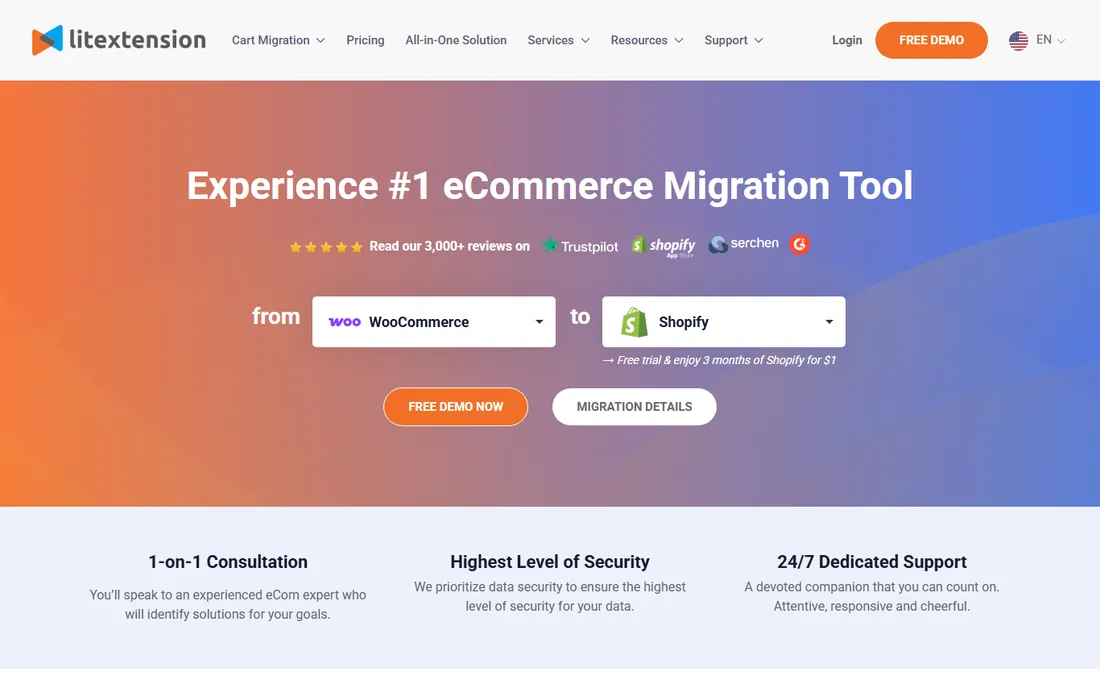
Moving an online store between platforms is its own migration specialty, and LitExtension automates it. Products, categories, customers, orders, coupons and even SEO URLs transfer between platforms like Shopify, WooCommerce, Magento and BigCommerce. The free demo migrates a sample of your data so you can verify accuracy before paying.
Pricing depends on how many entities you migrate, so get a quote for your catalog size. URL redirects preserve search rankings through the move, which is the detail store owners care about most. For replatforming projects, it beats manual CSV exports by a wide margin.
What we like- Automated migration of products, customers, orders and SEO URLs between 140+ carts
- Free demo migration to verify results
- Preserves search rankings with URL redirects
Watch out for- Pricing scales with catalog size
- Very large or heavily customized stores may need manual work
How we chose
We reviewed vendor documentation, pricing pages and technical guides, then cross-checked against G2's 2026 cloud migration rankings, TechRadar's data migration roundup, IT community discussions and managed service provider reviews. Every tool here is actively sold and supported today. Because "migration" covers several distinct jobs, we selected leaders in each: PC moves, server and cloud moves, mailbox and tenant moves, and website moves, weighting reliability, downtime impact and honest pricing.
Buying the wrong category of migration tool is the most common mistake. Match your scenario first, then compare products inside it.
Moving PCs
New hardware, Windows upgrades and broken-machine rescues call for PC migration tools: EaseUS Todo PCTrans, Zinstall, Laplink PCmover and Acronis. They transfer applications, settings and files so users resume work quickly. Evaluate them on application compatibility and whether they handle your specific failure mode, like a non-booting drive.
Moving servers to the cloud
Datacenter exits, server refreshes and cloud adoption need workload migration: Carbonite Migrate, Zerto and AWS Application Migration Service. Replication-based tools minimize cutover downtime. Evaluate on supported source platforms, downtime windows and whether the team can manage the target cloud environment afterward.
Moving mailboxes and tenants
Mergers, rebrands and platform switches need tenant migration: BitTitan MigrationWiz and AvePoint. These move mail, documents, Teams and SharePoint between Microsoft 365 and Google Workspace tenants. Evaluate on per-user licensing for your actual workload mix and on permission and compliance handling.
Moving websites
Replatforming an online store needs ecommerce migration: LitExtension. It moves catalogs, customers, orders and SEO structures between shopping carts. Evaluate on entity counts for pricing and on URL redirect handling to protect search traffic.
Planning a migration that does not go sideways
Software is the easy part. Most migration pain comes from planning gaps, not tool bugs.
Inventory first. List every application, integration, mailbox, database and custom script in scope before choosing a tool. Surprises discovered mid-migration are what cause weekend-long outages.
Test with real data. Every tool here offers a trial, demo or free tier. Migrate a representative sample, a power user's mailbox, a complex product category, one production server, and verify the result before committing to the full run.
Plan the cutover window. Replication-based tools shrink downtime, but DNS changes, user communication and rollback plans still need scheduling. Tell users what to expect and when, and keep the old environment available until the new one proves itself.
Budget beyond licenses. Migration projects consume staff time, consultant hours for complex scenarios, and sometimes parallel infrastructure costs during the transition. The $14 per-user license is rarely the largest line item.
Frequently asked questions
What is migration software?
Software that moves data, applications or entire systems from one environment to another: old PC to new PC, on-premises servers to the cloud, one email tenant to another, or one ecommerce platform to another. Different tools handle each scenario.
How much does migration software cost?
PC migration tools range from free limited versions to a few hundred dollars per machine. Mailbox migration licenses start around $14 per user. Server and enterprise tools are quote-based and cost significantly more. Always price the full project, including labor, not just licenses.
Can I migrate without downtime?
Near zero downtime is realistic with replication-based tools like Carbonite Migrate, Zerto and AWS Application Migration Service, which sync continuously and cut over in minutes. PC and mailbox migrations usually involve brief interruptions per user. No tool eliminates planning.
Should I hire a consultant for a migration?
For straightforward PC refreshes and small mailbox moves, no. For tenant consolidations, hybrid Exchange, large server fleets or customized ecommerce stores, yes: an experienced partner costs less than a failed cutover.
What happens to my data if the migration fails?
Reputable tools keep the source untouched until you confirm the target, and replication-based tools allow rollback to earlier points. Never decommission source systems until the migrated environment is verified in production use.
Sources we checked (12)
- https://www.acronis.com/
- https://www.easeus.com/
- https://www.zinstall.com/
- https://www.laplink.com/
- https://www.bittitan.com/
- https://www.opentext.com/
- https://www.zerto.com/
- https://aws.amazon.com/
- https://www.avepoint.com/
- https://www.litextension.com/
- https://learn.g2.com/best-cloud-migration-software
- https://www.techradar.com/best/best-data-migration-tools
Is your product missing or out of date?
We review this list regularly. Vendors can request a listing, send updated pricing or ask about featured placement.

Shihab Mia · Founder, Rankite
Shihab has spent more than a decade helping SaaS and e-commerce brands grow through search. He writes Rankite's software buying guides from pricing pages, documentation and public user reviews. More about Shihab.
 EaseUS Todo PCTrans
 Zinstall
 Laplink PCmover
 BitTitan MigrationWiz
 Carbonite Migrate
 Zerto
Zerto AWS Application Migration Service
 AvePoint
 LitExtension