How we make this list: we compare pricing pages, product documentation and public user reviews. Rankite is independent; if a vendor ever pays for a featured spot, that listing is clearly labeled Partner.
Key takeaways
- Slack remains the team chat standard, with the integration ecosystem everyone else is measured against.
- Microsoft Teams wins by bundling: if you pay for Microsoft 365, it is already there.
- Google Chat suits Google Workspace shops that want messaging inside their existing suite.
- Discord, Twist, Chanty, Flock, and Mattermost serve communities, async-first teams, budget buyers, and the self-hosted.
Quick comparison
| Tool | Best for | Starting price | Free plan |
|---|
 Slack Slack | team chat standard | See website | Free trial |
 Microsoft Teams Microsoft Teams | Microsoft 365 shops | See website | Free trial |
 Google Chat Google Chat | Google Workspace teams | See website | Free trial |
 Discord Discord | communities and gamers | Free | Yes |
 Twist Twist | async-first team communication | See website | Free trial |
 Chanty Chanty | affordable team chat | See website | Free trial |
 Flock Flock | feature-rich team messaging | See website | Free trial |
 Mattermost Mattermost | self-hosted team chat | See website | Free trial |
Is your product missing or out of date?
We review this list regularly. Vendors can request a listing, send updated pricing or ask about featured placement.
The best messaging software
Starting priceSee website
Free planFree trial
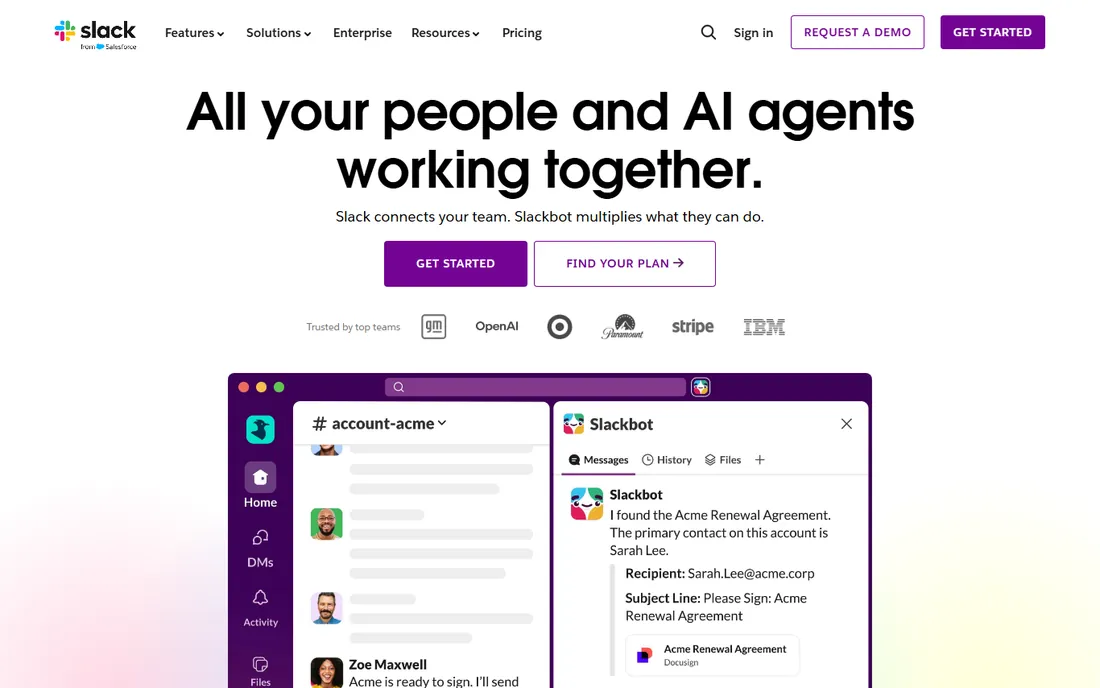
Slack defined modern team chat: channels for topics, threads for focus, and integrations that pull notifications from every tool into one stream. The network effect is real; new hires already know it, and every SaaS product integrates with it first.
The workflow features go beyond chat: canvases for documents, huddles for quick voice, and Workflow Builder for automating routine processes. Search across years of conversation turns institutional knowledge retrievable.
The pricing stings at scale, and the free tier's message history limit frustrates growing teams. Notification overload is the eternal complaint, though that is more about culture than software. For team chat that just works with everything, Slack remains the reference point.
What we like- The integration ecosystem
- Everyone knows how to use it
- Great search
Watch out for- Pricey at scale
- Message history limits on free tier
Starting priceSee website
Free planFree trial
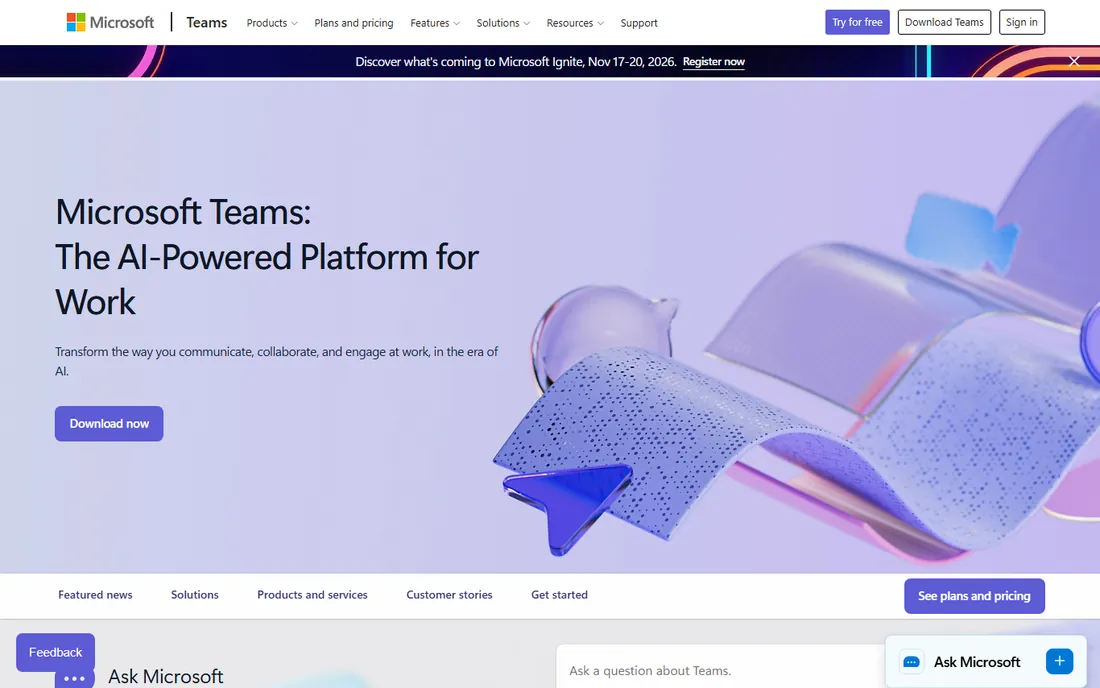
Teams wins on bundling: organizations paying for Microsoft 365 get capable chat, meetings, and collaboration without another subscription. The Office integration is genuinely deep, with co-authoring and file sharing built around SharePoint and OneDrive.
Video meetings are a strength; many companies run their entire meeting culture on Teams. The chat covers channels, threads, and apps, handling the daily communication needs of most organizations.
The interface tries to do everything and can feel cluttered. Pure chat users often prefer Slack's focus. But when the choice is Teams-included versus Slack-as-another-bill, finance usually decides, and Teams is capable enough that most teams adapt happily.
What we like- Bundled with Microsoft 365
- Deep Office integration
- Good video meetings
Watch out for- Interface can feel cluttered
- Chat experience trails Slack
Starting priceSee website
Free planFree trial
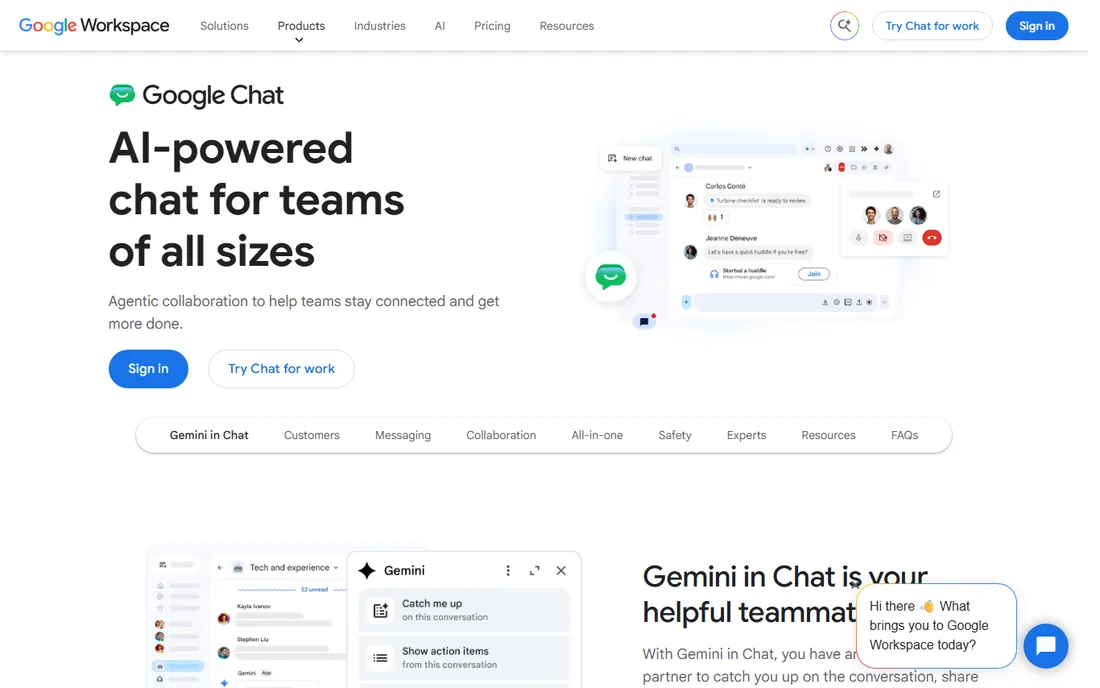
Google Chat is the messaging layer inside Google Workspace, and its virtue is simplicity. Spaces organize conversations by project or team, direct messages handle the quick stuff, and everything connects to Gmail, Drive, and Calendar naturally.
For Workspace-centric companies, the integration is smooth: share Drive files with proper permissions, start Meet calls instantly, and manage it all under one admin console. The learning curve is nearly zero.
The integration ecosystem is thinner than Slack's, and power features like workflow automation lag. But teams that live in Google Workspace often find Chat covers their needs without the cost and complexity of another platform.
What we like- Included with Workspace
- Clean and simple
- Good Spaces organization
Watch out for- Fewer integrations
- Less feature-rich than rivals
Starting priceFree
Free planYes
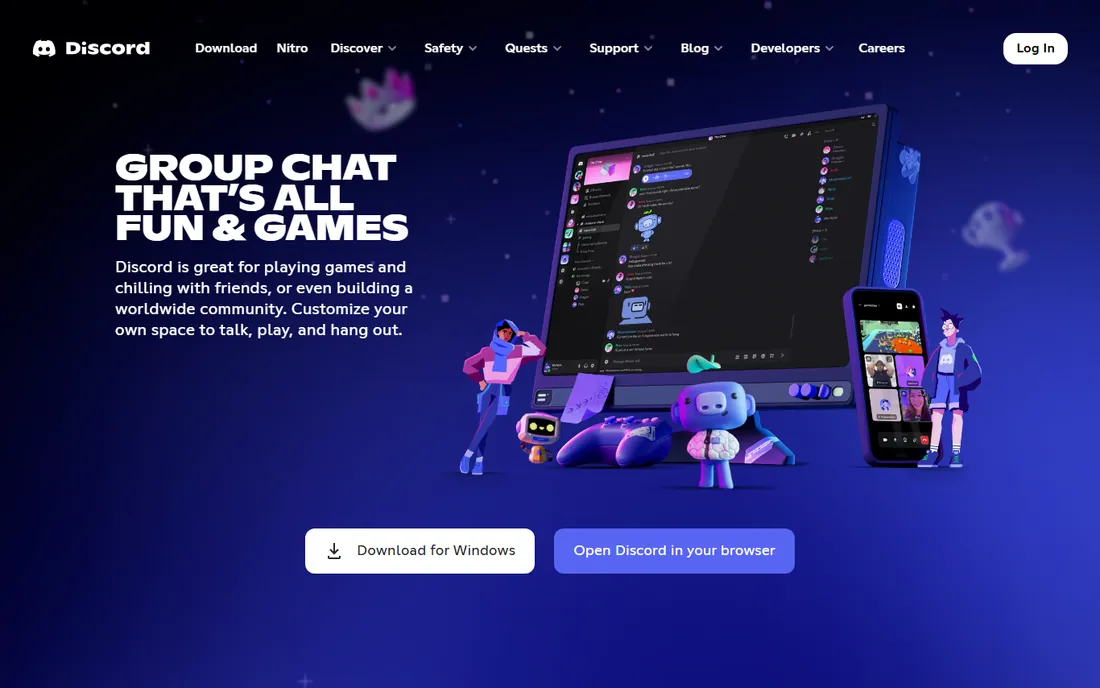
Discord grew up with gaming communities but now hosts everything from study groups to open-source projects to creator fanbases. The combination of persistent text channels and always-on voice rooms creates community spaces that feel alive.
For businesses, the use cases are community-shaped: customer communities, user groups, and creator audiences. The voice channels enable drop-in conversation that scheduled meetings cannot, and the free tier is remarkably generous.
Compliance-minded IT departments object: data retention, e-discovery, and admin controls trail business tools. The gaming aesthetic can feel unserious in corporate contexts. But for community building, Discord's engagement mechanics are unmatched.
What we like- Free with generous limits
- Excellent voice channels
- Huge community features
Watch out for- Not built for business compliance
- Can feel informal
Starting priceSee website
Free planFree trial
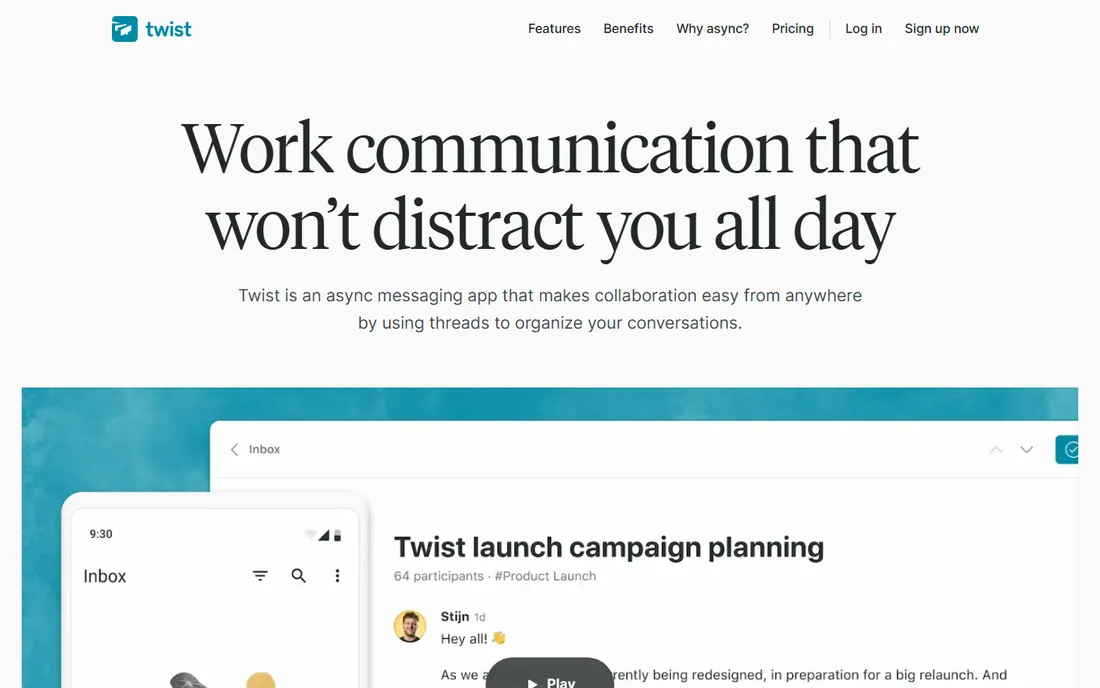
Twist, from the makers of Todoist, rejects the always-on chat model. Conversations are organized as threads by topic, notifications are batched thoughtfully, and the design assumes people respond in hours, not seconds. It is team communication for deep work cultures.
The philosophy matters: no green-dot pressure, no expectation of immediate response, no conversation lost in a scrolling channel. Distributed teams across time zones find it liberating; the tool matches how async work actually flows.
Real-time needs suffer; when something is urgent, Twist is not the place. The smaller user base means fewer integrations. But teams committed to async work find Twist's calm design a genuine productivity advantage.
What we like- Designed for asynchronous work
- Threads as first-class citizens
- Calmer than chat
Watch out for- Smaller user base
- Real-time needs suffer
Starting priceSee website
Free planFree trial
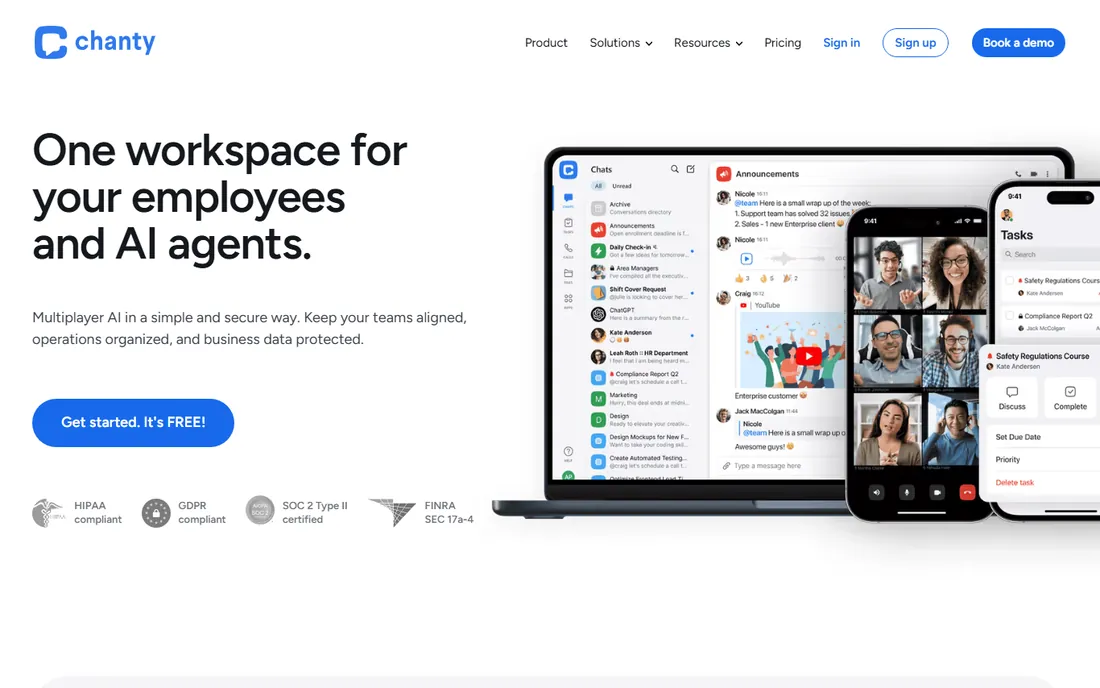
Chanty offers team chat at a fraction of Slack's price, with unlimited message history even on lower tiers. Small businesses get channels, threads, voice messages, screen sharing, and task management without the per-user costs that make Slack painful at scale.
The simplicity is deliberate. Teams that found Slack overwhelming or overpriced get the core messaging experience without the complexity. Setup takes minutes, and the interface needs no training.
The integration ecosystem is modest, and advanced workflow features are thin. But for small teams whose needs are "talk to each other and share files," Chanty delivers the essentials at a price that respects small budgets.
What we like- Very affordable
- Unlimited message history
- Simple to use
Watch out for- Smaller ecosystem
- Fewer advanced features
Starting priceSee website
Free planFree trial
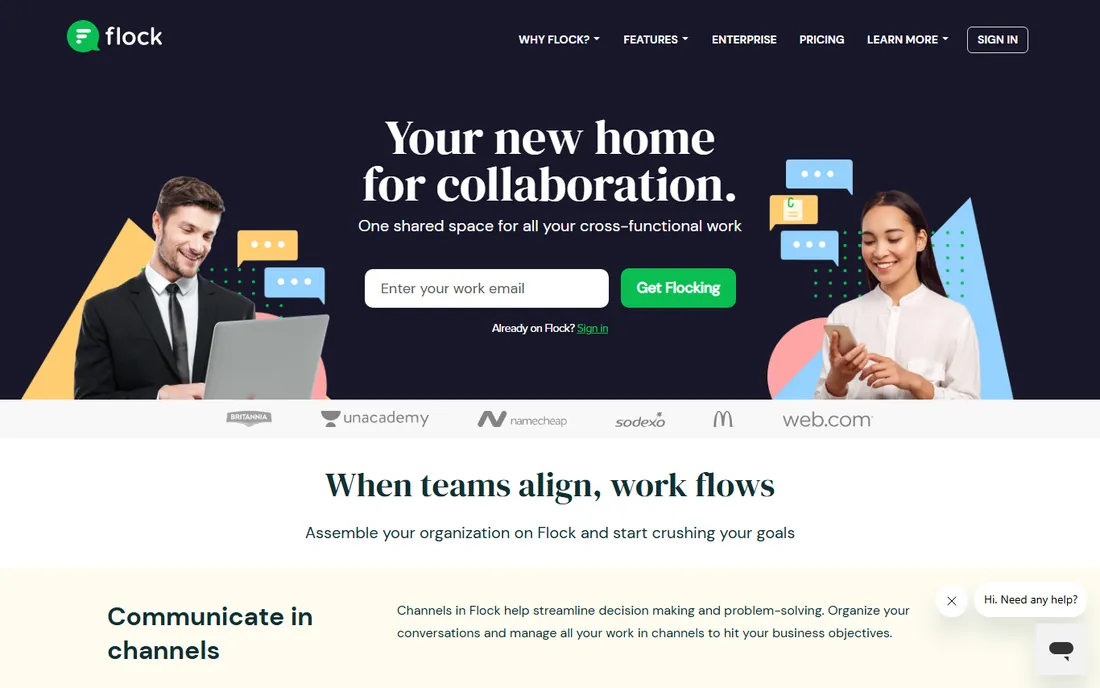
Flock packs remarkable functionality into an affordable team messenger: channels, video conferencing, polls, reminders, to-dos, and file sharing, with a free tier that covers small teams. It is popular in markets where Slack's pricing bites hardest.
The feature density means fewer additional tools: polls decide lunch, reminders nudge tasks, and built-in video handles meetings. For teams wanting one app for daily coordination, Flock covers more ground than its price suggests.
Brand recognition in the US and Europe is lower, and the integration library is smaller than Slack's. But the value equation, many features at a modest price, makes it worth evaluating for cost-conscious teams.
What we like- Packed with features
- Affordable
- Good video and polls
Watch out for- Less known in Western markets
- Smaller integration library
Starting priceSee website
Free planFree trial
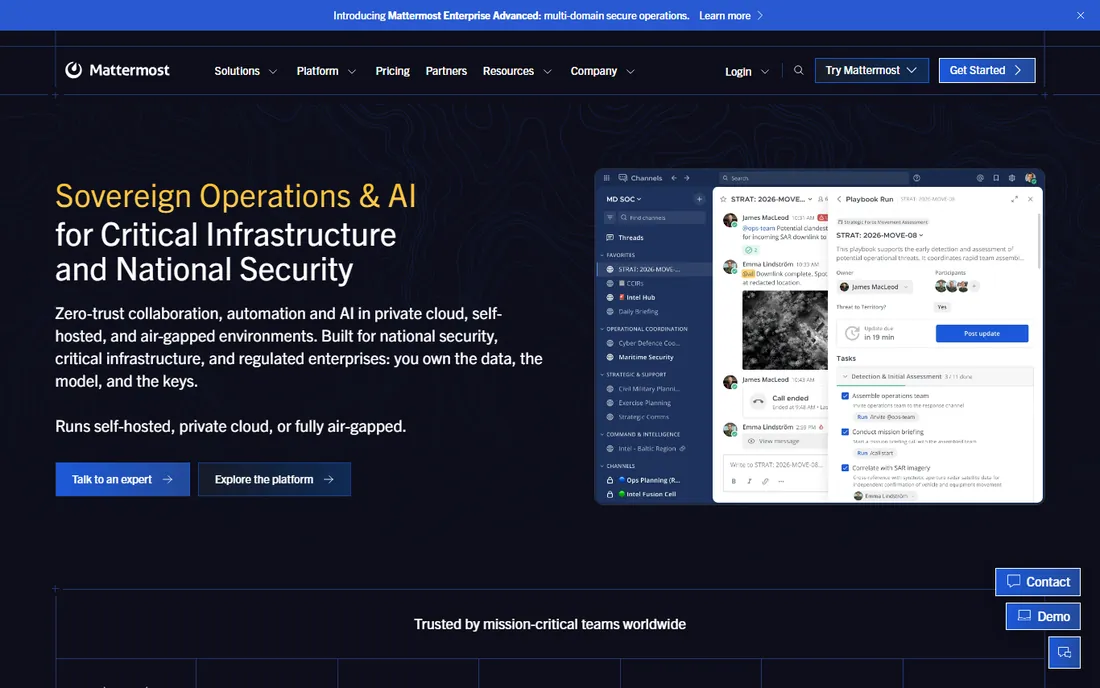
Mattermost is the open-source, self-hosted Slack alternative that security-conscious organizations choose. The interface will feel instantly familiar to Slack users: channels, threads, integrations, and plugins, all running on your own servers.
The self-hosting story matters for regulated industries, governments, and companies with strict data residency requirements. Conversations never leave your infrastructure, and the open-source code invites security review.
You own the operational burden: servers, updates, scaling, and backups. The integration ecosystem is smaller than Slack's. But for organizations where data control is non-negotiable, Mattermost delivers the modern chat experience without the cloud compromise.
What we like- Open source and self-hostable
- Slack-like experience
- Strong security story
Watch out for- You manage infrastructure
- Fewer integrations
Taming notification chaos
Every messaging tool fails the same way: too many channels, too many notifications, too much noise. The fix is cultural, not technical. Define what belongs in chat versus email versus meetings, and enforce it.
Channel hygiene matters: archive dead channels quarterly, name channels clearly, and default to threads for side discussions. Teach notification discipline: mute aggressively, use do-not-disturb, and respect colleagues' focus time. The tool that was supposed to reduce email becomes worse than email when every message demands immediate attention.
Free vs. paid: where the line sits
Free tiers work for small teams with modest needs: Slack's free plan, Discord's generosity, and Chanty and Flock's free tiers all cover startups. The limits that push upgrades are message history, storage, and admin controls.
The upgrade trigger is usually compliance or scale: message retention requirements, SSO, audit logs, and guest access. Growing companies should evaluate paid tiers before the free limits cause pain.
Per-user pricing means messaging costs scale with headcount forever. Model the cost at twice your current size; the tool that is cheap at ten people can be shocking at fifty.
Async by default: a calmer way to work
The most productive teams treat real-time chat as the exception, not the rule. Default to asynchronous communication: write clear messages that do not require immediate response, and let people reply in focused batches. Twist was built for this philosophy, but any tool works with the right norms.
Set response-time expectations explicitly. Urgent means within the hour; normal means within the day. Without agreed expectations, every message feels urgent and nothing gets deep work. Write the expectations down and revisit them as the team grows.
Use threads religiously. A channel with twenty simultaneous conversations is unusable; the same channel with threaded discussions is navigable. The discipline of threading separates teams whose chat is an asset from teams whose chat is noise.
Status updates without the meeting
Replace status meetings with written updates. A brief weekly post per person, what shipped, what is next, what is blocked, takes minutes to write and seconds to scan. The tools here all support this; the habit is what matters.
Keep updates scannable: three bullets, plain language, links to details. Managers get the picture without an hour of calendar time, and the written record beats anyone's memory of what was said in a meeting.
Reserve meetings for decisions and discussions, not broadcasts. The test is simple: if nobody needs to ask questions, it should have been a message. Teams that internalize this reclaim hours weekly.
How we chose
We compared team messaging tools that workplaces actually use, based on hands-on evaluation, documentation, and reviews on G2, Capterra, and Trustpilot. We covered the major platforms, async-first alternatives, budget options, community tools, and the self-hosted choice, because team communication needs vary widely. Pricing changes frequently, so we link to vendors for current numbers.
Frequently asked questions
Slack or Teams: how do we decide?
If you are on Microsoft 365, start with Teams; the bundling usually wins on cost. If you are not, or if chat quality and integrations matter most, Slack's experience justifies its price. Many companies use Teams for meetings and Slack for chat, though that doubles the cost and confusion.
How do we reduce chat overload?
Fewer channels, stricter norms, and async defaults. Move status updates to threads or docs, reserve real-time chat for genuinely time-sensitive discussion, and let everyone mute freely. Leadership must model the behavior.
Is Discord appropriate for business use?
For community building, yes. For internal team communication in regulated industries, usually no, due to compliance limitations. Creative and tech companies use it internally successfully, but evaluate data retention and admin controls first.
What about security and compliance?
Regulated industries need retention policies, e-discovery, and audit logs, which the paid tiers of Slack, Teams, and Mattermost (self-hosted) provide. Free tiers and consumer tools generally do not. Match the tool's compliance features to your obligations.
Should we allow multiple messaging tools?
Avoid it. Fragmentation across Slack, Teams, WhatsApp, and email means nobody knows where anything is. Standardize on one primary platform with clear rules about what lives where.
Sources we checked (8)
- https://slack.com/
- https://www.microsoft.com/en-us/microsoft-teams/group-chat-software
- https://workspace.google.com/products/chat
- https://discord.com/
- https://twist.com/
- https://www.chanty.com/
- https://www.flock.com/
- https://mattermost.com/
Is your product missing or out of date?
We review this list regularly. Vendors can request a listing, send updated pricing or ask about featured placement.

Shihab Mia · Founder, Rankite
Shihab has spent more than a decade helping SaaS and e-commerce brands grow through search. He writes Rankite's software buying guides from pricing pages, documentation and public user reviews. More about Shihab.