How we make this list: we compare pricing pages, product documentation and public user reviews. Rankite is independent; if a vendor ever pays for a featured spot, that listing is clearly labeled Partner.
Key takeaways
- Zoom remains the safest default for video-first teams: Pro starts at $16.99 per user per month, and AI Companion meeting summaries now come with every paid plan at no extra charge.
- Miro and Mural cover the whiteboard side of meetings, while Fellow and Otter.ai handle what happens after the call ends. Most teams end up pairing one from each group.
- Webex is the pick when compliance and security sign-off matter more than price, with a free plan and a $13.50 per host per month Starter tier.
- Every tool on this list has a free plan or free trial, so test the one that matches your worst meeting habit before committing to seats.
Quick comparison
| Tool | Best for | Starting price | Free plan |
|---|
 Zoom Zoom | Teams that run most of their week on video calls | $16.99 per user/month (billed monthly), $14.16 billed annually | Yes (Basic plan, 40-minute limit on group meetings) |
 Webex Webex | Companies where security and compliance reviews decide the shortlist | $13.50 per host/month (billed annually) | Yes (50-minute meetings, up to 100 participants) |
 Miro Miro | Workshops, brainstorms and planning sessions on a shared canvas | $8 per member/month (billed annually) | Yes (unlimited members, 3 editable boards) |
 Mural Mural | Facilitated sessions run by design, research or consulting teams | $9.99 per member/month (billed annually) | Yes (3 editable murals, unlimited members) |
 Fellow Fellow | Teams that want agendas, notes and action items in one place | $7 per user/month (billed annually) | Yes (5 AI notes and 5 recordings per user, lifetime) |
 Lucidspark Lucidspark | Ideation sessions inside companies already using Lucidchart | $9 per month (billed annually) | Yes (3 editable boards) |
 Otter.ai Otter.ai | Teams that need searchable transcripts of everything said | $16.99 per user/month (billed monthly), $8.33 billed annually | Yes (Basic, 300 transcription minutes per month) |
 Slido Slido | Presenters who want live polls, Q&A and quizzes inside their decks | $17.50 per month (Engage plan, billed annually) | Yes (Basic, up to 100 participants) |
Is your product missing or out of date?
We review this list regularly. Vendors can request a listing, send updated pricing or ask about featured placement.
The best meeting collaboration software
#1
Zoom
Best for: Teams that run most of their week on video calls
Visit zoom.us
Starting price$16.99 per user/month (billed monthly), $14.16 billed annually
Free planYes (Basic plan, 40-minute limit on group meetings)
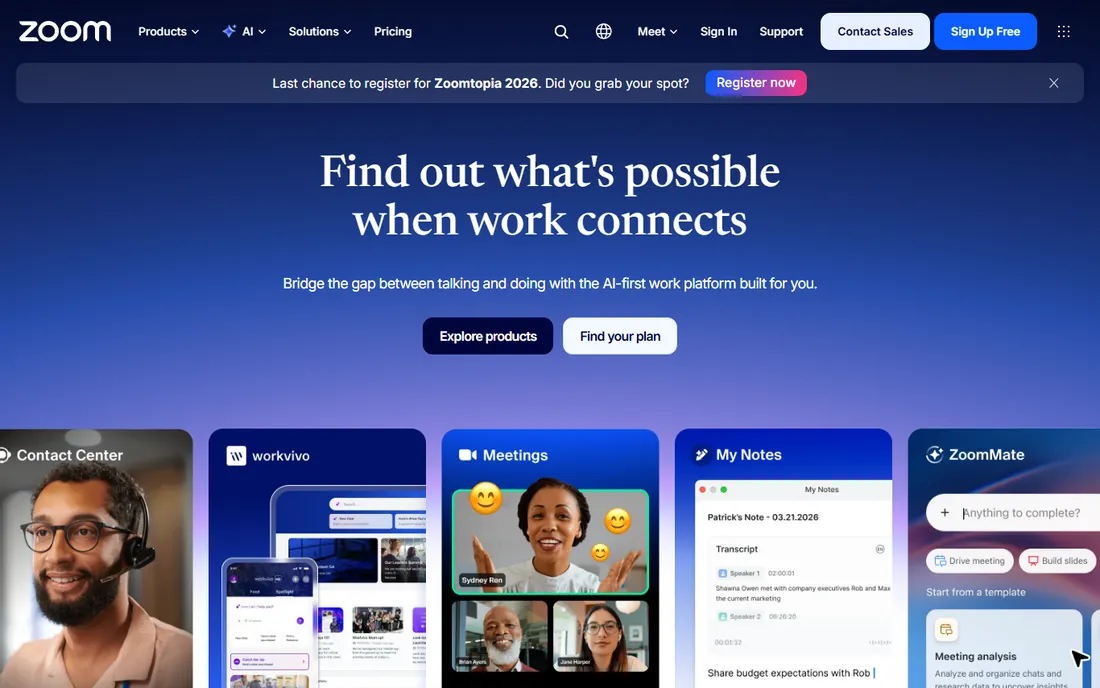
Zoom is the baseline everything else gets judged against. Meetings start fast, guests join from a link without an account, and the recording and transcription quality is consistent enough that teams build their whole meeting habit around it. The free Basic plan covers one-on-one calls without a time limit, which makes it an easy trial for a small team.
Paid plans center on Workplace Pro and Business. Pro removes the meeting time cap (up to 30 hours), adds 10 GB of cloud recording per user and turns on AI Companion, which writes summaries, extracts action items and answers questions about what was said. Business raises the participant cap to 300 and adds single sign-on, managed domains and admin dashboards. Zoom bills per user, not per attendee, so a team where only a few people host can keep the seat count low.
What we like- AI Companion summaries included on paid plans
- Handles very large meetings
- Deep add-on ecosystem for phone, webinars and rooms
Watch out for- Costs climb quickly once you add Phone or Webinars
- Free plan cuts group calls at 40 minutes
- Admin settings take time to learn
#2
Webex
Best for: Companies where security and compliance reviews decide the shortlist
Visit webex.com
Starting price$13.50 per host/month (billed annually)
Free planYes (50-minute meetings, up to 100 participants)
Cisco sells Webex on trust, and for hospitals, banks and government contractors that matters more than a slicker interface. The platform is FedRAMP authorized at the enterprise tier, supports HIPAA workflows and gives admins detailed control over recordings, retention and who can join from where. Meetings themselves are solid, with noise removal, real-time translation and breakout rooms that work as expected.
Pricing is per host, which favors organizations where a small number of people schedule meetings for many attendees. The free plan is genuinely usable, with 50-minute meetings for up to 100 participants. Starter at $13.50 per host per month on annual billing adds 24-hour meetings, cloud recording with transcripts and Webex Assistant. The catch is the product sprawl: Meetings, Calling, Webinars and Contact Center are sold as separate pieces, and Cisco has renamed and reshuffled these plans more than once, so confirm the current lineup on the pricing page before you budget.
What we like- Strong security story with end-to-end encryption options
- Slido polling built into meetings
- Generous free tier
Watch out for- Plan names and lineup have changed several times
- Calling is a separate product with its own price
- Interface feels dated next to Zoom
#3
Miro
Best for: Workshops, brainstorms and planning sessions on a shared canvas
Visit miro.com
Starting price$8 per member/month (billed annually)
Free planYes (unlimited members, 3 editable boards)
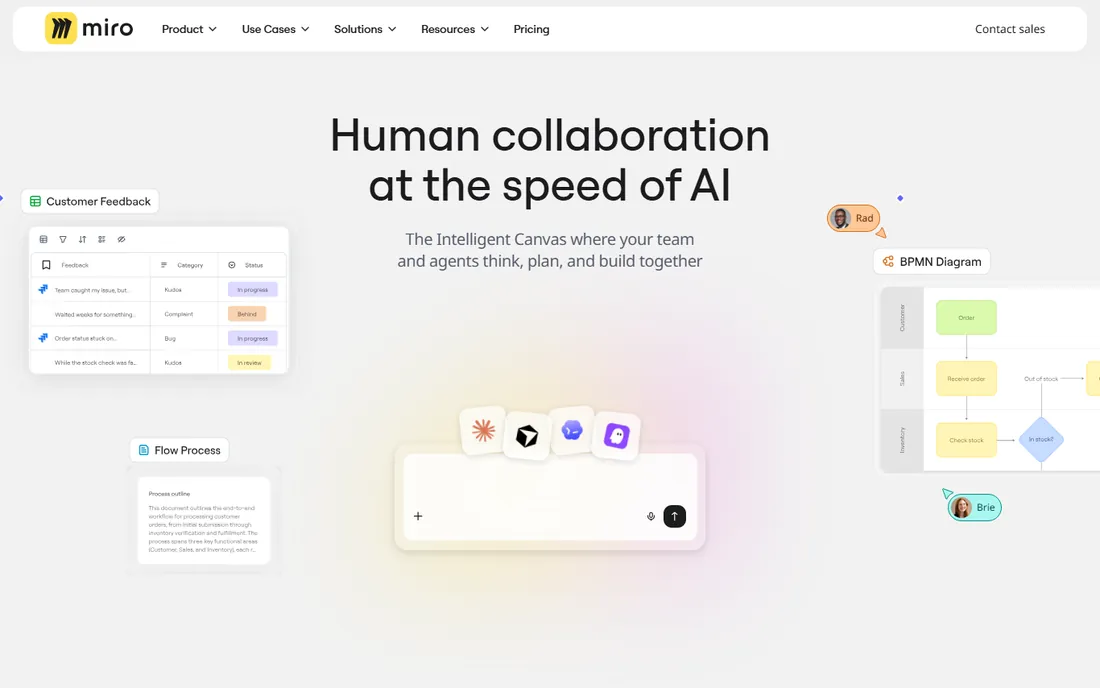
Miro is where meetings go when the agenda is a blank canvas instead of a slide deck. Teams run retros, map customer journeys, sketch org charts and vote on ideas together in real time, and the board stays around afterward as the record of what was decided. The template library means a facilitator rarely starts from zero, and integrations with Jira, Asana, Slack and Teams push the outcomes into the tools where work continues.
The free plan allows unlimited members but only three editable boards, which is enough to run a real workshop before paying anything. Starter at $8 per member per month billed annually adds unlimited boards, private boards and version history. The billing model is the thing to watch: every member is a paid seat, and removing members usually only takes effect at renewal, so audit seats before the renewal date. If you need SSO or guest editing, the jump to Business at $20 per member per month is steep but often non-negotiable for IT.
What we like- More than 6,000 templates to start from
- 250-plus integrations
- Free tier is one of the most generous in the category
Watch out for- You pay per member, so inviting the whole company gets expensive
- Single sign-on waits until the Business tier
- New users can find the interface dense
#4
Mural
Best for: Facilitated sessions run by design, research or consulting teams
Visit mural.co
Starting price$9.99 per member/month (billed annually)
Free planYes (3 editable murals, unlimited members)
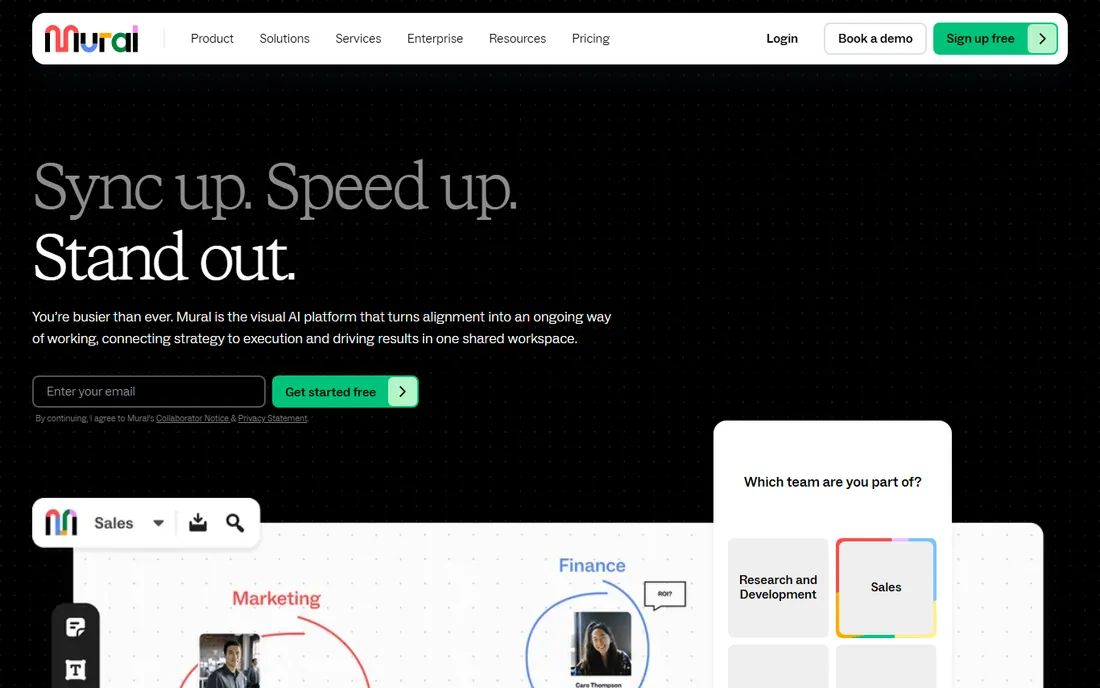
Mural competes directly with Miro but aims at a narrower buyer: the facilitator who runs structured workshops and needs the session itself to go well, not just the canvas afterward. Features like private brainstorming mode, which stops early ideas from anchoring the group, plus timers, voting and a laser pointer, are first-class rather than add-ons. The LUMA System templates give consultants and innovation teams a repeatable method instead of a blank board.
Pricing starts with a free plan for up to three editable murals, then Team+ at $9.99 per member per month billed annually for unlimited murals. Business at $17.99 adds SSO, unlimited guests and advanced integrations. Mural costs a little more than Miro at the entry tier and offers fewer third-party integrations, but teams that run client-facing workshops often prefer its facilitation-first design. Enterprise buyers get multiple workspaces, audit logs and data residency, which is why it shows up in large consulting and financial services firms.
What we like- Built-in facilitation controls like private mode, timers and voting
- LUMA workshop methodology baked in
- Strong enterprise governance options
Watch out for- Entry price sits above Miro
- Template and integration ecosystem is smaller
- Monthly billing costs noticeably more than annual
#5
Fellow
Best for: Teams that want agendas, notes and action items in one place
Visit fellow.ai
Starting price$7 per user/month (billed annually)
Free planYes (5 AI notes and 5 recordings per user, lifetime)
Fellow attacks the meeting problem from the process side. Instead of only recording what happened, it starts before the call with collaborative agendas, then captures AI notes, transcripts and action items during the call, and carries decisions into the next recurring meeting. For managers running weekly one-on-ones or leadership syncs, that loop is the whole product, and it works across Zoom, Google Meet, Teams and Slack huddles.
The free plan gives each user five AI notes and five recordings for the lifetime of the account, which is enough to evaluate but not to run on. Team at $7 per user per month billed annually raises the limits and adds automations and project management integrations, with a 20-seat cap. Business at $15 removes the recording limits and adds organization-wide templates plus Salesforce and HubSpot integrations. Note the domain change: the company moved from Fellow.app to Fellow.ai in 2025, so older reviews under the old name describe the same product.
What we like- Combines agendas, AI notes and recurring meeting workflows
- Records with or without a visible bot
- 50-plus native integrations
Watch out for- Free plan allowances never reset
- Seat caps on lower tiers
- Best features assume the whole team adopts it
#6
Lucidspark
Best for: Ideation sessions inside companies already using Lucidchart
Visit lucid.app
Starting price$9 per month (billed annually)
Free planYes (3 editable boards)
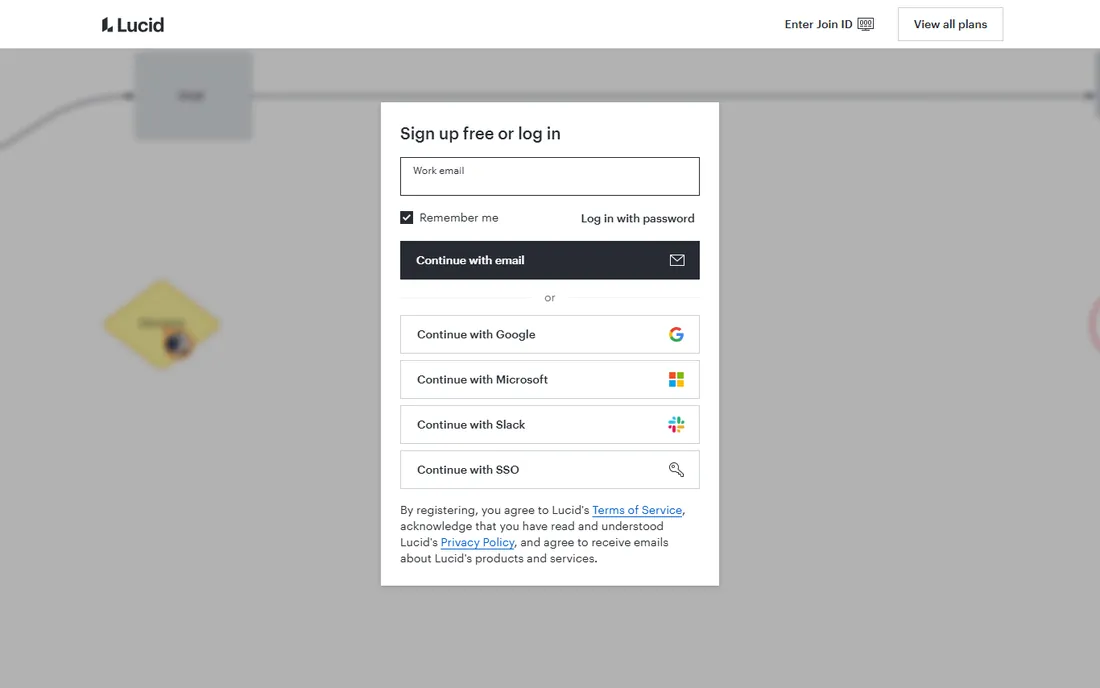
Lucidspark is Lucid's answer to the virtual whiteboard, and its real advantage is the company it keeps. A brainstorming session can turn the winning idea into a proper Lucidchart diagram without exporting anything, which matters for engineering and operations teams that live in flowcharts and org charts. The facilitator controls, voting, breakout boards and AI-assisted sorting of sticky notes cover the standard workshop toolkit.
Pricing mirrors Lucidchart: free for three editable boards, Individual at $9 per month billed annually for unlimited boards, and Team at $10 per user per month billed annually with a three-user minimum. The Visual Collaboration Suite bundles Lucidspark and Lucidchart at $15 per user per month for teams, which is the better deal if you need both. Lucidspark is narrower than Miro by design, so pick it when your whiteboarding feeds directly into diagrams, and look elsewhere if you need a general-purpose canvas.
What we like- Facilitator panel with voting, timer and private mode
- Ideas hand off cleanly into Lucidchart diagrams
- Visual Collaboration Suite bundle saves money
Watch out for- Team plan has a three-seat minimum
- Standalone pricing overlaps awkwardly with the bundle
- Enterprise is quote-only
#7
Otter.ai
Best for: Teams that need searchable transcripts of everything said
Visit otter.ai
Starting price$16.99 per user/month (billed monthly), $8.33 billed annually
Free planYes (Basic, 300 transcription minutes per month)
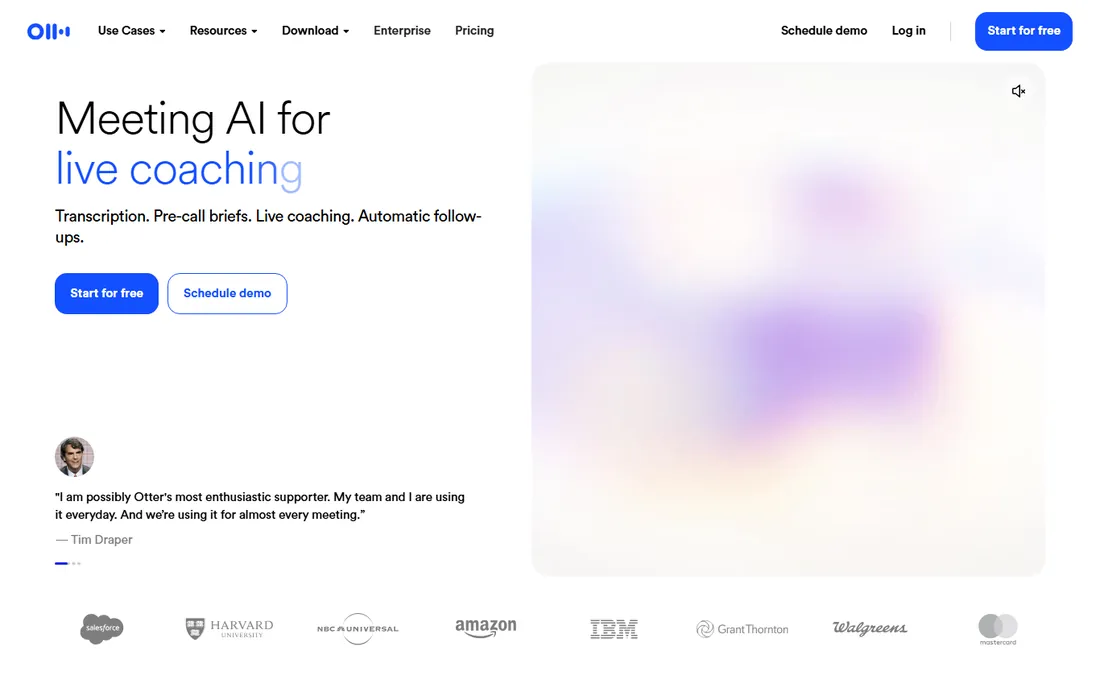
Otter.ai turns meetings into text you can search. Its OtterPilot assistant joins scheduled Zoom, Google Meet or Teams calls on its own, produces a live transcript with speaker identification, and follows up with a summary and action items. The searchable archive is the differentiator: months later you can find exactly who promised what, and the AI chat answers questions across your whole meeting history.
The free Basic plan includes 300 transcription minutes a month but caps each conversation at 30 minutes, so it fits short calls only. Pro at $16.99 per user per month billed monthly, or $8.33 billed annually, raises the limit to 1,200 minutes with a 90-minute per-meeting cap. Business at $30 monthly or $19.99 annually adds unlimited meetings up to four hours each plus admin controls. One caution from public reviews: transcription quality falls off with overlapping speech and strong accents, and the company has faced a class action over recording consent, so tell participants when Otter is in the call.
What we like- Real-time transcription with speaker labels
- OtterPilot joins scheduled calls automatically
- AI chat lets you query past meetings
Watch out for- Accuracy drops with heavy accents and crosstalk
- Free tier caps meetings at 30 minutes
- Ongoing privacy scrutiny around recording consent
#8
Slido
Best for: Presenters who want live polls, Q&A and quizzes inside their decks
Visit slido.com
Starting price$17.50 per month (Engage plan, billed annually)
Free planYes (Basic, up to 100 participants)
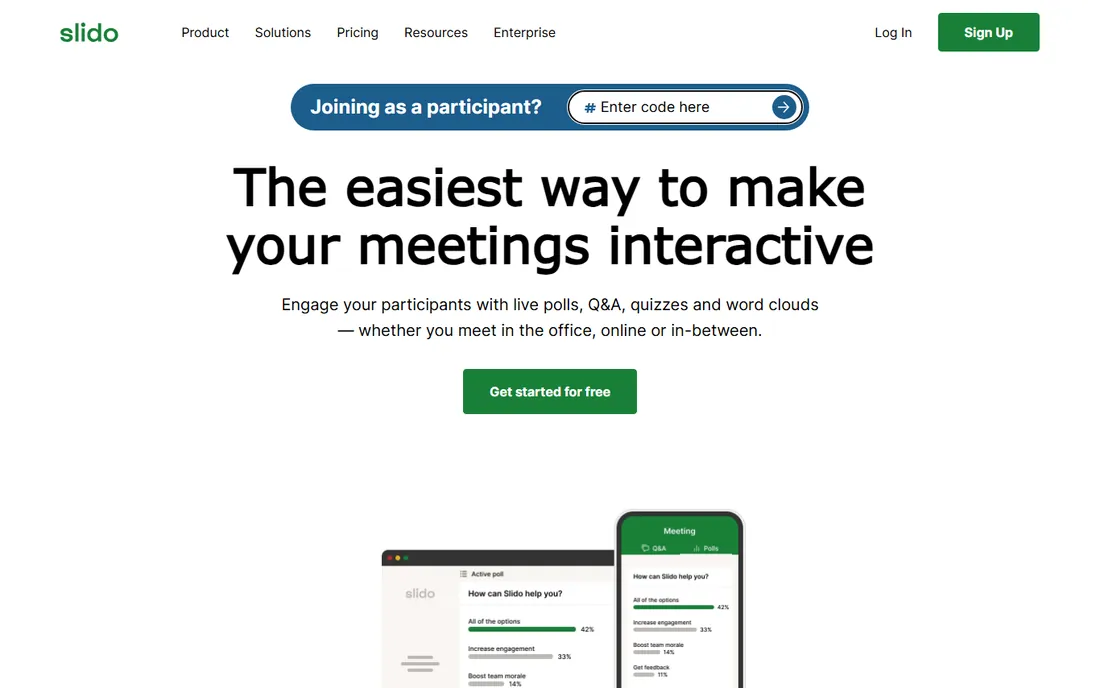
Slido does one job well: making presentations interactive. Audience members join from their phones, answer live polls, upvote questions and play quizzes while the presenter stays inside PowerPoint or Google Slides. It is the tool behind the Q&A at all-hands meetings, webinars and conferences where a raised hand does not scale. Cisco owns Slido, which is why its polling now ships inside Webex meetings too.
The free Basic plan supports unlimited events with up to 100 participants but limits each event to three polls and one quiz. Engage at $17.50 per month billed annually removes the poll limits for up to 200 participants. Professional at $75 per month adds moderation, branding and team collaboration for up to 1,000 participants, while Enterprise at $200 per month scales to 5,000 with SSO and HIPAA support. There is no monthly billing on paid plans, only annual, so budget the full year. Occasional users should look at the one-time event plans instead of a subscription.
What we like- Works inside PowerPoint and Google Slides
- Scales to 5,000 participants on Enterprise
- One-time event plans for occasional use
Watch out for- All paid plans bill annually, no monthly option
- Moderation and branding need higher tiers
- Per-user minimums raise the real cost
How we chose
We did not run trial workshops in each tool. Instead we compared the current pricing pages on the vendors own sites, read documentation on plan limits and contract terms, and checked recent public reviews on G2, Capterra and Reddit for the complaints that only show up after months of use. We favored tools with a usable free tier, clear per-seat or per-host pricing, and integrations with the calendars and chat apps small and mid-size US companies already run. Enterprise-only platforms without public pricing did not make the cut.
What to check before you buy
Four details matter more than the sticker price, and they are buried in the fine print.
First, the billing unit. Zoom and Fellow charge per user, Webex charges per host, Miro and Mural charge per member, and Slido charges a flat monthly rate. A 50-person company where five people host meetings pays very differently on Zoom than on Miro, where every editor needs a seat. Model your actual headcount against each unit before comparing prices.
Second, the meeting cap that ruins your week. Free plans all have one: 40 minutes on Zoom, 50 on Webex, 30 per conversation on Otter, three polls per Slido event. If your team runs a weekly 60-minute planning meeting, the free tier of your shortlist pick may already be disqualified.
Third, where the notes live afterward. Video tools record, whiteboards keep the canvas, and Otter and Fellow keep the transcript. Decide who owns that archive and whether it needs to be searchable, because migrating a year of meeting history out of a tool is the part nobody budgets for. Check the data export options on the plan you would actually buy, not the top tier.
Fourth, the security review. If your clients or industry require SSO, audit logs or data residency, that requirement alone can push you from an $8 seat to a $20 seat or a custom enterprise contract. Ask IT which boxes are mandatory before you fall in love with a tool that only checks them at the top tier.
Where the money actually goes
Two cost traps show up again and again in this category. The first is add-on stacking on the video platforms. Zoom and Webex both sell a reasonable base meeting product and then charge separately for phone systems, webinars, extra storage and larger meetings. A team that starts at $14 per user per month can end up near $30 once the phone system moves over. Price the whole bundle you will need in year one, not just the meeting license.
The second trap is seat creep on the whiteboards. Miro and Mural bill every member, and members added mid-cycle are prorated while removals often wait until renewal. Teams invite broadly for one workshop and pay for those seats all year. Set a rule for who gets a paid seat versus a free guest or viewer role, and put a calendar reminder to audit seats a month before renewal.
Frequently asked questions
Do I need both a video tool and a whiteboard tool?
Most teams do. Video tools like Zoom and Webex run the call, while whiteboards like Miro and Mural run the working session inside it. The whiteboards integrate with the video platforms, so the practical question is which side of the meeting creates more value for your team, then buy the other side to support it.
Which meeting tool is best for a team under 10 people?
Zoom Pro or Webex Starter covers the video side at a low per-host cost, and Miro or Lucidspark free tiers cover whiteboarding until you outgrow three boards. Fellow's Team plan at $7 per user per month is worth a look if your problem is follow-through rather than the call itself.
Can I use these tools without paying anything?
Yes, with limits. Every tool on this list has a free plan. The limits that bite first are meeting length on Zoom and Webex, board count on Miro and Lucidspark, transcription minutes on Otter, and poll counts on Slido. A free tier works for evaluation and light use, not as a permanent setup for a busy team.
How do per-host and per-user pricing differ in practice?
Per-user pricing, like Zoom and Fellow, charges for every licensed person. Per-host pricing, like Webex, charges only for people who schedule and host meetings, so attendees join free. If few people host, per-host plans cost less. If everyone hosts, the difference disappears.
Is Otter.ai or Fellow better for meeting notes?
They solve different problems. Otter.ai produces the most complete transcript and the best searchable archive of what was said. Fellow produces the better meeting process, with agendas before the call and action items carried into the next one. Teams that argue about what was decided want Otter. Teams whose meetings lack structure want Fellow.
What happened to the Fellow.app domain?
The company moved from Fellow.app to Fellow.ai in August 2025. It is the same product, and old links generally redirect. Current pricing and documentation live on fellow.ai.
Sources we checked (16)
- https://zoom.us
- https://webex.com
- https://miro.com
- https://mural.co
- https://fellow.ai
- https://lucid.app
- https://otter.ai
- https://www.slido.com
- https://meetgeek.ai/blog/zoom-price-plans
- https://www.chanty.com/blog/webex-vs-zoom/
- https://www.cloudeagle.ai/blogs/miro-pricing-guide
- https://www.mural.co/pricing?ref=saaspo.com
- https://meetgeek.ai/blog/fellow-ai-review
- https://lucid.app/pricing/lucidspark?usecase=brainstorming
- https://MeetGeek.ai/blog/otter-ai-pricing
- https://www.wooclap.com/en/blog/slido-pricing/
Is your product missing or out of date?
We review this list regularly. Vendors can request a listing, send updated pricing or ask about featured placement.

Shihab Mia · Founder, Rankite
Shihab has spent more than a decade helping SaaS and e-commerce brands grow through search. He writes Rankite's software buying guides from pricing pages, documentation and public user reviews. More about Shihab.