How we make this list: we compare pricing pages, product documentation and public user reviews. Rankite is independent; if a vendor ever pays for a featured spot, that listing is clearly labeled Partner.
Key takeaways
- SOLIDWORKS is still the most common mechanical CAD seat in small and mid-size manufacturing, with an estimated 7.5 million users as of 2024.
- Autodesk Inventor and Fusion cover the Autodesk side: Inventor for traditional parametric machine design, Fusion for cloud-based CAD plus CAM.
- PTC Creo, Siemens NX, and CATIA dominate large-enterprise and aerospace work, where surface modeling and PLM integration matter most.
- Onshape is the only serious cloud-native option, with real-time collaboration and no installs.
- Budget teams have genuine choices: Alibre Design sells affordable perpetual licenses, and FreeCAD is free and open source.
Quick comparison
| Tool | Best for | Starting price | Free plan |
|---|
 SOLIDWORKS SOLIDWORKS | mainstream mechanical design teams | See website | No |
 Autodesk Inventor Autodesk Inventor | parametric machine and product design | See website | Free trial |
 Autodesk Fusion Autodesk Fusion | small teams wanting CAD plus CAM in the cloud | See website | Yes |
 PTC Creo PTC Creo | large-enterprise discrete manufacturing | See website | See website |
 Siemens NX Siemens NX | aerospace, automotive, and complex product design | See website | See website |
 CATIA CATIA | automotive and aerospace surface design | See website | No |
 Solid Edge Solid Edge | mid-market teams wanting Siemens technology affordably | See website | Free trial |
 Onshape Onshape | teams that want CAD in a browser | See website | See website |
 Alibre Design Alibre Design | affordable perpetual-license parametric CAD | See website | Free trial |
 FreeCAD FreeCAD | free and open-source mechanical design | Free | Yes |
Is your product missing or out of date?
We review this list regularly. Vendors can request a listing, send updated pricing or ask about featured placement.
Mechanical CAD, ranked by who it serves
The best mechanical design software is not one product. It is the one that matches your team size, your industry, and the complexity of what you build. A two-person machine shop and an automotive OEM buy CAD for completely different reasons, and the price gap between their tools can be tenfold. The ten programs below are ordered roughly by market position, from the mainstream workhorse to the free alternative.
Starting priceSee website
Free planNo
SOLIDWORKS (which Dassault Systèmes rebranded as SOLIDWORKS Design in 2026) remains the default mechanical CAD for small and mid-size manufacturers. An estimated 7.5 million users means any hire already knows it, any problem has a forum thread, and any supplier can open your files. The core parametric modeler is surrounded by add-ins for simulation, electrical routing, and data management.
The trade-offs are well known. It runs on Windows only, pricing goes through resellers rather than a buy button, and very large assemblies can strain it compared with NX or Creo. For the broad middle of mechanical design, though, it is the safe choice.
What we like- Enormous user base and tutorial ecosystem
- Strong sheet metal, weldment, and simulation add-ins
- Huge reseller and training network
Watch out for- Windows only
- Sold through resellers with quote-based pricing
Starting priceSee website
Free planFree trial
Inventor is Autodesk's answer to SOLIDWORKS: professional parametric mechanical CAD with strong machine-design tools, dynamic simulation, and stress analysis built in. The Frame Generator and tube-and-pipe tools are genuinely useful for equipment builders, and iLogic lets you build configurable product models that sales teams can drive.
Like most Autodesk products, it is subscription-only and Windows-only. Shops already in the Autodesk ecosystem, especially those using Vault for data management, will find Inventor the natural fit. Everyone else should compare it head to head with SOLIDWORKS before committing.
What we like- Deep tools for machine design, sheet metal, and frame generator
- ILogic automation for configurable products
- 30-day free trial
Watch out for- Subscription only
- Windows only
#3
Autodesk Fusion
Best for: small teams wanting CAD plus CAM in the cloud
Visit autodesk.com
Starting priceSee website
Free planYes
Fusion (the former Fusion 360) takes the opposite approach from Inventor: everything in the cloud, one subscription, CAD through manufacturing in a single tool. Small product teams and startups like the low entry price, the built-in CAM, and the fact that there is nothing to install or maintain. The free personal-use edition makes it nearly free to learn.
It is not a replacement for NX or Creo on complex work. Large assemblies, advanced surfacing, and strict enterprise data control all push past what Fusion offers. But as the best engineering design software for a small team that also needs to make parts, it is hard to argue with.
What we like- CAD, CAM, CAE, and PCB in one package
- Cloud collaboration with no IT overhead
- Free edition for personal use
Watch out for- Less depth for large assemblies and complex surfacing
- Needs a reliable internet connection
#4
PTC Creo
Best for: large-enterprise discrete manufacturing
Visit ptc.com
Starting priceSee website
Free planSee website
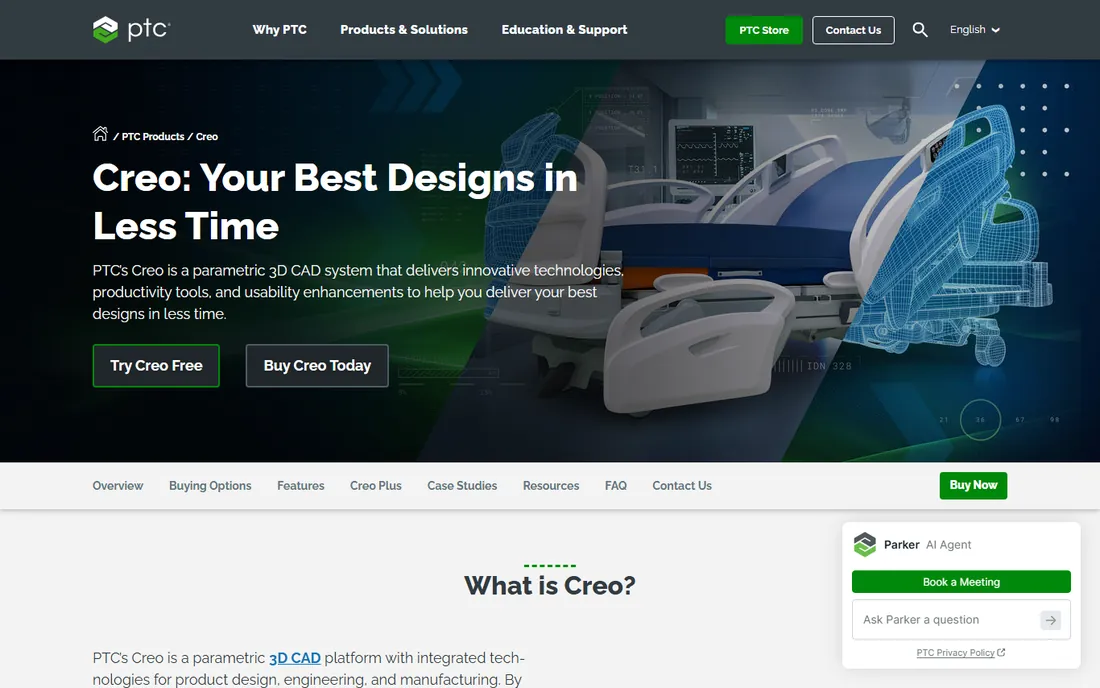
Creo is the descendant of Pro/ENGINEER, the program that invented parametric modeling. It remains the choice of large manufacturers who need rigorous configuration management, advanced simulation, and deep integration with PTC's Windchill PLM. The modeling kernel is powerful, and the breadth of modules covers everything from harness design to additive manufacturing.
The cost is money and people. Creo licenses are enterprise-priced, the learning curve is real, and experienced Creo designers are harder to hire than SOLIDWORKS users. Companies choose it when product complexity or PLM requirements demand it, not for casual 3D modeling.
What we like- Extremely capable parametric core with deep configuration options
- Strong simulation and generative design
- Tight Windchill PLM integration
Watch out for- Expensive and complex
- Smaller talent pool than SOLIDWORKS
Starting priceSee website
Free planSee website
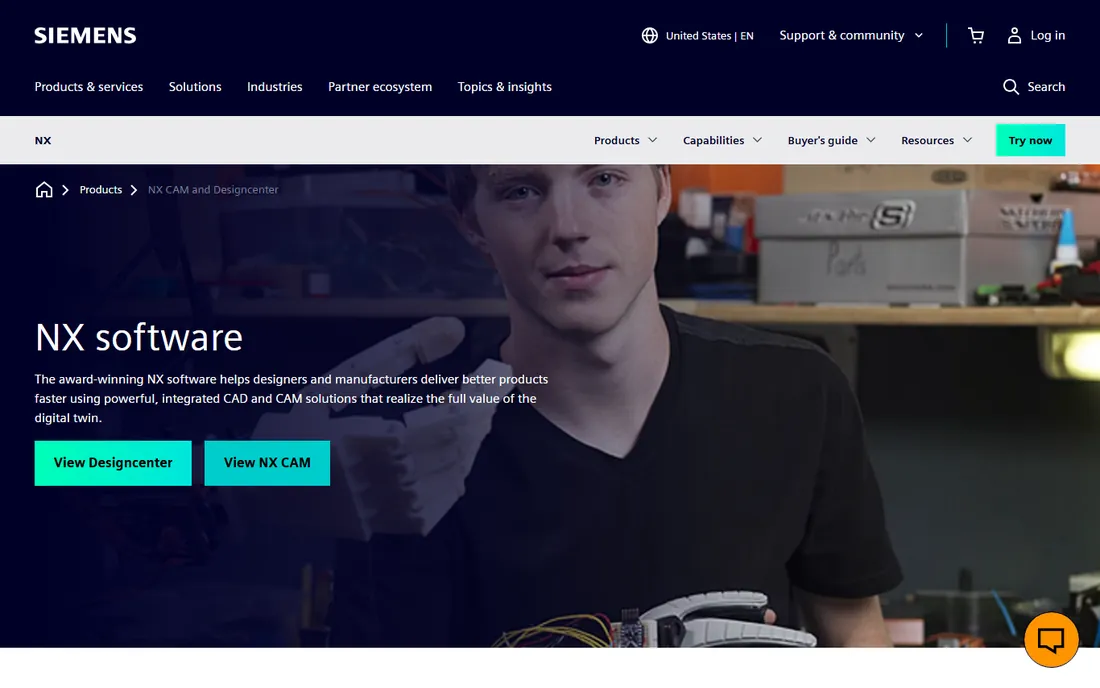
NX (formerly Unigraphics) is the heavyweight. It handles the most demanding design work in aerospace and automotive: complex surfaces, massive assemblies, and full integration with simulation and manufacturing. Synchronous technology lets engineers edit imported geometry without history-tree fights, which matters when suppliers send files from five different CAD systems.
Nobody buys NX for a simple bracket. The price, the training burden, and the IT requirements only make sense at enterprise scale. But when the product is genuinely complex, NX is one of the few tools that never runs out of capability.
What we like- Top-tier surfacing and large-assembly performance
- Integrated CAD, CAM, and CAE
- Synchronous technology for flexible editing
Watch out for- Enterprise pricing and complexity
- Overkill for simple parts
#6
CATIA
Best for: automotive and aerospace surface design
Visit 3ds.com
Starting priceSee website
Free planNo
CATIA is the other Dassault Systèmes flagship, aimed above SOLIDWORKS at industries where surfaces define the product. Car bodies, aircraft fuselages, and complex consumer products are designed in CATIA because its surfacing tools remain the industry benchmark. It is deeply embedded in automotive and aerospace supply chains.
The price and complexity put it out of reach for most firms. CATIA specialists are a niche talent pool, and the 3DEXPERIENCE platform adds IT overhead. If your customers do not require it, you almost certainly do not need it. If they do, there is no substitute.
What we like- Unmatched Class-A surfacing
- Deep industry use in automotive and aerospace
- Full PLM integration on the 3DEXPERIENCE platform
Watch out for- Very expensive
- Steep learning curve and specialized talent needed
Starting priceSee website
Free planFree trial
Solid Edge is Siemens' mainstream CAD: much of the technology thinking behind NX, packaged for mid-size companies at a mid-market price. Synchronous technology, the direct-editing approach, is its signature advantage over history-only modelers. It covers part, assembly, sheet metal, and drafting well, with simulation and data management add-ins.
It fights SOLIDWORKS for the same buyers and usually loses on ecosystem: fewer users, fewer tutorials, fewer resellers. But technically it is a strong product, and Siemens now offers Solid Edge X as a cloud SaaS version for teams that want CAD as a service.
What we like- Synchronous technology from Siemens at a mainstream price
- Good sheet metal and drafting
- Free trial available
Watch out for- Smaller ecosystem than SOLIDWORKS
- Windows only
Starting priceSee website
Free planSee website
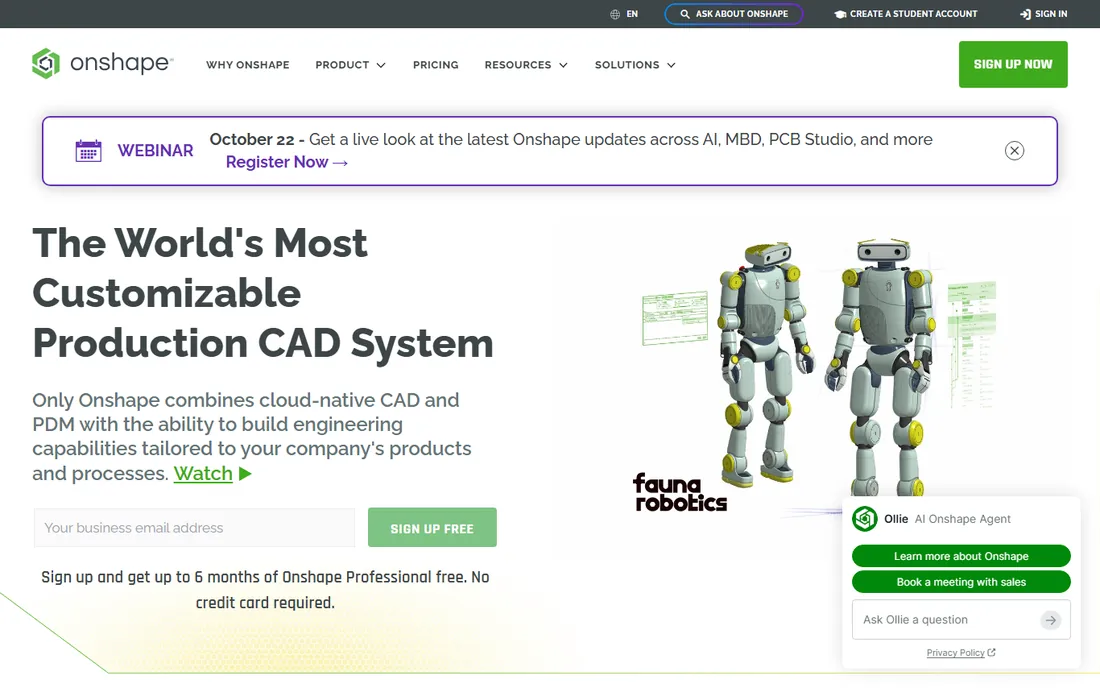
Onshape, now part of PTC, is the only serious mechanical CAD that runs entirely in a browser. Multiple engineers edit the same design at once, version control is built in rather than bolted on, and there are no installs, license servers, or IT headaches. PTC releases updates every few weeks, and education adoption is enormous.
The cloud model is also the limitation. No internet means no CAD, and the most advanced surfacing and large-assembly work still favors desktop tools. For distributed teams, startups, and anyone tired of license servers, Onshape is the most modern way to do mechanical design.
What we like- True cloud-native CAD with real-time multi-user editing
- Nothing to install
- Built-in version control and PDM
Watch out for- Needs constant internet
- Advanced surfacing lags the desktop heavyweights
#9
Alibre Design
Best for: affordable perpetual-license parametric CAD
Visit alibre.com
Starting priceSee website
Free planFree trial
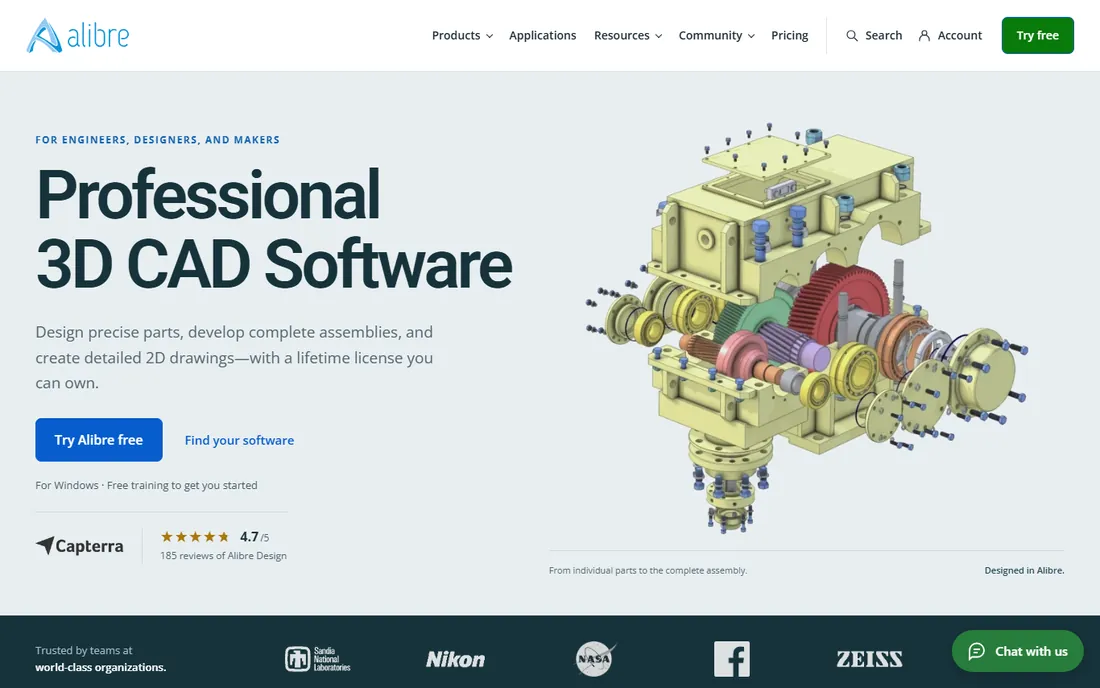
Alibre Design has been the budget parametric CAD option since the late 1990s. It does genuine parametric solid modeling, assemblies, and 2D drawings at prices far below SOLIDWORKS or Inventor, and it still sells perpetual licenses in a subscription world. For small shops and consultants, it covers the core mechanical design job.
You give up the ecosystem: fewer add-ins, fewer tutorials, a smaller hiring pool. But the software itself is capable and stable, and the price makes it an easy decision for firms that need solid modeling without enterprise budgets.
What we like- Real parametric solid modeling at a fraction of big-vendor prices
- Perpetual licenses
- Straightforward and stable
Watch out for- Smaller feature set and ecosystem
- Windows only
Starting priceFree
Free planYes
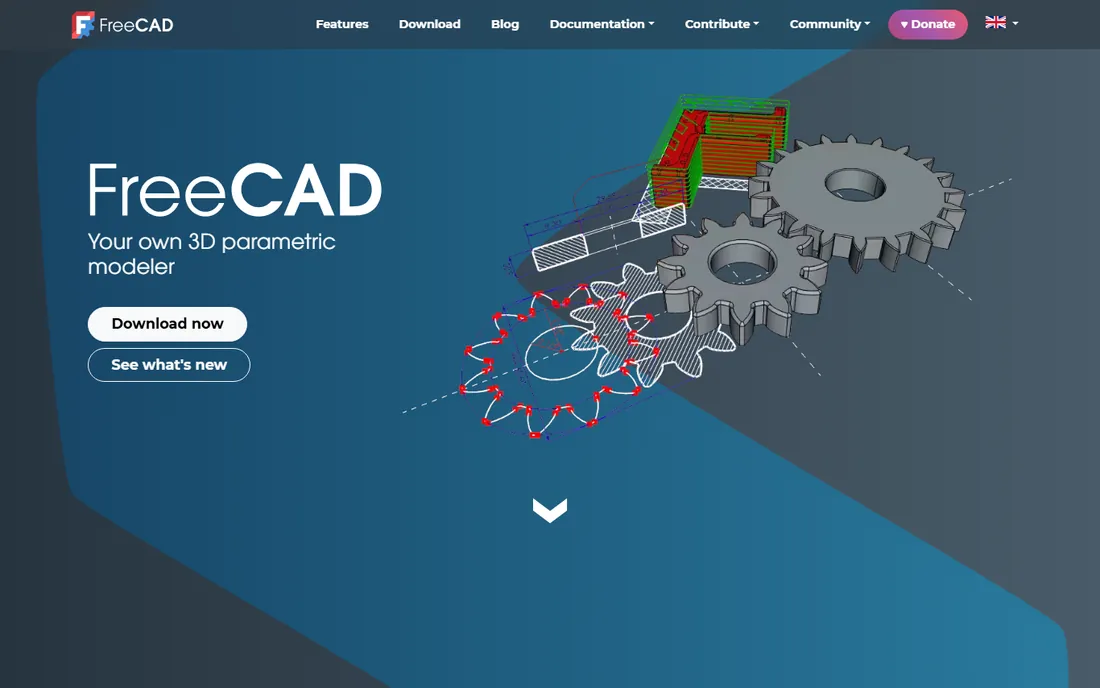
FreeCAD is the open-source answer to parametric CAD. It models parts and assemblies parametrically, includes workbenches for finite element analysis and CAM, and runs on all three desktop platforms. For students, hobbyists, makers, and budget-conscious firms, the price is unbeatable.
The polish gap is real. The interface, sketcher workflow, and assembly tools are less refined than commercial CAD, and learning resources are thinner. But it keeps improving, and for many mechanical design tasks it is genuinely sufficient. Try it before assuming you need to pay.
What we like- Completely free with no licensing strings
- Parametric modeling plus FEM and CAM workbenches
- Runs on Windows, Mac, and Linux
Watch out for- Interface and workflow less polished
- Smaller commercial support options
How we chose
We reviewed vendor homepages, product documentation, and pricing pages, then cross-checked against engineer reviews on G2 and Capterra, discussions on engineering forums and Reddit, and industry coverage of releases and market position. We included only current, actively developed products, mixing enterprise heavyweights with mainstream and budget options. Pricing in this market is largely quote-based, so where vendors do not publish prices we say so. We did not run hands-on tests.
The subscription question nobody asks early enough
Almost every commercial CAD vendor now prefers subscriptions, and the math deserves a spreadsheet before you sign. A $2,000-per-year subscription beats a $6,000 perpetual license in year one and loses by year four, and that is before price increases. Perpetual licenses still exist at Alibre, and FreeCAD costs nothing, but the mainstream choice is now rent-forever.
Ask what happens when you stop paying. Some subscriptions turn into read-only viewers; others lock you out entirely. Ask about price-increase caps in multi-year deals. And count the total: CAD seats plus simulation add-ins, PDM, and training often double the sticker price. The cheapest quote is rarely the cheapest three-year cost.
What actually decides a mechanical CAD purchase
First, your customers and suppliers. If your biggest customer sends CATIA files and expects CATIA data back, the decision is made. File compatibility drives more CAD purchases than features do. Second, your hiring market. SOLIDWORKS wins in many regions simply because every candidate knows it. Third, your IT reality: cloud CAD like Onshape or Fusion removes infrastructure, while NX or CATIA may need real IT support.
Features matter, but they matter fourth. Most mainstream tools model most parts fine. The differentiators are large-assembly performance, surfacing quality, simulation depth, and data management. Demo with your own hardest assembly, not the vendor's showcase model, and bring the engineer who will use it daily.
Frequently asked questions
What is the best mechanical design software for beginners?
SOLIDWORKS and Autodesk Fusion are the two most common starting points. SOLIDWORKS has the largest tutorial library and hiring market; Fusion is cheaper, cloud-based, and includes CAM. Students should also try Onshape and FreeCAD, which cost nothing to learn.
Is SOLIDWORKS better than Inventor?
They are direct competitors with similar capabilities for mainstream mechanical design. SOLIDWORKS has the larger user base and reseller network; Inventor integrates better with Autodesk tools like Vault and AutoCAD. Most firms choose based on existing software and local support rather than feature differences.
What CAD software do aerospace companies use?
CATIA and Siemens NX dominate aerospace, with PTC Creo also widely used. These tools handle the complex surfacing, large assemblies, and strict configuration control that aircraft programs require. Smaller suppliers in the same chains often use SOLIDWORKS.
Is there a free mechanical design software?
Yes. FreeCAD is free and open source with parametric modeling, and Onshape offers free tiers for makers and education. Autodesk Fusion has a free personal-use edition. These are genuinely usable, though commercial tools offer more polish and support.
Should I choose cloud or desktop CAD?
Cloud CAD (Onshape, Fusion) removes installs, license servers, and IT overhead, and enables real-time collaboration. Desktop CAD (SOLIDWORKS, NX, Creo) works offline and currently leads on advanced surfacing and massive assemblies. Distributed teams usually prefer cloud; high-security or offline shops stay desktop.
How much does mechanical design software cost?
Mainstream seats typically run from around $1,500 to $5,000 per year per subscription, with enterprise tools like NX, CATIA, and Creo costing more and priced by quote. Alibre Design sells affordable perpetual licenses, and FreeCAD is free. Always count add-ins, training, and data management in the total.
Sources we checked (10)
- https://www.solidworks.com
- https://www.autodesk.com/uk/products/inventor/overview
- https://www.autodesk.com/products/fusion-360/overview
- https://www.ptc.com/en/products/cad/creo
- https://plm.sw.siemens.com/en-US/nx/
- https://www.3ds.com/products/catia
- https://solidedge.siemens.com/
- https://www.onshape.com
- https://www.alibre.com
- https://www.freecad.org
Is your product missing or out of date?
We review this list regularly. Vendors can request a listing, send updated pricing or ask about featured placement.

Shihab Mia · Founder, Rankite
Shihab has spent more than a decade helping SaaS and e-commerce brands grow through search. He writes Rankite's software buying guides from pricing pages, documentation and public user reviews. More about Shihab.