How we make this list: we compare pricing pages, product documentation and public user reviews. Rankite is independent; if a vendor ever pays for a featured spot, that listing is clearly labeled Partner.
Key takeaways
- Generic task apps handle to-do lists fine, but marketing teams need campaign views, asset proofing, intake forms, and approval chains. The tools below were picked for those features.
- Wrike, Monday.com, Asana, and Hive are the flexible all-rounders. Workamajig, CoSchedule, Planable, Ziflow, and Lytho solve narrower marketing jobs, from agency billing to social approvals to brand compliance.
- Watch the add-ons. Proofing, analytics, and automation are often priced separately, so the per-seat number on the pricing page is rarely the final bill.
- Most of these tools offer a free plan or trial. Start with one live campaign before rolling out to the whole department.
Quick comparison
| Tool | Best for | Starting price | Free plan |
|---|
 Wrike Wrike | marketing teams that need proofing plus reporting | $10/user/month (Team, billed annually) | Yes |
 Monday.com Monday.com | visual campaign boards and workflows | $9/seat/month (Basic, billed annually) | Yes |
 Asana Asana | content and campaign coordination | $10.99/user/month (Starter, billed annually) | Yes |
 Hive Hive | creative teams that live in proofing | $5/user/month (Starter, billed annually) | Yes |
 Workamajig Workamajig | agencies that bill by the hour | $49/user/month (teams of 10+) | No |
 CoSchedule CoSchedule | teams that plan around a marketing calendar | $19/user/month (Social Calendar, billed annually) | Yes |
 Planable Planable | social teams with heavy client approvals | $33/workspace/month (Basic, billed annually) | Yes |
 Ziflow Ziflow | creative review and approval workflows | $199/month (Standard, billed annually) | Yes |
 Lytho Lytho | brand compliance in regulated industries | See website (custom quotes) | No |
Is your product missing or out of date?
We review this list regularly. Vendors can request a listing, send updated pricing or ask about featured placement.
#1
Wrike
Best for: marketing teams that need proofing plus reporting
Visit wrike.com
Starting price$10/user/month (Team, billed annually)
Free planYes
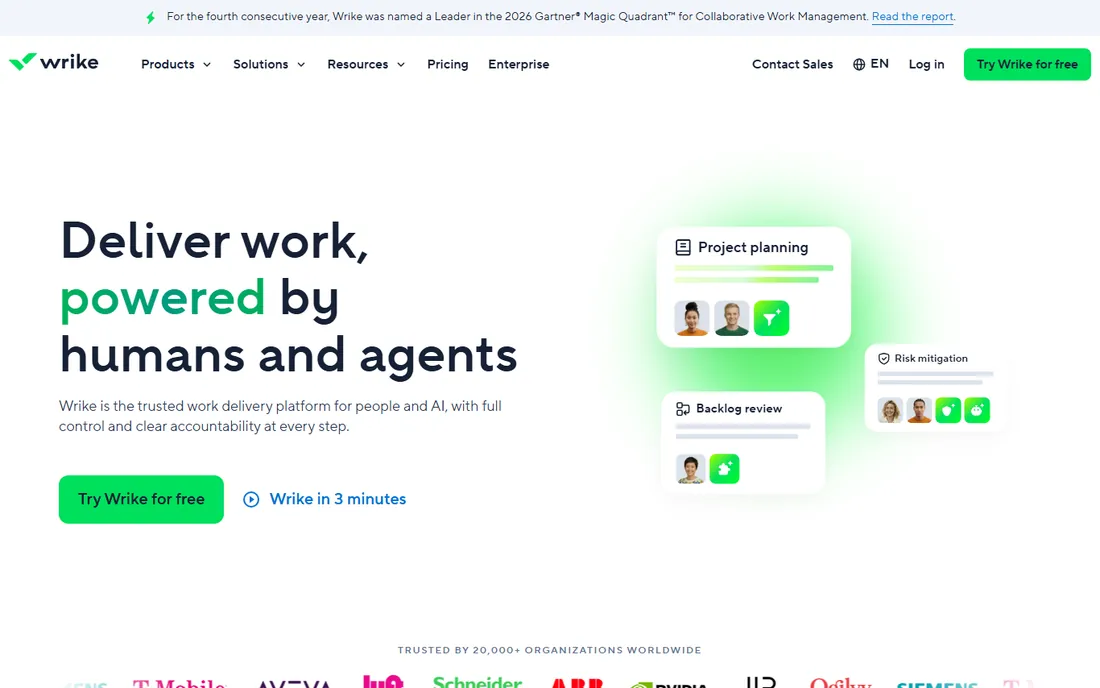
Marketing departments pick Wrike when campaigns get too tangled for a simple task board. It combines project plans, Gantt charts, request forms, and creative proofing in one workspace, and its template library includes marketing-specific starting points for campaign launches and content production. Dashboards roll task data up into the kind of reports a CMO actually reads.
The free plan covers basic task management, Team costs $10 per user per month for teams of 2 to 15, and Business costs $25 per user per month. The honest catch is administration. Wrike is configurable to a fault, and without someone owning the setup, teams end up with five different ways to run a campaign. Budget setup time or a consultant, and note that resource management and advanced reporting live in the pricier Pinnacle and Apex tiers.
What we like- Built-in proofing and approvals
- Campaign templates and request forms
- Strong dashboards and reporting
Watch out for- Needs real admin effort to set up well
- Key features sit in higher tiers
Starting price$9/seat/month (Basic, billed annually)
Free planYes
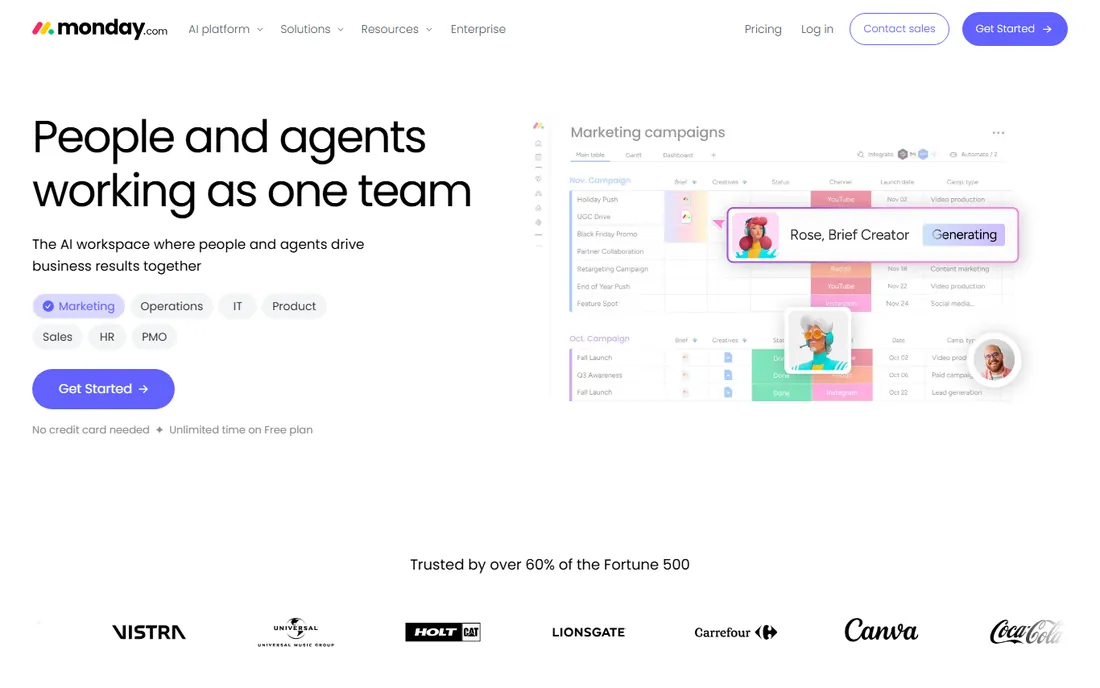
Monday.com is the tool marketing teams adopt fastest, mostly because the boards look like the campaign, not like a database. Marketing templates cover content calendars, campaign tracking, and creative requests, and the column-based structure bends to unusual workflows without custom code. The homepage even pitches marketing-specific AI agents that draft posts and run campaigns.
Pricing starts with a free plan for up to two seats, then Basic at $9, Standard at $12, and Pro at $19 per seat per month when billed annually. The catch is the 3-seat minimum on paid plans, which makes the real entry price $27, $36, or $57 per month, and the features marketers want most, timeline and Gantt views, automations, guest access, arrive at Standard. Time tracking and chart views wait until Pro.
What we like- Marketing templates and colorful visual boards
- Solid automations and integrations
- Generous free plan
Watch out for- Paid plans require a 3-seat minimum
- Timeline and automations need Standard or higher
Starting price$10.99/user/month (Starter, billed annually)
Free planYes

Asana suits marketing departments that run many campaigns in parallel and need to see how they connect. Portfolios group campaigns together, goals link work to targets, and the timeline view keeps launch dates honest. The Advanced tier adds approvals and proofing, native time tracking, and workload views, which is where it starts to feel like a real marketing operations tool rather than a task list.
The free Personal plan now covers only two users, so most teams land on Starter at $10.99 per user per month or Advanced at $24.99, both billed annually. The pricing friction is real: proofing, portfolios, and goals all sit behind the Advanced paywall, roughly double the Starter price. If your team mostly needs clean task coordination and fast adoption, Starter is enough. If creative review happens in Asana, budget for Advanced.
What we like- Portfolios and goals tie campaigns to strategy
- Proofing and approvals on Advanced
- Huge integration library
Watch out for- Proofing requires the Advanced tier
- Free plan capped at 2 users
Starting price$5/user/month (Starter, billed annually)
Free planYes
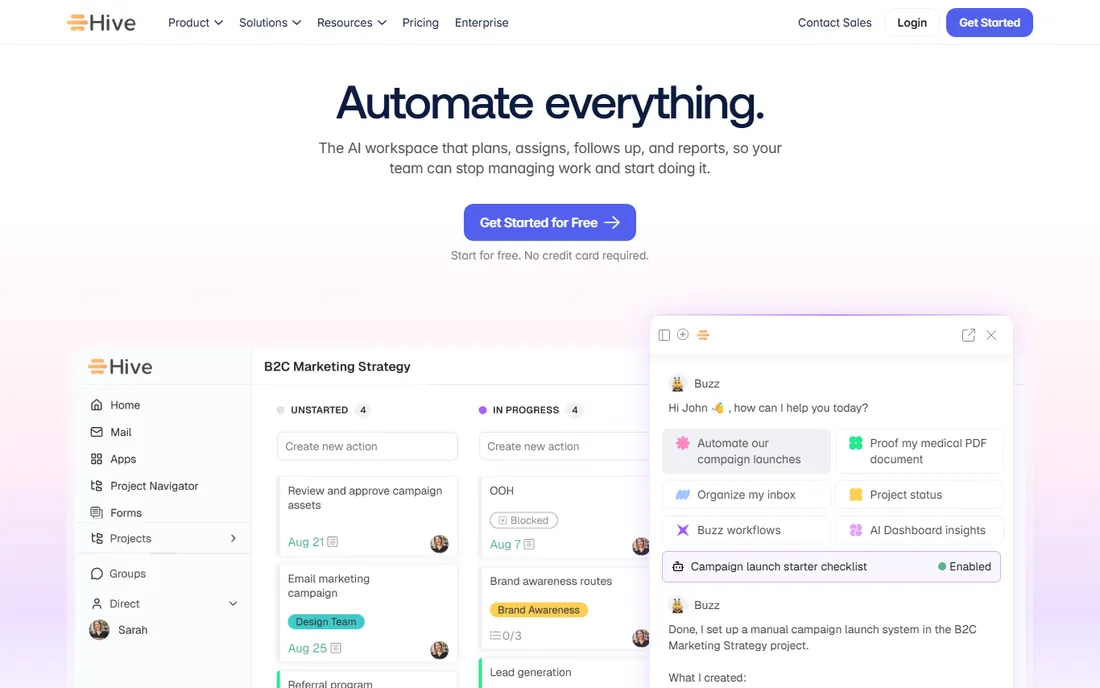
Hive pitches itself directly at marketing, creative, and agency teams, and the feature list reads like their wish list: Gantt, Kanban, table, and calendar views on the same data, proofing and approvals for images, video, and PDFs, time tracking and resourcing for billable work, plus optional CRM and finance add-ons. Marketing templates for content calendars and paid campaigns come ready made.
The pricing is the friendliest here. The free plan supports up to 10 workspace members, Starter is $5 per user per month, and Teams is $12. The catch is the add-on model: proofing and approvals, timesheets, resourcing, and advanced dashboards each cost about $5 more per user per month, so a fully loaded seat runs closer to $25. Add up the add-ons before you compare Hive's base price to anyone else's.
What we like- Proofing with AI brand checks
- Flexible add-on pricing
- Free plan covers up to 10 members
Watch out for- Proofing, timesheets and analytics are paid add-ons
- Setup takes some admin time
Starting price$49/user/month (teams of 10+)
Free planNo
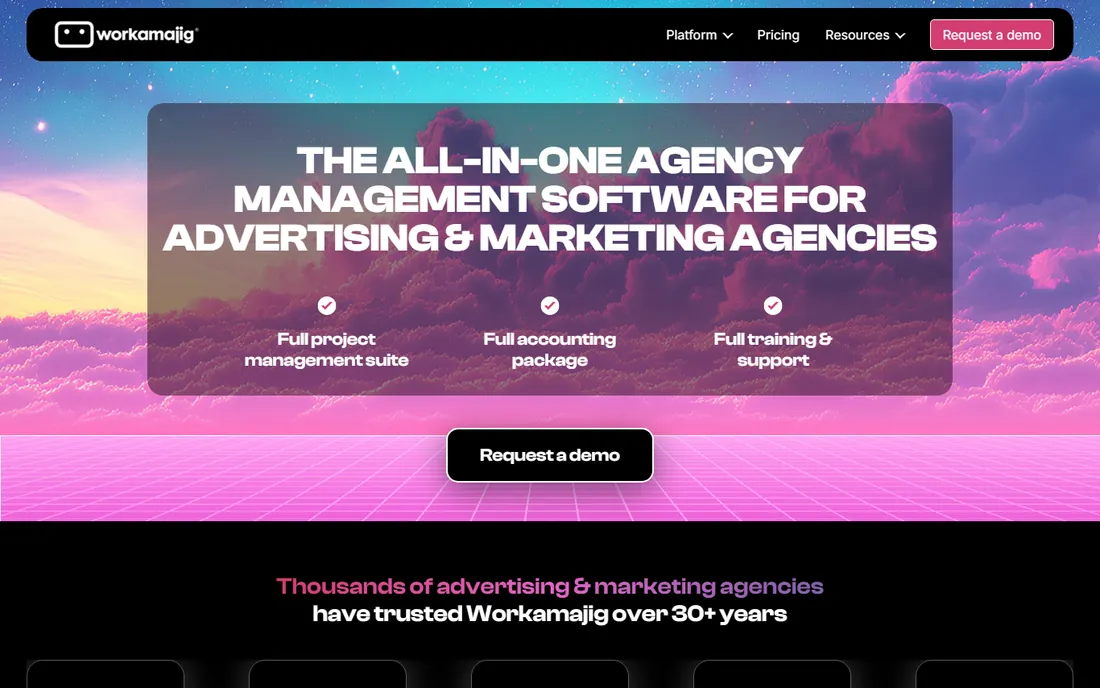
Workamajig is not a general task tool with marketing features bolted on. It is agency management software: project management, resource scheduling, time tracking, digital proofing, and full agency accounting, including invoicing and profitability reporting, in one system. For a creative agency or an in-house team that bills internally, replacing the patchwork of PM, time-tracking, and accounting tools is the entire sales pitch, and the product delivers it.
Pricing is published on their FAQ: $49 per user per month for teams of 10 or more, dropping to $47 and $45 at higher headcounts, with one month free on annual payment. There is no free trial and no free plan, only a demo. The honest catch is fit. Outside agencies and marketing operations, Workamajig feels heavy and the interface shows its age. Inside those teams, it replaces three or four subscriptions.
What we like- Projects, resourcing, and accounting in one system
- Digital proofing included
- Scales to large agencies
Watch out for- No free trial
- Steep price for small teams
Starting price$19/user/month (Social Calendar, billed annually)
Free planYes
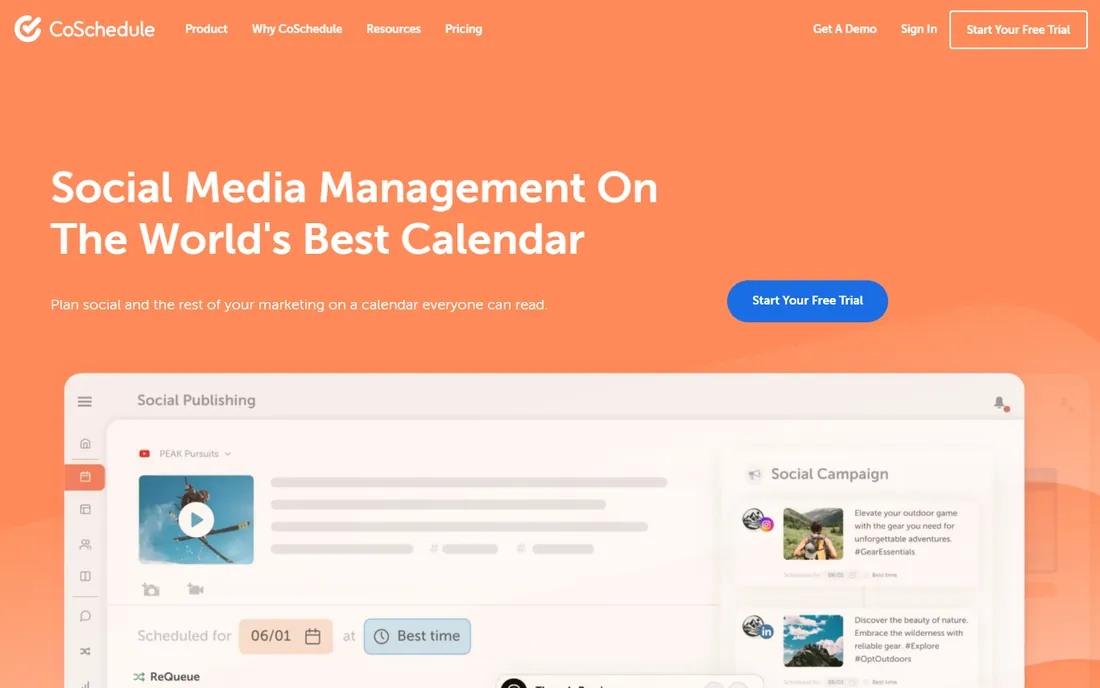
CoSchedule starts from the artifact every marketer already uses: the calendar. Social posts, blog content, and campaigns sit on one shared calendar that anyone in the company can read, and features like ReQueue automatically reshare evergreen posts to fill quiet days. For teams whose planning mostly means deciding what goes out and when, that calendar-first model beats a generic task board.
The free calendar plan covers one user, and the Social Calendar costs $19 per user per month billed annually. The Agency Calendar at $59 per user per month adds client calendars and white-label features, while the Content Calendar and full Marketing Suite, with approval workflows, intake forms, and digital asset management, are custom-priced. The catch is depth: task dependencies, resourcing, and reporting are thinner here than in Wrike or Monday.com. Buy CoSchedule for the calendar, not as a full PM replacement.
What we like- Calendar-first planning marketers understand instantly
- ReQueue keeps social feeds active
- Free calendar plan
Watch out for- Project management depth is lighter than rivals
- Content Calendar and Suite are custom-priced
Starting price$33/workspace/month (Basic, billed annually)
Free planYes
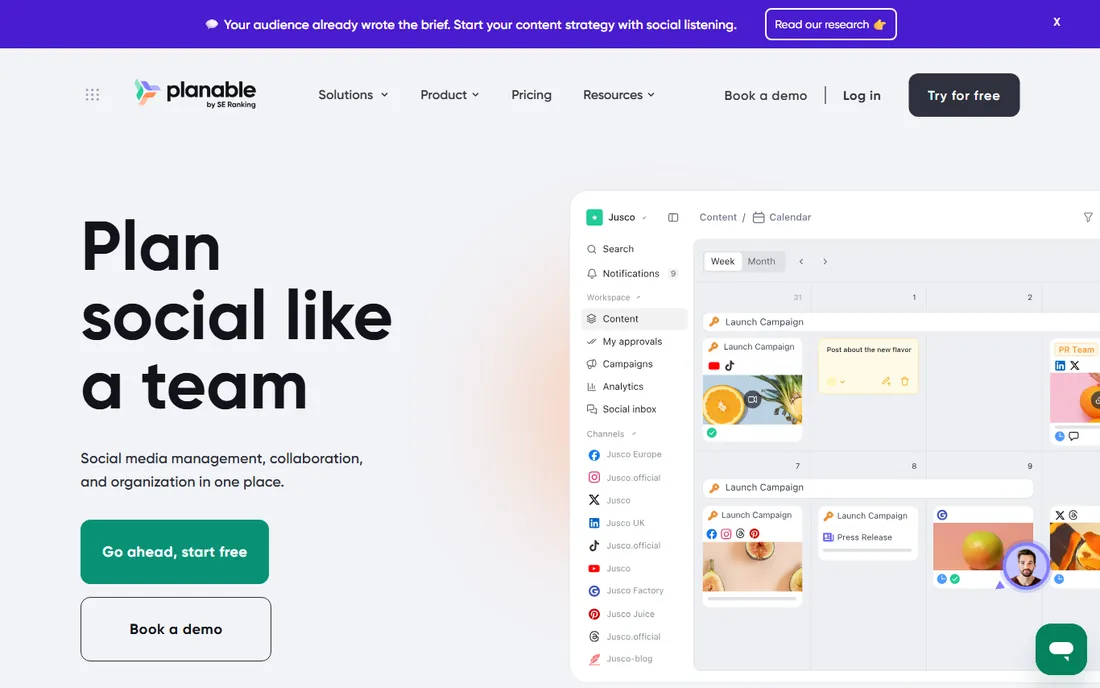
Planable solves one painful marketing workflow better than anyone: getting content approved. Posts render in feed, calendar, and Instagram grid views, clients comment and approve in context without learning the tool, and multi-step approval chains move drafts to scheduled without email threads. It publishes natively to the major social networks and keeps a media library per workspace.
The pricing model is the differentiator. Plans are per workspace, not per seat, with unlimited users: Free covers 50 posts, Basic is $33 per workspace per month, and Pro is $49. A ten-person team pays the same as a three-person team, which undercuts per-seat rivals fast. The catch is that analytics costs extra and agencies running dozens of client workspaces multiply the per-workspace fee quickly. It is also a content tool first, so pair it with a real PM tool if you need project tracking.
What we like- Per-workspace pricing with unlimited users
- Multi-step approval workflows
- Visual feed, calendar, and grid views
Watch out for- Analytics is a paid add-on
- Costs multiply with many client workspaces
Starting price$199/month (Standard, billed annually)
Free planYes
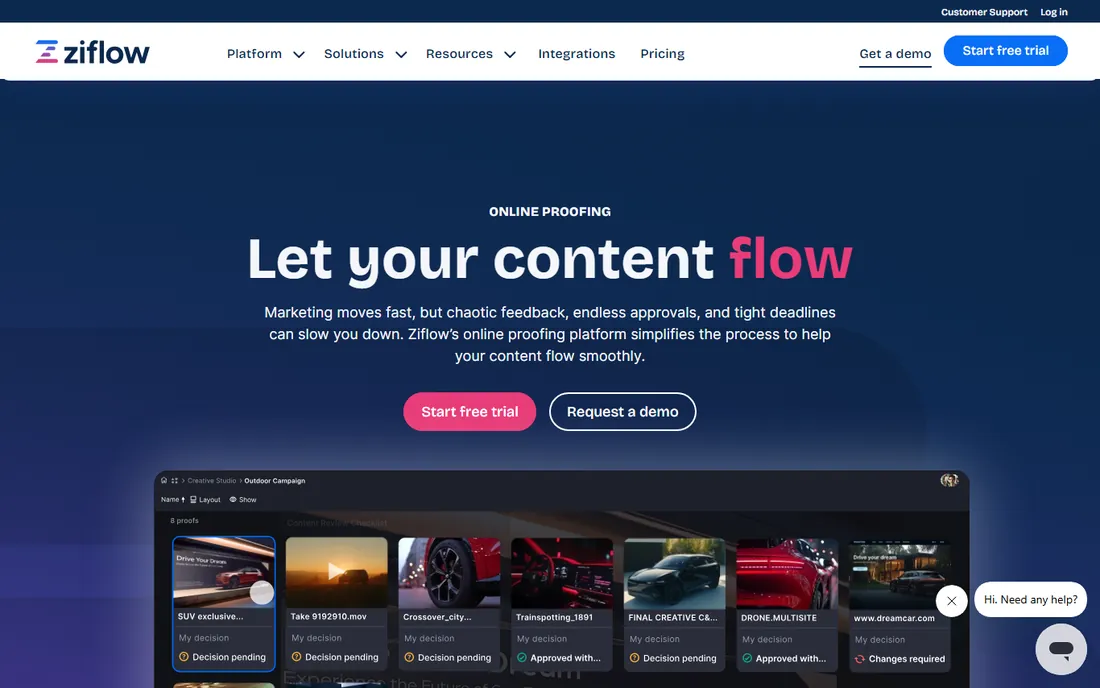
Ziflow is the specialist pick for the review stage of creative production. Stakeholders mark up images, video, documents, live websites, and rich media directly on the asset, route proofs through multi-stage approvals automatically, and keep a complete audit trail of who approved what and when. Checklists enforce consistent review criteria, which matters in regulated industries and big-brand work.
Pricing is flat-rate rather than per-seat: a free Personal plan for two users, Standard from $199 per month billed annually, and Pro at $329 per month. That looks expensive next to per-seat tools until you count unlimited reviewers, since clients and stakeholders review for free. The catch is scope. Ziflow manages the review workflow, not the project around it, so most teams pair it with a PM tool like Asana or Monday.com rather than replacing one.
What we like- Precise markup on images, video, documents, and websites
- Automated review routing
- Full audit trails
Watch out for- Flat pricing is steep for small teams
- Limited project management beyond proofing
Starting priceSee website (custom quotes)
Free planNo

Lytho targets marketing teams where off-brand or non-compliant content is a real risk: financial services, healthcare, franchises, and other regulated or multi-region operations. Its workflow product moves creative requests from intake forms through production, review, and approval, while built-in checks flag brand and regulatory issues as content is created. A digital asset management module keeps approved, compliant assets in one searchable library.
There is no public pricing and no free trial; quotes are built around team size and needs. That sales-led model fits enterprise buyers and frustrates everyone else. The honest catch is weight. Lytho is a serious operations platform with implementation effort to match, so it only makes sense once the team is large enough, or the compliance risk high enough, to justify it. Smaller teams get 80 percent of the value from Hive or Ziflow at a fraction of the effort.
What we like- Brand and regulatory checks built into the workflow
- Digital asset management included
- Structured request intake
Watch out for- Custom pricing only
- More tool than small teams need
What marketing teams should actually look for
The best project management software for marketing departments is not the one with the most features. It is the one that matches how campaigns move through your team. Start with these questions.
Campaign views matter more than task lists. A marketing calendar, a content pipeline, and a launch timeline are three different views of the same work, and the tool should switch between them without rebuilding the project. CoSchedule and Planable lead on calendar views, Wrike and Monday.com cover the rest.
Approvals are where marketing projects stall. If designers, copywriters, legal, and clients all weigh in, you need proofing on the asset itself, not comments in a task. Hive, Ziflow, Planable, and Lytho are built for this. Asana and Wrike offer proofing on higher tiers.
Intake keeps chaos out. Request forms that turn a Slack message saying "we need a landing page" into a scoped task with a due date and an owner will save more hours than any Gantt chart. Wrike, Monday.com, Hive, and Lytho all do this well.
Finally, count the real seats. Per-seat pricing punishes teams with many occasional contributors, which describes most marketing departments. Planable's per-workspace pricing and Ziflow's free unlimited reviewers are worth real money if clients and stakeholders participate.
Watch the add-ons: the real price of proofing and automation
The number on the pricing page is the start of the negotiation, not the end. Three pricing patterns in this list routinely surprise buyers.
First, add-on modules. Hive charges around $5 per user per month each for proofing, timesheets, resourcing, and analytics. Planable sells analytics separately. A $12 base seat becomes a $25 seat once you add what a marketing team actually uses.
Second, seat minimums. Monday.com requires three paid seats, so the $9 plan really starts at $27 per month. Small teams and solo marketers should check this before falling in love with a demo.
Third, tier gates on single features. Asana puts proofing and portfolios on Advanced at $24.99 per user per month, double the Starter price. If one feature drives your purchase, price the tier that includes it, not the cheapest tier on the page.
The fix is simple: list the five features you cannot live without, find the cheapest plan and add-ons that include all five, and compare that number across vendors. Do that math before the trial ends.
How we chose
We focused on tools with features built for marketing work: campaign planning views, creative proofing and approvals, marketing calendars, intake forms, and client collaboration. We checked each vendor's own pricing page and site in October 2026, read marketing-team reviews on G2 and Capterra, and compared how each product handles the approval chains where marketing projects usually stall. We did not test the software ourselves. Prices come from the vendors' own pages, and where pricing is quote-based, we say so.
Frequently asked questions
What is the best project management software for marketing departments?
There is no single winner. Wrike and Monday.com fit departments that want one flexible system for campaigns, content, and reporting. Hive fits creative-heavy teams that live in proofing. Agencies that bill time should look at Workamajig. Pick based on whether your bottleneck is planning, approvals, or billing.
How is a marketing project management tool different from a regular PM tool?
Regular PM tools track tasks, owners, and dates. Marketing tools add campaign calendars, creative proofing on assets, intake request forms, approval chains with multiple stakeholders, and often digital asset management. If your team spends its time waiting on feedback rather than doing tasks, those extras matter.
Which tool is best for creative approvals?
Ziflow is the deepest pure approval tool, with markup on almost any file type and audit trails. Planable is best for social content approvals with clients. Hive adds solid proofing inside a full PM workspace. Asana and Wrike include proofing on their higher tiers.
How much should a small marketing team budget?
For a five-person team, expect roughly $25 to $65 per month for the flexible tools (Hive Starter, Monday.com Basic, Asana Starter), more once you add proofing or analytics modules. Planable's $33 per workspace pricing can undercut per-seat tools for larger teams. Workamajig and Ziflow start higher but replace other subscriptions.
Can these tools replace spreadsheets and email for campaign planning?
They replace the spreadsheet as the plan of record, but email usually survives for external conversations. The tools that kill the most email are the ones with client-facing approvals and intake forms, like Planable, Hive, and Lytho, because they give outsiders a place to participate without joining your inbox.
Do any of these tools handle social media publishing?
Yes. CoSchedule and Planable both publish directly to social networks and are built around content calendars. The others focus on planning and approvals and integrate with publishing tools rather than replacing them.
Sources we checked (10)
- https://www.wrike.com/pricing/
- https://monday.com/pricing
- https://asana.com/
- https://hive.com/
- https://www.workamajig.com/
- https://coschedule.com/
- https://planable.io/
- https://www.ziflow.com/
- https://www.ziflow.com/blog/best-review-and-approval-software
- https://lytho.com/
Is your product missing or out of date?
We review this list regularly. Vendors can request a listing, send updated pricing or ask about featured placement.

Shihab Mia · Founder, Rankite
Shihab has spent more than a decade helping SaaS and e-commerce brands grow through search. He writes Rankite's software buying guides from pricing pages, documentation and public user reviews. More about Shihab.