How we make this list: we compare pricing pages, product documentation and public user reviews. Rankite is independent; if a vendor ever pays for a featured spot, that listing is clearly labeled Partner.
Key takeaways
- AutoHotkey (free, open source) is the most powerful macro tool on Windows if you can script; Pulover's Macro Creator (free) gives you AutoHotkey power with a recorder interface.
- Non-programmers should start with TinyTask (free) for dead-simple recording or Jitbit Macro Recorder for a polished commercial recorder.
- Mac users get one answer: Keyboard Maestro ($36 one-time), the gold standard for Mac automation.
- PhraseExpress is the text-expansion specialist: free for personal use, and the right tool when your macros are mostly typing.
Quick comparison
| Tool | Best for | Starting price | Free plan |
|---|
 Jitbit Macro Recorder Jitbit Macro Recorder | Windows users who want recording without programming | See website (commercial license) | Free trial available |
 AutoHotkey AutoHotkey | Anyone who wants unlimited free automation on Windows | Free | Yes (open source) |
 Pulover's Macro Creator Pulover's Macro Creator | Free macro recording with AutoHotkey power underneath | Free | Yes (free) |
 TinyTask TinyTask | The absolute simplest free macro recording | Free | Yes (free) |
 Macro Scheduler Macro Scheduler | Businesses automating Windows processes reliably | See website (tiered commercial licensing) | Free trial available |
 AutoIt AutoIt | Free BASIC-like scripting for Windows automation | Free | Yes (free) |
 Keyboard Maestro Keyboard Maestro | Mac users who want to automate everything | $36 (one-time) | Free trial available |
 PhraseExpress PhraseExpress | Automating repetitive typing with text expansion | Free (personal use); paid licenses for commercial use | Yes (free for personal use) |
Is your product missing or out of date?
We review this list regularly. Vendors can request a listing, send updated pricing or ask about featured placement.
The best macro software
Macro software records or scripts your keyboard and mouse actions, then replays them: filling forms, renaming files, testing software, grinding through repetitive clicks. The tools split into recorders (press record, do the task, replay it) and scripters (write the automation in code). These eight cover both, across Windows and Mac.
#1
Jitbit Macro Recorder
Best for: Windows users who want recording without programming
Visit jitbit.com
Starting priceSee website (commercial license)
Free planFree trial available
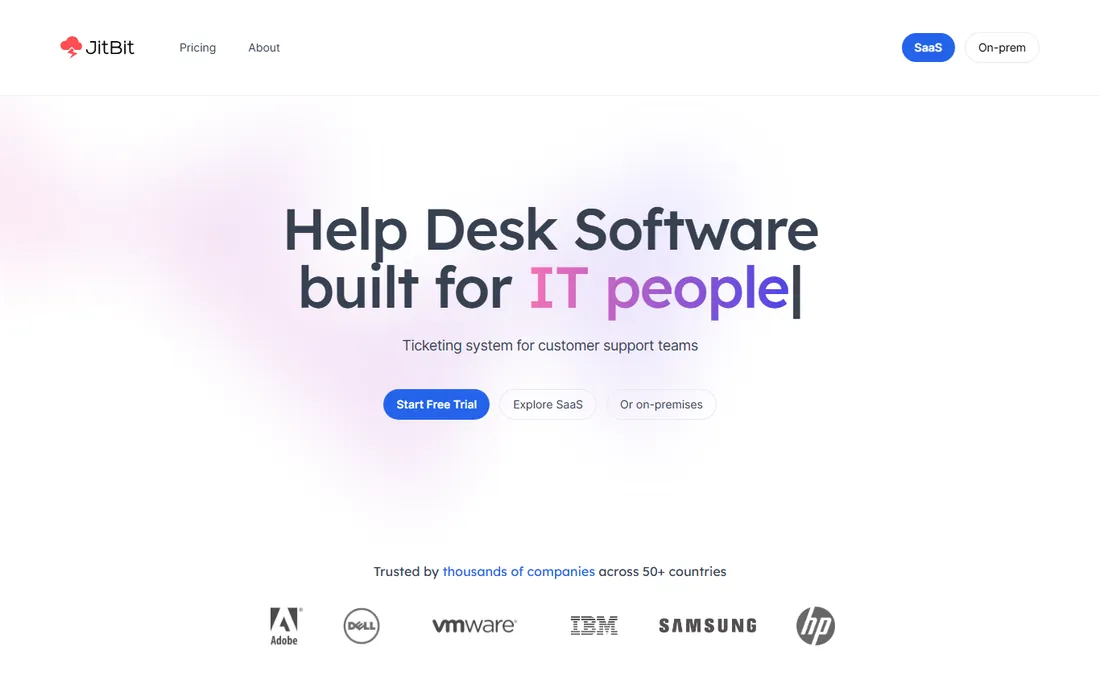
Jitbit Macro Recorder is the friendly commercial recorder. Press record, perform the task, stop, and you have a replayable macro with an editor for adjusting delays, loops and conditions. Recordings can be compiled to standalone EXE files, which is handy for distributing a fixed automation to colleagues.
We could not verify a published price on Jitbit's product page, so check before budgeting. It is Windows-focused, and while the editor handles simple logic, genuinely complex automation belongs in a scripting tool. For the office worker automating a repetitive desktop task without learning to code, it is the polished choice.
What we like- Records mouse and keyboard with an approachable editor for tweaks
- Converts recordings to EXE files for distribution
- From an established software vendor
Watch out for- No published price found on the vendor's product page
- Windows-focused
- Complex logic needs the pricier automation tools
Starting priceFree
Free planYes (open source)
AutoHotkey is the most capable free automation tool on Windows. Its scripting language drives hotkeys, remaps keys, automates GUI interactions, manipulates windows and files, and builds entire utilities. The community has published scripts for nearly every common task, so most users start by adapting someone else's code.
The cost is learning. There is no friendly recorder in the core product (that is what Pulover's Macro Creator below is for), and writing scripts takes an afternoon of investment. For anyone willing to learn a little scripting, AutoHotkey replaces every paid recorder on this list. The documentation is thorough, the forum answers are fast, and most common automations already exist as community scripts you can adapt in minutes.
What we like- Completely free and open source with enormous power: hotkeys, GUI automation, scripting logic
- Massive community with scripts for everything
- Tiny footprint
Watch out for- You write code
- No built-in recorder in the classic workflow
- The learning curve is real for non-programmers
#3
Pulover's Macro Creator
Best for: Free macro recording with AutoHotkey power underneath
Visit macrocreator.com
Starting priceFree
Free planYes (free)
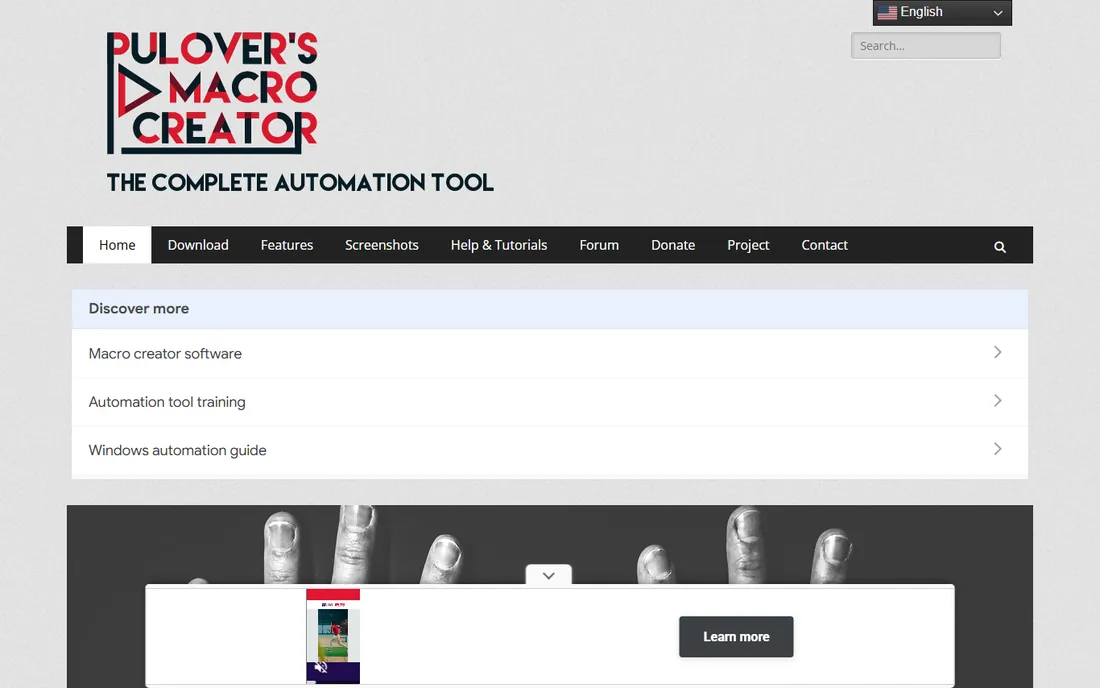
Pulover's Macro Creator is the bridge between recorders and scripters. It records your actions like TinyTask or Jitbit, but exposes loops, variables, if-statements and functions in a visual editor, generating genuine AutoHotkey scripts you can read and edit. It is free and runs portably without installation.
The interface will not win design awards, and it is Windows-only. But the combination of free, visual and genuinely powerful is unmatched: beginners record and replay, and as needs grow, the generated code teaches them AutoHotkey. For most Windows users, this is where to start.
What we like- Free recorder with a visual interface that generates real AutoHotkey code
- Loops, variables and conditions without hand-writing scripts
- Portable with no install needed
Watch out for- Interface is utilitarian
- Windows-only
- Very complex projects still benefit from learning AutoHotkey directly
Starting priceFree
Free planYes (free)
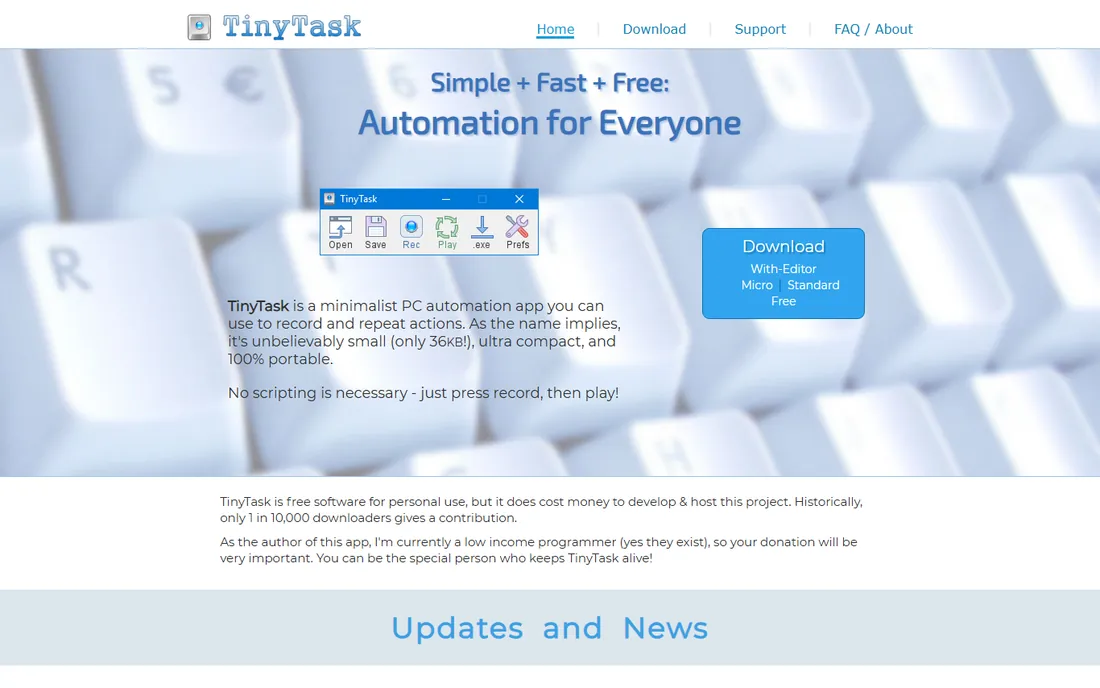
TinyTask is macro software reduced to its essence: a tiny window with record, play and a few options. It is free, portable and under 100KB. For the one-off repetitive task, recording a sequence of clicks and replaying it twenty times, nothing is faster to deploy.
There is no macro editor, no conditional logic and no scheduling; what you record is what you get. Development is minimal. When the task outgrows press-record-press-play, graduate to Pulover's Macro Creator or AutoHotkey. For simple repetition, TinyTask is perfect and free.
What we like- Free, tiny (tens of kilobytes) and portable
- Record and replay with two buttons
- No install, no account, no learning
Watch out for- No editing of recorded macros
- No loops or conditions in the basic workflow
- Windows-only and minimally maintained
#5
Macro Scheduler
Best for: Businesses automating Windows processes reliably
Visit mjtnet.com
Starting priceSee website (tiered commercial licensing)
Free planFree trial available
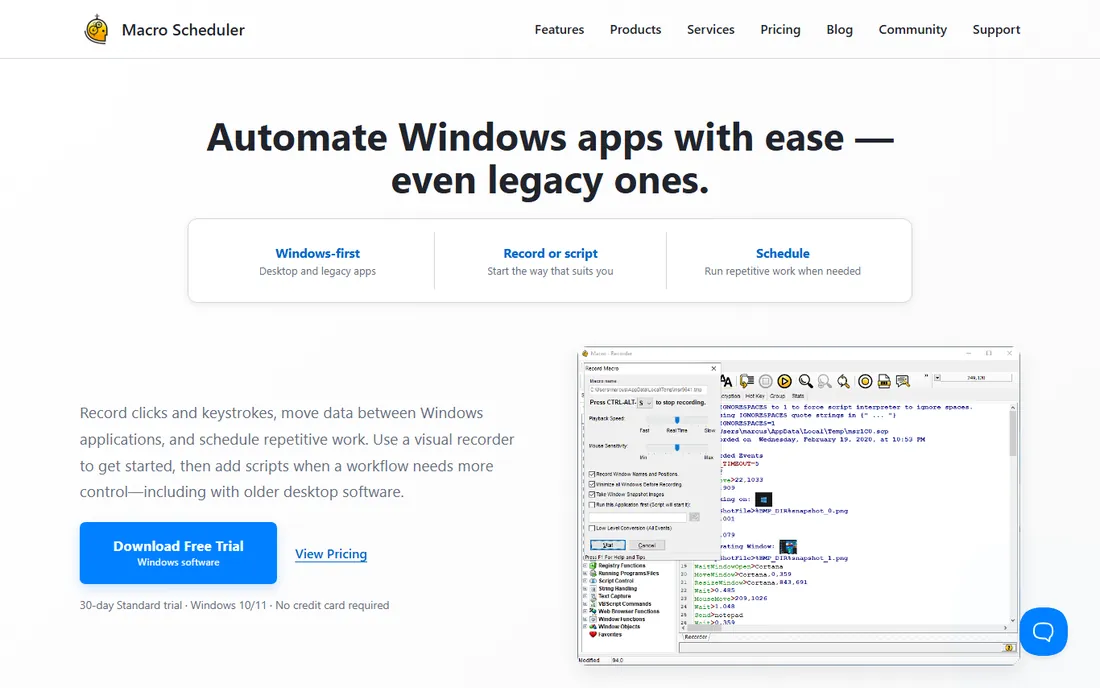
Macro Scheduler from MJT Net is the business answer to desktop automation. Its macro language covers recording plus programmed logic, scheduling, window management and system tasks, with compiled executables for deployment and documentation aimed at IT departments. It has been automating Windows desktops for decades.
Pricing is tiered by edition without a clean published figure in our check, so get the quote for your use case. The language is proprietary, which trades AutoHotkey's community for vendor support. For the business standardizing desktop automation with support contracts, it fits.
What we like- Business-grade macro language with scheduling, error handling and compiled EXEs
- Long track record in enterprise desktop automation
- Strong documentation
Watch out for- No published price found cleanly on the vendor's site
- Windows-only
- The scripting language is proprietary
Starting priceFree
Free planYes (free)
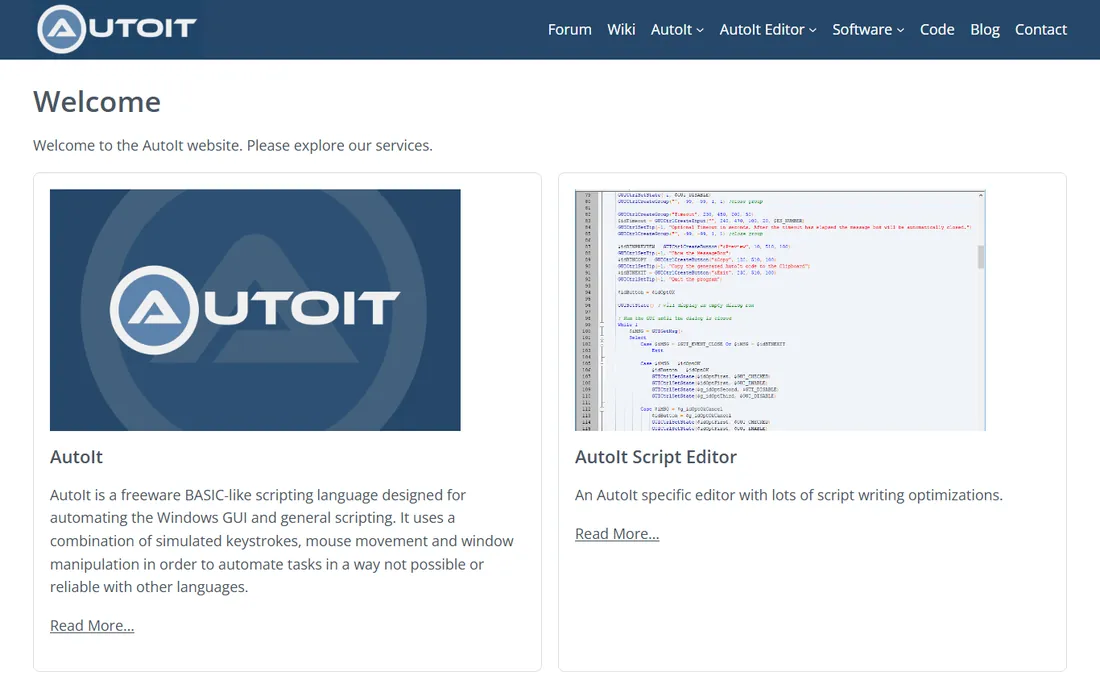
AutoIt is the free scripter's alternative to AutoHotkey. Its BASIC-like language automates GUI interactions, and scripts compile to standalone EXE files for distribution. It has a particular following in software testing and IT deployment, where its straightforward syntax and compiled output suit the job.
The community is smaller than AutoHotkey's, which means fewer ready-made scripts to borrow. The language is less modern. But it is free, capable and proven, and some scripters genuinely prefer its readability. Either free scripter serves; pick the one whose syntax clicks for you.
What we like- Free scripting language with BASIC-like syntax many find friendlier than AutoHotkey
- Compiles to standalone executables
- Strong for software testing and deployment scripting
Watch out for- Windows-only
- Smaller community than AutoHotkey
- The syntax shows its age
Starting price$36 (one-time)
Free planFree trial available
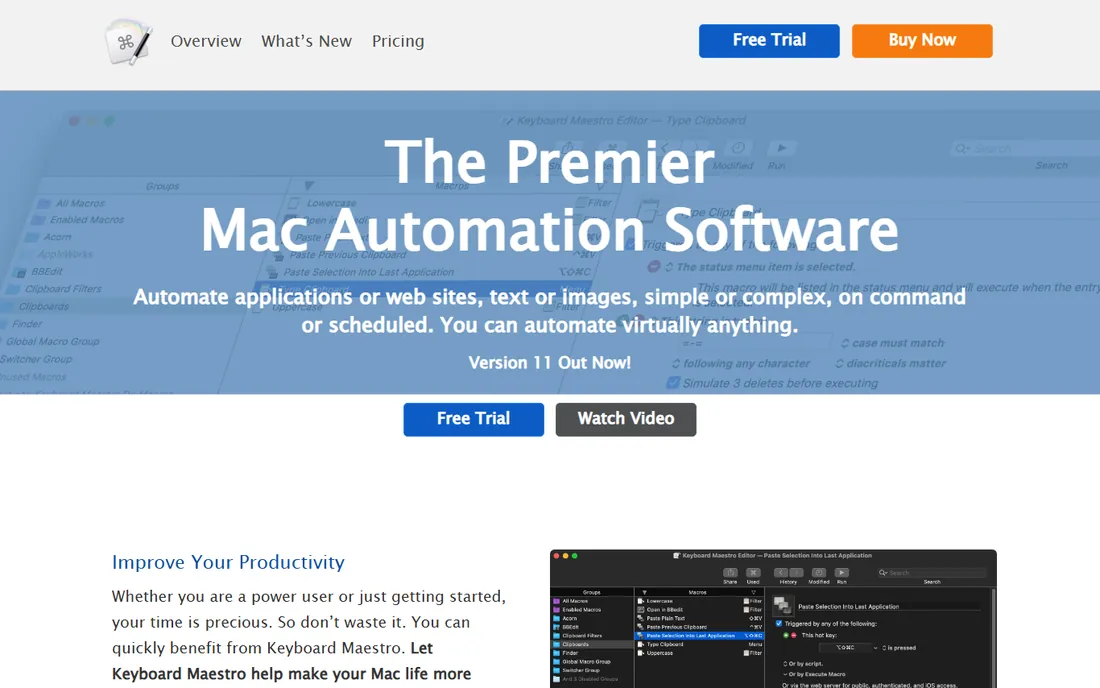
Keyboard Maestro is what Mac automation should be. Macros trigger from hotkeys, typed abbreviations, time schedules, USB devices, application events and more, driving a vast library of actions: text expansion, window management, file operations, web requests, clipboard history and application control. The $36 one-time price has held for years.
Depth is the learning cost: the editor exposes hundreds of actions and real programming constructs. But the trial is generous and the community helpful. For Mac users, there is no serious alternative at any price; Keyboard Maestro is the answer.
What we like- The Mac automation standard: macros triggered by hotkeys, typed strings, schedules and system events
- Huge action library with variables and logic
- One-time $36 price
Watch out for- Mac-only
- The interface packs enormous depth that takes time to learn
- No Windows version
Starting priceFree (personal use); paid licenses for commercial use
Free planYes (free for personal use)
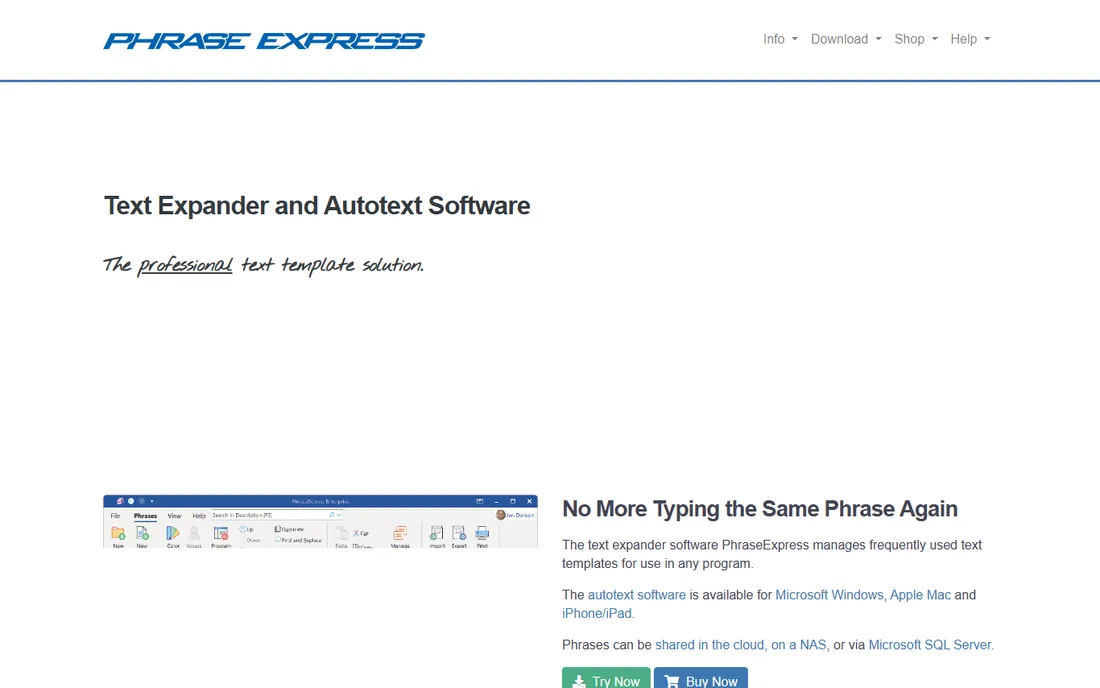
PhraseExpress solves the typing subset of macro automation. Define abbreviations that expand into full text: email signatures, support replies, code snippets, form boilerplate, with variables and formatting. It is free for personal use, with paid licensing for commercial environments.
It does not record mouse actions or drive applications the way the macro tools above do. But a huge share of "repetitive computer work" is repetitive typing, and for that PhraseExpress is the precise tool. Pair it with a general macro tool when you need both.
What we like- The text-expansion specialist: abbreviations expand to full text, templates and boilerplate
- Free for personal use
- Works across applications
Watch out for- Commercial use requires a paid license
- It is text automation, not full macro recording
- The feature set is narrower than general macro tools
Recorders vs. scripters: which are you?
Recorders (TinyTask, Jitbit, Pulover's) capture what you do and replay it. They are fast to start and brittle under change: if the window moves or the timing shifts, the macro breaks. Scripters (AutoHotkey, AutoIt, Keyboard Maestro, Macro Scheduler) describe what should happen in logic, which survives change but requires learning.
The practical path: record first with Pulover's Macro Creator or TinyTask to prove the automation is worth it, then rewrite the keepers as scripts when they break or need reliability. Text-heavy work goes to PhraseExpress regardless. Match the tool to the task's lifespan: one afternoon of repetition needs a recorder; a daily workflow deserves a script.
How we chose
We started with the categories buyers search: macro software, macro recorder and keyboard macro software. For each candidate we verified it is actively available and runs on current operating systems, opened the vendor's own site, and separated recorders from scripting tools from text expanders. Where a price could not be verified on the vendor's page we wrote "See website" rather than guessing.
Frequently asked questions
What is the best free macro software?
Pulover's Macro Creator for recorder-plus-power on Windows, AutoHotkey for unlimited free scripting, TinyTask for the simplest recording, and Keyboard Maestro's trial on Mac (the $36 license is the paid answer). All four handle real automation without payment.
Can macro software automate web tasks?
Yes, within limits. Macro tools drive the browser like a user: clicking, typing and navigating. For dependable web automation, dedicated tools or browser extensions handle page changes better than pixel-based macros. Keyboard Maestro and AutoHotkey both include web-aware actions beyond blind clicking.
Is macro software safe to use?
Reputable macro tools are safe, but macros themselves deserve caution: a macro that types passwords or handles sensitive data should be stored securely, and compiled macros from untrusted sources should never be run. Stick to the vendors on this list and keep your scripts private.
What is the difference between AutoHotkey and Pulover's Macro Creator?
Pulover's Macro Creator is built on AutoHotkey: it provides a visual recorder and editor that generates AutoHotkey scripts. Use Pulover's to record and build visually; learn AutoHotkey directly when you want the full language without the visual layer.
Which macro software works on Mac?
Keyboard Maestro ($36 one-time) is the standard and the clear pick. Most Windows macro tools have no Mac version. macOS also includes Automator and Shortcuts free, which cover basic automation without third-party software. Between the built-in tools and Keyboard Maestro, Mac users have the strongest free-to-cheap automation story of any platform.
Sources we checked (8)
- https://www.jitbit.com/
- https://www.autohotkey.com/
- https://www.macrocreator.com/
- https://tinytask.net/
- https://www.mjtnet.com/
- https://www.autoitscript.com/site/
- https://www.keyboardmaestro.com/main/
- https://www.phraseexpress.com/
Is your product missing or out of date?
We review this list regularly. Vendors can request a listing, send updated pricing or ask about featured placement.

Shihab Mia · Founder, Rankite
Shihab has spent more than a decade helping SaaS and e-commerce brands grow through search. He writes Rankite's software buying guides from pricing pages, documentation and public user reviews. More about Shihab.