How we make this list: we compare pricing pages, product documentation and public user reviews. Rankite is independent; if a vendor ever pays for a featured spot, that listing is clearly labeled Partner.
Key takeaways
- Realtime Landscaping Architect at $599 one-time is the best value for residential designers who need photorealistic 3D presentations without a subscription.
- SketchUp remains the most versatile 3D option, with a free web version for homeowners and a $129 per year Go plan that covers most garden design work.
- iScape is the best landscape design software for homeowners who want to design over photos of their actual yard, with a free tier and a $29.99 per month Pro plan.
- Vectorworks Landmark and Lands Design are the professional picks for firms that need BIM workflows, planting schedules and construction documentation.
Quick comparison
| Tool | Best for | Starting price | Free plan |
|---|
 SketchUp SketchUp | designers who think in 3D | $129 per year (Go plan) | Yes (SketchUp Free, web-based) |
 Realtime Landscaping Architect Realtime Landscaping Architect | residential designers who need photorealistic 3D presentations | $599 one-time | Free trial |
 PRO Landscape PRO Landscape | contractors who sell design-build projects | See website | No |
 iScape iScape | homeowners and contractors who design over photos of the real yard | $29.99 per month (or $299.99 per year) | Yes |
 Home Outside Home Outside | homeowners who want simple garden sketches | Free (specialty packs up to $14.99) | Yes |
 Lands Design Lands Design | Rhino or AutoCAD users who need BIM planting plans | $795 one-time | Free trial (60 days) |
 Vectorworks Landmark Vectorworks Landmark | landscape architects who need full BIM documentation | $1,530 per year | Free trial |
 DynaScape DynaScape | design-build firms that want design plus business management | $50 per month (Creator plan) | Free trial |
 SmartDraw SmartDraw | anyone who needs quick 2D site plans without learning CAD | $9.95 per month (billed annually) | Free trial |
Is your product missing or out of date?
We review this list regularly. Vendors can request a listing, send updated pricing or ask about featured placement.
The best landscape design software
Starting price$129 per year (Go plan)
Free planYes (SketchUp Free, web-based)
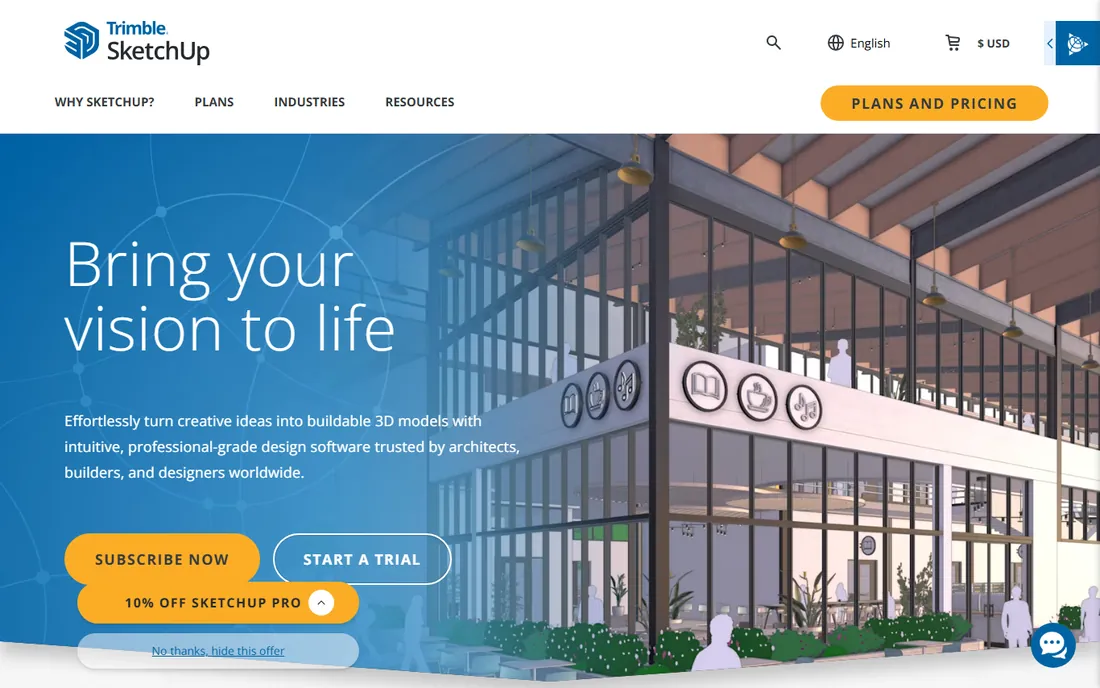
SketchUp earns its place in almost every landscape conversation because it makes 3D thinking accessible. Homeowners can block out a patio, fence and planting beds in an afternoon with the free web version; professionals use the paid plans with LayOut to produce scaled drawings and client presentations. The 3D Warehouse supplies thousands of ready-made trees, shrubs, pergolas and outdoor furniture, which collapses the time between idea and visualization.
The honest limitation is that SketchUp is a general modeler, not a landscape tool. It will not generate a planting schedule or calculate mulch quantities without extensions, and grading tools are basic. For pure 3D visualization and client communication, though, nothing in this price range is faster to learn.
What we like- Easiest 3D modeler to learn
- Huge 3D Warehouse of plants, furniture and structures
- LayOut turns models into presentation documents
Watch out for- Not landscape-specific, so planting plans need extensions
- The free version lacks some pro export options
#2
Realtime Landscaping Architect
Best for: residential designers who need photorealistic 3D presentations
Visit ideaspectrum.com
Starting price$599 one-time
Free planFree trial
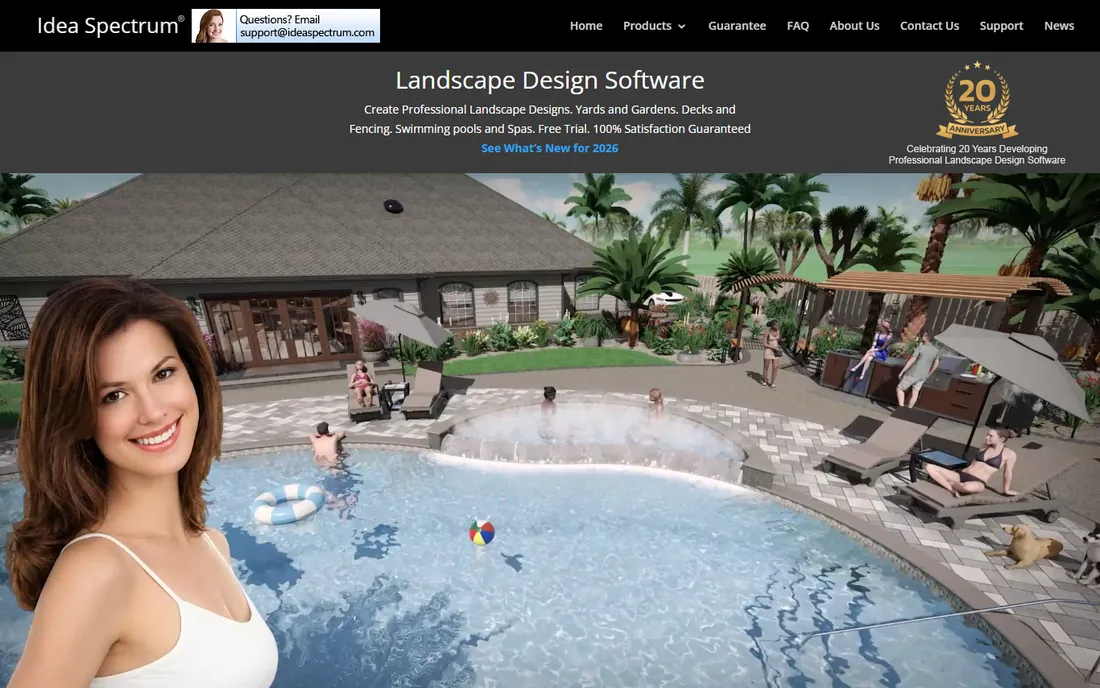
Idea Spectrum's Architect edition is the sweet spot for residential landscape designers. The $599 one-time license buys the full professional tool with no recurring fee, and the real-time 3D walkthrough mode lets clients virtually stroll through their future garden, which closes sales. The plant library covers common residential species with growth simulation, so clients see what the planting looks like in five years, not just on day one.
It is not a BIM tool for commercial site plans, and firms doing municipal or large commercial work will outgrow it. But for the designer whose business is residential gardens, patios and pools, the combination of presentation quality and one-time pricing is the best deal in this roundup.
What we like- One-time $599 license with no subscription
- Real-time 3D walkthroughs that impress clients
- Large plant and hardscape libraries
Watch out for- Windows-focused workflow
- Less suited to commercial BIM documentation
Starting priceSee website
Free planNo

PRO Landscape is built for the contractor's sales process, not the designer's studio. The photo imaging tool drops proposed plantings and hardscapes onto a photo of the client's actual home, which is the fastest way to get a yes on a bid. The current PRO Landscape+ platform adds AI-enhanced presentation images, CAD-based plan drawing, and one-click proposals with material takeoffs, connecting the pretty picture to the numbers that win jobs.
Drafix has moved the product to subscription pricing, and exact figures require a quote, so budget-conscious buyers should get the number in writing before committing. For design-build firms that live or die by closing rates, the sales-focused workflow justifies the cost.
What we like- Photo imaging that shows designs on pictures of the actual property
- CAD tools plus proposal generation in one system
- New AI presentation features
Watch out for- Pricing is quote-based
- Windows-centric with tablet companion apps
#4
iScape
Best for: homeowners and contractors who design over photos of the real yard
Visit iscapeit.com
Starting price$29.99 per month (or $299.99 per year)
Free planYes
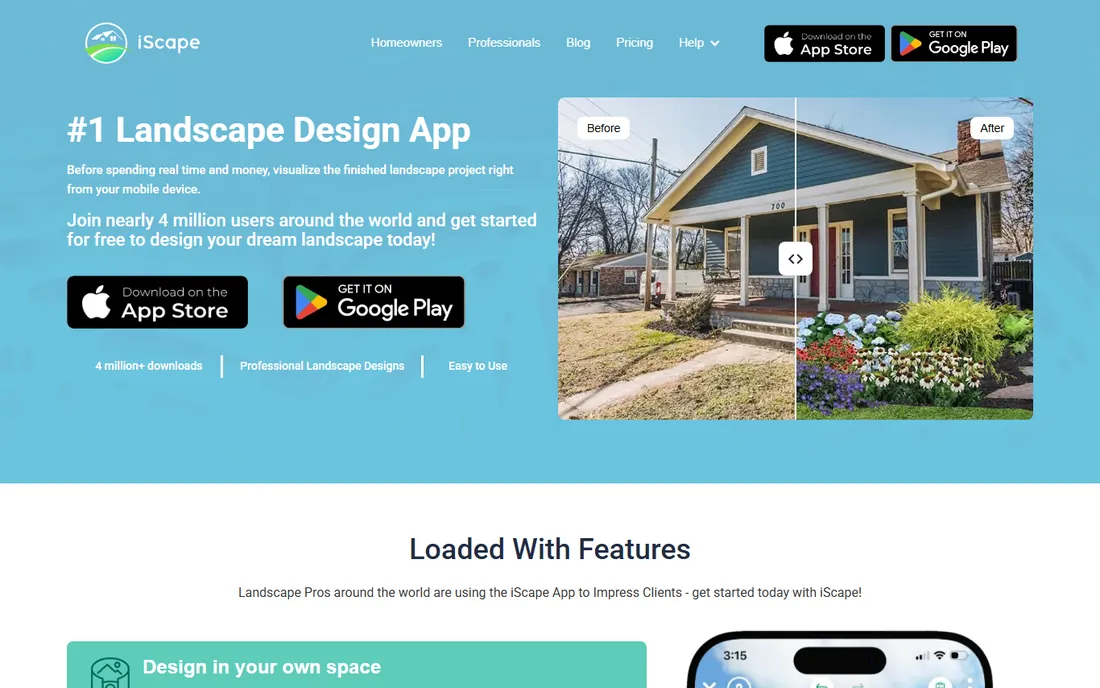
iScape is the best landscape software for homeowners who think in pictures rather than plans. Take a photo of your yard, drop in plants, pavers and furniture from the library, and see a photorealistic preview of the finished project. The free tier handles casual experimenting; the $29.99 per month Pro plan opens the full library, 3D views and proposal generation with material lists and pricing.
Contractors use it as a fast on-site sales tool, sketching options with the client standing in the yard. It will not replace CAD for construction documents, and power users will hit the ceiling of what a phone app can do. For visualization and quick homeowner projects, the photo-based approach beats drawing from scratch.
What we like- Augmented-reality style design on photos of your actual space
- Easy sharing with clients or family
- Pro plan generates PDF proposals with pricing
Watch out for- Mobile-first, so detailed CAD work is limited
- The best features sit behind the Pro subscription
Starting priceFree (specialty packs up to $14.99)
Free planYes
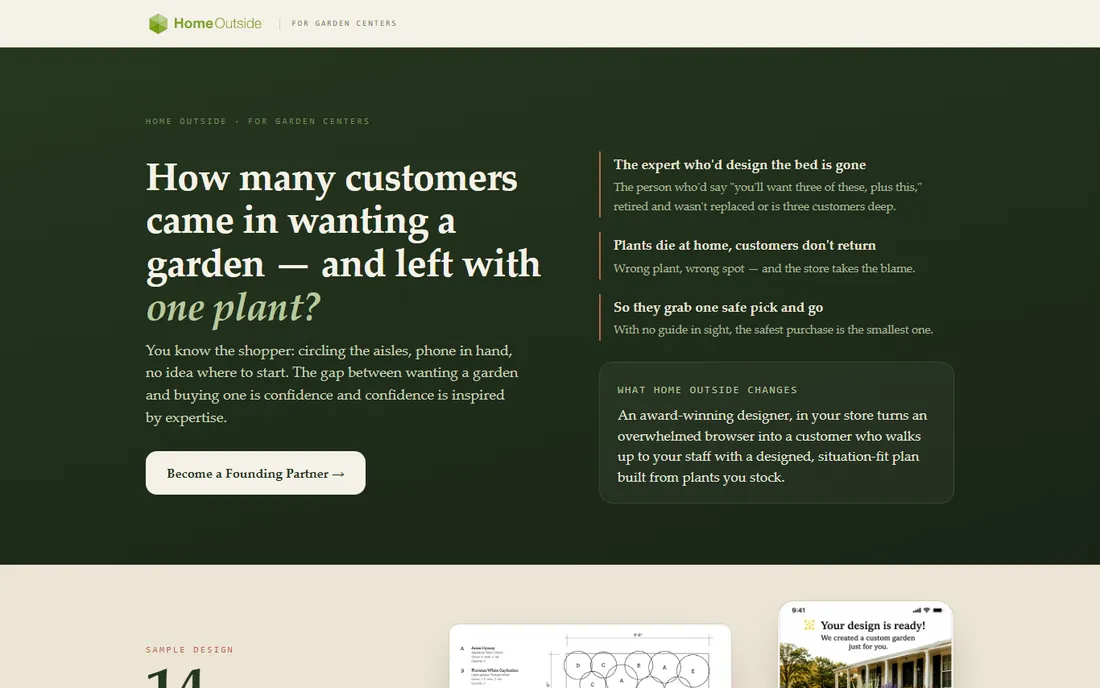
Home Outside takes the opposite approach from the CAD tools: it assumes you have never designed anything. The app walks homeowners through sketching beds, paths and plantings with simple touch tools, and optional specialty packs (up to $14.99) add curated plant collections. For someone planning a first garden bed, the gentle learning curve is the entire point.
This is a sketching and ideation tool, not a design platform. You will not produce contractor-ready plans or 3D walkthroughs. Note also that the app went through a refresh period with temporary store unavailability, so confirm it is currently downloadable before planning around it. For casual garden planning at minimal cost, it remains a friendly starting point.
What we like- Genuinely easy for non-designers
- Inexpensive specialty plant packs
- Designed by a landscape designer for real gardens
Watch out for- Limited depth for serious projects
- Availability has been inconsistent during the app's refresh
Starting price$795 one-time
Free planFree trial (60 days)
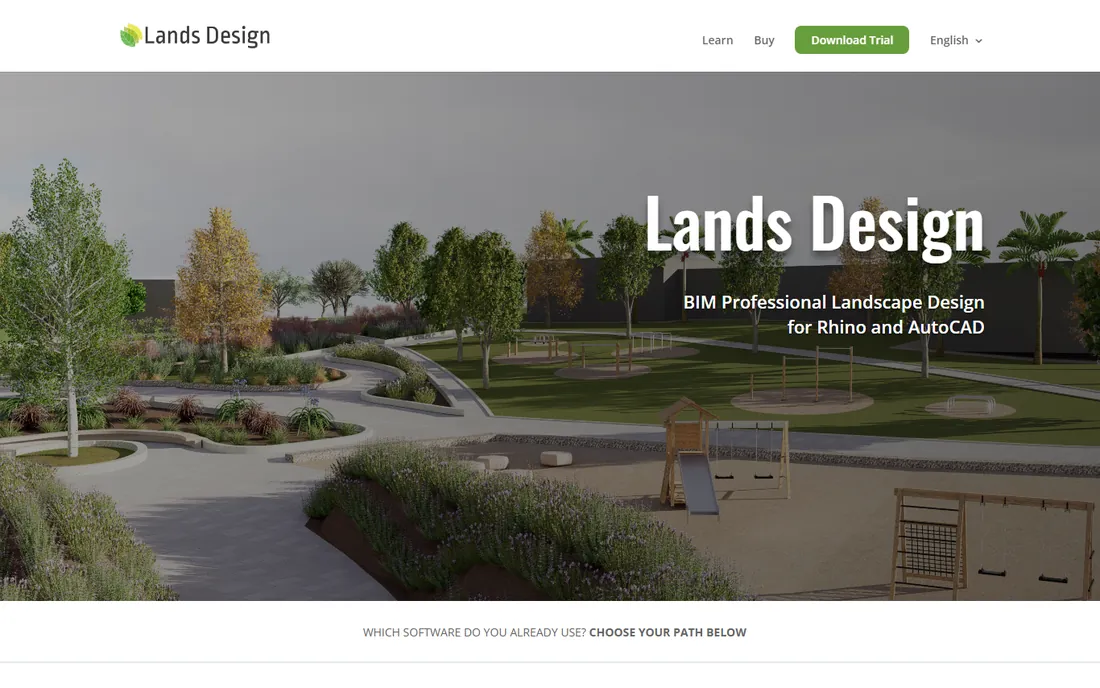
Lands Design is for the professional who already lives in Rhino or AutoCAD and wants landscape intelligence inside that workflow. As a plugin, it adds terrain modeling, planting design with a real plant database, irrigation planning and automatic quantity takeoffs, plus seasonal visualization that shows how plantings change through the year. The $795 perpetual license means no subscription treadmill.
The catch is the host application: you need Rhino or AutoCAD first, which adds significant cost if you do not already own one. Non-CAD users should look elsewhere. For firms with existing CAD seats, Lands Design is the most cost-effective path to professional landscape BIM.
What we like- Runs as a plugin inside Rhino or AutoCAD
- BIM features with plant databases and quantity takeoffs
- Perpetual $795 license, no subscription
Watch out for- Requires a Rhino or AutoCAD license on top
- Learning curve for non-CAD users
#7
Vectorworks Landmark
Best for: landscape architects who need full BIM documentation
Visit vectorworks.net
Starting price$1,530 per year
Free planFree trial
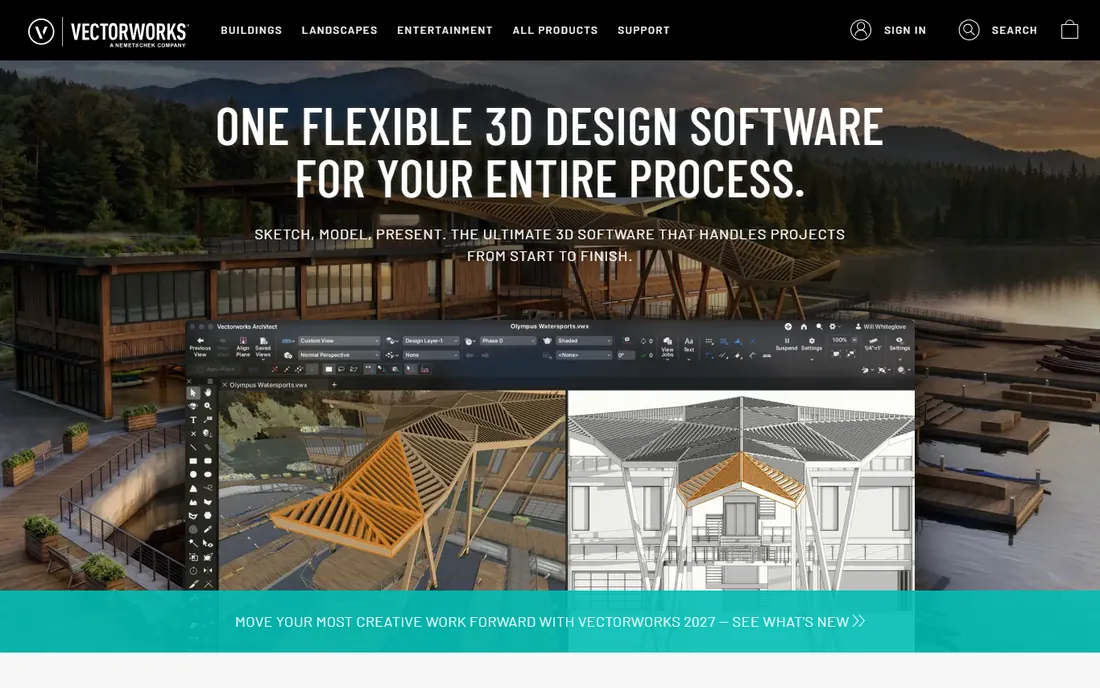
Vectorworks Landmark is the professional's platform for serious landscape architecture. It combines 2D drafting, 3D modeling, GIS integration, plant databases with scheduling, and presentation rendering in one BIM environment, taking projects from concept through construction documentation. Firms use it for everything from residential estates to public parks and commercial campuses.
At $1,530 per year with no perpetual option, it demands commitment, and reviewers consistently flag the learning curve. Small residential designers will find it more than they need. For licensed landscape architects and firms doing documented, permitted work, it is the industry-standard choice and priced accordingly.
What we like- Purpose-built for landscape architecture with BIM
- Integrated 2D drafting, 3D modeling and rendering
- Strong plant and site analysis tools
Watch out for- The most expensive option here
- Steep learning curve, especially coming from AutoCAD
#8
DynaScape
Best for: design-build firms that want design plus business management
Visit dynascape.com
Starting price$50 per month (Creator plan)
Free planFree trial
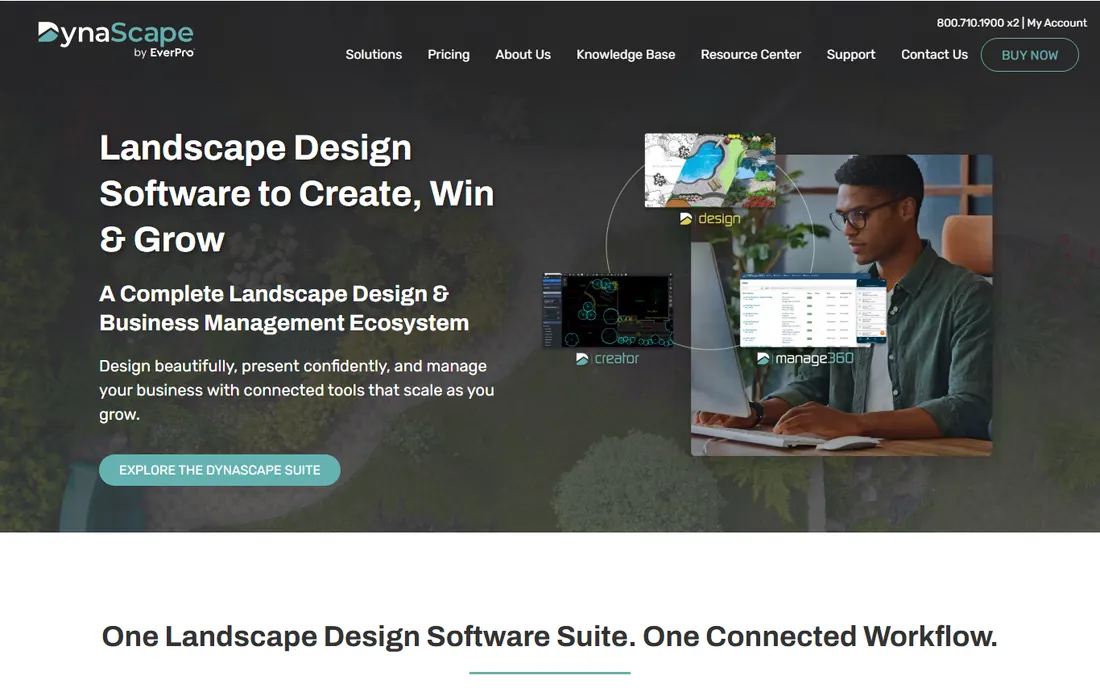
DynaScape serves the design-build contractor who needs the drawing and the business in one system. The CAD-based Design software produces the hand-drawn style plans that have won the company its loyal following, with plant and material takeoffs built in. The newer Creator tier at $50 per month offers cloud-based design for smaller operations, while Manage360 adds estimating, proposals, scheduling and job costing for growing firms.
Pricing is modular, which is both a strength and a warning: Color and Sketch3D add-ons each add monthly cost, so the headline price can grow. Firms should price the bundle they actually need. For contractors who want one vendor from first sketch to final invoice, the ecosystem is compelling.
What we like- CAD-based design with the hand-drawn look clients love
- Manage360 connects designs to estimating and scheduling
- Tiered plans scale with the business
Watch out for- Costs add up with add-ons like Color and Sketch3D
- The full Design plan is significantly pricier than Creator
#9
SmartDraw
Best for: anyone who needs quick 2D site plans without learning CAD
Visit smartdraw.com
Starting price$9.95 per month (billed annually)
Free planFree trial
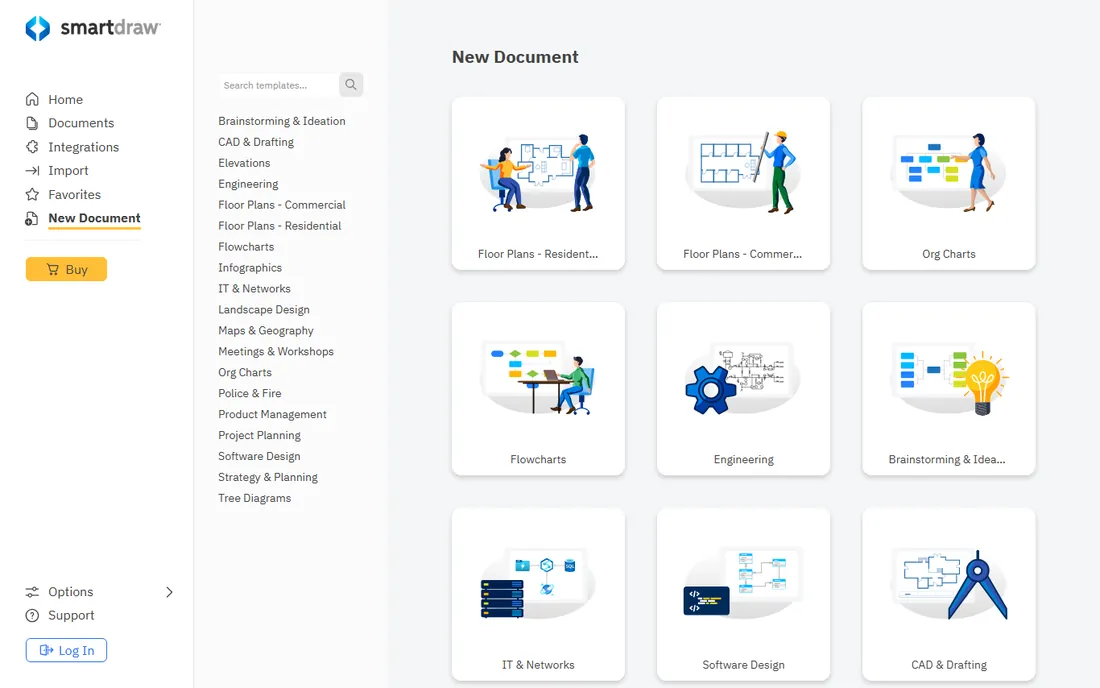
SmartDraw is the pragmatic pick for 2D plans. Its template library includes landscape designs, garden plans and site layouts, and the automatic formatting engine keeps lines, spacing and labels tidy without CAD skills. At $9.95 per month billed annually, it is cheap enough for a small business to keep on hand for the occasional plan, and it plays well with Office and Google Workspace.
Nobody will mistake its output for a 3D visualization, and contractors who need photorealistic presentations should pair it with something like iScape. For HOA submissions, simple client sketches, office layouts around a landscape project, or a quick plan to accompany a bid, SmartDraw gets it done in minutes.
What we like- Thousands of templates including landscape and site plans
- Automatic formatting makes diagrams look professional
- Integrates with Office and Google Workspace
Watch out for- 2D diagramming only, no real 3D
- Not a substitute for CAD on technical projects
Homeowners versus professionals: picking your tier
The category splits cleanly. Homeowners should start with iScape or Home Outside for photo-based visualization, or SketchUp Free for 3D experimentation, and only spend money when a project justifies it. Residential designers and small contractors get the best return from Realtime Landscaping Architect's one-time $599 license or DynaScape Creator at $50 per month. Licensed landscape architects and firms producing permitted construction documents belong in Vectorworks Landmark or Lands Design, where BIM, scheduling and documentation justify the higher cost. Buying a pro tool for a home garden wastes money; pitching clients with a phone app wastes credibility. Match the tier to the job.
What to look for before you buy
Decide what the output must be. A contractor-ready plan needs CAD accuracy, dimensions and plant schedules; a client presentation needs 3D visualization; a homeowner project needs simplicity. Check the plant library for your region, because a tool stocked with plants you cannot buy locally is decoration, not design. Confirm the pricing model: one-time licenses (Realtime Landscaping Architect, Lands Design) cost more upfront but end the billing, while subscriptions (iScape, DynaScape, Vectorworks) spread cost but never stop. Verify platform support, since several tools are Windows-first with limited Mac options. Finally, test the trial with a real project, because library depth and ease of use only reveal themselves on actual work.
How we chose
We compared current pricing pages, product documentation, and public reviews on G2, Capterra and Reddit, including threads where working landscape designers debate these tools. We evaluated 3D visualization quality, plant library depth, plan documentation capability, pricing transparency and fit for different buyers, from homeowners to licensed firms. We did not run hands-on tests; the ranking reflects published specifications, vendor pricing and aggregated practitioner feedback.
Frequently asked questions
What is the best landscape design software for homeowners?
iScape is the strongest pick for most homeowners because it designs over photos of your actual yard and has a free tier. Home Outside is simpler and cheaper for basic garden sketching, and SketchUp Free works for homeowners comfortable thinking in 3D.
What is the best 3D landscape design software?
For residential work, Realtime Landscaping Architect offers the best combination of 3D walkthrough quality and one-time pricing. SketchUp is the most flexible general 3D modeler. Professionals needing BIM should look at Vectorworks Landmark or Lands Design.
Can landscape design software generate a planting plan a contractor can build from?
The professional tools can. Vectorworks Landmark, Lands Design and DynaScape produce dimensioned plans with plant schedules and material takeoffs. Homeowner apps like iScape and Home Outside produce visualizations, not construction documents.
Is there really free landscape design software?
Yes, with limits. SketchUp Free, the iScape free tier, Home Outside's free app and PDF-free trials cover casual use. Free tools handle visualization and basic planning; construction documentation and full plant libraries generally require paid plans.
Do I need CAD experience to use these tools?
Not for the homeowner tier: iScape, Home Outside and SmartDraw assume no CAD background. Realtime Landscaping Architect and DynaScape Creator are learnable without CAD experience. Vectorworks Landmark and Lands Design expect CAD or BIM familiarity.
Which tool is best for a landscaping business that also needs estimating?
DynaScape with Manage360 is built exactly for that, connecting designs to estimates, proposals and scheduling. PRO Landscape+ also combines design with proposal generation and material takeoffs for design-build contractors.
Sources we checked (13)
- https://sketchup.com/
- https://ideaspectrum.com/
- https://prolandscape.com/
- https://iscapeit.com/
- https://www.homeoutside.com
- https://landsdesign.com/
- https://shop.asuni.com/order-form-rhinolands/
- https://www.vectorworks.net
- https://www.g2.com/products/vectorworks-landmark/pricing
- https://www.dynascape.com/
- https://www.dynascape.com/pricing/
- https://www.dynascape.com/blog/introducing-dynascape-creator/
- https://smartdraw.com/
Is your product missing or out of date?
We review this list regularly. Vendors can request a listing, send updated pricing or ask about featured placement.

Shihab Mia · Founder, Rankite
Shihab has spent more than a decade helping SaaS and e-commerce brands grow through search. He writes Rankite's software buying guides from pricing pages, documentation and public user reviews. More about Shihab.