How we make this list: we compare pricing pages, product documentation and public user reviews. Rankite is independent; if a vendor ever pays for a featured spot, that listing is clearly labeled Partner.
Key takeaways
- If you print barcodes at volume, you are buying into per-printer licensing. BarTender starts at $199/year for its Workstation edition, while Loftware NiceLabel and TEKLYNX CODESOFT price per printer per year and usually require a quote.
- If you already own the printer, check the free software first. ZebraDesigner Essentials, DYMO Connect and Avery Design and Print cost nothing and cover most small-business labeling.
- Compliance changes the shortlist. Food, pharma and medical device labels need GS1, FDA, UDI or GHS support, which the professional platforms build in and the free tools do not.
- One-time pricing still exists at the low end. Labeljoy sells a perpetual Basic license, while the enterprise platforms have mostly moved to subscriptions.
Quick comparison
| Tool | Best for | Starting price | Free plan |
|---|
 BarTender BarTender | high-volume barcode labeling operations | $199/year (Workstation) | Free trial (30 days) |
 Loftware NiceLabel Loftware NiceLabel | multi-site cloud label management | See website | Free trial |
 TEKLYNX CODESOFT TEKLYNX CODESOFT | integrators and reseller-channel buyers | See website | Free trial |
 ZebraDesigner ZebraDesigner | Zebra printer owners | Free (Essentials edition) | Yes |
 Avery Design and Print Avery Design and Print | sheet labels on office printers | Free | Yes |
 DYMO Connect DYMO Connect | DYMO desktop label printers | Free | Yes |
 Maestro Label Designer Maestro Label Designer | OnlineLabels stock customers | Free with $9.95+ label purchase | Free trial (watermarked) |
 Labeljoy Labeljoy | budget barcode labels, one-time price | See website | Free trial (watermarked) |
 Canva Canva | pretty product labels and stickers | See website | Yes |
Is your product missing or out of date?
We review this list regularly. Vendors can request a listing, send updated pricing or ask about featured placement.
The best label design software
Starting price$199/year (Workstation)
Free planFree trial (30 days)
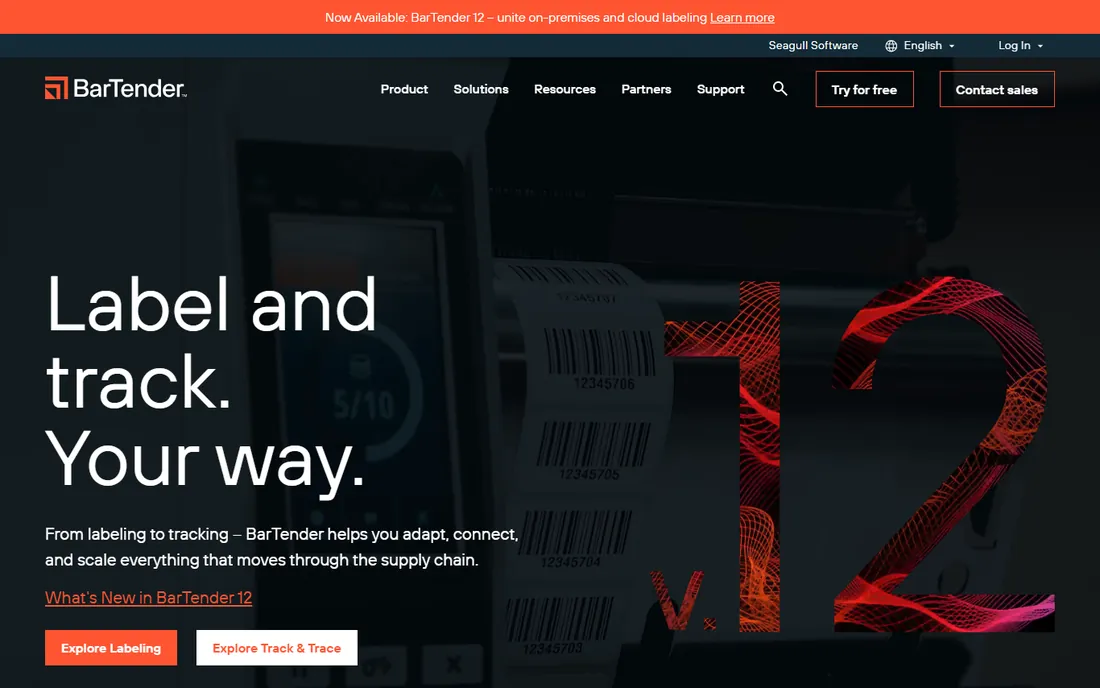
BarTender is the default answer in warehouses, factories and distribution centers, and its installed base is the reason. The vendor reports over 250,000 customers and 110 billion labels printed a year. The current lineup runs from a $199/year Workstation edition for a single user through Starter, Professional, Automation and Enterprise tiers, plus a cloud version. Licensing is per printer or per workstation depending on the edition, and higher tiers add centralized template management, version control, audit trails and ERP connectors.
The honest trade-off is complexity creep. A small business can genuinely start with the Workstation edition and design decent barcode labels in an afternoon. But the moment you need labels pulled automatically from your ERP or printed from a browser on the warehouse floor, you are into editions that need scoping calls and implementation help. Buy BarTender when label volume or compliance risk justifies it.
What we like- 11,000+ printer drivers
- 400+ compliance templates
- Editions scale from one workstation to global enterprise
Watch out for- Pricing is quote-based above the entry tier
- Full value needs IT involvement for ERP integration
Starting priceSee website
Free planFree trial
Loftware merged with NiceLabel a few years back, and the combined product is now the cloud-native counterpart to BarTender's on-premises heritage. The pitch is a single web-based system where label templates are designed once, approved through a controlled workflow, and printed the same way at every site. For companies running plants in multiple states or countries, that centralized control with role-based permissions and audit trails is the whole point.
Pricing is subscription based and licensed per printer, with designer, LMS and cloud tiers, but Loftware does not publish prices and reseller listings vary widely. Expect a sales conversation rather than a checkout button. This is the right pick when labeling is a regulated process, think pharma, medical devices or food, and the wrong label is a recall. It is the wrong pick for a single office printer.
What we like- Cloud-based centralized template control
- Strong compliance story for regulated industries
- SAP, Oracle and Dynamics integrations
Watch out for- No public pricing, everything goes through sales
- Overkill for single-location printing
#3
TEKLYNX CODESOFT
Best for: integrators and reseller-channel buyers
Visit teklynx.com
Starting priceSee website
Free planFree trial
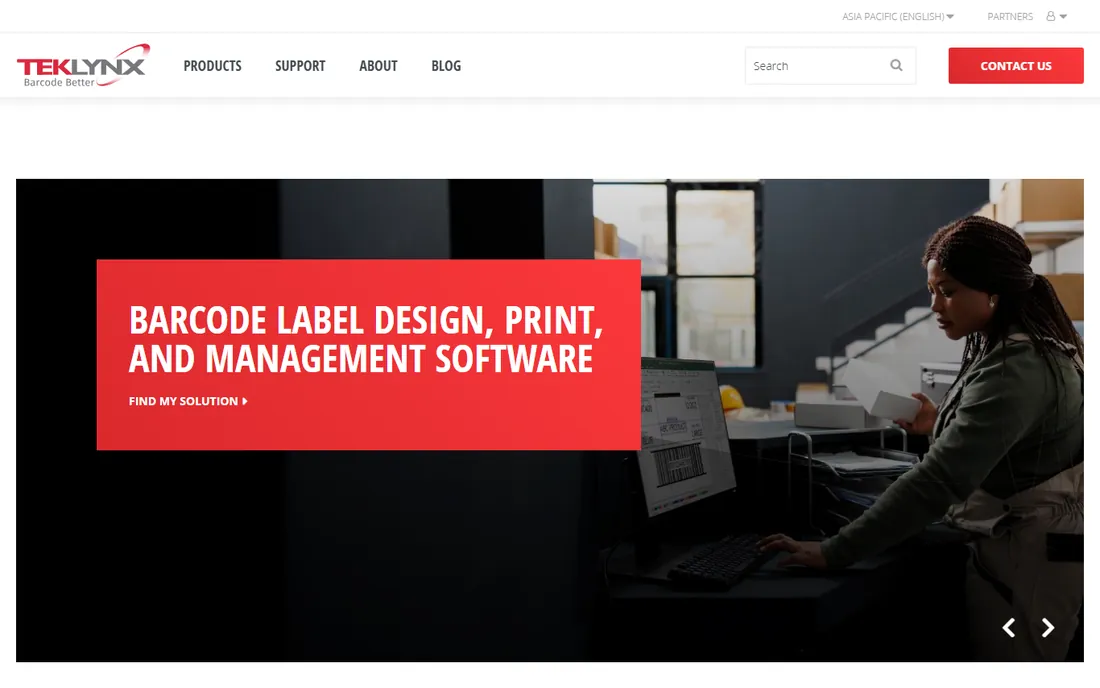
CODESOFT is the enterprise label designer most often sold through barcode equipment resellers rather than bought directly. That channel matters: if you are buying printers, scanners and software from one integrator, CODESOFT is frequently what they bundle and support. The software itself covers the full professional checklist, including RFID encoding, database connectivity, network and enterprise editions, and a print-only runtime for shop-floor stations.
TEKLYNX sells both subscriptions and perpetual licenses, and street prices from resellers move around enough that quoting is part of the process. The free trial is the practical way to confirm it drives your specific printer. Long-time users praise its depth, but the interface feels like an earlier era next to BarTender's current designer.
What we like- Deep barcode and RFID support
- Huge reseller and integrator channel
- Subscription or perpetual options
Watch out for- Pricing varies by reseller and region
- Interface shows its age next to newer tools
Starting priceFree (Essentials edition)
Free planYes
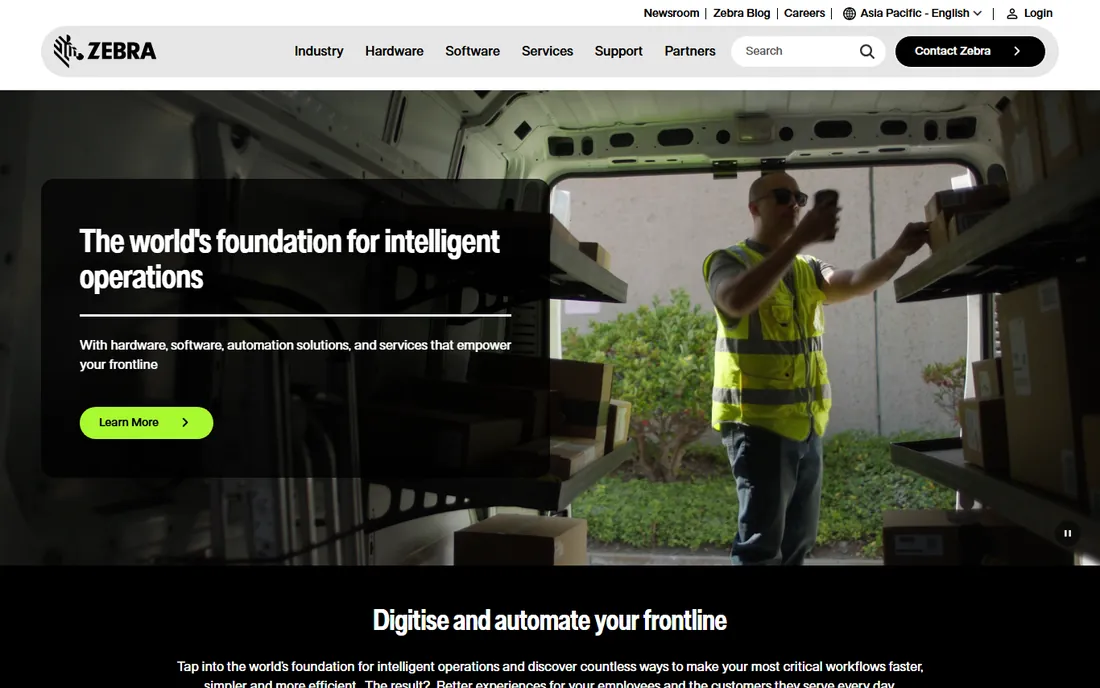
If you own a Zebra printer, stop shopping and download ZebraDesigner first. The Essentials edition is free with no expiration and covers the basics well: a WYSIWYG label designer, text, barcodes and graphics, keyboard input, date, time and counter data sources, and a GS1-128 barcode wizard. One installer contains both editions, and the Professional trial runs for 30 days before dropping back to Essentials if you do not buy a license key.
The Professional edition adds database connectivity, RFID support, simple VB scripting and data manipulation for a one-time activation license purchased through Zebra partners. The honest boundary is the ecosystem. ZebraDesigner is tuned for Zebra printers and ZPL, and while it can drive other printers, you would not choose it as a general-purpose designer. For a small warehouse or retail back office already standardized on Zebra hardware, it is the obvious free starting point.
What we like- Free Essentials edition with no time limit
- Purpose-built for Zebra printers
- 30-day Professional trial included in the same installer
Watch out for- Limited outside the Zebra ecosystem
- Database and RFID features need the paid Professional license
#5
Avery Design and Print
Best for: sheet labels on office printers
Visit avery.com
Starting priceFree
Free planYes
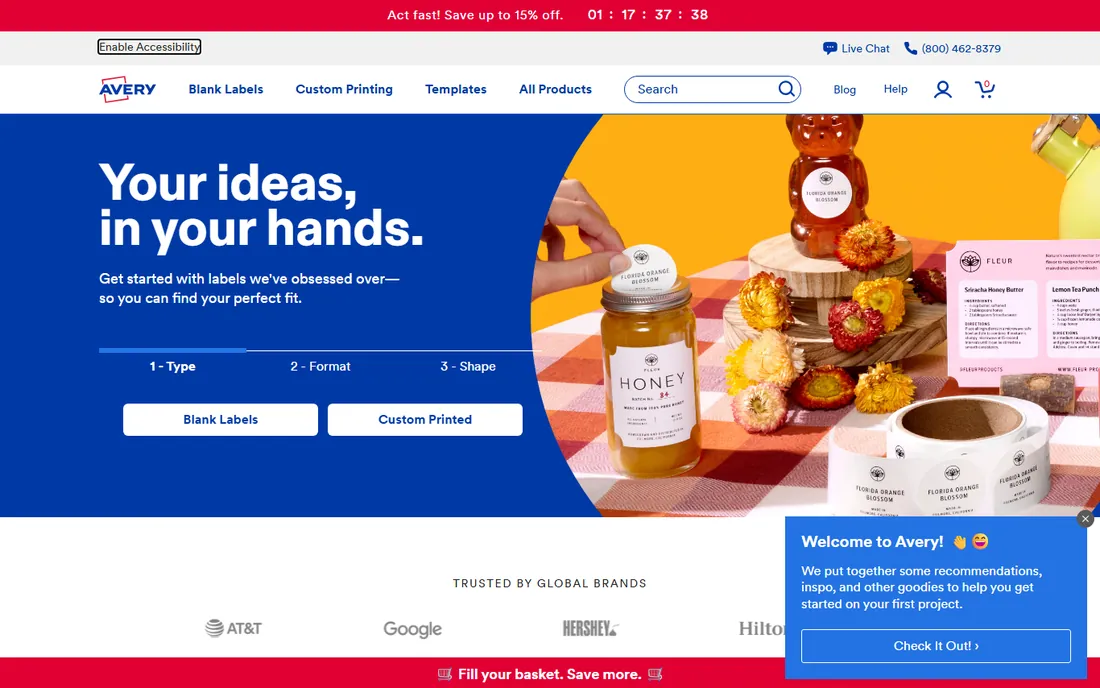
Avery Design and Print is the free web app behind the labels you buy at the office supply store. Enter your Avery product number and you get a template with exact dimensions, margins and bleed already set, which eliminates the most common failure in DIY label printing: misalignment. It handles address labels, shipping labels, product labels, name badges and more, with mail merge from Excel or Google Sheets for batch jobs.
Everything about it assumes you print on Avery sheets with a laser or inkjet printer, and that is both the strength and the limit. Alignment is painless because Avery controls both the template and the stock. But barcode support is basic, there is no thermal printer story, and no database connectivity beyond spreadsheets. For an office that mails, files and organizes, it is all you need and it costs nothing. For a production line, look at the professional tools above.
What we like- Completely free web app
- Templates matched to every Avery product number
- Mail merge from spreadsheets
Watch out for- Built around Avery label stock
- Barcode support is basic compared with dedicated tools
Starting priceFree
Free planYes
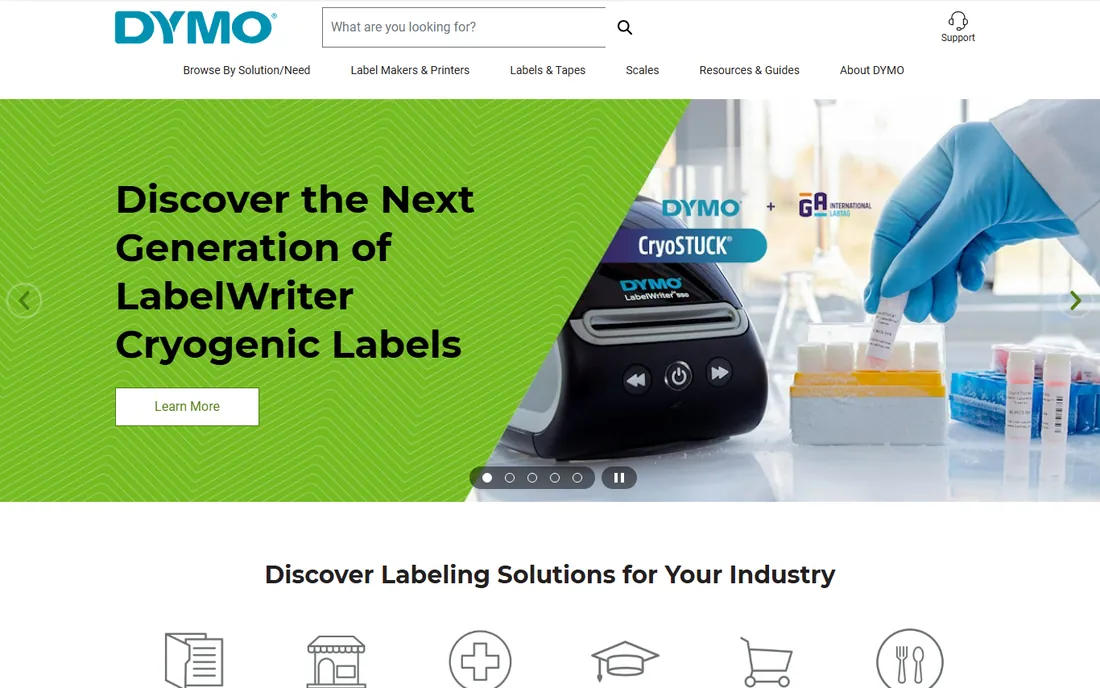
DYMO Connect is the free software that ships with DYMO LabelWriter and LabelManager printers, and it is the reason those printers are popular with small businesses. The desktop app covers address labels, shipping labels, file folder labels and barcodes, with Excel import for batch printing and a template library for common jobs. A mobile app handles quick labels from a phone, including wireless printing to compatible models.
The limitation is the same as Zebra's: this software exists to drive DYMO hardware. Design flexibility is modest, there is no cloud sync for templates, and you will not connect it to an ERP. But the total cost story is strong. A LabelWriter plus free DYMO Connect prints professional shipping and barcode labels with no ink or toner to buy, which is exactly what a small e-commerce operation or a busy office needs.
What we like- Free with DYMO printers
- Desktop and mobile apps
- Excel import and barcode support
Watch out for- Works only with DYMO printers
- Design tools are simpler than dedicated label software
Starting priceFree with $9.95+ label purchase
Free planFree trial (watermarked)
Maestro Label Designer is the free web designer from OnlineLabels, one of the largest US suppliers of blank label sheets. Like Avery's tool, its killer feature is template accuracy: pick your label size and the layout, margins and spacing are already correct. It adds thousands of pre-designed templates, clipart, mail merge, barcode and QR code generators, and the option to print at home or have OnlineLabels print and ship the finished labels.
The pricing model is unusual and worth understanding. The software is free with any label purchase of $9.95 or more, which gets you an activation code without watermarks. Without a code, the free trial works but prints with a watermark. Codes are time-limited and renew when you buy more labels. If you already buy blank labels from OnlineLabels, this is the most convenient designer available. If you do not, the lock-in is the price of the convenience.
What we like- Templates pre-matched to your exact label stock
- Mail merge and barcode generators built in
- Print at home or order professional printing
Watch out for- Tied to OnlineLabels products
- Free trial prints with a watermark
- Activation codes expire and need renewal via new purchases
Starting priceSee website
Free planFree trial (watermarked)
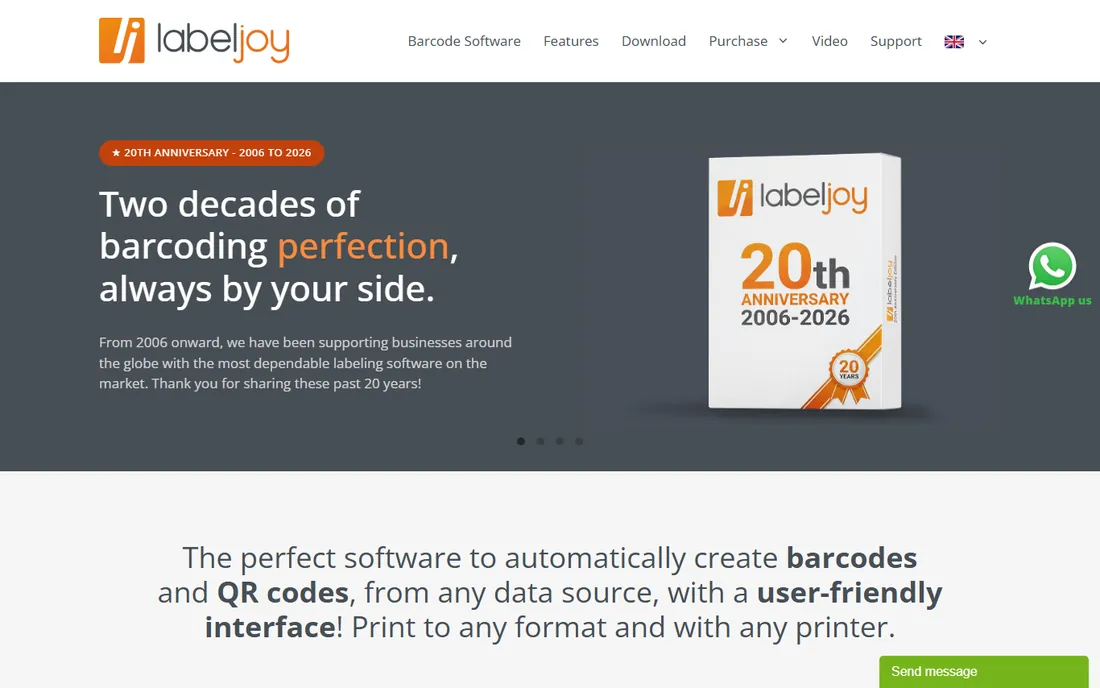
Labeljoy is a small Italian vendor selling straightforward barcode label software with something increasingly rare: one-time pricing. The lineup runs from a Basic edition through Full to Server, sold as perpetual licenses, with a free trial that watermarks output until you buy. The designer is genuinely WYSIWYG, paper and label elements appear on screen exactly as they print, and it imports data from Excel, Access, SQL Server, MySQL, Oracle, CSV and Outlook.
The feature set covers the small-business barcode checklist: 25 barcode types, QR codes, 11,000 built-in layouts including Avery-compatible formats, and export to PDF, JPG, PNG and TIFF. The catches are platform and scale. It is Windows only, support is email based, and there is no cloud or multi-site story.
What we like- Perpetual licenses instead of subscriptions
- True WYSIWYG layout
- Wide database import options
Watch out for- Windows only
- Smaller vendor with email-only support
- Trial watermarks output
Starting priceSee website
Free planYes
Canva earns its place here for one specific buyer: the small brand that cares more about how the label looks than about barcodes. If you sell candles, coffee, cosmetics or crafts, Canva's label and sticker templates, fonts and stock graphics will produce a better-looking product label in an hour than any barcode-first tool. The free plan is generous, designs export as print-ready PDFs, and print shops accept the files without complaint.
What it cannot do is the other half of labeling. There are no printer drivers, no database-connected batch printing, no GS1 barcode generation you could trust for retail compliance, and no label-stock templates with exact die dimensions. Treat Canva as the design step and pair it with Avery or Maestro templates for accurate printing, or hand the PDF to a print shop.
What we like- Huge template library and easy drag-and-drop design
- Generous free plan
- Easy export for print shops
Watch out for- Not a real labeling tool, no printer drivers or database printing
- Barcode support is decorative rather than standards-based
What to check before you choose label software
Start from the printer, not the software
Label software and label printers are a paired purchase. ZebraDesigner is free but assumes Zebra printers. DYMO Connect is free but only drives DYMO hardware. Avery and Maestro assume sheet labels on laser or inkjet printers. The professional platforms support thousands of printer models, which is part of what you pay for. Buying software before confirming it drives your printer is the most common expensive mistake in this category.
Licensing is priced per printer, not per user
Professional label software is usually licensed per printer or per workstation, not per user like most business software. That changes the math completely. Three printers running BarTender or NiceLabel can cost several times the sticker price of a single license, while a one-time tool like Labeljoy covers the PC instead. Count your printers before you compare prices, and ask every vendor whether the quote covers all of them.
Compliance decides the shortlist for regulated products
If your labels carry food ingredients, drug facts, medical device identifiers or chemical warnings, the shortlist narrows fast. You need GS1 barcode standards, FDA or UDI templates, GHS chemical labeling and audit trails. BarTender, NiceLabel and CODESOFT build these in. The free and design-first tools do not. Getting this wrong means relabeling inventory or failing an audit, which dwarfs the software cost.
How we chose
We mapped the category into its two real buyer groups: operations printing barcodes at volume and small businesses designing product and shipping labels. For the professional tier we checked the three established platforms on current editions, licensing models and compliance coverage, using each vendor's own site and documentation. For the small-business tier we verified the free tools from printer and stock makers on their own sites, including what the free tiers actually allow. We excluded general graphic design suites except Canva, which earned a spot for branding-first label buyers. We did not conduct hands-on print tests.
Printer-bundled vs independent software
A useful way to think about this market is who sells you the software. Printer-bundled tools like ZebraDesigner and DYMO Connect are free because the printer is the product. They are excellent within their hardware lane and a dead end outside it. Stock-bundled tools like Avery Design and Print and Maestro Label Designer are free because the label sheets are the product. They solve template accuracy beautifully and assume you print on their stock.
Independent tools like BarTender, NiceLabel, CODESOFT, Labeljoy and Canva have to earn their price on software value alone. That is why their strengths cluster at the extremes: deep operational features and compliance on one end, and design quality on the other. If a free bundled tool covers your job, take it. Pay for independence only when you need to switch printers, scale sites or meet compliance rules the bundled tools cannot.
Frequently asked questions
What is the best free label design software?
For barcode and shipping labels on a Zebra or DYMO printer, the free ZebraDesigner Essentials and DYMO Connect are the best options because they are purpose-built for the hardware. For sheet labels on a regular office printer, Avery Design and Print is the strongest free choice. For good-looking product labels and stickers, Canva's free plan is hard to beat.
How much does professional label software cost?
Entry professional tiers start around $199/year, which is BarTender's published Workstation price. Beyond that, the enterprise platforms license per printer per year and usually require a quote, with total costs driven by printer count, database integration and compliance needs. Small-business perpetual tools like Labeljoy cost a few hundred dollars once.
Can I design labels in Canva and print them professionally?
Yes. Design in Canva, export a print-ready PDF, and hand it to a print shop or use it with accurately templated stock via Avery or Maestro. What Canva cannot do is drive a label printer directly or generate retail-compliant GS1 barcodes, so keep it to the design step for branding-first labels.
Do I need special software to print barcode labels?
For basic barcodes on a DYMO or Zebra printer, the free bundled software is enough. You need professional software when barcodes must meet retail or regulatory standards like GS1, when label data comes from a database or ERP, or when you print across many printers and sites. At that point the per-printer licensing of BarTender, NiceLabel or CODESOFT applies.
What is the difference between BarTender, NiceLabel and CODESOFT?
All three are professional barcode labeling platforms, and the differences are more about buying model than capability. BarTender publishes an entry price and scales from workstation to enterprise, on-premises or cloud. NiceLabel leans cloud-native with centralized multi-site control. CODESOFT is most often bought through barcode equipment resellers and integrators. Evaluate all three if you print at volume.
Sources we checked (14)
- https://bartendersoftware.com/
- https://www.bartendersoftware.com/product/on-premises
- https://www.loftware.com
- https://teklynx.com/
- https://www.teklynx.com/en/products/label-design-solutions/codesoft
- https://www.zebra.com
- https://support.zebra.com/article/Free-Label-Creation-Software-ZebraDesigner-Standard
- https://avery.com/
- https://dymo.com/
- https://www.onlinelabels.com/maestro-label-designer
- https://www.labeljoy.com
- https://canva.com/
- https://www.shi.com/product/48609187/NICELABEL-DESIGNER
- https://www.capterra.com/p/143644/LabelJoy/
Is your product missing or out of date?
We review this list regularly. Vendors can request a listing, send updated pricing or ask about featured placement.

Shihab Mia · Founder, Rankite
Shihab has spent more than a decade helping SaaS and e-commerce brands grow through search. He writes Rankite's software buying guides from pricing pages, documentation and public user reviews. More about Shihab.